Best YouTube Scraper Tools in 2026: Data Coverage, No-Code Options, and Workflow Fit

The best YouTube scraper is not the tool with the longest feature list. It is the tool that fits the job: video metadata, channel exports, comments and replies, transcripts, search results, Shorts research, competitor monitoring, or a recurring reporting workflow. That distinction matters because “YouTube scraper” is a messy search intent. The YouTube topic workbook has separate evidence clusters for best YouTube scraper, YouTube comments scraper, export YouTube comments, YouTube transcript scra
- 1Compare YouTube scrapers by job category: browser workflow, actor marketplace, scraper API, open-source code, comments, transcripts, and search/SEO research.
- 2BrowserAct is the best fit when the request starts as “collect this public YouTube dataset” and needs a real browser run, source URLs, screenshots, review states, and repeatable automation.
- 3Apify is strong when you want ready-made actors for videos, channels, playlists, comments, search results, subtitles, exports, APIs, and webhooks.
- 4Bright Data and ScrapingBee are better fits for API-first teams that already know the endpoints, volume, and integration pattern they need.
- 5Open-source scrapers are useful for engineering control, but you own breakage, pagination, quota workarounds, and maintenance.
Quick comparison table
Tool category | Representative option | Best fit | Main limitation |
Prompt-first browser workflow | BrowserAct | No-code or semi-technical teams that start from a data brief | You still need to define safe targets, fields, and review rules |
Actor marketplace | Apify YouTube Scraper | Teams that want ready-made actors and exports | Actor quality and pricing vary by actor |
Scraper API / dataset infrastructure | Bright Data YouTube Scraper API | API-first teams and larger data operations | More infrastructure-like than prompt-first |
Developer scraping API layer | ScrapingBee | Developers who want proxy/rendering support | You build the YouTube-specific parsing and workflow |
Open-source route | Scrapfly/open-source repos and Python scripts | Engineering teams that want control | You own maintenance and failure handling |
Comment-specific tooling | YouTube Comments Scraper actors/tools | Comment export, replies, sentiment, feedback research | Too narrow for channel/search/transcript work |
Transcript/data APIs | Social Fetch-style data API | Transcript and API workflows | Coverage and terms vary by provider |
1. BrowserAct — best for prompt-first YouTube scraping workflows
BrowserAct is the best fit when the user does not want to start with code or endpoint selection. The workflow starts with a business question: “Collect the last 50 public videos from these competitor channels,” “Export comments and replies from these launch videos,” or “Find ranked videos for this search query and return channel, title, date, views, and URL.”
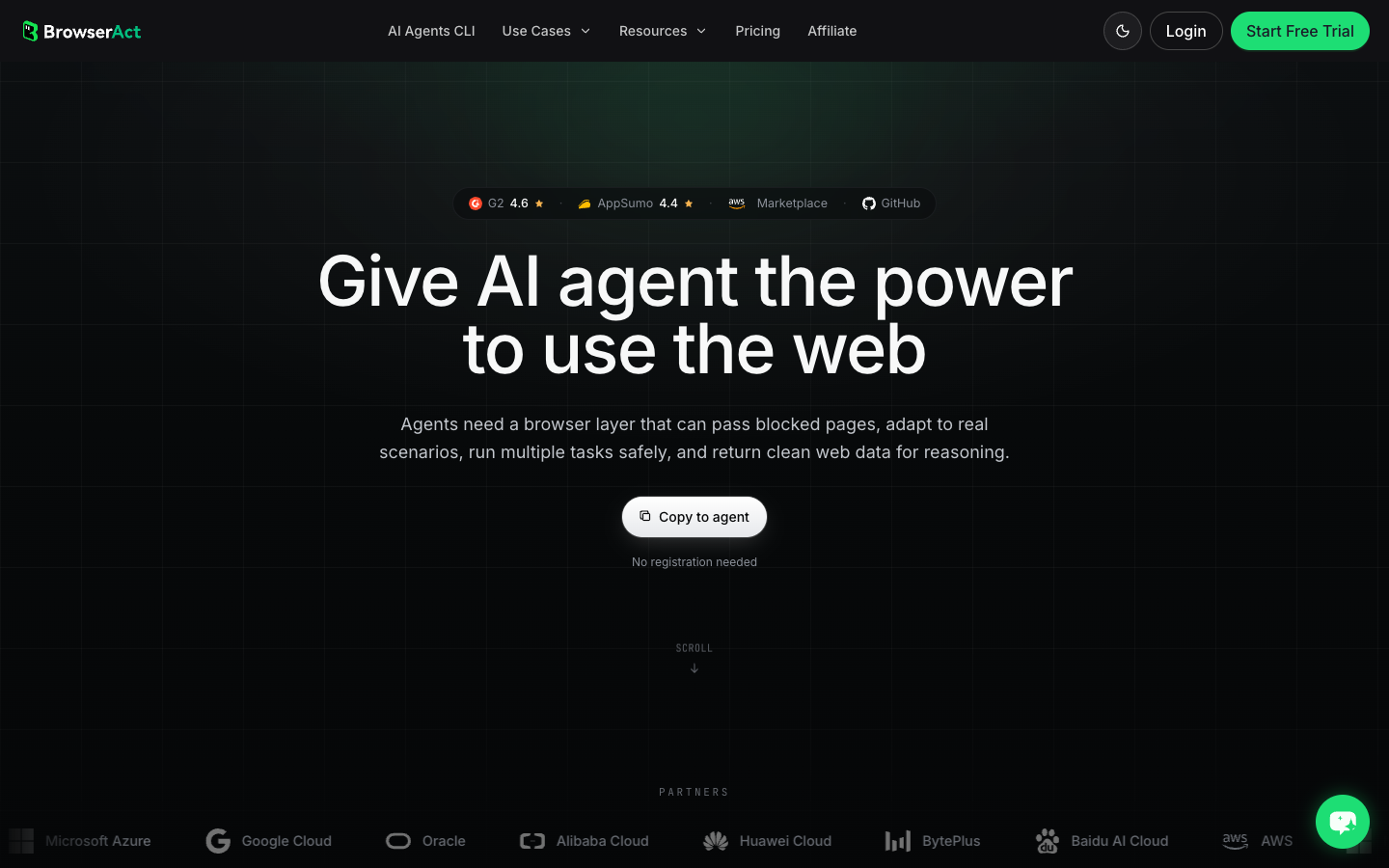
The advantage is not that BrowserAct replaces every API. The advantage is that it lets a team test the collection path in a real browser first. That is useful when the dataset shape is still evolving: which fields are visible, whether comments load, whether the transcript exists, where pagination stops, and which rows need review.
Strengths
- Prompt-first setup for public or authorized pages.
- Useful for videos, channels, comments, search results, transcripts, and competitor research.
- Human-readable stop states: login required, restricted, unavailable, partial, rate limited.
- Can become a reusable Workflow after validation.
- CLI can trigger approved workflows from a scheduled stack.
Limitations
- Not a magic bypass tool; it should stop on login, CAPTCHA, payment, private/restricted content, or unclear access.
- For huge API-first data products, a dedicated API provider may be better.
Best for
Marketing, research, creator, SEO, and growth teams that want source-linked YouTube data without beginning with Python, quota math, or custom parsers.
Pro Tip: Use BrowserAct Agent for the messy first run, not the thousandth repeat. Once the schema is stable, promote it to Workflow and trigger it through CLI so the process is repeatable.
2. Apify — best actor marketplace for no-code YouTube scraping
Apify’s YouTube Scraper is a strong marketplace option because it packages common YouTube jobs into an actor: channels, subscribers, views, subtitles, playlists, search results, comments, likes, exports, APIs, SDKs, and webhooks.
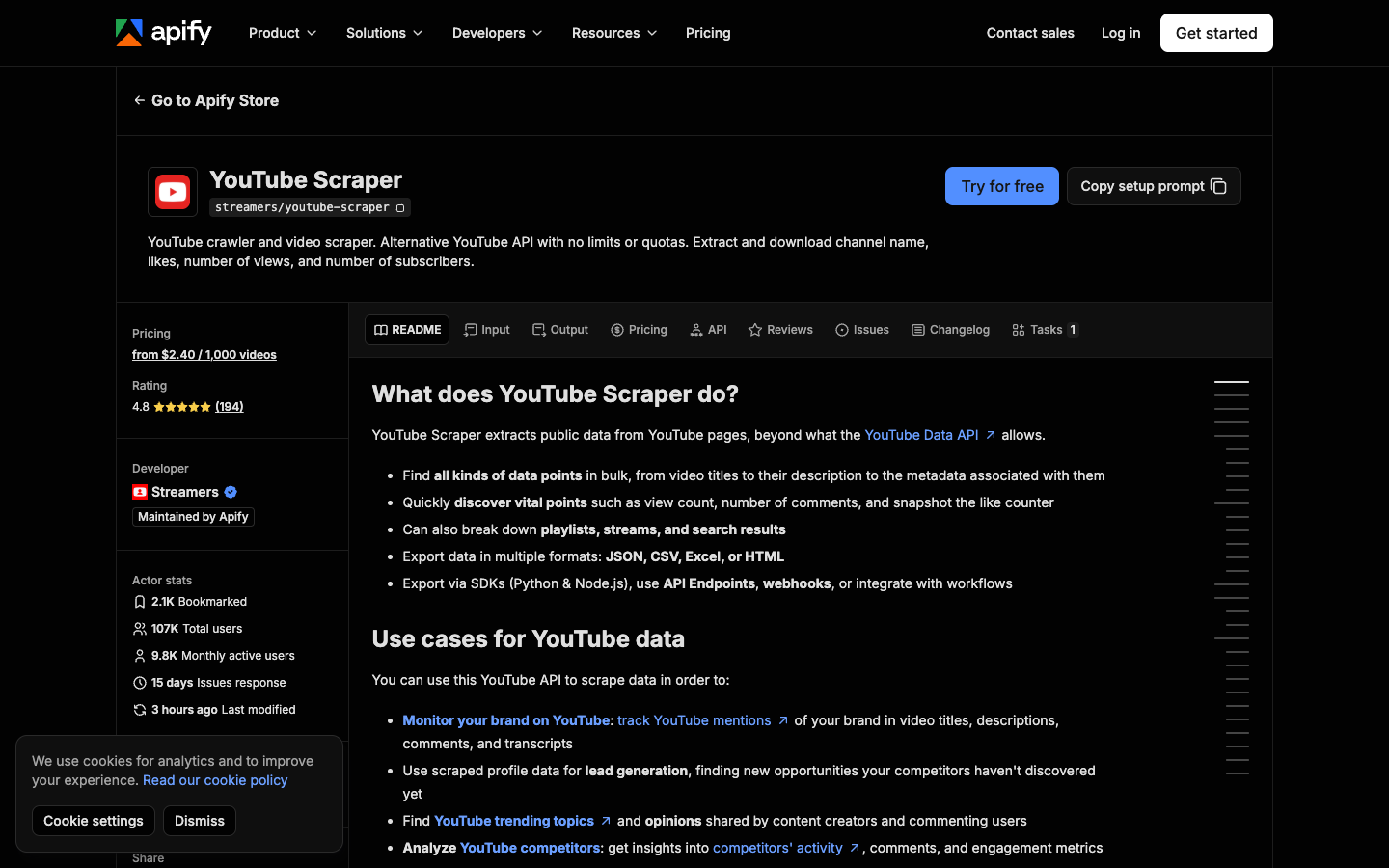
This is useful when you already know the actor fits your field list. Add URLs or search terms, run the actor, export JSON/CSV/Excel/HTML, and integrate with downstream workflows.
Strengths
- Ready-made actor with broad YouTube coverage.
- No-code start plus API, webhooks, and SDKs.
- Good for users who want a marketplace of prebuilt extractors.
- Multiple specialized YouTube actors exist for comments, channels, transcripts, and search.
Limitations
- Actor behavior, quality, and pricing differ by actor and maintainer.
- When the workflow is unusual, you may still need custom setup or a separate actor.
Best for
Teams that are comfortable selecting and testing marketplace actors for known YouTube jobs.
3. Bright Data — best for API-first YouTube data infrastructure
Bright Data’s YouTube Scraper API is positioned for structured extraction of YouTube videos, channels, views, likes, transcripts, comments, profiles, handles, subscriber counts, and more. The official page also highlights on-demand scraping, a no-code scraper option, bulk request handling, and a free monthly record tier.
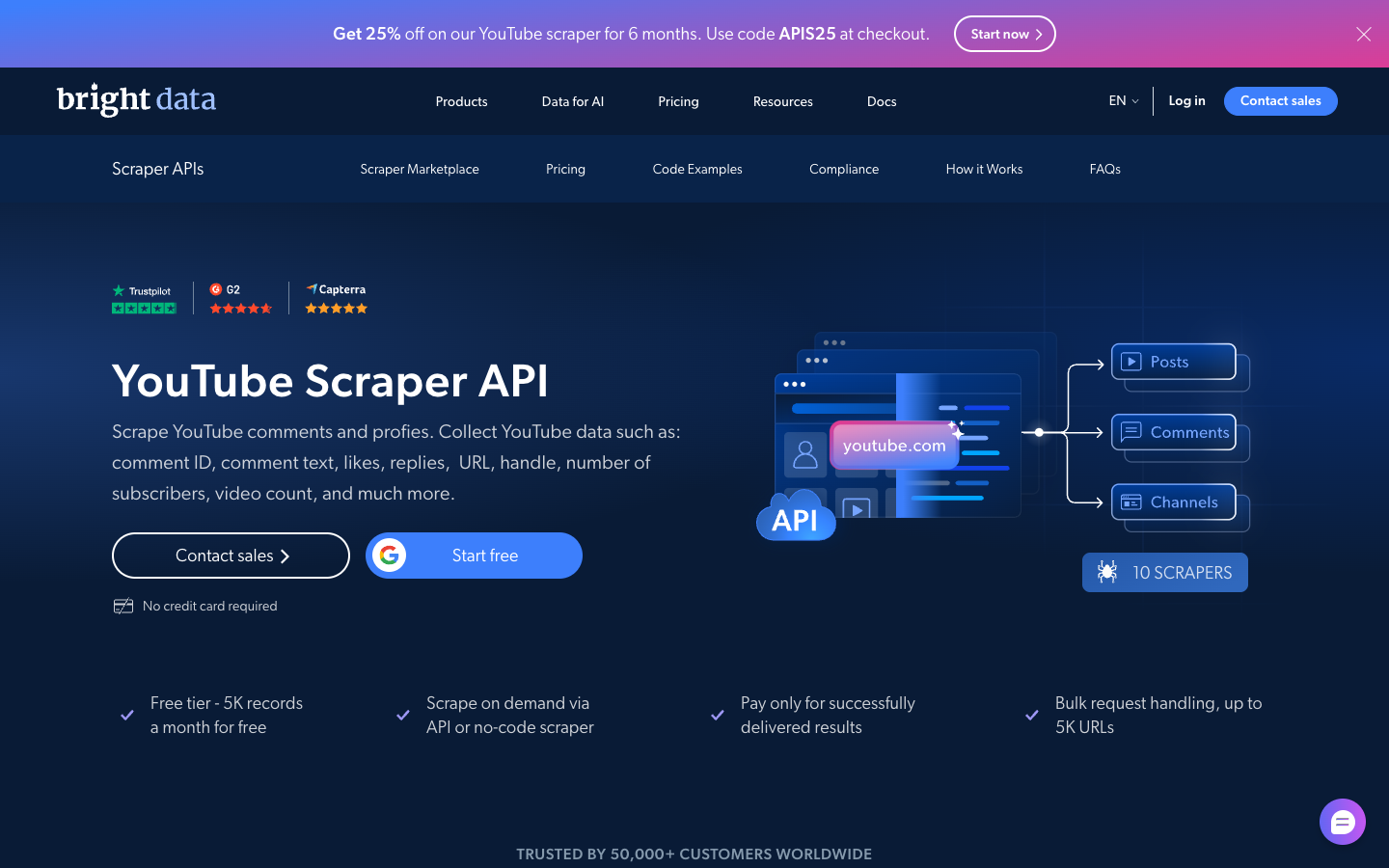
Bright Data is a better fit when the buyer already thinks in endpoints, volume, delivered records, and integration. It is less about “describe the task in a prompt” and more about “send inputs and receive structured data.”
Strengths
- Strong data-infrastructure positioning.
- Dedicated YouTube scraper API page.
- Useful when procurement, volume, and delivered-record reliability matter.
Limitations
- Heavier than many no-code research teams need.
- The team still has to design downstream analysis, review, and reporting.
Best for
API-first data teams, enterprise scraping programs, and larger-volume collection.
4. ScrapingBee — best for developer scraping infrastructure
ScrapingBee’s YouTube scraper comparison frames the market from a developer and scraping-infrastructure angle. ScrapingBee is usually a fit when your team wants proxy/rendering infrastructure and plans to build the actual YouTube-specific parsing and data model itself.
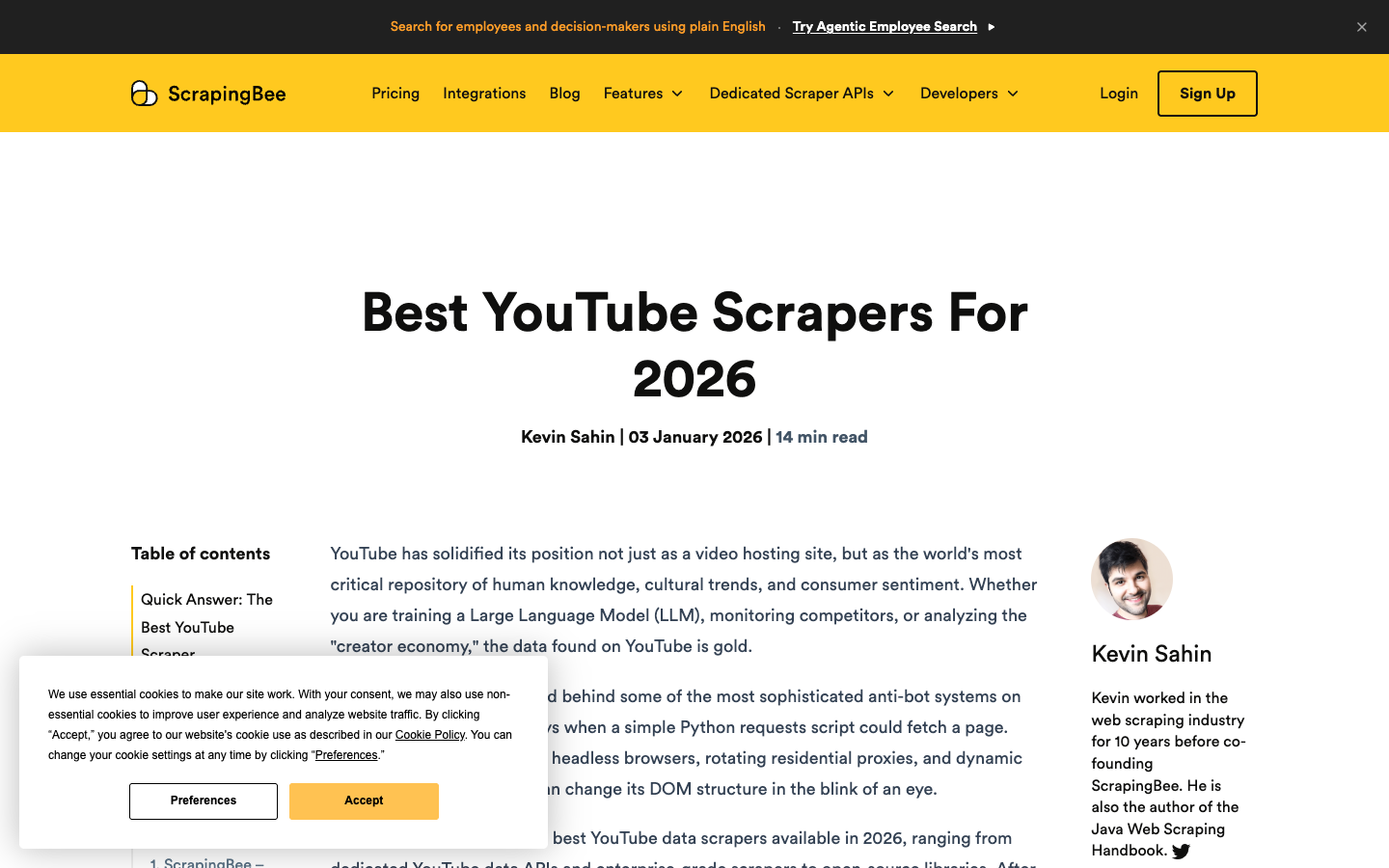
That can be the right call if your engineering team already owns the pipeline. It is not the easiest path for a marketer who just needs a CSV of channel videos or launch-video comments.
Strengths
- Developer-friendly scraping infrastructure.
- Useful when you already have code and need rendering/proxy support.
- Can fit custom data products where actor marketplaces are too rigid.
Limitations
- You own parsing, retries, pagination, exports, and monitoring.
- Not a one-click YouTube research workflow.
Best for
Developers building custom scraping systems where YouTube is one source among many.
5. Open-source YouTube scrapers — best for engineering control
Open-source YouTube scrapers are attractive because they are transparent, forkable, and cheap to start. Scrapfly’s open-source YouTube scraper roundup shows the typical developer path: metadata, transcripts, comments, and search logic assembled from libraries or scripts.
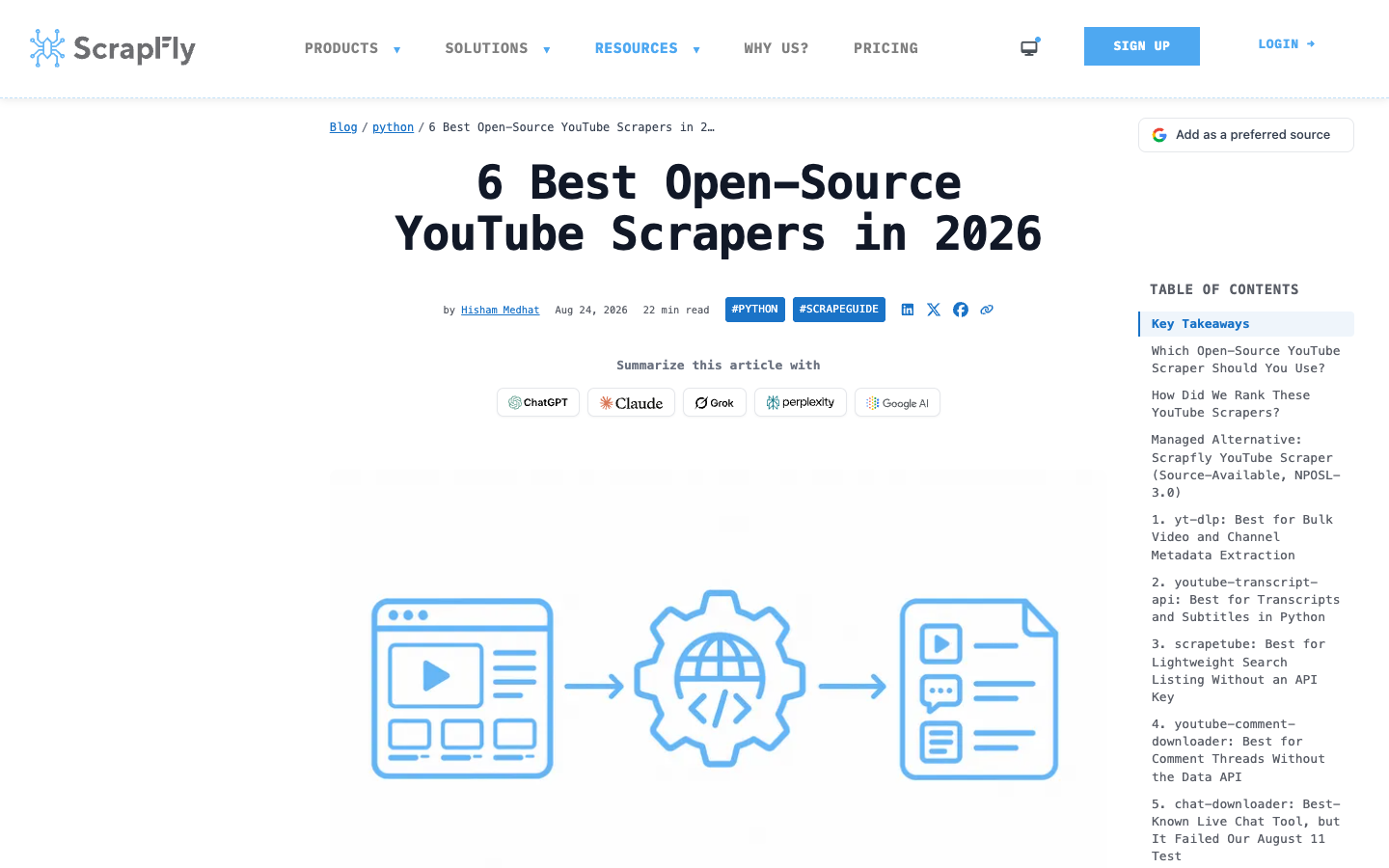
Open source is a good choice when your team wants control and accepts maintenance. It is a weak choice when the actual business need is a repeatable dataset that non-developers can review.
Strengths
- Low starting cost.
- Full code control.
- Good for learning how YouTube pages, transcript endpoints, and comments behave.
Limitations
- You own breakage, rate limits, pagination, account boundaries, logging, and exports.
- Maintenance can cost more than a managed workflow.
Best for
Engineering teams that want to build and maintain their own YouTube data pipeline.
Pro Tip: If a GitHub scraper is only updated in the README, do not treat it as maintained. Look for real parser changes, issue responses, and recent fixes for comments, transcripts, or search pagination.
6. YouTube Comments Scraper tools — best for comments and replies
Comment extraction is a separate job. The workbook shows strong demand around YouTube comments scraper, export YouTube comments, scrape YouTube comments, and comment analysis. Apify’s YouTube Comments Scraper is one official-page example: it focuses on comment text, author name, date posted, vote count, reply count, creator-liked status, and total comment count.
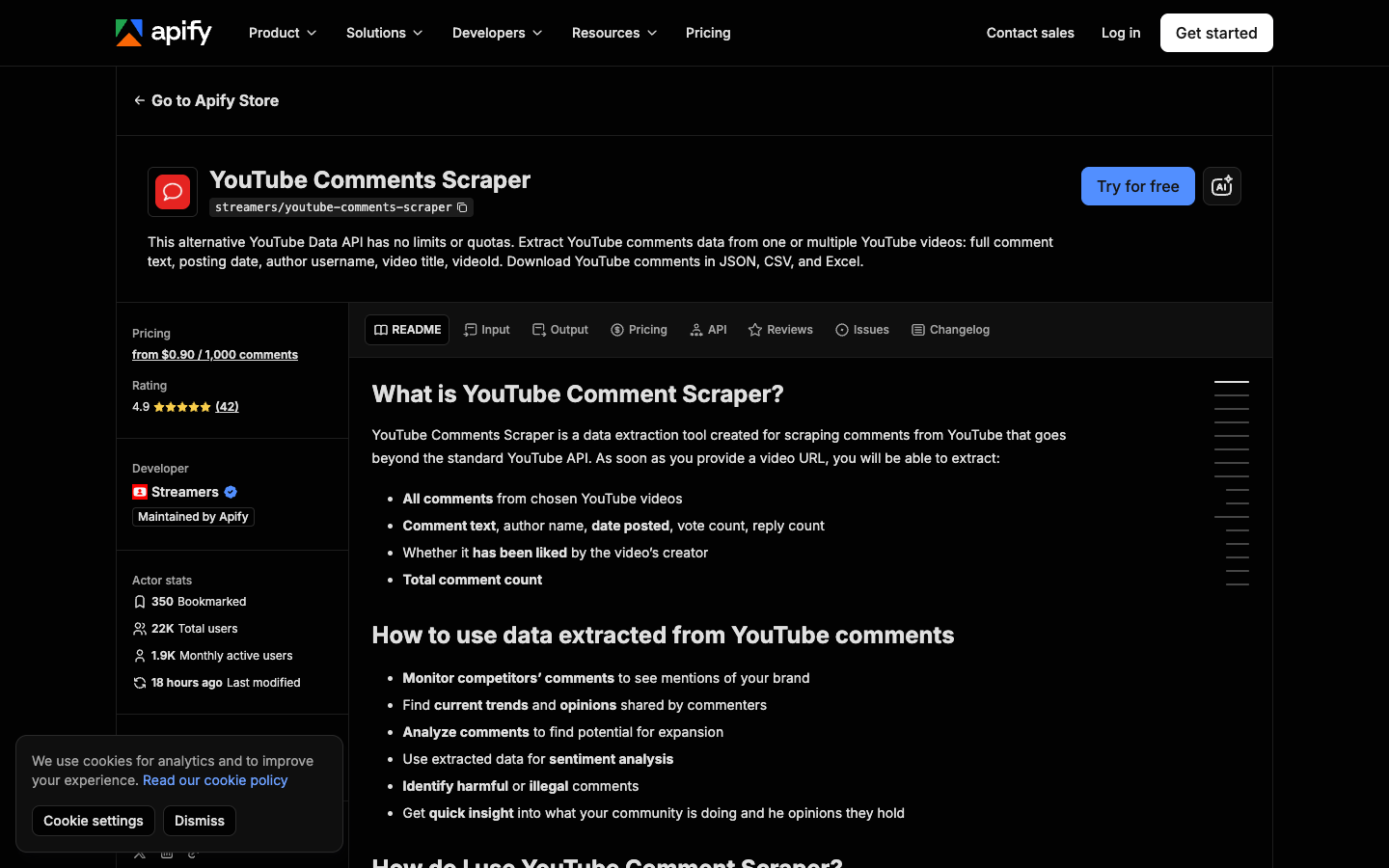
Use a dedicated comments scraper when the business question is viewer feedback, product pain points, audience objections, creator-community reaction, or sentiment analysis.
Strengths
- Focused field set for comments and replies.
- Better for sentiment, support signals, and market research than a generic video scraper.
- Usually easier to validate because output rows are narrow.
Limitations
- Does not solve channel, search, transcript, or competitor-monitoring workflows alone.
- Large threads need pagination and completeness checks.
Best for
Audience research, customer insight, creator feedback analysis, launch reactions, and comment exports.
7. YouTube transcript and data APIs — best for AI and content workflows
Transcript extraction is another separate intent. Social Fetch’s YouTube transcript and data API guide compares API-style options for channels, videos, comments, search, and transcripts. This category matters because AI workflows often need the spoken content more than the video metadata.
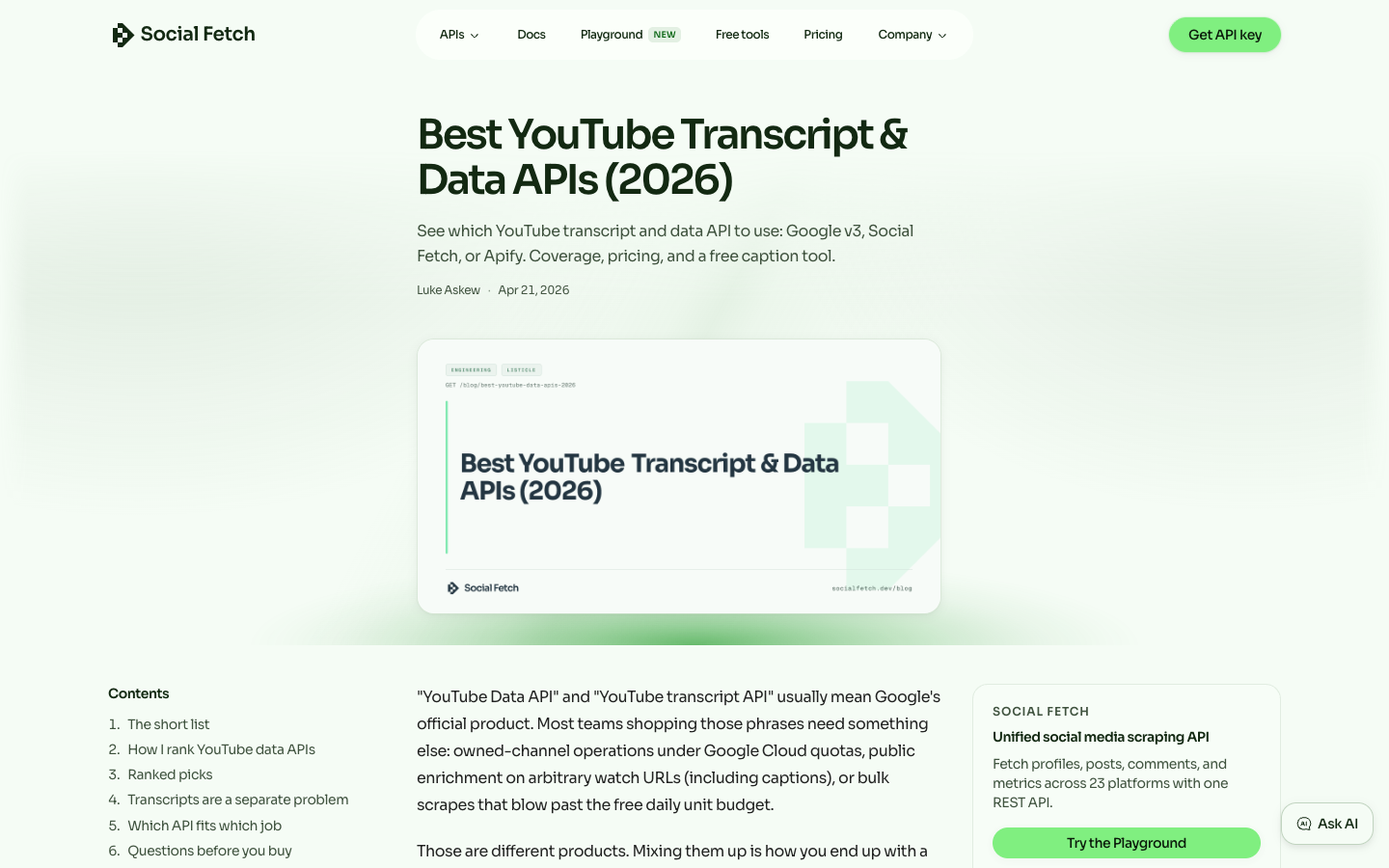
Use transcript tools when the downstream job is summarization, RAG ingestion, training-data review, topic extraction, competitive content analysis, or creator script research.
Strengths
- Transcript-first data shape.
- Useful for AI workflows and content intelligence.
- Often easier to integrate into text pipelines.
Limitations
- Transcript availability varies by video.
- Official API, unofficial API, and scraping approaches have different quota and coverage tradeoffs.
Best for
AI content analysis, research datasets, transcript search, and channel-level content audits.
Which YouTube scraper should you choose?
Your job | Best starting point |
“I have a plain-English research request and need a CSV” | BrowserAct Agent |
“I need the same YouTube workflow every week” | BrowserAct Workflow |
“Engineering wants to run the approved workflow from a scheduler” | BrowserAct CLI |
“I want a ready-made actor marketplace” | Apify |
“I need API-first delivered records at scale” | Bright Data |
“I have developers and want custom scraping infrastructure” | ScrapingBee or open source |
“I only need comments and replies” | Dedicated YouTube comments scraper |
“I need transcripts for AI workflows” | Transcript/data API or transcript extractor |
A practical BrowserAct prompt for testing YouTube data coverage
Before committing to any tool, test the field list on a small public target:
Go to the public YouTube channel, video, playlist, or search results URL I provide.

Collect up to 50 visible public records.

Return a table with:
- source type: channel / video / playlist / search / comments / transcript
- source URL
- video title
- channel name
- video URL
- published date if visible
- view count if visible
- like count if visible
- comment count if visible
- comment text and author if collecting comments
- transcript segment and timestamp if transcript is visible
- row status: complete / partial / unavailable / restricted / login required
- notes for missing fields

Do not log in unless I manually approve it.
Stop on CAPTCHA, payment, age restriction, private content, deleted videos, or unclear access.
Do not like, comment, subscribe, message, upload, or change any account.
Deduplicate by video URL plus comment text or transcript timestamp.
Export the result as a CSV-ready table.
This prompt helps you evaluate the real workflow instead of guessing from a landing page. If the run returns partial rows, that is useful evidence. It tells you which tool category you actually need.
Selection checklist
Before buying or building, answer these:
- Do you need videos, comments, channels, search results, transcripts, or all of them?
- Is the workflow one-time, weekly, or event-triggered?
- Do non-developers need to edit the field list?
- Do you need screenshots and source URLs for review?
- Does the tool expose row-level status when data is missing?
- Can it export CSV/JSON/Sheets-ready rows?
- Does it stop safely on restricted or unclear access?
- Who owns maintenance when YouTube changes the page?
Pro Tip: If the answer to “who owns maintenance?” is “nobody,” choose a managed workflow or actor before choosing an open-source scraper.
Final recommendation
If you want the fastest prompt-to-table path, start with BrowserAct Agent. If the path works, save it as BrowserAct Workflow. If the workflow belongs in a reporting system, call it through BrowserAct CLI.
If your team already knows the exact YouTube endpoints and volume, compare API-first providers like Bright Data or Social Fetch. If you prefer actor marketplaces, test Apify. If your engineering team wants full control, open-source scrapers and scraping infrastructure can work, but only if maintenance is part of the plan.
The best YouTube scraper is the one that gives you the right rows, the right stop states, and the right handoff—not just the one with the loudest landing page.
Further reading: YouTube data collection
Frequently Asked Questions
What is the best YouTube scraper in 2026?
The best YouTube scraper depends on the job. BrowserAct is best for prompt-first browser workflows, Apify for ready-made actors, Bright Data for API-first infrastructure, and open-source tools for engineering control.
Can I scrape YouTube without the API?
Yes, many tools scrape public YouTube pages without using the official YouTube Data API. You still need to respect access boundaries, terms, copyright, privacy, and restricted content.
What data can a YouTube scraper collect?
Common fields include video title, channel name, URL, publish date, views, likes, comments, replies, playlists, search results, transcripts, subtitles, and source URLs. Availability depends on the page and tool.
What is the best YouTube comments scraper?
A dedicated comments scraper is usually best for comments and replies because it focuses on comment text, author, date, votes, replies, and export quality. BrowserAct is useful when comments are part of a broader research workflow.
Can BrowserAct scrape YouTube transcripts?
BrowserAct can test whether transcript text is visible or accessible in the browser workflow and return structured rows when available. For large transcript-only systems, compare dedicated transcript APIs as well.
Is YouTube scraping legal?
It depends on the data, jurisdiction, terms, and use case. Keep workflows to public or authorized data, stop on restricted access, and get legal review for sensitive, regulated, or high-risk uses.
Can a YouTube scraper collect private videos or restricted content?
No. A safe workflow should stop on private videos, deleted videos, age restrictions, payment walls, login requirements, CAPTCHA, or unclear access boundaries.


