How to Auto-Generate n8n Workflows with Ease? With n8n-mcp!

Discover how open-source n8n-mcp helps you build n8n automation workflows using natural language. Create efficient, reliable automations with ease.
n8n workflows are exploding in popularity for automating everything from data processing to AI integrations, but building them often demands significant time and technical know-how. What if you could skip the hassle? Enter n8n-mcp, an open-source powerhouse that lets AI agents generate complete n8n workflows automatically—just describe what you need in natural language, and watch the magic happen.
This guide dives into how n8n-mcp revolutionizes n8n workflow creation, addressing common challenges and empowering developers with tools for effortless automation.
The Challenges with Traditional n8n Workflow Creation
n8n workflows essentially function like visual code, allowing users to connect nodes for automation tasks. A key feature is the ability to export workflows as JSON files and import them back into n8n, providing flexibility for sharing and editing. However, building these workflows traditionally—whether manually or with early AI assistance—comes with several hurdles that can frustrate even experienced developers.
Manual construction of n8n workflows requires deep knowledge of nodes, connections, and configurations, often leading to a steep learning curve and time-consuming trial-and-error processes. Errors in node setup or data flow can cause entire workflows to fail, and debugging complex setups manually is tedious.
Early AI-assisted methods aimed to simplify this by feeding large language models with n8n templates, documentation, and examples as context. The AI would then generate JSON files representing the workflow, which users could import directly into n8n for use. While innovative, these approaches still face significant limitations:
- Rapid Iteration of n8n: n8n updates frequently, with new versions introducing changes like deprecated nodes, altered syntax, or updated usage patterns. This means the provided context (templates and docs) quickly becomes outdated, requiring constant manual updates to keep AI generations accurate.
- Incomplete or Inaccurate Context: Without comprehensive, up-to-date information, AI often produces buggy n8n workflows—think mismatched node connections, invalid parameters, or logical errors that only surface during deployment.
- Lack of Direct Integration: Generated JSON files must be manually imported and tested in n8n, with no real-time validation or automatic adjustments, leading to iterative fixes and wasted effort.
- Scalability Issues for Complex Workflows: For intricate n8n workflows involving multiple branches, loops, or integrations (e.g., API calls and AI nodes), manual or basic AI methods struggle to maintain coherence, resulting in incomplete or unreliable automations.
These challenges underscore the demand for a more advanced, AI-driven tool like mcp to create reliable, efficient n8n workflows without the usual headaches.
What is n8n-mcp and How It Works
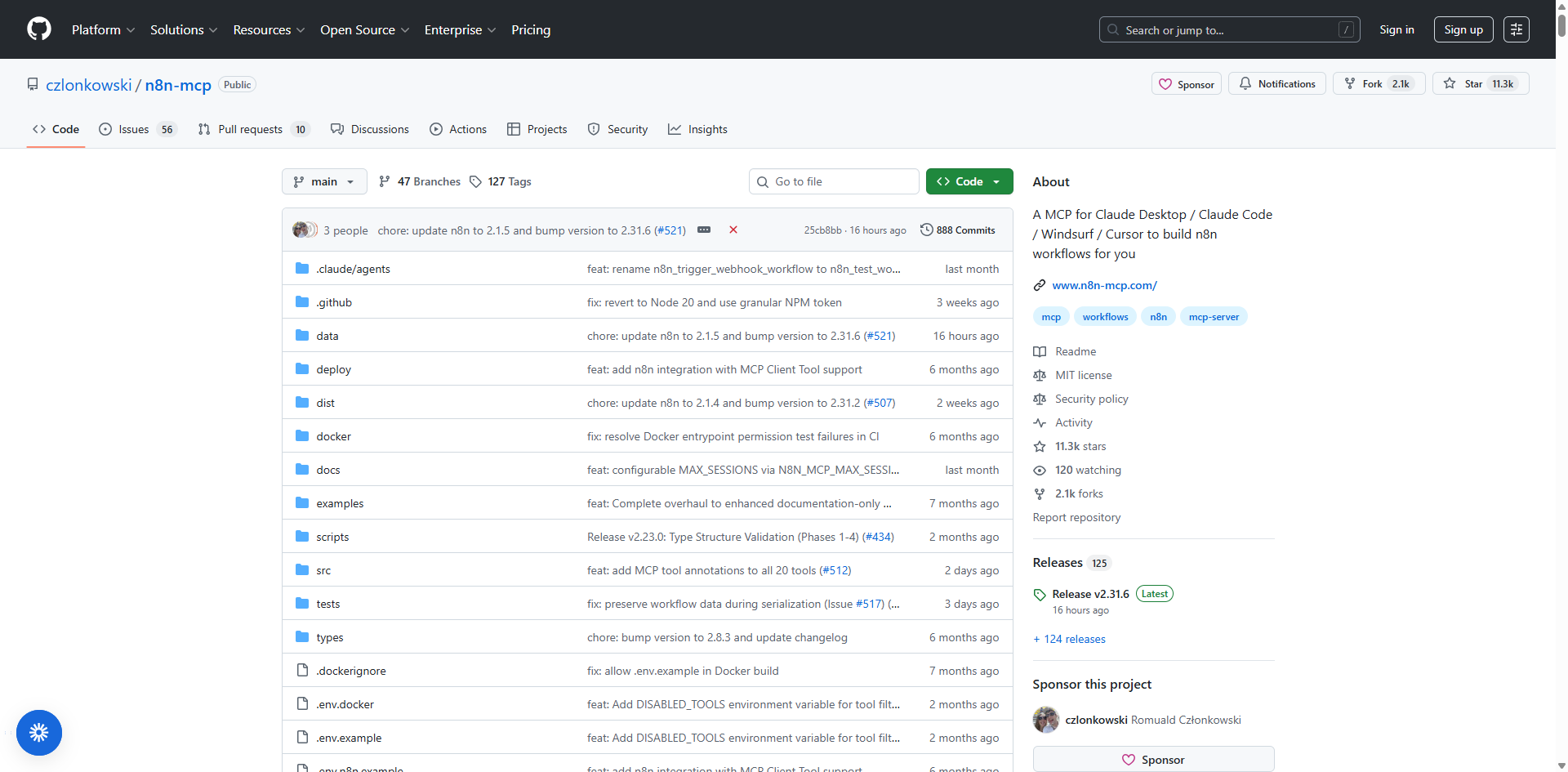
n8n-mcp is an innovative open-source project (boasting around 11K GitHub stars) designed as a specialized knowledge base and integration layer for AI agents. MCP stands for Model Context Protocol, a standardized protocol that enables AI models to interface with external context providers, delivering structured, domain-specific knowledge to enhance reasoning and task execution—in this case, tailored specifically for n8n workflows. It bridges the gap between AI tools and n8n by providing a comprehensive, up-to-date repository of n8n's nodes, documentation, and best practices. Essentially, n8n-mcp acts as an "n8n mcp server" that enhances AI agents—such as Claude Code, Trae, codebuddy, Vecli, and Codex—with the deep insights needed to understand and manipulate n8n workflows effectively.
Unlike basic AI prompting, n8n mcp integrates directly into your AI CLI environment, serving as a plugin that supplies real-time, accurate context from n8n's official resources. This solves longstanding issues like outdated documentation or incomplete knowledge, allowing AI to generate, validate, and deploy n8n workflows seamlessly. Whether you're automating simple tasks or complex automations, n8n-mcp transforms natural language descriptions into fully functional n8n workflows, making it a game-changer for developers.
How n8n-mcp Works Under the Hood
At its core, n8n-mcp operates by creating a pre-built, lightweight SQLite database (about 15MB) during its build process. This database is compiled from parsing n8n's source code packages (like n8n-nodes-base) and official documentation repositories. It includes detailed node definitions, parameters, operations, and usage examples, ensuring AI has access to authoritative, offline information without needing constant internet queries—responses average just 12ms for lightning-fast performance.
When integrated with an AI agent, n8n-mcp functions as a local server or middleware. You configure it with your n8n instance's API details (URL and key), enabling the AI to:
- Query the database for precise n8n node information.
- Generate workflows directly in your n8n instance via API calls, bypassing manual JSON exports/imports.
- Validate configurations in real-time to catch errors early.
Updates to n8n-mcp are released periodically to sync with n8n's latest versions, incorporating new nodes and changes. This setup not only handles simple n8n workflows but scales to complex ones by allowing iterative refinements and modular sub-workflow assembly.
Key Features of n8n-mcp
n8n-mcp empowers AI agents to handle advanced n8n tasks with ease, including:
- Precisely searching for n8n nodes (functional modules) and their capabilities.
- Understanding each node's parameters, configurations, and dependencies in detail.
- Validating workflow setups to prevent deployment errors and ensure reliability.
- Reusing thousands of community-driven n8n workflow templates for quick starts.
- Directly interacting with your n8n instance to create, update, and execute workflows via API (eliminating the need for manual JSON imports).
With n8n-mcp, AI can autonomously build and manage n8n workflows, significantly boosting efficiency for beginners learning the ropes and experienced users tackling sophisticated automations.
How to Set Up n8n-mcp: Installation and Configuration
Getting started with n8n-mcp is straightforward, with options for hosted or self-hosted setups. For detailed instructions, check the official GitHub repository at github.com/czlonkowski/n8n-mcp.
Option 1: Hosted Service (Easiest - No Setup!)
The quickest way to try n8n-mcp without any installation:
- Visit dashboard.n8n-mcp.com.
- Sign up for a free tier (100 tool calls/day), get your API key, and connect your AI client (e.g., Codex, codebuddy, or Vecli).
- Benefits: Instant access, always up-to-date with the latest n8n nodes, no infrastructure needed.
Option 2: Self-Hosting Options
Prefer running n8n-mcp locally? Choose between npx or Docker for quick deployment.
Option A: npx (Quick Local Setup)
Prerequisites: Node.js installed.
Run: npx n8n-mcp
Add to your AI tool's config (e.g., for basic setup without n8n management):
json
{
  "mcpServers": {
    "n8n-mcp": {
      "command": "npx",
      "args": ["n8n-mcp"],
      "env": {
        "MCP_MODE": "stdio",
        "LOG_LEVEL": "error",
        "DISABLE_CONSOLE_OUTPUT": "true"
      }
    }
  }
}
For full setup with n8n API integration, include N8N_API_URL and N8N_API_KEY. npx auto-downloads the latest version with a pre-built database.
Option B: Docker (Isolated & Reproducible)
Prerequisites: Docker installed.
Pull the image: docker pull ghcr.io/czlonkowski/n8n-mcp:latest
Add to config (basic example):
json
{
  "mcpServers": {
    "n8n-mcp": {
      "command": "docker",
      "args": [
        "run",
        "-i",
        "--rm",
        "--init",
        "-e", "MCP_MODE=stdio",
        "-e", "LOG_LEVEL=error",
        "-e", "DISABLE_CONSOLE_OUTPUT=true",
        "ghcr.io/czlonkowski/n8n-mcp:latest"
      ]
    }
  }
}
For local n8n instances, use http://host.docker.internal:5678 as N8N_API_URL and add -e "WEBHOOK_SECURITY_MODE=moderate". The image is optimized (~280MB) without n8n dependencies.
Configuration Notes
- File Locations: Vary by tool and OS (e.g., for Codex: ~/.codex/config.toml on macOS/Linux). See GitHub for specifics.
- API Credentials: Optional for docs/validation; required for workflow management.
- After updates, restart your AI CLI tool. For troubleshooting, refer to the GitHub docs.
Conclusion: Unlock Effortless n8n Workflow Automation with n8n-mcp
Once you've set up n8n-mcp—whether through the hosted dashboard or self-hosted via npx/Docker—you can seamlessly connect it to popular AI tools like Codex, codebuddy, or Vecli, paired with powerful models such as Google's Gemini. This integration lets you generate sophisticated n8n workflows directly from natural language prompts, transforming how you automate tasks.
Real-world success stories highlight its potential: In testing, AI effortlessly created a simple workflow with an OpenAI agent exposed via HTTP endpoint, a medium-complexity user registration flow using Webhook and IF nodes to filter emails and add to Google Sheets, and a complex daily news assistant that pulls RSS feeds from sites like Hacker News and TechCrunch, summarizes content with AI into bullet points, and emails the roundup via Gmail—all built autonomously in n8n without manual tweaks.
n8n-mcp, as a robust n8n mcp server, democratizes n8n workflow creation, making AI-driven automation accessible, efficient, and scalable. As large language models like Gemini continue to evolve alongside advanced context engineering, full automation of even the most intricate n8n workflows is on the horizon. For now, this open-source gem ensures developers can achieve speed, stability, and innovation in their automation projects.
Extend Your n8n Workflows with BrowserAct: AI Web Scraping via MCP
BrowserAct is an AI-powered web scraper and automation tool that handles any site with no code, zero limits, and reliable data extraction. It provides smart web scraping templates from simple prompts, delivering seamless data feeds for n8n, Make, Zapier, or as plug-and-play MCP Tools in AI clients. With zero-maintenance intelligence, BrowserAct directly integrates with n8n workflows, enabling automated browser tasks like scraping and navigation right within your setups.
The BrowserAct MCP Server uses the Model Context Protocol (MCP) to let AI clients interact with its platform, allowing you to discover and execute browser automation workflows, read outputs, and trigger real-world actions via natural language (e.g., sending messages or updating records). Key features include multi-scenario support, natural language interaction, unlimited tool exposure, and compatibility with clients like ChatGPT, Claude, OpenAI Agent Builder, and CLI tools such as Claude Code or Gemini CLI.
Ideal for n8n users, BrowserAct shines in automating browser operations, running repetitive tasks across platforms, or turning complex workflows into simple requests. Supported across LLM interfaces, development platforms, CLI tools, and code editors, it's a perfect complement to n8n-mcp for enhanced web automation.
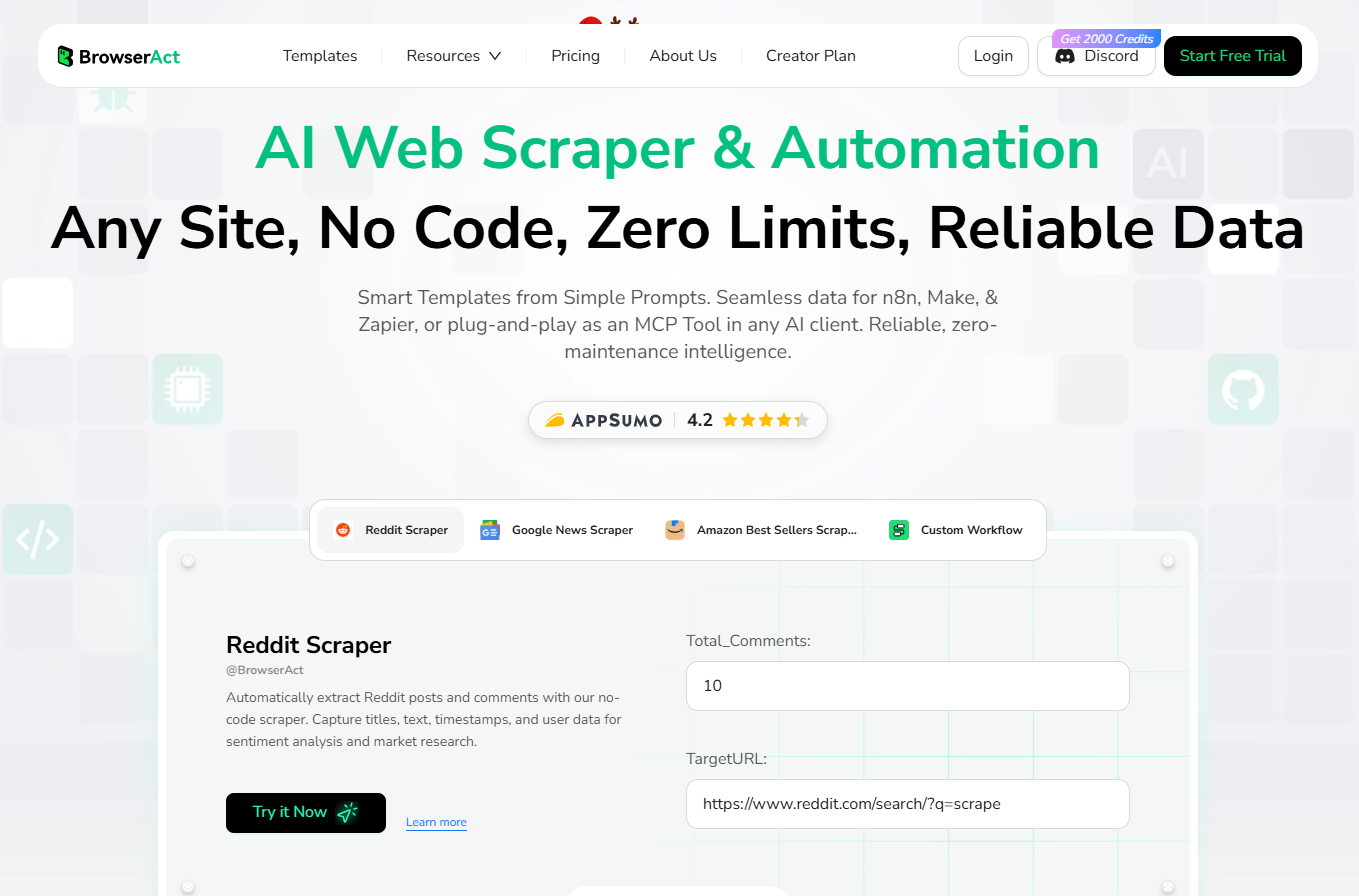
Check out BrowserAct to elevate your n8n projects today!


