10 Killer AI Agent Skills That Are Dominating GitHub Now

Top 10 AI agent skills for Claude Code, OpenClaw, Cursor & more platforms. Automate workflows, bypass web restrictions & boost productivity in 2026.
Hook readers with the AI Skills revolution sweeping through developer communities. Mention the recent explosion since Anthropic opened the Skills standard in December 2025, and how these modular capability packages are changing how we work with AI agents like Claude, Cursor, OpenAI Codex, and the most popular agent: OpenClaw.
Brief preview of what readers will discover: game-changing skills for video production, competitive intelligence, content creation, and web automation.
What Are AI Agent Skills? A Quick Primer
Skills are reusable capability packages designed specifically for AI agents to execute tasks consistently and autonomously. Think of them as professional handbooks that teach your AI assistant how to perform specialized work—from creating presentations to analyzing competitors—without constant instruction. Unlike one-time prompts or API connections, Skills are complete folder structures containing instructions, scripts, and resources that agents can reference on-demand.
Why Skills Matter in 2026
- Portability Across AI Platforms: Skills follow an open standard that works with OpenClaw, Claude (Claude.ai and Claude Code), Cursor, VS Code, GitHub Copilot, OpenAI Codex, and more. Build once, deploy everywhere—no vendor lock-in.
- Reusability Eliminates Repetitive Prompting: Instead of explaining the same task every time, install a skill once and your AI agent automatically knows how to handle similar requests. This saves hours of repetitive instruction-giving and reduces errors.
- Captures Organizational Knowledge: Skills turn tribal knowledge into version-controlled, shareable packages. Your team's best practices, workflows, and domain expertise become portable assets that new team members can leverage immediately.
- From Instruction to Deployment: The paradigm shift is clear: you're no longer a prompt engineer giving constant directions. You're a capability architect deploying reusable packages that make your AI agent progressively smarter and more specialized.
How Skills Work: The Technical Foundation
- SKILL.md Structure: Every skill starts with a SKILL.md file containing YAML frontmatter (name and description) followed by markdown instructions. The description is crucial—it determines when your AI agent automatically triggers the skill, so it needs clear trigger keywords and third-person perspective.
- Installation Process: Skills can be installed via command line (
npx skills add repository/skill-name) or manual copying to platform-specific directories like~/.claude/skillsor~/.cursor/skills. Most platforms auto-discover skills in these directories on startup. - Automatic Triggering: AI agents read skill metadata at startup (just ~100 tokens per skill). When your prompt matches a skill's description, the agent loads the full instructions on-demand. This "progressive disclosure" keeps context windows efficient while giving agents access to unlimited specialized knowledge.
- Writing Effective Descriptions: Best practice: use third-person voice ("Use this skill when..."), include specific trigger keywords, and keep descriptions under 2-3 sentences. Avoid first-person ("I will...") since descriptions get injected into system prompts where perspective matters.
The 10 Most Powerful AI Skills Taking Over GitHub
#1. Anthropic's Official Skills Repository: The Foundation
Overview: Anthropic's official public repository defining the Skills standard with production-ready implementations across document processing, development tools, and workflow automation.
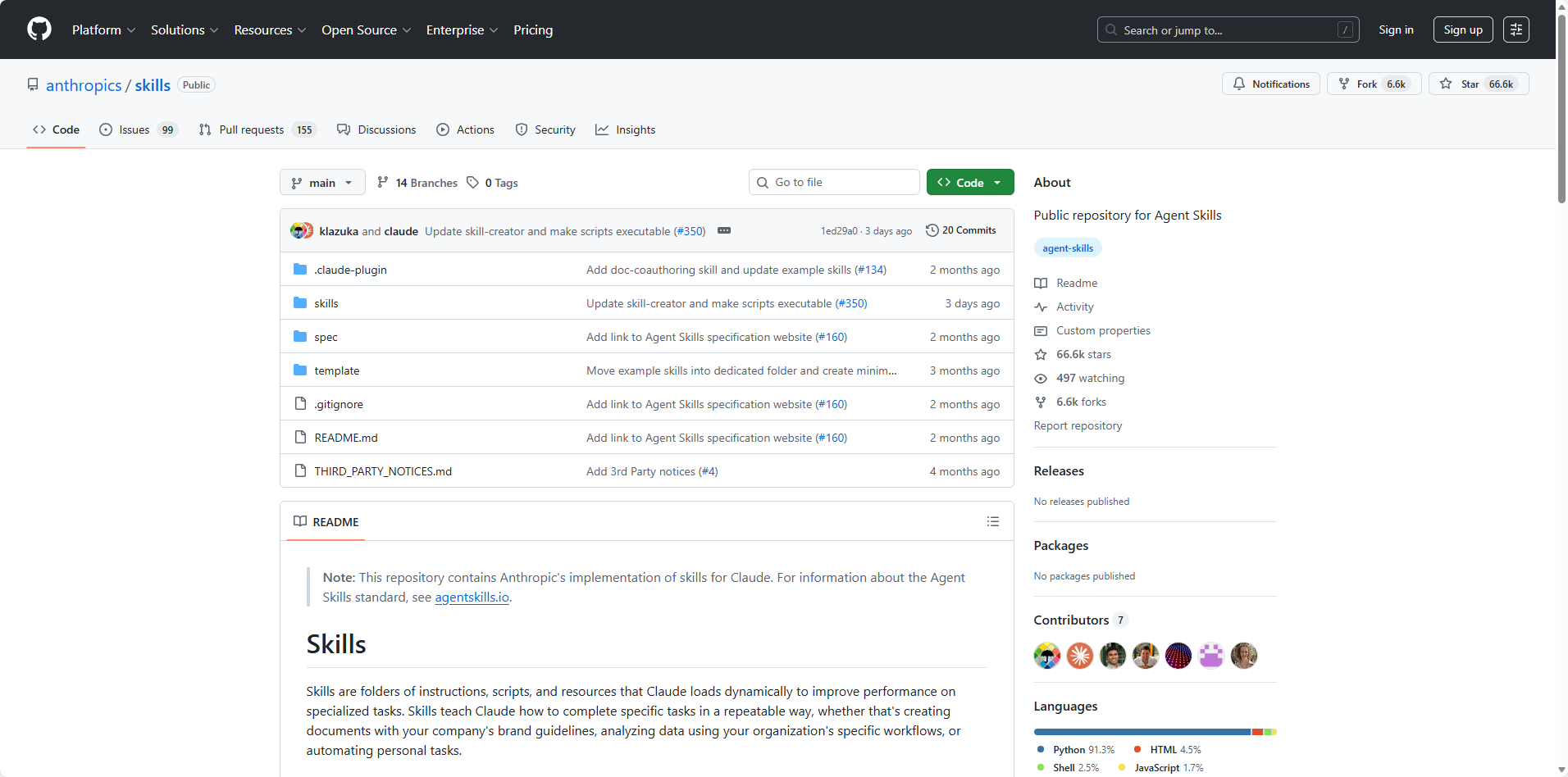
Featured Skills Include:
- Document Processing:
- PDF manipulation (extract, merge, split, annotate)
- Word document creation and editing (docx with track changes)
- Excel/spreadsheet automation
- PowerPoint generation
- Development Tools:
- mcp-builder: Create Model Context Protocol servers
- artifacts-builder: Build complex HTML interfaces with React/Tailwind/shadcn
- frontend-design: Production-grade UI component creation
- Workflow Automation:
- Email and communication skills
- Data transformation pipelines
- API integration templates
Platform Compatibility: Works across Claude.ai, Claude Code, and API integrations. Skills are designed for maximum portability.
Why It Matters: This is the gold standard. Anthropic's own engineers built these skills with extensive testing and refinement. They serve as both production tools and learning examples.
GitHub: https://github.com/anthropics/skills
#2. Web Research Assistant: Break Through Access Restrictions
Overview: Powered by BrowserAct's advanced browser automation, this skill enables AI agents to conduct web research even when direct web access is restricted. Uses real browser instances with stealth technology to bypass anti-bot detection.
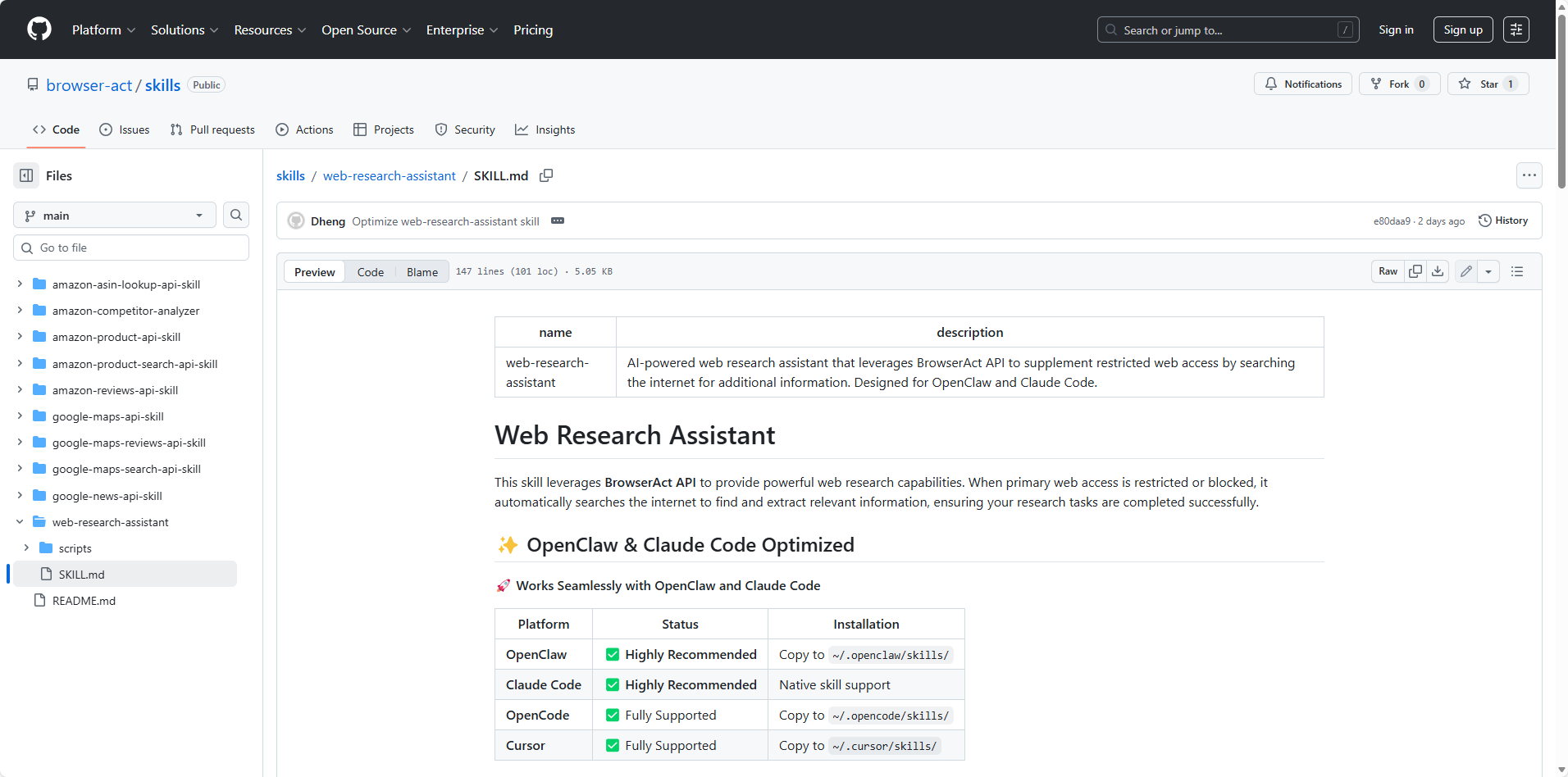
Key Features:
- Bypasses CAPTCHA and reCAPTCHA without solving services
- Real browser automation with human-like behavior patterns
- No coding required - works through natural language prompts
- Supplements restricted environments (OpenClaw, Claude Code)
Technical Advantages:
- Actual Chrome/Firefox browser sessions
- Automatic fingerprinting, cookie, and header management
- Randomized delays and scrolling patterns
- Higher success rates than traditional HTTP scraping
Use Cases:
- Market research when web tools are blocked
- Competitive intelligence gathering
- Academic research automation
- News monitoring and trend analysis
Why It's Essential: Many AI coding assistants have limited or no web access. This skill transforms them into powerful research tools using BrowserAct's infrastructure.
GitHub: https://github.com/browser-act/skills/blob/main/web-research-assistant/SKILL.md
#3. NotebookLM Skill: Knowledge Base Integration
Overview: Direct integration between Claude Code and Google NotebookLM, enabling AI to query and interact with your uploaded knowledge bases without browser switching.
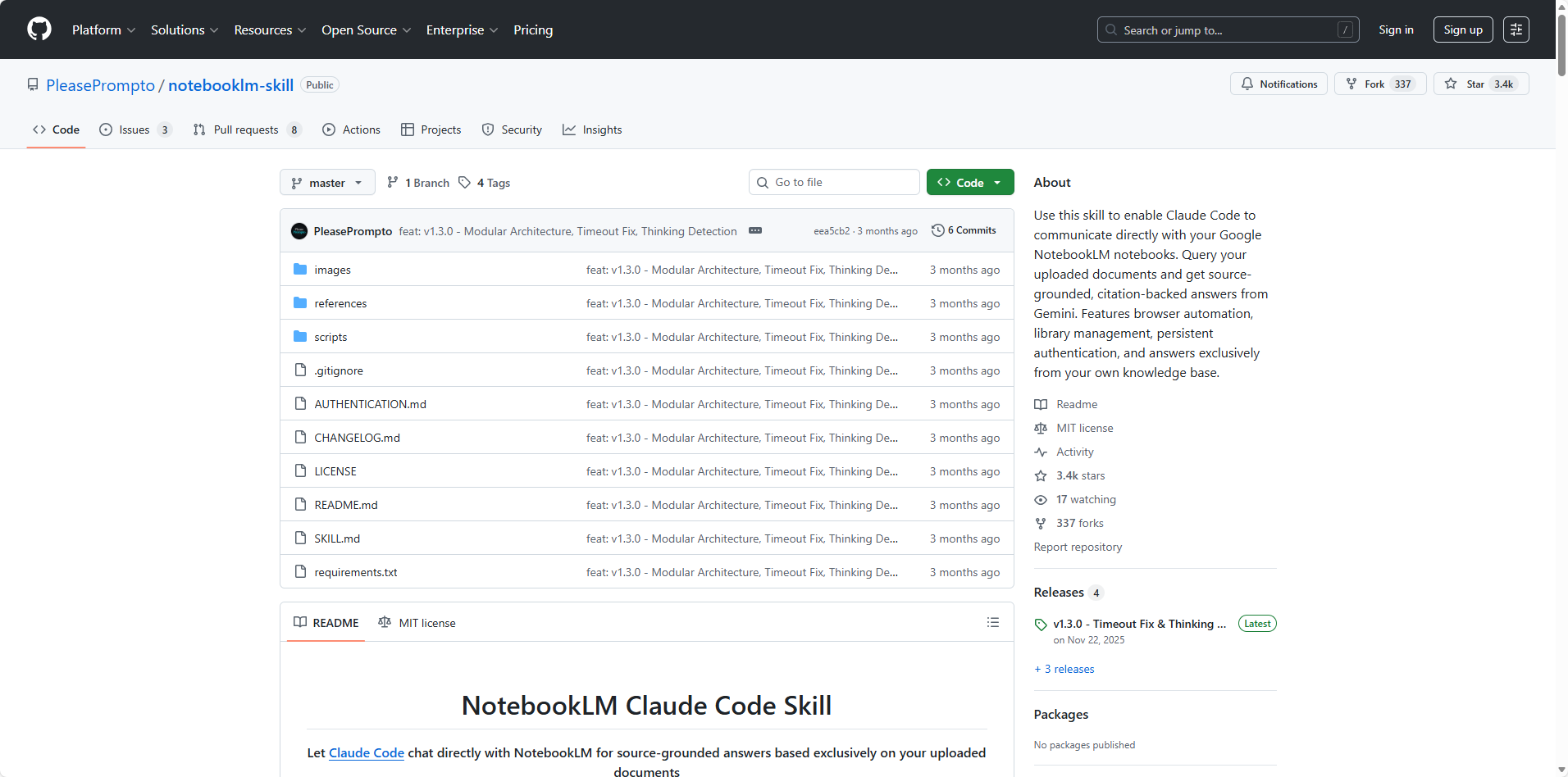
Key Features:
- Persistent authentication through browser automation (Patchright/Playwright)
- Natural language queries to personal knowledge libraries
- Eliminates copy-paste between browser and terminal
- Automatic knowledge base management
Technical Implementation:
- Local Python environment with browser automation
- Simulates user login and interface interaction
- Maintains session persistence
- Returns comprehensive, synthesized answers
Use Cases:
- Research with personal document libraries
- Company knowledge base queries
- Academic research workflows
- Product documentation assistance
GitHub: https://github.com/PleasePrompto/notebooklm-skill
#4. Amazon Competitor Analyzer: E-commerce Intelligence Automation
Overview: Comprehensive competitive analysis for Amazon sellers and e-commerce businesses. Automatically tracks competitor products, pricing, reviews, and market positioning using BrowserAct's browser automation.
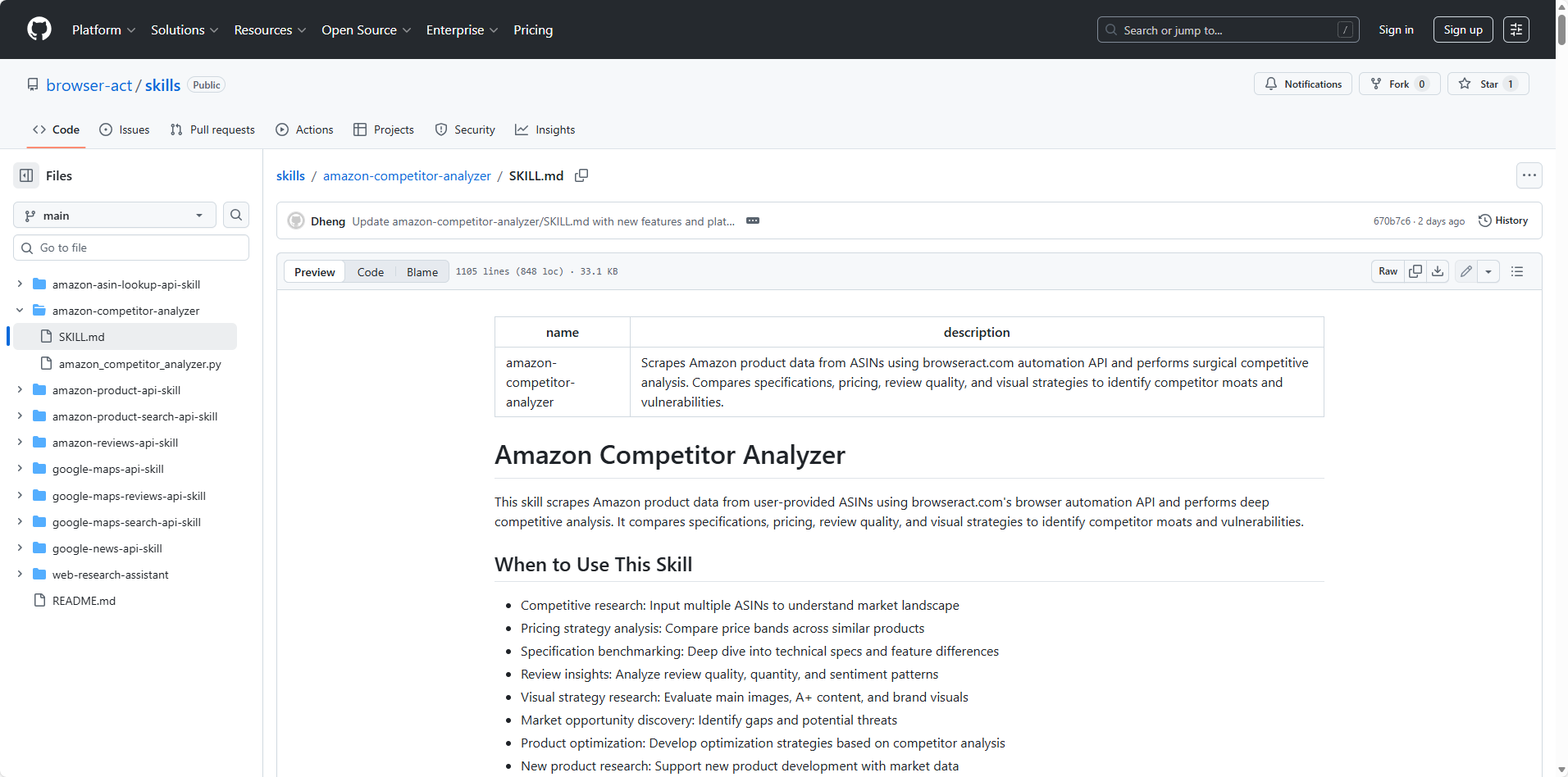
Key Features:
- Real-time product data extraction (price, availability, ratings)
- Multi-ASIN comparison and benchmarking
- Technical specification analysis
- Competitive landscape mapping
Analysis Capabilities:
- Price monitoring and change detection
- Review sentiment analysis
- Product ranking trends
- Inventory status tracking
- Feature comparison matrices
Technical Foundation:
- Advanced anti-detection bypass (no CAPTCHA blocking)
- Rate-limited for platform compliance (30 requests/hour)
- Structured JSON output ready for dashboards
- Email alerts for significant changes
Use Cases:
- FBA seller competitive intelligence
- Pricing strategy optimization
- Product launch research
- Market gap identification
- Brand monitoring
GitHub: https://github.com/browser-act/skills/blob/main/amazon-competitor-analyzer/SKILL.md
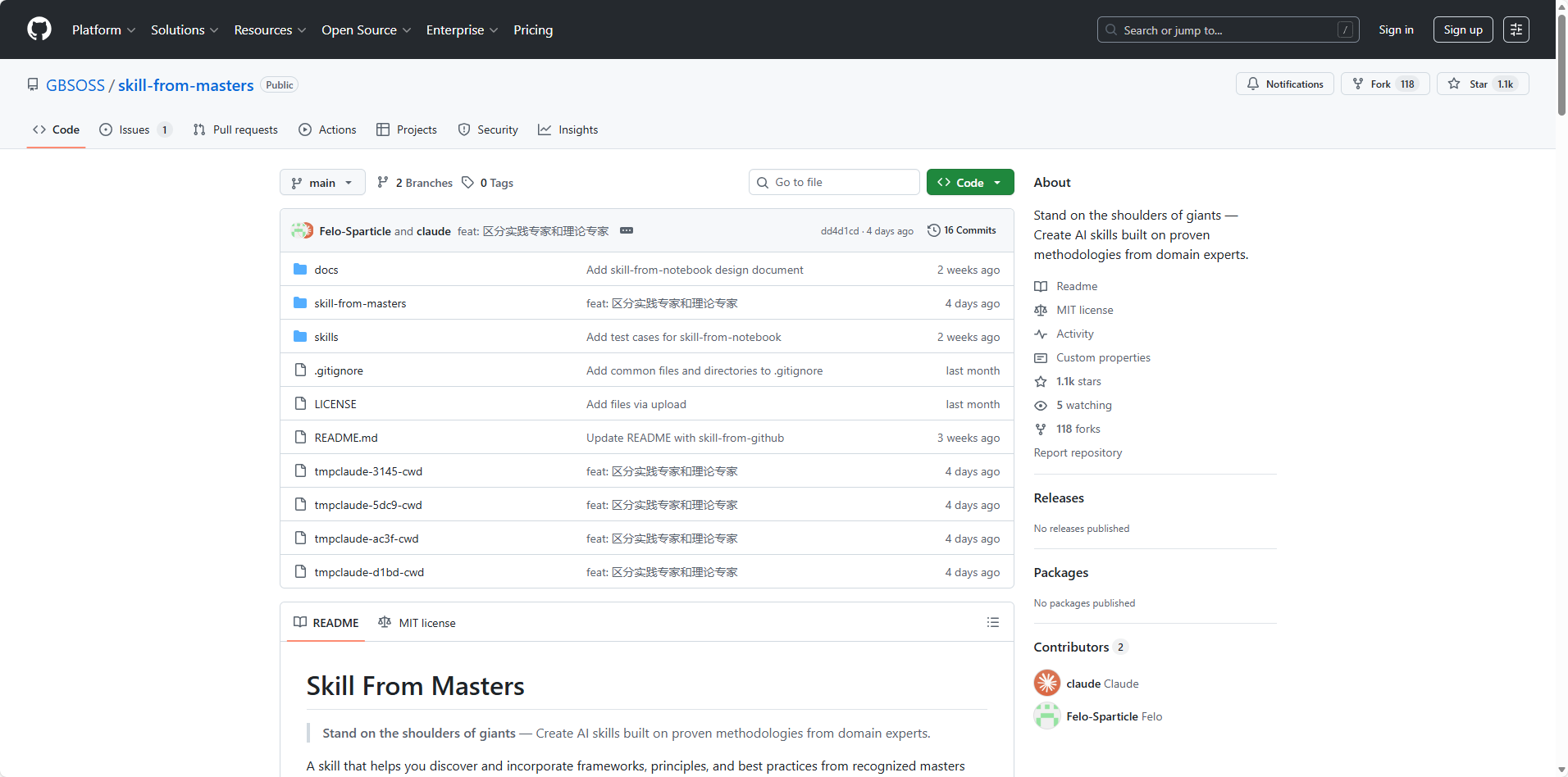
#5. Skill-from-Masters: Learn from Expert Knowledge
Overview: Meta-skill that creates new skills by researching top experts in any domain. Searches for industry leaders, analyzes their methodologies, and generates professional-grade skill instructions.
Key Features:
- Three-layer search architecture (local database → web search → primary sources)
- Identifies best practices and anti-patterns
- Cross-verification of expert opinions
- Includes skill-from-github for extracting skills from open-source projects
Workflow:
- User specifies domain/goal
- System searches for domain experts
- Analyzes expert thought models and best practices
- Generates comprehensive SKILL.md with professional depth
- Identifies common pitfalls to avoid
Use Cases:
- Creating domain-specific skills (legal review, financial analysis)
- Learning from successful open-source projects
- Systematizing organizational expertise
- Building company-specific workflow skills
GitHub: https://github.com/GBSOSS/skill-from-masters
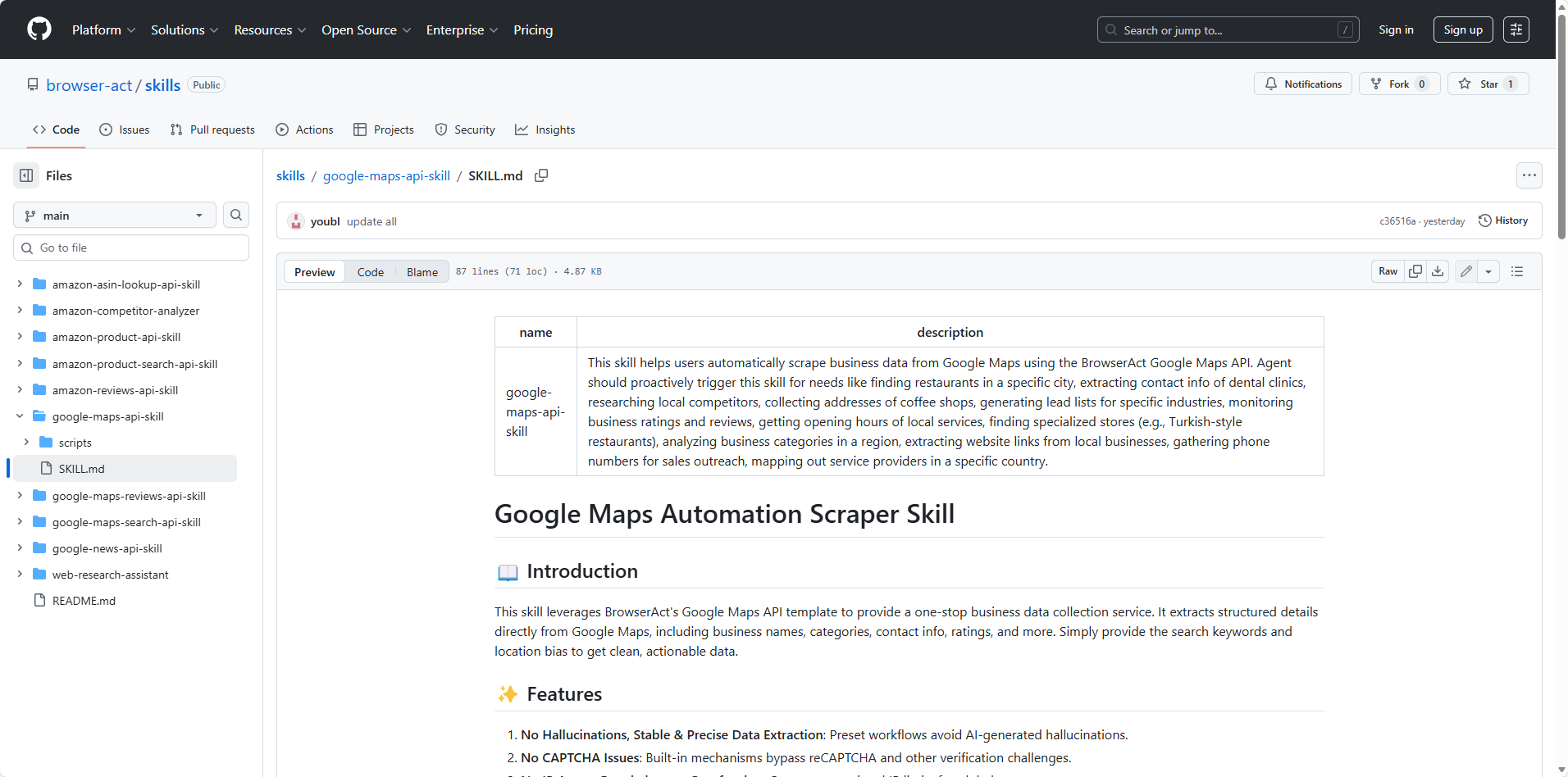
#6. Google Maps API Skill: Location Intelligence at Scale
Overview: Extract comprehensive business data from Google Maps including reviews, ratings, contact information, and location intelligence using BrowserAct's real browser automation.
Key Features:
- Business search by keyword and location
- Complete business profile extraction
- Review mining and sentiment analysis
- Geographic data aggregation
- Competitive location analysis
Data Points Extracted:
- Business names, addresses, phone numbers
- Operating hours and popular times
- Customer ratings and review counts
- Website URLs and social profiles
- Category classifications
- Geographic coordinates
Technical Capabilities:
- Bypasses Google's anti-scraping measures
- Real browser sessions (no API limits)
- Rate-controlled for sustained access (60 requests/hour)
- Structured output ready for CRM integration
Use Cases:
- Local SEO competitor analysis
- Lead generation for B2B sales
- Market saturation studies
- Franchise location planning
- Service provider research
- Real estate market analysis
GitHub: https://github.com/browser-act/skills/blob/main/google-maps-api-skill/SKILL.md
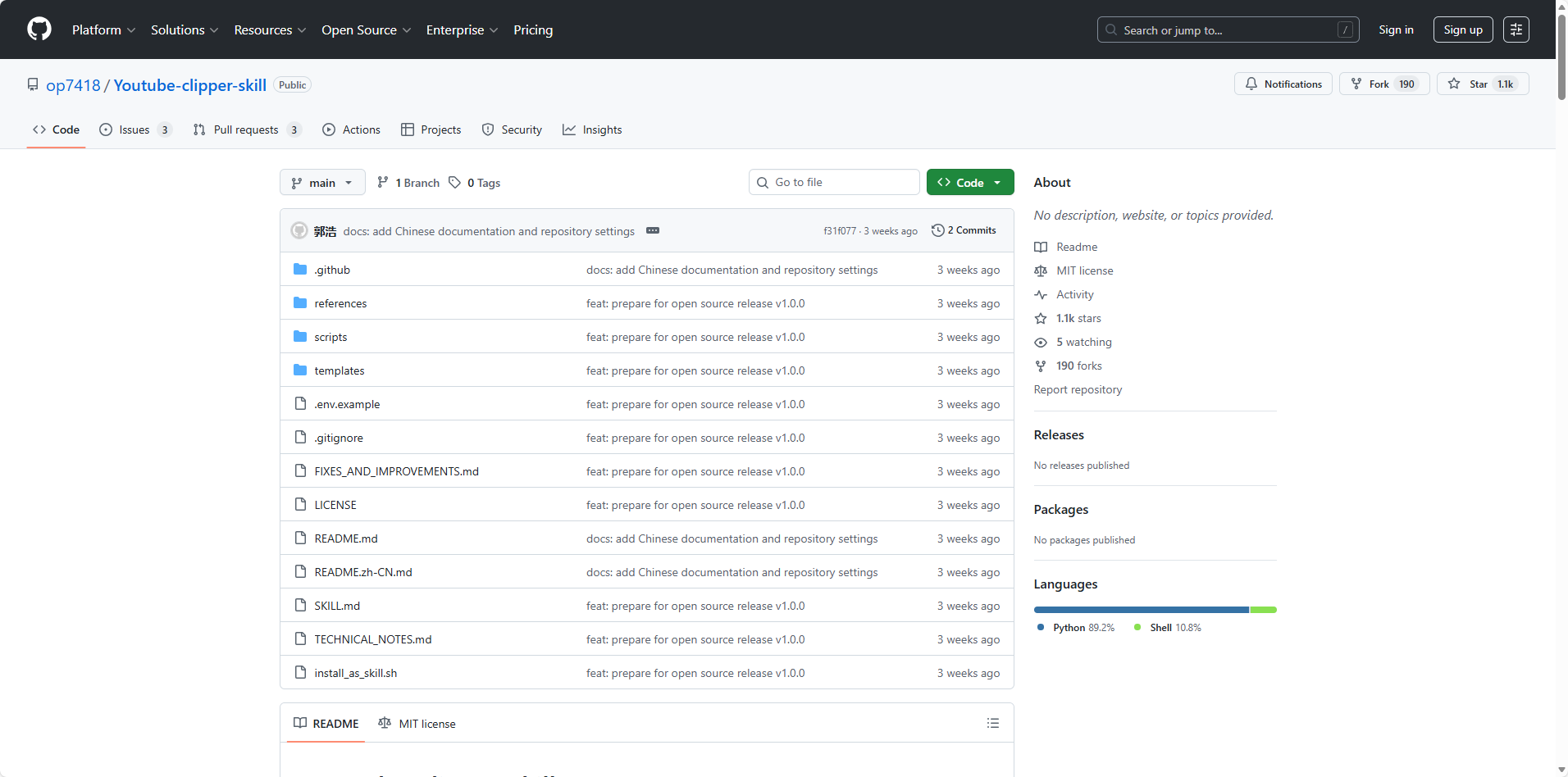
#7. YouTube Clipper Skill: AI-Powered Video Editing
Overview: Automatically extract highlight clips from long-form YouTube videos using semantic analysis. Goes beyond mechanical time-based cutting to understand content meaning.
Key Features:
- Semantic analysis of video transcripts (not just timestamp cutting)
- Automatic bilingual subtitle generation (Chinese/English)
- Integration with yt-dlp and FFmpeg for professional-quality output
- Platform optimization for TikTok, Instagram Reels, YouTube Shorts
Technical Capabilities:
- Downloads YouTube videos in highest quality
- AI analyzes subtitles to identify valuable segments
- Batch translation with API optimization
- Embeds dual-language subtitles directly into video
Use Cases:
- Content repurposing for social platforms
- Creating compilation videos from podcasts
- Educational content summarization
- Social media content strategy automation
GitHub: https://github.com/op7418/Youtube-clipper-skill
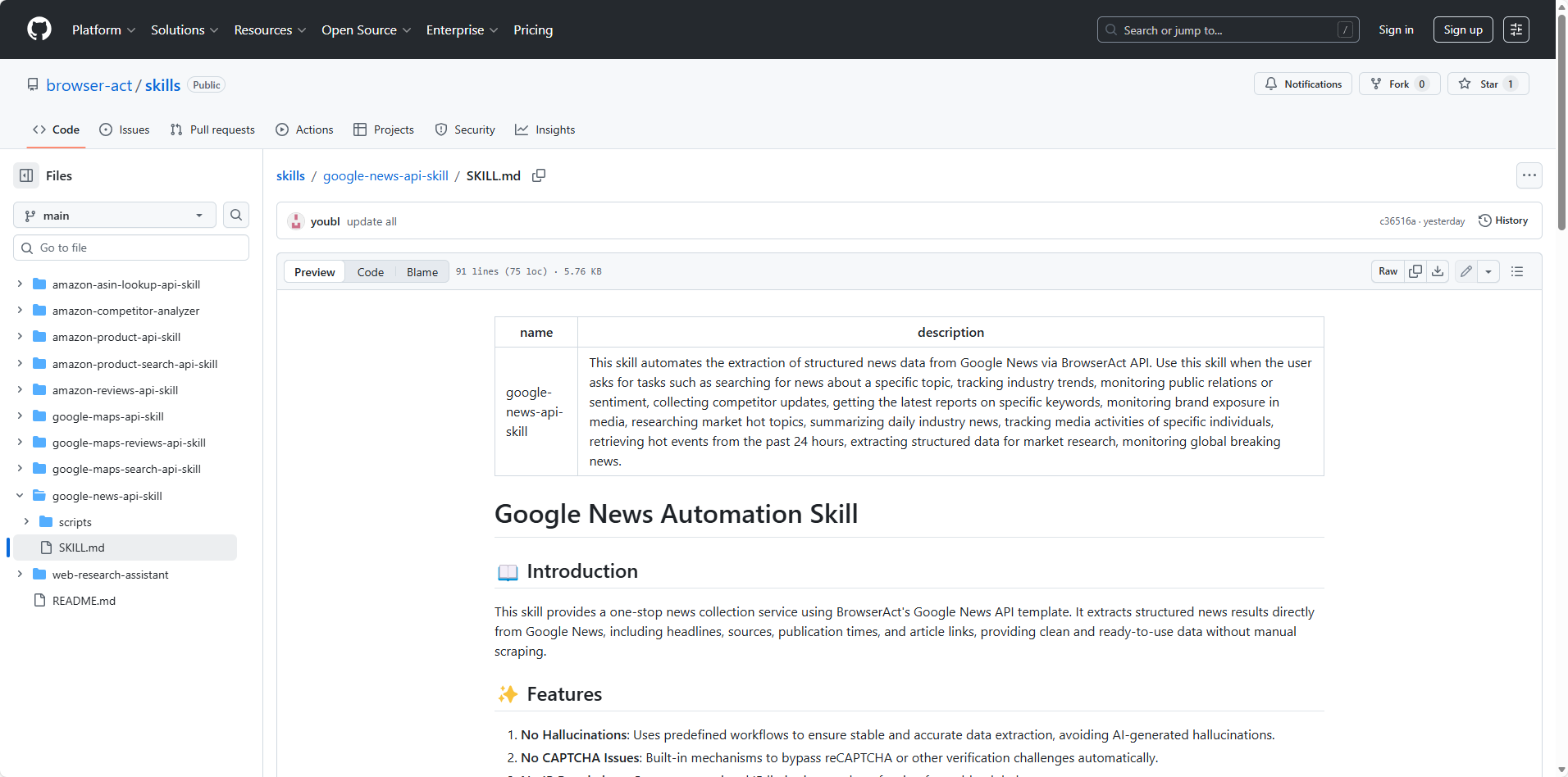
#8. Google News API Skill: Real-Time Media Intelligence
Overview: Automated news monitoring and content extraction from Google News. Goes beyond headlines to extract full article bodies, analyze trends, and track media coverage using BrowserAct's browser automation.
Key Features:
- Keyword-based news search and monitoring
- Full article content extraction (not just snippets)
- Publisher and publication date tracking
- Trend analysis across time ranges
- Automated content aggregation
Advanced Capabilities:
- Iterates through search results automatically
- Opens and extracts complete article text
- Structured data output with metadata
- Time-range filtering (last 24h, week, month)
- Topic categorization and clustering
Use Cases:
- Brand mention monitoring
- Competitive intelligence tracking
- Content research for writers
- Media analysis and sentiment tracking
- PR campaign measurement
- AI training dataset creation
- Crisis management monitoring
Why It's Different: Unlike headline-only APIs, this skill extracts complete article content for deep analysis and long-form research.
GitHub: https://github.com/browser-act/skills/blob/main/google-news-api-skill/SKILL.md
#9. Remotion Skill: Professional Video Creation with Code
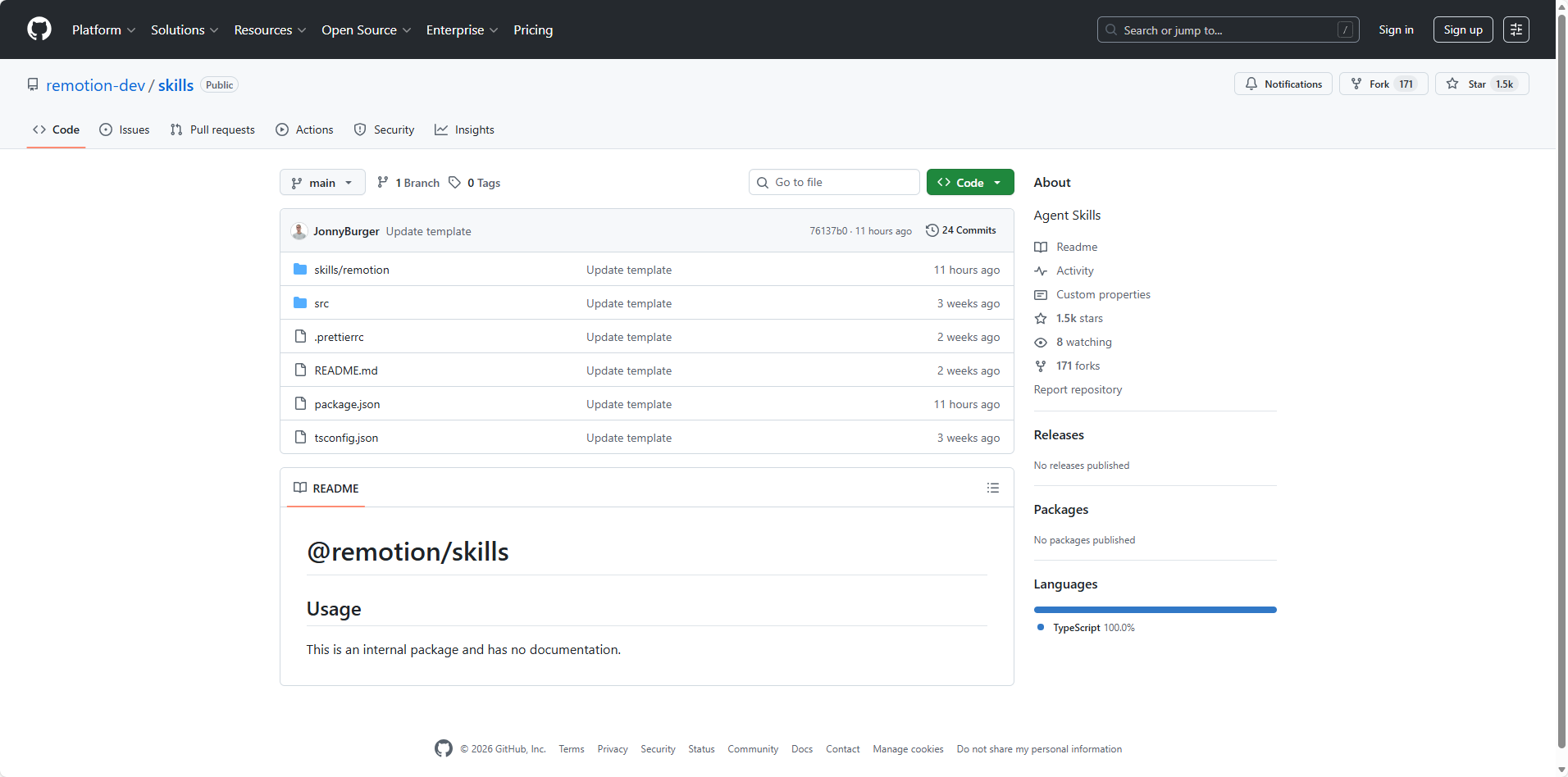
Overview: Transform React code into production-ready videos without traditional editing tools. The Remotion skill teaches AI agents how to use the Remotion framework (28K+ GitHub stars) for programmatic video generation.
Key Features:
- Create animated charts, presentations, and social media content
- Template-based video generation
- Dynamic data visualization in video format
- Zero manual editing required
Use Cases:
- Marketing videos for product launches
- Automated data visualization reports
- Social media content at scale
- Educational content creation
Why It's Powerful: Eliminates the video editing bottleneck. Users on X are creating elaborate, professional videos purely through natural language prompts + Claude Code.
GitHub: https://github.com/remotion-dev/skills
#10. X Article Publisher: Markdown to X in Seconds
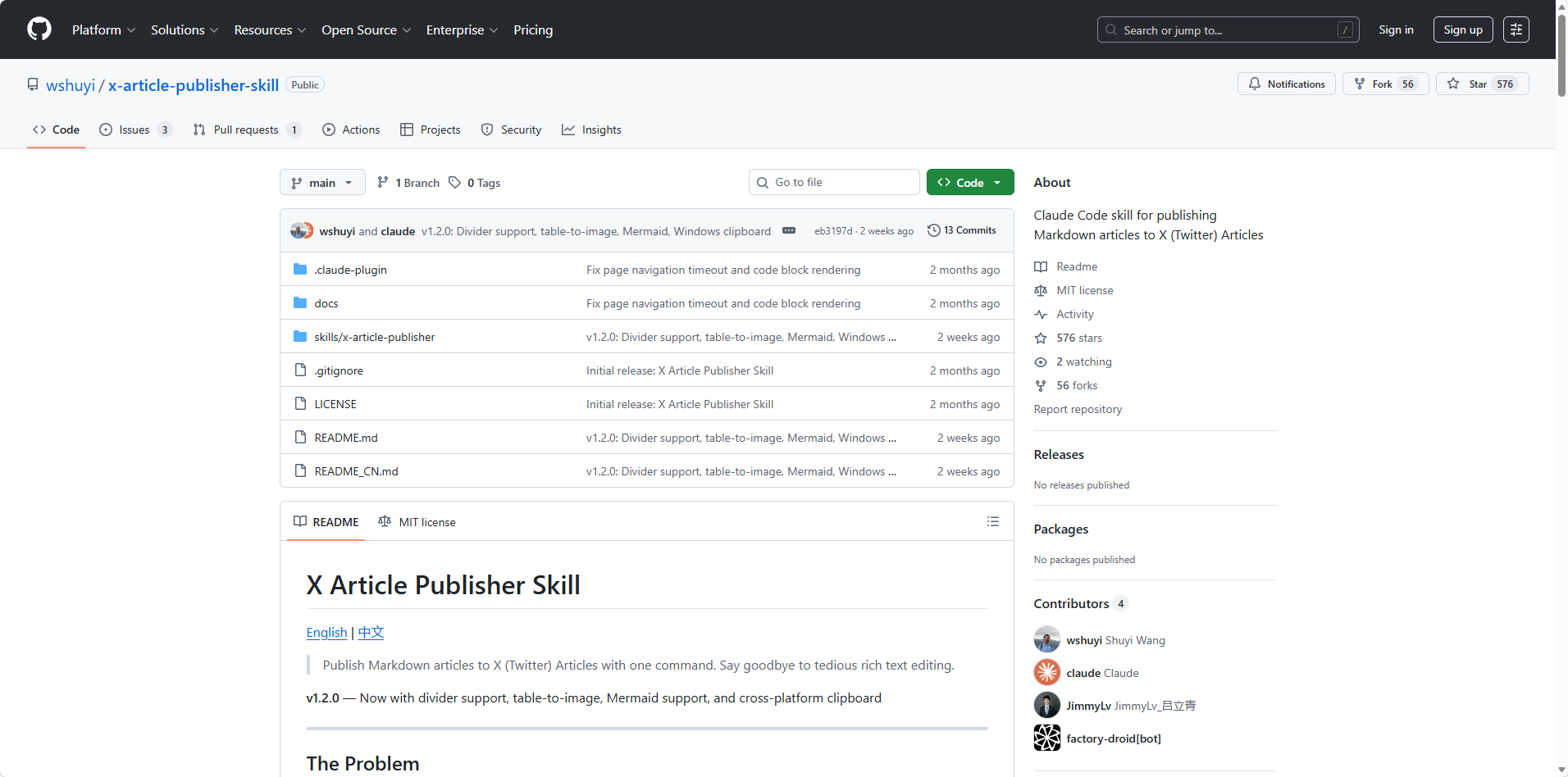
Overview: One-command publishing from local Markdown files to X (Twitter) Articles with perfect formatting preservation and automatic image placement.
Key Features:
- Complete Markdown to X Articles HTML conversion
- Block-Index positioning technology for precise image placement
- Solves X's poor native Markdown support
- Automated image embedding between paragraphs
Technical Innovation:
- Calculates exact position indexes for each image in article structure
- Browser automation scripts insert images at precise locations
- Eliminates traditional text-matching errors and misalignment
Use Cases:
- Publishing technical blog posts to X
- Newsletter distribution
- Thought leadership content
- Multi-platform content strategy
GitHub: https://github.com/wshuyi/x-article-publisher-skill
How to Choose the Right Skills for Your Workflow
Assessing Your Automation Needs
Framework for Skill Selection:
- Identify repetitive tasks consuming >2 hours/week
- Map current manual workflows
- Evaluate which tasks have clear inputs/outputs
- Consider integration with existing tools
Combining Skills for Maximum Impact
Skill Stacking Strategies:
- Research (Web Research Assistant) → Analysis (Data Processing) → Publishing (X Article Publisher)
- Market Intelligence (Google News + Amazon Competitor) → Strategy Reports
- Content Creation (YouTube Clipper) → Distribution (Social Media Skills)
Multi-Skill Workflow Examples:
- E-commerce competitive intelligence dashboard
- Automated content marketing pipeline
- Research-to-publication workflows
- Business intelligence aggregation
Installation and Setup Best Practices
- Modern Installation (Recommended): The easiest way to install skills is simply telling your AI agent: "Install this skill: [GitHub URL]". The agent handles everything automatically—downloading, placing in the correct directory, and configuration.
Example:
"Install this skill: https://github.com/browser-act/skills/blob/main/web-research-assistant/SKILL.md"- Alternative Methods: For manual installation or custom setups:
# Via NPX (for npm-published skills)
npx skills add remotion-dev/skills

# Manual copy (for custom skills)
mkdir -p ~/.claude/skills
cp -r skill-directory ~/.claude/skills/
Configuration Checklist:
- Verify skill compatibility with your AI platform
- Secure API key management (use environment variables)
- Test with simple examples before production use
- Review skill documentation for rate limits
- Set up error monitoring
Conclusion: Transform Your AI Agent Today
The AI Skills revolution isn't coming—it's already here. From programmatic video creation with Remotion to competitive intelligence with Amazon analyzers, these 10 skills represent just the beginning of what's possible when you transform your AI agent from a conversational assistant into a specialized workforce. The beauty of Skills lies in their simplicity: install once, use forever. No more repetitive prompting, no more explaining the same workflow ten times a day. Whether you're a content creator drowning in editing work, an e-commerce seller tracking dozens of competitors, or a researcher fighting web access restrictions, there's a skill ready to automate your biggest bottleneck.
Ready to get started? The easiest entry point is BrowserAct's collection of ready-to-use skills templates covering web research, competitive analysis, and data extraction. These skills bypass CAPTCHA, anti-bot detection, and access restrictions that typically block AI agents—turning your assistant into a true automation powerhouse. Simply tell your AI agent to install the skill from GitHub, set your API key, and start automating. For a complete walkthrough, check out our step-by-step guide: How to Install BrowserAct's Agent Skills in OpenClaw.
Get Started Today: Sign up for a free BrowserAct API key and install your first skill in under 5 minutes. The only question left is: which workflow will you automate first?


