YouTube MCP Server: Build a Research Agent With n8n and Browser Automation

A YouTube MCP server sounds like the missing piece for an AI research agent: give the model tools, connect YouTube, ask a question, and get a ranked spreadsheet of videos, transcripts, comments, and summaries. The reality is more useful—and more constrained. MCP is a tool interface, not a complete research workflow. n8n is an orchestration layer, not a guarantee of clean YouTube data. Browser automation is powerful, but only if the workflow has explicit fields, stop rules, dedupe, and review gat
-
1A
YouTube MCP servershould expose clear tools to an AI agent; it should not be treated as a magic replacement for API limits, browser-visible data, or human review. - 2The practical YouTube research agent flow is: seed query/channel → collect videos → fetch transcript/comments/metadata → score relevance → store rows → review uncertain results.
- 3Use MCP for agent tool access, n8n for orchestration and Sheets/DB output, the YouTube Data API for stable official endpoints, and browser automation for custom visible-page workflows.
- 4BrowserAct fits when the data path is still changing or API/MCP output is incomplete: Agent for first browser validation, Workflow for repeats, CLI for approved pipelines.
- 5Keep the agent read-only unless explicitly approved. Stop at login, CAPTCHA, 2FA, age gates, payment, private/restricted content, or account-changing actions.
What a YouTube MCP server actually does
The official Model Context Protocol introduction describes MCP as an open-source standard for connecting AI applications to external systems: data sources, tools, and workflows. In plain English, it gives an AI app a standard way to discover and call tools instead of relying on custom one-off integrations.
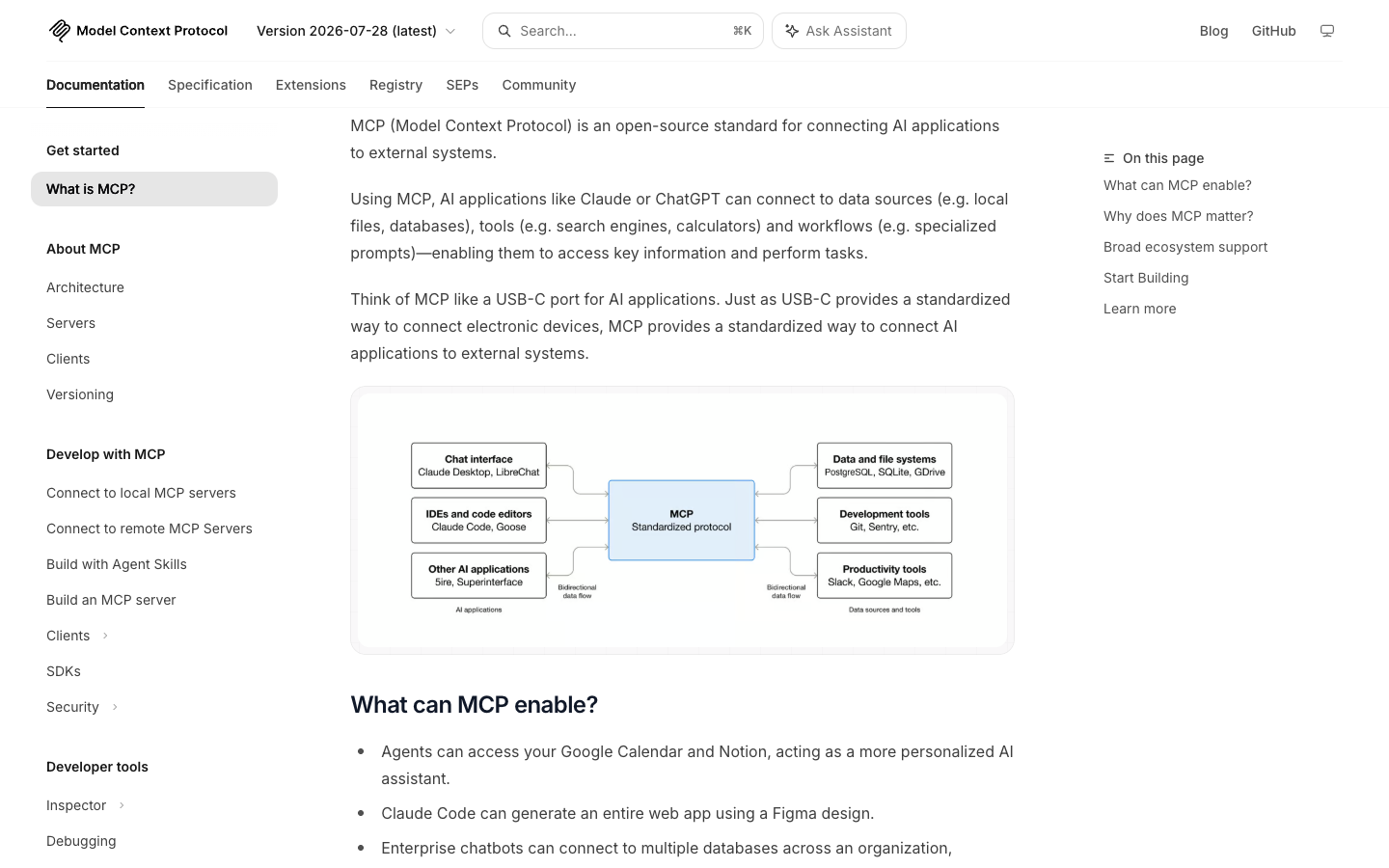
For a YouTube workflow, that means an MCP server might expose tools such as:
MCP tool | What it might return | Watch out for |
| video IDs, titles, channels, publish dates | quota, relevance, localization, ranking volatility |
| title, description, channel, stats | stale stats, unavailable fields |
| captions or transcript chunks | missing captions, language mismatch |
| comments and basic metadata | permissions, pagination, disabled comments |
| relevance score or summary | prompt drift, false confidence |
| normalized output rows | duplicate rows, schema drift |
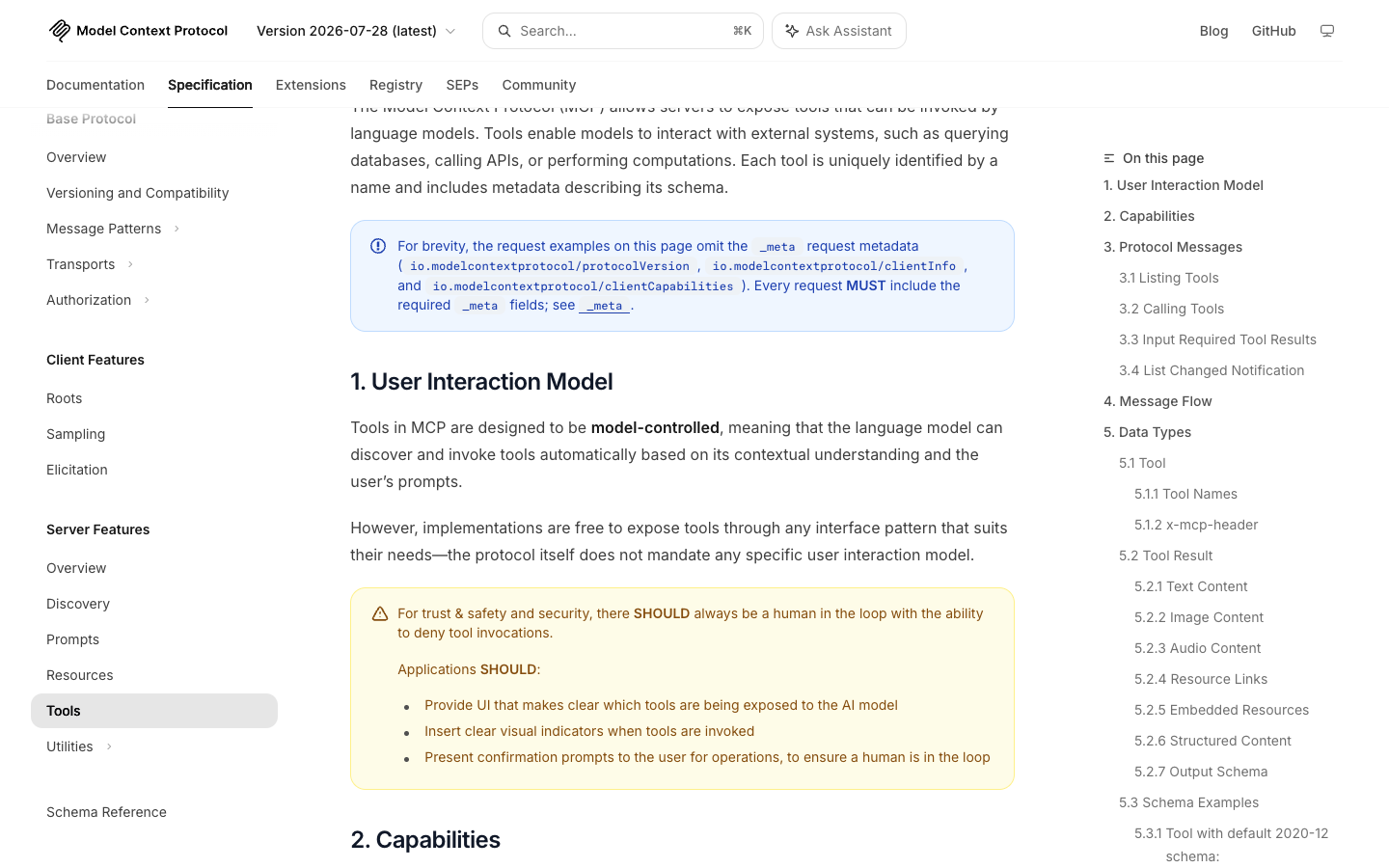
Pro Tip: Design MCP tools like database procedures, not like vague chat prompts. get_recent_channel_videos(channel_url, since_date, limit) is safer than research this channel.
Why this topic is moving now
The workbook evidence behind this article is unusually clear. Search demand appears around both YouTube MCP server and YouTube scraper n8n. Reddit evidence from n8n communities points to the same job: monitor channels, fetch transcripts or comments, score relevance, and store results in Google Sheets.
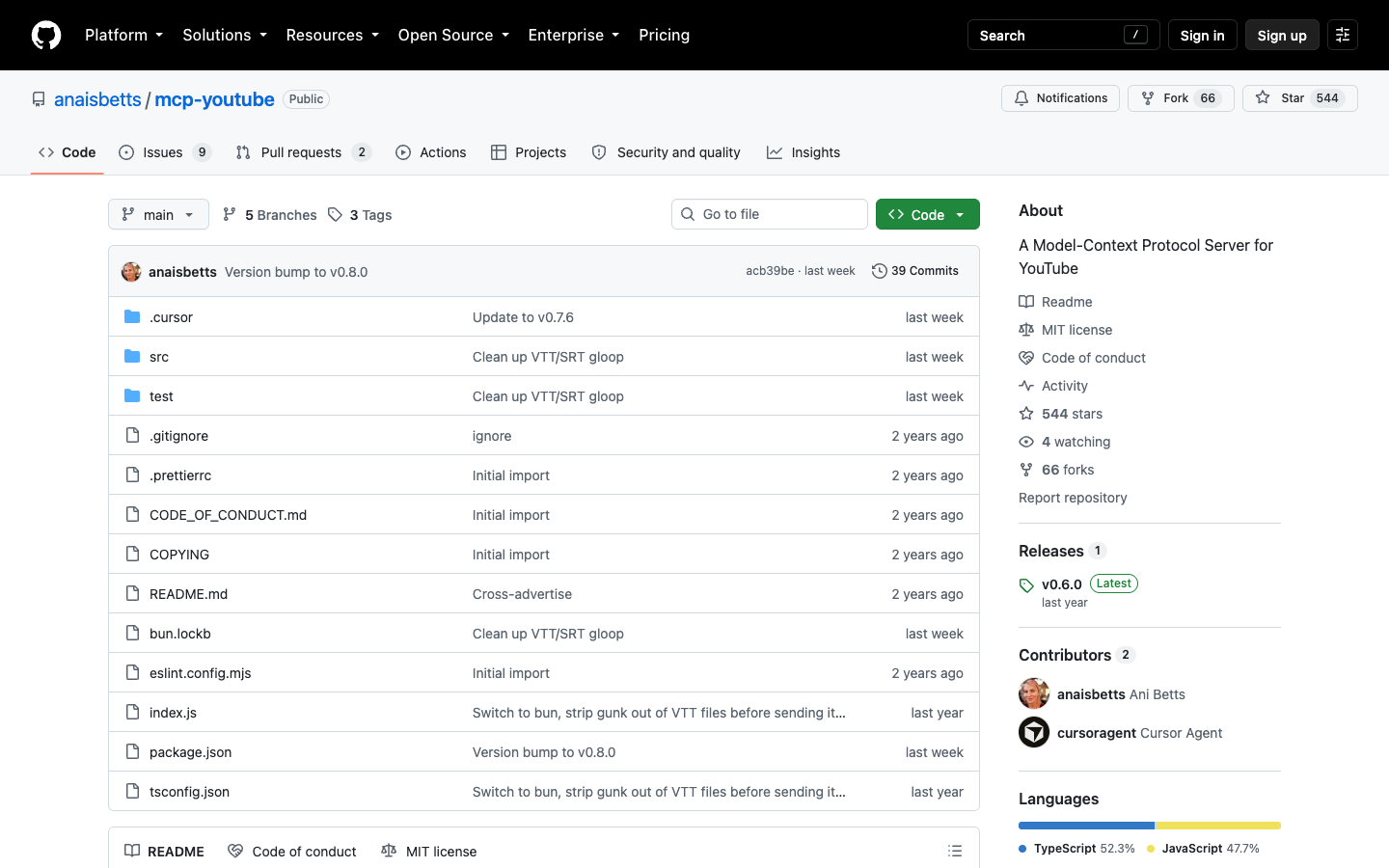
The public GitHub ecosystem is also real but early. When checked through the GitHub API on August 27, 2026, ZubeidHendricks/youtube-mcp-server had 566 stars and 126 forks, while anaisbetts/mcp-youtube had 544 stars and 66 forks. These are meaningful signals, but not the maturity level of a decade-old data library.
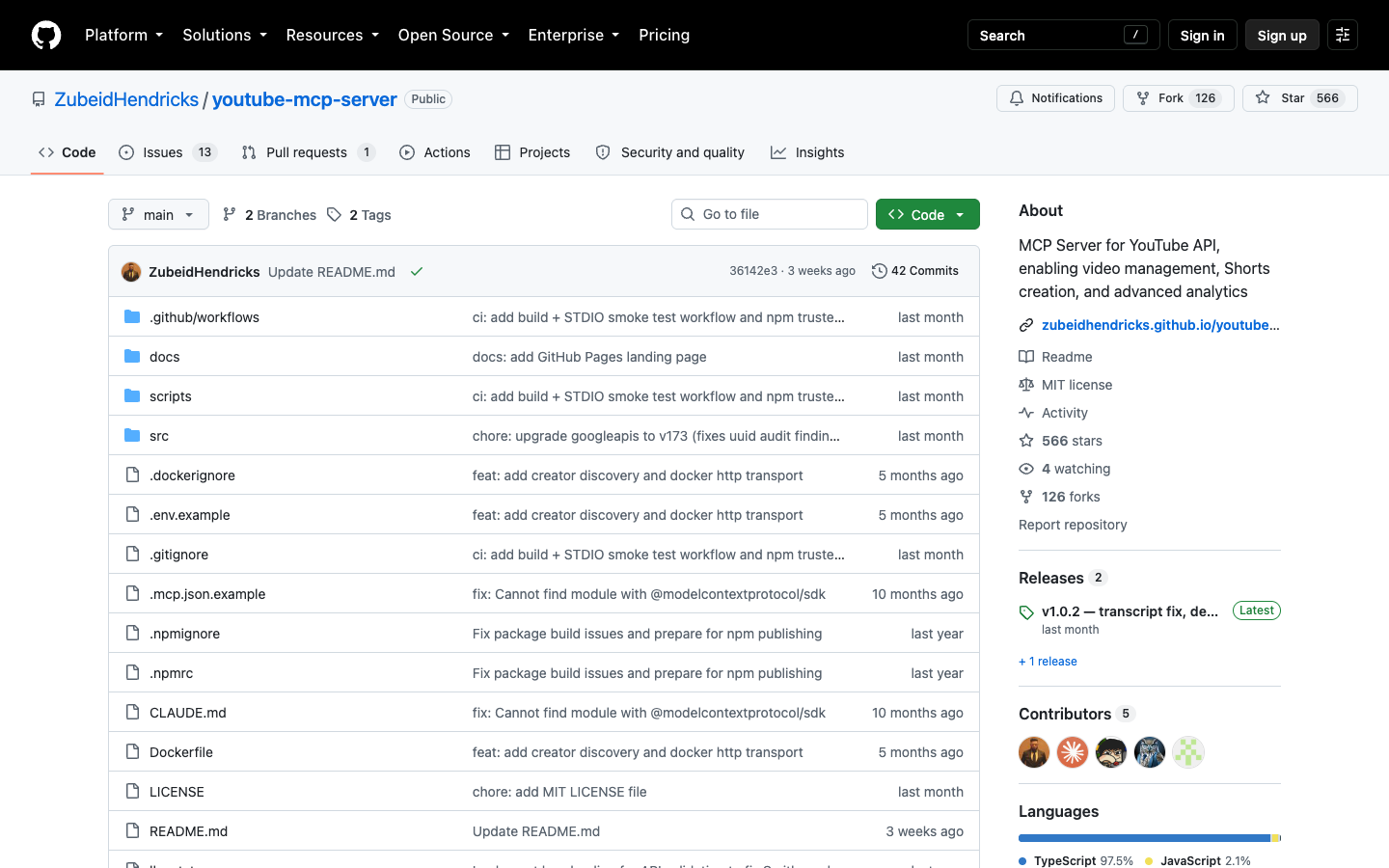
The takeaway: there is enough supply to build with, but not enough maturity to skip architecture decisions.
The reference architecture
The best YouTube research agent does not ask one tool to do everything. It separates responsibility.
Layer | Job | Example |
MCP server | Expose agent-callable tools | Search videos, fetch metadata, retrieve transcript |
YouTube Data API | Stable official API routes |
|
n8n | Schedule and orchestrate | Read seed list, call tools, dedupe, write Sheets |
Browser automation | Handle browser-visible custom paths | Collect visible rows, test fields, screenshots, manual handoff |
LLM scoring | Summarize and classify | Relevance score, topic label, content gap, quote evidence |
Human review | Approve uncertain outputs | Low-confidence rows, restricted access, action approvals |
Route 1: MCP-first YouTube research
MCP-first makes sense when the user experience is agent-native. A researcher asks:
Find recent YouTube videos about browser automation, rank them by relevance to B2B marketers, and return the best 20 with transcript evidence.
The MCP server exposes tools. The agent calls search, transcript, metadata, and scoring tools. The final response becomes a structured table or downstream write.
The anaisbetts/mcp-youtube repo is a useful example of this category because it connects YouTube subtitles to MCP clients through yt-dlp-style subtitle retrieval.
Strengths
MCP standardizes how the agent sees tools. It also makes it easier to swap clients or expose a small, task-specific tool set.
Limitations
If the server only exposes transcripts, it is not a full YouTube research agent. If it only exposes the YouTube API, it inherits API quota, endpoint, and permission boundaries. If it exposes too many tools, the agent can make poor choices.
Best for
AI assistants, research copilots, internal knowledge agents, and developer workflows where the user wants natural-language access to YouTube tools.
Route 2: n8n-first automation
n8n-first makes sense when the workflow is scheduled, repeatable, and output-driven. The user is less interested in chatting with an agent and more interested in a sheet, email, Slack alert, or database row.
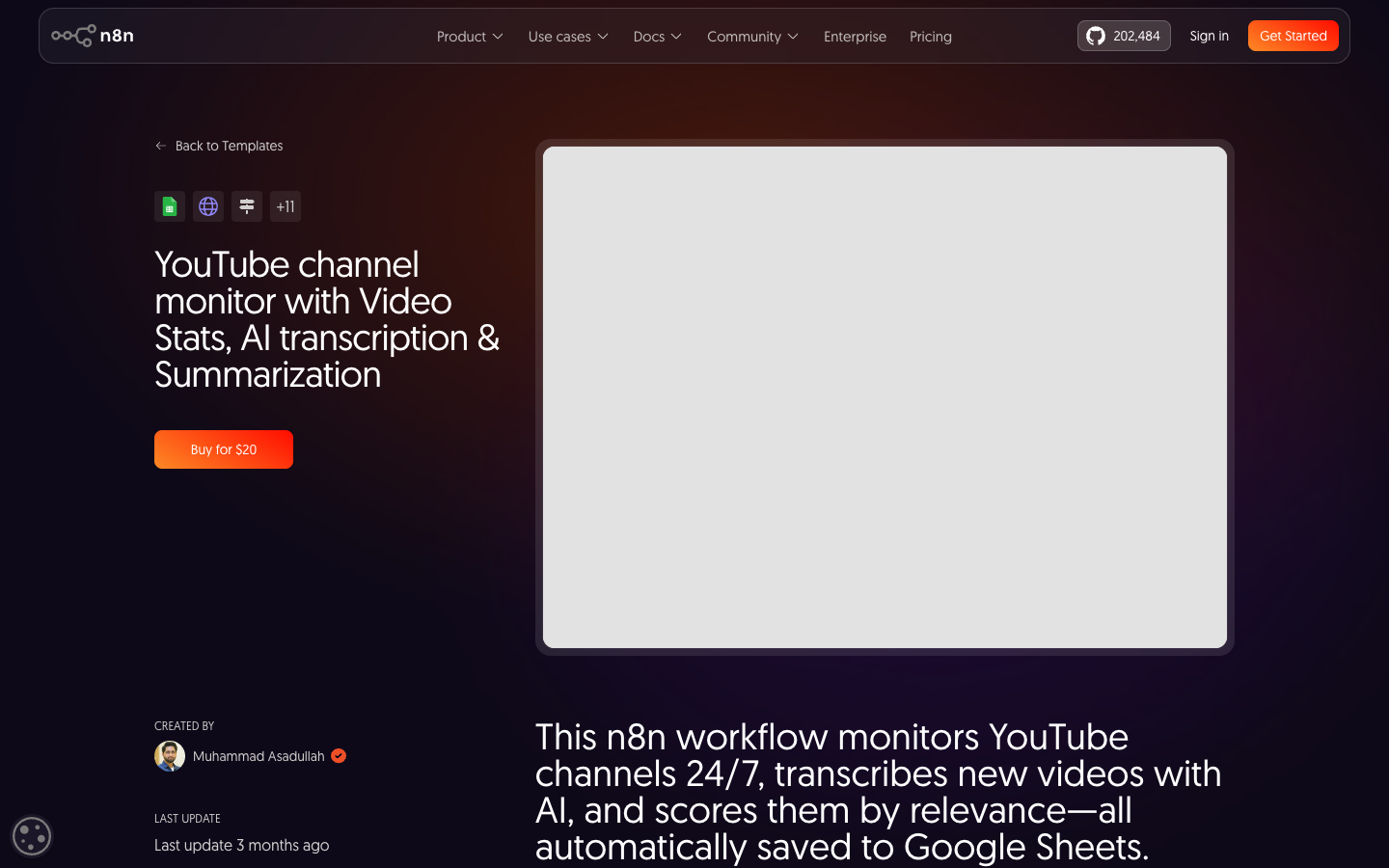
One n8n workflow page for YouTube channel monitoring describes monitoring channels around the clock, transcribing new videos with AI, scoring relevance, and saving results to Google Sheets. That is exactly the operational pattern behind YT-017.
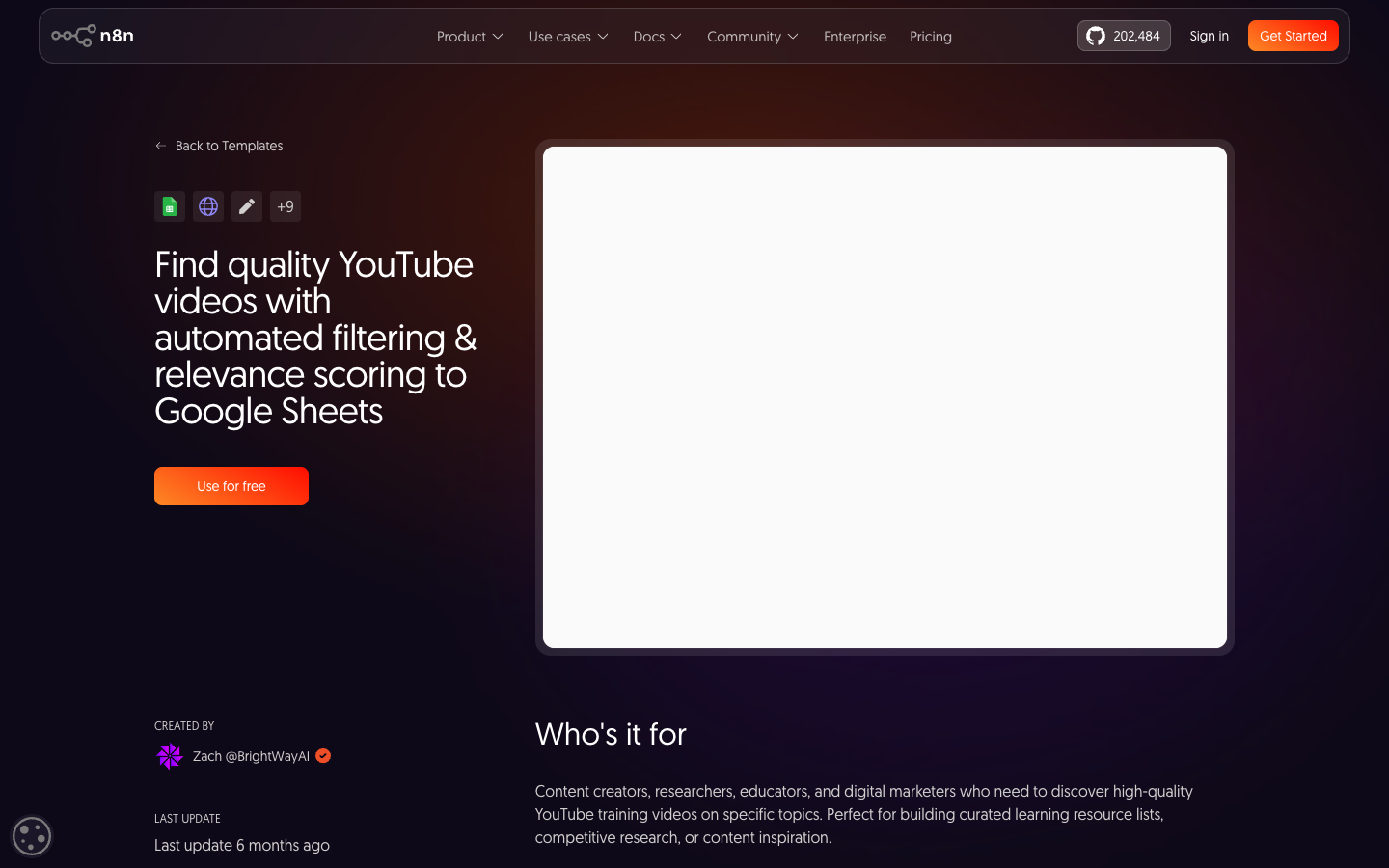
Another n8n workflow focuses on searching YouTube, filtering for quality videos, scoring relevance, and exporting top results to Google Sheets.
Strengths
n8n is good at glue work: triggers, schedules, Google Sheets, HTTP requests, model calls, filters, retries, emails, and handoffs.
Limitations
n8n does not automatically solve YouTube extraction quality. If the data source is unstable, the workflow just automates the instability faster.
Best for
Recurring research tasks: channel monitoring, playlist audits, competitor tracking, video relevance scoring, and content alerting.
Pro Tip: In n8n, keep the scoring prompt and the schema version in the output row. If the scoring rubric changes, old and new rows should not be mixed without a version field.
Route 3: API-first collection
API-first makes sense when the data object is supported, the quota is acceptable, and the team has API credentials.
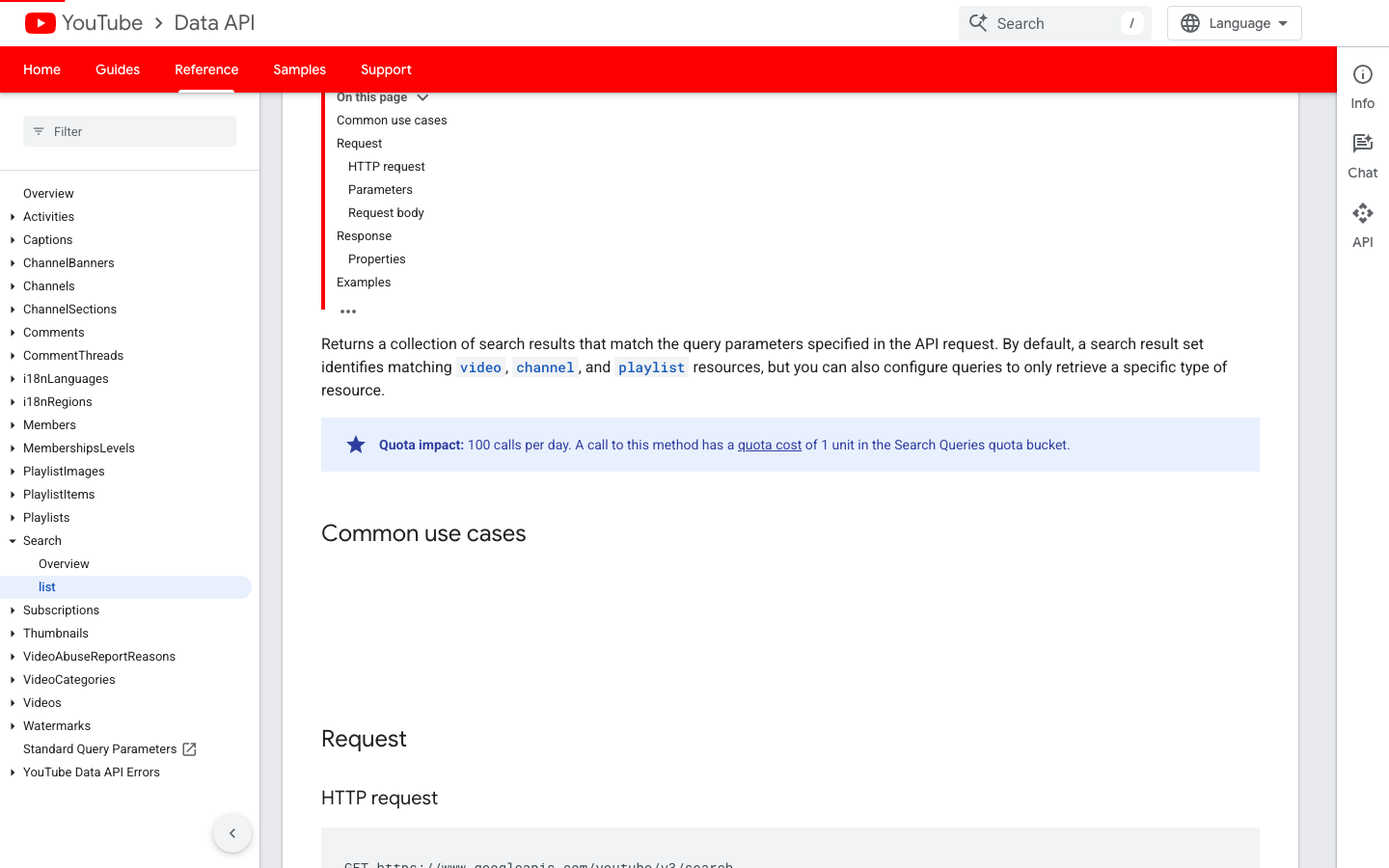
Google's official search.list endpoint lets applications retrieve search result collections matching API request parameters. That is a stable starting point for search-oriented workflows, but it is not the same as browser-visible ranking research or full transcript/comment analysis.
Strengths
Official endpoints are cleaner for supported objects. They also avoid scraping page markup when an API route is enough.
Limitations
Official API workflows still face quota, permission, and endpoint coverage limits. Some research jobs need visible page context, comments, transcripts, Shorts, live chat, or custom fields that do not fit a single API call.
Best for
Stable engineering pipelines where the required fields are available through official endpoints.
Route 4: BrowserAct-assisted research agents
BrowserAct is useful when the agent needs to validate a browser-visible workflow before the team turns it into an MCP or n8n pipeline. The job may start as:
- collect visible search results for a niche query;
- inspect a shortlist of channels;
- capture transcript/comment availability;
- preserve source URLs and screenshots;
- return a schema that n8n or an MCP tool can reuse.
This is not about bypassing YouTube. It is about validating the exact public or authorized page path before you encode it as automation.
1. Open BrowserAct Dashboard
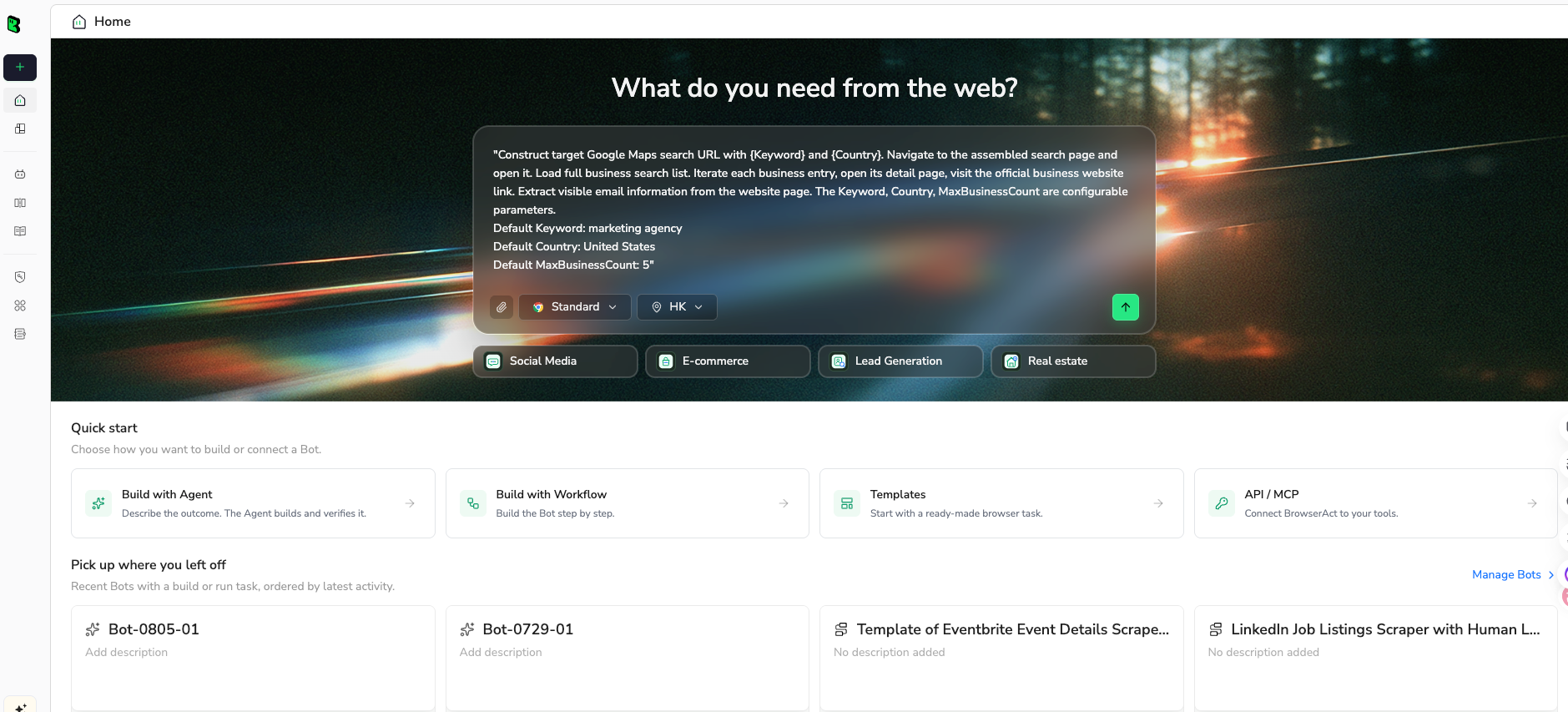
Click the left-side + button to create your own Bot, start from Quick start, or paste the prompt directly into the center Agent input to begin building.
2. Copy the complete prompt
Use this prompt to validate the dataset before wiring MCP tools or n8n nodes.
Build a read-only YouTube research-agent dataset from public or authorized visible pages.

Target:
[PASTE ONE]
- a YouTube search results URL
- a public channel URL
- a playlist URL
- a seed list of public video URLs
- a public video URL with comments or transcript visibility

Research goal:
Find YouTube videos relevant to [TOPIC / PRODUCT / COMPETITOR / MARKET] and return evidence that an agent or n8n workflow can score later.

Return up to 50 rows for the first test.

Fields:
- run_date
- source_type: search_results, channel, playlist, video, seed_list
- source_url
- query_or_seed
- video_title
- video_url
- channel_name
- channel_url_if_visible
- published_date_if_visible
- visible_view_count_if_visible
- transcript_available: yes, no, unknown
- comments_available: yes, no, unknown
- strongest_evidence_snippet
- suggested_agent_tool: search_youtube, get_transcript, get_comments, get_metadata, browser_visible_check
- relevance_score_1_to_5
- reason_for_score
- row_status: complete, partial, duplicate, gated, needs_review
- source_note

Rules:
1. Use only public or authorized visible data.
2. Do not log in unless I manually approve and complete the login step.
3. Stop and ask for manual help if YouTube shows login, CAPTCHA, 2FA, age confirmation, payment, private access, deleted video, disabled comments, disabled transcript, or restricted access.
4. Do not subscribe, like, comment, reply, upload, edit metadata, moderate, message, report, or change account settings.
5. Deduplicate by video_url.
6. Do not invent titles, metrics, transcripts, comments, dates, scores, or source URLs.
7. Mark uncertain rows as partial or needs_review.

Output:
- CSV-ready research table
- suggested MCP/n8n tool map
- list of rows that require human review
Scrape data from any website.
Describe the data you need. Get a Bot — a reliable, reusable scraper.
Prompt preview: validate a public YouTube research dataset, map each row to MCP or n8n tools, and export a review-ready table. Private session · Choose your region before you run
Get your Bot — Free3. Handle login only when asked
If YouTube shows login, CAPTCHA, 2FA, age confirmation, payment, private access, deleted videos, disabled comments, disabled transcripts, or restricted pages, BrowserAct should pause. Complete that step manually only when the account and target are authorized. The workflow should remain read-only.
4. Review, dedupe, and export
Review the first run before wiring the result into MCP or n8n.
video_url | transcript_available | comments_available | suggested_agent_tool | relevance_score | row_status |
video-url-1 | yes | yes | get_transcript, get_comments | 5 | complete |
video-url-2 | no | yes | get_comments, browser_visible_check | 3 | partial |
video-url-3 | unknown | unknown | human_review | gated |
Once the field logic is stable, save the run as a BrowserAct Workflow. If the research workflow belongs inside a scheduler, call it with BrowserAct CLI and send the rows into n8n, Sheets, or a database.
How to wire the full YouTube research agent
Step 1: Define the research question
Do not start with tools. Start with the decision:
- Which competitor videos are gaining traction?
- Which creator videos mention a product category?
- Which recent videos should a newsletter or sales team review?
- Which comments contain buying objections?
- Which transcripts contain a technical claim worth quoting?
The question decides which layer should run.
Step 2: Split collection by data object
Use API/MCP tools for stable supported objects. Use n8n for orchestration. Use BrowserAct for visible workflow validation or custom page paths.
Data object | Good first route |
Search result candidates | YouTube API or BrowserAct search validation |
Video metadata | YouTube API / MCP tool |
Transcript | YouTube transcript MCP or transcript workflow |
Comments | YouTube API, n8n comment workflow, or BrowserAct visible validation |
Channel shortlist | API plus BrowserAct review |
Scoring and summarization | n8n + LLM |
Storage | Google Sheets, warehouse, CRM, or database |
Step 3: Add review gates
The agent should not decide everything. Add review when:
- relevance score is low-confidence;
- transcript or comments are missing;
- the target is gated;
- the model cites a quote;
- the workflow would trigger account-changing behavior.
Step 4: Persist source evidence
Every row should preserve source_url, tool_used, run_date, schema_version, and row_status. That way, the agent's recommendation can be audited later.
Pro Tip: Store the prompt version with every scored row. If you change the relevance rubric next week, old scores and new scores need a visible boundary.
Tool selection guide
If your main problem is... | Best first route |
Agent needs standardized YouTube tools | YouTube MCP server |
Workflow should run every day or week | n8n |
You need official video/search/channel fields | YouTube Data API |
You need to validate browser-visible custom rows | BrowserAct Agent |
Same browser path should repeat | BrowserAct Workflow |
Approved workflow belongs in a controlled stack | BrowserAct CLI |
Conclusion
A YouTube MCP server can be a strong building block for an AI research agent, but it is only one layer. The reliable version combines MCP tools, n8n orchestration, API routes, browser-visible validation, source evidence, and human review gates.
Build the workflow around the research question. Then decide which layer owns search, transcripts, comments, scoring, storage, and review. If the browser path is still uncertain, validate it with BrowserAct before turning it into a scheduled agent workflow.
Further reading: YouTube data collection
Frequently Asked Questions
What is a YouTube MCP server?
It is an MCP server that exposes YouTube-related tools, such as search, metadata, transcript, or comment retrieval, to an AI agent or MCP client.
Is MCP the same as a YouTube scraper?
No. MCP is a tool interface standard; the server may call APIs, libraries, databases, or browser workflows depending on how it is implemented.
Should I use n8n or MCP for YouTube automation?
Use MCP when an agent needs callable tools; use n8n when the workflow needs scheduling, branching, Sheets, notifications, and repeatable orchestration.
Can BrowserAct work with a YouTube MCP or n8n workflow?
Yes. BrowserAct can validate public browser-visible data paths and export structured rows that later feed Workflow, CLI, n8n, or an MCP-backed agent.
What should a YouTube research agent store?
Store source URL, video title, channel, transcript/comment availability, evidence snippet, score, reason, schema version, tool used, and row status.
Can a YouTube research agent post comments or change my channel?
It should not unless separately authorized. Keep research agents read-only and stop at login, restricted access, or account-changing actions.


