YouTube Influencer Finder: Build a Creator List From Public Channel Data

A YouTube influencer finder should do more than return a pile of channel URLs. The real job is to build a creator shortlist your team can trust: relevant channels, recent videos, visible performance signals, contact readiness, brand-fit notes, and a clear reason each creator belongs on the list. That is why the best workflow starts with a qualification table. If the table cannot explain niche fit, upload recency, average views, language or region, sponsorship context, and evidence URLs, it is no
-
1A
YouTube influencer findershould produce a qualified creator shortlist, not just channel URLs: channel, niche, recent videos, visible reach, fit score, evidence URL, and outreach status. - 2This guide maps five routes: manual YouTube search, influencer discovery platforms, channel crawler databases, BrowserAct prompt-first workflows, and CLI/API pipelines.
- 3Use influencer platforms when you need audience demographics, campaign CRM, payment workflows, or managed outreach; use channel crawlers when YouTube-specific discovery and exports are the main job.
- 4Use BrowserAct when the creator brief is still changing, the team needs public source evidence, or you want to turn a one-off research prompt into a repeatable creator-list workflow.
- 5Keep the workflow read-only. Collect public or authorized visible data, stop at login/CAPTCHA/2FA/payment/private access, and do not automate outreach unless that action is separately approved.
What a YouTube influencer finder should actually find
Most teams start too broad. They type a niche into YouTube, open ten channels, copy links into a spreadsheet, and call it a creator list. That works for one campaign. It breaks as soon as someone asks why a creator was selected, whether the channel is still active, or whether the audience probably matches the buyer.
A useful YouTube creator list should include four layers:
- Discovery evidence: where the creator came from, such as YouTube search, a channel crawler, a competitor mention, a hashtag, a playlist, or an existing seed channel.
- Channel identity: channel URL, handle, channel name, description snippet, language, region if visible, and category.
- Performance signals: subscriber band, recent upload date, average visible views across recent videos, video frequency, comment activity, and breakout videos.
- Qualification notes: content fit, audience fit proxy, sponsorship context, contact availability, risk flags, and next action.
Here is the minimum schema I would use before sending anything to outreach:
Field | Why it matters |
| Makes the list auditable and refreshable. |
| Explains how the creator was discovered. |
| Human-readable creator identity. |
| Primary source evidence. |
| Helps dedupe and outreach matching. |
| Connects the creator to the campaign brief. |
| Rough reach proxy, not the final decision. |
| Shows whether the evaluation used enough content. |
| Better signal than subscriber count alone. |
| Filters inactive channels. |
| Prevents market mismatch. |
| Flags risky content or poor brand fit. |
| Shows whether the creator already covers the category. |
| Public email/social link found, not found, or needs manual review. |
| Lightweight internal score based on your rubric. |
| Complete, partial, duplicate, gated, or needs review. |
Five ways to find YouTube influencers
There is no single best discovery path. The right route depends on whether you need speed, audience intelligence, contact data, custom evidence, or repeatability.
Route | Best for | Strength | Limitation |
Manual YouTube search | Early niche exploration | Cheap and context-rich | Slow, inconsistent, hard to refresh |
Influencer platforms | Campaign teams needing demographics and CRM | Search, analytics, outreach, campaign management | Cost, closed data model, sometimes less flexible |
Channel crawler databases | YouTube-specific discovery and exports | Filters, saved searches, channel/contact exports | Data depends on provider coverage and credits |
BrowserAct Agent → Workflow | Custom public creator-list research | Flexible prompt, browser evidence, source-linked rows | Needs review before scheduling |
CLI/API pipeline | Recurring discovery or enrichment | Controlled automation and integrations | Requires stable schema and engineering ownership |
Route 1: Manual YouTube search
Manual search is still useful when you are entering a new niche. You see channel tone, thumbnails, comments, posting style, and sponsorship patterns that do not always fit neatly into a database filter.
Use manual search when:
- the niche vocabulary is still unclear;
- the product category is new;
- you need to inspect creative style and audience tone;
- you only need a small seed list.
The problem is consistency. Two researchers can search the same niche and produce different lists. If the campaign might repeat, manual research should become a documented workflow: exact queries, filters, fields, and scoring rules.
Route 2: Influencer discovery platforms
Influencer platforms are strongest when discovery is only one part of a bigger campaign system. Influencer Hero, for example, positions its YouTube influencer search around filters, analytics, lookalikes, audience data, contact details, campaign management, and report export.
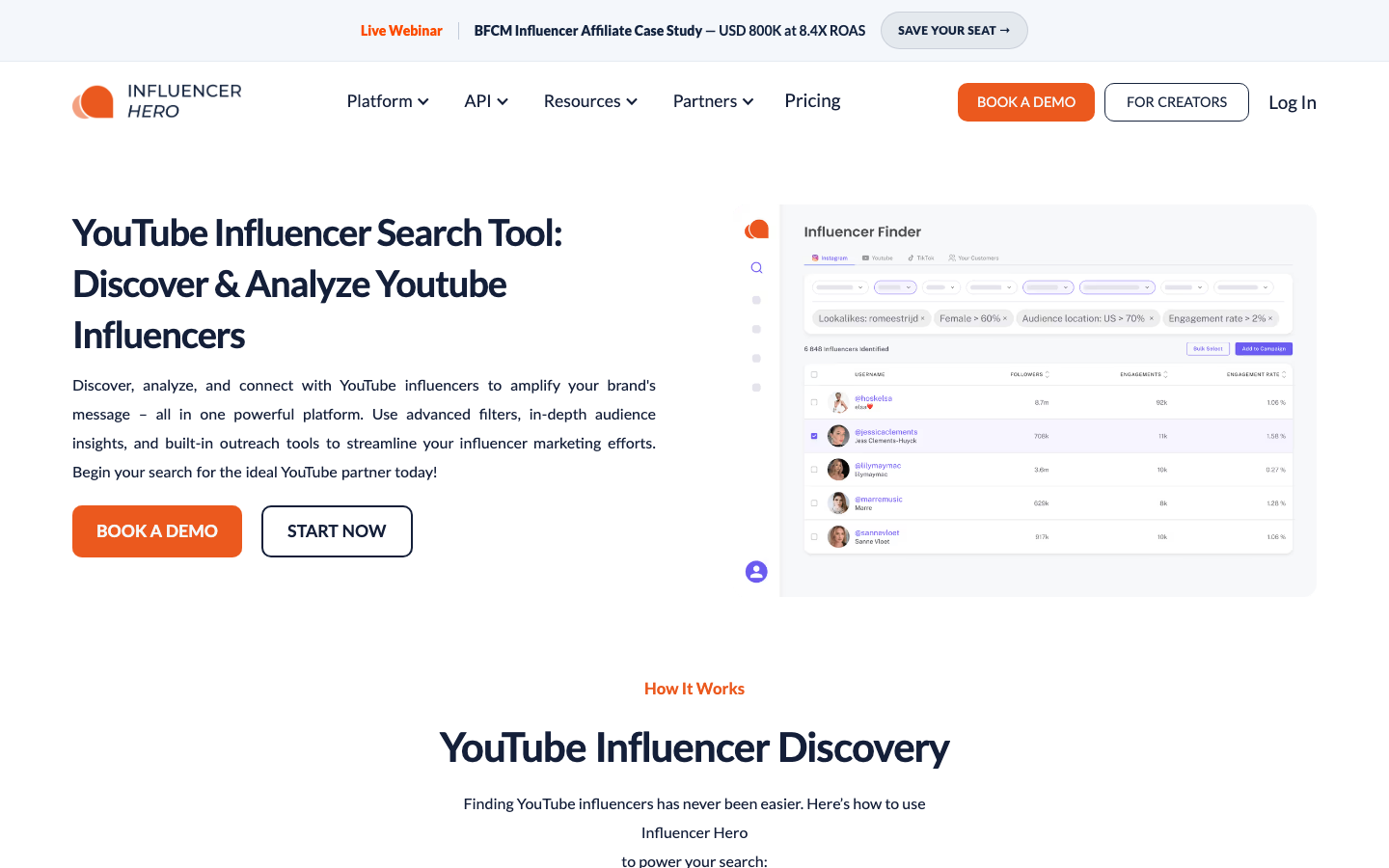
Use this category when you need:
- audience demographics;
- lookalike discovery;
- built-in outreach or CRM;
- campaign tracking;
- creator reports;
- team workflows for gifting, contracts, or payments.
The tradeoff is that these tools can be overkill if the immediate need is a source-linked research table. If your first task is “find 100 relevant channels from public YouTube data and explain why each one is a fit,” you may not need a full influencer marketing suite yet.
Route 3: YouTube channel crawler databases
ChannelCrawler’s guide describes a YouTube-specific discovery workflow: performance filters, AI categories, keyword mentions, saved channels, saved searches, CSV exports, contact data, and list hygiene. That is close to how influencer sourcing actually works because the tool is built around YouTube channels rather than generic social profiles.
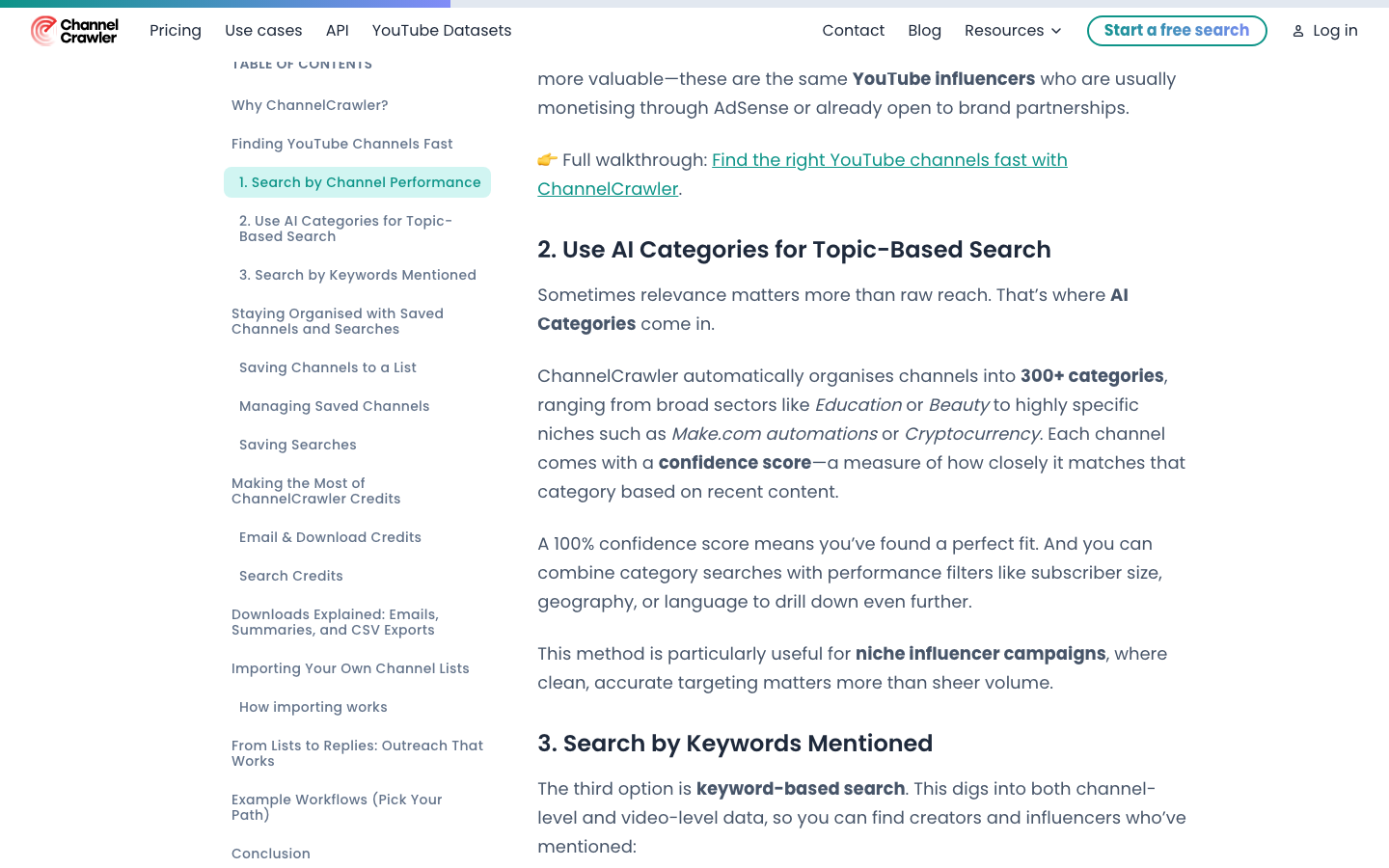
This route is useful when:
- YouTube is the primary platform;
- you need discovery filters such as topic, language, region, subscriber range, upload activity, or keyword mentions;
- you want saved searches and exportable lists;
- contact discovery is part of the workflow.
It still needs a qualification layer. A crawler can help you discover channels quickly, but the final shortlist should explain fit, risk, and next action in your own terms.
Route 4: Tool roundups and alternatives
Tool roundups can help you understand the market, but they are not a workflow by themselves. Simular’s YouTube influencer discovery tools page, for example, compares discovery tools around finding creators, vetting engagement, and running outreach.
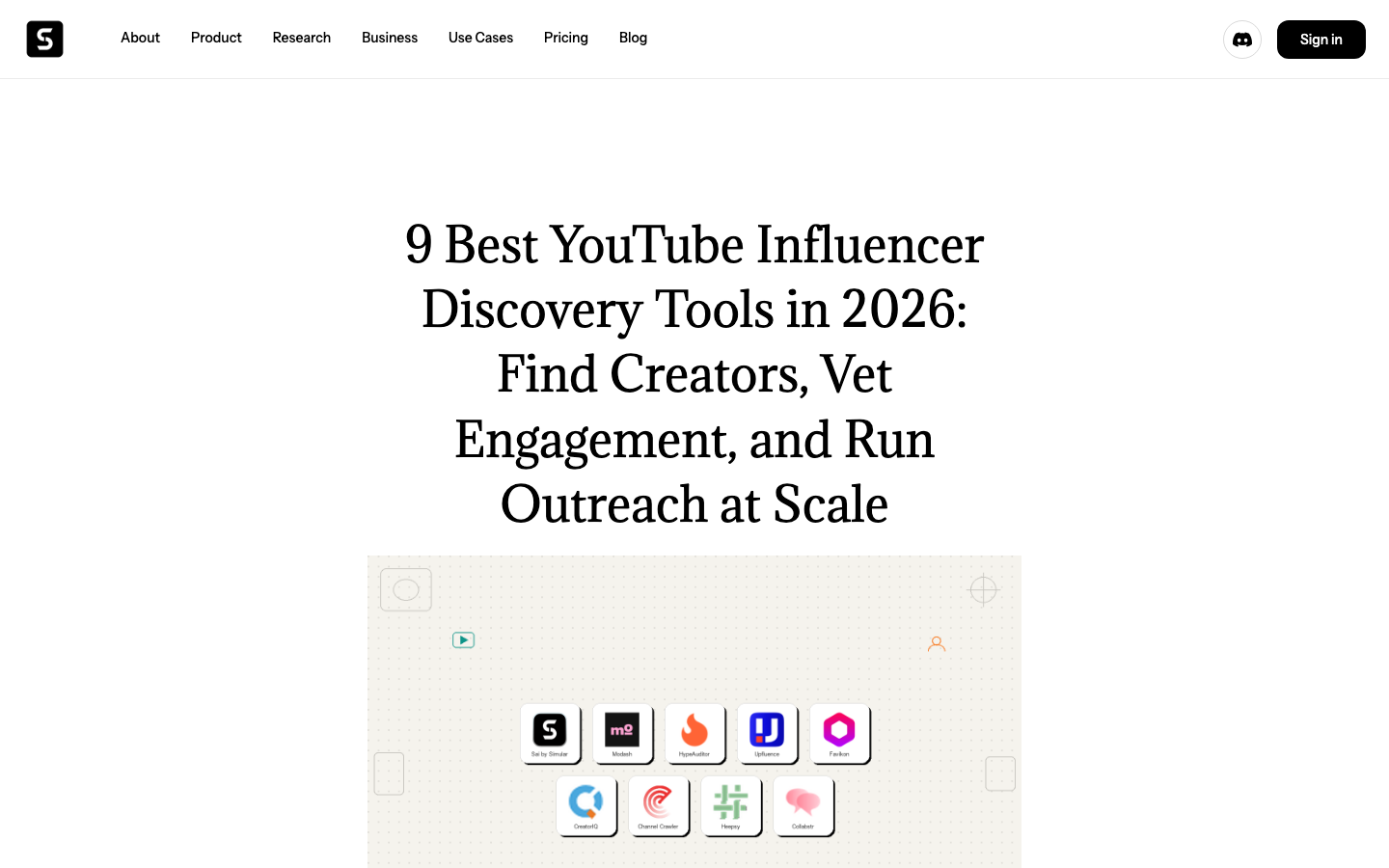
Use roundups to identify categories and vendors, then test one small creator brief against each tool. The test should be concrete:
- “Find 50 English-language YouTube creators who review AI productivity tools.”
- “Exclude inactive channels.”
- “Prioritize channels with recent videos and consistent views.”
- “Preserve source URLs and explain why each creator matches the campaign.”
If a tool cannot produce that table or explain its failure states, it is not ready for your campaign pipeline.
Route 5: Build a YouTube influencer finder workflow with BrowserAct
BrowserAct is a good fit when you need a custom creator list from public YouTube pages and the brief is still evolving. The BrowserAct YouTube Influencer Finder template is the closest existing asset for this topic, and the Social Media Finder template is a useful adjacent workflow when the research expands beyond YouTube.
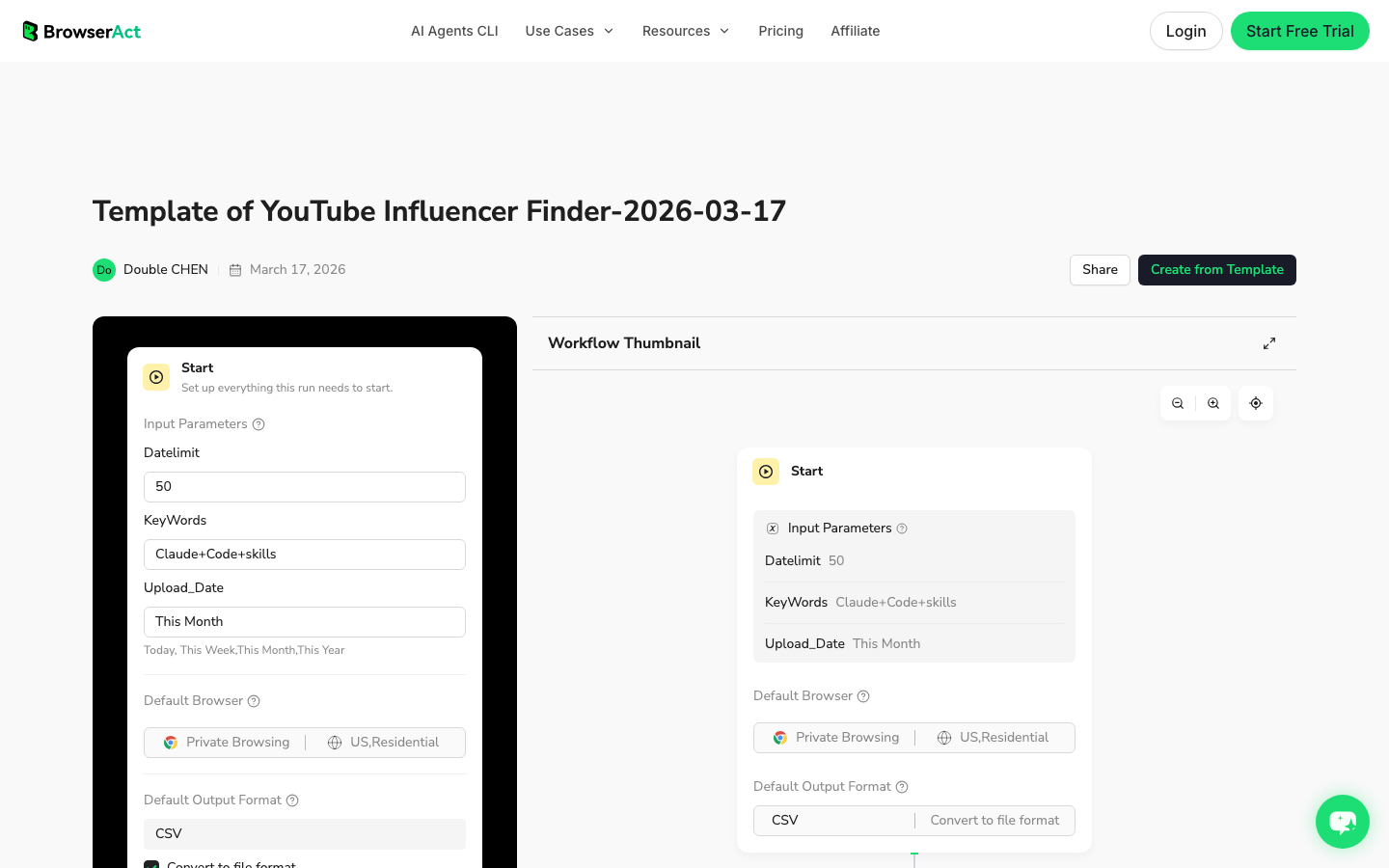
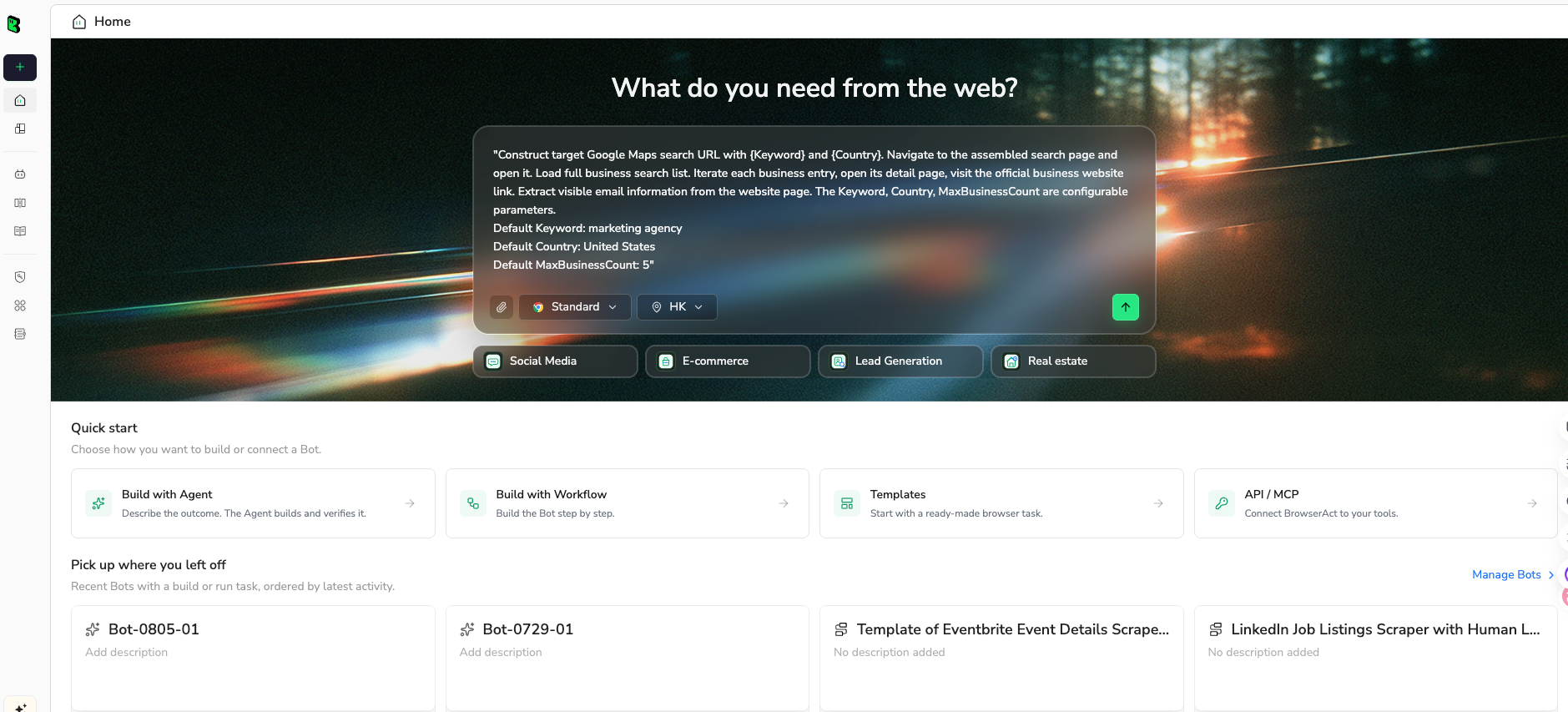
1. Open BrowserAct Dashboard
Click the left-side + button to create your own Bot, start from Quick start, or paste the prompt directly into the center Agent input to begin building.
2. Copy the complete prompt
Start with one niche and 50 candidate channels. The goal is to validate the rubric before scaling the list.
Build a read-only YouTube influencer finder table from public or authorized visible pages.

Target:
[PASTE ONE]
- a YouTube search results URL
- a public YouTube channel URL
- a seed list of public channel URLs
- a competitor video or playlist URL that may reveal relevant creators

Creator brief:
Find YouTube creators who may be relevant for [PRODUCT / CATEGORY / MARKET].

Return up to 50 candidate channels for the first test.

Fields:
- run_date
- source_type: search_results, seed_channel, competitor_video, playlist, manual_seed
- source_query_or_url
- channel_name
- channel_url
- handle_if_visible
- description_snippet_if_visible
- niche_or_topic
- language_or_region_if_visible
- subscriber_band_if_visible
- latest_upload_age_if_visible
- recent_video_count_sampled
- avg_visible_views_recent_videos
- strongest_recent_video_url
- comment_activity_note_if_visible
- sponsorship_or_competitor_note
- brand_safety_note
- contact_status: public_email_found, public_social_link_found, not_found, needs_manual_review
- fit_score_1_to_5
- reason_for_fit
- row_status: complete, partial, duplicate, gated, needs_review
- source_note

Rules:
1. Use only public or authorized visible data.
2. Do not log in unless I manually approve and complete the login step.
3. Stop and ask for manual help if YouTube shows login, CAPTCHA, 2FA, age confirmation, payment, private access, or account confirmation.
4. Do not subscribe, like, comment, message, email, report, or change account settings.
5. Deduplicate by channel_url or handle.
6. Do not invent subscriber counts, views, countries, emails, or sponsorship claims.
7. Mark uncertain or missing fields as partial or needs_review.

Output:
- CSV-ready creator shortlist
- 5-bullet summary of the strongest creator patterns
- list of rows that need manual review before outreach
Scrape data from any website.
Describe the data you need. Get a Bot — a reliable, reusable scraper.
Prompt preview: find public YouTube creators, collect channel evidence, score fit, mark contact status, and export a shortlist. Private session · Choose your region before you run
Get your Bot — Free3. Handle login only when asked
If YouTube shows login, CAPTCHA, 2FA, age confirmation, payment, or restricted access, BrowserAct should pause. Complete that step manually only when the account and target are authorized. The workflow should remain read-only: no subscribing, liking, commenting, messaging, emailing, reporting, or account changes.
4. Review, dedupe, and export
Review the first run before saving it as a workflow. The useful output is not just a channel list; it is a shortlist with evidence and status.
run_date | channel_name | channel_url | niche_or_topic | avg_visible_views_recent_videos | contact_status | fit_score_1_to_5 | row_status |
2026-08-27 | Example Creator | channel-url-1 | AI productivity | 18500 | public_email_found | 5 | complete |
2026-08-27 | Niche Studio | channel-url-2 | SaaS tutorials | 7200 | public_social_link_found | 4 | partial |
2026-08-27 | Review Channel | channel-url-3 | General tech | needs_manual_review | 3 | needs_review |
How to score YouTube creators
Do not let the tool decide fit for you. Use a simple rubric so every row is comparable.
Score area | What to inspect | Red flags |
Relevance | Recent videos match the product category and buyer language | Broad entertainment content with one accidental keyword hit |
Recency | Uploaded recently and consistently | No recent uploads or long gaps |
View consistency | Recent views are stable enough for the channel size | One viral video but weak baseline |
Audience proxy | Comments, language, region clues, channel description | Audience mismatch or unclear market |
Brand fit | Tone, production style, sponsorship history | Unsafe content, competitor exclusivity, low trust |
Outreach readiness | Public email/social link or clear manual next step | No contact route and no reason to pursue |
reason_for_fit as a required field. If the researcher cannot write one sentence explaining why a creator fits the campaign, the row should not move to outreach.
Recommended workflow by team type
For small marketing teams
Start with BrowserAct Agent or manual YouTube search to build the first 30–50 candidates. Keep the rubric simple: niche fit, recent videos, average views, contact status, and one source URL.
For agencies
Use channel crawler tools or influencer platforms for volume, then use a consistent qualification spreadsheet for each client. BrowserAct Workflow is useful when each client has a custom niche brief that repeats monthly.
For ecommerce brands
Use influencer platforms when campaign management, gifting, contracts, and payment tracking matter. Use BrowserAct for pre-campaign research, competitor creator discovery, and niche validation before buying a larger platform.
For data teams
Use BrowserAct CLI after the creator-list schema is approved. A scheduled workflow can feed a warehouse or CRM, while analysts handle scoring, dedupe, and outreach approvals downstream.
Conclusion
The best YouTube influencer finder is the one that gives your team an evidence-backed shortlist. Sometimes that is a full influencer platform. Sometimes it is a YouTube-specific channel crawler. Sometimes it is a BrowserAct workflow that turns a messy research brief into a repeatable table.
Start with the creator job, not the tool category. Define the fields, collect source evidence, score fit, separate uncertain rows, and only then move the best creators into outreach.
Further reading: YouTube data collection
Frequently Asked Questions
What is a YouTube influencer finder?
It is a workflow or tool that helps discover, qualify, and export YouTube creators for campaigns, partnerships, research, or outreach.
How do I find YouTube influencers in a niche?
Start with niche queries, seed channels, or competitor videos, then qualify creators by relevance, recency, average views, language, contact status, and fit score.
Should I use an influencer platform or a scraper?
Use a platform for audience analytics and campaign CRM; use a scraper workflow when you need a custom public-data shortlist with source evidence.
Can BrowserAct find YouTube influencers without code?
Yes, BrowserAct can run a prompt-first browser workflow to collect public channel evidence, score candidates, dedupe rows, and export a shortlist.
What fields should a creator shortlist include?
Include channel URL, niche, recent uploads, average visible views, subscriber band if visible, contact status, fit score, evidence URL, and row status.
Is it safe to automate influencer outreach?
Do not automate messages by default. Keep discovery read-only, review the shortlist manually, and only send outreach through an approved process.


