YouTube Shorts Scraper: Track Viral Formats, Creators and Trends

A YouTube Shorts scraper is not just a smaller YouTube video scraper. Shorts move faster, the signals are thinner, and the useful question is usually not “how many views did this one video get?” It is “which formats, creators, hooks, and topics keep showing up before everyone else copies them?” That is why a good Shorts workflow starts with a research table, not a download button. You need source URLs, creator handles, visible metrics, publish timing, topic notes, and a row status that tells the
-
1A
YouTube Shorts scrapershould collect public source evidence: Short URL, creator/channel, title or caption, visible views, publish age, duration if visible, topic, format notes, and row status. - 2This guide separates four routes: YouTube Studio analytics for owned Shorts, YouTube Data API for official video resources, prebuilt scraper APIs/actors, and BrowserAct prompt-first browser workflows.
- 3Use official YouTube analytics when you own the channel; use the YouTube Data API when its endpoints and quotas fit; use packaged APIs when you want predefined fields at scale.
- 4Use BrowserAct when the Shorts research question is still changing and the team needs a reviewable, source-linked dataset before scheduling the run.
- 5Do not promise private metrics. A safe Shorts scraping workflow should stay read-only, use public or authorized pages, stop at login/CAPTCHA/age gates, and mark missing fields instead of inventing them.
What is a YouTube Shorts scraper?
A YouTube Shorts scraper is a workflow that collects structured data from public Shorts pages, channel Shorts tabs, keyword results, or selected Short URLs. The output is usually a CSV, JSON, spreadsheet table, or database row set with video links, creator information, visible engagement, and research notes.
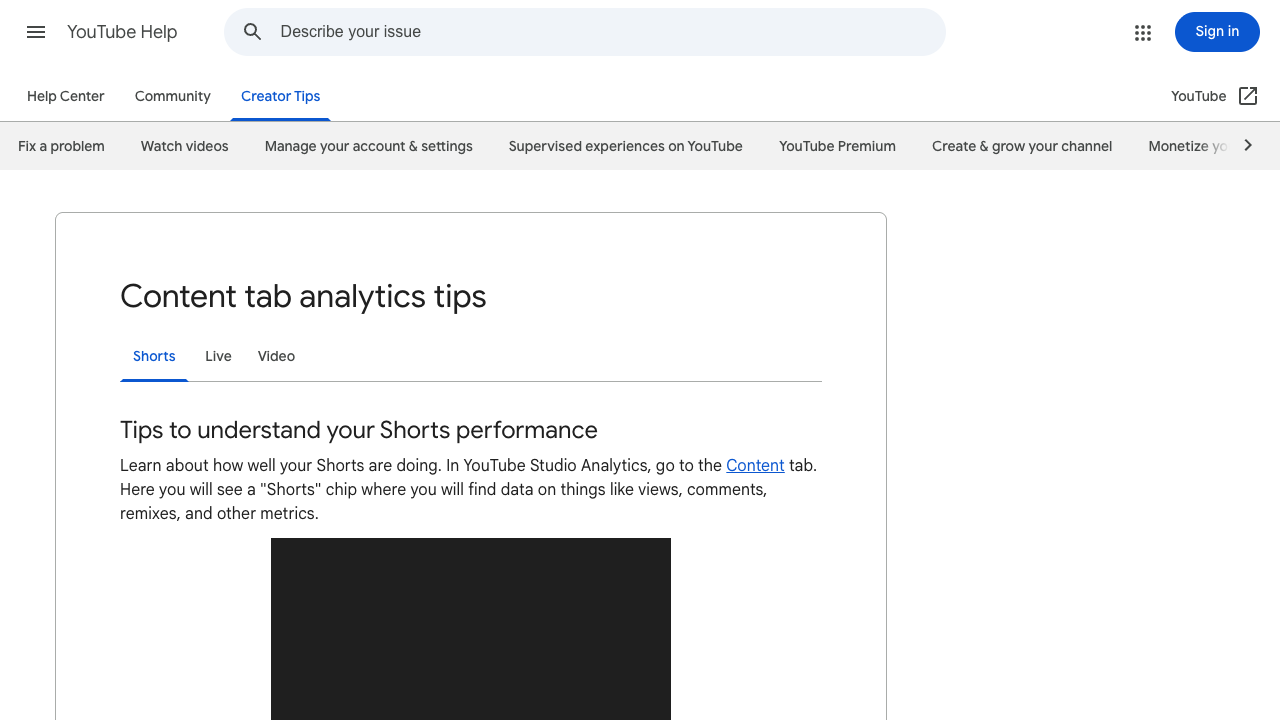
The important boundary is simple: a public Shorts scraper is not the same as YouTube Studio analytics. YouTube’s own Shorts analytics help page points creators to the Studio Content tab for metrics such as views, comments, remixes, and other Shorts performance data. A scraper should only collect public or authorized visible data unless the user explicitly provides access and approves that workflow.
That distinction matters because a marketer tracking competitor Shorts has a different job than a creator reviewing their own dashboard. The creator wants retention and owned performance. The researcher wants a comparable market table.
What should your Shorts dataset include?
The weakest Shorts exports are just URL lists. They are easy to collect and hard to use.
A useful Shorts dataset should let you answer three questions:
- Which Shorts are worth reviewing?
- Which creators and formats repeat?
- Which rows are reliable enough to use in reporting?
Field | Why it matters |
| Lets you compare the same watchlist over time. |
| Separates keyword search, channel Shorts tab, direct URL, playlist, or manual seed. |
| Preserves how the Short was discovered. |
| Keeps visible order when scraping a search result or channel tab. |
| Primary source evidence. |
| Helps dedupe and join with API data. |
| Main creative and topic signal. |
| Identifies the account behind the Short. |
| Makes creator follow-up possible. |
| Supports freshness and velocity checks. |
| Directional public reach signal. |
| Helps separate micro-clips, explainers, and longer Shorts. |
| Human-reviewed note: question, reveal, tutorial, reaction, comparison, mistake, list. |
| Human-reviewed note: talking head, screen recording, product demo, montage, interview, meme. |
| Groups Shorts into themes for content planning. |
| Notes whether the row looks like a breakout, repeat format, niche trend, or weak signal. |
| Complete, partial, duplicate, unavailable, gated, or needs review. |
| Explains missing fields or page quirks. |
hook_pattern and format_type as review fields, not magic AI conclusions. Browser automation can gather the public row. A human or a downstream model can classify the creative pattern after the source evidence is preserved.
Four ways to collect YouTube Shorts data
There is no single best route. The right path depends on whether you own the channel, need official endpoints, want a packaged API, or are still exploring the research question.
Route | Best for | Strength | Limitation |
YouTube Studio analytics | Owned-channel Shorts performance | Official creator metrics | Not for competitor/public market research. |
YouTube Data API | Programmatic video metadata and statistics | Official API surface | Quotas, endpoint structure, and Shorts-specific interpretation require care. |
Prebuilt scraper APIs/actors | Standardized Shorts extraction at scale | Fast setup with predefined fields | Less flexible when the schema or review logic changes. |
BrowserAct Agent → Workflow → CLI | Custom visible research and repeatable exports | Prompt-first, browser-visible, source-linked workflow | Requires review before turning an exploratory prompt into automation. |
Official route: YouTube Data API and Shorts analytics
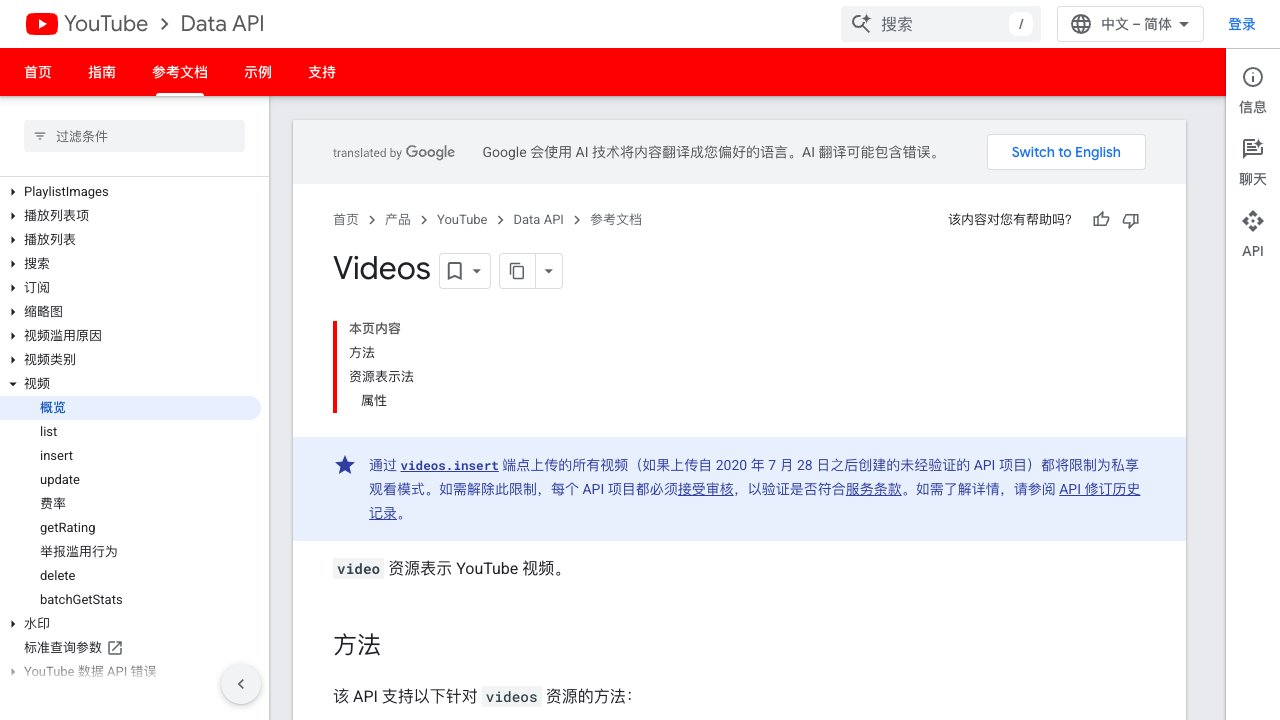
The official YouTube Data API is useful when you have video IDs, channel IDs, and a planned quota budget. Google’s videos.list documentation covers video resources, and the videos page notes that, starting March 31, 2025, Shorts viewCount returns the number of times a Short starts to play or replay with no minimum watch-time requirement.
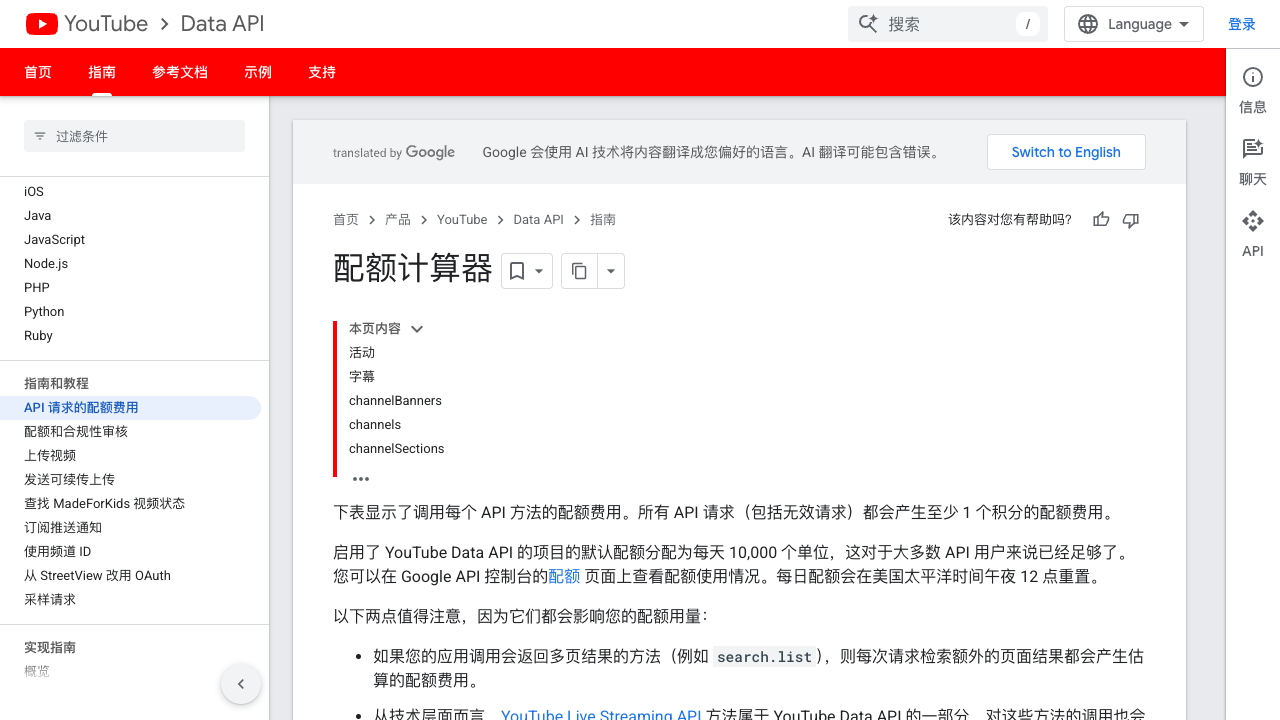
Google’s YouTube Data API quota page also documents that projects enabling the API have default limits, including a specific daily allocation for search.list calls and a broader daily unit pool for other endpoints. That means API-first Shorts research should be designed around the exact endpoints and pagination pattern, not around an unlimited “scrape everything” mindset.
Use the API route when:
- you already have stable video or channel IDs;
- you need an official programmatic interface;
- your engineering team can manage quota, caching, retries, and joins;
- you do not need the workflow to mirror the visible Shorts tab or search page exactly.
Use a browser workflow when:
- the target starts from a visible channel Shorts tab or keyword search;
- the analyst needs screenshots, source URLs, and row status;
- the fields are still being debated;
- the workflow includes qualitative notes such as hook pattern or format type;
- you want a no-code test before investing in an API pipeline.
Pro Tip: For Shorts trend research, do not force every job through search.list. If the business question starts from known creators, a channel/watchlist workflow can be cleaner than repeatedly searching broad keywords.
Packaged scraper route: Apify and Bright Data
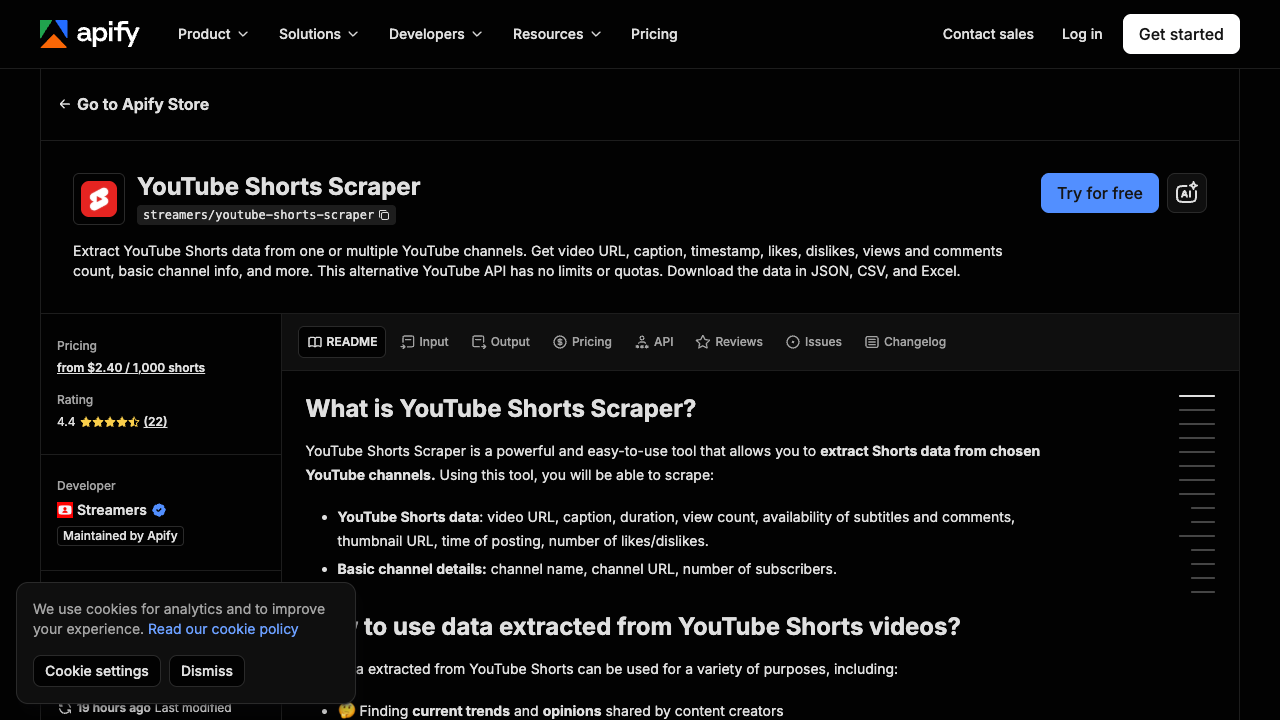
Packaged tools are useful when your fields match their fields. Apify’s YouTube Shorts Scraper page describes extracting Shorts data from channels, including video URL, caption, duration, view count, subtitles/comments availability, thumbnail URL, posting time, likes/dislikes, and basic channel details. The page also shows public marketplace signals such as rating, users, last modified time, and per-Short pricing.
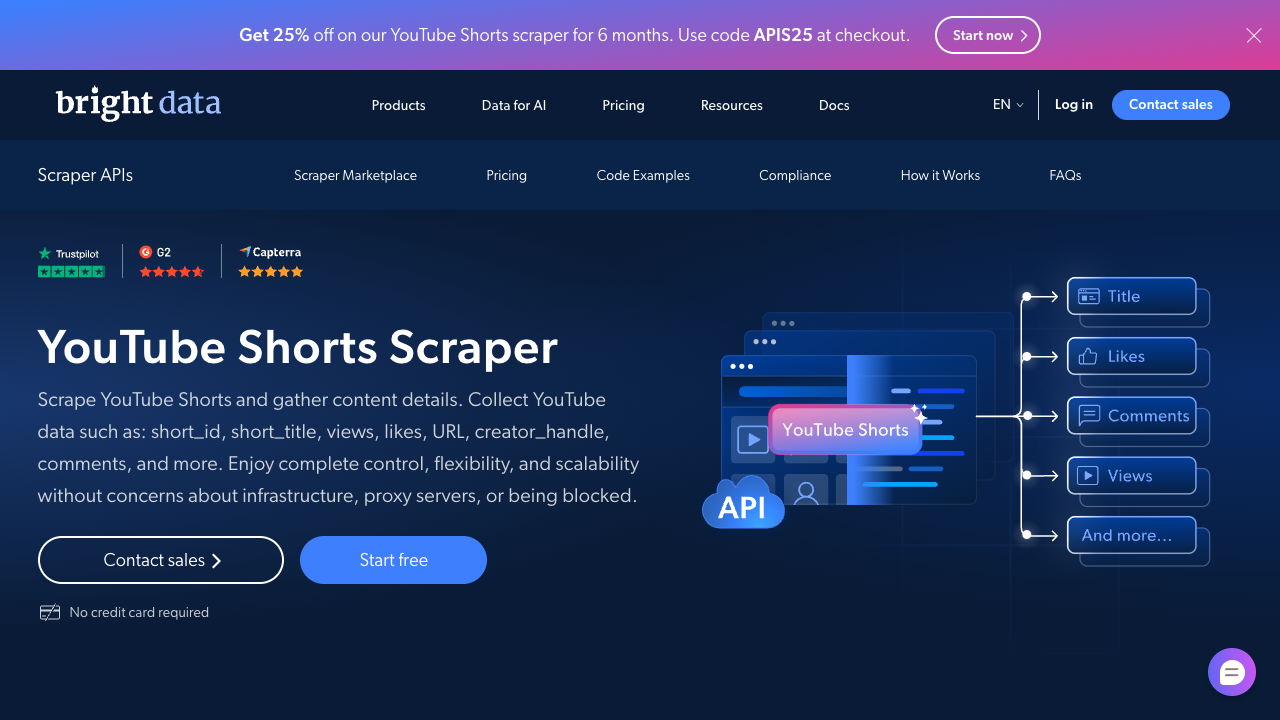
Bright Data’s YouTube Shorts Scraper page positions the route as either API-based or no-code and lists fields such as short ID, title, views, likes, URL, creator handle, and comments. It also separates a free tier from pay-as-you-go and scale plans.
These routes can be a good fit when:
- you want a vendor-maintained extractor;
- the output fields already match your schema;
- you need delivery through API, webhook, CSV, or JSON;
- you are comfortable with the vendor’s pricing and failure-state reporting.
BrowserAct is the better fit when the first question is still messy: “track Shorts about this topic, note the hook style, capture visible metrics, and mark anything that looks gated or unreliable.” That is a research brief, not a fixed API schema yet.
No-code route: build a Shorts research workflow with BrowserAct
For Shorts research, BrowserAct should start from the same place a researcher starts: a keyword result, a public channel Shorts tab, or a shortlist of Short URLs. The goal is not to “scrape YouTube” in the abstract. The goal is to collect a consistent table that answers a specific trend question.
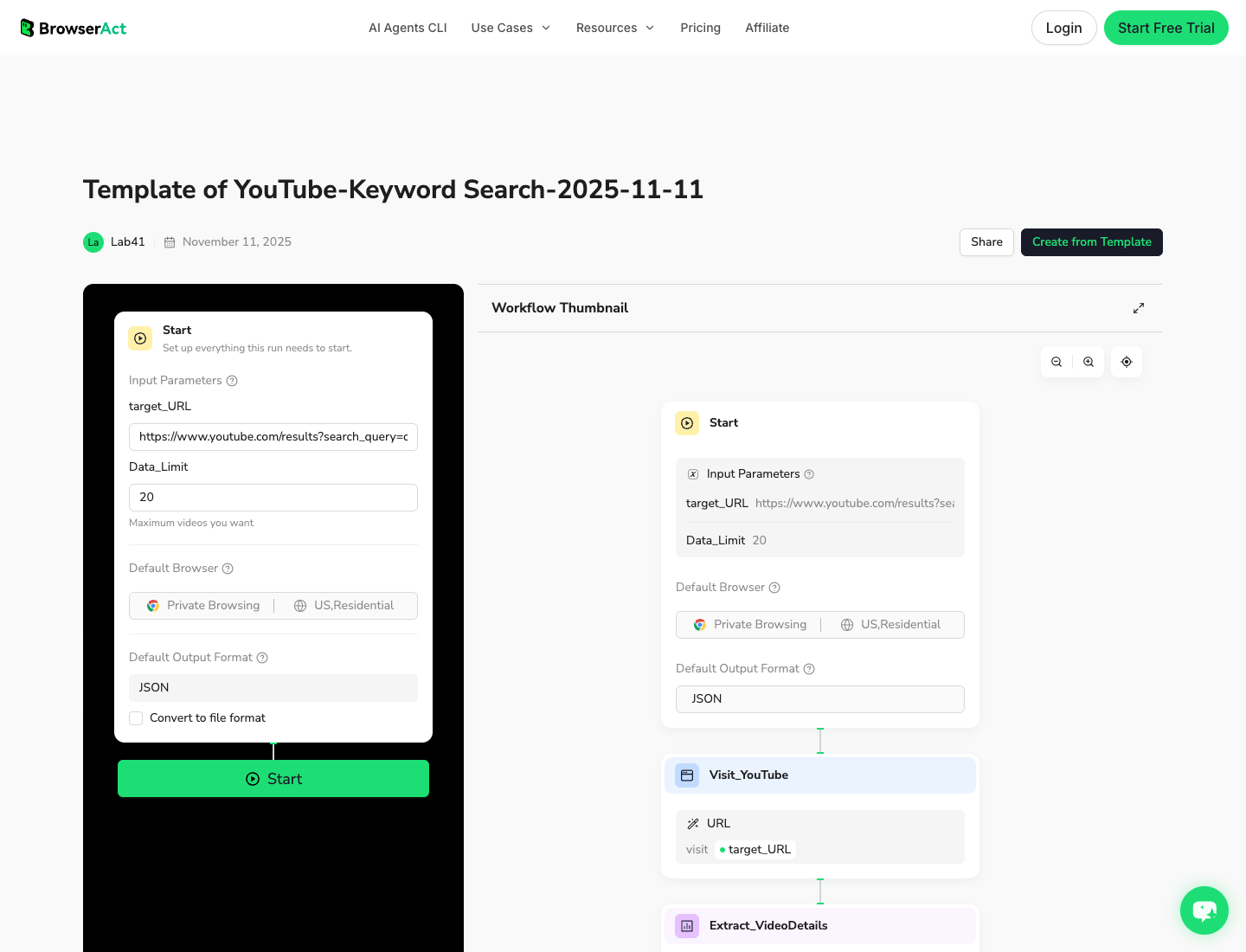
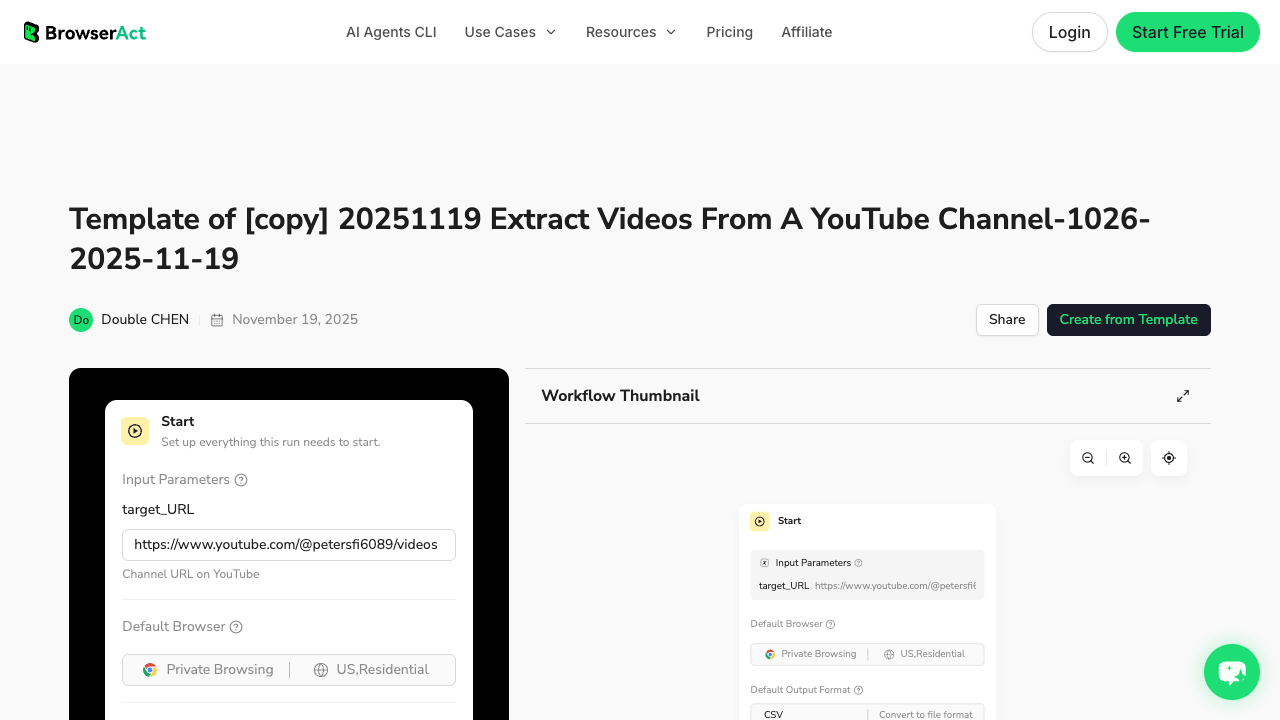
The BrowserAct YouTube Keyword Search template is the closest existing asset when the Shorts research begins from search demand. The YouTube channel scraper workflow is the better internal link when the job begins from creator watchlists.
1. Open BrowserAct Dashboard
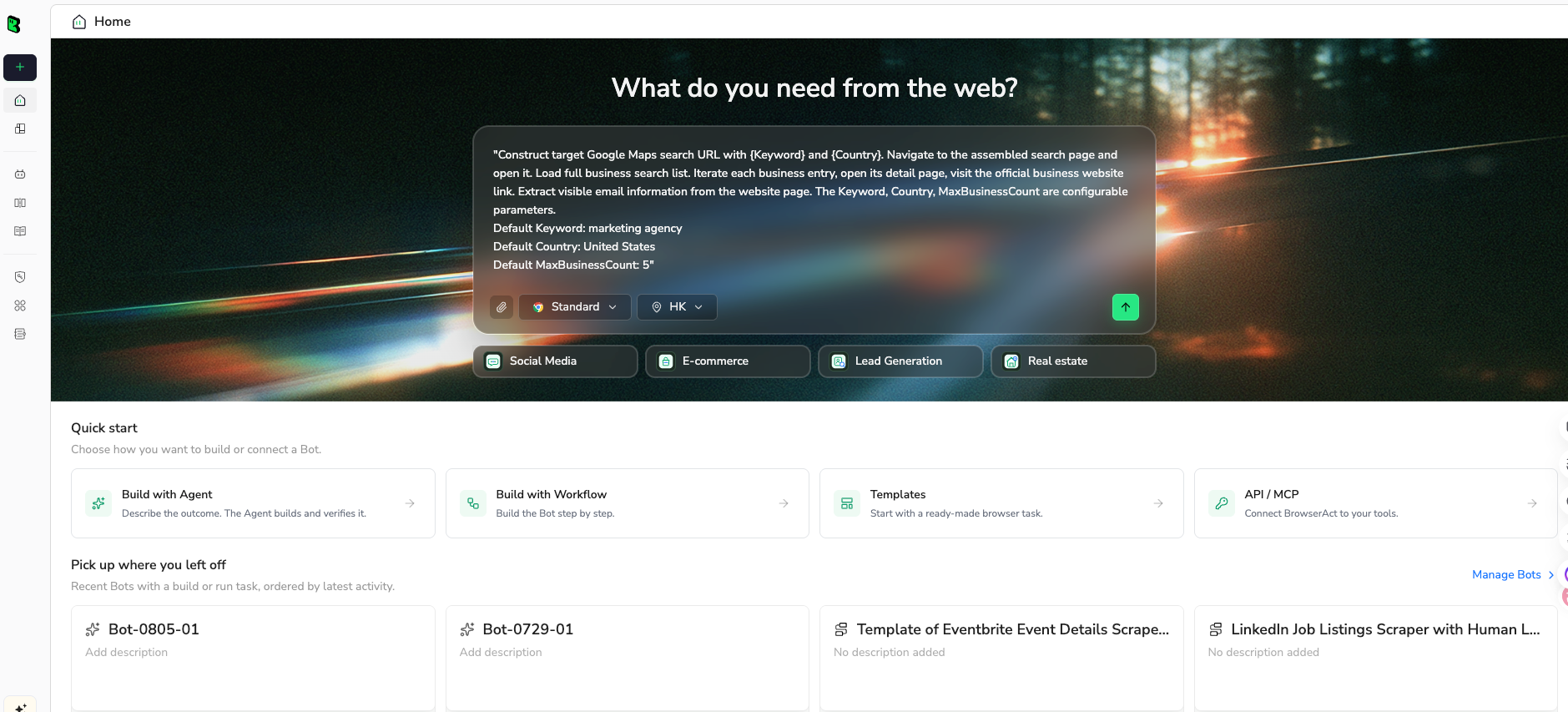
Click the left-side + button to create your own Bot, start from Quick start, or paste the prompt directly into the center Agent input to begin building.
2. Copy the complete prompt
Start with one target and 50 rows. After the schema looks clean, expand to more keywords, channels, or Shorts URLs.
Build a read-only YouTube Shorts research table from public or authorized visible pages.

Target:
[PASTE ONE OF THESE]
- a YouTube keyword search URL
- a public channel Shorts tab URL
- a list of public YouTube Shorts URLs

Research goal:
Find Shorts that may reveal repeatable formats, creator patterns, and topic trends.

Return up to 50 rows for the first test.

Fields:
- run_date
- source_type: keyword_search, channel_shorts_tab, direct_short_url, playlist, or manual_seed
- query_or_channel_url
- rank_or_position_if_visible
- short_url
- video_id if visible or derivable from the URL
- title_or_caption
- creator_name
- channel_url
- visible_age_or_publish_date
- view_count_if_visible
- duration_if_visible
- audio_or_sound_note_if_visible
- hook_pattern: question, reveal, tutorial, reaction, comparison, mistake, list, unknown
- format_type: talking_head, screen_recording, product_demo, montage, interview, meme, unknown
- topic_cluster
- trend_signal: breakout_candidate, repeat_format, niche_signal, weak_signal, needs_review
- row_status: complete, partial, duplicate, unavailable, gated, needs_review
- source_note

Rules:
1. Use only public or authorized visible data.
2. Do not log in unless I manually approve and complete the login step.
3. Stop and ask for manual help if YouTube shows login, CAPTCHA, 2FA, age confirmation, payment, private access, or account confirmation.
4. Do not like, subscribe, comment, post, message, report, or change account settings.
5. Deduplicate by short_url or video_id.
6. Do not invent views, dates, durations, channels, captions, audio, or engagement metrics.
7. Mark missing or uncertain fields as partial or needs_review.

Output:
- CSV-ready table
- 5-bullet summary of the strongest repeated formats
- list of rows that need manual review
Scrape data from any website.
Describe the data you need. Get a Bot — a reliable, reusable scraper.
Prompt preview: collect public YouTube Shorts URLs, creators, visible metrics, hook notes, trend signals, and row status. Private session · Choose your region before you run
Get your Bot — Free3. Handle login only when asked
If YouTube asks for login, CAPTCHA, 2FA, age confirmation, payment, or restricted access, BrowserAct should pause. Complete that step manually only if the account and target are authorized. The workflow should stay read-only: no liking, subscribing, commenting, messaging, reporting, or account changes.
4. Review, dedupe, and export
Review the first run before saving it as a workflow. The useful output is a table that separates public evidence from interpretation.
run_date | source_type | short_url | creator_name | view_count_if_visible | hook_pattern | format_type | trend_signal | row_status |
2026-08-26 | keyword_search | short-url-1 | Example Creator | 428000 | reveal | product_demo | breakout_candidate | complete |
2026-08-26 | channel_shorts_tab | short-url-2 | Example Channel | 73600 | tutorial | screen_recording | repeat_format | partial |
2026-08-26 | direct_short_url | short-url-3 | Example Studio | unknown | unknown | needs_review | needs_review |
How to turn Shorts rows into trend research
A Shorts scraper becomes valuable only after the team decides how to interpret rows. I like a three-layer model:
1. Discovery signals
Discovery fields answer: “What did we find?”
This includes source type, rank, URL, creator, title/caption, visible views, publish age, and source note. These fields should be collected as objectively as possible. They are the audit trail.
2. Creative signals
Creative fields answer: “What pattern does this Short use?”
This includes hook pattern, format type, topic cluster, audio note if visible, and thumbnail or frame notes if your workflow includes manual review. Do not over-automate this too early. A messy but honest needs_review label is better than a confident wrong classification.
3. Operating signals
Operating fields answer: “What should we do next?”
This includes trend signal, owner, review status, shortlist status, and whether the row should feed a brief, content calendar, creator outreach list, or weekly alert.
Pro Tip: Add one column named decision. Force the analyst to choose ignore, monitor, analyze, brief, or outreach. If every row is “interesting,” the dataset is not doing its job.
When to use Agent, Workflow, or CLI
BrowserAct has three product shapes that fit different moments in the Shorts workflow. Use them as a progression, not as three CTAs jammed into every paragraph.
Stage | BrowserAct mode | Best fit |
First test | Explore one keyword, channel Shorts tab, or URL list and adjust fields live. | |
Repeatable run | Save the approved schema for recurring creator or topic watchlists. | |
Scheduled pipeline | Trigger approved runs from a controlled campaign, database, or reporting stack. |
Common mistakes in Shorts scraping
The biggest mistake is treating Shorts data like a static video catalog. Shorts are a trend surface. The same query or channel can look different after a few days, across regions, or after YouTube changes how a shelf is displayed.
Mistake 1: collecting views without time context
A Short with 80,000 views after two hours is different from a Short with 80,000 views after six months. If the page only shows visible age, capture it. If exact publish date is not visible, mark the field partial.
Mistake 2: mixing owned analytics with public competitor data
Owned YouTube Studio metrics are not the same as public competitor signals. Keep those datasets separate, and do not imply that a public scraper can retrieve private retention or swipe-away metrics.
Mistake 3: skipping row status
Every automated dataset needs a truth column. complete, partial, gated, duplicate, and needs_review are not bureaucratic extras. They prevent bad rows from quietly entering a report.
Mistake 4: scraping too broadly before the schema is proven
Do one keyword or one channel first. Validate columns. Remove columns nobody uses. Then scale. BrowserAct Agent is useful here because the first run is exploratory; Workflow and CLI belong after the schema is approved.
A practical first-week plan
If you are building this for a marketing or research team, do not start with 10,000 Shorts. Start with a watchlist.
- Pick 5 topic keywords and 10 creator/channel URLs.
- Run one BrowserAct Agent test on a single keyword and one channel Shorts tab.
- Review 50 rows and remove fields that do not drive decisions.
- Save the approved schema as a BrowserAct Workflow.
- Run the workflow weekly for 4 weeks.
- Compare repeated creators, formats, hooks, and topic clusters.
- Promote only the stable patterns into briefs, experiments, or outreach lists.
That gives you a trend loop instead of a vanity export.
Conclusion
A YouTube Shorts scraper is worth building when it creates a reliable research table: source URLs, public metrics, creator context, trend notes, and honest row status. Use YouTube Studio when you own the channel. Use the YouTube Data API when official endpoints fit the job. Use packaged scrapers when their fields match your schema.
Use BrowserAct when the work starts as a research question: “Find the Shorts, preserve the sources, classify the pattern, and turn the approved run into a workflow we can repeat.”
Turn a Shorts research brief into a repeatable dataset.
Start with Agent while the schema is changing, save the approved run as Workflow, and trigger scheduled refreshes with CLI when the dataset belongs in your reporting stack.
Use BrowserAct AgentAutomate with CLI →Further reading: YouTube data collection
Frequently Asked Questions
Can I scrape YouTube Shorts?
You can collect public or authorized visible Shorts data, but the workflow should stay read-only and stop at login, CAPTCHA, age gates, or restricted access.
Does the YouTube Data API have a Shorts endpoint?
YouTube Data API works with video resources; Shorts-specific research often needs careful filtering, URL context, and public-page evidence.
What fields should a YouTube Shorts scraper collect?
Start with Short URL, creator, channel URL, title or caption, visible views, publish age, duration if visible, hook notes, trend signal, and row status.
Can a Shorts scraper get private YouTube Studio metrics?
No. Public scraping should not claim private retention, swipe-away, or owned-channel analytics unless the account owner authorizes that data source.
Is BrowserAct better than a YouTube Shorts API?
BrowserAct is better for exploratory, visible-page research; an API is better when you already have stable IDs, endpoints, quota planning, and fixed fields.


