Top 20 MCP Tools to Supercharge Your AI Workflow in 2026

MCP Tools: 1. BrowserAct MCP Server 2. GitHub 3. Sequential Thinking 4. Puppeteer 5. Slack 6. Discord 7. PostgreSQL 8. Supabase 9. SQLite 10. Notion & 10 more.
Ever wished your AI assistant could actually do things—not just talk about them? You're not alone. While ChatGPT and Claude excel at answering questions, they've been frustratingly limited when it comes to taking real action. Need to scrape competitor pricing? Extract data from multiple websites? Update your database? Until recently, you'd have to manually copy-paste information or build custom integrations for every single task. That's where Model Context Protocol (MCP) changes everything.
Model Context Protocol is an open standard that allows AI assistants to securely connect with external tools, databases, and services through a unified interface. Before MCP, every AI model needed separate custom code to integrate with each tool—creating what developers call the "NxM problem." If you had 10 AI models and 20 tools, you'd need 200 different integrations. MCP eliminates this complexity by providing a single standardized protocol. Developers implement MCP once, and their AI instantly gains access to an entire ecosystem of pre-built connections. MCP has rapidly become the industry standard for connecting AI to real-world systems.
This guide presents the top 20 MCP tools that are transforming professional workflows in 2025. We've organized them by category—web automation, developer tools, databases, team collaboration, and more—so you can quickly find what you need. Each tool was selected based on active usage in the MCP community, proven reliability, and practical business value. Whether you're a developer automating GitHub workflows, a marketer gathering competitive intelligence, or a team leader streamlining operations, you'll find production-ready tools with clear setup instructions and real use cases.
Web Automation & Data Extraction
1. BrowserAct – AI Web Scraping & Browser Automation ⭐ #1 Pick
Why BrowserAct Ranks #1
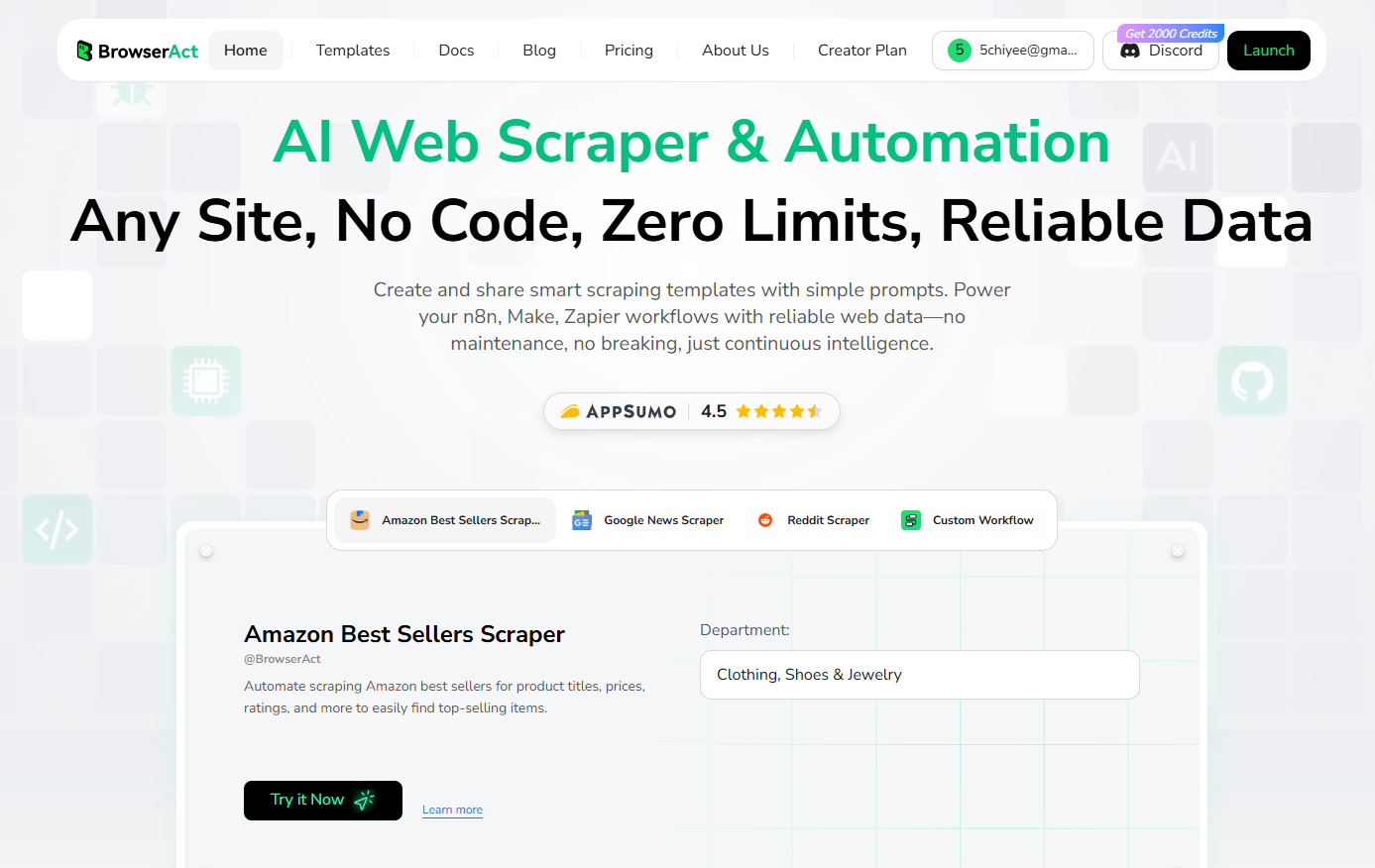
BrowserAct stands out as the most powerful MCP tool for web automation because it's the only solution that combines natural language browser control with truly zero-maintenance workflows. Unlike traditional scraping tools that break when websites change, BrowserAct uses AI to adapt automatically. You can convert any workflow into an MCP tool that works seamlessly across Claude, ChatGPT, Cursor, and other AI assistants—giving you universal compatibility that other tools can't match.
Key Features
- Free to Use – Start automating immediately with 100 free daily credits. No credit card required to begin.
- Natural Language Workflow Creation – Build complex automations by simply describing what you want in plain English. No coding required.
- 24/7 Cloud-Based Execution – Your automations run continuously in the cloud without requiring your computer to stay online.
- Advanced Anti-Bot Detection – Effortlessly bypasses Cloudflare, reCAPTCHA, and other verification systems using human-like interactions.
- Global Residential IP Coverage – Access geo-restricted content from anywhere with a network of real residential IPs that websites trust.
- Multi-Platform Integration – Beyond MCP support, integrates directly with automation platforms like n8n, Make, and Zapier for maximum versatility.
- Pre-Built Templates – Get started instantly with ready-made templates for Reddit scraping, Amazon product data, Google News extraction, and more.
- Advanced Loop & Pagination Handling – Automatically navigate through multi-page results and extract data from list pages to detail pages.
- Human-Like Interaction – Mimics real user behavior with randomized timing, mouse movements, and scrolling to avoid detection.
Perfect For
BrowserAct excels in scenarios where you need reliable, large-scale web data extraction:
- E-commerce Price Monitoring – Track competitor pricing across multiple sites automatically
- Lead Generation – Extract job listings, company contacts, and business intelligence at scale
- Market Research – Gather product reviews, social media data, and consumer sentiment
- Competitor Analysis – Monitor competitor websites, product launches, and marketing campaigns
- Content Aggregation – Collect news articles, blog posts, and industry updates from multiple sources
Setup Difficulty
Easy (visual workflow builder)
Pricing
Free tier includes 100 daily credits; paid plans start at $13/mo.
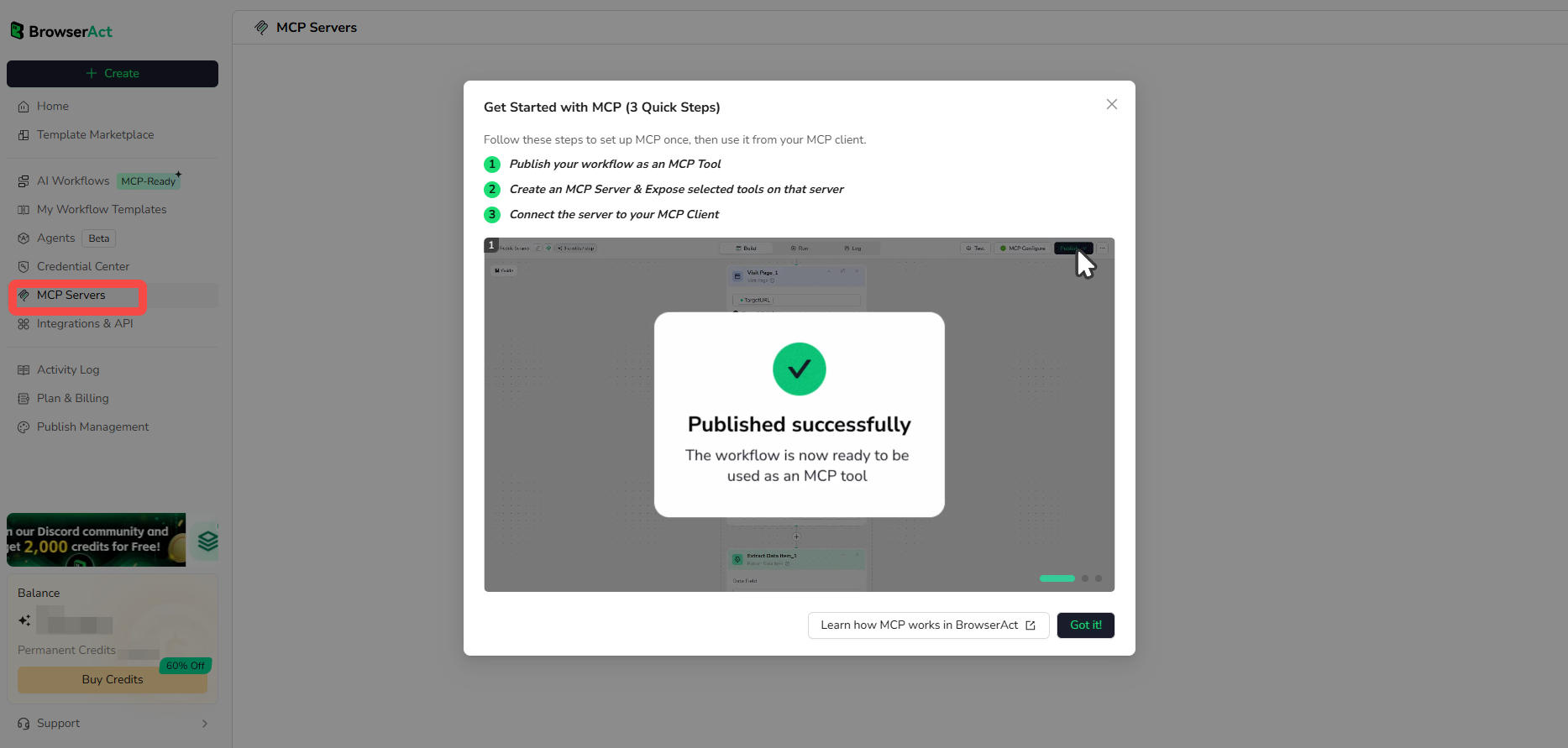
Ready to automate your workflows? Start using BrowserAct for free and transform your AI assistant into a powerful automation engine. For step-by-step instructions on setting up BrowserAct as an MCP server, check out our complete MCP integration guide.
Developer Tools
2. GitHub MCP Server – Code Repository Management
The GitHub MCP Server brings direct repository management into your AI assistant, eliminating the need to switch between your IDE and GitHub's web interface. You can create issues, review pull requests, and manage commits using natural language commands—streamlining your entire development workflow. For teams managing multiple repositories or open-source projects, this integration is transformational.

Key Features
- Repository Operations – Clone, fork, and create repositories directly through your AI assistant
- Issue and PR Management – Create, update, and close issues; review and merge pull requests with natural language
- Commit History & Branch Operations – Browse commit history, create branches, and manage version control
- Code Search Across Repositories – Search through code, issues, and documentation across all your repos
- Automated Workflows – Trigger GitHub Actions and automate repetitive repository tasks
Perfect For
- Software development teams coordinating code reviews
- Open-source maintainers managing community contributions
- DevOps engineers automating deployment workflows
Setup Difficulty
Medium
Pricing
Free and open-source (MIT License)
3. Sequential Thinking MCP – Structured Problem Solving
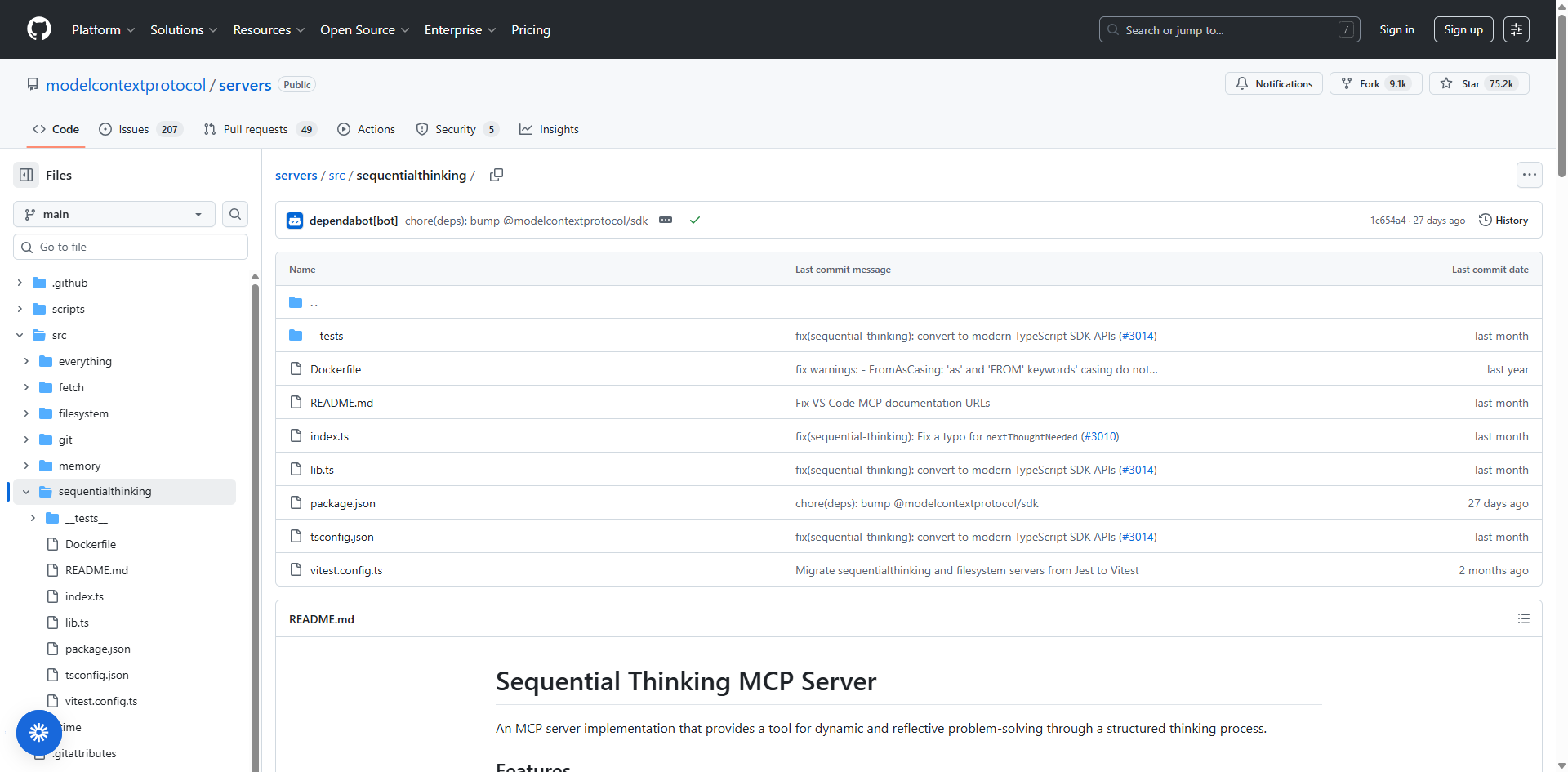
Sequential Thinking MCP transforms how AI assistants approach complex problems by breaking them into logical, step-by-step processes. Instead of jumping straight to code, it mimics how senior engineers think—defining requirements, planning architecture, considering edge cases, and then implementing solutions methodically. This approach is invaluable for architectural design and large-scale system decomposition.
Key Features
- Multi-Phase Planning Support – Breaks projects into design, implementation, testing, and deployment phases
- Logical Task Breakdown – Decomposes complex problems into manageable, sequential steps
- Step-by-Step Execution Tracking – Monitors progress through each phase with clear checkpoints
- Architectural Reasoning – Considers system design, scalability, and maintainability before coding
- Thought Revision – Allows dynamic adjustment and refinement of reasoning paths
Perfect For
- Software architects designing large-scale systems
- System designers planning microservices architectures
- Engineers tackling complex refactoring projects
Setup Difficulty
Easy
Pricing
Free and open-source (MIT License)
4. Puppeteer MCP – Advanced Browser Automation
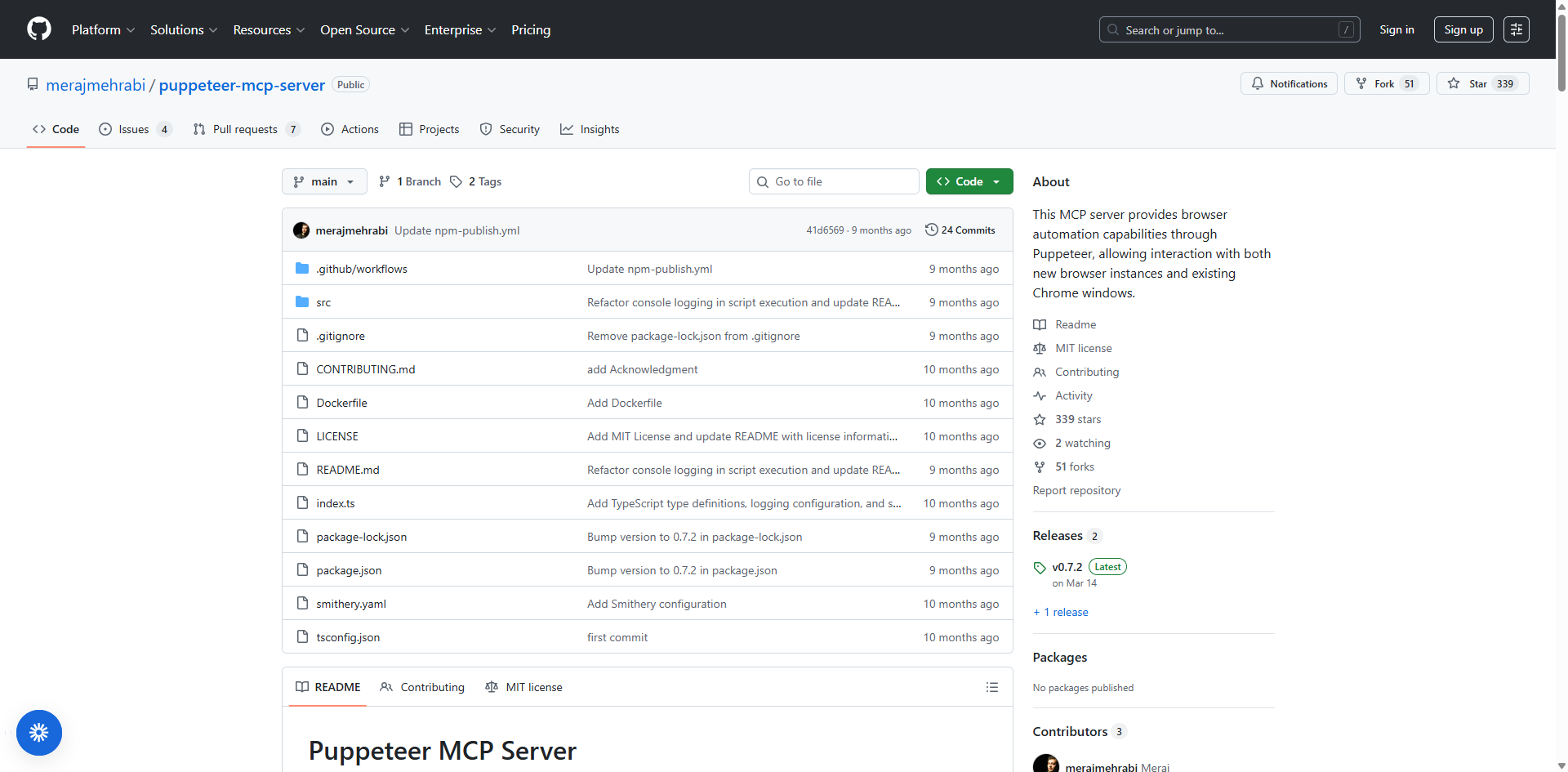
Puppeteer MCP leverages Google's battle-tested Puppeteer library to give your AI assistant sophisticated browser control capabilities. Unlike simpler automation tools, it provides low-level access to Chrome DevTools Protocol, enabling advanced UI testing, performance monitoring, and complex web scraping scenarios that require JavaScript rendering and dynamic interactions.
Key Features
- Full Browser Automation – Complete control over headless Chrome for complex workflows
- Screenshot and PDF Generation – Capture page screenshots and generate PDFs programmatically
- Network Monitoring – Intercept and modify network requests, monitor API calls
- Cookie and Session Management – Handle authentication, maintain sessions across requests
- JavaScript Execution – Run custom JavaScript in page context for advanced interactions
- Multi-Environment Support – Local development, Docker containers, and cloud deployment options
Perfect For
- Frontend engineers automating testing workflows
- QA teams building comprehensive UI automation suites
- Technical users requiring advanced web scraping with JavaScript support
Setup Difficulty
Medium
Pricing
Free and open-source (MIT License).
Communication & Collaboration
5. Slack MCP Server – Team Communication Hub
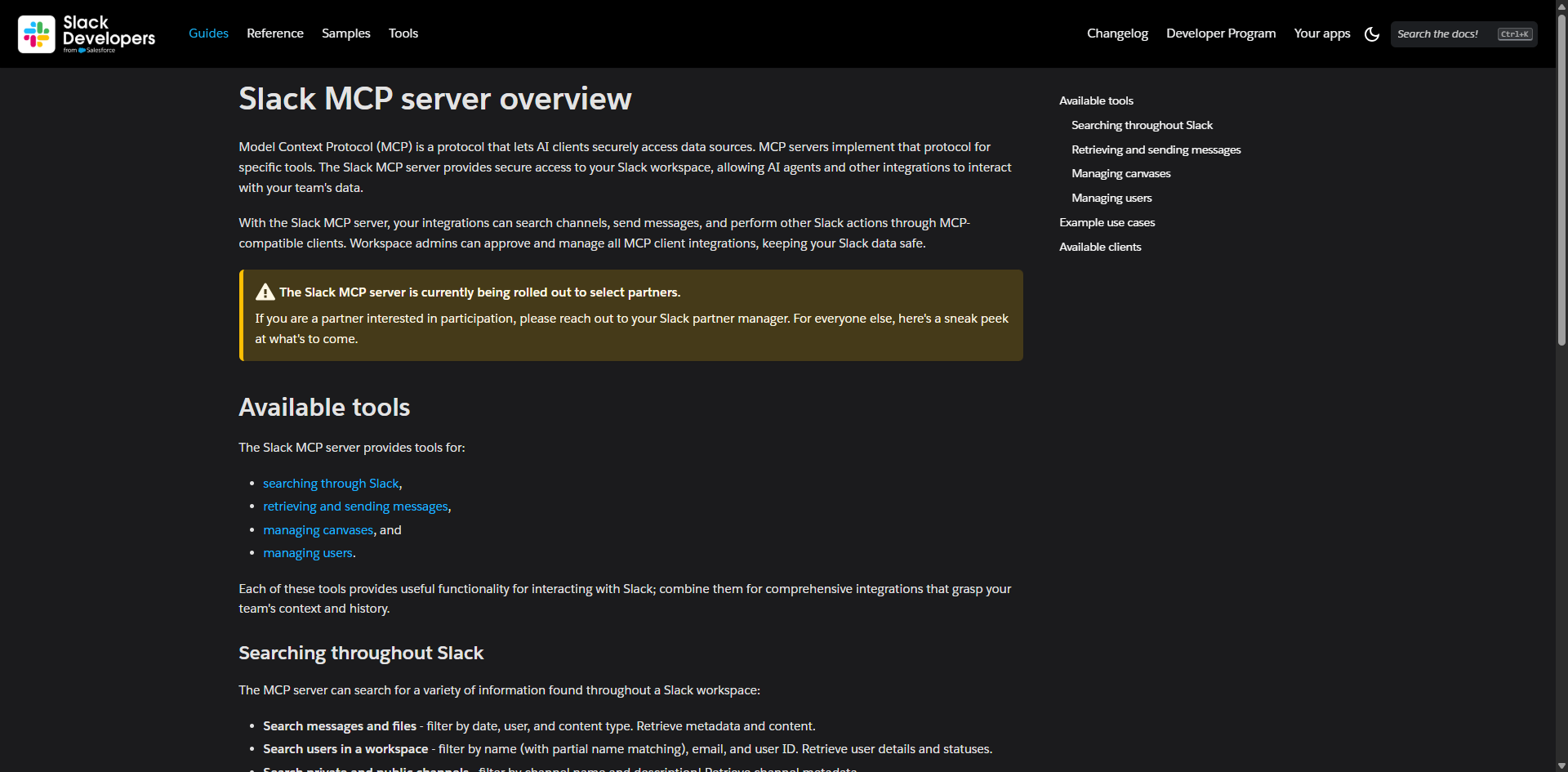
Slack MCP Server transforms your workspace into an AI-powered collaboration center, enabling seamless integration between your AI assistant and team communications. The most popular implementation by Dmitrii Korotovskii has become the de facto community standard with over 9,000 active users, offering both stealth and OAuth modes for maximum flexibility.
Key Features
- Channel Management – List public/private channels, DMs, and group DMs with complete workspace visibility
- Smart Message History – Fetch messages by date ranges (1d, 7d, 30d, 90d) or specific message counts with intelligent pagination
- Message Operations – Post messages with rich formatting, reply to threads, and manage conversations
- Thread Management – Read and participate in threaded conversations with full context preservation
- User Profile Retrieval – Access complete user information including custom fields and status updates
- Emoji Reactions – Add reactions to messages for quick acknowledgments
- Search Capabilities – Search messages across channels using filters for date, user, and content
- Multiple Transport Options – Supports Stdio, SSE, and HTTP transports for flexible deployment
- Enterprise Support – Compatible with Enterprise Slack workspaces for large organizations
Perfect For
- Development teams coordinating code reviews and deployments
- Remote collaboration across distributed teams
- Automated notification systems and alerts
- Support teams managing customer inquiries
- Community managers monitoring discussions
Setup Difficulty
Medium
Pricing
Free and open-source (MIT License). Multiple implementations available, including the popular Korotovskii server and official Slack MCP server.
6. Discord MCP Server – Community Management
Discord MCP Server enables comprehensive Discord automation through the Model Context Protocol, allowing AI assistants to become active participants in your community. Multiple implementations exist, with Barry Yip's version standing out for its comprehensive feature set including webhook and forum management capabilities.

Key Features
- Full Channel Management – Create, read, update, and delete channels with complete CRUD operations
- Message Operations – Send messages, edit content, delete posts, and manage conversations
- Thread Support – Read and reply to message threads for organized discussions
- Forum Management – Create and manage forum channels for structured community discussions
- Webhook Integration – Set up and manage webhooks for automated notifications
- User Management – Retrieve user profiles and information by username or ID
- Private Messaging – Send, edit, and delete private messages to specific users
- Server Information – Access detailed Discord server metadata and settings
- Event Scheduling – Coordinate community events and announcements
- Content Moderation – Automate moderation tasks and community management
Perfect For
- Gaming communities managing events and player interactions
- Developer communities coordinating open-source projects
- Online course communities facilitating student discussions
- NFT and crypto communities managing member engagement
- Content creator communities building audience relationships
Setup Difficulty
Medium (requires Discord bot token creation)
Pricing
Free and open-source (MIT License). Multiple implementations available with Docker support for easy deployment.
Database & Data Management
7. PostgreSQL MCP Server – Database Powerhouse
PostgreSQL MCP Server transforms your AI assistant into a database expert, providing comprehensive access to PostgreSQL databases with advanced analysis and optimization capabilities. Multiple implementations exist, with Postgres MCP Pro standing out for its production-ready features including index tuning and performance analysis.
Key Features
- Natural Language Database Queries – Execute SQL through conversational commands without writing complex syntax
- Advanced Schema Intelligence – Context-aware SQL generation based on actual database structure and relationships
- Database Health Analysis – Comprehensive monitoring of index usage, buffer cache hit rates, connection utilization, and replication lag
- Index Tuning with AI – Industrial-strength algorithms that explore thousands of possible indexes to optimize query performance
- Query Plan Analysis – Review EXPLAIN plans and simulate hypothetical indexes before implementing changes
- Full CRUD Operations – Complete Create, Read, Update, Delete capabilities with transaction support
- Safe SQL Execution – Configurable access controls including read-only mode for production safety
- Multi-Schema Support – Navigate and manage multiple database schemas efficiently
- Performance Monitoring – Track query execution time, identify bottlenecks, and optimize slow queries
Perfect For
- Data analysts querying complex datasets
- Backend developers building database-driven applications
- Database administrators optimizing performance
- DevOps teams managing database infrastructure
- Teams requiring production-ready database access with safety controls
Setup Difficulty
Medium
Pricing
Free and open-source (MIT License). Multiple implementations available including the official Anthropic server and community versions like Postgres MCP Pro.
8. Supabase MCP Server – Modern Backend Management
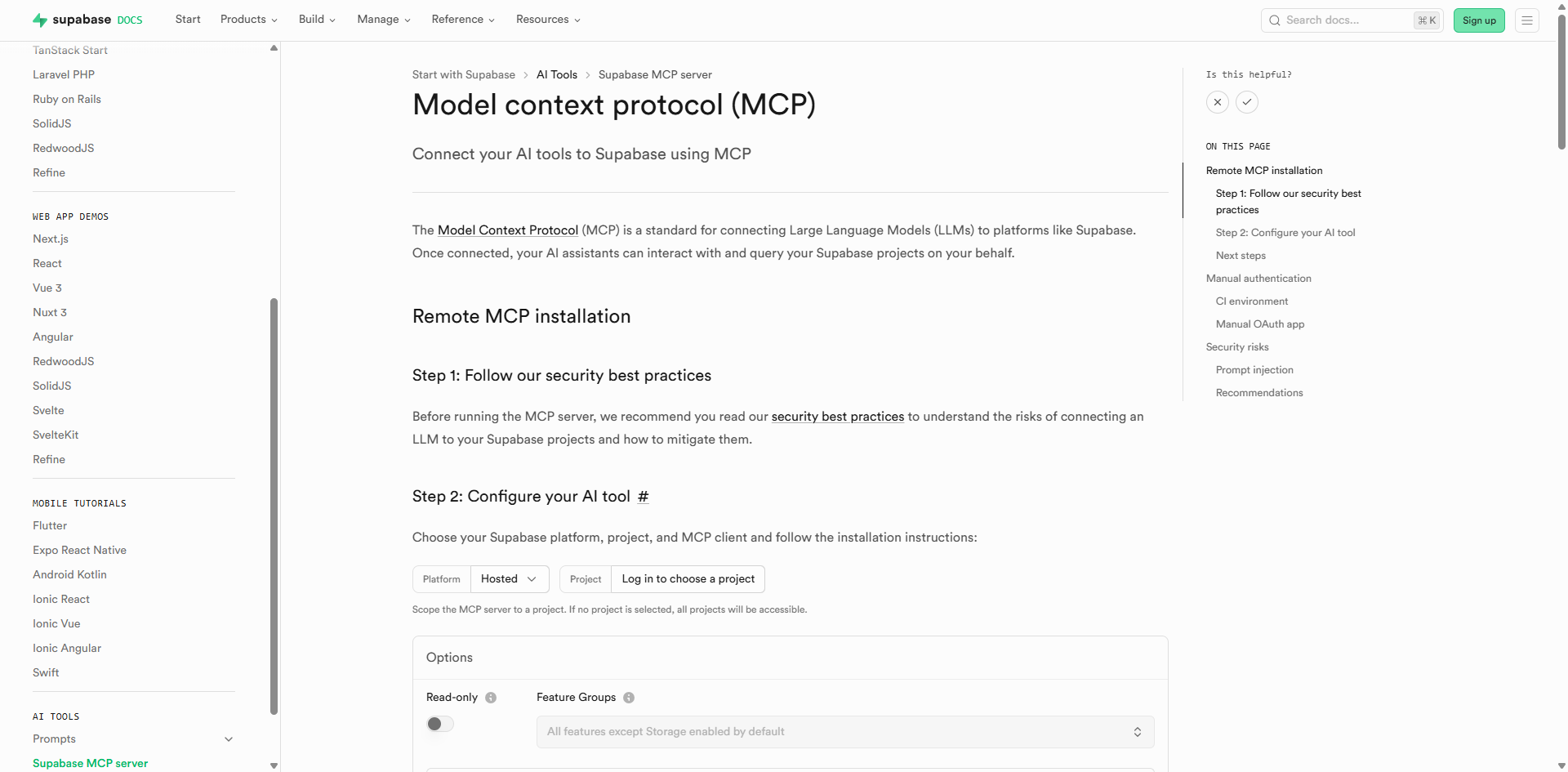
Supabase MCP Server provides a comprehensive bridge between AI assistants and the Supabase platform, combining database operations with authentication, storage, and edge functions. This official implementation enables full-stack developers to manage their entire backend infrastructure through natural language commands.
Key Features
- Unified Backend Management – Access database, authentication, storage, and edge functions from a single interface
- Project Management – Create and configure Supabase projects directly from your AI tool
- Schema Design Tools – Design tables, generate migrations, and manage database structure with AI assistance
- Real-Time Data Access – Query data and run reports with live updates
- Branch Management – Create development branches for safe testing before production deployment
- TypeScript Type Generation – Automatically generate types based on database schema for type-safe development
- Read-Only Mode – Optional restriction to read-only operations for production safety
- Project Scoping – Limit server access to specific projects for enhanced security
- Documentation Search – AI can search Supabase documentation for up-to-date information
- Cost Estimation – Preview costs before creating projects or branches
Perfect For
- Full-stack developers building modern web applications
- Teams using serverless architecture
- Real-time applications requiring live data synchronization
- Startups needing rapid backend development
- AI-native application developers
Setup Difficulty
Easy (official integration with OAuth support)
Pricing
MCP Server is free. Supabase platform pricing: Free tier with 2 projects; Pro plan starts at $25/month per project (includes $10 compute credits); Team and Enterprise plans available.
9. SQLite MCP Server – Lightweight Database Operations
SQLite MCP Server provides fast, efficient access to SQLite databases—perfect for local development, prototyping, and applications requiring embedded database capabilities. Multiple community implementations offer varying features from basic CRUD operations to business intelligence capabilities.
Key Features
- Complete CRUD Operations – Full Create, Read, Update, Delete functionality for local databases
- Schema Exploration – Browse tables, columns, and relationships with detailed metadata
- Arbitrary SQL Execution – Run custom queries with results formatted for optimal AI processing
- Datasette Compatibility – Support for Datasette-compatible metadata files with enriched descriptions
- Canned Queries – Pre-defined queries automatically exposed as separate MCP tools
- Business Intelligence – Some implementations include automatic insight generation and memo creation
- Lightweight & Portable – No server setup required, works with local database files
- Zero Dependencies – Works directly with SQLite files without external services
- Docker Support – Containerized deployment options for reproducible environments
Perfect For
- Local development and testing environments
- Mobile app development with embedded databases
- Rapid prototyping and proof-of-concept projects
- Desktop applications requiring local data storage
- Educational projects learning database concepts
- Small to medium-scale applications
Setup Difficulty
Easy
Pricing
Free and open-source (MIT License). Multiple implementations available with varying feature sets.
Productivity & Integration
10. Notion MCP Server – Knowledge Management
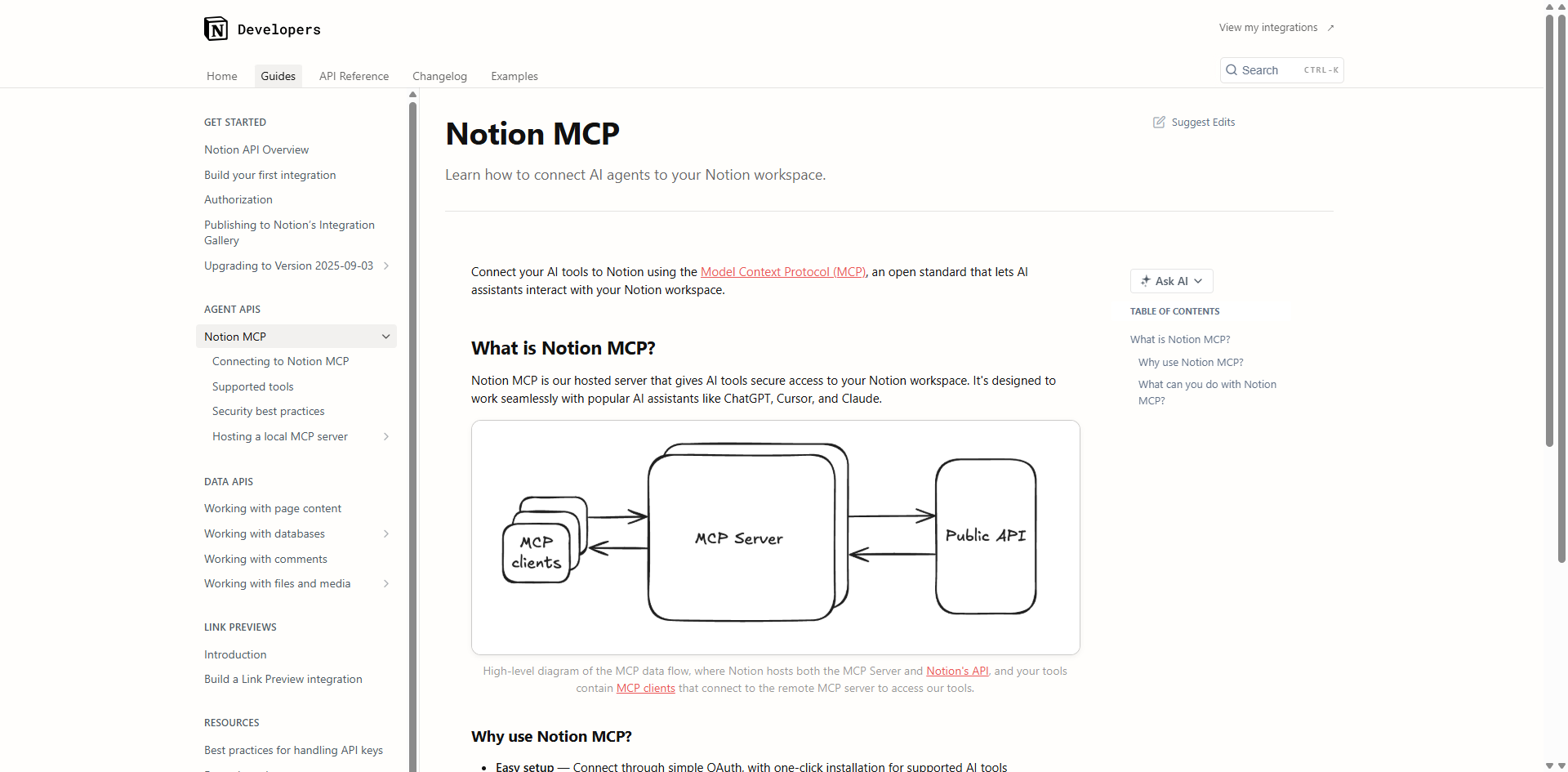
Notion MCP Server seamlessly bridges your Notion workspace with AI assistants, enabling comprehensive knowledge management and content operations. Available in both hosted and self-hosted versions, it transforms Notion from a documentation tool into an AI-accessible knowledge base with optimized Markdown formatting for efficient token usage.
Key Features
- Full Workspace Access – AI can read and write to all accessible pages and databases in your workspace
- Notion-Flavored Markdown – Enhanced Markdown spec optimized for AI agents with efficient content density
- Database Operations – Create, update, and query Notion databases with natural language
- Page Management – Create new pages, update existing content, and organize information hierarchically
- Semantic Search – Search across workspace content plus connected third-party apps (with Notion AI enabled)
- Comment System – Create and retrieve comments for collaborative workflows
- OAuth Integration – Simple one-click setup through official Notion-hosted server
- TypeScript Type Generation – Generate types based on database schemas
- Content Extraction – Automatically exports Google Docs to Markdown, Sheets to CSV, and more
- Template Support – Create and reuse page templates for consistent documentation
Perfect For
- Product managers documenting requirements and roadmaps
- Content creators organizing research and drafts
- Teams building knowledge bases and wikis
- Personal knowledge management enthusiasts
- Technical writers maintaining documentation
Setup Difficulty
Easy (hosted version with OAuth) / Medium (self-hosted version requires API token)
Pricing
MCP Server is free (open-source MIT License). Notion platform pricing: Free for personal use; Plus plan $10/user/month; Business $18/user/month; Enterprise custom pricing.
11. Google Drive MCP Server – Cloud File Management
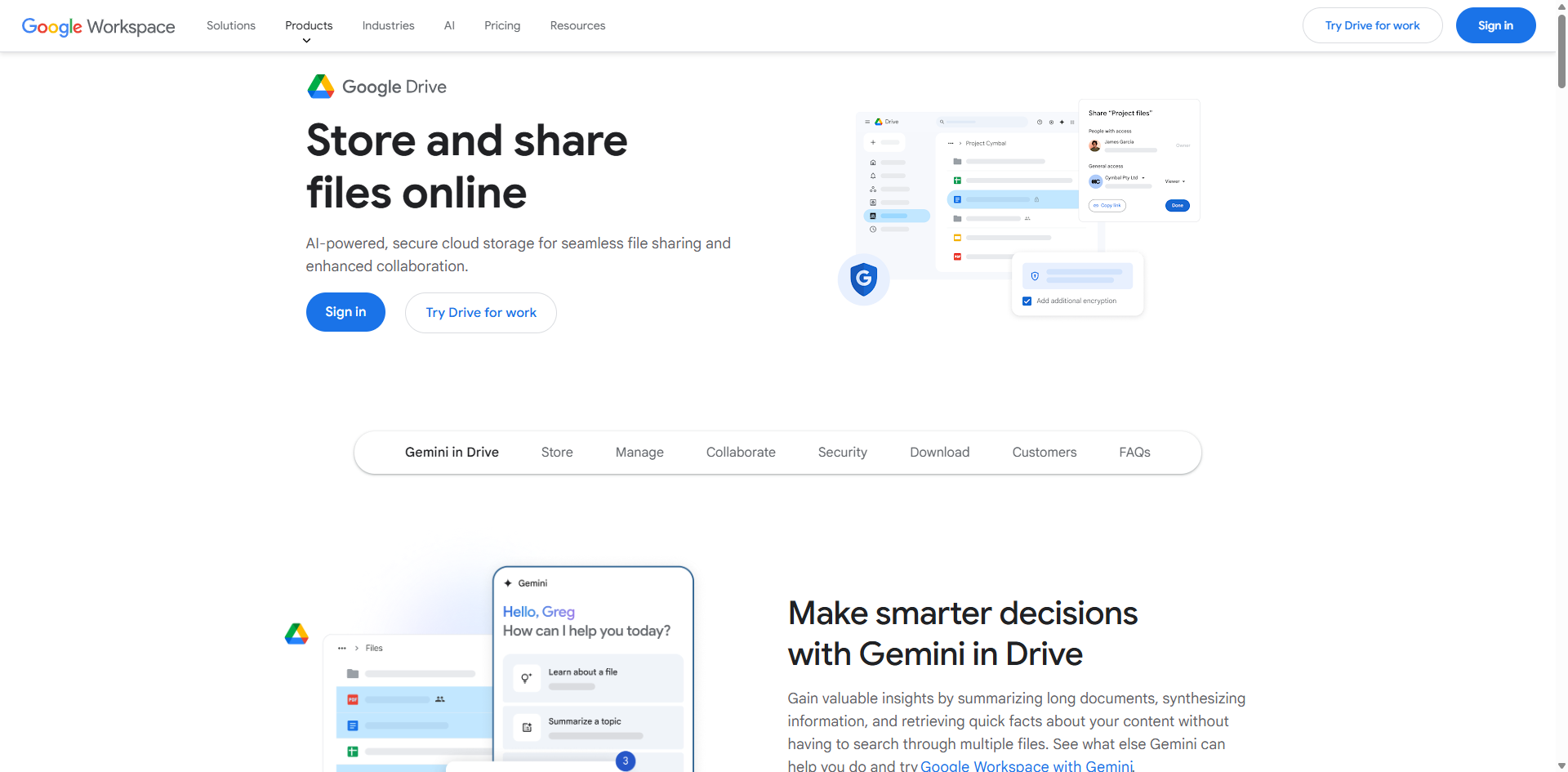
Google Drive MCP Server provides comprehensive access to Google Drive files and folders, enabling AI assistants to search, read, and manage documents across your entire Drive. With automatic format conversion for Google Workspace files and support for all file types, it serves as a powerful bridge between cloud storage and AI workflows.
Key Features
- Universal File Access – Access all file types including Google Docs, Sheets, Slides, and third-party formats
- Automatic Format Conversion – Google Docs export to Markdown, Sheets to CSV, Presentations to plain text, Drawings to PNG
- Intelligent Search – Search files by name, content, and metadata with Google's powerful search capabilities
- File Operations – Create, copy, move, and organize files and folders programmatically
- Permission Management – Grant access and manage sharing settings for files and folders
- Shared Drive Support – Access both personal and team-shared drives
- OAuth Authentication – Secure Google Cloud authentication with granular API access
- Spreadsheet Operations – Read and write Google Sheets data with support for formulas and formatting
- Document Creation – Create new Google Docs, Sheets, and Slides directly from AI commands
Perfect For
- Team collaboration and file sharing
- Document management and organization
- Automated reporting from spreadsheet data
- Content aggregation across multiple documents
- Cross-functional team workflows
Setup Difficulty
Medium (requires Google Cloud project setup and OAuth configuration)
Pricing
MCP Server is free (open-source MIT License). Google Drive API usage is free within Google Cloud's free tier limits. Google Workspace subscription may be required for advanced features.
12. Zapier MCP Server – Workflow Automation
Zapier MCP Server provides instant access to 8,000+ apps and 30,000+ actions through a single connection point, eliminating months of custom integration work. As the most comprehensive workflow automation platform, it transforms AI assistants from conversational tools into functional extensions of your entire business stack with built-in authentication, rate limiting, and security.
Key Features
- Massive App Ecosystem – Connect to 8,000+ applications including Gmail, Slack, Salesforce, HubSpot, and more
- 30,000+ Pre-Built Actions – Access thousands of ready-to-use automations without custom development
- Dynamic Server Creation – Generate custom MCP servers configured for your specific workflow needs
- Multi-App Orchestration – Chain actions across different apps for complex automation workflows
- Built-In Authentication – Secure OAuth and API key management handled automatically
- Rate Limiting & Retries – Intelligent handling of API limits with automatic retry mechanisms
- Action Customization – Select specific actions your AI can perform with granular permission control
- AI-Assisted Setup – Let AI suggest values for action fields to speed up configuration
- Real-Time Execution – Trigger actions instantly from AI commands with immediate feedback
- Universal Compatibility – Works with Claude, ChatGPT, Cursor, Windsurf, and custom AI implementations
Perfect For
- Marketing teams automating campaign workflows
- Sales teams connecting CRM and communication tools
- Operations teams streamlining business processes
- Customer support automating ticket management
- Developers building AI-powered applications with minimal backend code
Setup Difficulty
Easy (guided setup with OAuth flow)
Pricing
Available on all Zapier plans. MCP tool calls use 2 Zapier tasks per call. Free tier: 100 tasks/month; Professional: starts at $19.99/month with thousands of tasks; Team and Enterprise plans available. 14-day free trial of Professional features.
Search & Research
13. Brave Search MCP Server – Privacy-Focused Web Research
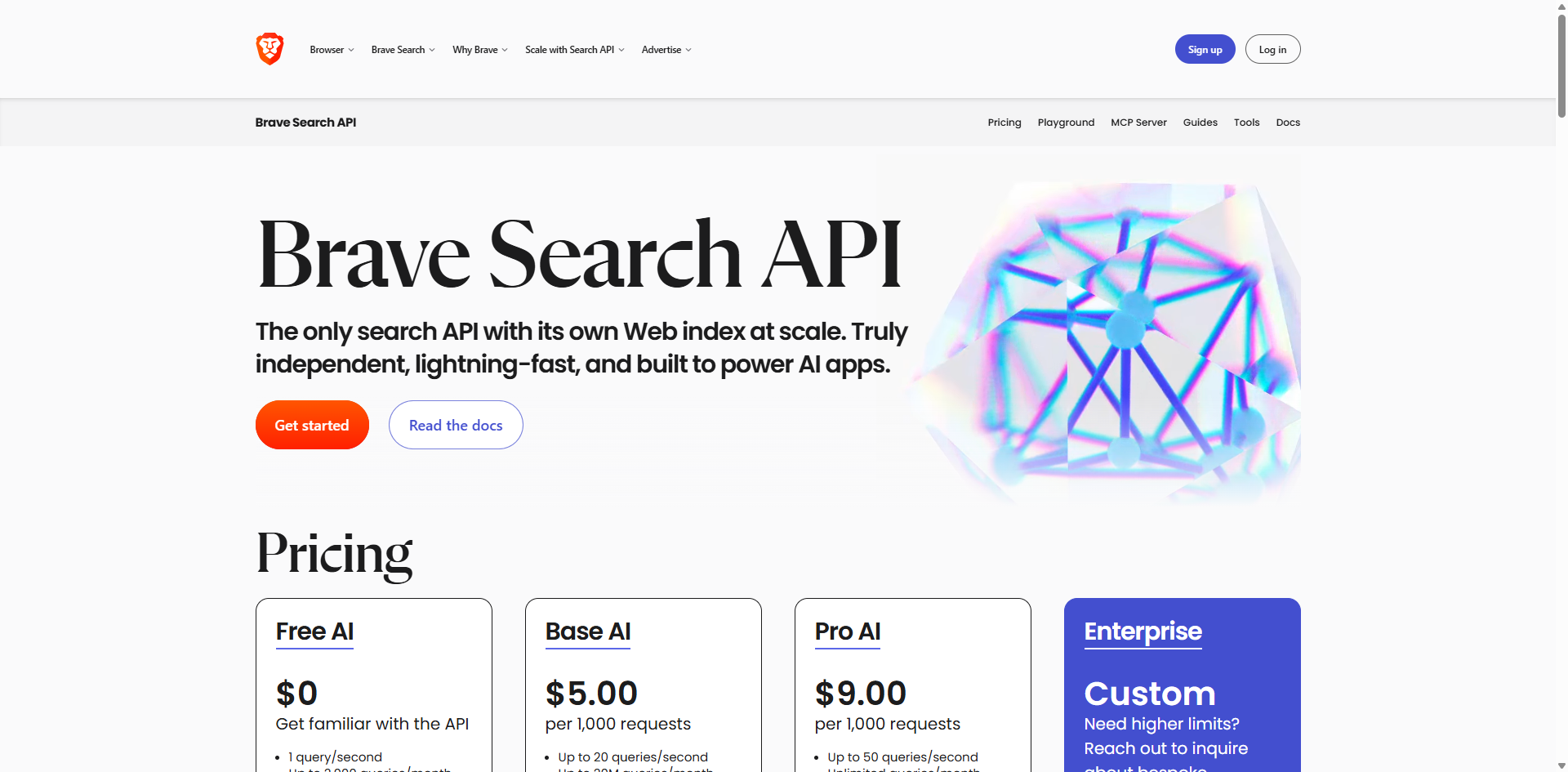
Brave Search MCP Server provides privacy-respecting web search capabilities through Brave's independent search index of 35+ billion pages. As the leading search tool for AI applications using Claude MCP, it delivers high-quality, unbiased results without tracking or data collection, making it essential for research that requires current information and factual accuracy.
Key Features
- Independent Search Index – Access over 35 billion web pages with 100+ million daily updates for fresh content
- Privacy-First Architecture – No tracking, no data collection, no search history storage
- Comprehensive Search Types – Web search, local business search, image search, video search, and news search
- AI-Powered Summarization – Get concise summaries from multiple sources with the Summarizer API (Pro AI plan)
- Local Business Search – Find detailed business information including ratings, reviews, hours, and phone numbers
- Freshness Controls – Filter results by recency with pagination support for deep research
- Multiple Transport Modes – Supports both STDIO and HTTP for flexible deployment
- Safety Filtering – Control content safety levels and result types
- Smart Fallbacks – Local search automatically falls back to web search when no local results found
- Docker Support – Easy containerization for production deployments
- Zero Vendor Lock-In – Works across Claude, ChatGPT, Cursor, and other MCP-compatible clients
Perfect For
- Academic research requiring unbiased sources
- Competitive analysis and market intelligence
- Privacy-conscious organizations and individuals
- Journalists investigating sensitive topics
- Developers building AI applications with search capabilities
Setup Difficulty
Easy (API key required, multiple implementations available)
Pricing
Free tier: 2,000 queries/month. Paid plans scale from hobby projects to enterprise with tens of millions of daily requests.
14. Fetch MCP Server – Real-Time Web Content Retrieval
Fetch MCP Server is Anthropic's official reference implementation for retrieving and transforming web content into AI-friendly formats. It converts complex HTML pages into clean Markdown, dramatically reducing token consumption while improving comprehension. As a foundational tool in the MCP ecosystem, it's the essential complement to search servers—search finds the URLs, Fetch reads them.
Key Features
- Multi-Format Support – Fetch content as HTML, JSON, plain text, or Markdown
- HTML-to-Markdown Conversion – Automatically strips scripts, styles, and unnecessary markup for clean output
- Token Optimization – Reduces context window usage by up to 80% compared to raw HTML
- Content Pagination – Handle long articles with max_length and start_index parameters for chunked processing
- Custom Headers – Configure user agents and custom HTTP headers for flexible access
- Public Content Only – Securely accesses only publicly available web pages (no authentication required)
- Real-Time Data Access – Pull current information from websites and APIs instantly
- No API Keys Required – Works out of the box without external service dependencies
- Lightweight Architecture – Minimal overhead, fast response times
- Python and Node.js Implementations – Choose the version that fits your stack
Perfect For
- Documentation access and technical research
- News monitoring and article aggregation
- Web scraping and data extraction
- Content analysis and summarization
- Competitive intelligence gathering
- Market research from multiple sources
Setup Difficulty
Easy (no API keys required, simple NPM/UVX installation)
Pricing
Free and open-source (MIT License). No usage limits or API costs.
Infrastructure & DevOps
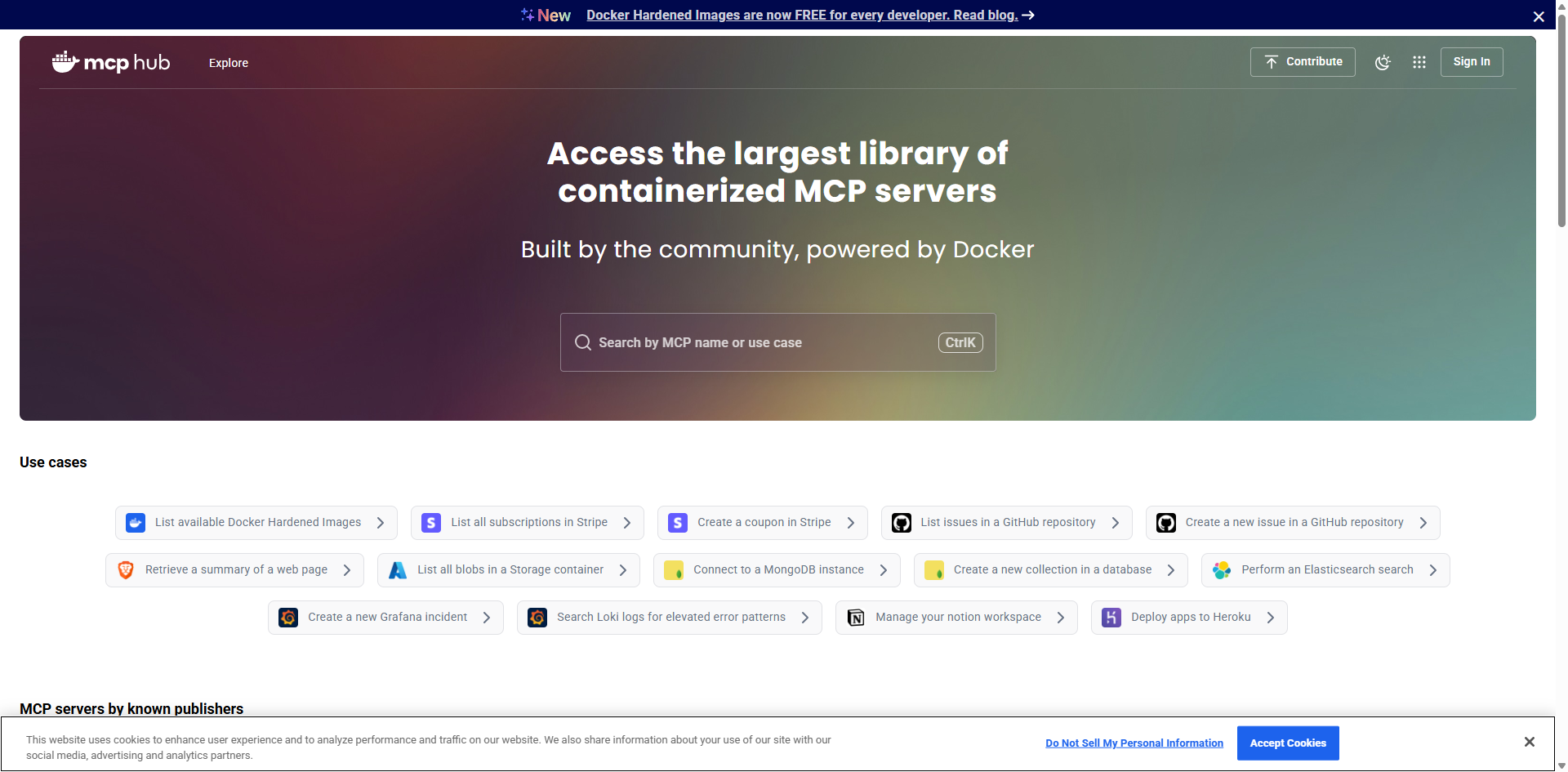
15. Docker MCP Server – Container Management
Docker MCP Toolkit revolutionizes container management by providing a unified interface integrated into Docker Desktop for discovering, configuring, and running containerized MCP servers. With access to 200+ security-hardened servers in the MCP Catalog and one-click OAuth authentication, it eliminates the complexity of manual dependency management while maintaining enterprise-grade security through container isolation and signed image verification.
Key Features
- MCP Catalog Access – Browse and launch 200+ verified MCP servers from Docker Hub's mcp/ namespace
- Zero-Configuration Setup – One-click installation with no dependency management or runtime configuration
- Container Isolation – Each server runs in its own sandboxed container for maximum security
- Image Signing & Attestation – All Docker-built images are digitally signed to verify source and integrity
- OAuth Authentication – Automatic OAuth flow handling for services like GitHub, Notion, and Linear
- Cross-LLM Compatibility – Works seamlessly with Claude, Cursor, VS Code, Windsurf, continue.dev, and Goose
- Dynamic MCP Discovery – AI agents can discover, add, and compose MCP servers on-demand during conversations
- Enterprise-Grade Security – Request interception, secret management, and security checks for tool calls
- Docker Hub Distribution – Pull-based distribution using Docker's trusted infrastructure
- MCP Gateway Integration – Functions as both server aggregator and gateway for MCP clients
Perfect For
- DevOps engineers managing containerized infrastructures
- Cloud infrastructure teams requiring secure tool orchestration
- Microservices architecture developers
- Development teams building AI-powered applications
- Organizations requiring centralized MCP server management
Setup Difficulty
Easy (requires Docker Desktop 4.48 or newer)
Pricing
Free and open-source. Docker Desktop is free for personal use, small businesses, and education. Professional and enterprise Docker subscriptions available.
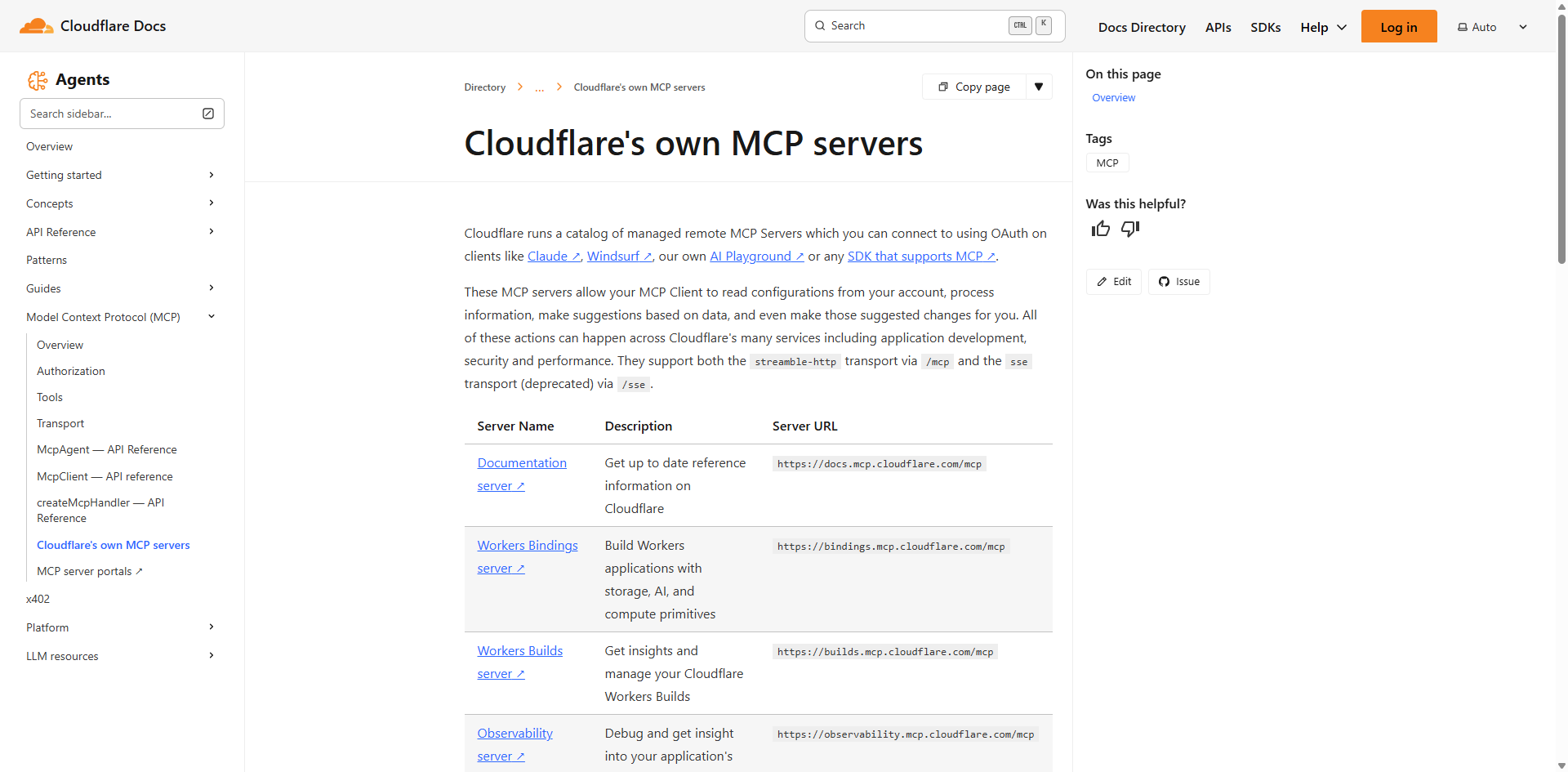
16. Cloudflare MCP Server – Edge Computing & Infrastructure
Cloudflare MCP Server provides comprehensive access to Cloudflare's global network services through 13 specialized servers covering DNS, security, analytics, Workers, and more. Running on Cloudflare Workers with OAuth authentication, these managed remote servers enable AI agents to read configurations, analyze performance data, and optimize infrastructure across Cloudflare's edge computing platform without local setup.
Key Features
- 13 Specialized Servers – DNS Analytics, Workers Logs, Audit Logs, Bindings, Container execution, Browser Rendering, Logpush, AI Gateway, AutoRAG, RAGs, Documentation search, and Cloudflare Radar
- DNS Management – Review configurations, access performance reports, and receive optimization recommendations
- Security Operations – Query audit logs, identify suspicious changes, and monitor account activity
- Workers Development – Access D1 databases, R2 storage, KV stores, and generate full-stack applications
- Log Analysis – Browse invocation logs, compute statistics, isolate errors, and track trends
- Secure Execution Environment – Run and test code in isolated containers on Cloudflare's network
- Browser Automation – RESTful interface for screenshots, HTML extraction, and Markdown conversion
- Global Network Intelligence – Access data from 20% of web traffic and Cloudflare's 1.1.1.1 DNS resolver
- OAuth Integration – Secure, consent-based access without sharing API keys
- MCP Server Portals – Centralize multiple servers onto single endpoint with Access policies
- Streamable HTTP Transport – Modern, reliable connection protocol for production use
Perfect For
- Web infrastructure teams managing edge deployments
- Security engineers monitoring threats and attacks
- Performance optimization specialists
- Serverless application developers
- DevOps teams requiring infrastructure automation
Setup Difficulty
Easy (OAuth flow through Cloudflare, hosted remote servers)
Pricing
Free tier available on all Cloudflare plans. Some advanced features require Workers paid plan. Enterprise options for organizations.
Design & Creative Tools
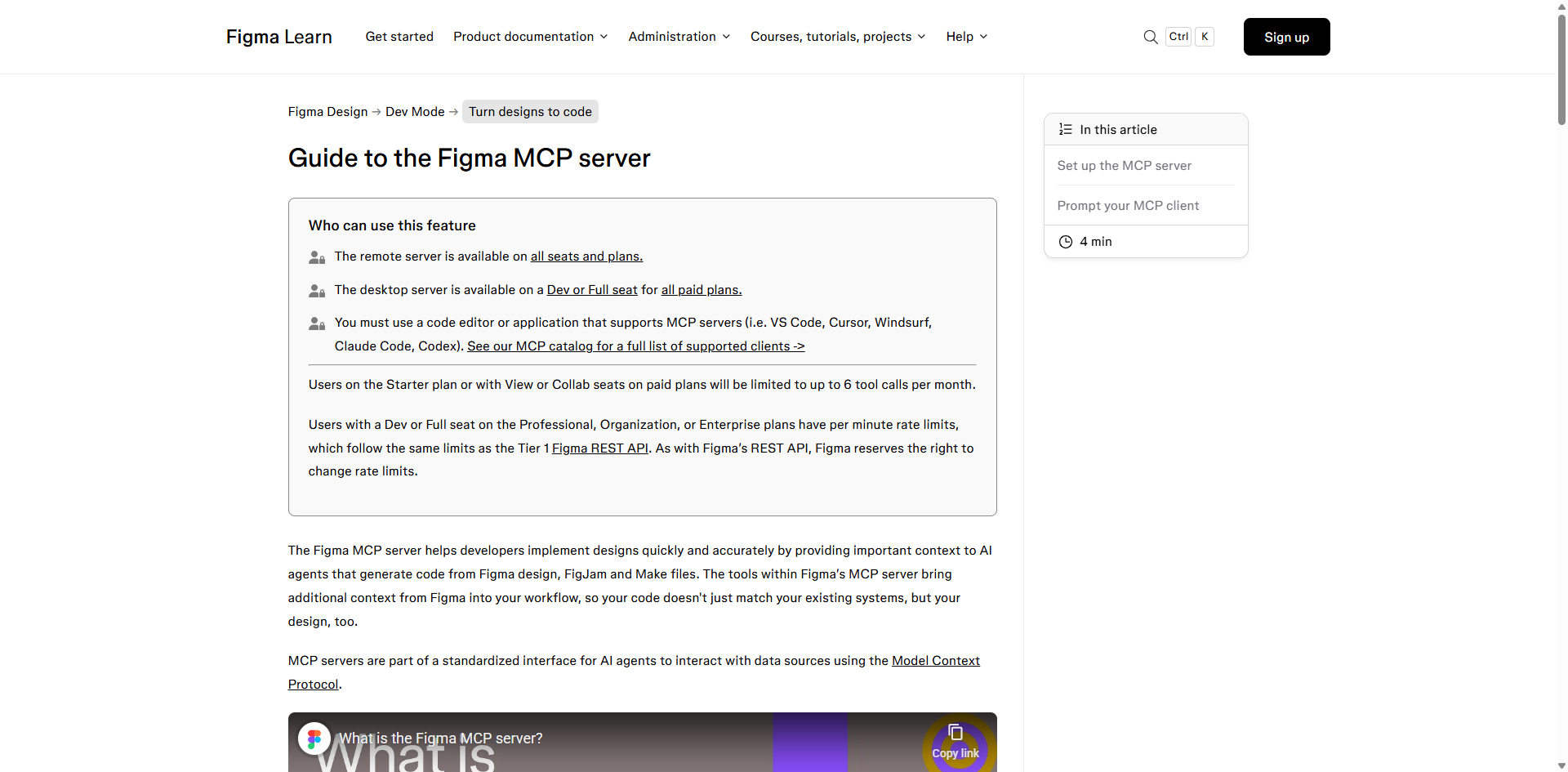
17. Figma MCP Server – Design-to-Code Automation
Figma MCP Server transforms design-to-code workflows by providing AI assistants with direct access to structured design data from Figma files. Available in both desktop and remote versions, it delivers design context including components, variables, layout constraints, and design tokens to generate accurate, production-ready code aligned with both design intent and existing codebases through features like Code Connect integration.
Key Features
- Dual Server Options – Desktop server or remote server
- Design Context Extraction – Structured metadata about components, variables, styles, and layout relationships
- Node-Based Targeting – Automatic extraction of node-IDs from Figma URLs for precise element reference
- Code Connect Integration – Reuse actual component code from codebase for higher-quality outputs
- Design Token Access – Direct access to design system variables and systematic values
- Multiple Code Formats – Generate React, Tailwind, framework-specific patterns, and pseudocode
- Visual Screenshots – AI can access images for layout understanding and visual verification
- Make Resources Support – Retrieve code resources from Make files for prototype-to-production workflows
- Design System Alignment – Automated design system rule generation from codebase scanning
- Real-Time Synchronization – Works with active Figma files for immediate design updates
Perfect For
- UI/UX designers collaborating with developers
- Design systems teams maintaining consistency
- Product teams building new flows and features
- Frontend developers implementing designs
- Design engineers bridging design and code
Setup Difficulty
Easy (desktop requires Figma app running; remote requires OAuth)
Pricing
MCP Server free on Dev or Full seats with paid Figma plans (Professional, Organization, Enterprise). Starter plan and View/Collab seats limited to 6 tool calls per month.
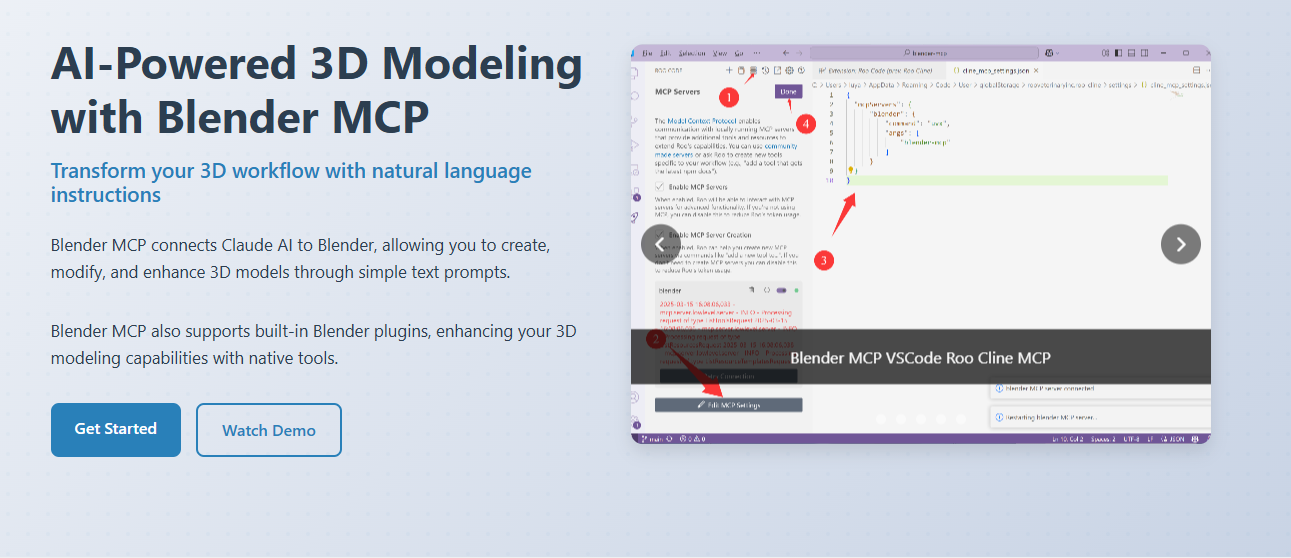
18. Blender MCP Server – AI-Powered 3D Modeling
Blender MCP Server bridges Blender's powerful 3D creation suite with AI assistants through natural language control, enabling prompt-assisted modeling, scene creation, and manipulation. With integration to asset libraries like Poly Haven and Sketchfab plus AI-powered generation through Hyper3D, it democratizes 3D content creation by translating plain English commands into complex procedural operations while maintaining clean, production-ready geometry.
Key Features
- Natural Language 3D Modeling – Create, modify, and enhance 3D models through conversational prompts
- Two-Way Communication – Socket-based connection between AI assistants and Blender for command execution
- Object Manipulation – Create, modify, move, rotate, scale, and delete 3D objects and meshes
- Material Control – Apply and modify materials, textures, colors, and shaders programmatically
- Scene Inspection – Retrieve detailed information about current scene, object properties, and hierarchy
- Arbitrary Script Execution – Run Python code directly in Blender for advanced customizations
- External Asset Integration – Access Poly Haven (HDRIs, textures, models) and Sketchfab libraries
- AI-Generated 3D Models – Integration with Hyper3D Rodin for text-to-3D model generation
- Viewport Capture – Take screenshots for scene understanding and verification
- Animation Support – Apply animations from libraries like Mixamo for character rigging
Perfect For
- 3D artists accelerating modeling workflows
- Game developers creating assets and environments
- Animation studios building scenes and characters
- Product designers prototyping 3D concepts
- Educators teaching 3D modeling principles
Setup Difficulty
Medium (requires Blender 3.6+, addon installation, and MCP client configuration)
Pricing
Free and open-source (MIT License). Blender is free. Hyper3D free trial allows limited daily model generation; paid API keys available for extended use.
Code Quality & Testing
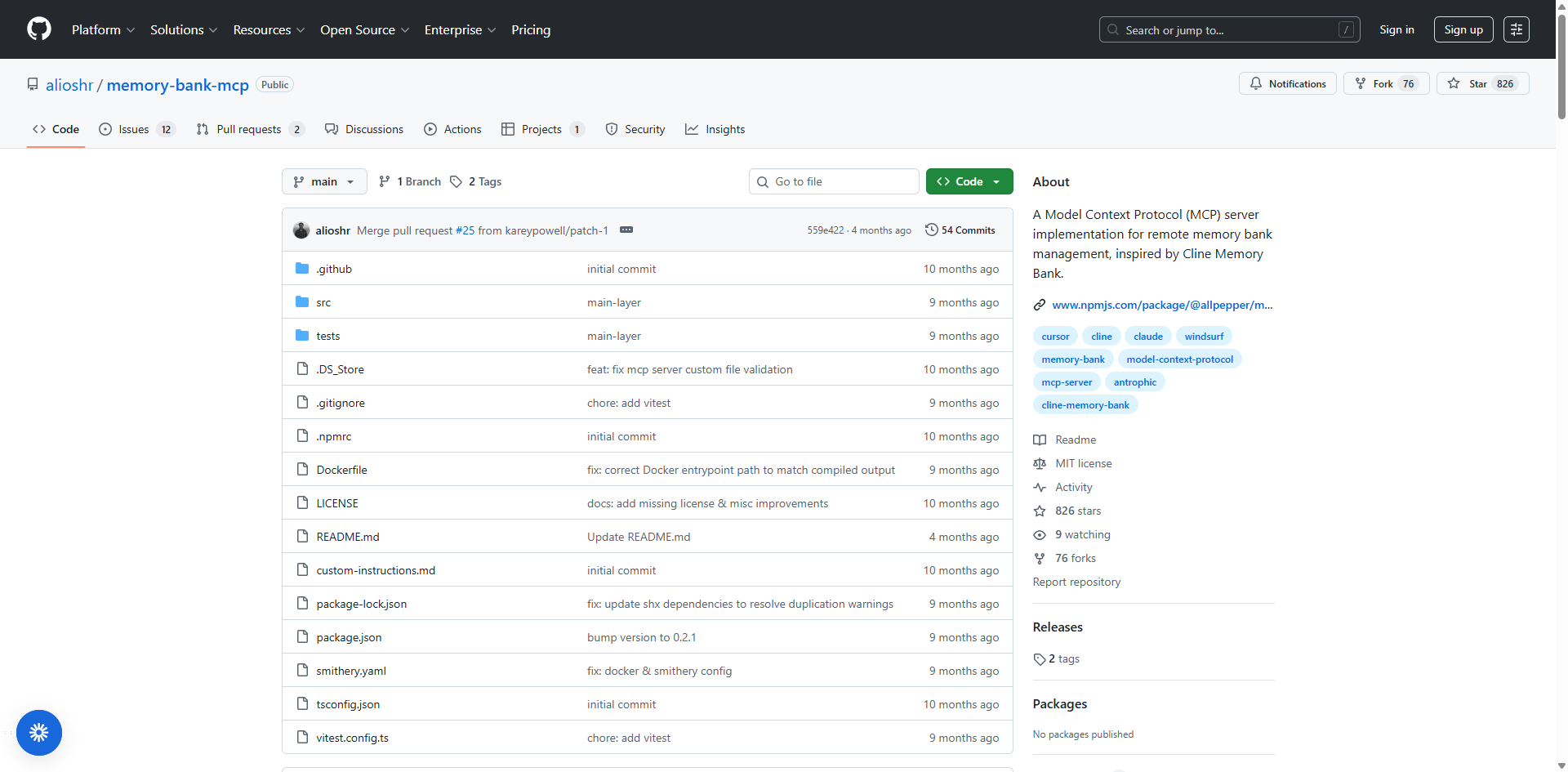
19. Memory Bank MCP – Persistent AI Memory
Memory Bank MCP Server provides a structured, persistent memory system that transforms stateless AI agents into project-aware partners by maintaining context across sessions. Using Markdown-based files or database backends, it organizes project knowledge into categories like goals, decisions, progress, and system patterns, enabling AI assistants to recall previous decisions and maintain continuity across long-term development workflows.
Key Features
- Cross-Session Memory Persistence – Store and retrieve project information across multiple sessions and conversations
- Structured Knowledge Organization – Five core memory categories: product context, active context, progress tracking, decision logs, and system patterns
- Multiple Storage Options – File-based (Markdown) or database-backed (MongoDB) implementations for scalability
- Project-Level Isolation – Automatic project-local memory using .aim directories for workspace-specific context
- Multi-Project Support – Named databases for organizing memories by topic (work, personal, health, etc.)
- Status Indicators – Visual prefixes ([MEMORY BANK: ACTIVE]) show operational state in every response
- Remote Accessibility – SSH support for centralized memory across distributed teams
- Guided Operations – AI assistant receives instructions for initializing, reading, and updating memory content
- Safe File Operations – Built-in protection against overwriting unrelated files with _aim safety markers
- Mode Switching – Specialized modes (code, design, documentation) optimize AI interactions for specific tasks
Perfect For
- Large codebase management requiring consistent context
- Long-term projects with evolving requirements
- Development teams sharing project knowledge
- AI agent development with persistent state
- Architectural reviews and design documentation
Setup Difficulty
Easy to Medium (file-based easier; database-backed requires MongoDB setup)
Pricing
Free and open-source (MIT License).
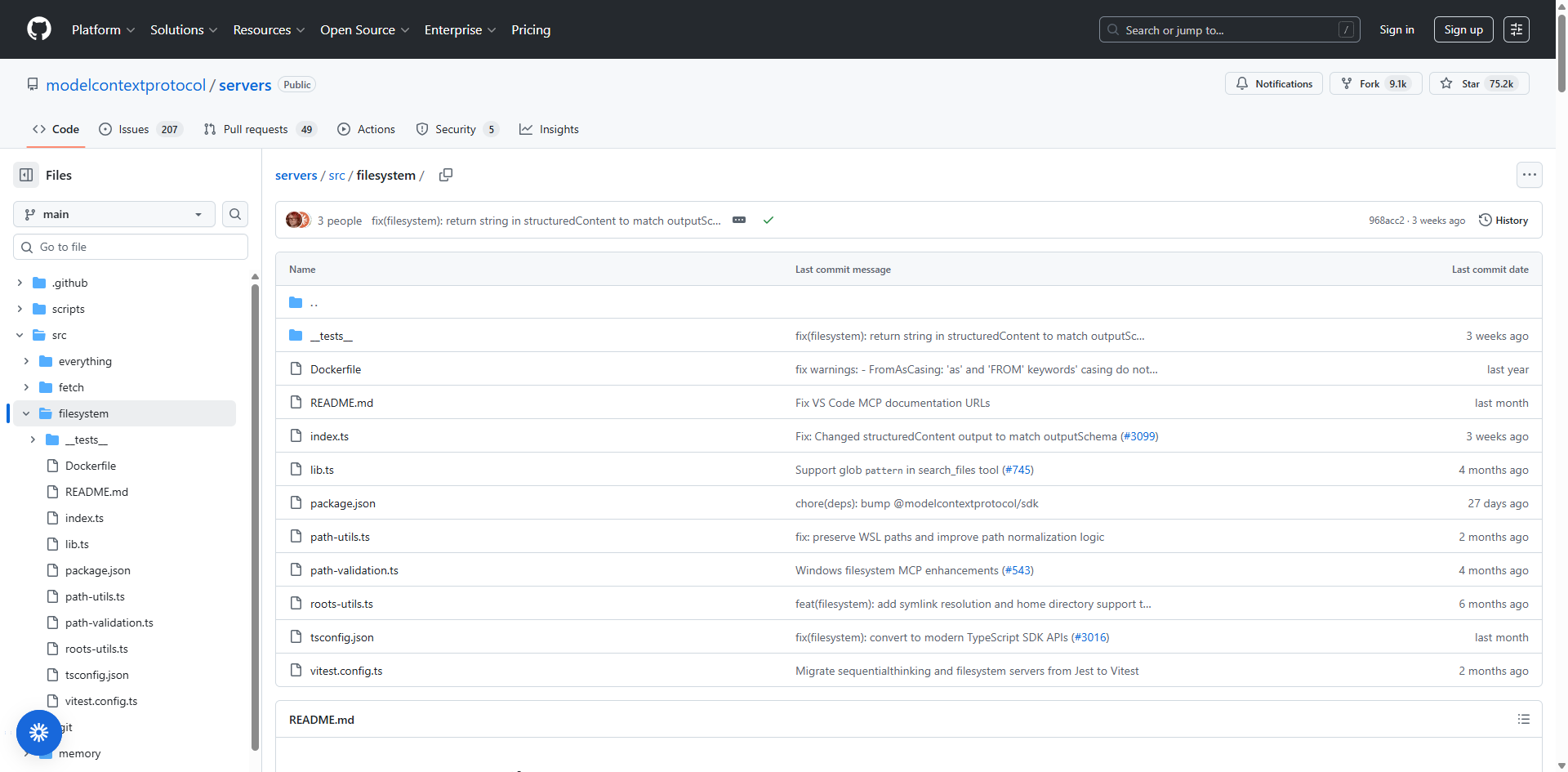
20. Filesystem MCP Server – Local File Management
Filesystem MCP Server is Anthropic's official reference implementation providing secure, controlled access to local file systems with strict path validation and configurable access controls. It enables AI assistants to read, write, edit, and organize files through natural language commands while maintaining robust security through explicit directory allowlists and gitignore-style exclusion patterns.
Key Features
- Secure File Operations – Read, write, create, move, and delete files with explicit permission and path validation
- Directory Management – Create directories, browse file structures, and organize content hierarchically
- Configurable Access Controls – Explicit allowlist of directories AI can access, following principle of least privilege
- Content Search Capabilities – Find files by name pattern or search within file contents using ripgrep
- Gitignore-Style Exclusions – Exclude sensitive files and directories from AI access automatically
- Metadata Extraction – Retrieve detailed file information including size, permissions, and modification dates
- Path Validation – Robust security preventing access outside authorized directories
- File Edit Operations – Targeted line-based editing without needing to rewrite entire files
- Safe Operations – Built-in protections against unauthorized access and accidental overwrites
- Docker Support – Containerized deployment for additional isolation
Perfect For
- File automation tasks and batch operations
- Local development workflows and code generation
- Backup and organization of documents
- Content creation and management
- Codebase navigation and refactoring
Setup Difficulty
Easy (requires Node.js; simple configuration in Claude Desktop)
Pricing
Free and open-source (MIT License). Official Anthropic reference implementation.
How to Choose the Right MCP Tools for Your Needs
Selecting the right MCP tools can dramatically accelerate your workflows, but with 20+ powerful options available, knowing where to start is crucial. The key is matching tools to your specific use case, technical expertise, and integration requirements.
By Use Case
For Developers
- GitHub MCP – Repository management and code operations
- Sequential Thinking – Complex problem-solving and architectural planning
- Puppeteer – Browser automation and testing
- Docker – Container lifecycle management
- PostgreSQL – Database operations and queries
For Marketing Teams
- BrowserAct – Web scraping, lead generation, and competitor monitoring
- Slack – Team communication and automated notifications
- Zapier – Cross-platform workflow automation
- Web Search – Competitive intelligence and market research
- Notion – Campaign documentation and content planning
For Data Teams
- BrowserAct – Automated data collection from websites
- PostgreSQL/Supabase/SQLite – Database management across scales
- Filesystem – Local data processing and organization
- Brave Search – Research and data discovery
For Design Teams
- Figma – Design-to-code automation
- Blender – AI-powered 3D modeling
- Google Drive – Collaborative file management
- Notion – Design documentation and feedback
For Business Automation
- BrowserAct – Web-based workflow automation
- Zapier – Connect 8,000+ apps
- Slack – Team coordination
- Google Drive + Notion – Document and knowledge management
By Technical Skill Level
Beginner-Friendly (No coding required)
- BrowserAct – Visual workflow builder, zero-code setup
- Slack – Simple OAuth authentication
- Notion – One-click OAuth integration
- Google Drive – Familiar interface, easy setup
- Zapier – Guided configuration for non-technical users
Intermediate (Basic technical knowledge)
- GitHub – Command-line familiarity needed
- PostgreSQL – Database concepts required
- Docker – Container basics helpful
- Puppeteer – Some JavaScript knowledge beneficial
Advanced (Technical expertise required)
- Sequential Thinking – Complex reasoning patterns
- Cloudflare – Infrastructure knowledge needed
- Memory Bank – Architecture planning required
- Blender – 3D modeling concepts essential
By Integration Needs
Multi-Client Compatibility
- BrowserAct – Works with Claude, ChatGPT, Cursor, and more
- Zapier – Universal MCP client support
- Remote Servers (Notion, Cloudflare) – Easier setup, broader compatibility
- Local Servers (GitHub, Filesystem) – Configuration file setup required
Client-Specific Considerations
- Claude Desktop/Code – Broadest compatibility (local + remote servers)
- Cursor/Windsurf – Optimized for development workflows
- VS Code – Requires MCP extensions
Integration Strategy
- Start with tools matching your existing stack (Google Workspace → Google Drive)
- Prioritize remote servers for simpler setup
- Choose multi-client tools for maximum flexibility
Interested in Web Scraping & Automation?
Start with BrowserAct – If web scraping, lead generation, or automated data collection interests you, BrowserAct is your ideal starting point. With free daily credits, zero-code visual workflows, and built-in anti-bot detection, it's the most accessible automation tool that works across all major AI platforms.
Start using BrowserAct MCP for free →
Related reading: For practical examples, implementation details, and trade-offs, continue with BrowserAct Confirmation Gate vs Other Tools' Security Model.
Frequently Asked Questions (FAQs)
Q1: What is an MCP tool?
An MCP (Model Context Protocol) tool is a server that allows AI assistants to interact with external services, databases, and APIs through a standardized protocol. Think of it as a bridge that connects your AI assistant to real-world external systems—enabling it to read files, manage databases, scrape websites, control software, and automate workflows beyond simple conversation.
Q2: Do I need coding skills to use MCP tools?
Not necessarily. Tools like BrowserAct, Slack, and Notion are designed for non-technical users with visual interfaces and OAuth authentication. However, more advanced tools like PostgreSQL, Docker, and Sequential Thinking may require some technical knowledge for setup and configuration. Start with beginner-friendly tools and progress to more technical ones as your skills develop.
Q3: Which MCP tool is best for beginners?
BrowserAct is excellent for beginners because it uses natural language and a visual workflow builder to create automation without coding. With 100 free daily credits and pre-built templates, you can start automating web scraping and data collection immediately. Other beginner-friendly options include Slack (team communication), Notion (knowledge management), and Zapier (app automation).
Q4: Can I use multiple MCP tools together?
Yes! MCP tools are designed to work together seamlessly. You can combine tools like BrowserAct + Slack + Notion for comprehensive workflows—for example, scraping competitor data with BrowserAct, storing it in Notion, and sending alerts via Slack. The more tools you combine, the more powerful your AI workflows become.
Q5: Are MCP tools free?
Many MCP tools are open-source and completely free (GitHub, PostgreSQL, Sequential Thinking, Filesystem). Commercial services like BrowserAct offer generous free tiers (100 daily credits) with paid options for advanced features. Cloud platforms like Zapier and Cloudflare have free tiers with usage limits. Most tools provide enough free functionality for individual developers and small teams.
Q6: Which AI assistants support MCP?
Major AI assistants including Claude Desktop, Claude Code, ChatGPT (via plugins), Cursor, Windsurf, VS Code (with extensions), Cline, and Continue.dev support MCP integration. Claude Desktop offers the broadest native support, while other platforms may require additional configuration or extensions. Check each tool's documentation for specific client compatibility.
Q7: How do I install MCP tools?
Installation varies by tool. Remote servers (Notion, Zapier, Cloudflare) typically use OAuth authentication through your AI client's interface—just click to connect. Local servers (GitHub, Filesystem, PostgreSQL) require adding configuration to your AI client's config file (like claude_desktop_config.json). Most tools provide detailed setup guides, and many can be installed via simple commands like npx for Node.js-based servers.
Q8: What's the difference between local and remote MCP servers?
Local servers run on your computer, access local files/databases, and require configuration file setup. They offer complete data privacy and work offline but need technical setup. Remote servers are hosted by providers (like Cloudflare or Zapier), connect via OAuth, and require no local installation. They're easier to set up but require internet connectivity and trust in the provider.
Q9: Can MCP tools access my private data?
MCP tools only access data you explicitly grant permission to. Local servers use strict path validation and allowlists to limit file access. Remote servers use OAuth authentication where you control which permissions to grant. Always review permissions before connecting any MCP tool, follow the principle of least privilege, and only grant access to necessary directories or accounts.
Q10: How do MCP tools improve AI workflows?
MCP tools transform AI from conversational assistants into action-takers. Instead of just answering questions, your AI can: execute code, manage databases, scrape websites, control applications, access real-time data, automate repetitive tasks, and maintain context across sessions. This dramatically increases productivity by eliminating manual copying/pasting and allowing AI to handle entire workflows end-to-end.
Q11: What if an MCP tool doesn't work with my AI client?
Check the tool's documentation for supported clients and transport protocols (stdio, SSE, HTTP). Some tools work only with specific clients initially but may add support over time. Consider using multi-client tools like BrowserAct, Zapier, or Brave Search that prioritize broad compatibility. You can also check community repositories like PulseMCP or GitHub for alternative implementations.
Q12: Are there security risks with MCP tools?
Like any integration, MCP tools require careful security consideration. Use tools from trusted sources (official repositories, verified publishers), grant minimal necessary permissions, regularly review connected tools, keep tools updated, use local servers for sensitive data, and avoid running untrusted code. Docker MCP Toolkit provides additional security through container isolation. Always audit open-source tools before deploying in production environments.


![Top 10 Best Google News Scraper Tools [2026 Update]](/_next/image?url=https%3A%2F%2Fbrowseract-prod.browseract.com%2Fblog%2Fcontent%2Fcover-1762419272762.jpeg&w=3840&q=100)


