Instagram API Alternative: Official API vs Public Data Workflows in 2026

An Instagram API alternative is not always a replacement for the official Instagram API. Sometimes the right answer is still Meta’s official route. Sometimes the better route is a public-data API, a marketplace actor, a no-code scraper, or a prompt-first browser workflow that turns a messy research question into a reviewable table. The search intent is high-friction because the pain is real. The Instagram topic workbook has 7 evidence rows around API alternatives, API limits, unofficial API risk
- 1An Instagram API alternative should be chosen by data job: owned analytics, publishing, public profile research, comments, Reels, hashtags, competitor monitoring, creator discovery, or lead research all require different routes.
- 2The decision map is simple: use the official Instagram Platform API for owned or authorized account workflows, public-data APIs for developer integrations, marketplace actors for fast extraction jobs, no-code tools for non-technical teams, and BrowserAct when the research brief is custom or still changing.
- 3Official Meta docs remain the authority for permissions, app review, access levels, endpoint behavior, and rate limits. Third-party tools can reduce friction, but they do not erase platform, privacy, or access-boundary risk.
- 4BrowserAct is best framed as a prompt-first public/authorized data workflow, not an unofficial Instagram API: Agent validates the first browser run, Workflow repeats the approved path, and CLI moves the result into scheduled reporting.
- 5The most reliable production setup keeps source URLs, stop reasons, timestamps, dedupe rules, and human review beside every AI summary or downstream automation.
Start with the data job, not the API label
Most “Instagram API alternative” searches hide a more specific job.
Job | What the user usually asks for | Better framing |
Owned analytics | “Get my account metrics and media insights” | Use official Meta APIs when permissions fit |
Publishing | “Schedule posts, Reels, or Stories from my app” | Use official publishing endpoints and verify current endpoint limits |
Public profile research | “Get bio, follower count, recent posts, and source URLs” | Public-data workflow or scraper API with review |
Comments and sentiment | “Export comments for a post or campaign” | Comment extractor with source URLs, dedupe, and moderation boundaries |
Reels research | “Collect captions, plays, comments, and audio clues” | Public Reels dataset plus field-level QA |
Hashtag discovery | “Find public posts around a hashtag” | Official Hashtag Search where it fits; browser or provider route where it does not |
Competitor monitoring | “Track posts, Stories, creator mentions, and campaign changes” | Monitoring workflow, not a one-off API call |
Internal automation | “Send Instagram data to Sheets, n8n, BI, or an agent” | Stable workflow with logging, retries, and stop states |
Route 1: official Instagram Platform API
Meta’s Instagram Platform Overview is the first source to read. It explains the Instagram Platform as a set of APIs for apps that access Instagram professional account data, and it separates the setup paths, app review, access levels, permissions, publishing, comments, insights, and related surfaces.
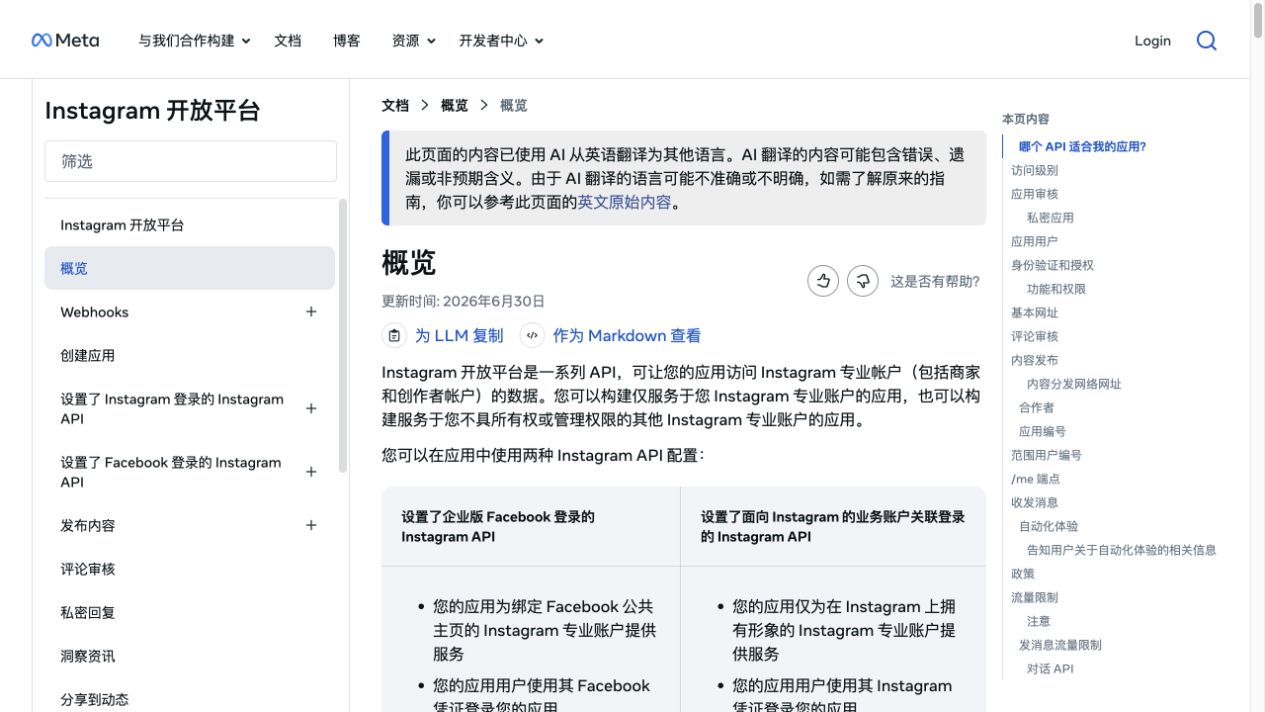
The official route is the right fit when:
- the account is owned, managed, or properly authorized;
- the data type is supported by the endpoint;
- the app can handle OAuth, tokens, permissions, and review;
- the business can accept endpoint-specific limits and review timelines;
- the use case benefits from a governed platform integration.
It is weaker when the job is public competitor research, public profile discovery across accounts you do not manage, flexible one-off data collection, or fast experimentation before an app review process makes sense.
Pro Tip: Treat “official” and “complete” as separate questions. The official API may be the most compliant route for an owned account, but still incomplete for a market-research dataset.
Route 2: rate-limit-aware API architecture
Meta’s Graph API Rate Limits reference is not Instagram-only, but it matters for Instagram integrations because Instagram endpoints sit inside the broader Graph API ecosystem. It describes rate limits as the number of API calls an app or user can make within a period and points to Platform Rate Limits, Business Use Case rate limits, and related enforcement patterns.
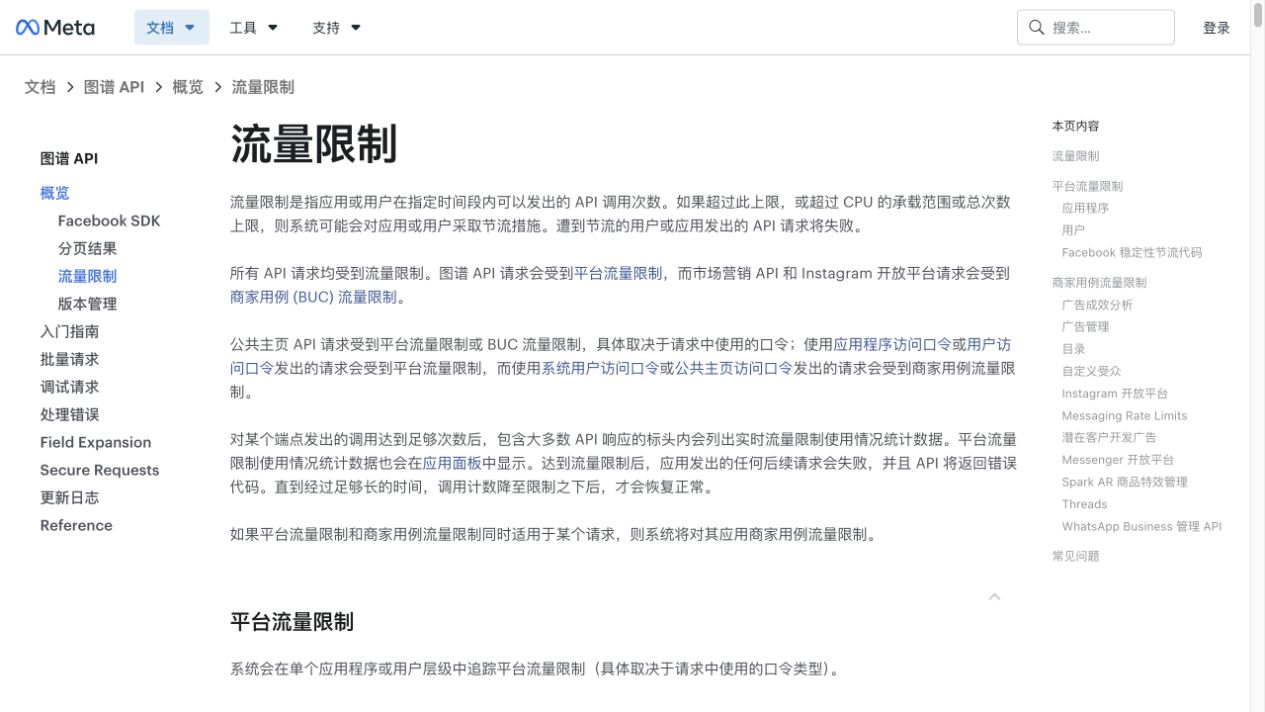
The architectural lesson is boring and important: do not build an Instagram product that assumes one flat “requests per second” number. Production integrations need:
- token refresh and expiry handling;
- endpoint-specific quota checks;
- webhook-first design where possible;
- caching for repeated profile or media reads;
- backoff and retry rules that distinguish temporary throttle from permanent access failure;
- per-customer isolation so one heavy account does not starve everyone else.
If your problem is “the official API works, but production keeps breaking,” the answer may not be a scraper. It may be better rate-limit architecture.
Route 3: official 2026 feature updates
Meta’s April 22, 2026 developer post on Instagram API updates for partnerships, metrics, collaboration, and engagement matters because Instagram API capability is not static. Some gaps close; others remain.
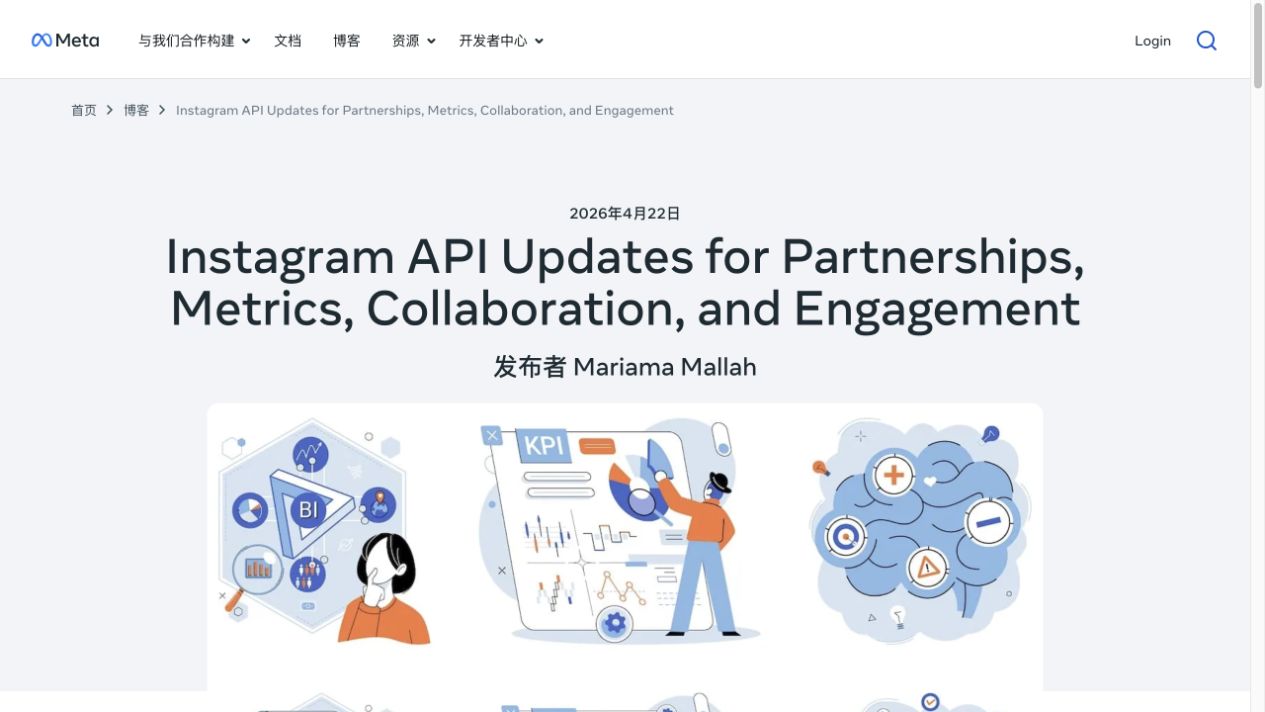
Before replacing the official API, check whether a newer official feature now covers the job. This is especially true for:
- creator or partnership workflows;
- collaboration and branded-content features;
- media and engagement metrics;
- owned-account publishing and insight surfaces;
- webhooks and moderation workflows.
The mistake is assuming a 2020 Stack Overflow answer still defines the API surface. The opposite mistake is assuming a 2026 API update covers public competitor data. Read the current docs and map endpoint coverage to the exact dataset.
Route 4: marketplace Instagram scraper actors
Marketplace actors are useful when the job is clear and the actor already matches it. Apify’s Instagram Scraper page says it can extract Instagram profiles, posts, locations, and search data, including comments, mentions, hashtags, likes, photos, Reels, and more. The page also positions export, API execution, scheduled runs, monitoring, and integrations as part of the workflow.
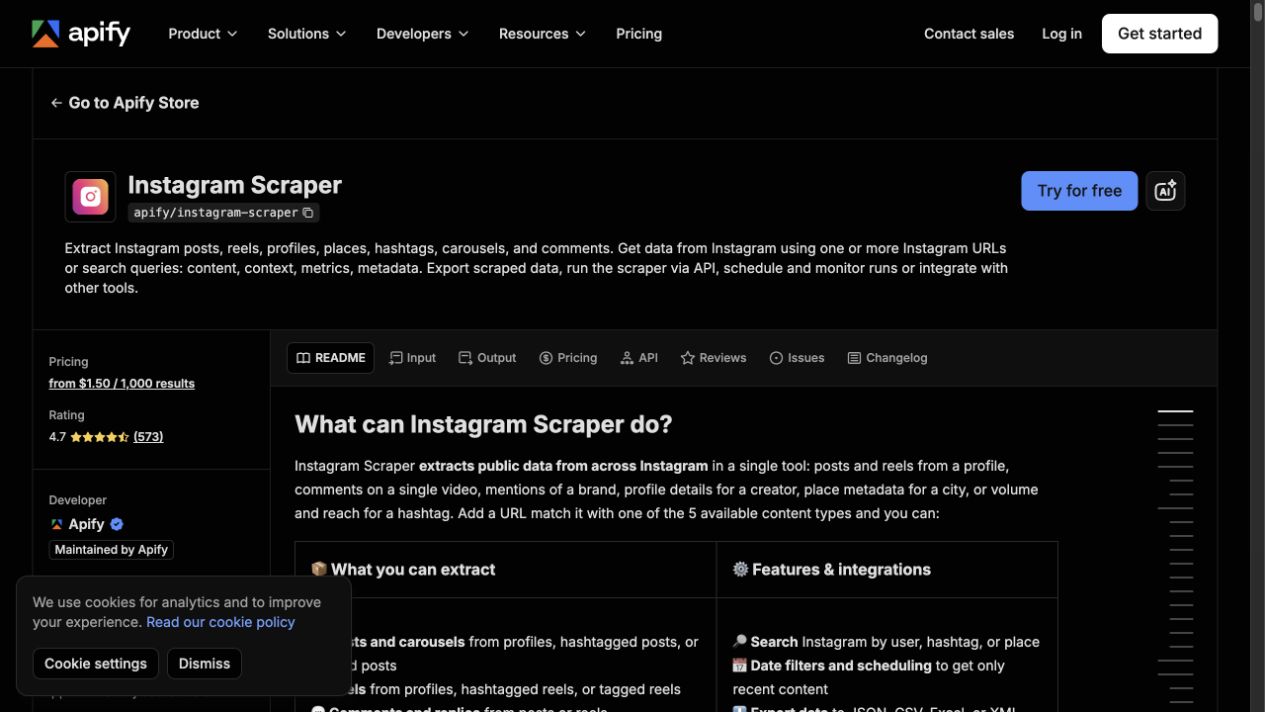
Use this route when:
- you already know the URL list or query set;
- the actor returns the fields you need;
- you are comfortable with marketplace pricing and maintenance;
- you want API execution or scheduling without building the whole scraper;
- the team can tolerate actor-specific assumptions.
The limitation is flexibility. A fixed actor can be excellent for “run this known job,” but awkward when the research question changes every hour.
Route 5: managed public-data providers
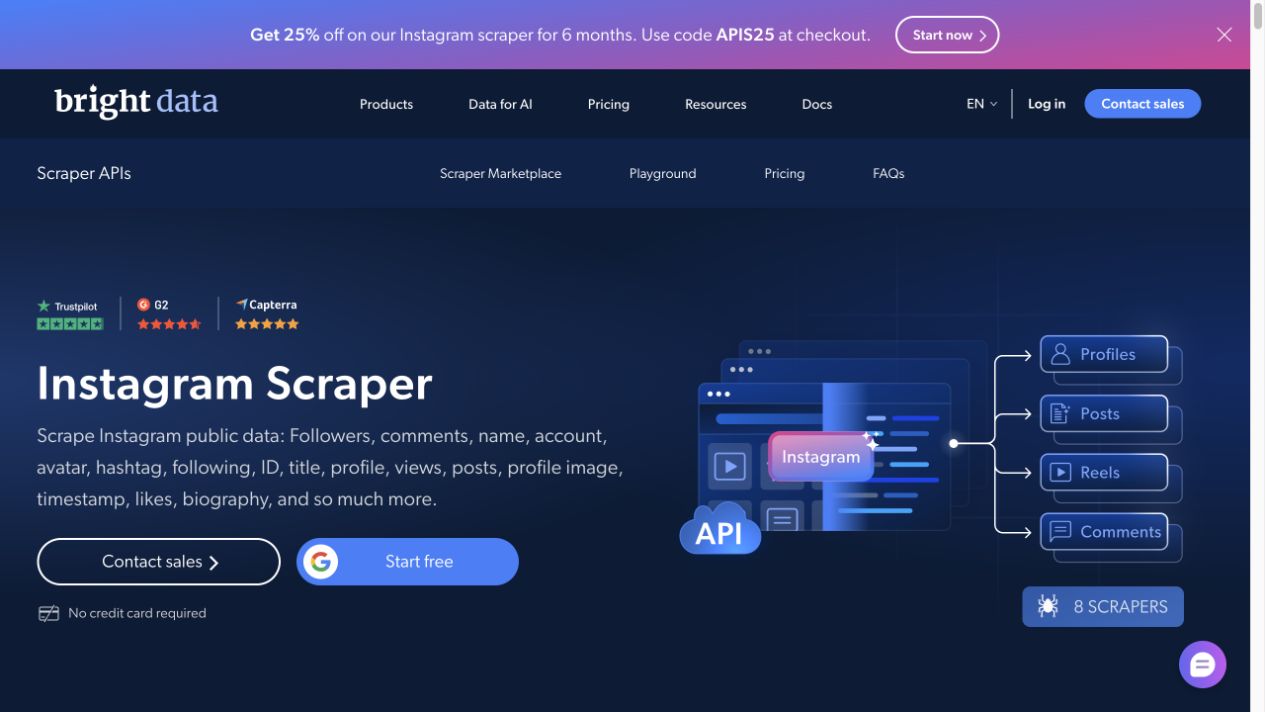
Managed providers handle more infrastructure for you: proxy routing, parsing, scaling, anti-bot maintenance, and dataset delivery. Bright Data’s Instagram Scraper page is a representative example, and the page title visible during this review offered “5K records/Month for Free.”
Use this route when:
- the team needs scale more than prompt flexibility;
- procurement can support a vendor relationship;
- output fields and dataset contracts are clear;
- reliability matters more than having a custom browser path;
- the buyer wants support, infrastructure, and SLAs.
This route may be too heavy for small teams doing exploratory research. It can also be overkill when the team only needs a weekly, source-linked sample.
Route 6: no-code and n8n-style workflows
Some teams do not want a new API; they want Instagram data to land in Sheets, Airtable, a CRM, n8n, or an AI analysis workflow. Search results around n8n Instagram workflows show a common pattern: combine official API access where it fits, a scraping provider where public data is needed, caching in Google Sheets, and a workflow layer that handles dedupe and handoff.
This route is useful when:
- the team already runs n8n, Make, Zapier, or Sheets workflows;
- the output needs enrichment, scoring, or notifications;
- humans still review rows before action;
- the data volume is moderate;
- the workflow owner can maintain credentials and logs.
The risk is turning a workflow tool into a scraping engine. Let each layer do what it is good at: BrowserAct or a provider collects source-linked rows, n8n moves and enriches them, and a human approves the decisions.
Route 7: BrowserAct prompt-first public data workflows
BrowserAct is useful when the team has a real research question but not a stable API spec yet. The first step is not “integrate an Instagram API alternative.” The first step is writing the browser task like a researcher would.
That makes BrowserAct different from a fixed actor or managed dataset provider:
- Agent: test one prompt, inspect the browser run, and validate whether the schema is useful.
- Workflow: save the approved browser path for repeat monitoring.
- CLI: trigger the approved workflow from a controlled reporting pipeline.
This is a strong fit for:
- competitor profile snapshots;
- public post and Reel research;
- comment export with source URLs;
- hashtag sample collection;
- Story monitoring while public or authorized Stories are visible;
- creator shortlist review;
- weekly research reports into Sheets.
It is not a promise of hidden access. BrowserAct workflows should use public or authorized data only and stop on login walls, CAPTCHA, 2FA, private accounts, DMs, hidden analytics, payment prompts, or unclear access boundaries.
A practical decision matrix
If you need... | Start with... | Why |
Owned account metrics | Official Instagram Platform API | Governed access and official metrics |
Publishing to owned accounts | Official publishing API | Use the platform-approved route and verify current limits |
Public competitor profile data | Public-data provider, actor, or BrowserAct | Official access may not cover public competitor research |
Fast one-off extraction | Marketplace actor | Existing actors can be faster than custom engineering |
Custom research brief | BrowserAct Agent | The prompt can change before the workflow is packaged |
Weekly monitoring | BrowserAct Workflow or managed provider | Repeatability matters more than ad hoc browsing |
Internal automation | BrowserAct CLI + n8n/Sheets/BI | Approved workflows need logs and controlled handoff |
High-volume datasets | Managed public-data provider | Scale, support, and infrastructure become the product |
Build a BrowserAct API-alternative sample
Use this when the team needs public or authorized Instagram data for research, not hidden account access.
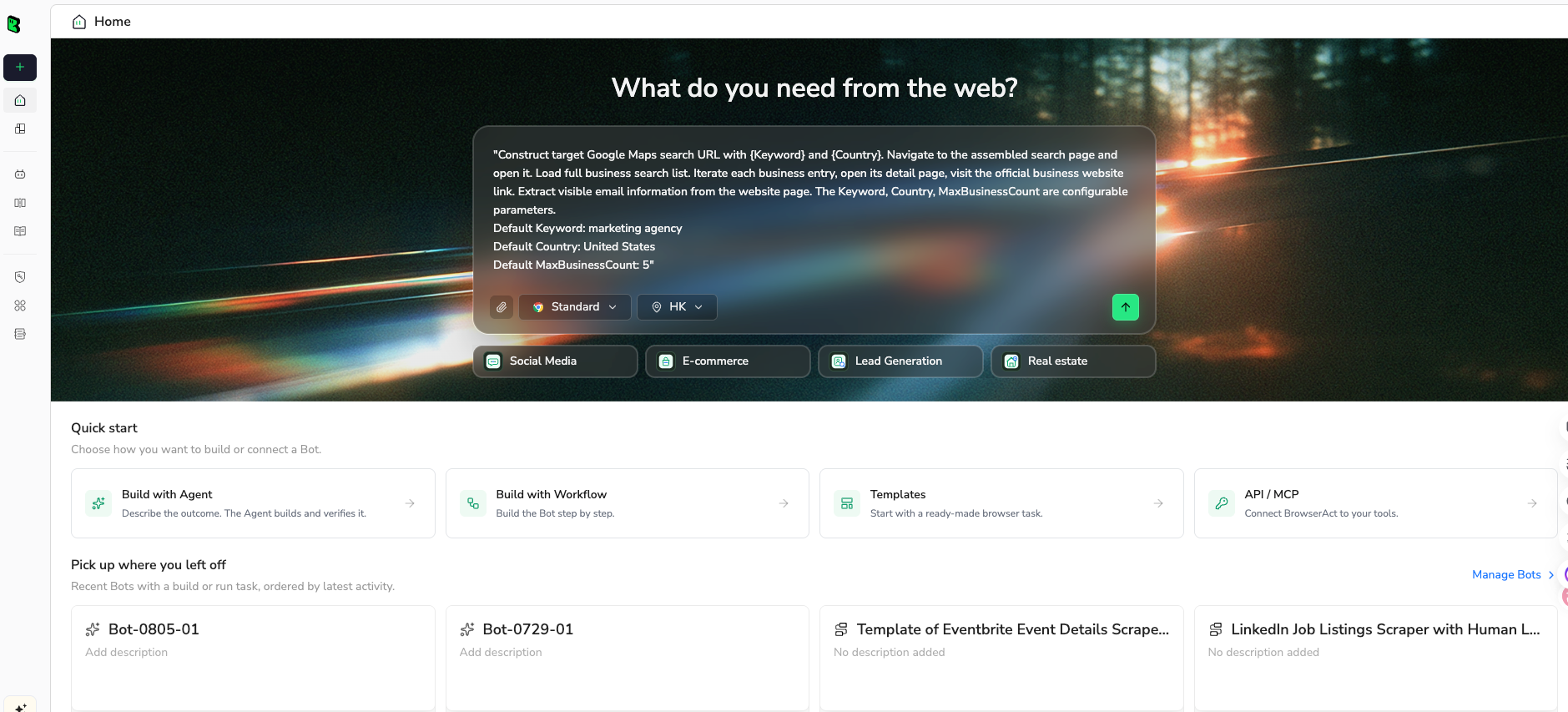
1. Open BrowserAct Dashboard
Click the left-side + button to create your own Bot, start from Quick start, or paste the prompt directly into the center Agent input to begin building.
2. Copy the complete prompt
Edit the target URLs, fields, and row limit before you run it. Keep the access-boundary rules intact.
Go to Instagram and build a public or authorized data sample that can replace this API prototype.

TARGET:
Collect public or authorized data from these targets:
- https://www.instagram.com/examplebrand/
- https://www.instagram.com/explore/tags/exampletopic/
- one public post or Reel URL provided by the user

LIMIT:
Return up to 100 rows total across targets, or clear stop reasons if access is unavailable.

FIELDS:
- source_type: profile, post, reel, hashtag, comment, story_reference, other
- source_url
- username
- profile_url
- display_name if visible
- bio_or_caption_text
- post_or_reel_url if applicable
- media_type
- posted_at if visible
- visible_metrics: likes, comments, plays, views, follower_count, following_count where visible
- hashtags
- mentions
- comment_text if the target is a comment thread
- captured_at
- source_status: complete, partial, login_required, private, captcha_required, restricted, unavailable
- stop_reason
- review_note

RULES:
- Use public or authorized data only.
- Keep the task read-only.
- Do not follow, like, comment, save, message, post, download private media, or change account settings.
- Do not access private accounts, DMs, hidden analytics, or restricted pages.
- If Instagram asks for login, CAPTCHA, 2FA, account confirmation, private access, payment, or anything unclear, pause and report the stop reason.
- Deduplicate by source_url + username + post_or_reel_url.
- Keep partial rows only if they have a source URL and a clear source_status.

OUTPUT:
Return a clean CSV/Google-Sheets-ready table.
Add a short summary with targets checked, rows collected, duplicates removed, unavailable targets, and recommended next workflow route: official API, actor, provider, BrowserAct Workflow, or CLI.
Scrape data from any website.
Describe the data you need. Get a Bot — a reliable, reusable scraper.
Prompt preview: test a public Instagram data workflow, collect source-linked rows, visible metrics, stop reasons, and a route recommendation. Private session · Choose your region before you run
Get your Bot — Free3. Handle login only when asked
If Instagram asks for login, CAPTCHA, 2FA, private-account approval, account confirmation, payment, or any unclear authorization step, BrowserAct should pause and write the stop reason. Do not route the workflow around the boundary.
4. Review, dedupe, and export
Before deciding the long-term route:
- dedupe by source URL and profile URL;
- compare requested fields against actual visible fields;
- separate official API candidates from public-data workflow candidates;
- mark unavailable, private, login-required, and partial rows;
- review AI summaries against source URLs;
- export CSV, JSON, Markdown, or a Sheets-ready table.
If the sample proves the workflow, save it as a BrowserAct Workflow. If it needs to run on schedule, trigger it with BrowserAct CLI and keep logs for every run.
What to avoid
Avoid “unofficial API” as a blanket answer
Reverse-engineered endpoints and private wrappers can break, create compliance risk, or disappear. Some may be useful in narrow contexts, but they should not be treated as a risk-free replacement for official APIs.
Avoid hiding access boundaries
If a row required login, private access, or unclear authorization, label it. A dataset that hides access problems will mislead the business later.
Avoid scraping when official access fits
If the business owns the account and the official API returns the metric, use the official route. Browser workflows are not a badge of honor; they are a practical option when the official route does not fit the data job.
Avoid shipping AI summaries without evidence
AI can cluster comments, summarize captions, and label creator fit, but every summary should link back to a source row. Otherwise the report becomes a hallucination factory with nicer formatting.
Final recommendation
For owned analytics and publishing, start with Meta’s official Instagram Platform docs. For high-volume public datasets, evaluate managed providers. For fixed extraction jobs, test marketplace actors. For custom competitor, creator, comment, hashtag, Reels, or monitoring workflows, use BrowserAct to validate the prompt and schema before you turn it into a repeatable Workflow or CLI job.
The best Instagram API alternative is not the one with the longest endpoint list. It is the one that gives your team source-linked data, clear stop states, realistic maintenance, and a path from first sample to repeatable reporting.
Further reading: Instagram data collection
Frequently Asked Questions
What is the best Instagram API alternative?
The best Instagram API alternative depends on the job: official Meta APIs for owned or authorized workflows, managed providers for large public datasets, marketplace actors for fixed extraction, and BrowserAct for custom prompt-first public-data workflows.
Is the Instagram Graph API still useful in 2026?
Yes. It is still the right route for many owned-account, authorized analytics, publishing, comments, and insights workflows when permissions and endpoint coverage fit the use case.
Can I scrape Instagram without the API?
You can build public or authorized browser/data workflows, but you should not promise private access or bypass behavior. Keep collection read-only, source-linked, and stopped on restricted access.
When should I use BrowserAct instead of an Instagram API?
Use BrowserAct when the research question is custom, the schema is still changing, or the team needs a source-linked browser workflow before investing in an API integration.
What should an Instagram public-data workflow include?
Include source URL, username, profile URL, caption or bio, visible metrics, media type, timestamps, hashtags, mentions, source status, stop reason, dedupe key, and reviewer notes.
Are third-party Instagram APIs safer than scraping yourself?
They can reduce infrastructure work, but they do not remove platform, privacy, or access-boundary risk. Review coverage, source handling, terms, retention, and failure behavior before relying on them.
How do I connect Instagram data to n8n or Sheets?
Use the collection layer for source-linked rows, then let n8n or Sheets handle enrichment, scoring, alerts, and approvals. BrowserAct CLI is useful when an approved workflow needs scheduled handoff.


