How to Set Up OpenClaw: Your Personal AI Assistant

Set up the open-source AI agent OpenClaw on your device, link it to Telegram for practical use, and learn to enhance its web capabilities for advanced automation.
OpenClaw,previously known as Clawdbot before a name change due to trademark concerns, is an open-source AI agent that runs entirely on personal hardware such as a computer or server.
Interaction occurs through familiar messaging applications including Telegram, WhatsApp, or Slack. Users send messages to request actions such as drafting emails, writing documents, summarizing materials, searching for information, or automating routine tasks.
In summary, OpenClaw provides a private, persistently available AI assistant under full user control.
Prerequisites for Setup
Required Items
- Computer running macOS, Linux, or Windows with WSL
- Internet connectivity
- Ability to copy and paste commands (no programming knowledge required)
- Telegram account (recommended for simplicity)
Recommended (Optional)
- API key from an AI provider such as OpenAI or Anthropic/Claude
Setup is possible without one, but performance improves significantly with a valid key.
Recommended Installation Method
Open a terminal and execute the following command:
curl -fsSL https://molt.bot/install.sh | bash
This process handles:
- Installation of Node.js (version 22 or higher required)
- Global installation of OpenClaw
- Launch of the interactive configuration wizard
Output confirms successful completion of each step.
Initial Configuration
The wizard guides users through setup with the following recommended selections:
- Mode: Quick Start
- AI Provider: OpenAI, Anthropic, or skip for later addition
- Integration: Telegram
Begin with a single messaging platform to verify functionality before adding others.
Connecting Telegram
Create a bot through Telegram:
- Search for @BotFather
- Send the command /newbot
- Follow prompts to set the bot name
- Copy the provided Bot Token
Paste the token into the OpenClaw wizard when prompted. The agent then becomes active and linked.
Verification Steps
Check operational status with:
OpenClaw statusA "running" response confirms success.
Optionally start the dashboard interface with:
OpenClaw dashboardPractical Example: Drafting a Weekly Project Report Email
Send the following message in Telegram:
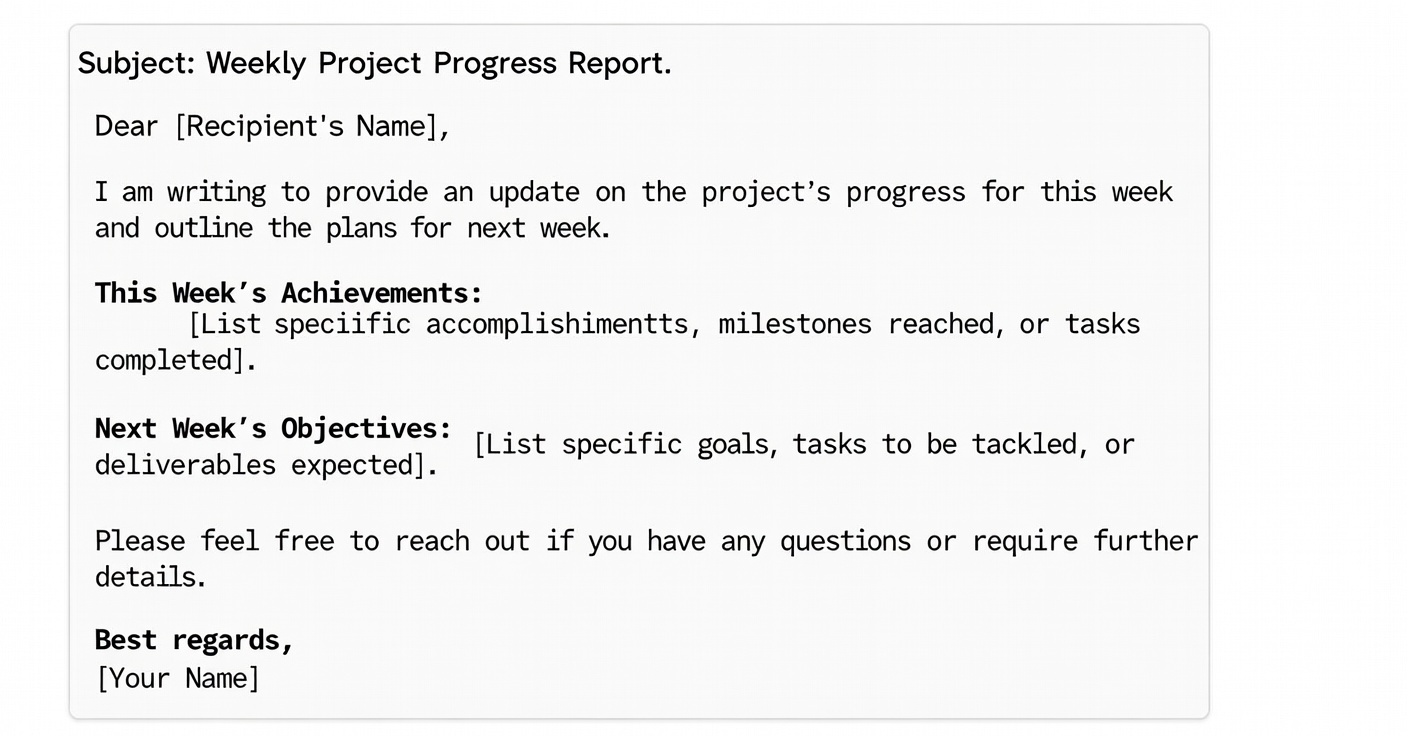
Write a formal project weekly report email that includes this week's progress and next week's plan.
OpenClaw generates a complete draft suitable for immediate use, including subject line, body, and closing.
Advanced Example: Research and Summary
To demonstrate OpenClaw’s ability to perform real-time research and deliver structured insights, configure a web search provider (such as the Brave Search API). Once set up, you can send natural-language commands that combine search and summarization.
Instruction example (send this exact message in Telegram or your connected chat app):
Search "2026 AI industry trends" and summarize in 5 key points.
What OpenClaw does:
- Automatically performs a web search using the configured provider
- Extracts relevant and up-to-date information from the results
- Generates a clean, structured summary in 5 bullet points
This works well for many standard websites and publicly accessible content.
Limitations of built-in search:
However, the built-in web search can face challenges in certain scenarios, including:
- Pages that require app-based login or session authentication
- Complex slider CAPTCHAs or interactive human verification
- Strict login walls (very common on premium research platforms, analyst reports, or paywalled content)
- Heavy JavaScript-driven dynamic pages that don’t render properly without a real browser
- Geo-restrictions (especially when the OpenClaw gateway is hosted overseas and cannot access region-locked content)
Recommended solution for reliable web access:
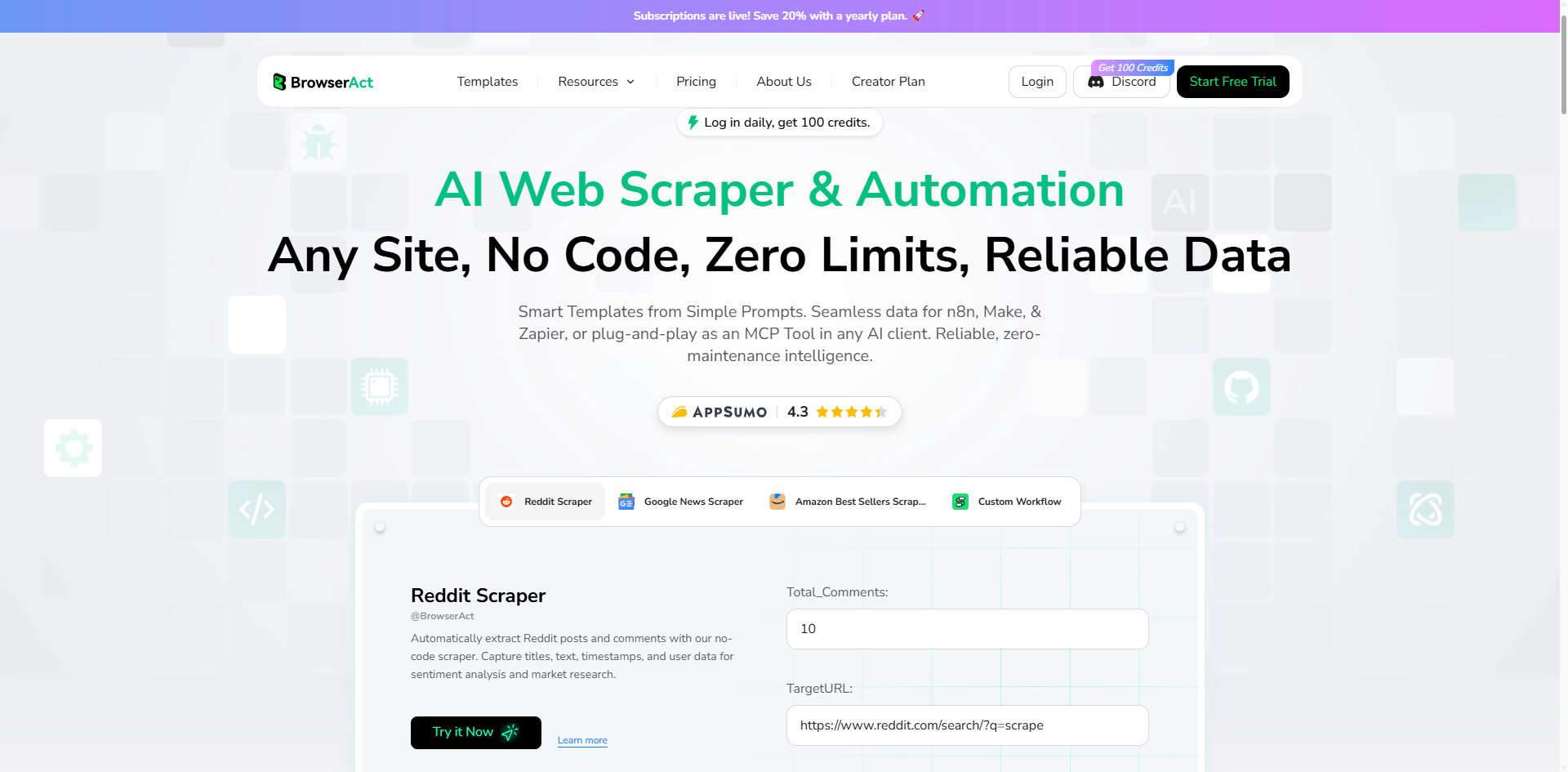
For consistent and robust web interaction, integrate the BrowserAct API — a cloud-based browser automation and no-code AI web scraping platform.
BrowserAct solves these issues effectively:
- Automatically handles CAPTCHAs and human verification challenges
- Bypasses Cloudflare and other anti-bot protections
- Uses global IP rotation (including static IP options to avoid bans)
- Renders dynamic JavaScript-heavy pages like a real browser
- Provides seamless access to login-walled or geo-restricted content
Simply call the BrowserAct API from OpenClaw to unlock high-quality, uninterrupted web research and data extraction — even on the most challenging websites.
Ready to make OpenClaw truly unstoppable?
Pair it with BrowserAct today for seamless no-code scraping, CAPTCHA bypass, and global IP access. Head to BrowserAct and start integrating — your AI agent will thank you.
Here’s an optimized, clean, and professional version of the "Essential Commands" section. It starts with a clear introduction explaining the purpose, defines what commands are, and presents them in a readable, well-formatted way using code blocks for clarity.
Essential Commands for Managing OpenClaw
These commands allow you to monitor, troubleshoot, restart, and update your OpenClaw instance directly from the terminal. They are the core tools for day-to-day operation and maintenance.
- Check current status
OpenClaw status- Shows whether Moltbot is currently running.
- Perform a health check
OpenClaw health- Runs a quick diagnostic to verify the agent's overall health.
- View recent logs
OpenClaw logs- Displays the latest log output for debugging or monitoring activity.
- Restart the service
OpenClaw restart- Stops and immediately restarts the OpenClaw process.
- Upgrade to the latest version
npm install -g OpenClaw@latest
- Updates OpenClaw to the most recent release globally.
Run these commands in the same terminal environment where Moltbot was installed. For always-on production use, consider setting Moltbot up as a background service (daemon) so it continues running even after the terminal is closed.
Best Practices
Example for Effective Use
Provide specific instructions for optimal results. For example:
- Avoid vague requests such as "help me look"
- Use precise prompts such as "summarize these 3 key points from the following text"
Start with basic chat interactions before connecting email or calendar services. Test one capability at a time.
Common issues include:
- Service stopping when the terminal closes (configure as a background service or daemon for continuous operation)
- Assigning broad permissions too early
- Using ambiguous commands
Conclusion: The AI Agent Revolution Is Here
The OpenClaw story (formerly Clawdbot) is more than one viral open-source project—it signals a future where personal, self-hosted AI agents become as everyday as smartphones. Built in days by Peter Steinberger from a home setup, it demonstrates that the inflection point has already arrived: one developer with modern models can now outpace entire traditional teams.
Key Takeaways:
- Autonomous AI is real: Agents solve problems beyond their initial programming through reasoning and tools.
- Speed wins: A single person with AI can outpace legacy development workflows.
- Accessibility is rising: Powerful agents require minimal setup and no custom coding for core value.
- Big Tech takes notice: Self-hosted, private agents challenge closed platforms and data monopolies.
- Results are happening today: Users already automate emails, calendars, research, and workflows with measurable impact.
The future is not coming—it's already running in GitHub repos and on home servers. Tools like OpenClaw show what becomes possible when AI gains persistent memory, system access, and chat-native control.
Ready to Supercharge Your OpenClaw AI Agent Workflows?
While OpenClaw provides the autonomous intelligence and chat-driven control, BrowserAct delivers the web execution layer needed for real-world scale. BrowserAct is the perfect companion for agents like Moltbot—combining advanced no-code web scraping with seamless API integration.
Why BrowserAct + OpenClaw?
- Bypass Any Verification: Automatically solves CAPTCHAs and passes human verification challenges
- Global IP Network: Access geo-restricted content with IPs from around the world
- Human-Like Browsing: Simulates real user behavior to avoid detection
- Fingerprint Browser Technology: Advanced anti-detection for reliable, long-running scraping
- No Coding Required: Simple API calls integrate directly with Moltbot
- 24/7 Automation: Cloud-powered execution lets agents run around the clock with consistent web access
Connect BrowserAct's API to OpenClaw and unlock truly autonomous web automation—from data extraction and research to task execution—all without writing complex scraping code.
Start Building with BrowserAct + OpenClaw
Related reading: Before expanding an OpenClaw setup, compare Clawdbot use cases that work—and where they fail so the workflow matches the tool's real strengths and limits.


