9 Best Search APIs for AI Agents (2026)

If you're choosing a search API for AI agents, the question is not just "which API returns search results?" The real question is which one gives your agent clean, useful, LLM-ready information without burning half the workflow on parsing, scraping, and cleanup. Search is where AI agents quietly fall apart. The agent calls a search API, gets back thousands of lines of HTML or ten blue links, and suddenly half the pipeline is just cleaning up someone else's mess before any actual intelligence can
What to Look for in a Search API
Before the list, a few things are worth getting clear on.
LLM-Ready Output
The difference between a search API returning raw HTML and one returning clean Markdown matters enormously for token costs. Feeding bloated HTML into a context window wastes money and degrades retrieval quality. You want structured JSON or clean Markdown. Ideally, the kind you can pass directly into a RAG pipeline without preprocessing.
Semantic vs. Keyword Search
Traditional SERP APIs find pages that match your query terms. Neural search engines find pages that match your query's meaning. A meaningful distinction when you're building research agents that need to surface conceptually related material, not just keyword matches.
Token Efficiency
If your agent runs 10,000 searches a month and each response is bloated with navigation menus, footer links, and tracking scripts, that's real money. Compact, relevant output keeps LLM costs sane at scale.
Pricing Model
Per-query billing compounds fast. A $5/1K price sounds fine until you're at 500K queries a month. Know your expected volume before you commit, and watch for providers that charge separately for content extraction on top of search. Those costs add up quickly.
Content Extraction
Most search APIs return URLs and snippets. Agents often need to read the actual page or grounded answer. Whether that's bundled into the search call or requires a separate request changes both your architecture and your bill.
The 9 Best Search APIs for AI Agents
1. Geekflare Search API
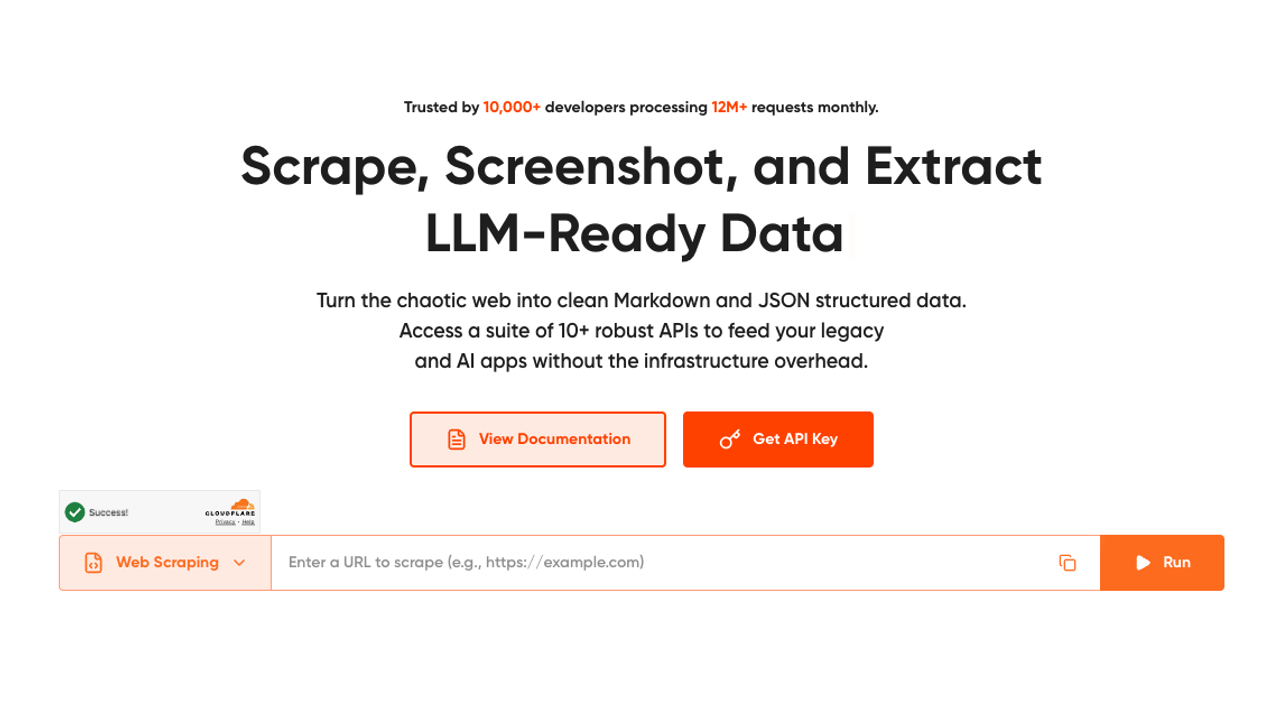
Geekflare's Search API is purpose-built for AI agent workflows, and it shows. The core value proposition is getting search results and scraped page content in a single API call — something that sounds obvious until you realize most alternatives require two separate requests (and two separate billing events) to accomplish the same thing.
If your agent needs both search results and full page text, a single-call API like Geekflare eliminates an entire class of orchestration bugs. No more "search succeeded but content extraction failed" partial failures.
Output comes as LLM-ready Markdown, structured JSON, or HTML, with smart anti-bot evasion and rotating proxies handling the hard parts behind the scenes. There's also a groundedAnswer flag in the request body that triggers a grounded answer alongside the search results and citations; useful for answer-engine architectures where you want a synthesized response rather than a raw results list.
The API supports multiple data sources (web, news, images), precision filtering by country, timeframe, and content category, and integrates with Python, Node.js, Go, PHP, Java, Ruby, and cURL. Zapier and Make connectors are available for no-code workflows.
Pricing: Credits-based, shared across Geekflare's full API suite. The free tier gives 500 monthly credits (Search API consumes 2 credits per call). Paid plans: Starter at $9/month (5K credits), Growth at $49/month (100K credits), Business at $249/month (1M credits). One-time top-up packs are available for burst usage.
Best for: RAG pipelines, content extraction, developers who want a single API call to handle both search and full-page content retrieval without managing two providers.
Watch out for: The credit system covers the full API suite, which is great for flexibility but means you need to account for credit consumption across different endpoints if you're using multiple Geekflare APIs.
2. Exa
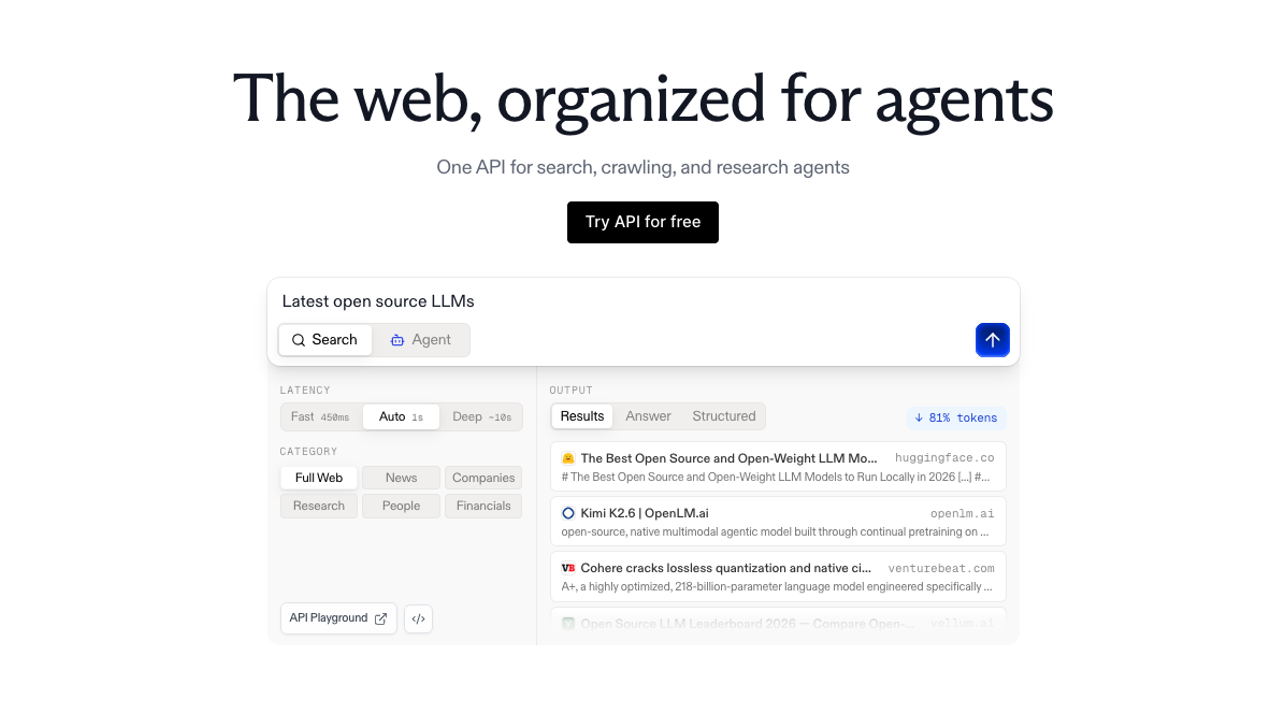
Exa is a neural search engine that works fundamentally differently from keyword-based search. It uses next-link prediction: essentially, predicting what pages would be linked from pages about a topic, to surface results based on semantic similarity rather than term matching. The practical effect is that it finds pages that are about your query's concept, not pages that happen to contain your query's words.
The findSimilar endpoint takes a URL as input and returns semantically related pages, which is useful for discovery-heavy agent workloads. Cursor and AWS both use Exa for this kind of exploratory retrieval. The highlights feature extracts the most relevant sentence or passage from each result, which reduces token consumption significantly compared to passing full page text.
Exa updated its pricing in March 2026. Standard search is now $7 per 1,000 requests (up from $5), with a bundled search-with-contents option at $7/1K that includes up to 10 results with text and highlights included. An Agentic tier at $12/1K covers multi-step agent workloads. There's a free tier with 1,000 queries per month, which is enough for prototyping but not load testing.
Pricing: $7/1K for standard search, $7/1K for search with contents (10 results), $12/1K for the Agentic tier. At 1M requests/month, costs exceed $7,000 — where the pricing model starts to hurt.
Best for: Research agents, semantic discovery, embeddings-native RAG pipelines where keyword match quality isn't good enough.
Watch out for: Pricing scales poorly at high volume. The March 2026 price increase makes it noticeably more expensive than competitors for workloads above 100K queries/month. Content extraction adds cost on top of search if you need full-page text beyond what the bundled highlights provide.
3. Tavily

Tavily describes itself as a search API built specifically for AI agent tool use, and that's accurate. The design philosophy is to collapse the search-then-scrape two-step into a single call: search the web, extract the content from top results, and return it formatted for LLM consumption. You get usable text back, not a list of URLs to scrape separately.
LangChain uses Tavily as its default search tool. OpenAI referenced it in function-calling documentation examples. LlamaIndex integration is native. If your stack is LangChain-based, Tavily is the path of least resistance.
The API supports topic filtering (general vs. news), date range filtering, and domain include/exclude lists. You can request raw content or a pre-synthesized answer. The search_depth parameter lets you choose between a fast shallow search and a slower deep search that pulls more content from each result.
Note: Nebius announced an agreement to acquire Tavily in February 2026. Pricing revisions post-acquisition are possible, so factor that into longer-term planning.
Pricing: Free tier at 1,000 credits/month. Researcher plan at $30/month ($25/month annually), Startup plan at $100/month ($83/month annually), Enterprise at custom pricing. At 10K searches/month, you're looking at roughly $72.
Best for: Plug-and-play RAG pipelines, LangChain-based agents, developers who want framework-native integration without custom orchestration code.
Watch out for: Per-query pricing is higher than budget alternatives like Serper. At $0.008/query on the Research plan, it's meaningfully more expensive per search than raw SERP options. You're paying for the content extraction and LLM-optimized formatting.
4. Brave Search API
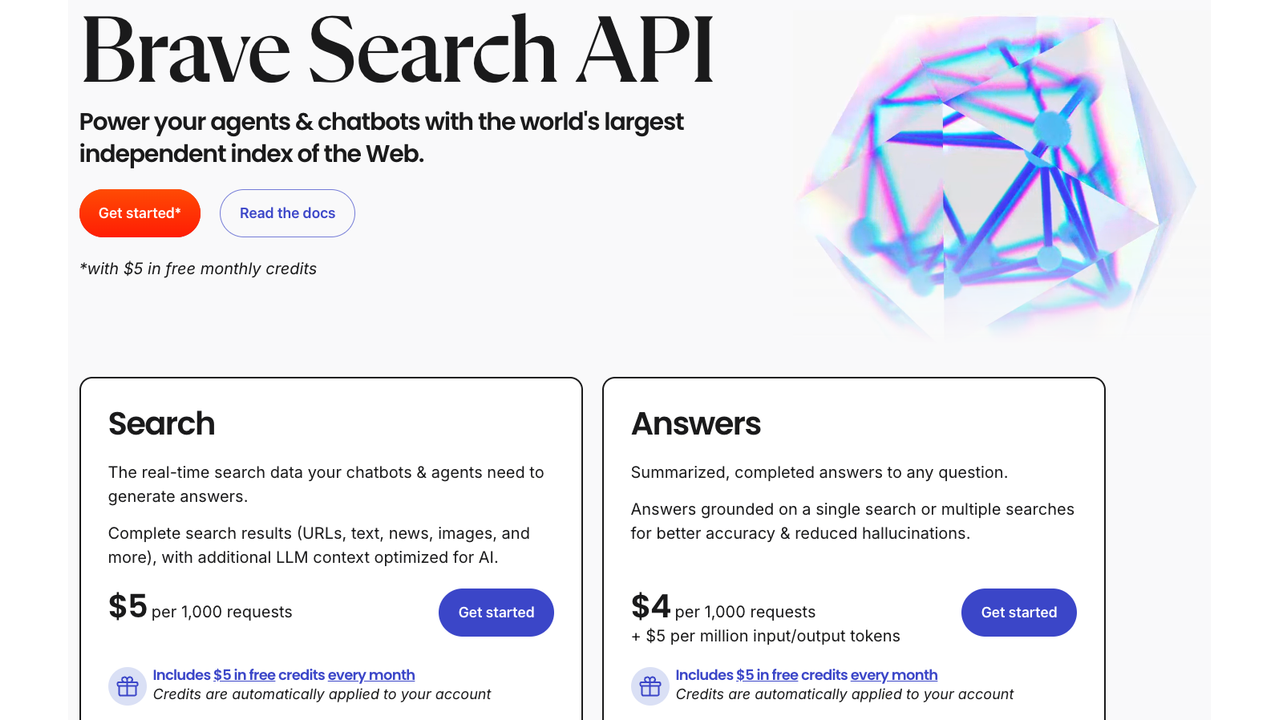
Brave runs its own independent web index, not a Google or Bing proxy. That's rarer than you'd think. Most search APIs that return "web results" are scraping someone else's index and charging a margin on top. Brave actually crawled the web itself, which means their results are structurally different from what Google surfaces, and their uptime doesn't depend on Google not breaking their HTML scraper.
The LLM Context API (launched February 2026) addresses the content extraction gap that made earlier versions of the API less useful for agent workloads. It returns ranked, LLM-optimized content chunks rather than raw HTML, which meaningfully reduces preprocessing overhead. An Answers plan adds LLM-generated responses at $4/1K queries plus token costs, capped at two requests per second on standard plans — a real constraint for high-concurrency agents.
Brave is SOC 2 Type II certified. No tracking, no user profiling, independent index. For applications where data provenance and privacy are requirements rather than preferences, that matters.
Pricing: ~$5 per 1,000 queries. A $5 monthly credit is included with plans, effectively giving you ~1,000 free queries per month. Monthly credit carries attribution requirements.
Best for: Privacy-conscious applications, use cases requiring an independent index, developers who want to diversify away from Google-dependent providers.
Watch out for: The 2 requests/second cap on the Answers plan is a hard limit for real-time agent workloads. Result ranking quality is seen as inferior to Google by some developers for certain query types.
5. Serper

Serper is Google SERP data via a clean REST API at a price point designed for volume. That's the whole pitch, and it works. At $0.30 to $1.00 per 1,000 queries, depending on plan, it's the cheapest way to get structured Google results programmatically. The 2,500 free searches per month free tier is the most generous of any provider on this list.
The output is JSON: titles, URLs, snippets, positions, Knowledge Graph data when present, and related searches. It's not LLM-ready in the way Tavily or Geekflare's output is — you'll need to process it before passing it to a language model, or pair it with a separate content extraction step via something like Jina Reader.
LangChain and LlamaIndex integrations exist. Framework support is solid for what it is.
Pricing: Pay-as-you-go from $0.30/1K at scale. Starter at $50/month for 50K searches ($1/1K). Volume discounts bring costs down to $0.30/1K on higher plans.
Best for: High-volume agents where raw Google results are sufficient, budget-conscious developers, SEO tooling, workloads where you'll do your own content extraction or synthesis.
Watch out for: Serper is Google-dependent. The ongoing Google v. SerpAPI lawsuit (filed December 2025) has spillover risk for providers scraping Google's index. Worth building a swap-out path from day one. No built-in content extraction means a separate step (and cost) for full-page text.
6. SerpAPI
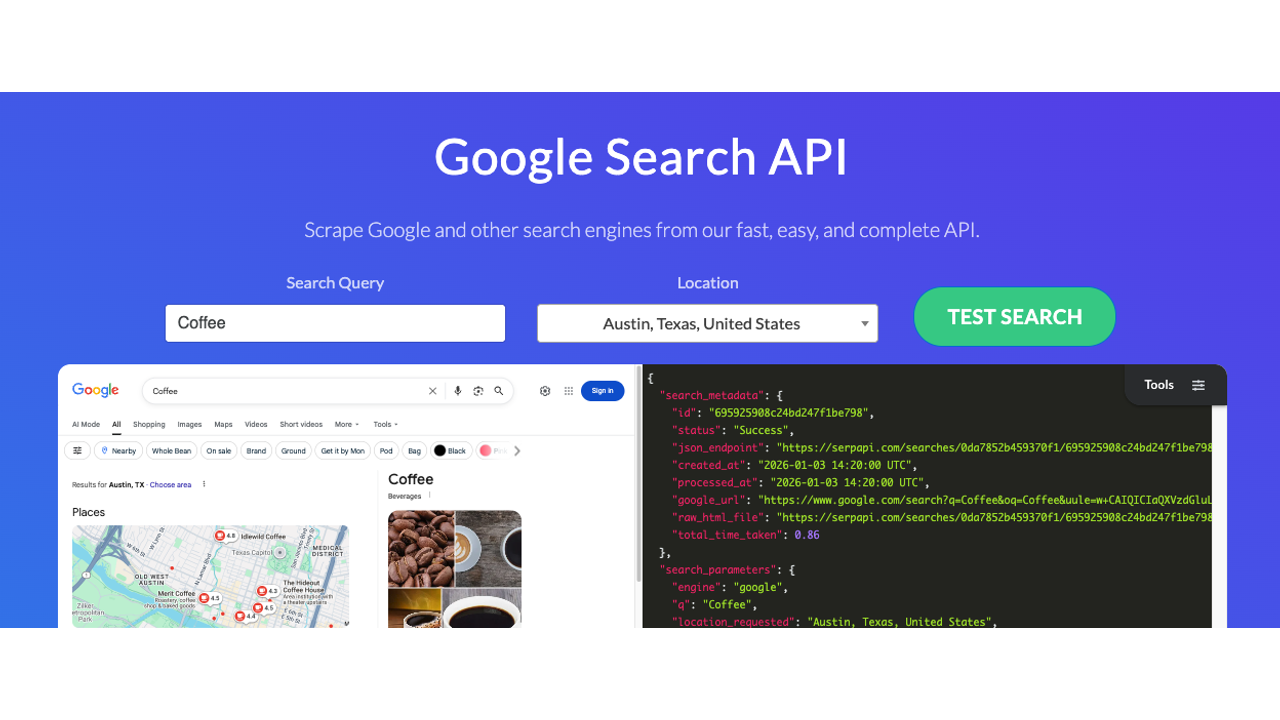
SerpAPI is the enterprise end of the SERP spectrum: over 40 search engines (Google, Bing, Baidu, Yahoo, DuckDuckGo, Yandex, and more), a legal protection guarantee (verified to cover up to $2M as of April 2026), and the kind of reliability SLAs that matter when search is production-critical infrastructure.
The breadth of engine coverage is genuinely useful for international or multi-platform agent workloads where Google results alone aren't sufficient. Baidu coverage matters for China-targeting applications; Yandex for Russia; Yahoo Japan for Japanese-language queries.
Pricing: Starter at $25/month, Developer at $75/month (5K searches), Production at $150/month (15K), Custom/Big Data at $275/month (30K+). No meaningful free tier.
Best for: Enterprise workloads requiring multi-engine coverage, applications where legal compliance is a hard requirement, production systems that can't afford unreliable search infrastructure.
Watch out for: The Google v. SerpAPI lawsuit (December 2025) is still active. SerpAPI remains operational, but the case is worth tracking. If Google-only coverage is sufficient for your use case, Serper delivers comparable results at a fraction of the cost.
7. Firecrawl
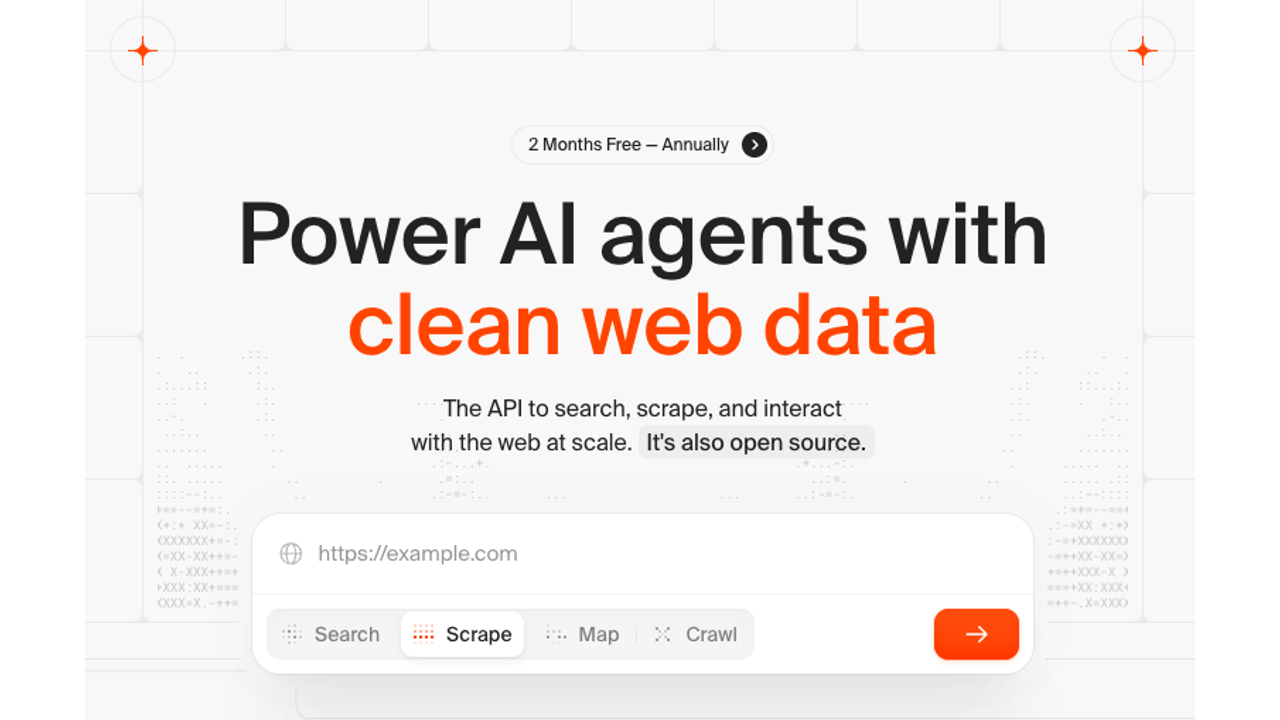
Firecrawl occupies a distinct position: it's primarily a web crawling and content extraction API that also does search, rather than a search API that also does content extraction.
The search endpoint lets you query the web and optionally scrape full content from results in a single call. It supports specialized search categories (GitHub, research papers, news, images), location targeting, time filtering, and structured output in Markdown and JSON. The output quality for content extraction is consistently strong: clean Markdown, JavaScript rendering handled by default, anti-bot evasion built in.
The Agent endpoint is the interesting addition: you give it a natural language prompt and it autonomously decides what to search, what to extract, and how to synthesize. It's powered by Firecrawl's own Spark 1 Pro and Spark 1 Mini reasoning models. The tradeoff is credit consumption: Agent queries can burn anywhere from 100 to 1,500+ credits, depending on complexity.
97,000+ GitHub stars and Y Combinator backing. The developer community is active and the project ships updates frequently.
Pricing: Free tier with 500 one-time credits. Hobby at $16/month (3K credits), Standard at $83/month annually (100K credits). Standard plan works out to roughly $0.83/1K pages — cheaper than running DIY proxy infrastructure at that scale.
Best for: RAG pipelines where clean page content is critical, agents that need combined search-and-extraction without managing two providers, deep site crawling and indexing workflows.
Watch out for: Credits cover crawling, not just searching. A complex Agent query can burn a large chunk of your monthly allocation. Success rate on heavily bot-protected sites (Amazon, LinkedIn, Cloudflare-hardened pages) dropped to around 33% in a late-2025 Proxyway benchmark. For those specific targets, a more specialized scraping tool may be needed.
8. You.com API
You.com started as a consumer search engine and evolved into an AI search infrastructure for enterprise teams. The developer API is now separate from the consumer product and designed around agent workloads.
The Web Search API returns results with optional livecrawl mode, which bundles full Markdown page content into the search response rather than just snippets. You.com reports 91.1% accuracy on SimpleQA. They're also the only major search API provider with peer-reviewed evaluation research, which earned an AAAI 2026 Best Paper Award.
The API supports freshness filtering (day, week, month, year, or custom date ranges), geographic targeting via country code, and search operators including site: and exclusion via - or NOT. News Search covers 10M+ sources. There's also a Contents API for URL-to-text extraction when you already have URLs and need extraction separately.
You.com reduced pricing in March 2026, with the changes applying to existing accounts automatically. New accounts get $100 in free credits to start.
Pricing: Web Search API at $5.00/1K calls (livecrawl content bundled in). Contents API at $1.00/1K pages. New accounts start with $100 free credits, no credit card required.
Best for: Production applications requiring high accuracy, research tools needing news and web search with granular freshness filtering, enterprise teams that need verifiable accuracy benchmarks.
Watch out for: The enterprise pitch and pricing structure are better suited for teams than individual developers. The Deep Search API (multi-step research) runs $15 per research call; fine for depth, expensive at any meaningful volume.
9. Perplexity Sonar API
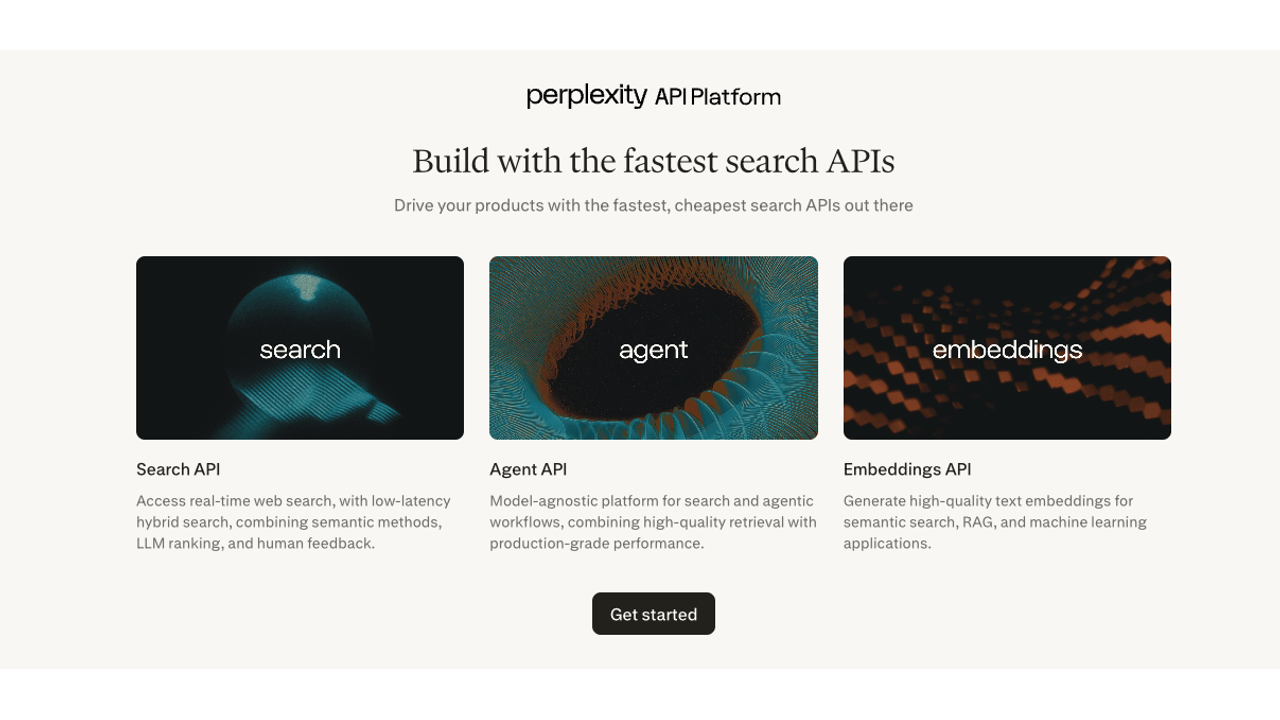
Perplexity Sonar is architecturally different from everything else on this list. Instead of returning search results for your agent to reason over, Sonar performs retrieval and synthesis server-side and returns a cited answer. Your agent gets a finished response with sources attached, not a list of URLs to process.
That distinction shapes the entire developer experience. Integration is simpler: ask a question, get a cited answer — but you lose control over how the synthesis happens. You're trusting Perplexity's LLM to reason correctly, and you can't swap in your own model. For applications where you want search plus answer in one call and answer quality is sufficient, Sonar is the fastest path.
The model lineup as of 2026 spans Sonar Small through Sonar Pro, with a separate raw Search API for developers who want ranked results without synthesis. Deep Research mode exists for multi-step investigation, but it introduces unpredictable costs. A single query can trigger dozens of internal searches, and the billing reflects that.
Pricing: Token-based, with a per-request fee on top. Sonar Small: $0.20/$0.20 per million input/output tokens. Sonar Large: $1.00/$1.00. Sonar Pro: $3.00/$15.00. Additional $5/1K request fee on standard Sonar endpoints. Raw Search API at $5/1K requests. Sonar Deep Research costs $0.30–$1.30+ per query, depending on depth. Pro subscribers get $5/month in API credits.
Best for: Applications where a cited, synthesized answer is the desired output, agents that need search-plus-reasoning in one hop, use cases where simplicity of integration outweighs synthesis control.
Watch out for: Deep Research costs are genuinely unpredictable: the model decides how many internal searches to run, and you don't control that. For high-volume workloads, the dual billing model (tokens plus per-request fee) can compound faster than expected. If you need control over how search results are processed, a raw search API plus your own LLM will be cheaper.
Give your agent a real browser, then turn the workflow into a Skill.
- 1. Use browser-act when an agent needs to open, click, scroll, extract, or inspect a live site.
- 2. Use browser-act-skill-forge when the workflow should become reusable across runs and agents.
- 3. Keep the operational boundary simple: automate what the user can already do in the browser.
Comparison Table
Stop getting blocked. Start getting data.
- ✓ Stealth browser fingerprints — bypass Cloudflare, DataDome, PerimeterX
- ✓ Automatic CAPTCHA solving — reCAPTCHA, hCaptcha, Turnstile
- ✓ Residential proxies from 195+ countries
- ✓ 5,000+ pre-built Skills on ClawHub
How to Choose Based on Your Use Case
Building a RAG pipeline? Geekflare and Exa are the strongest fits. Geekflare bundles search and full content extraction in one call with clean Markdown output. Exa's semantic retrieval surfaces conceptually relevant pages that keyword search misses.
Need LangChain or LlamaIndex plug-and-play? Tavily. Native integration, minimal orchestration code, citation-ready results.
High volume, low budget? Serper at $0.30–$1.00/1K queries is the cheapest path to Google SERP data. Pair with Jina Reader for content extraction and you have a full pipeline at a fraction of the cost of AI-native alternatives.
Multi-engine enterprise? SerpAPI. 40+ engines, legal protection guarantees, enterprise SLAs. Expensive, but if multi-engine coverage is a hard requirement, nothing else covers it as thoroughly.
Privacy-first or independent index? Brave Search API. SOC 2 certified, no tracking, its own crawled index rather than a Google or Bing proxy.
Combined search and deep extraction? Firecrawl's search endpoint with scrapeOptions gives you both in one call, with strong output quality on most pages. The Agent endpoint handles complex multi-step research autonomously.
One-call cited answers? Perplexity Sonar. Fastest path from query to cited answer without managing retrieval and synthesis separately.
High-accuracy enterprise search with freshness controls? You.com, particularly for workloads that need granular date filtering and peer-reviewed accuracy benchmarks.
The right answer depends less on which API is objectively best and more on what your pipeline actually needs. Search-plus-synthesis is simpler to integrate but trades control for convenience. Raw search-plus-your-own-LLM is more flexible but requires more orchestration. Most teams land somewhere in the middle: one well-chosen API to start, a second added only when a specific gap appears.
Two Skills, One Repeatable Browser Workflow
Start with live browser execution when the agent needs to understand a page. Move to Skill Forge when the same scraper should run again without re-exploring the site.
Run once with browser-act
Give Codex, Claude Code, Cursor, Windsurf, or another agent a real browser for rendered pages, clicks, scrolling, screenshots, DOM extraction, and network inspection.
Open browser-act SkillPackage with Skill Forge
Explore the site once, verify the extraction path, then generate a callable Skill package that other agents can reuse for batch jobs or scheduled workflows.
Open Skill ForgeRelated reading: For additional setup guidance and a closer comparison, see Tools for AI Agents to Use the Web in 2026: Search, Browse, Click, Extract, and Act.
Frequently Asked Questions
What is a search API for AI agents?
A search API for AI agents is a programmatic interface that returns web search results formatted for consumption by language models. Unlike traditional search APIs that return HTML or raw SERP data, AI-native search APIs return clean Markdown, structured JSON, or synthesized answers optimized for LLM token efficiency.
Which search API is best for LangChain agents?
Tavily is the most natural fit for LangChain agents — it's the default search tool in LangChain's documentation and has native integration. However, Geekflare is strong if you also need content extraction in the same call, and Exa if your agent needs semantic (meaning-based) rather than keyword-based search.
How much do search APIs cost at scale?
Costs compound quickly. At 1M queries/month: Serper ($300–$1,000) is cheapest, Tavily (~$7,200) is mid-range, and Exa ($7,000+) and Perplexity (tokens + $5/1K request fee) are most expensive. Always model your actual query volume before committing.
Do I need content extraction or just search results?
If your agent only needs to decide which URLs are relevant, search results (URLs + snippets) are sufficient — use Serper or Brave. If your agent needs to read and reason over page content, you need content extraction bundled in — use Geekflare, Tavily, or Firecrawl to avoid a separate extraction step.
Which search APIs offer LLM-ready output?
Geekflare (Markdown/JSON), Tavily (Markdown), Brave (LLM Context API), Firecrawl (Markdown), and You.com (livecrawl Markdown) all return output formatted for direct LLM consumption. Serper and SerpAPI return raw JSON that requires additional processing.
Can I use Perplexity Sonar instead of a search API plus my own LLM?
Yes, but you lose control over the synthesis. Sonar returns a pre-synthesized answer with citations — ideal when you want a fast, simple integration. If you need to control how results are processed or want to use your own LLM for reasoning, choose a raw search API (Geekflare, Serper, Brave) and handle synthesis yourself.
Want to give your AI agent real browser access?
BrowserAct lets your AI agent open real browsers, handle JavaScript-rendered pages, solve CAPTCHAs automatically, and return structured data — no search API required. Try BrowserAct free →


