BrowserAct vs Playwright MCP vs Agent Browser: Which Is Best for AI Agents?

Looking for a Playwright MCP alternative? This updated comparison explains where BrowserAct, Playwright MCP, and Agent Browser fit in an AI-agent stack—without the outdated raw-HTML claims or unsupported fixed token-cost estimates.
- 1 A Playwright MCP alternative should be chosen by workflow fit, not by a universal winner. Playwright MCP is strongest for framework-level automation, Agent Browser for a fast agent-facing CLI, and BrowserAct for managed identities, sessions, stealth, and human handoff.
- 2 The old “full raw HTML” comparison is no longer accurate. Both Playwright MCP and Agent Browser expose structured accessibility snapshots with element references.
- 3 Token cost is workload-dependent. Page structure, snapshot depth, model choice, retries, and evidence requirements change the result, so unsupported fixed-dollar comparisons have been removed.
- 4 Browser identity and session operations are the real production dividing line. Logged-in workflows, isolated accounts, protected pages, and takeover paths matter more than a feature checklist.
- 5 Start by building one real agent workflow. After it succeeds repeatedly, turn it into a reusable Skill instead of copying a generic automation and hoping it fits.
Quick Verdict: Which Browser Tool Should You Choose?
If you came here looking for a Playwright MCP alternative, the short answer is that these three tools solve different layers of the browser-agent stack. Playwright MCP exposes browser automation through MCP. Agent Browser packages common browser operations into a fast CLI designed for agents. BrowserAct combines an agent-facing interface with managed browser identities, named sessions, stealth modes, proxies, and a human takeover path.
That distinction changes the buying decision. A developer testing an application they control has different needs from an operations team automating authenticated accounts on third-party sites. The first team may value direct Playwright access. The second needs repeatable session ownership, clear failure states, and a safe way to involve a person when login, 2FA, or an ambiguous decision appears.
Choose this tool | Best fit | Main trade-off |
Playwright MCP | Developers who want MCP access to Playwright and precise browser control | You assemble the surrounding identity, proxy, workflow, and handoff layers |
Agent Browser | Agent builders who want a fast local CLI with snapshot-and-ref interaction | Production identity and operational infrastructure depend on your chosen provider and setup |
BrowserAct | Teams building agents for logged-in, protected, multi-session, or recurring real-web workflows | Managed capabilities require adopting the BrowserAct browser and session model |
Use Playwright MCP for framework-native control, Agent Browser for a capable agent CLI, and BrowserAct when browser identity, session isolation, stealth, and human handoff are part of the product requirement.
What Each Tool Actually Does
A fair comparison starts with the operating model. Treating all three products as interchangeable “AI browsers” hides the work your team will still need to own.
BrowserAct
How it works: BrowserAct provides one command model across three browser types: an imported Chrome profile, direct control of an active Chrome session, and managed stealth browsers. Named sessions create explicit ownership for parallel agent work, while browser descriptions help agents select an existing identity instead of creating a new one for every task.
Strengths: It packages the operational layer that frequently sits outside a basic automation library: isolated browser identities, persistent or private profiles, regional proxy options, CAPTCHA escalation, session naming, screenshots, structured extraction, and remote human assistance.
Limitations: BrowserAct is an opinionated system. Teams that only need low-level test automation may not need its managed identity or handoff layer. Stealth browsers and hosted services also require an account and available service capacity.
Pricing model: Local Chrome modes and managed browser capabilities have different cost drivers. Evaluate the current plan against the number of browser identities, concurrent sessions, proxy traffic, and assisted workflows you actually need.
Best for: Production agents that must work across authenticated sites, protected pages, multiple accounts, recurring data collection, or workflows where a person occasionally needs to take over.
Playwright MCP
How it works: Microsoft’s Playwright MCP server exposes browser tools to MCP clients. The agent receives structured accessibility snapshots and uses element references to click, type, navigate, inspect, and verify page state. It can run with persistent profiles, isolated storage state, headless browsers, Docker, or a browser extension.
Strengths: Playwright MCP sits close to a mature browser automation framework. It is a strong choice for engineers who want deterministic controls, broad Playwright capabilities, and integration with MCP-compatible coding agents.
Limitations: The MCP server is not a complete operations platform by itself. Teams remain responsible for deciding how profiles are provisioned, how identities are isolated, how proxies are managed, what happens when a protected site challenges the browser, and how humans enter the loop.
Pricing model: The project is open source, but infrastructure is not free. Account for browser hosts, storage, proxy services, model usage, observability, maintenance, and the engineering time required to turn browser commands into a reliable business workflow.
Best for: Developer-led teams that want Playwright-native control, test automation, controlled internal applications, or a foundation for a custom browser-agent stack.
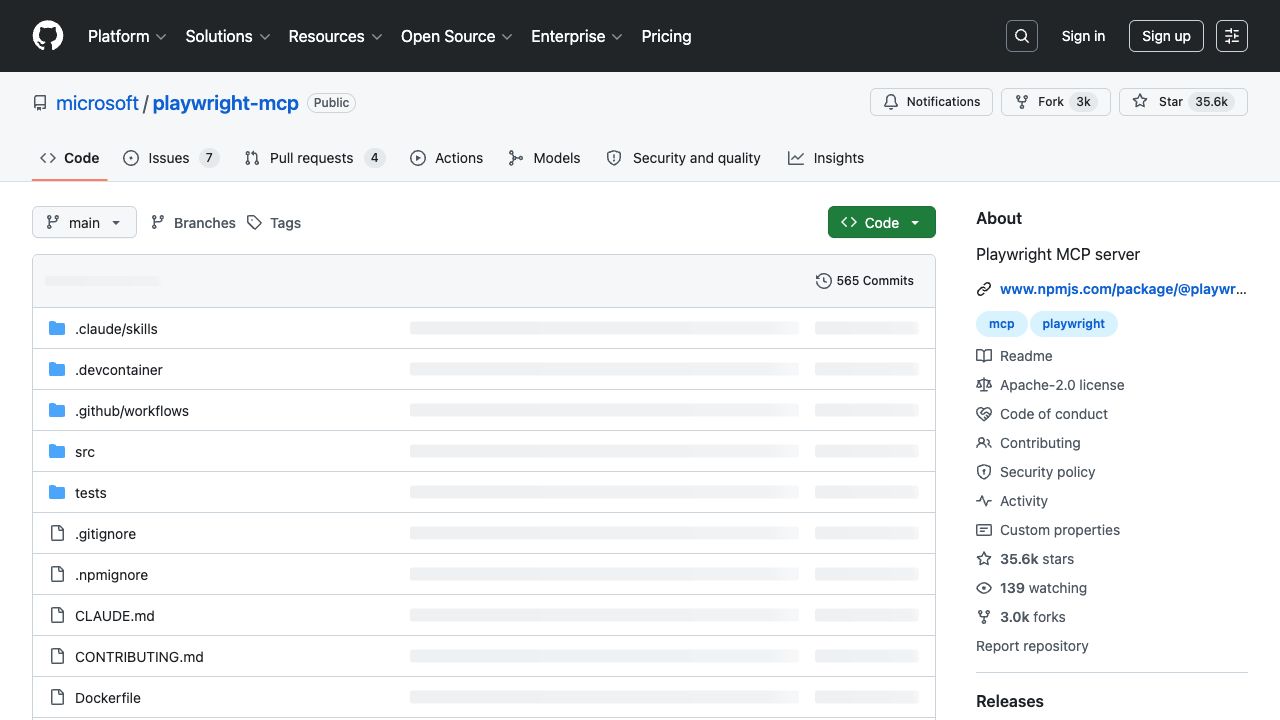
Microsoft maintains Playwright MCP as an open-source MCP server for browser automation. Source: official project page.
Agent Browser
How it works: Agent Browser is a browser automation CLI for AI agents. Its core loop is open a page, request an accessibility snapshot, interact through element references, and take a new snapshot after the page changes. It also supports selectors, screenshots, network inspection, saved state, CDP connections, batching, and provider integrations.
Strengths: The CLI is direct and agent-friendly. It reduces the amount of glue required for an agent to execute common browser actions, and its native command surface is easy to use from coding assistants and shell-driven agents.
Limitations: Agent Browser can connect to local or remote browsers, but the reliability of protected-site workflows depends on the browser provider, identity setup, proxy strategy, and recovery logic you add around the CLI. Those choices are flexible, but they are still choices your team must make.
Pricing model: The CLI is open source. Your real cost depends on where browsers run, which provider supplies them, how sessions and storage are retained, and how much engineering is required for monitoring and recovery.
Best for: Agent developers who want a fast local command interface, portable browser operations, and the freedom to connect their own browser or provider stack.
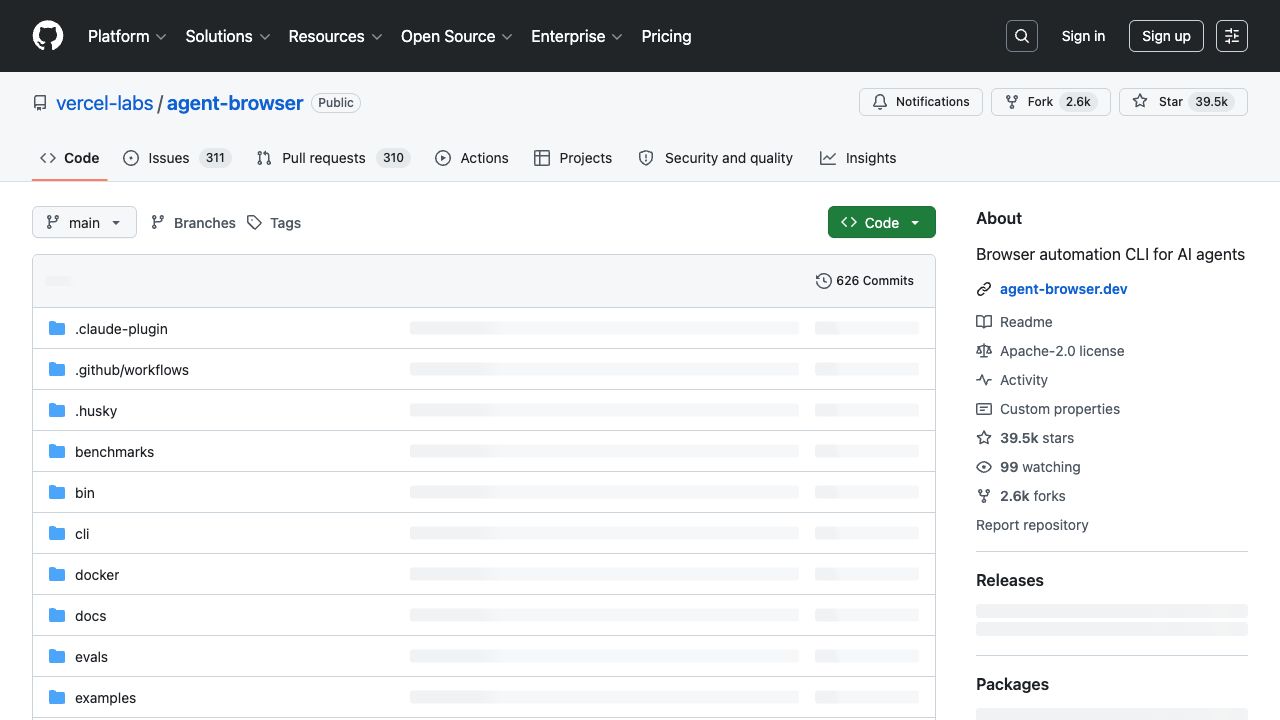
Agent Browser is an open-source CLI that gives agents accessibility snapshots and element references. Source: official project page.
The Architecture Comparison Changed: Accessibility Snapshots Matter
The previous version of this article described Playwright MCP as sending full raw HTML to the model. That is not how the current official project is presented. The Playwright MCP documentation describes accessibility snapshots with target references, and the Agent Browser documentation uses the same snapshot-and-ref pattern for agent interaction.
This correction matters because “DOM filtering versus raw HTML” is no longer the useful dividing line. All three approaches try to reduce visual ambiguity and give the agent structured state. The better question is what happens around that state: how the browser identity is created, whether authenticated context persists, how parallel work is isolated, how challenges are handled, and whether the workflow produces evidence that an operator can review.
Do not compare token counts from different pages or prompts. Run the same login state, page, objective, model, snapshot depth, and retry policy, then record total input tokens, tool calls, failures, and final evidence.
Sessions, Profiles, and Browser Identity
Most browser-agent failures that appear to be “model problems” are actually state problems. The agent is in the wrong profile, the login expired, two jobs are sharing one context, or the site sees a new device every time the task runs.
Playwright MCP supports persistent profiles, isolated storage state, and extension-based connections. Agent Browser supports saved state and CDP connections to existing browsers. BrowserAct provides imported Chrome profiles, direct Chrome control, and managed stealth identities behind one browser-selection model. So the honest distinction is not that only one tool can reuse a login. It is how much of the identity lifecycle is already modeled for the agent.
Identity question | Playwright MCP | Agent Browser | BrowserAct |
Can it reuse authenticated state? | Yes, through profiles, storage state, or extension connection | Yes, through saved state or CDP connection | Yes, through imported profiles, direct Chrome, or persistent managed browsers |
How is parallel work separated? | Contexts, pages, and your orchestration logic | Tabs, sessions, and your orchestration logic | Named sessions with explicit browser ownership |
Does it include a managed stealth identity? | Not as the core MCP server product | Depends on the selected browser provider and configuration | Yes, as a dedicated browser type |
Can it control an existing local browser? | Yes, including extension-based connection | Yes, through CDP | Yes, through chrome-direct |
Name the browser identity for the account and the session for the job. “linkedin-research-account” and “weekly-competitor-scan” are easier to audit than an anonymous browser process reused by several agents.
Protected Pages, Login, 2FA, and Human Handoff
A production browser agent needs a recovery policy, not a promise that every challenge will disappear. Login changes, CAPTCHA, 2FA, consent screens, payment confirmations, and ambiguous page states should be treated as explicit workflow branches.
Playwright MCP and Agent Browser give developers the controls needed to detect these states and build a response. BrowserAct adds a managed escalation path: reduce challenge frequency with a stealth browser, attempt supported challenge handling, and ask a person to take over through remote assistance when automation should not make the final decision.
This is where “build agent” becomes a more useful product model than “copy a Skill.” A copied workflow may know which button to click, but it does not automatically know which browser identity to use, when to stop, what evidence to save, or when to request human approval. Those decisions belong in the agent design.
Before automating the happy path, define what the agent must do when it sees login, CAPTCHA, 2FA, a publish button, a payment step, or an unexpected account. A safe stop rule is part of reliability.
Build an Agent First, Then Turn It into a Reusable Skill
BrowserAct’s current workflow starts with an objective, not a copied script. Describe the result you want, bind the agent to the right browser identity, run the task on the real site, and review its evidence. The BrowserAct Skills library is useful when a proven pattern already matches your target. When it does not, the right move is to build the agent around your real workflow and only then save the repeatable parts.
This approach also avoids “Skill copy drift.” A static instruction can become stale when a login flow, page layout, or site policy changes. A reusable agent pattern should include discovery, state checks, failure branches, and a verification step. The broader agent browser Skills guide explains how Skills fit into coding-agent workflows, while the 2026 agentic browser landscape provides category context.
Build an agent that works on the real web.
Describe the workflow. BrowserAct gives your agent a real browser, then helps you reuse the path once it works.
How to Evaluate Token Use Without Inventing a Universal Number
The old version gave fixed per-page token estimates and converted them into a single dollar amount. That looks precise, but it is not portable. A sparse form, a long ecommerce page, and a dashboard with nested controls produce different snapshots. Model pricing, caching, tool-result handling, retry behavior, and screenshot use change the bill again.
Use a small benchmark suite instead. Select three representative workflows: one public read-only page, one authenticated multi-step task, and one protected or failure-prone page. Run each tool with the same model and objective. Record total input tokens, tool calls, elapsed time, retries, completion status, and whether the final evidence was sufficient for a human reviewer.
Metric | Why it matters | What to record |
Task success | Cheap runs are irrelevant when the workflow does not finish | Completed, partially completed, or failed |
Total model input | Captures snapshots, tool output, and retry overhead | All input tokens across the complete workflow |
Tool-call count | Shows how much interaction the agent needed | Navigation, snapshot, click, input, wait, and recovery calls |
Recovery quality | Production tasks fail in non-happy-path states | What happened on login, challenge, timeout, or stale element |
Evidence quality | Operators need to verify the outcome | Source URLs, screenshots, extracted fields, and final state |
A Practical Migration Path from Playwright MCP
You do not need to replace a working Playwright stack all at once. Keep Playwright MCP where it already performs well and move the workflows with the highest identity or recovery burden first.
Step 1: Inventory the workflows, not the commands
List the outcomes the agent owns: collecting a dataset, reviewing an inbox, updating a dashboard, or monitoring competitor pages. Mark which ones require authenticated state, a stable browser identity, parallel accounts, protected pages, or human approval.
Step 2: Move one high-friction workflow
Choose a workflow that currently needs profile copying, proxy glue, CAPTCHA handling, or manual restarts. Rebuild that outcome with an explicit BrowserAct browser identity, named session, stop rules, and evidence requirements.
Step 3: Compare operations over repeated runs
A one-time demo proves very little. Run the workflow repeatedly and compare completion rate, recovery effort, human interventions, and evidence quality. Keep the Playwright implementation as the control while the new agent earns trust.
Step 4: Save the stable pattern
Once the workflow succeeds under normal and failure conditions, use Skill Forge to turn the proven pattern into a reusable Skill. The sequence matters: validate the agent first, package the Skill second.
Final Decision Framework
Choose Playwright MCP when your team wants the Playwright ecosystem, controls the target application, and is comfortable assembling identity, infrastructure, and recovery logic. Choose Agent Browser when you want a capable, fast CLI and prefer to compose your own browser-provider stack. Choose BrowserAct when the browser identity and operating model are part of the requirement, not an implementation detail.
For most teams evaluating a Playwright MCP alternative for real third-party websites, the decisive test is simple: can the agent repeat one authenticated workflow, preserve the right identity, stop safely on sensitive states, and provide reviewable evidence? Build that workflow with BrowserAct, then standardize it only after it works.
Automate Any Website with BrowserAct Skills
Pre-built automation patterns for the sites your agent needs most. Install in one click.
Related reading: For a deeper explanation of the topic and related workflows, read Browser Agent Reliability: 8 Metrics That Matter.
Related reading: For a deeper explanation of the topic and related workflows, read GitHub Copilot Browser Automation: Turn a Coding Agent into a Web Operator.
Related reading: For a deeper explanation of the topic and related workflows, read BrowserAct vs Playwright for AI Agent Workflows.
Further reading: Browser tool comparisons
Frequently Asked Questions
Is BrowserAct a Playwright MCP alternative?
Yes for teams that want an agent-ready browser operating layer with identities, named sessions, stealth options, and human handoff. Playwright MCP remains a strong framework-native choice.
Does Playwright MCP send full raw HTML to the model?
The current official project uses structured accessibility snapshots and element references. Token use still varies by page, snapshot settings, model, and retry behavior.
What is the difference between Agent Browser and Playwright MCP?
Both provide structured browser interaction for agents. Playwright MCP exposes Playwright through MCP, while Agent Browser provides a shell-friendly CLI with snapshots, refs, batching, and provider connections.
Can these tools reuse an existing logged-in browser?
Yes. Playwright MCP can use persistent profiles or extension connections, Agent Browser can connect through CDP, and BrowserAct offers imported Chrome profiles plus chrome-direct.
Which tool is best for protected or multi-account websites?
BrowserAct is designed for workflows that need managed stealth identities, proxy options, explicit sessions, and human takeover. Test each target site and follow its policies.
Should I start with a BrowserAct Skill or build an agent?
Use an existing Skill when it already matches the workflow. Otherwise, build the agent on the real site first, validate failure handling, and then package the stable pattern with Skill Forge.


