20 Best Claude Skills in 2026: The List That Actually Helps

The 20 best Claude skills in 2026 — official document tools, competitive intelligence, knowledge management, and meta-skills. GitHub links for everyone.
Agent skills started as a Claude Code power-user trick. A SKILL.md file dropped into the right folder, and suddenly Claude knew how to handle a specific task in a repeatable, structured way, no re-briefing required. The early adopters were mostly developers who noticed Anthropic had quietly shipped the document creation features (PDF, DOCX, PPTX, XLSX) as skills under the hood, and started building their own.
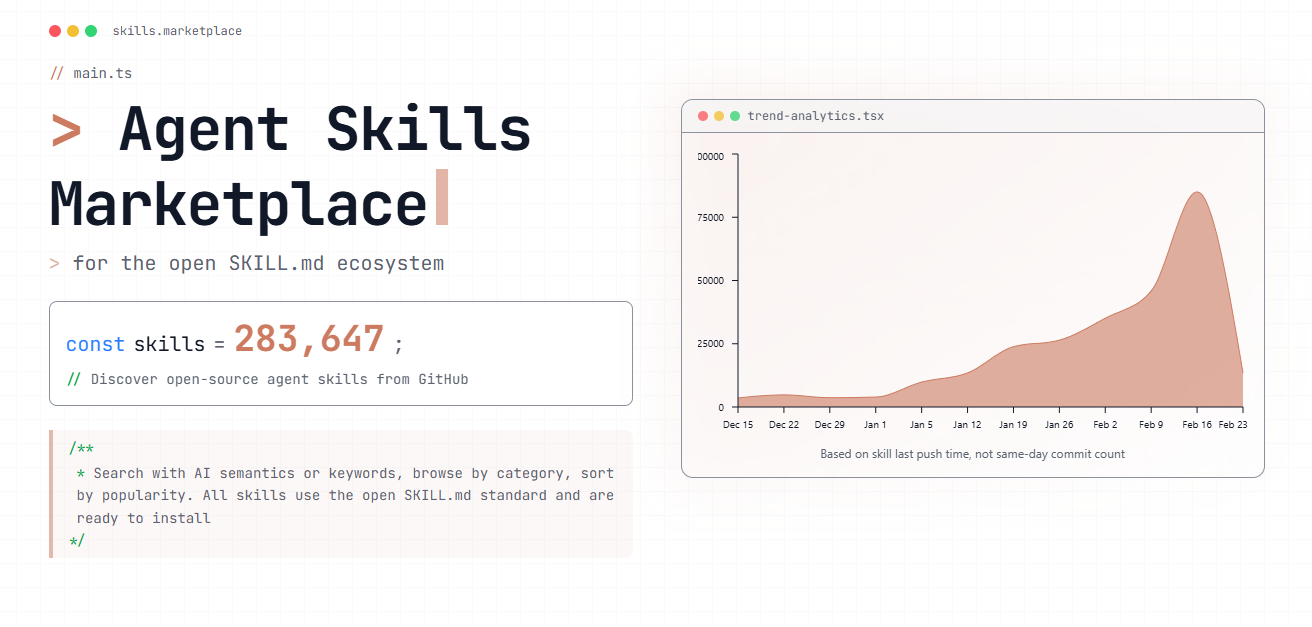
Then OpenClaw went viral. The agent browser that combined Claude Code with web automation introduced a new wave of users to the skills paradigm — people who weren't developers, just professionals who wanted AI that actually remembered how to work. Installs exploded. The ecosystem crossed 280,000 published skills on SkillsMP in under six months.
Claude skills are folders containing a SKILL.md instruction file that Claude loads on demand when a task matches — an SOP for the AI, not a plugin or an API. The full explanation of how they work, and how they differ from MCP, is covered in this complete guide to agent skills. The short version: skills solve will it do this well? after MCP already solved can it do this?
After testing roughly 200 claude code skills over several months, this guide distills the 20 that genuinely deliver results — no coding knowledge required, install-and-use from day one.
Layer 1: Office Productivity — The Foundation
These four Anthropic Claude Code skills address the single most universal workflow bottleneck: document processing. Regardless of industry or role, document handling is unavoidable.
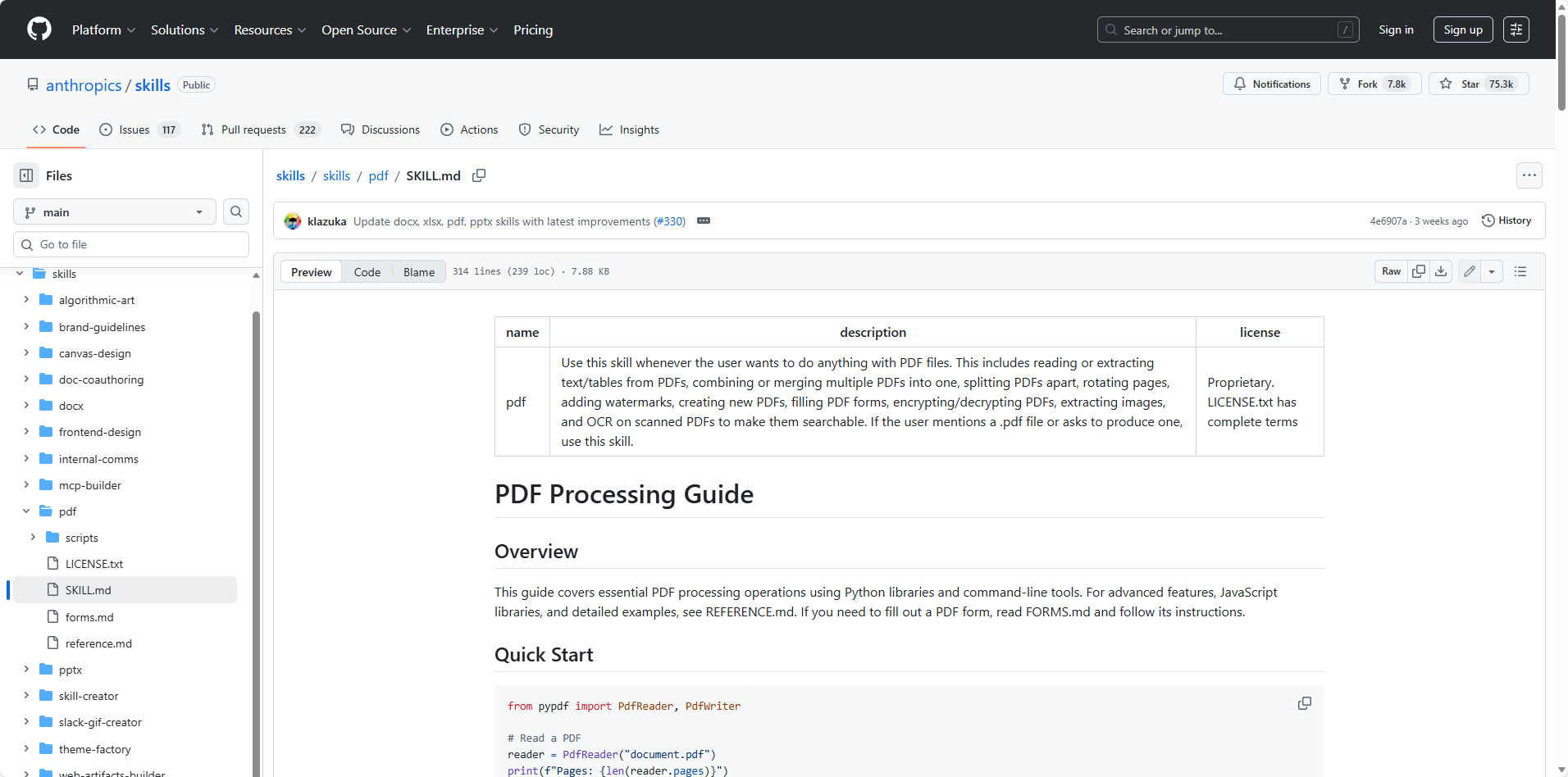
Skill #1: PDF Processing — anthropics/pdf
GitHub: https://github.com/anthropics/skills/tree/main/skills/pdf
This is the highest-utility Claude skill in the ecosystem for most knowledge workers. A 48-page contract that previously required 90 minutes of manual review — flagging clauses, noting risks, summarizing obligations — takes under a minute.
The PDF Claude code skill handles text extraction, table parsing, form filling, PDF merging and splitting, and annotation. One caveat: scanned PDFs (image-based rather than text-layer PDFs) require prior OCR processing for optimal results.
For legal, finance, audit, and compliance workflows, this skill functions as essential infrastructure.
Skill #2: Word Documents — anthropics/docx
GitHub: https://github.com/anthropics/skills/tree/main/skills/docx
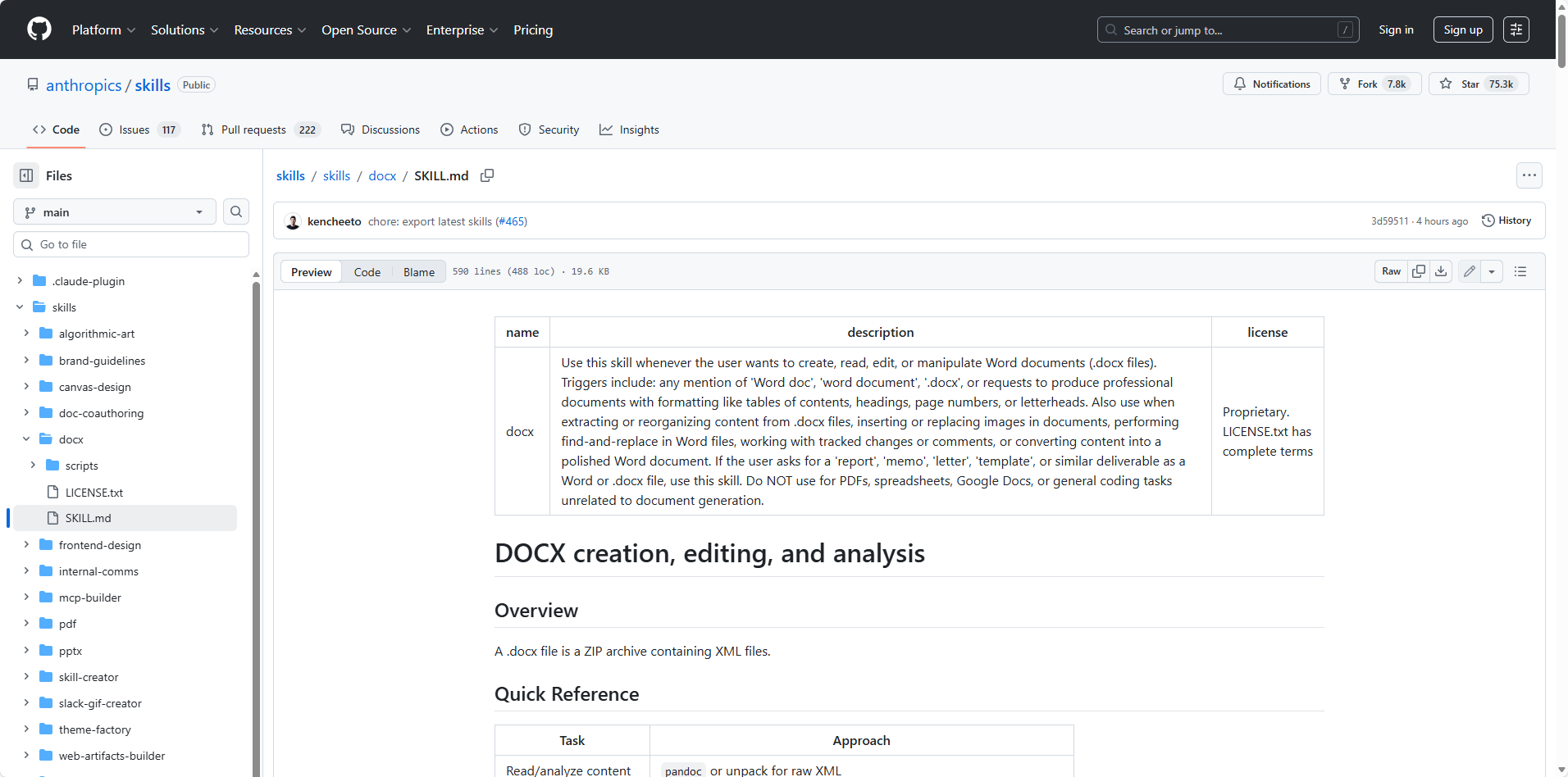
Full Word document creation and editing, with support for tracked changes, comments, and formatting preservation. Requesting a formatted weekly report produces a ready .docx file — revision marks included.
Skill #3: PowerPoint Presentations — anthropics/pptx
GitHub: https://github.com/anthropics/skills/tree/main/skills/pptx
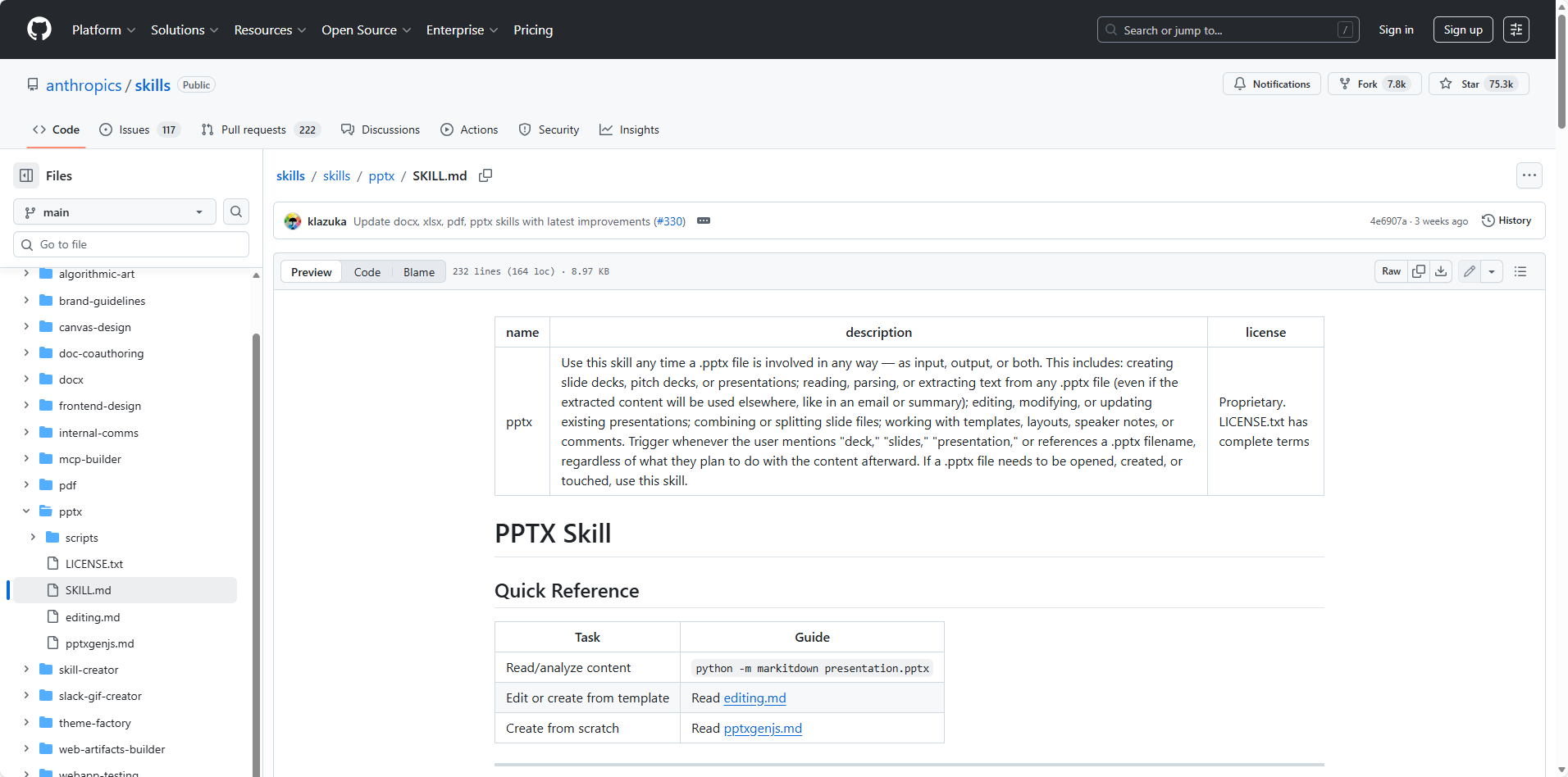
Presentation creation anxiety is a real productivity drain. This Claude code skill generates complete, structured slide decks from natural language prompts — with layouts, charts, and speaker notes — in roughly 20 minutes. The output requires visual polish, but the most painful phase — going from zero to first draft — is eliminated.
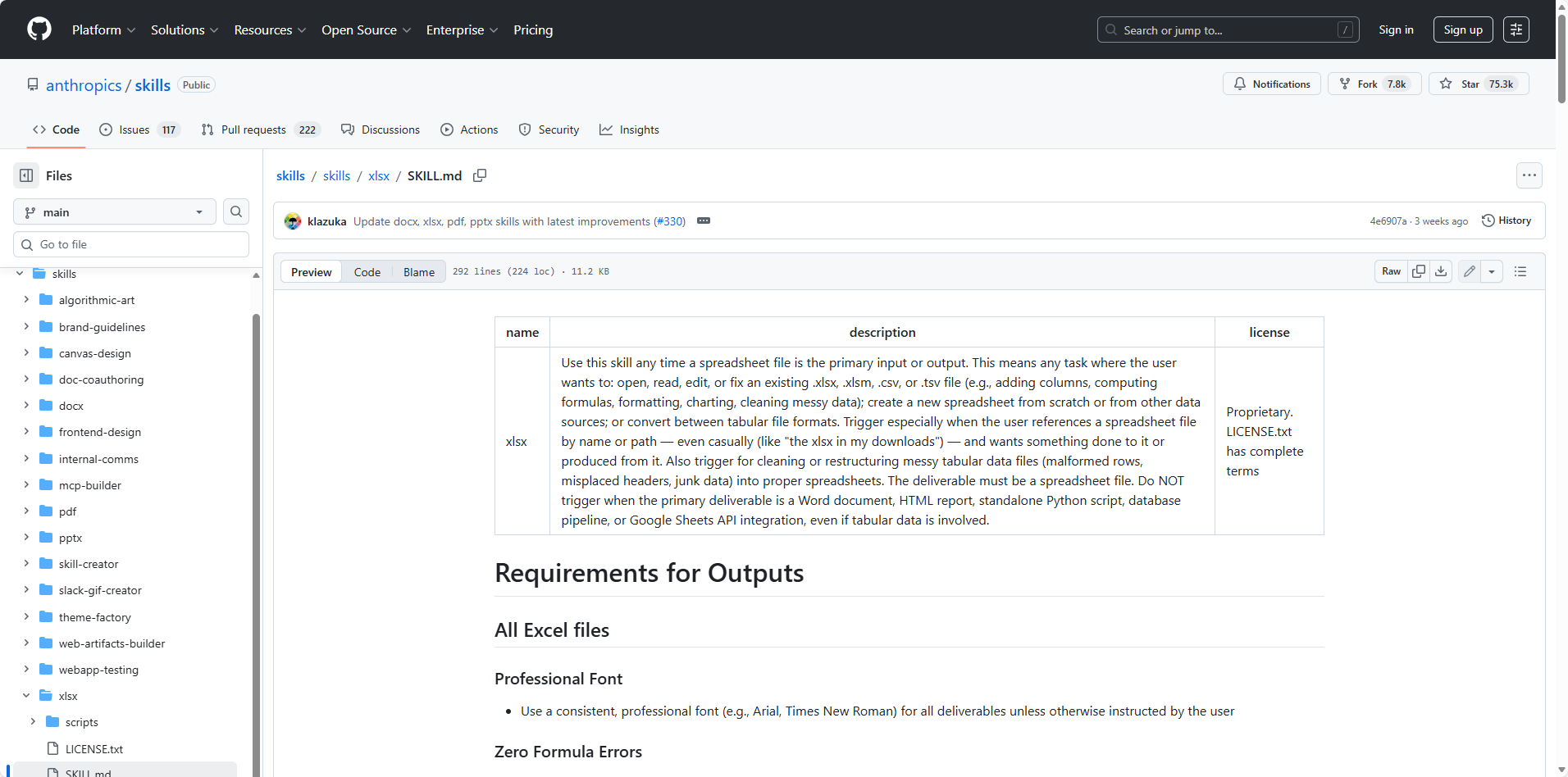
Skill #4: Excel Spreadsheets — anthropics/xlsx
GitHub: https://github.com/anthropics/skills/tree/main/skills/xlsx
Formula creation, data analysis, chart generation, and formatting — all via natural language. Describe a dataset and request comparative regional analysis, and the skill produces an Excel file with embedded visualizations. The barrier between "having data" and "understanding data" drops significantly.
Layer 2: Professional Specialization
Beyond productivity gains, this tier addresses capabilities that were previously out of reach for non-specialists.
Skill #5: OpenClaw Official Skills Collection — openclaw/openclaw
GitHub: https://github.com/openclaw/openclaw/tree/main/skills
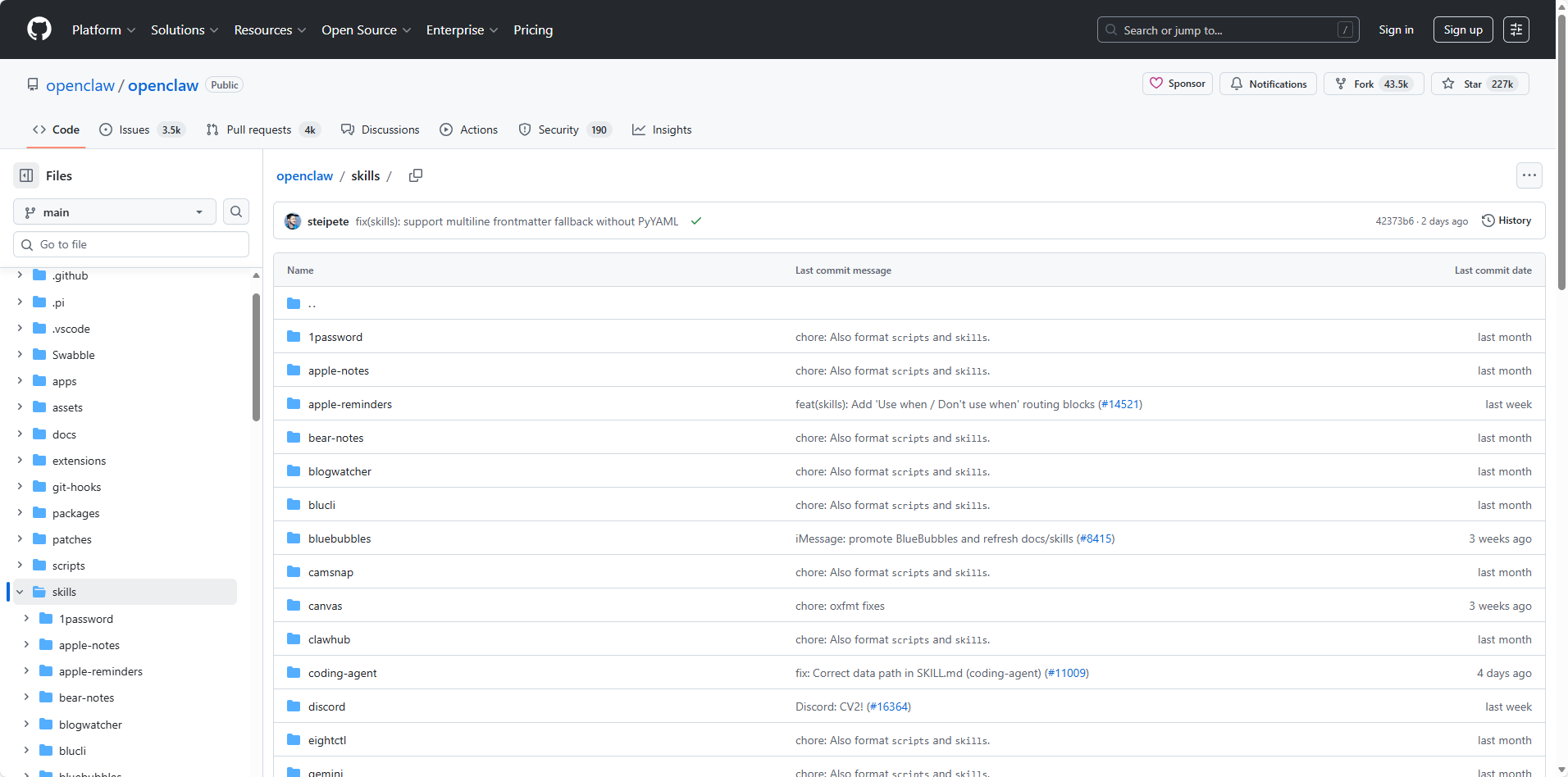
The 53 bundled skills that ship with OpenClaw — the agent platform whose viral rise brought the entire skills ecosystem to mainstream attention. This collection covers the full range of daily workflows: notes (Obsidian), email and calendar (Google Workspace via the gog bridge), GitHub repo management, Slack messaging, smart home automation, CI/CD monitoring, social media, and more.
What makes these worth highlighting isn't novelty — it's that they're production-tested at scale. OpenClaw's ClawHub registry now hosts over 5,700 community skills, but these 53 bundled ones are the reference implementations: clean SKILL.md structure, explicit tool dependency declarations, and real-world usage across millions of agent sessions. For anyone new to agent skills, studying this collection is the fastest way to understand what good skill architecture looks like before building your own.
Skill #6: Amazon Competitor Analyzer — browser-act/skills
GitHub: https://github.com/browser-act/skills/blob/main/amazon-competitor-analyzer/SKILL.md
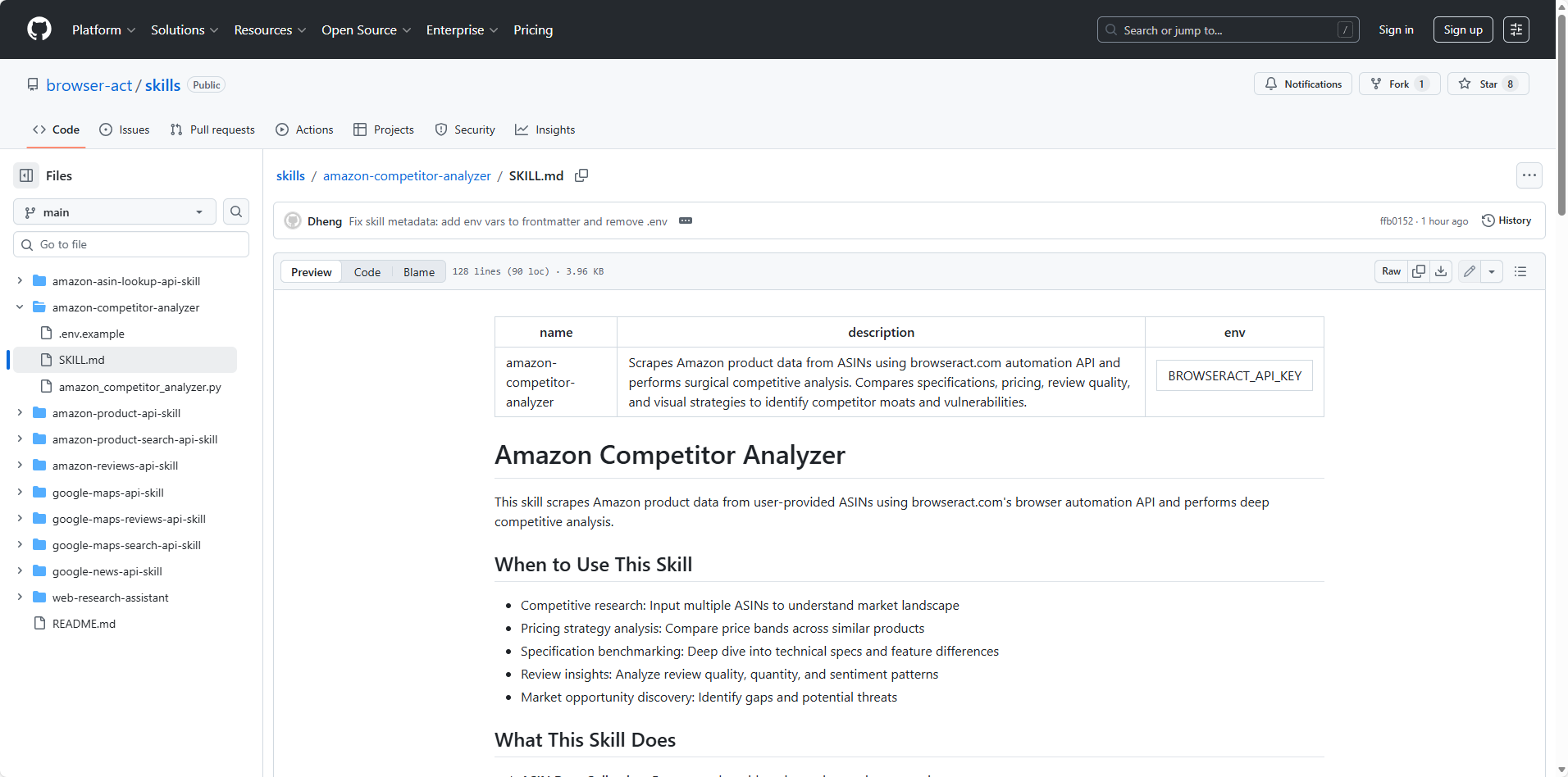
Comprehensive competitive intelligence for Amazon sellers and e-commerce businesses. This Claude skill from BrowserAct automatically extracts product data — pricing, ratings, review counts, availability, and market positioning — directly from Amazon without being blocked by CAPTCHA or anti-bot detection, using BrowserAct's browser automation infrastructure.
The workflow is straightforward: provide a product ASIN or search query, and the skill handles everything from scraping to structured analysis. It tracks competitor listings, identifies pricing gaps, surfaces review trends, and outputs a ready-to-use competitive report. For e-commerce teams that previously spent hours manually checking competitor pages, this shifts market monitoring from a weekly chore to an on-demand query.
Skill #7: Google News API Skill — browser-act/skills
GitHub: https://github.com/browser-act/skills/blob/main/google-news-api-skill/SKILL.md
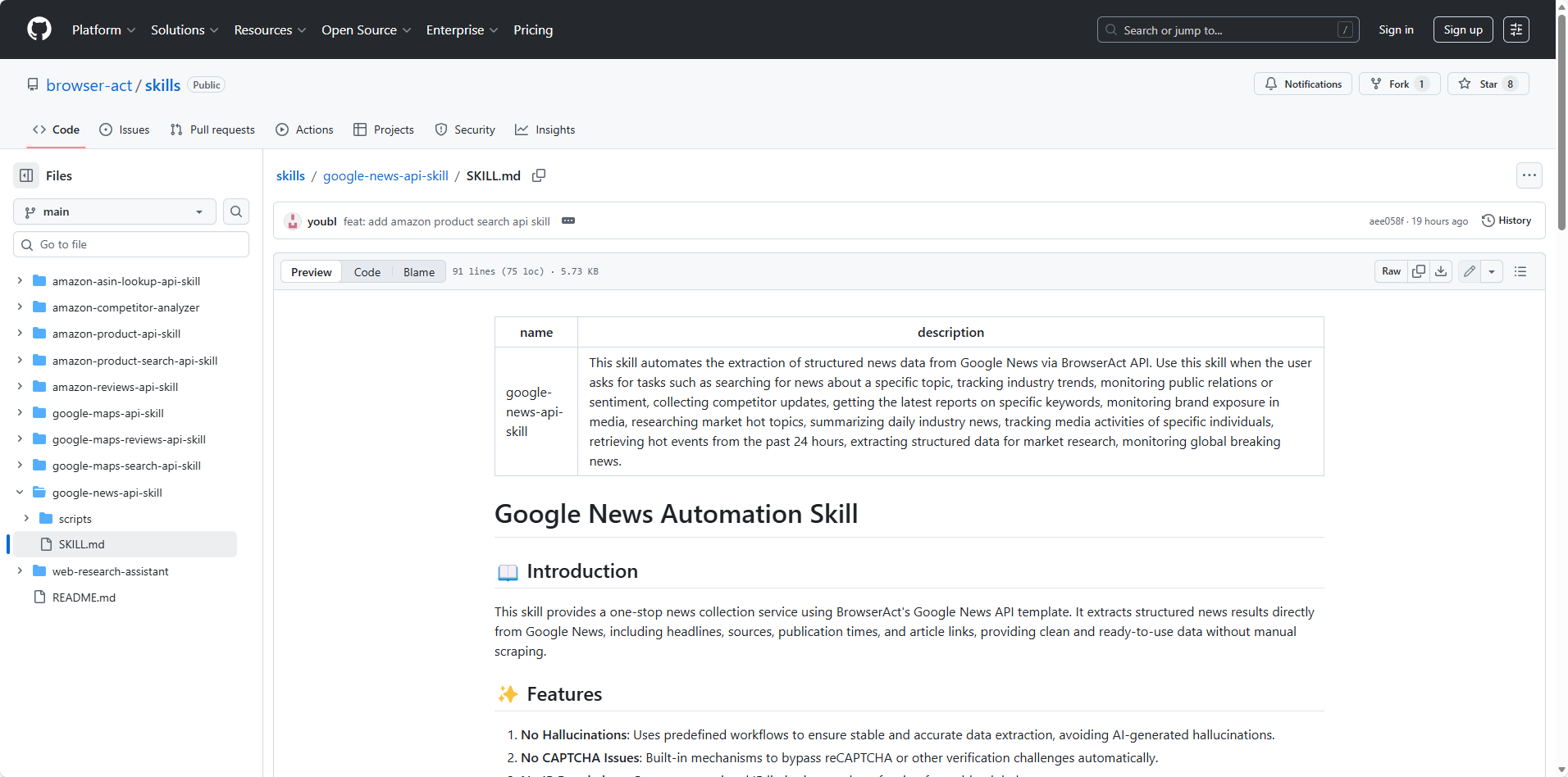
Real-time Google News scraping and monitoring without being blocked by CAPTCHA or anti-bot detection. This claude skill uses BrowserAct's browser automation infrastructure to extract articles, headlines, and trending stories from Google News on demand — making it a reliable replacement for RSS feeds and news API subscriptions that rate-limit or go stale.
The practical use case is competitive and industry monitoring: set a keyword or topic, get a structured feed of current coverage. For content strategists, researchers, and founders tracking their market, this turns a daily manual trawl into a single prompt. Pairs naturally with the Amazon Competitor Analyzer for building full market intelligence pipelines.
Skill #8: Document Co-Authoring — anthropics/doc-coauthoring
GitHub: https://github.com/anthropics/skills/tree/main/skills/doc-coauthoring
Rather than full AI authorship, this claude skill establishes genuine collaborative writing — the human writes a section, Claude responds, back and forth. For team strategy documents and proposals that require human judgment at every stage, this workflow produces better outputs than either solo human writing or solo AI generation.
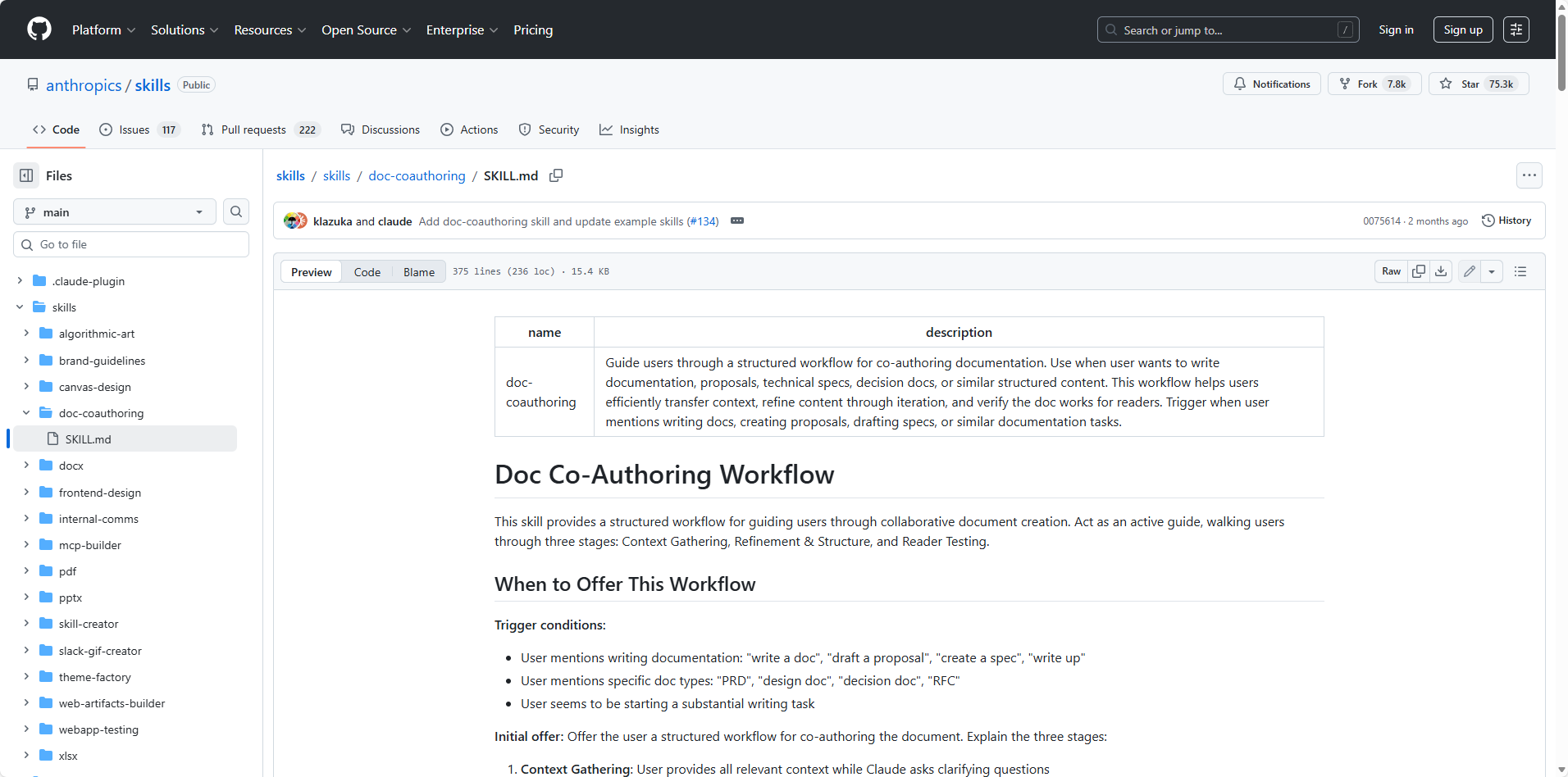
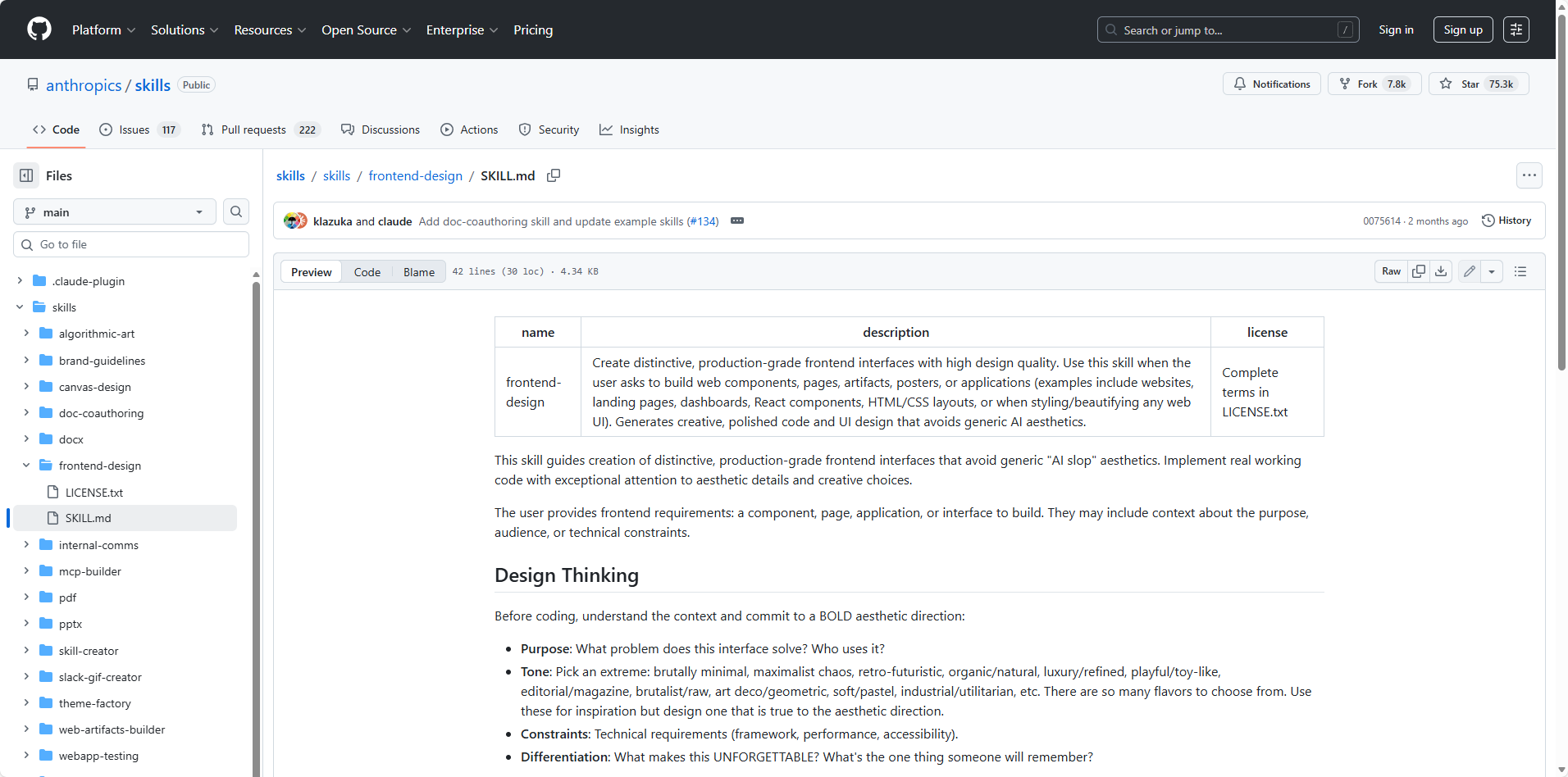
Skill #9: Frontend Design — anthropics/frontend-design
GitHub: https://github.com/anthropics/skills/tree/main/skills/frontend-design
The canonical problem with AI-generated interfaces is aesthetic mediocrity — cramped layouts, clashing colors, zero visual hierarchy. The industry term for this output is "AI slop." Anthropic's official frontend-design skill addresses this directly, embedding a comprehensive design system that systematically elevates generated UI quality.
The practical difference: the same prompt, with and without this Agent skill, produces markedly different results. Data dashboards generated with it are screenshot-shareable. Without it, they require designer intervention before anyone sees them.
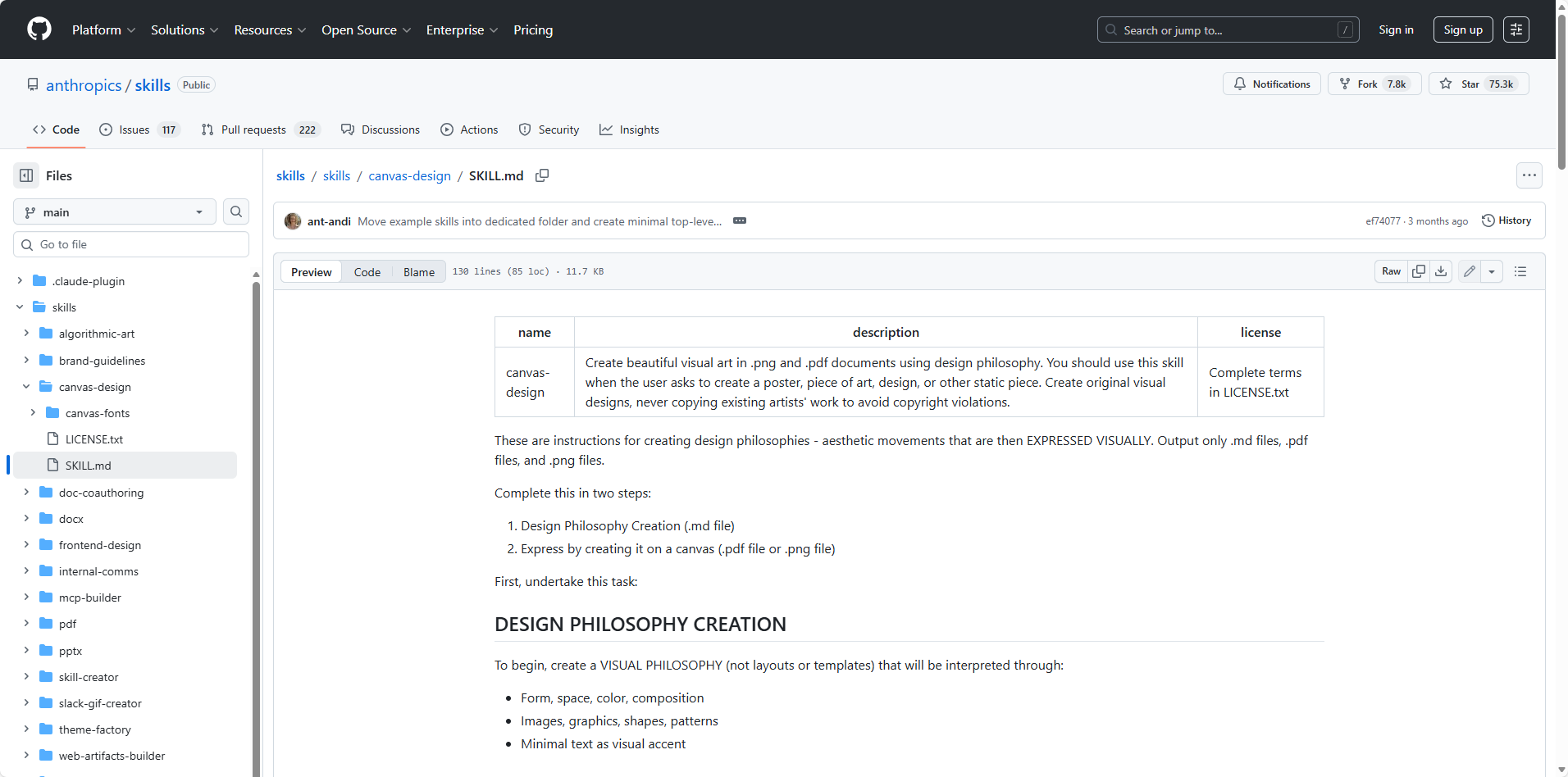
Skill #10: Canvas Design — anthropics/canvas-design
GitHub: https://github.com/anthropics/skills/tree/main/skills/canvas-design
Social media graphics, event posters, and article cover images — described in natural language, output as PNG or PDF. No Photoshop required. Useful for content creators and marketers who need visual assets without design tool expertise.
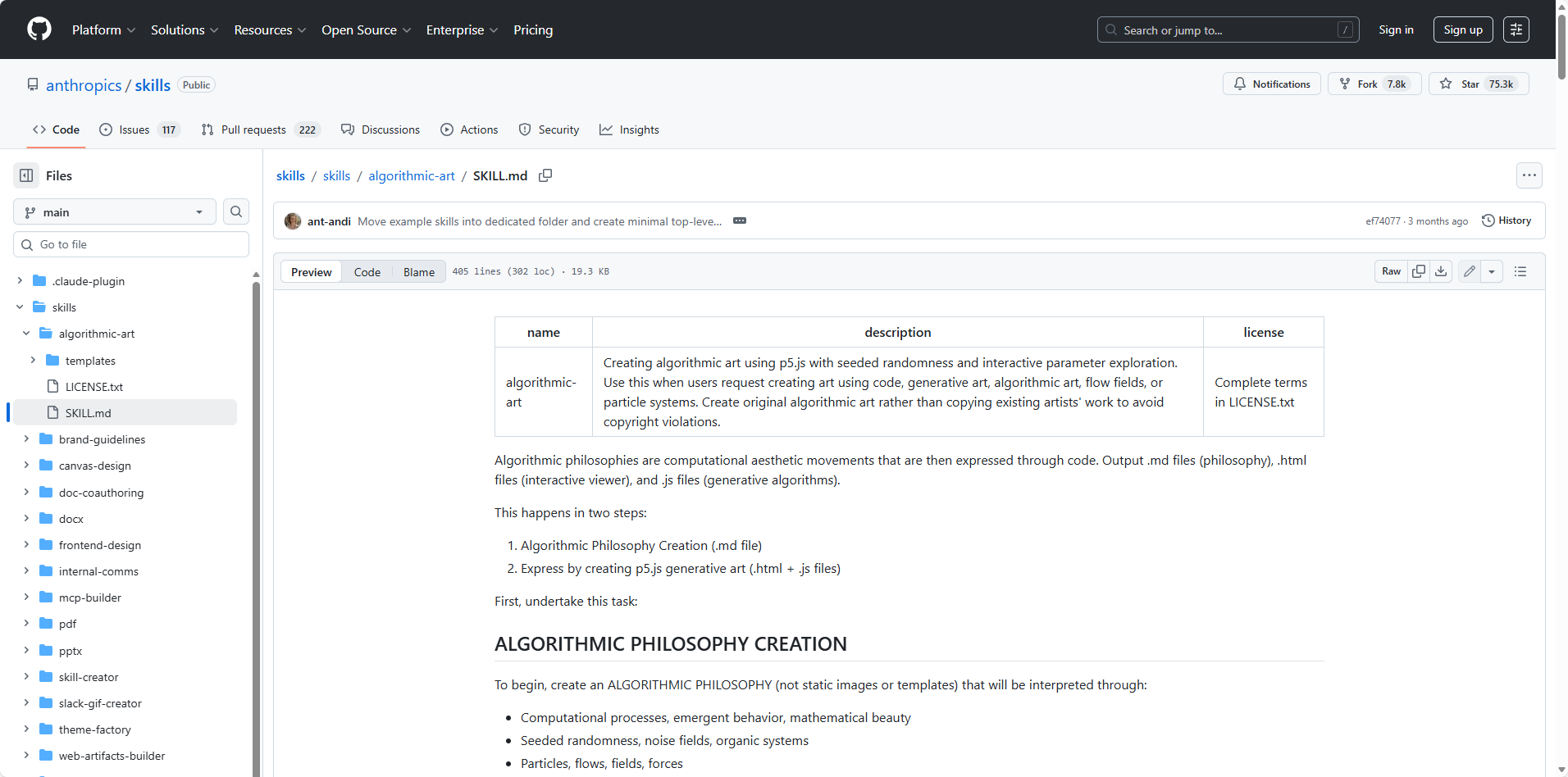
Skill #11: Algorithmic Art — anthropics/algorithmic-art
GitHub: https://github.com/anthropics/skills/tree/main/skills/algorithmic-art
Generates fractal patterns, geometric compositions, and mathematically-derived visuals using p5.js. Immediate practical utility is limited — but producing visuals no one else is sharing has social value. The mathematically-curious audience responds reliably to these outputs.
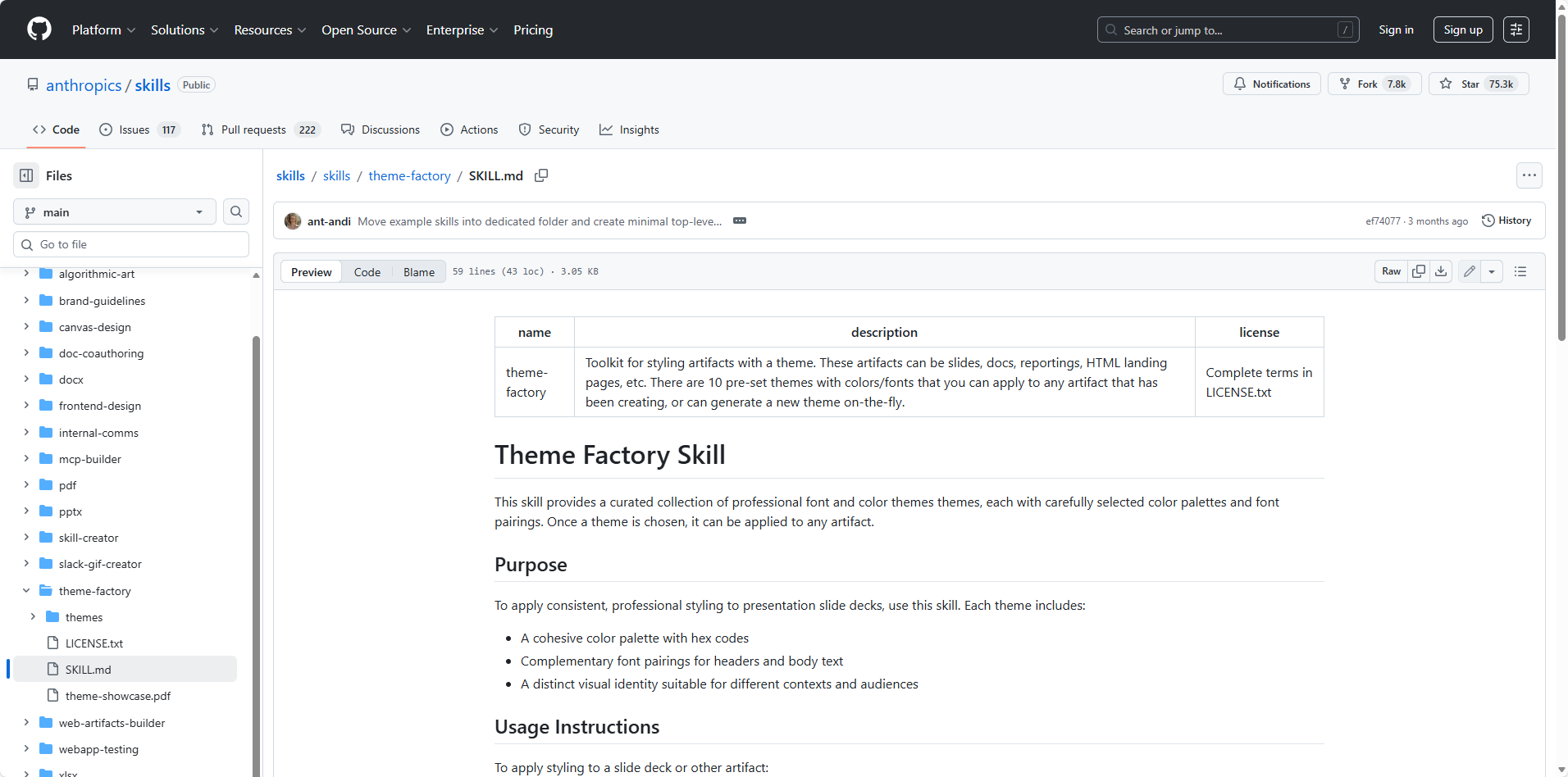
Skill #12: Theme Factory — anthropics/theme-factory
GitHub: https://github.com/anthropics/skills/tree/main/skills/theme-factory
Batch-generates multiple color schemes and visual theme variations from a single prompt. For product managers prototyping, designers exploring directions, and developers needing UI skin options, this eliminates early-stage decision paralysis. Generate a set, select one, proceed.
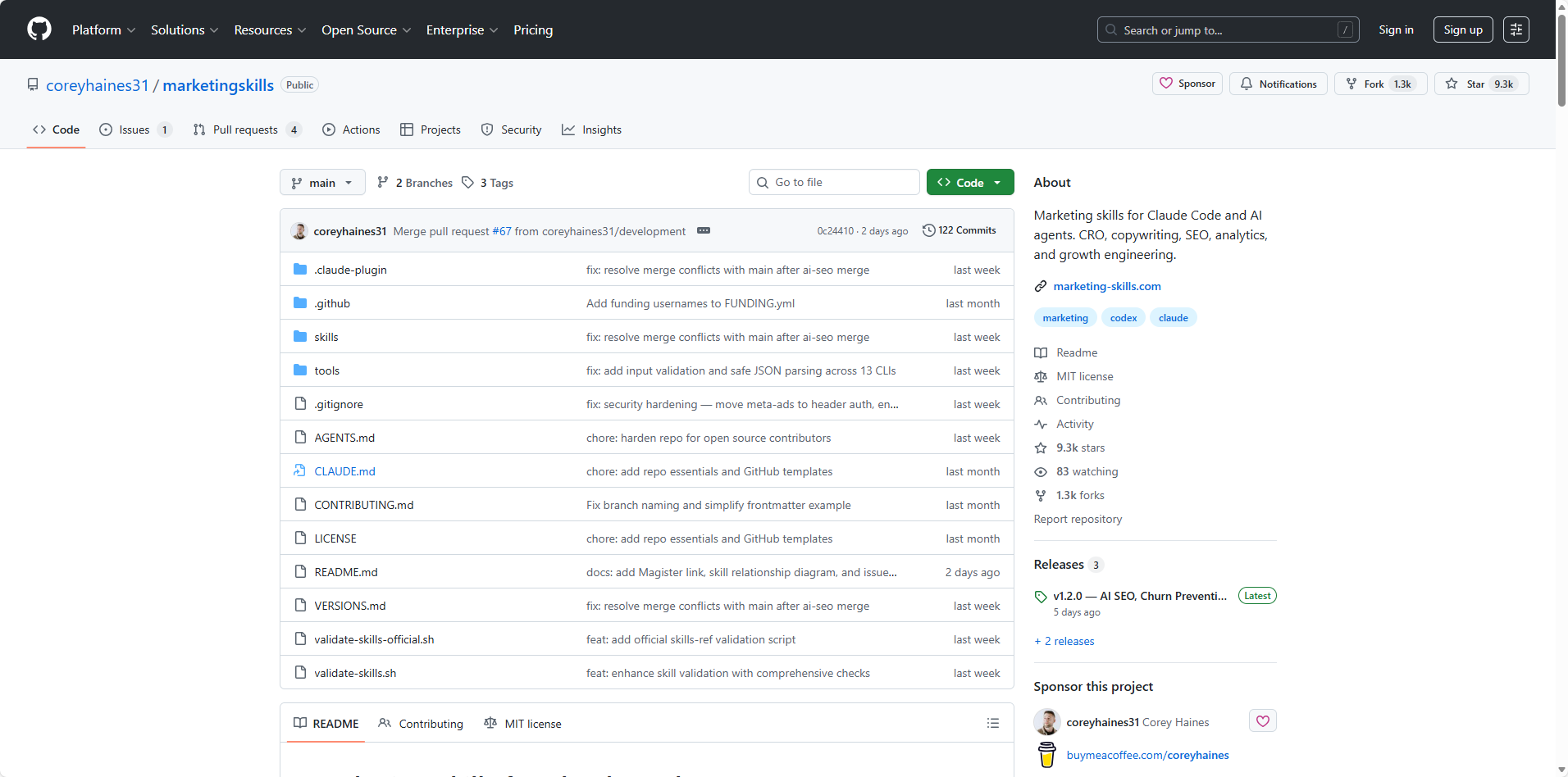
Skill #13: Marketing Skills — coreyhaines31/marketingskills
GitHub: https://github.com/coreyhaines31/marketingskills
A comprehensive marketing toolkit across five domains: conversion rate optimization, copywriting, SEO, analytics setup, and growth strategy — all in one installation. Built by Corey Haines for technical marketers and founders. Rather than installing five separate claude skills, this collection provides unified coverage with 20+ individual skills, including landing page CRO, email sequences, A/B testing frameworks, and programmatic SEO.
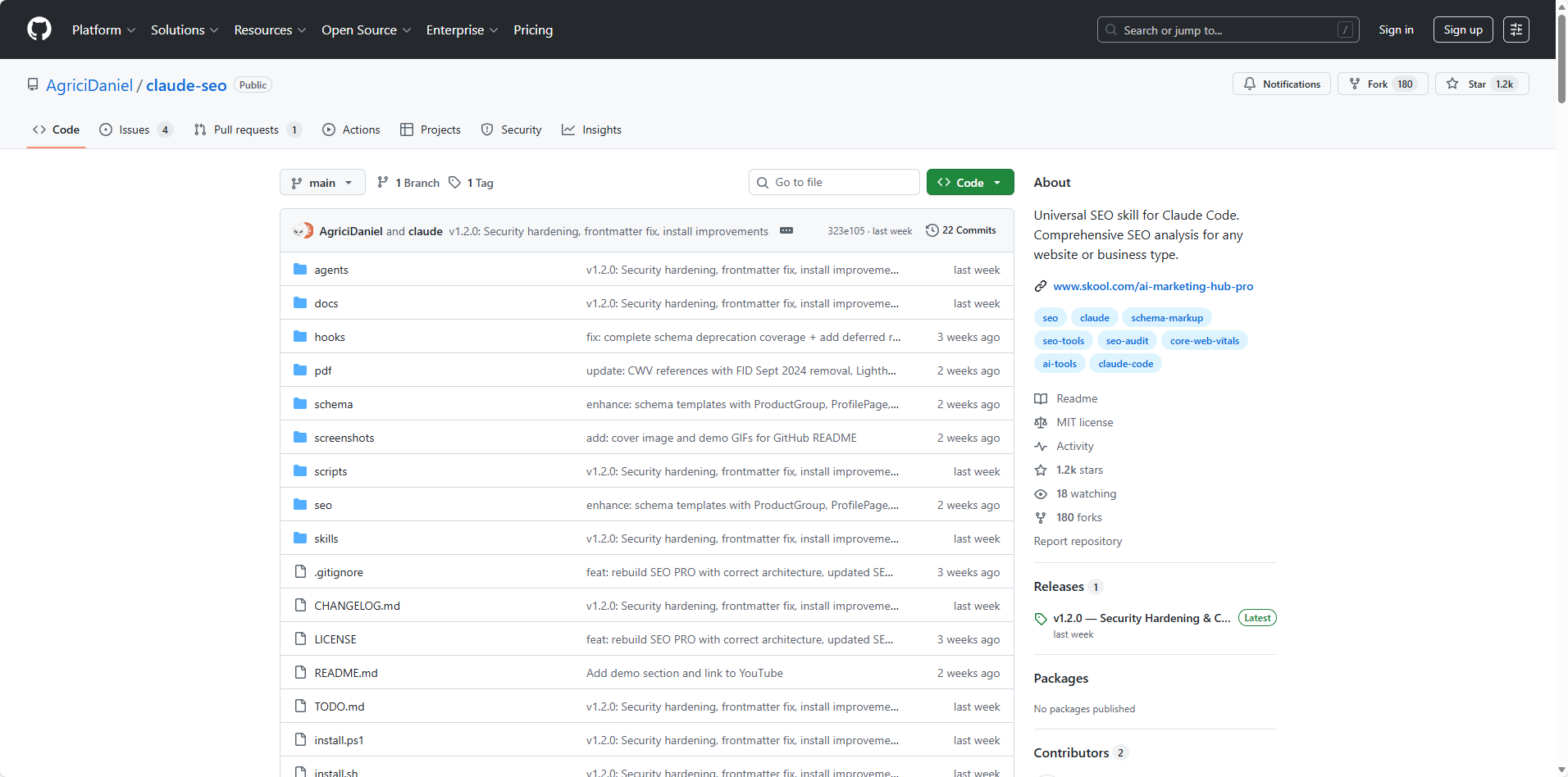
Skill #14: Claude SEO — AgriciDaniel/claude-seo
GitHub: https://github.com/AgriciDaniel/claude-seo
Comprehensive website SEO analysis via Claude Code. Submitting a URL triggers full-site audits, page-level analysis, schema markup validation, sitemap generation, and AI search optimization (GEO/AEO) — with actionable, prioritized recommendations. Structured as 12 sub-skills with 6 parallel subagents. For anyone managing website performance, this claude code skill replaces multiple manual auditing steps.
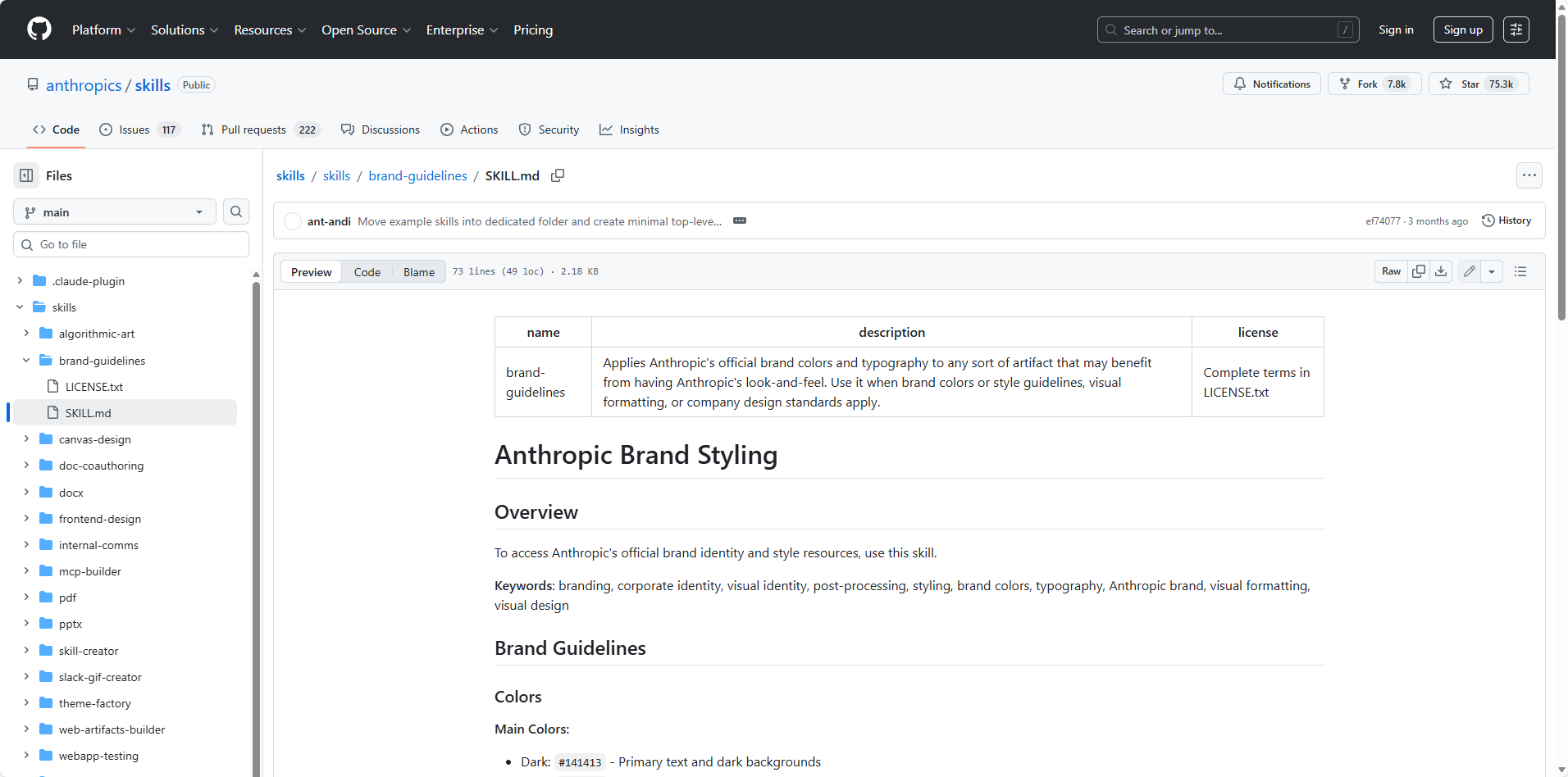
Skill #15: Brand Guidelines — anthropics/brand-guidelines
GitHub: https://github.com/anthropics/skills/tree/main/skills/brand-guidelines
Encodes brand standards — tone, typography, color, formatting — into a skill that applies automatically to all Claude-generated content. Marketing teams maintain brand consistency across contributors without manual review cycles.
Layer 3: Cognitive Upgrade — Learning and Knowledge Management
This tier shifts from task execution to capability building.
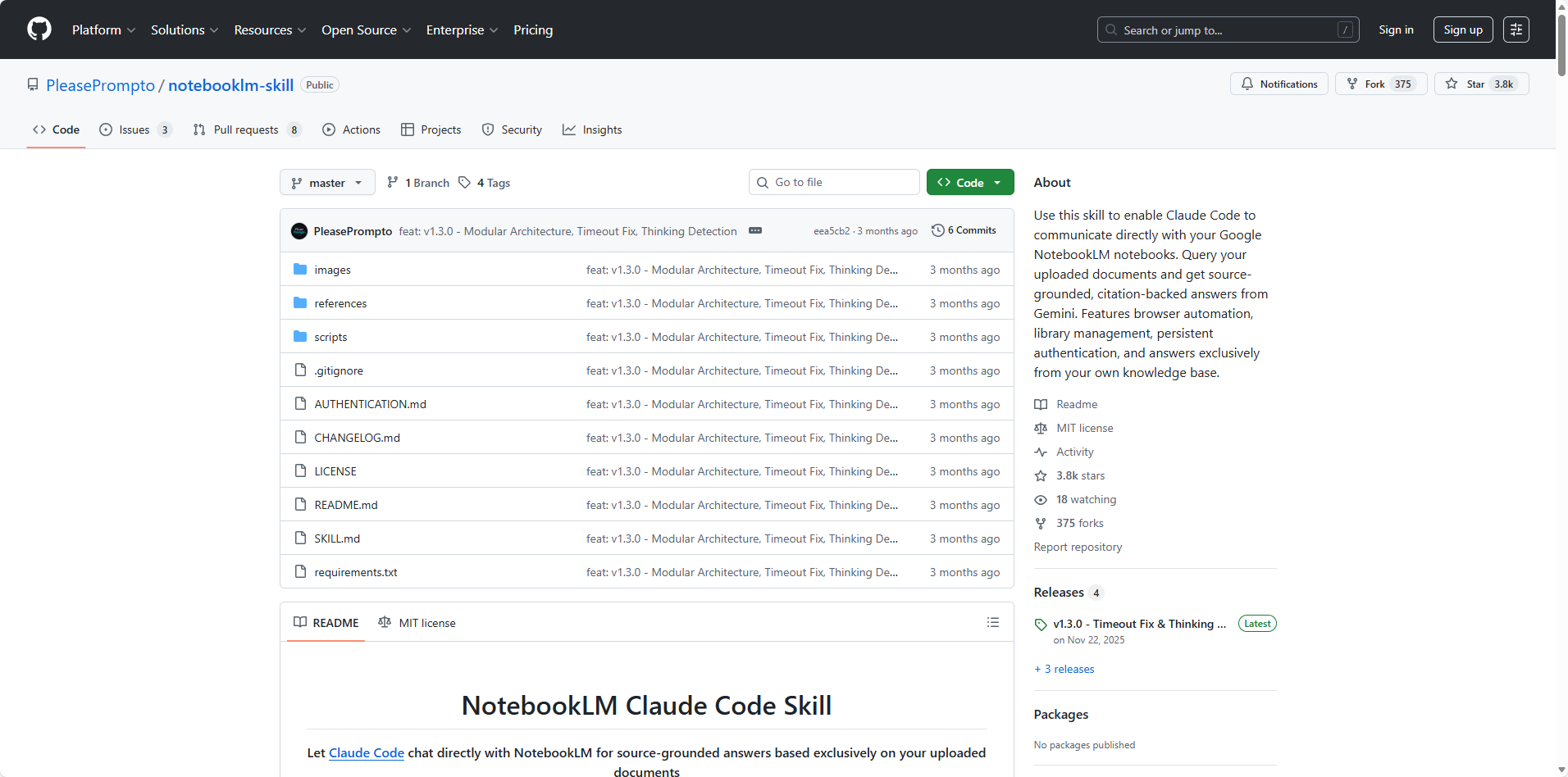
Skill #16: NotebookLM Integration — PleasePrompto/notebooklm-skill
GitHub: https://github.com/PleasePrompto/notebooklm-skill
This may be the highest ROI entry in the entire Agent skills list. It bridges Claude Code or other AI Agents and Google NotebookLM — enabling automated document upload, intelligent querying, and structured export of summaries, mind maps, flashcards, and research notes.
For a 30-page technical paper, the old workflow (manual translation, note-taking, concept mapping) consumed 3–4 hours. The NotebookLM agent skill produces a summary, a core concept mind map, a 20-card Q&A flashcard set, and a comparative research note in roughly 15 minutes. Flashcard quality is genuinely evaluative, testing conceptual understanding rather than simple recall.
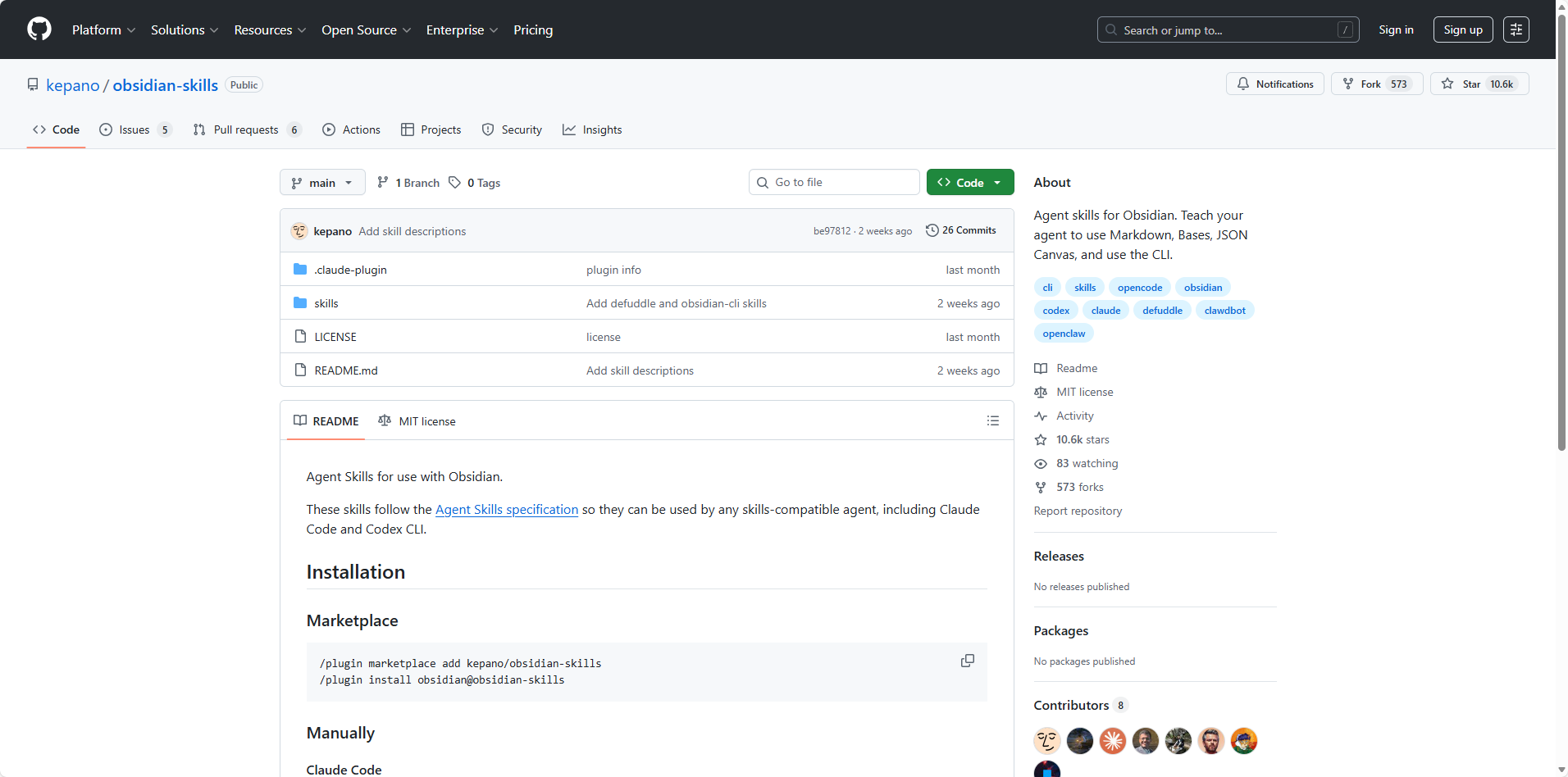
Skill #17: Obsidian Skills — kepano/obsidian-skills
GitHub: https://github.com/kepano/obsidian-skills
Built by Obsidian's CEO, this claude skill collection extends Claude's ability to work natively within Obsidian vaults — creating properly structured Markdown, Bases, and JSON Canvas files. Auto-tagging, auto-linking, and summary generation transform an Obsidian vault into an AI-augmented knowledge system.
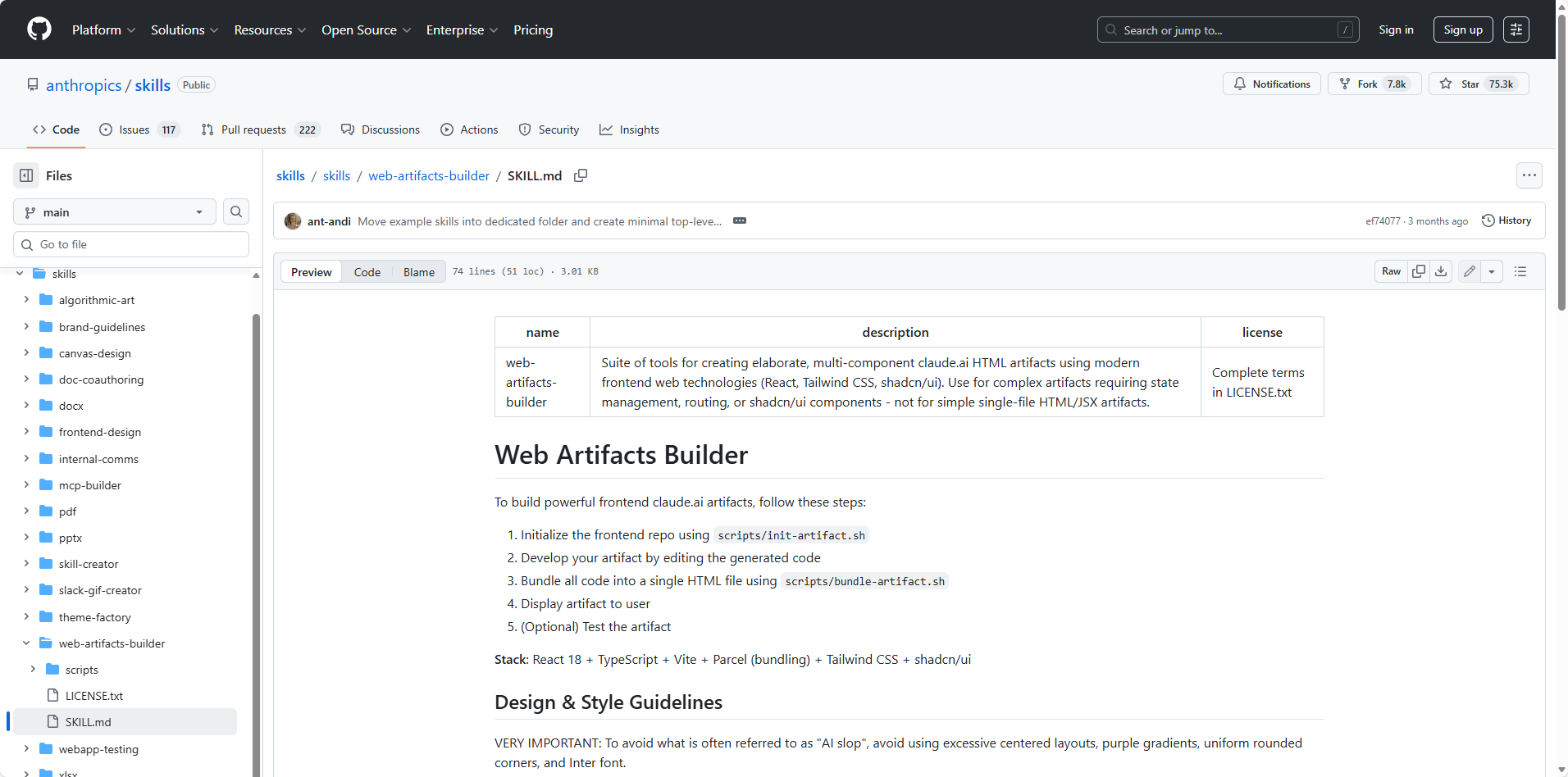
Skill #18: Web Artifacts Builder — anthropics/web-artifacts-builder
GitHub: https://github.com/anthropics/skills/tree/main/skills/web-artifacts-builder
Building simple web tools — unit converters, calculators, internal dashboards — becomes a natural language task. No frontend knowledge required. For teams needing lightweight internal utilities, this anthropic claude skill produces functional tools in a single conversation turn.
Layer 4: Meta-Capability — Building Skills That Build Skills
This final tier is where the real leverage lives.
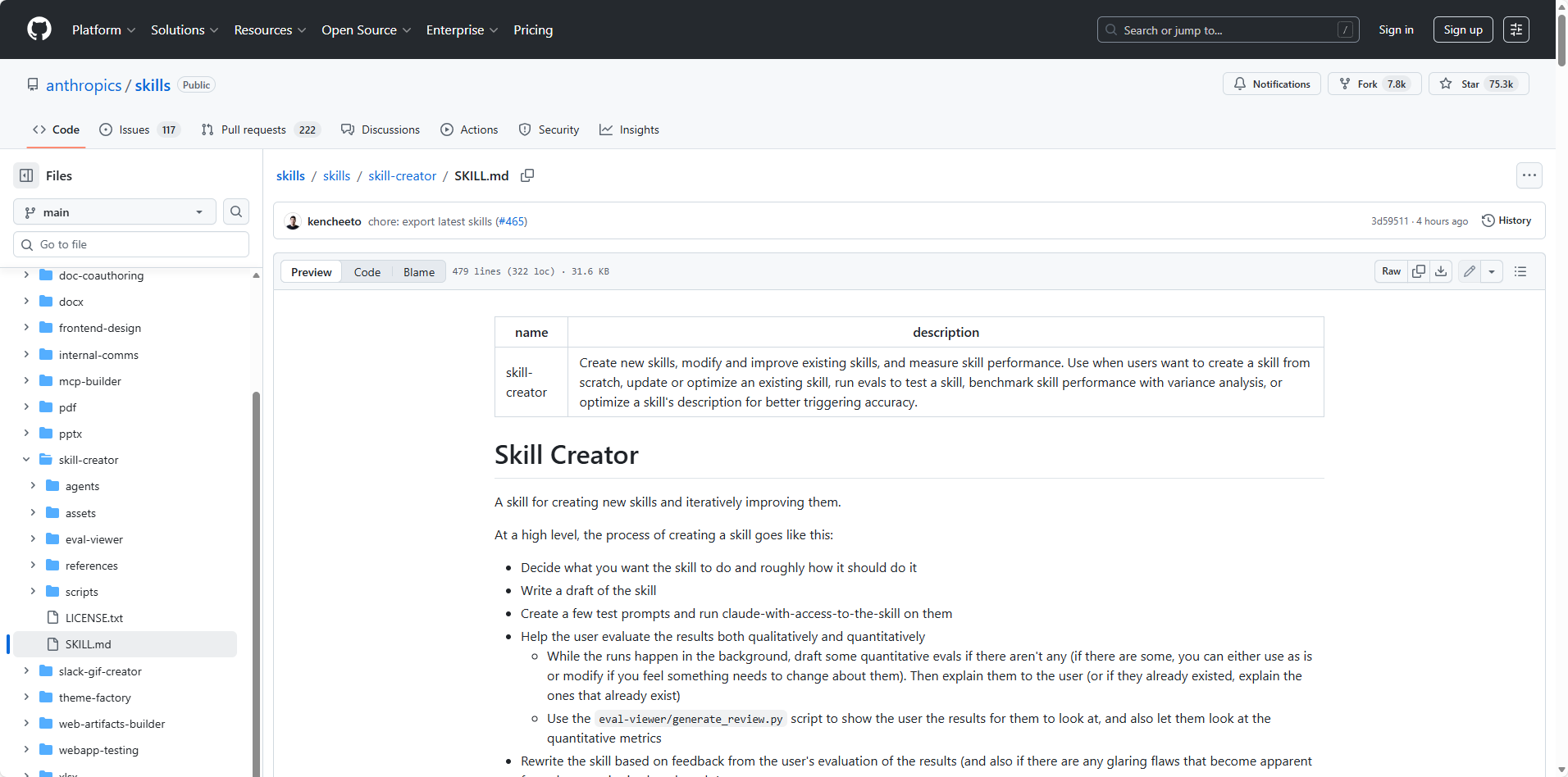
Skill #19: Skill Creator — anthropics/skill-creator
GitHub: https://github.com/anthropics/skills/tree/main/skills/skill-creator
Anthropic's official meta-skill — a skill for creating other Agent skills.
The problem it solves: professional expertise accumulates over years. Workflows, preferences, standards, judgment calls. Every new Claude conversation starts cold. The skill-creator externalizes institutional knowledge into a reusable SKILL.md file.
The process: describe the workflow in natural language, answer a few clarifying questions about audience, trigger conditions, and output format, and receive a complete skill specification in roughly five minutes — with activation logic, execution steps, output format requirements, and quality criteria fully specified.
The result is an AI agent that already knows how to work in a particular style. No re-briefing required. This is the mechanism for converting domain expertise into a permanent, portable AI capability. Most claude users consume agent skills others built. The ones who build their own are in a different category.
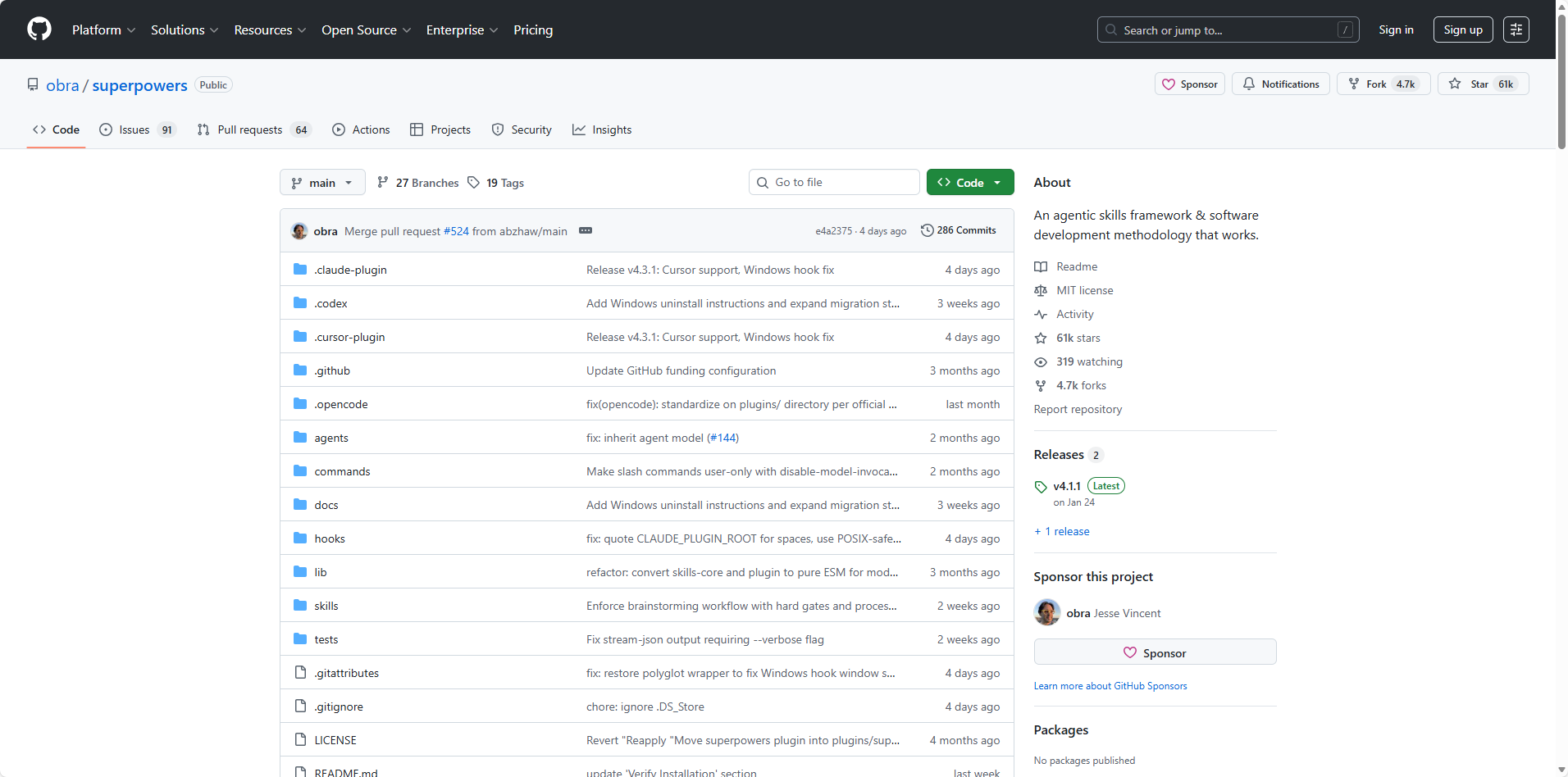
Skill #20: Superpowers — obra/superpowers
GitHub: https://github.com/obra/superpowers
Standard Claude plan mode moves from request to execution. Superpowers adds a structured intermediary phase — systematic interrogation of requirements, use case clarification, edge case identification, and detailed implementation planning before a single line of code or content is produced.
The analogy is a senior consultant running a requirements workshop versus a junior developer immediately starting to build. For complex projects, the difference in output quality is substantial. Superpowers includes 20+ battle-tested claude code skills across planning, TDD, debugging, and collaboration patterns.
Agent Skills Installation Guide
Skills are just folders. Every installation method below ends in the same place: a SKILL.md file sitting in the right directory for the agent to find it.
1. Universal: Natural Language (works on any modern agent)
The easiest path — tell the agent directly:
"Install this skill: https://github.com/anthropics/skills/tree/main/skills/pdf"
The agent reads the SKILL.md, copies the folder to the correct location, and confirms. No terminal required. This works in Claude Code, OpenClaw, Cursor, Codex, and most agents that support skills natively.
2. npx installer (Claude Code, Cursor, Codex, and more)
The npx skills add command works across multiple agents
npx skills add https://github.com/anthropics/skills/tree/main/skills/pdf
Replace the URL with any skill's GitHub path.
3. OpenClaw — Natural Language + ClawHub CLI
OpenClaw is arguably the most natural experience for installing skills. Just paste a skill URL directly into the chat:
@openclaw help me install this skill: https://github.com/browser-act/skills/blob/main/google-news-api-skill/SKILL.md
OpenClaw fetches the SKILL.md, parses requirements, and confirms installation — no terminal needed. For more details, please check a full walkthrough of installing BrowserAct skills in OpenClaw.
For registry-based installs, OpenClaw also has a dedicated CLI (ClawHub):
# Install by skill slug from clawhub.com
clawhub install pdf-skill

# Install and sync all skills in your workspace
clawhub sync --all

# Update everything
clawhub update --all
Browse the full registry at clawhub.com — over 5,700 community skills available.
4. Manual Install (works everywhere)
Drop any skill folder into the platform's skills directory and restart the agent:
Agent | Skills directory |
Claude Code | ~/.claude/skills/ |
OpenClaw | <workspace>/skills/ or ~/.openclaw/skills/ |
Cursor | .cursor/skills/ (project-level) |
VS Code / GitHub Copilot | .github/skills/ |
Codex | ~/.codex/skills/ |
Amp | .agents/skills/ |
Antigravity | .agent/skills/ |
# Example: manually install any GitHub skill to Claude Code
git clone https://github.com/browser-act/skills ~/.claude/skills/browseract-skills
After copying, restart the agent session. No build step, no dependencies — skills are plain text.
Conclusion
The productivity ceiling for knowledge workers using standard AI tools is defined by context re-establishment overhead — explaining preferences, standards, and workflows in every single conversation. Claude skills systematically eliminate that overhead.
The skills ecosystem grew from zero to over 280,000 entries in under six months. The adoption window is still open — but narrowing.
Start with the skill that addresses the most painful workflow today — the task repeated most often, explained most frequently, and redone most reluctantly. Install one, run it once, and experience the difference between an AI that needs briefing and one that already knows the job.
If any of those workflows touch the web — competitor monitoring, news tracking, data extraction — BrowserAct handles the parts agents can't reach on their own. Try BrowserAct skills templates now!


