AI Agent Web Scraping Not Working? Here's the #1 Reason (and Fix)

You asked your AI agent something simple.
"Go to this website and pull the product prices."
And it came back with... nothing. Or worse — a jumble of navigation links, cookie banners, and JavaScript gibberish that looks nothing like the clean pricing table you can see perfectly fine in your own browser.
So you try again. Different prompt. More specific instructions. "Use the CSS selector .product-price to extract the price." Still nothing useful. Or maybe it worked once, then broke the next day for no apparent reason.
If your AI agent's web scraping keeps failing, you're not doing anything wrong. The problem is more fundamental than your prompt, your code, or your choice of framework. The #1 reason AI agent web scraping doesn't work is that your agent doesn't have a real browser — and the modern web was built for real browsers.
That single gap — the distance between what your agent can see and what a real browser renders — is behind roughly 90% of agent scraping failures. Let's break down exactly why, and what to do about it
- 1 The #1 reason your agent fails: anti-bot protection — not bad code, not wrong URLs.
- 2 HTTP scraping is dead for modern sites. You need a real browser with stealth fingerprints.
- 3 BrowserAct handles it all: CAPTCHA, Cloudflare, fingerprinting, proxies — in one tool.
"The Page Loaded But There's No Data"
If you see a 403 error or empty HTML response, your agent is almost certainly being blocked by anti-bot protection — not a network issue. A stealth browser solves this.
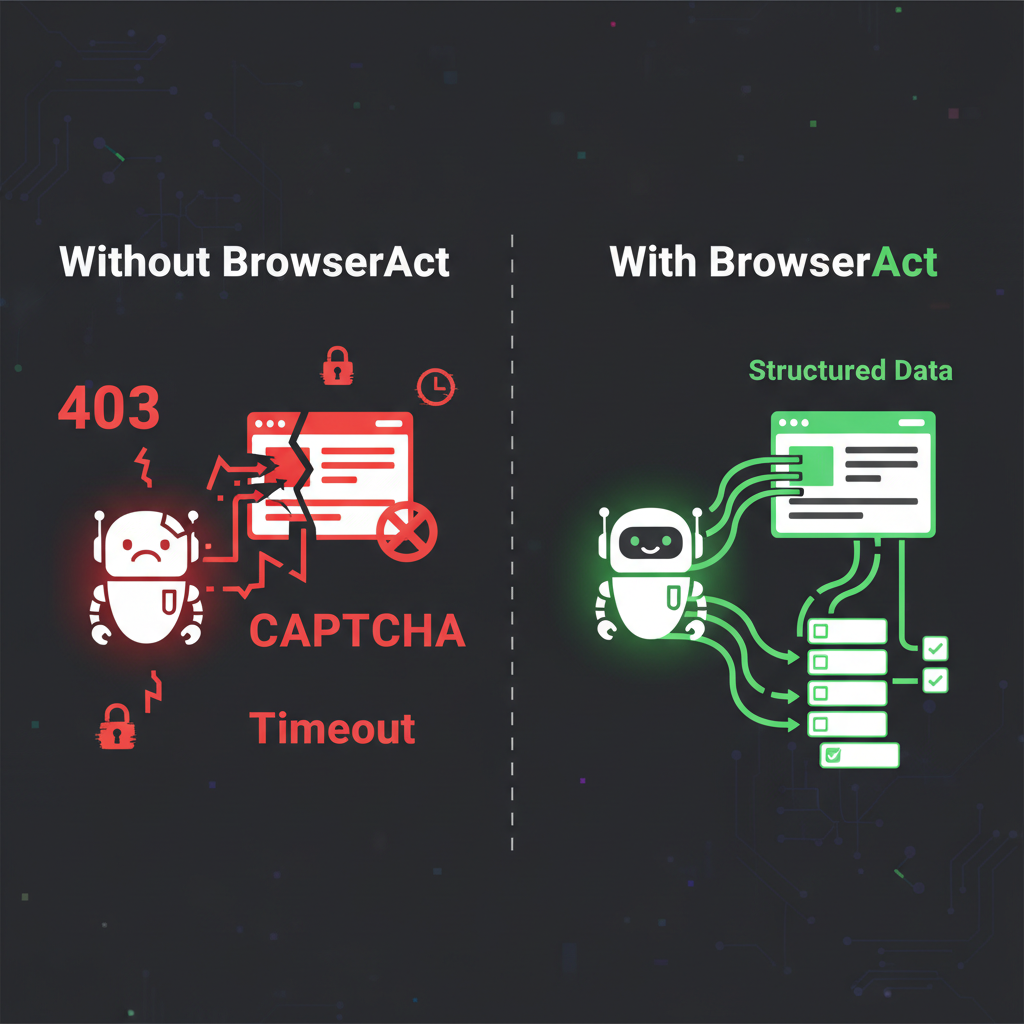
Left: blocked, broken, frustrated. Right: BrowserAct handles it all.
This is the most common failure, and it's the most confusing one because nothing technically goes wrong. No error. No 403. No timeout. Your agent successfully fetches the URL and gets back HTML. But the HTML is basically empty.
Here's what's actually happening:
Most modern websites don't put their content in the HTML anymore. They ship a lightweight HTML shell — think of it as an empty picture frame — and then JavaScript fills in the actual content after the page loads. React, Vue, Angular, Next.js — all of these frameworks work this way.
Your agent's scraper typically makes an HTTP request and reads whatever comes back. What comes back is the empty frame. The JavaScript that would fill it never runs, because your agent isn't running a browser. It's reading raw HTML like opening a Word document that says "Loading..." and waiting for content that never arrives.
What you see in your browser: A fully loaded product page with images, prices, reviews, and an "Add to Cart" button.
What your agent sees:<div id="root"></div>and 300 lines of minified JavaScript it can't execute.
This is the #1 reason AI agent web scraping fails. Not anti-bot detection. Not CAPTCHAs. Just... the page hasn't loaded because nobody turned on the engine.
The Five Failure Modes (In Order of How Often They Hit You)
That empty-page problem is the biggest one, but it's not the only one. Here are the five most common reasons your agent's scraping falls apart, ranked by how frequently they happen:
JavaScript-Rendered Content (The Silent Killer)
What you see: The page loads, but your data is missing.
Why it happens: As described above — the site uses client-side rendering, and your agent only fetches the pre-render HTML skeleton.
How common: This affects the majority of modern websites. If the site was built in the last few years, it almost certainly renders content with JavaScript.
The trap: Your agent doesn't even know it failed. It got a 200 OK response. It has HTML. It just doesn't have the HTML you wanted. So it confidently reports "no matching data found" — and you waste an hour debugging your selectors before realizing the data was never there to begin with.
Anti-Bot Detection (The Invisible Bouncer)
What you see: 403 Forbidden, blank pages, or redirect loops.
Why it happens: The website's security system (Cloudflare, Akamai, DataDome, PerimeterX) analyzed your agent's request and decided it wasn't human. The checks happen in milliseconds: TLS fingerprint, HTTP header order, IP reputation, browser fingerprint.
How common: Around 20% of the web is behind Cloudflare alone, and that percentage is growing. Most e-commerce sites, social platforms, and news sites have some form of bot protection.
The trap: The detection is often invisible. You don't always get a clear "Access Denied" page. Sometimes the site returns what looks like a normal page but with fake or outdated data. Sometimes it silently serves a CAPTCHA page that your agent can't parse. Sometimes it just... loads slower and slower until your request times out.
Session and Authentication Walls
What you see: "Please log in to continue" or a redirect to a login page.
Why it happens: Valuable data often sits behind authentication. Pricing tiers, dashboards, analytics, account information — all require a logged-in session. Your agent doesn't have cookies, doesn't have a session, and can't type a password.
How common: Any B2B SaaS tool, internal dashboard, social media platform (LinkedIn, Facebook), or membership site.
The trap: Even sites that show some content publicly often gate the best data behind login. Amazon shows product pages to everyone but hides seller-specific analytics. LinkedIn shows profiles but limits what you can see without being logged in.
Dynamic Elements and Infinite Scroll
What you see: You get some data, but it's incomplete. Only the first 10 products out of 500.
Why it happens: Modern sites load content progressively. They use lazy loading, infinite scroll, "Load More" buttons, and pagination via AJAX calls. Your agent grabs the first page and stops.
How common: Almost universal on e-commerce sites, search results, social feeds, and listings pages.
The trap: Your agent returns data, so you think it's working. But it's only returning 2% of the available data. You don't notice until someone asks "why does our competitor analysis only cover 10 products?"
Layout Changes That Break Selectors
What you see: Your scraper worked yesterday, today it returns garbage.
Why it happens: The website updated its frontend. The div with class product-price is now a span with class price-display-v2. Your carefully written CSS selectors point at elements that no longer exist.
How common: Major sites update their frontend every few weeks. Some run A/B tests that change the HTML structure between requests.
The trap: This is the maintenance nightmare. Industry data suggests that traditional scraping setups spend about 80% of their effort on maintenance rather than building new scrapers. You're constantly chasing a moving target.
Why "Just Use a Headless Browser" Isn't Enough
If you've been Googling this problem, you've probably seen the advice: "Use Puppeteer" or "Use Playwright" to run a headless browser so JavaScript actually executes.
That solves problem #1 (JavaScript rendering). But it walks straight into problem #2 (anti-bot detection).
Headless browsers have telltale signs that anti-bot systems detect instantly. The navigator.webdriver flag is set to true. The browser's user agent contains "HeadlessChrome." Canvas fingerprinting returns values that don't match any real device. The WebGL renderer reports as "SwiftShader" — a dead giveaway.
Even with stealth plugins that patch these obvious tells, sophisticated anti-bot systems check hundreds of signals simultaneously. Mouse movement patterns (there are none in headless mode). Font rendering differences. Plugin lists. Screen dimensions. The TLS handshake fingerprint.
It's an arms race, and the anti-bot side is winning. They have entire teams dedicated to detecting automation. You have a side project and a few npm packages.
What Actually Fixes This
The core insight is simple: stop trying to fake a browser and start using a real one.
The reason your agent can't scrape the web isn't because it's not smart enough. It's because it's been given the digital equivalent of a phone book and asked to browse the internet with it. Your agent needs an actual browser environment — one that renders JavaScript, maintains sessions, handles cookies, has a legitimate fingerprint, and doesn't trip every anti-bot system on the web.
This is exactly what browser automation skills are designed to provide. Instead of bolting on patches and workarounds to a headless setup, you give your agent access to a managed browser that handles all five failure modes:
JavaScript rendering? The browser executes JavaScript natively — because it's a real browser.
Anti-bot detection? The browser has a real fingerprint, residential IPs, and human-like behavioral patterns. It doesn't look like a bot because it isn't presenting itself as one.
Authentication? The browser can inherit your existing logged-in sessions. Your cookies, your extensions, your login state — the agent just picks up where you left off.
Dynamic content? The browser scrolls, waits for content to load, clicks "Load More" buttons, and handles infinite scroll — because that's what browsers do.
Layout changes? When paired with AI, the agent can identify data by meaning rather than rigid CSS selectors. If the price moves from a div to a span, the agent still finds it because it understands what a price looks like.
BrowserAct implements this approach as a skill that plugs directly into your AI agent. It provides a fully managed browser environment with fingerprint management, residential proxy rotation, CAPTCHA handling, and session inheritance — so your agent can interact with websites the same way you do.
For e-commerce scraping specifically — which is one of the most common use cases that breaks — templates like BrowserAct's Amazon Bestsellers Scraper handle the anti-bot challenges, JavaScript rendering, and pagination that would otherwise take weeks to build and maintain yourself.
For research tasks that need data from community platforms, the Reddit Posts & Comments Scraper handles Reddit's authentication requirements and dynamic loading without requiring you to deal with Reddit's increasingly restrictive API pricing.
Stop getting blocked. Start getting data.
- ✓ Stealth browser fingerprints — bypass Cloudflare, DataDome, PerimeterX
- ✓ Automatic CAPTCHA solving — reCAPTCHA, hCaptcha, Turnstile
- ✓ Residential proxies from 195+ countries
- ✓ 5,000+ pre-built Skills on ClawHub
The Before-and-After
Let's revisit the failures from earlier, but with a real browser in the loop:
Dynamic e-commerce site:
- Before: "I fetched the page but found no product data." (JavaScript didn't render)
- After: Full product catalog with prices, ratings, images, and inventory status — because the browser rendered the page completely before the agent read it.
Cloudflare-protected competitor site:
- Before: "Access denied" or blank page. (Bot detection triggered)
- After: Clean data extraction through a fingerprinted browser with residential IP. Cloudflare sees a normal user, not an automation script.
LinkedIn prospect research:
- Before: "Please log in to view this profile." (No session)
- After: Agent inherits your logged-in browser session and accesses full profiles without re-authentication.
Product listing with 500 items:
- Before: Returns 10 items. (Didn't scroll or paginate)
- After: Browser scrolls through the entire listing, handles lazy loading, and returns all 500 items.
Who Hits This Wall The Most
Marketing teams running competitive intelligence — tracking competitor pricing, monitoring review sentiment, gathering market data from sites that fight scraping tooth and nail.
Sales teams doing prospect research — pulling company data, contact information, and social profiles from platforms with aggressive anti-automation measures.
E-commerce operators monitoring inventory, pricing, and product listings across multiple marketplaces — where every marketplace has its own bot detection and data loading quirks.
Data analysts and researchers collecting datasets from public sources that happen to use modern JavaScript frameworks and anti-bot protection.
Indie developers building tools that rely on web data — price comparison apps, aggregators, monitoring dashboards — who don't have the resources to maintain a complex anti-detection infrastructure.
Key Takeaways
- The #1 reason AI agent web scraping fails is JavaScript rendering — most modern sites deliver empty HTML shells that fill in via JavaScript. Your agent reads the empty shell and reports "no data found."
- Anti-bot detection is the #2 reason, and it's getting more sophisticated. Cloudflare, Akamai, and similar systems analyze hundreds of signals simultaneously. Stealth plugins can't keep up.
- "Use a headless browser" solves the rendering problem but creates the detection problem. Headless browsers get fingerprinted and blocked just as fast.
- The real fix is giving your agent a fully managed real browser with proper fingerprinting, residential proxies, session management, and CAPTCHA handling.
- Traditional scraper maintenance consumes ~80% of ongoing effort. Moving to AI-aware browser automation eliminates the selector-chasing maintenance cycle entirely.
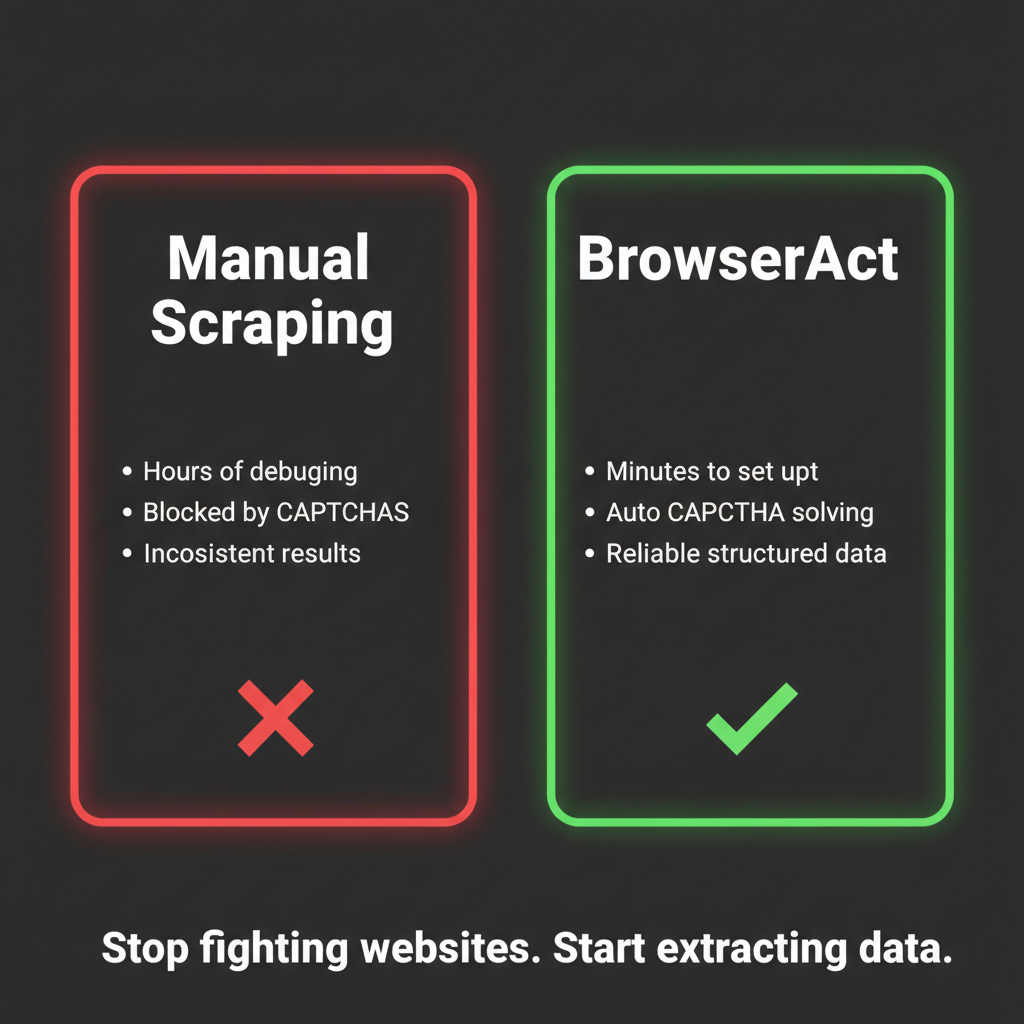
Stop fighting websites. Start extracting data.
Conclusion
When your AI agent's web scraping doesn't work, the instinct is to blame the agent, the prompt, or the target website. But the real problem is almost always the gap between how the agent accesses the web and how the web actually works in 2026.
The web was built for browsers. AI agents need browsers. That gap is exactly what tools like BrowserAct are designed to close — giving your agent a real, managed browser environment so it can see and interact with websites the way you do.
Stop debugging selectors for pages that never loaded. Try BrowserAct and give your agent the browser it needs to actually scrape the modern web.
Find more pre-built scraping automations on ClawHub — including Amazon Product API, Google Maps API, and YouTube Video API.
Automate Any Website with BrowserAct Skills
Pre-built automation patterns for the sites your agent needs most. Install in one click.
Further reading: Browser access troubleshooting
Frequently Asked Questions
Why is my AI agent web scraping not working?
The #1 reason is anti-bot protection. Modern websites use Cloudflare, DataDome, and PerimeterX to detect and block automated requests — including those from AI agents.
What is the difference between HTTP scraping and browser-based scraping?
HTTP scraping sends raw requests and parses HTML. Browser-based scraping runs a full browser that executes JavaScript, handles dynamic content, and presents real browser fingerprints — far more reliable on modern sites.
Does BrowserAct work with Claude, GPT, and other AI agents?
Yes. BrowserAct integrates through CLI, API, and MCP protocol. Your agent sends browser commands, BrowserAct handles the stealth execution.
How can BrowserAct fix my web scraping issues?
BrowserAct provides stealth browsers that bypass anti-bot protection automatically. Pre-built Skills on ClawHub cover Amazon, Google Maps, Reddit, YouTube and more — or try it free with 100 credits.


