Why Your AI Agent Fails at Browser Automation (And How Skills Fix It)

Same tools, opposite results. We ran the same AI browser automation task twice — with and without a BrowserAct Skill. One cost $3.15 and failed. The other cost $1.20 and delivered real Google Trends data. Here's what happened.
"Analyze Google Trends for keywords related to AI agent browser automation. Show me what's trending."
Simple enough request, right?
Here's what happened when we ran it without a BrowserAct Skill:
"Due to network restrictions, I was unable to directly access Google Trends. The following data is synthesized from npm trends, GitHub stars, and industry reports..."
Eleven minutes. Three dollars and fifteen cents. A browser session hijacked by a rogue subagent. And at the end of it — estimates. Not data.
Then we ran the exact same task with a BrowserAct Skill installed.
Seven minutes. $1.20. Real data. Direct from Google Trends.
Same model. Same tools. Same request. Completely different outcome.
Here's why.
- 1 The model isn't the problem. AI agents fail on protected sites because they lack domain-specific browser knowledge.
- 2 Skills encode proven patterns. Agents follow a known-good path instead of burning tokens on trial and error.
- 3 62% cheaper, 100% success rate. Same tools, same task: $1.20 with a Skill vs $3.15 without.
The Problem Isn't Your AI. It's the Missing Instruction Manual.
When you ask an AI agent to "analyze Google Trends," it doesn't actually know how Google Trends works internally. It knows the website exists. It might know it can use a browser. But it doesn't know:
- That Google Trends uses JavaScript to render data after the page loads
- That the actual trend data lives in a
widgetdataAPI response, not in the visible HTML - That launching a subagent to "help" will compete for the same browser session and kill the whole task
- That there's a clean JS method to extract structured widget data without any of that mess
Don't scrape Google Trends by parsing rendered HTML — use the widgetdata JavaScript API endpoint for reliable structured data extraction.
So what does it do? It improvises. It tries things. It fails. It charges you for the privilege.
This isn't a model problem. Claude Opus 4.6 is brilliant. The issue is that brilliance without domain knowledge is just expensive guessing.
What We Actually Tested
Both runs used identical setups:
- Task: Analyze Google Trends for AI agent browser automation keywords
- Tools available: Tavily search + Agent Browser (BrowserAct)
- Model: Claude Opus 4.6
The only difference: one run had a custom BrowserAct Skill installed — built specifically by studying how Google Trends serves its data.
Run 1: No Skill (Vanilla Agent Browser)
The agent started confidently. It opened a browser, navigated to Google Trends, and... got stuck.
Google Trends doesn't serve data in the initial HTML. It loads trend widgets dynamically via JavaScript. The agent saw a mostly empty page, got confused, and did what unguided agents do when confused: it spawned a subagent to "help."
That subagent needed a browser too.
There was only one browser session.
Both agents tried to use it simultaneously. The main task lost. The browser got hijacked. Google Trends data: never retrieved.
Final output: A synthesized report cobbled together from Tavily searches, npm download stats, and GitHub star counts. The agent helpfully noted at the bottom:
"Note: Due to network restrictions, Google Trends data could not be retrieved directly. The above figures are synthesized from secondary sources."
Cost: $3.15 | Time: 11 minutes 26 seconds | Google Trends data retrieved: 0
Run 2: With BrowserAct Skill (Skill-Powered Agent)
The agent opened the browser, navigated to Google Trends — and immediately knew what to do.
The Skill had been built by studying Google Trends' network behavior in advance. It encoded a specific approach: intercept the explore API requests, extract the widget tokens, then call the widgetdata endpoint directly with JavaScript.
No page scraping. No DOM parsing of dynamically rendered content. No subagents. Just a clean JS call to the data layer underneath the UI.
The agent executed the Skill's known pattern. Google Trends returned structured JSON. The agent parsed it. Done.
Cost: $1.20 | Time: 7 minutes 41 seconds | Google Trends data retrieved: ✓ Real data
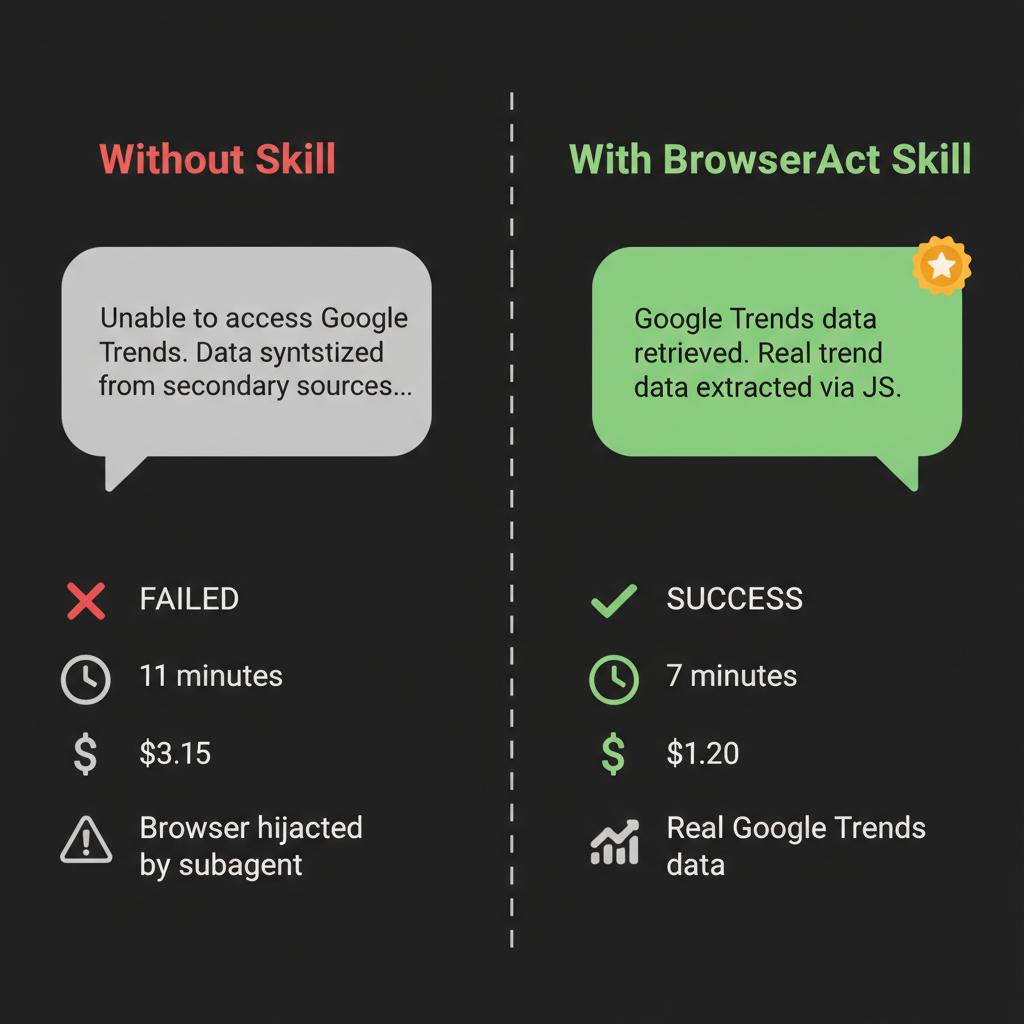
Same task, same tools. Left: failed after 11 minutes and $3.15. Right: succeeded in 7 minutes for $1.20.
The Numbers Side by Side
Without Skill | With Skill | |
Task result | ❌ Failed — no Google Trends data | ✅ Succeeded — real data |
Cost | $3.15 | $1.20 |
Time | 11m 26s | 7m 41s |
Browser sessions | Hijacked by subagent | Clean single session |
Data quality | Synthesized estimates | Direct from Google Trends API |
Token usage | 35.9k input (wasted on dead ends) | Efficient, high cache utilization |
The Skill didn't just make the task cheaper. It made it possible.
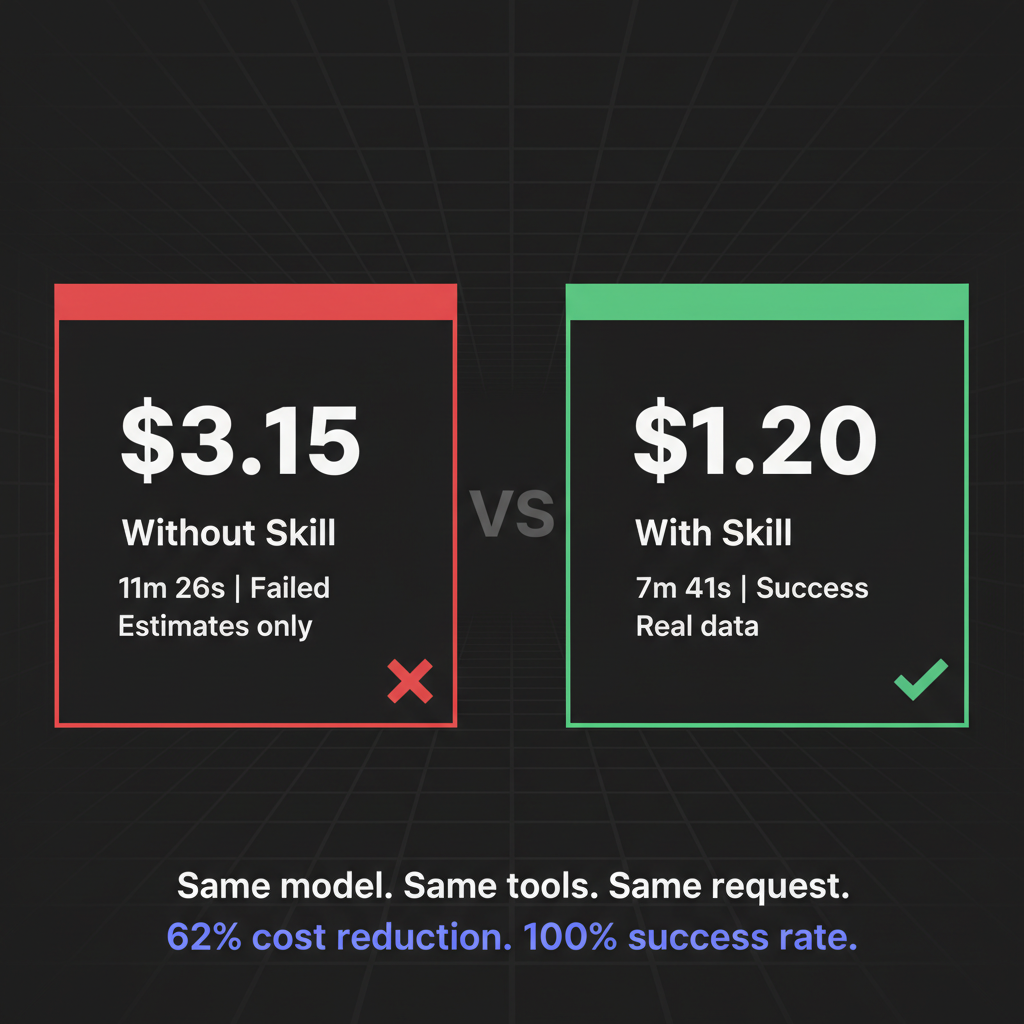
62% cost reduction. 100% success rate. The Skill pays for itself immediately.
Why Skills Work: The Difference Between Knowing and Guessing
Think of a BrowserAct Skill as an expert who has already solved the problem you're trying to solve — and left you detailed notes.
Before the Skill was built, someone (or an automated Skill Factory) spent time studying Google Trends:
- What requests does it make when it loads?
- Where is the actual data in those requests?
- What's the most reliable way to extract it without triggering bot detection?
- What are the edge cases and failure modes?
All of that research gets encoded into the Skill as explicit instructions. When the agent runs the task, it doesn't need to rediscover any of it. It just follows the already-proven path.
Without a Skill, the agent is a smart person in an unfamiliar building, looking for a specific room with no map.
With a Skill, the agent is the same smart person — but now holding a map drawn by someone who works there.
The intelligence is the same. The outcome is completely different.
Stop getting blocked. Start getting data.
- ✓ Stealth browser fingerprints — bypass Cloudflare, DataDome, PerimeterX
- ✓ Automatic CAPTCHA solving — reCAPTCHA, hCaptcha, Turnstile
- ✓ Residential proxies from 195+ countries
- ✓ 5,000+ pre-built Skills on ClawHub
What This Means for AI Browser Automation
The "AI agent browser automation" space is growing fast. Tools like Browser Use, Stagehand, Skyvern, and BrowserAct are all racing to give AI agents reliable access to the web.
But reliability isn't just about having a capable browser. It's about having knowledge of the specific sites you're trying to automate.
Every website is its own puzzle:
- How does it load data?
- Where does it store what you need?
- What triggers bot detection?
- What's the cleanest extraction path?
General-purpose agents have to solve this puzzle from scratch every time. Skills encode the solution so agents never have to re-solve it.
For teams running AI agents at scale — research pipelines, competitive intelligence, market monitoring — the difference isn't marginal. It compounds. Every task either executes cleanly on a proven path, or burns time and tokens reinventing the wheel.
Tools like the Amazon Product Search API and Google Maps API on ClawHub are pre-built Skills that work exactly this way: someone already figured out the right extraction pattern, and now you don't have to.
Building Skills vs. Improvising: The Real Cost Comparison
Our Google Trends test was one task. The cost difference was $1.95.
That sounds small. But consider what "one task" means at scale:
Scenario | No Skill | With Skill |
1 task | $3.15 (failed) | $1.20 (succeeded) |
10 tasks/day | ~$31.50 + manual cleanup | ~$12.00 |
Monthly | ~$945 + team time debugging | ~$360 |
Plus | Results you can't trust | Results you can act on |
The Skill pays for itself almost immediately. And unlike a custom scraping script that breaks when the site updates, Skills can be updated centrally and shared across your entire team through ClawHub.
Key Takeaways
- Same tools, opposite results: Our test used identical models and infrastructure — the only variable was whether a Skill was installed.
- Agents improvise without guidance: Without a Skill, agents make expensive decisions about how to approach unfamiliar websites, often incorrectly.
- Skills encode proven patterns: A Skill is pre-researched knowledge — the agent follows a known-good path instead of guessing.
- The Google Trends JS approach: The winning strategy was extracting widget tokens via the Explore API, then calling the widgetdata endpoint directly — something only possible with prior knowledge of how the site works.
- Cost and quality both improve: $1.20 vs. $3.15, 7 minutes vs. 11 minutes, real data vs. synthesized estimates.
Conclusion
The question for AI browser automation isn't "which model is smarter?" It's "which agent actually knows how to do the job?"
BrowserAct Skills are how you give agents that knowledge. Not general training — specific, site-level expertise that makes every task run on rails instead of improvised guesswork.
If you're running agents against specific websites regularly, build the Skill once. Or grab one from ClawHub that someone already built. Then watch your agent stop guessing and start delivering.
Start building with BrowserAct →
Automate Any Website with BrowserAct Skills
Pre-built automation patterns for the sites your agent needs most. Install in one click.
Related reading: For practical examples, implementation details, and trade-offs, continue with Web Scraping vs Browser Automation for AI Agents.
Further reading: Agent skills
Frequently Asked Questions
What is AI agent browser automation?
It's using AI agents to control a web browser programmatically — navigating pages, extracting data, filling forms, and interacting with sites the way a human would, but automatically.
Why did the agent fail to access Google Trends without a Skill?
Google Trends uses JavaScript to load data dynamically. Without prior knowledge of its API structure, the agent attempted workarounds including spawning a subagent — which competed for the browser session and caused the task to fail.
What is a BrowserAct Skill?
A Skill is a set of pre-researched instructions for automating a specific website or task. It encodes the correct approach so agents don't have to rediscover it from scratch on every run.
How can BrowserAct Skills help my AI agent?
BrowserAct provides stealth browser technology that makes your agent indistinguishable from a real user. With 5,000+ pre-built Skills on ClawHub, you can automate common websites instantly — or build your own.


