TikTok Crisis Monitoring: Detect Brand Risk Early

TikTok crisis monitoring is the process of tracking brand mentions, product keywords, hashtags, creator videos, and comment threads so a PR or support team can detect negative spikes before they turn into a visible brand crisis. The useful output is not “sentiment is negative.” The team needs the source video, risky comment, repeated claim, audience reaction, escalation level, owner, deadline, and whether the issue is a complaint, misinformation, safety concern, creator backlash, or coordinated
-
1
TikTok crisis monitoringshould detect early warning signals: negative mention spikes, repeated complaints, risky claims, creator backlash, hostile comments, and off-brand hashtag movement. - 2This workflow groups crisis signals into six buckets: volume spike, sentiment shift, claim risk, creator risk, support issue, and escalation trigger.
- 3TikTok’s Business API describes a Mentions API for monitoring mentions and analyzing community conversations, while social listening platforms track hashtags, keywords, sounds, @mentions, comments, and negative spikes.
- 4Use [BrowserAct Agent](https://www.browseract.com/agent?co-from=blogbottiktok) to test crisis-search prompts, BrowserAct Workflow for scheduled checks, and [BrowserAct CLI](https://www.browseract.com/cli?co-from=blogbottiktok) when alerts need to feed Slack, Sheets, or a PR review stack.
- 5Keep the workflow read-only. Do not reply, delete, report, DM, follow, change account settings, or access private content automatically.
What counts as a TikTok crisis signal?
TikTok risk moves through videos, comments, stitches, hashtags, and creator narratives. A dashboard should separate the signal from the response.
Signal | What to capture | Who owns it |
Negative volume spike | brand/product mentions rising quickly | PR |
Repeated complaint | same product issue across videos/comments | support or ops |
Claim risk | unsafe, legal, health, refund, or quality claim | legal / compliance |
Creator backlash | creator audience rejects partnership or product | creator team |
Misinformation | wrong fact repeating in comments | comms |
Coordinated pile-on | many similar comments or hashtags | PR / security |
Build an early-warning schema
Before collecting posts, define the rows. Crisis work fails when the team cannot trace a summary back to evidence.
Field | Why it matters |
| video, comment, hashtag, or search result evidence |
| video, comment, hashtag, creator_profile, third_party_tool |
| what triggered the match |
| who posted or drove discussion |
| raw evidence |
| complaint, misinformation, safety, creator_backlash, pile_on, unknown |
| low, medium, high, critical |
| new, rising, fast_spike, sustained |
| likes, comments, shares, visible discussion quality |
| PR, support, legal, creator team, product, leadership |
| review now, today, this week, monitor |
| complete, partial, login_required, restricted, unavailable |
source_status even if it feels operational. A partial TikTok result and a verified source-linked comment should not have the same evidence weight.
Which sources should you monitor?
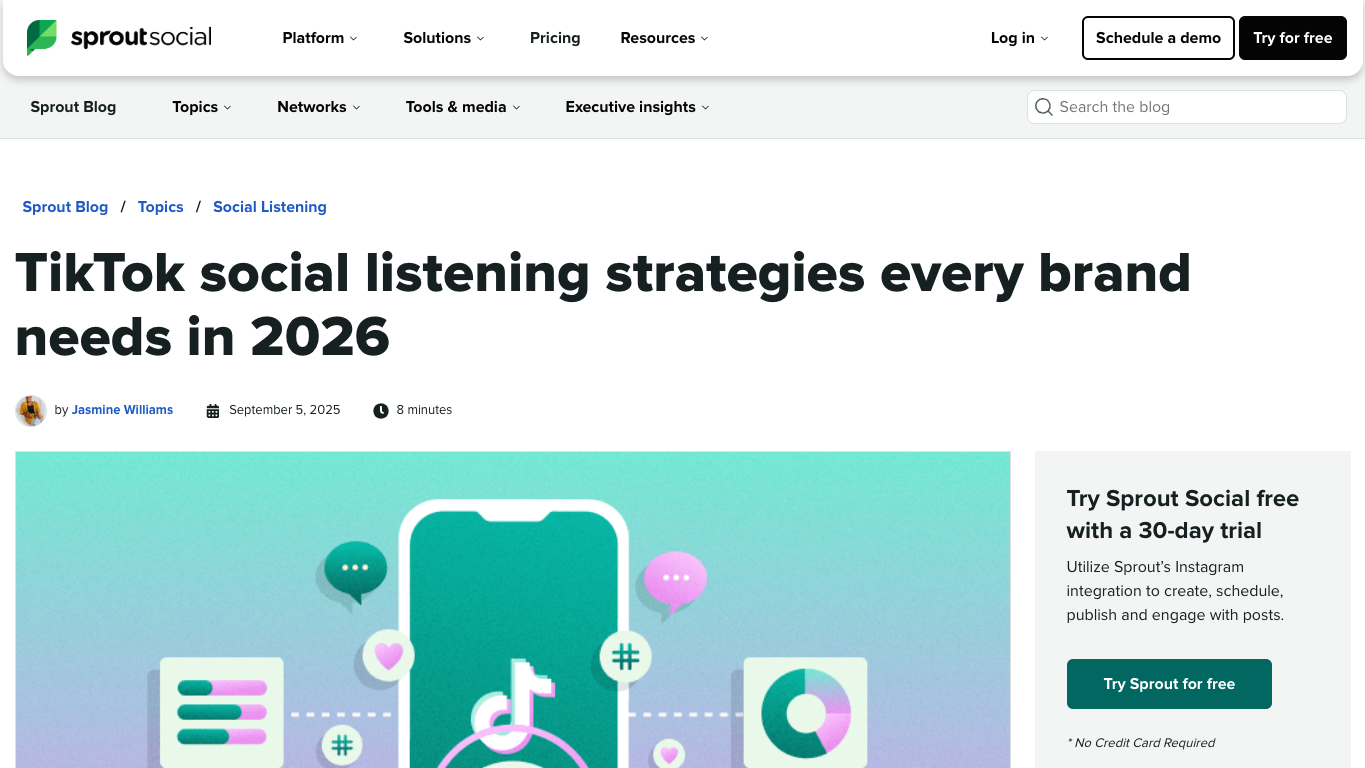
Sprout Social’s TikTok social listening guide calls out hashtags, keywords, sounds, @mentions, and comments, plus sentiment and negative mention spikes. Those are the right raw inputs for crisis monitoring.
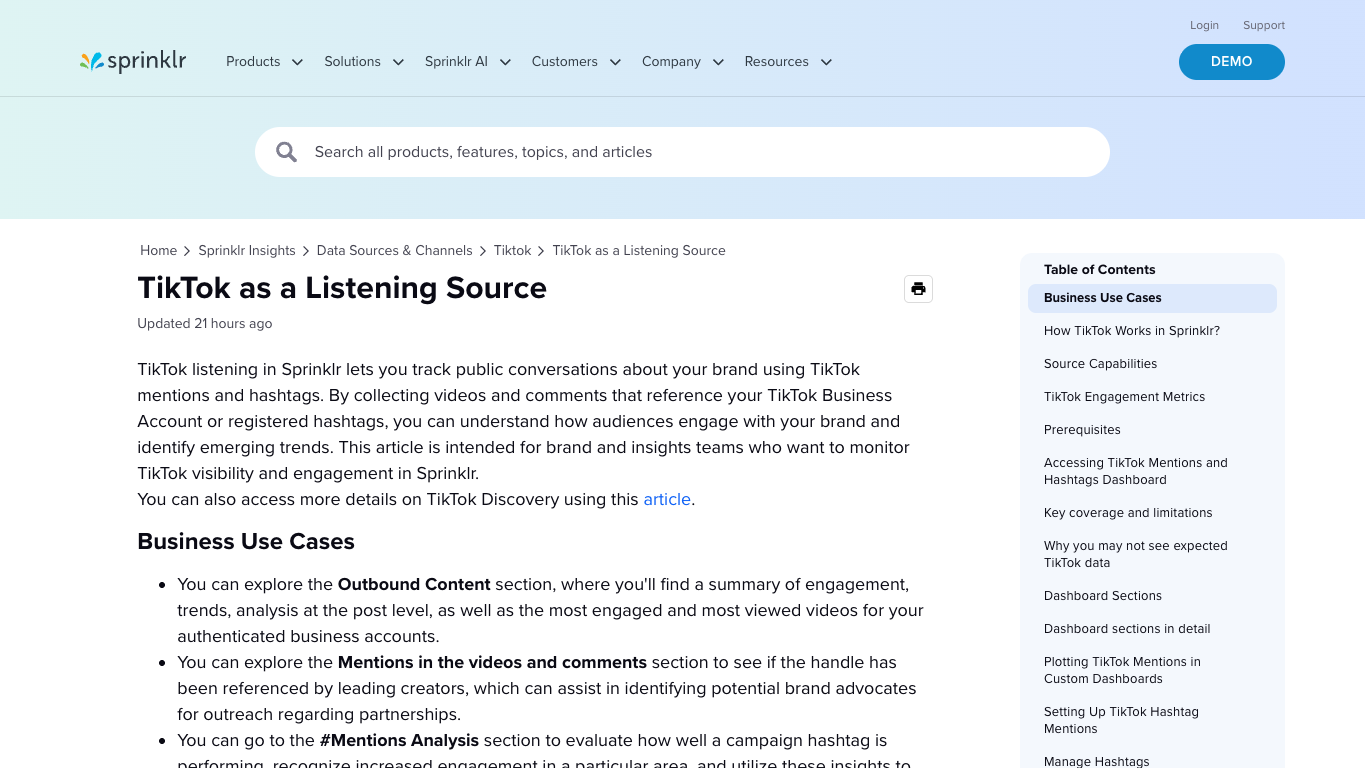
Sprinklr’s TikTok listening documentation similarly frames TikTok as a listening source for public conversations around brand mentions and hashtags, including videos and comments. That helps distinguish two layers: official/social-listening collection and the internal crisis workflow that decides what gets escalated.
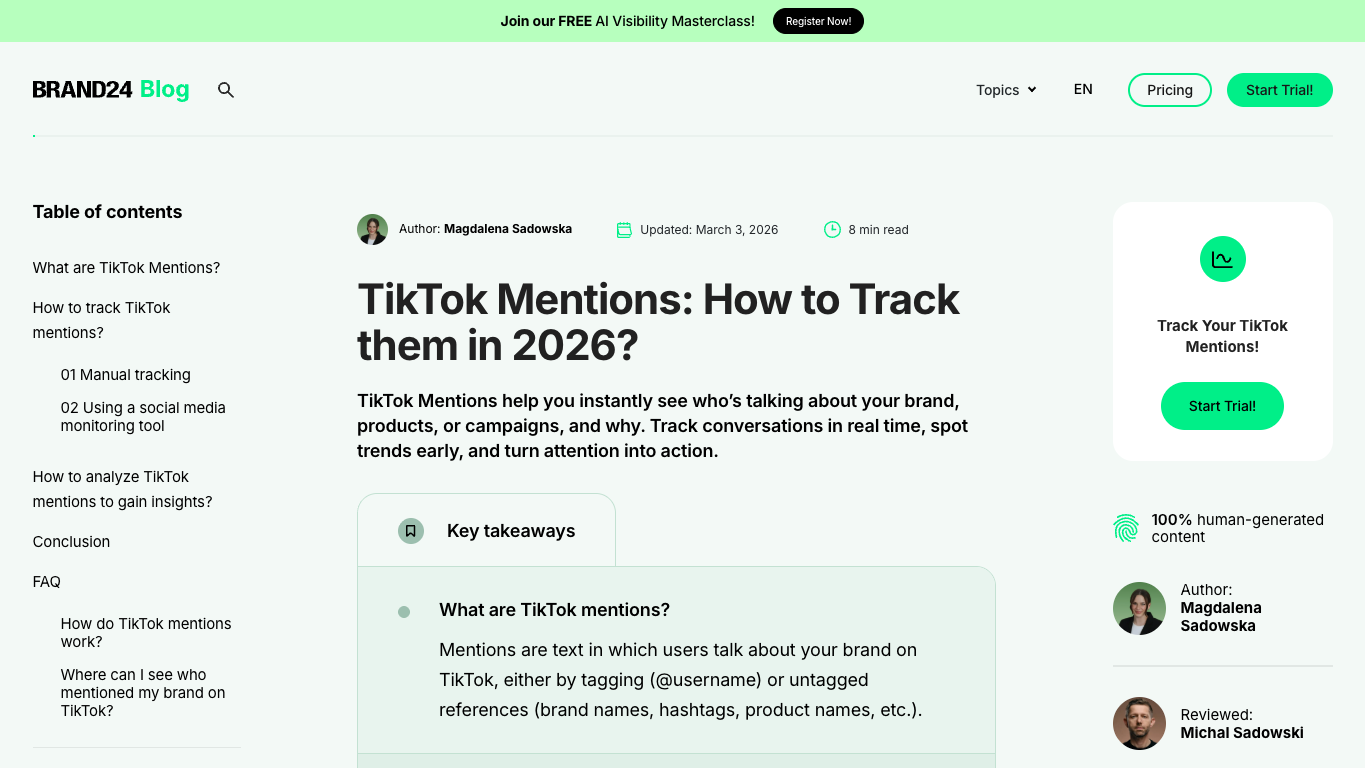
Brand24’s TikTok mentions guide is useful for the practical wording: mentions can include tagged @username references and untagged brand, product, campaign, or hashtag references.
Escalation rules
Do not alert everyone for every negative comment. Define thresholds.
Condition | Suggested severity | Action |
one low-engagement complaint | low | monitor |
repeated complaint across 3+ sources | medium | support review |
creator video driving negative comments | high | PR + creator team |
safety/legal claim spreading | critical | legal + leadership |
hashtag or phrase accelerating | high | PR war room |
Build the workflow with BrowserAct
Use this module when you need BrowserAct to collect public or authorized TikTok crisis signals into a source-linked review table.
- Open BrowserAct Dashboard
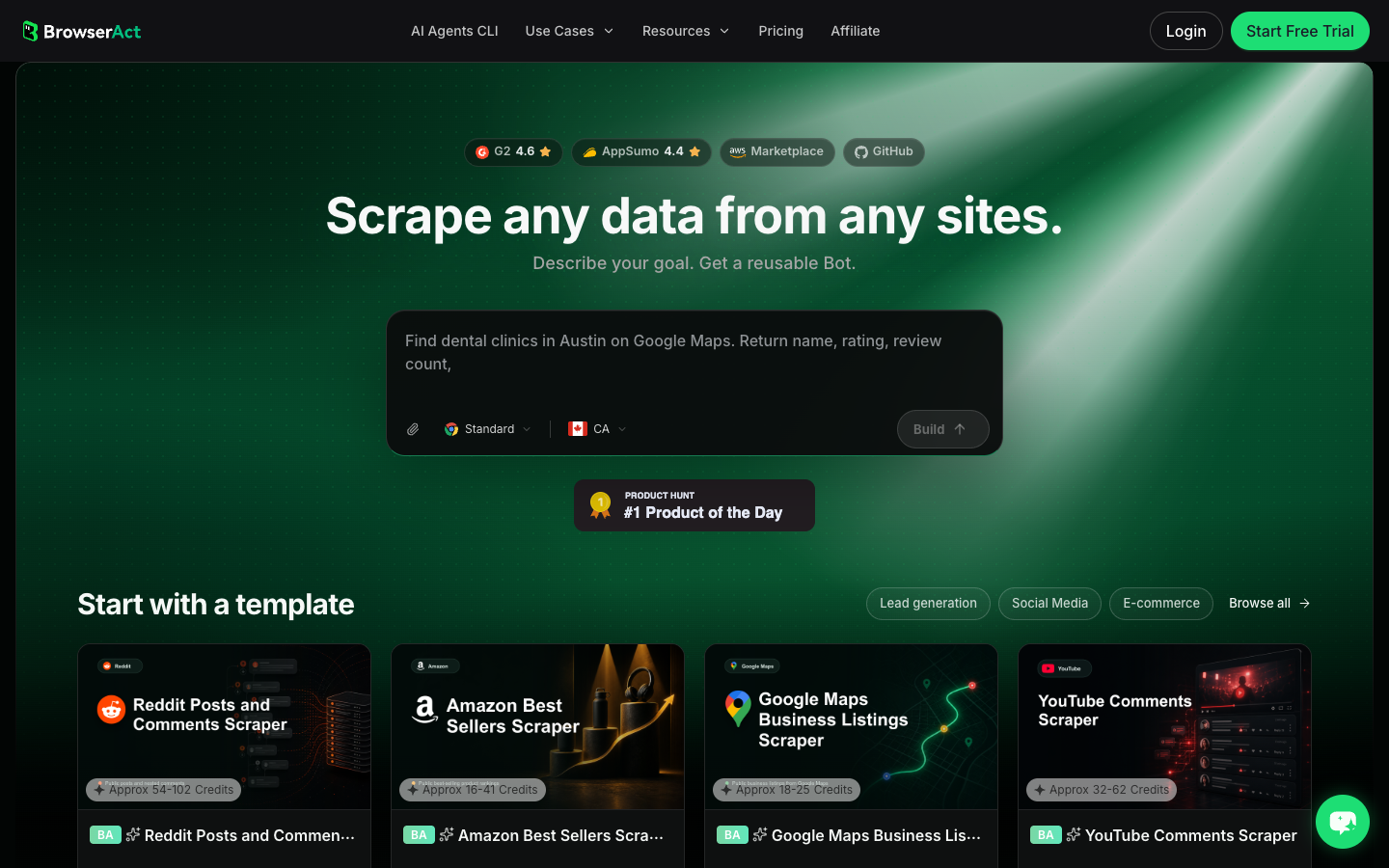
Click the left-side + button to create your own Bot, start from Quick start, or paste the prompt directly into the center Agent input to begin building.
- Copy the complete prompt
Replace the brand, product, campaign, keywords, hashtags, and review window. Keep the stop rules.
Build a TikTok crisis monitoring dataset for public or authorized sources.

Targets:
- Brand names, product names, campaign hashtags, creator handles, competitor comparison phrases, and risk keywords supplied by the user.

Review window:
- Last 24 hours by default. Use the last 7 days for weekly review.

Collect up to 250 relevant public results. Do not keep scrolling forever.

For each result, capture:
- source_url
- source_type: video, comment, hashtag, creator_profile, search_result, third_party_tool
- brand_or_product_keyword
- creator_handle when visible
- caption_or_comment_text
- visible_time_or_date
- engagement_signal: likes, comments, shares, replies, or visible discussion quality
- risk_bucket: complaint, misinformation, safety_claim, legal_claim, creator_backlash, support_issue, pile_on, unclear
- severity: low, medium, high, critical, unknown
- velocity_note: new, rising, fast_spike, sustained, unknown
- evidence_quote
- owner: PR, support, legal, creator_team, product, leadership, unknown
- deadline: review_now, today, this_week, monitor
- source_status: complete, partial, login_required, captcha_required, private_or_restricted, unavailable
- collected_at

Deduplicate by source_url plus normalized evidence_quote. If a comment appears under multiple videos, keep both rows and note the shared phrase.

Stay read-only. Do not reply, comment, like, follow, message, report, delete, block, change account settings, submit forms, purchase anything, or access private/restricted content.

If login, CAPTCHA, 2FA, account confirmation, private content, payment, or restricted access appears, pause and record the stop reason instead of continuing automatically.

Export the result as a source-linked table suitable for CSV, JSON, Markdown, or Google Sheets.
Scrape data from any website.
Describe the data you need. Get a Bot — a reliable, reusable scraper.
Prompt preview: collect TikTok crisis signals, risky comments, mentions, source URLs, severity, owners, and escalation deadlines. Private session · Choose your region before you run
Get your Bot — Free- Handle login only when asked
If BrowserAct pauses on login, CAPTCHA, 2FA, account confirmation, private content, payment, or restricted access, treat it as a human checkpoint. Do not automate around it.
- Review, dedupe, and export
Inspect rows, remove duplicates, preserve raw evidence, assign severity and owner, and export to CSV, JSON, Markdown, or a Sheets-ready table. Save the approved process as BrowserAct Workflow for scheduled checks. Use BrowserAct CLI when the review table must feed Slack, Sheets, or an incident workflow.
No fake export screenshot is shown here. Until your team runs the actual brand keywords and sources, the honest artifact is the prompt, schema, real Dashboard screenshot, and review-table design.
Common mistakes
Mistake 1: Monitoring only @mentions
Crisis narratives often use product names, nicknames, hashtags, creator handles, or untagged phrases. Track more than direct tags.
Mistake 2: Alerting on every negative comment
Escalation should consider severity, velocity, source, repetition, and owner. One complaint is not the same as a spreading claim.
Mistake 3: Losing the source URL
Screenshots and source URLs matter in crisis work. A summary without evidence is hard for PR, legal, or support teams to trust.
Mistake 4: Automating response
Collection can be automated. Replies, reports, takedown decisions, creator outreach, and legal escalation should stay human-controlled.
Conclusion
TikTok crisis monitoring works when it turns fast-moving posts and comments into evidence-backed review rows: source, risk bucket, severity, owner, and deadline.
Start with brand and product keywords, not just @mentions. Track videos, comments, hashtags, creator signals, and negative spikes. Use BrowserAct to make source-linked collection repeatable, then let PR, support, legal, and creator teams decide the response.
Frequently Asked Questions
What is TikTok crisis monitoring?
It is tracking TikTok mentions, hashtags, comments, videos, and creator narratives to detect brand-risk signals before they escalate.
What should trigger a TikTok crisis alert?
Repeated complaints, fast negative spikes, safety or legal claims, creator backlash, misinformation, or a spreading hostile hashtag should trigger review.
Is TikTok crisis monitoring the same as social listening?
Social listening collects and analyzes conversation; crisis monitoring adds severity, ownership, evidence, and escalation deadlines.
Can BrowserAct respond to TikTok crisis comments automatically?
This workflow is read-only. BrowserAct can collect evidence, but replies, reports, messages, and account actions should remain human-controlled.
What fields should a crisis monitoring export include?
Include source URL, keyword, caption or comment, engagement signal, risk bucket, severity, owner, deadline, source status, and collected time.


