Reliable Instagram Scraper: Why Scrapers Break and How to Fix the Workflow

A reliable Instagram scraper is not the one that never fails. That promise is usually fake. The reliable one is the scraper that tells you what happened: complete row, partial row, login required, private account, 401, 404, 429, pagination stopped, field missing, or selector changed. The search evidence is loud. A Stack Overflow thread about Instagram’s old ?a=1 and GraphQL scraping methods has 151k views because old “just add this JSON suffix” tricks kept breaking. The active Instaloader tag sh
- 1A reliable Instagram scraper should be judged by failure visibility, not just success claims: it needs source URLs, timestamps, row status, stop reason, retries, dedupe keys, and a human review path.
- 2“Instagram scraper not working” usually means one of six things: access changed, login or checkpoint appeared, rate limits fired, pagination broke, selectors/API shapes changed, or the target data was never visible to begin with.
- 3“Instagram scraper without login” is not a stable universal promise. Some public surfaces may be visible sometimes; private accounts, DMs, hidden analytics, and restricted pages should stop the workflow.
- 4BrowserAct is strongest when reliability means observable browser runs: Agent for diagnosis, Workflow for repeatable paths, and CLI for scheduled execution with logs.
- 5Do not design the workflow around bypass claims. Design it around public or authorized data, conservative limits, stop states, and recovery rules.
The six common failure modes
Symptom | Likely cause | What a reliable workflow should record |
Empty page or empty fields | Dynamic rendering, blocked endpoint, selector change |
|
HTTP 401 | Session expired, auth boundary, checkpoint, permission issue |
|
HTTP 404 | Endpoint removed, old URL shape, hashtag/profile unavailable |
|
HTTP 429 | Too many requests, account/IP/session rate limit |
|
Incomplete followers/comments | Pagination stopped, soft block, hidden or delayed loading | count collected, expected signal, stop cursor |
Works once, fails on schedule | brittle selectors, changing GraphQL/doc IDs, account trust changes | versioned workflow, last-success timestamp, failure screenshot |
Evidence: old Instagram shortcuts keep breaking
The Stack Overflow thread about Instagram ?__a=1 and GraphQL data access is a time capsule of why hard-coded Instagram endpoints are fragile. The workbook recorded 151k views for this issue, which is not surprising: many scrapers depended on endpoint behavior that changed repeatedly.
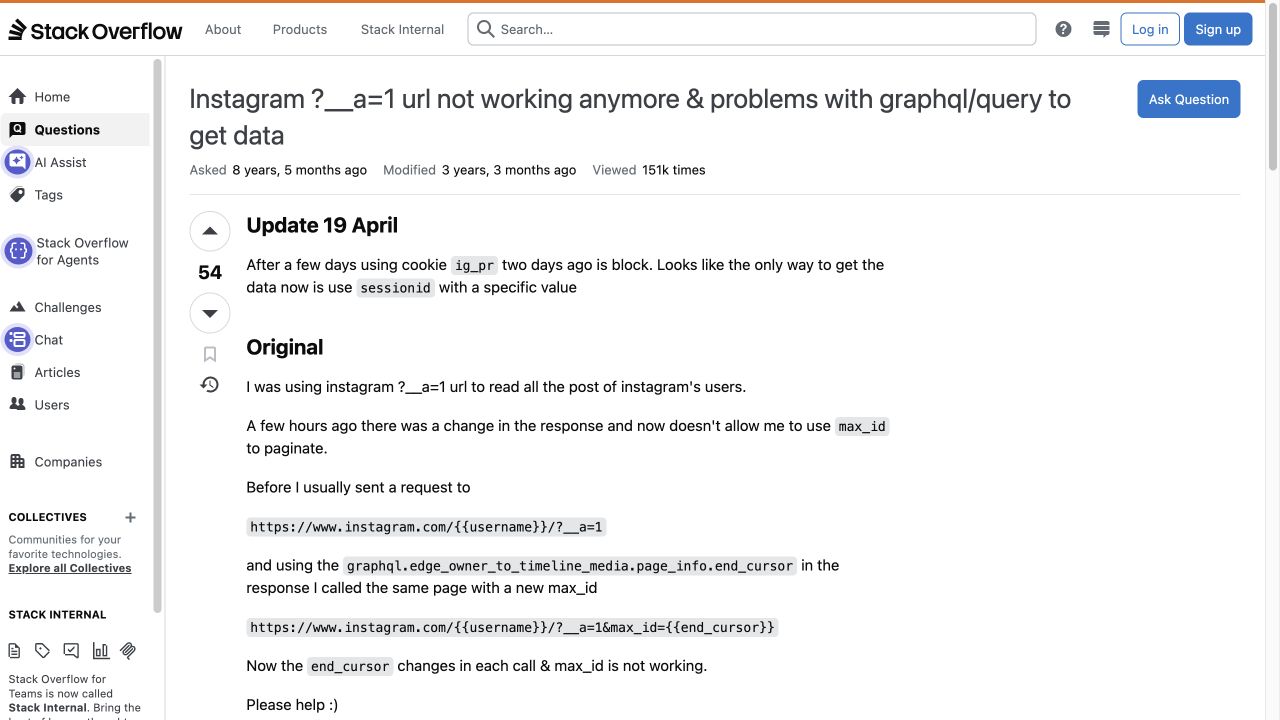
The lesson is not “never scrape.” The lesson is that a scraper built around undocumented endpoint quirks needs maintenance assumptions from day one.
Pro Tip: If your scraper’s core method is “copy this private endpoint and change one parameter,” treat it as temporary infrastructure. Put it behind a feature flag, log its failure modes, and keep a fallback route.
Evidence: open-source scrapers expose real reliability problems
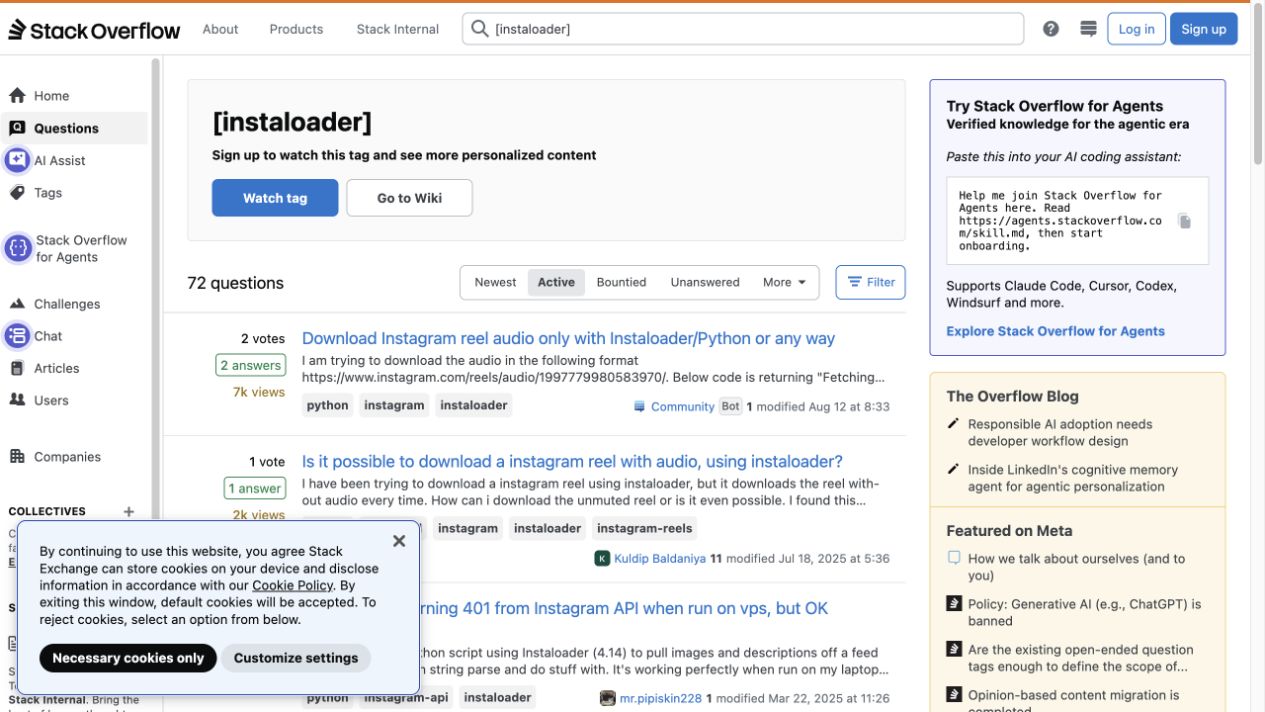
Stack Overflow’s active Instaloader tag shows current operational questions around HTTP 401, HTTP 429, hashtag JSON 404s, and incomplete follower results.
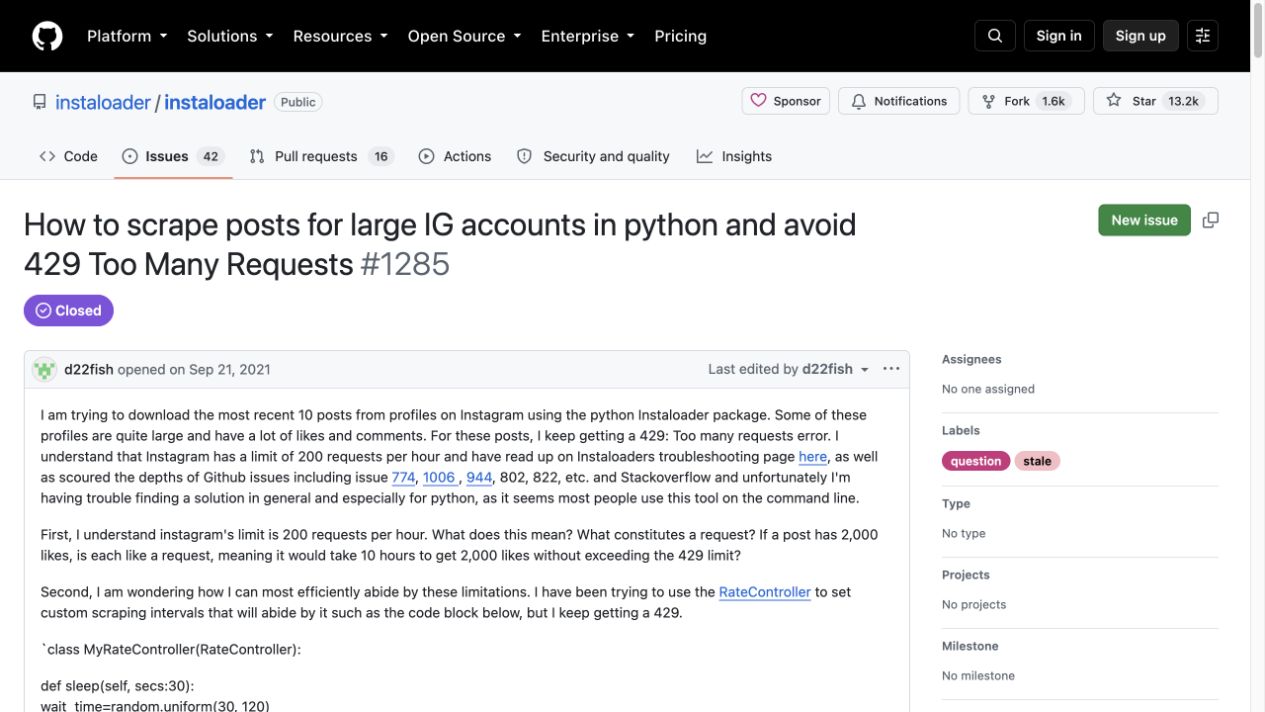
GitHub issue instaloader/instaloader#1285 shows the same reliability problem in production language: scraping recent posts from large accounts can trigger 429 Too Many Requests.
Open-source tools are valuable, especially for learning and controlled projects. But reliability is not just “the repo still exists.” Look for:
- recent commits and issue responses;
- explicit handling for login, 2FA, checkpoints, and session expiry;
- pagination and cursor behavior;
- rate-limit backoff;
- export schema and row status;
- what happens when a target becomes private or unavailable.
Login, 2FA, and checkpoints are product requirements
Instaloader’s own troubleshooting docs discuss login, two-factor authentication, and checkpoint challenges. That matters because real Instagram scraping often fails at the boundary between “public browsing” and “account-authenticated access.”
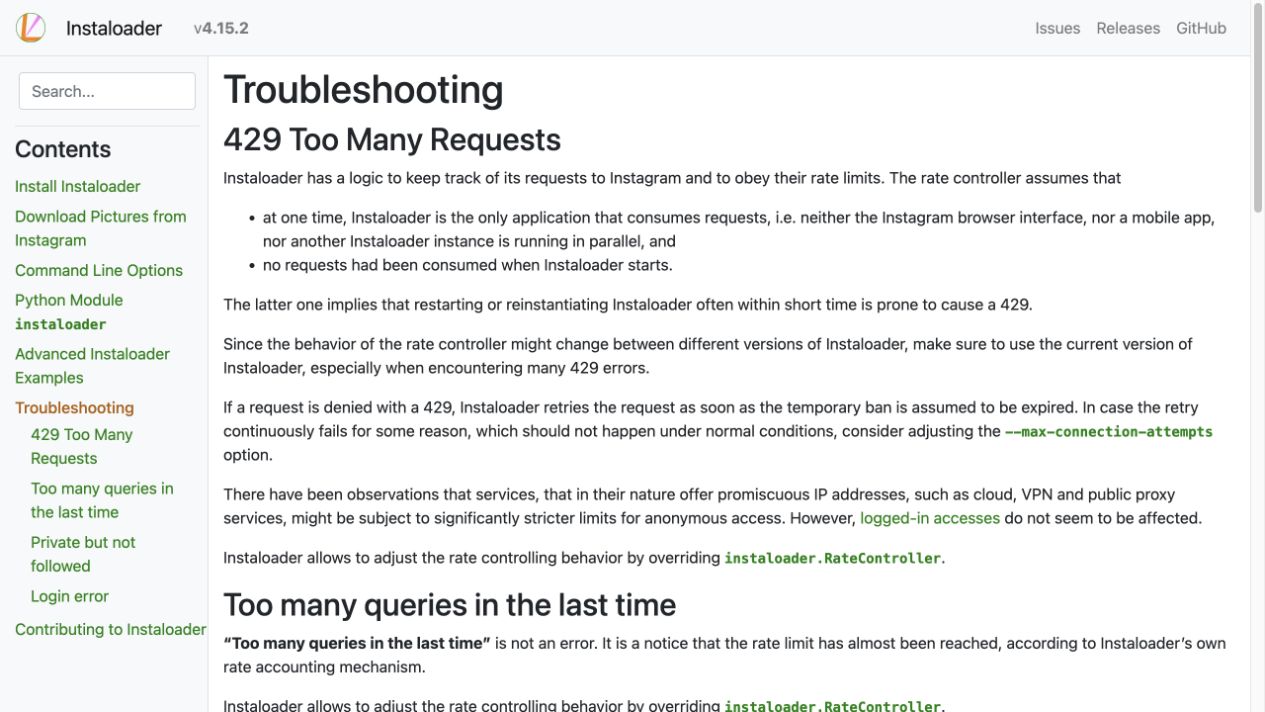
A reliable workflow should not pretend those boundaries do not exist. It should:
- pause when login or 2FA is required;
- ask a human to complete account confirmation when appropriate;
- label checkpoint or private-account states;
- avoid cycling retries that make the account look suspicious;
- keep partial data separate from complete data.
If a tool says it “scrapes Instagram without login” for every data object, ask what happens after the second profile, after a high-volume page, after a region change, after a private account, and after Instagram changes the frontend.
Marketplace and managed tools can reduce maintenance
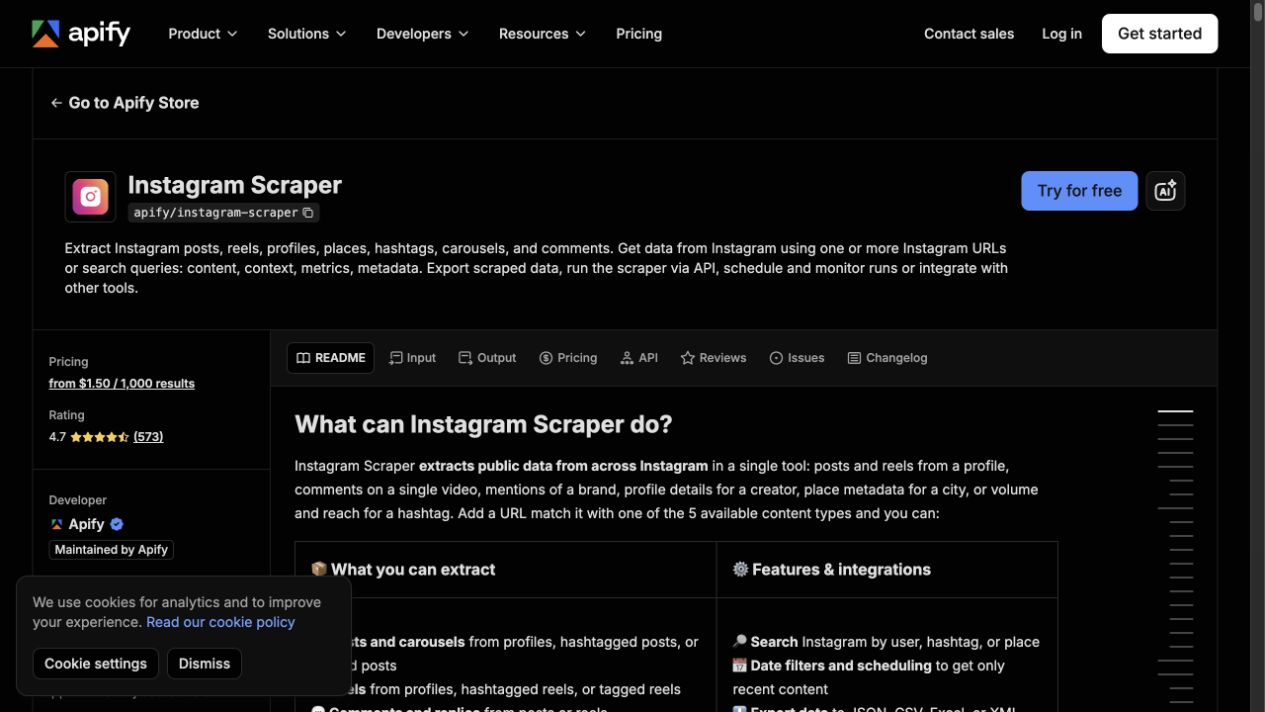
Marketplace actors and managed data providers can absorb some maintenance burden. Apify’s Instagram Scraper page positions the actor around profiles, posts, locations, search, comments, mentions, hashtags, likes, photos, Reels, export, API runs, schedules, and integrations.
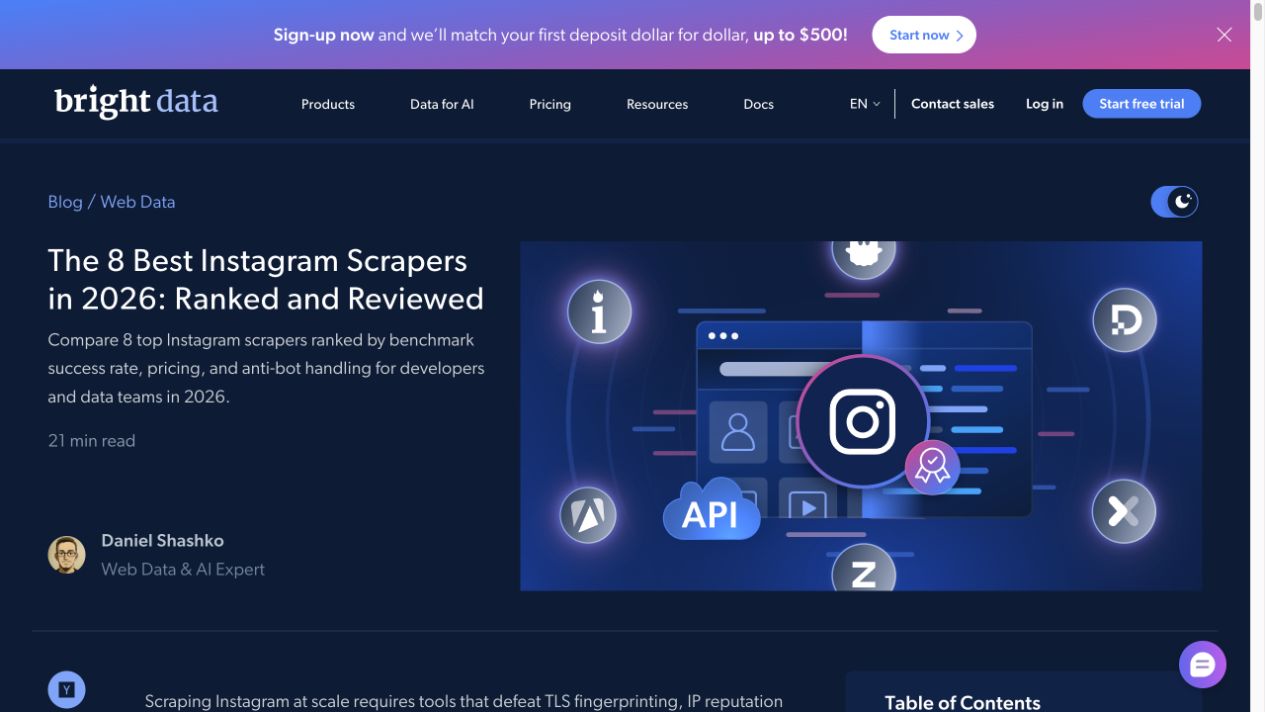
Bright Data’s 2026 Instagram scraper review frames the market around success rates, pricing, and anti-bot handling for developers and data teams.
This route is useful when the team wants less infrastructure ownership. But reliability still needs verification:
Check | Why it matters |
Field coverage | A “working” scraper may omit comments, followers, links, Stories, or timestamps |
Stop states | You need to know whether data is unavailable, private, partial, or rate-limited |
Export format | CSV/JSON/Sheets-ready rows reduce cleanup |
Scheduling | Repeat runs need run IDs, timestamps, and dedupe |
Cost model | Per-row, per-profile, actor runtime, or bandwidth pricing changes behavior |
Maintenance transparency | Issue history and changelog matter when Instagram changes |
Where BrowserAct fits in a reliability workflow
BrowserAct is useful when reliability means “show me what happened in the browser and give me a recoverable workflow,” not just “return rows.”
Use the three product shapes like this:
BrowserAct shape | Reliability job |
Agent | Diagnose one target, validate fields, capture screenshots, and expose stop states |
Workflow | Repeat the approved browser path with a known schema and conservative limits |
CLI | Run the approved workflow on schedule, preserve logs, and hand output to Sheets/n8n/BI |
Build a reliability-first BrowserAct sample
Use this when an Instagram scraper is returning empty rows, incomplete data, or unstable results and you want to diagnose the workflow.
1. Open BrowserAct Dashboard
Click the left-side + button to create your own Bot, start from Quick start, or paste the prompt directly into the center Agent input to begin building.
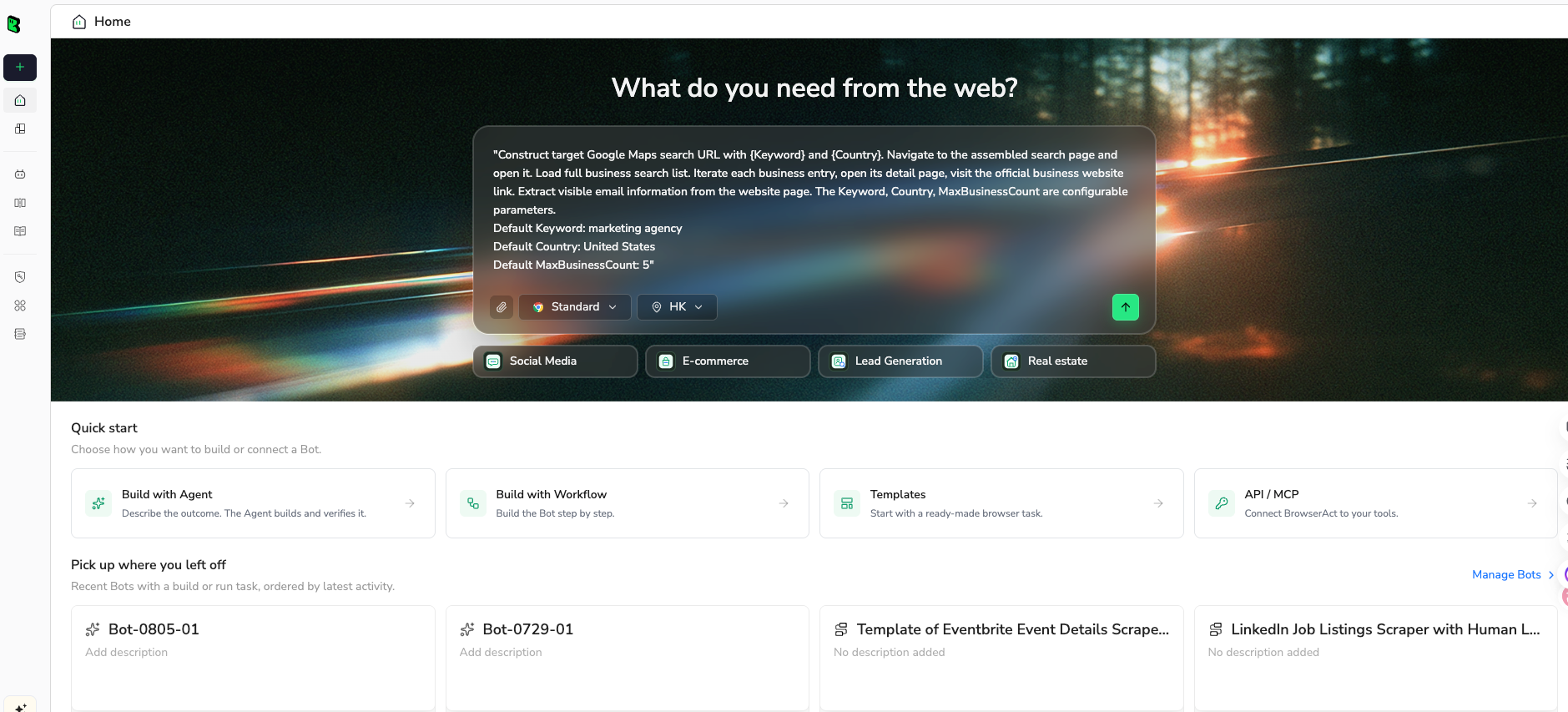
2. Copy the complete prompt
Edit the target URL, fields, and limits. Keep the stop-state rules; they are the point of the test.
Go to Instagram and run a reliability diagnostic for this public or authorized data collection task.

TARGET:
Use these public or authorized targets:
- https://www.instagram.com/examplebrand/
- one public post, Reel, or hashtag URL provided by the user

LIMIT:
Return up to 50 rows or a clear stop-state table if the data cannot be collected safely.

FIELDS:
- run_id
- target_url
- source_type: profile, post, reel, hashtag, comment, follower_sample, story_reference, other
- source_url
- username
- profile_url
- visible_text
- visible_metrics
- media_type
- captured_at
- expected_field
- actual_field_value
- source_status: complete, partial, empty, login_required, private, captcha_required, rate_limited, unavailable, restricted
- stop_reason
- screenshot_note
- dedupe_key
- reviewer_note

RULES:
- Use public or authorized data only.
- Keep the task read-only.
- Do not follow, like, comment, save, message, post, download private media, or change account settings.
- Do not access private accounts, DMs, hidden analytics, or restricted pages.
- If Instagram asks for login, CAPTCHA, 2FA, account confirmation, private access, payment, or anything unclear, pause and report the stop reason.
- Do not retry more than once after a visible access or rate-limit boundary.
- Deduplicate by dedupe_key.
- Keep partial rows only when source_url and source_status are clear.

OUTPUT:
Return a diagnostic table suitable for CSV or Google Sheets.
Add a short summary: targets checked, rows collected, missing fields, rate-limit/access symptoms, duplicates removed, and recommended next action: adjust prompt, reduce volume, add human login step, use Workflow, use CLI schedule, or switch to a provider/API.
Scrape data from any website.
Describe the data you need. Get a Bot — a reliable, reusable scraper.
Prompt preview: diagnose an Instagram scraper run, capture source URLs, missing fields, stop states, screenshots, and recommended fixes. Private session · Choose your region before you run
Get your Bot — Free3. Handle login only when asked
If Instagram asks for login, CAPTCHA, 2FA, account confirmation, private access, payment, or anything unclear, BrowserAct should pause and report the stop reason. The goal is not to push through; the goal is to know what failed.
4. Review, dedupe, and export
Before turning the diagnostic into a scheduled workflow:
- check whether each required field is actually visible;
- separate partial rows from complete rows;
- dedupe by source URL or media ID when visible;
- keep screenshots or notes for failure states;
- reduce volume if 429/rate-limit symptoms appear;
- export CSV, JSON, Markdown, or a Sheets-ready table.
Once the sample is trustworthy, save the path as a BrowserAct Workflow. If it needs to run weekly or feed n8n, trigger it with BrowserAct CLI and keep run logs.
A reliability checklist before you buy or build
Use this checklist before committing to any Instagram scraper.
Question | Good answer |
Does it return source URLs? | Every row points back to the visible source |
Does it label partial rows? | Missing fields are not silently blank |
Does it expose stop reasons? | Login, private, CAPTCHA, 429, unavailable are separate states |
Does it handle pagination? | Cursor or scroll state is visible and bounded |
Does it dedupe? | Repeat runs do not reprocess the same post/comment/profile |
Does it support small sample tests? | You can test 10-50 rows before scaling |
Does it export cleanly? | CSV/JSON/Sheets-ready output without manual cleanup |
Does it log run history? | You can compare last success with current failure |
Does it avoid unsafe actions? | No automatic likes, follows, comments, DMs, saves, or account changes |
Does it have a maintenance path? | Provider support, workflow owner, or versioned script |
What not to do
Do not retry blindly
If Instagram returns 429, login prompts, or checkpoint behavior, blind retries can make the account/session look worse. Record the state and back off.
Do not treat empty fields as zero
An empty follower count, comment count, or caption may mean “not visible,” not “zero.” Keep source_status and stop_reason.
Do not mix diagnosis and production volume
Start with small diagnostic samples. Scaling a broken selector or incomplete pagination simply creates more bad rows.
Do not hide legal and access boundaries
Use public or authorized data. Stop on private accounts, DMs, hidden analytics, restricted pages, or unclear authorization.
Final recommendation
For a reliable Instagram scraper, judge the workflow by how it fails. If it fails silently, you cannot trust it. If it returns status, evidence, and recovery options, you can decide whether to adjust the prompt, reduce volume, add a human login checkpoint, turn the run into a BrowserAct Workflow, trigger it from CLI, or switch to a managed provider.
The most useful scraper is not the loudest one. It is the one that turns uncertainty into a row your team can inspect.
Further reading: Instagram data collection
Frequently Asked Questions
Why is my Instagram scraper not working?
Common causes include login walls, expired sessions, 401 errors, 404 endpoint changes, 429 rate limits, dynamic rendering, selector changes, private targets, and pagination that stops early.
What makes a reliable Instagram scraper?
A reliable Instagram scraper returns source URLs, timestamps, row status, stop reasons, dedupe keys, logs, and partial-row labels instead of silently returning blanks.
Can I scrape Instagram without login?
Sometimes public surfaces are visible without login, but this is not a stable universal promise. Private accounts, DMs, hidden analytics, restricted pages, CAPTCHA, and 2FA should stop the workflow.
How should I handle Instagram 429 errors?
Record the target, source status, timestamp, and volume that triggered the error. Back off, reduce volume, avoid blind retries, and consider scheduled smaller runs or a managed provider.
Why does an Instagram scraper return incomplete followers or comments?
Incomplete data usually comes from pagination limits, hidden loading states, soft blocks, session issues, or target visibility constraints. Track expected vs collected counts when possible.
Is BrowserAct a reliable Instagram scraper?
BrowserAct is useful when reliability means observable browser runs, structured rows, screenshots, stop states, Workflow reuse, and CLI scheduling. It should still use public or authorized data only.
Should I use open-source tools or managed scrapers?
Use open-source tools when you can own maintenance and debugging. Use managed providers when scale and support matter. Use BrowserAct when you need a custom, prompt-first workflow with visible failure states.


