Hermes Agent vs Claude Code vs Cursor: Which AI Agent Actually Fits Your Workflow?

"Monitor this competitor's pricing page every morning and ping me on Telegram if anything changes."
Claude Code: "I don't have the ability to run scheduled tasks or send messages to Telegram."
"Refactor this authentication module and write tests for every edge case."
Hermes Agent: "I'll work on it..." — forty-five minutes later, the learning loop has generated three skill files, but the code doesn't compile.
"Search the web for the latest React Server Components best practices and update our documentation."
Cursor: "I can help edit the file. Could you paste the content you'd like me to reference?"
Three brilliant AI agents. Three completely different failure modes. And if you've been bouncing between them trying to find the one that does everything — stop. There isn't one.
The real question when comparing Hermes Agent vs Claude Code vs Cursor isn't "which is best." It's "which is best at what" — and how do you fill the gaps each one leaves.
- 1 Hermes Agent vs Claude Code isn't a real competition — they solve different problems. Hermes excels at autonomous research and messaging; Claude Code excels at coding.
- 2 Cursor wins the IDE editing game — but can't leave the editor.
- 3 None of the three handle browser automation reliably — all fail on Cloudflare, CAPTCHAs, and dynamic rendering.
- 4 BrowserAct fills the browser gap for all three — same API, same MCP, same Skills regardless of which agent you run.
- 5 The emerging 2026 stack: Pick your agent for its strength + add BrowserAct for the web layer. Build MCP infrastructure once, use it everywhere.
The Real Question Isn't "Which Is Best"
Every "Hermes vs Claude Code" thread on Reddit ends the same way: someone recommends one, someone else says "actually, I switched to X and it's way better," and a third person says both are overrated.
They're all right. And they're all wrong.
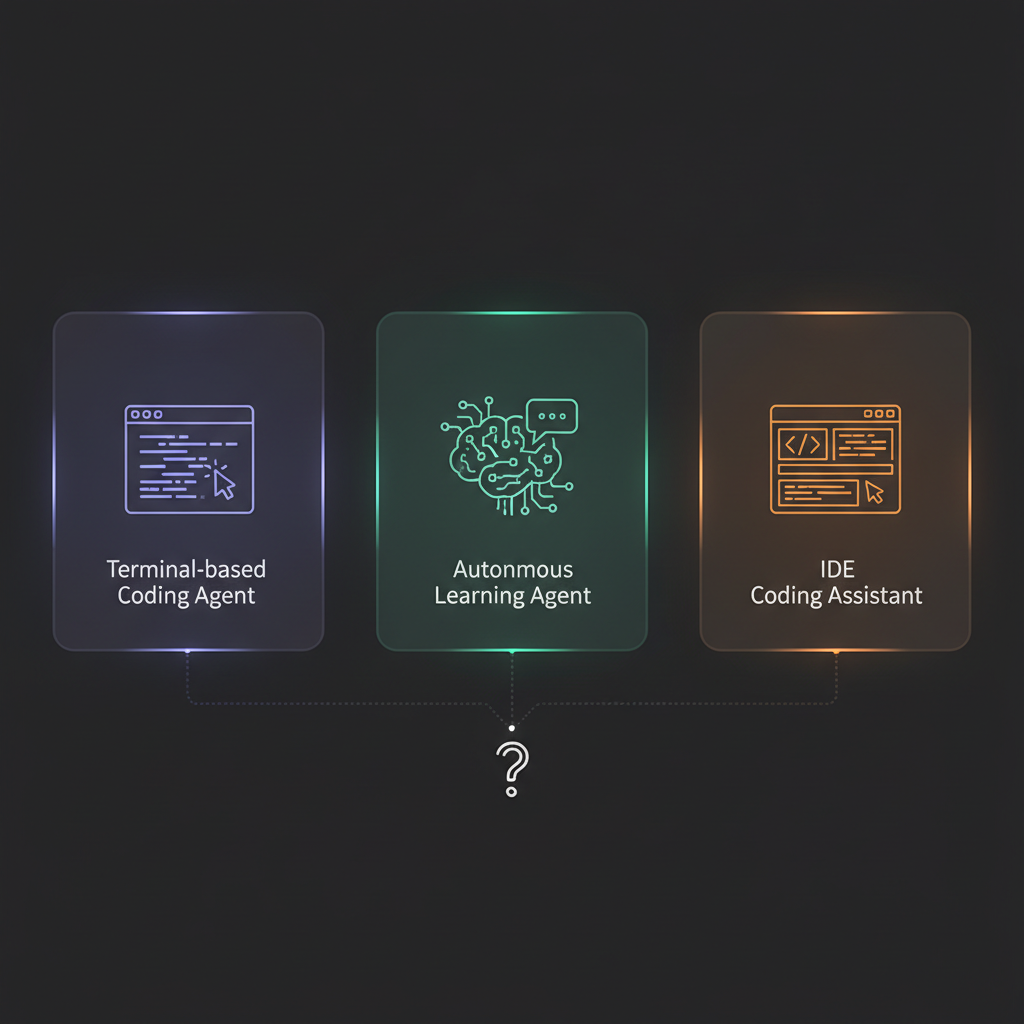
These three tools aren't competing for the same job. They're solving fundamentally different problems:
- Claude Code is a coding partner that lives in your terminal
- Hermes Agent is an autonomous agent that lives on your VPS
- Cursor is a coding partner that lives in your IDE
Picking one "winner" is like asking whether a screwdriver is better than a wrench. Depends on whether you're dealing with screws or bolts.
Here's what each one actually excels at — and where each one completely falls apart.
For Coding Tasks: Claude Code Wins
If the job is "write code, refactor code, debug code, understand this codebase" — Claude Code is the answer in 2026.
What Makes Claude Code Dominant for Development
The codebase understanding is unmatched. Claude Code reads your entire project, understands file relationships, follows import chains, and makes changes that respect existing patterns. It doesn't just edit a file — it understands the architecture.
The terminal integration matters more than you'd think. It runs your tests, reads the errors, fixes the code, runs the tests again. That loop — write → test → fix → verify — happens without you switching windows, copying error messages, or explaining context.
The model quality carries the workflow. Claude Opus 4.6 handles complex multi-file refactors that trip up smaller models. When you need to restructure a module across 15 files, the reasoning quality shows.
Where Claude Code Falls Short
It can't schedule anything. It can't monitor anything. It can't message you on Telegram when something changes. It can't browse the web without extensions. When the task leaves the codebase, Claude Code shrugs.
One developer summed it up: "Claude Code is the best pair programmer I've ever worked with. But the moment I need it to do something outside VS Code, I'm back to doing it myself."
For Research & Monitoring: Hermes Wins
Hermes Agent isn't trying to be a coding assistant. It's trying to be an autonomous agent that runs on your behalf, 24/7, across 14+ messaging platforms.
What Makes Hermes Uniquely Powerful
The self-improving learning loop is the real differentiator. Every ~15 tool calls, Hermes pauses, reviews what worked, and auto-generates a reusable skill file. Day one: generic output. Day thirty: it knows your preferences, your formatting, your workflow — without being told twice.
The platform reach is unmatched. Telegram, Discord, Slack, WhatsApp, Signal, email — Hermes connects to wherever you already communicate. Set up a research task from your phone at 6 AM, get the results before you reach your desk.
The 24/7 autonomy changes the game. Deploy on a VPS, give it instructions, walk away. It runs background research, monitors sources, and reports back. No terminal to keep open. No IDE to leave running.
Where Hermes Falls Short
When it comes to writing production code, Hermes struggles. The 67,600 GitHub stars are for its agent capabilities — not its code quality. A user running Hermes for nearly 3 hours on a complex coding project found that model choice, not the framework, was the single biggest factor in code output quality.
Stars measure community interest, not code quality for your stack — always match the agent to the job (coding vs autonomy vs IDE).
And browser automation? Hermes has basic tools (browser_navigate, browser_snapshot) but they break on any site with dynamic rendering, anti-bot protection, or JavaScript-heavy content. The Browser Use integration helps with basics, but site-specific knowledge is still missing.
Stop getting blocked. Start getting data.
- ✓ Stealth browser fingerprints — bypass Cloudflare, DataDome, PerimeterX
- ✓ Automatic CAPTCHA solving — reCAPTCHA, hCaptcha, Turnstile
- ✓ Residential proxies from 195+ countries
- ✓ 5,000+ pre-built Skills on ClawHub
For IDE Workflow: Cursor Wins
If you never leave your editor and want AI woven directly into your typing flow, Cursor is hard to beat.
What Makes Cursor the IDE Choice
Tab completion that actually understands your codebase. Not just autocomplete — Cursor predicts multi-line changes based on what you're doing and where you are in the file. The predictions are often exactly what you were about to type.
Inline editing feels invisible. Select code, describe the change, see the diff. No context-switching, no chat window, no copy-paste. It's closer to "thinking the code into existence" than any other tool.
Multi-file awareness in the editor. Cursor reads your project structure and makes suggestions that reference other files. The @codebase command lets it reason across your entire repository.
Where Cursor Falls Short
It doesn't leave the IDE. No terminal agent mode. No autonomous task execution. No scheduled monitoring. No messaging platform integration. If the task can't be expressed as "edit this file," Cursor can't help.
And like Claude Code, browser automation isn't in the picture at all.
For Browser Automation: None of Them (Yet)
Here's the uncomfortable truth that none of these tools advertise: none of them can reliably automate a web browser against real-world websites.
Ask any of them to:
- Scrape a Cloudflare-protected product page
- Extract Google Trends data via the JavaScript API
- Monitor a competitor's pricing page daily
- Pull structured data from LinkedIn or Amazon
You'll get some combination of:
"I can't browse the web in real time."
"Due to network restrictions, I was unable to access..."
"I've extracted the content" — [content is empty]
Modern websites use JavaScript rendering, anti-bot fingerprinting, CAPTCHAs, and IP reputation systems. A standard HTTP request — or even a basic headless browser — gets blocked instantly on roughly 20% of the internet (everything behind Cloudflare alone).
Hermes Agent | Claude Code | Cursor | |
Built-in browser | Basic (browser_navigate) | None | None |
JS rendering | Partial | None | None |
Anti-detection | Camofox (local only) | None | None |
CAPTCHA solving | None | None | None |
Residential proxies | None | None | None |
Site-specific knowledge | None | None | None |
This is where the comparison gets interesting — because the gap is the same for all three.
The Stack That Actually Works: Pick One + BrowserAct
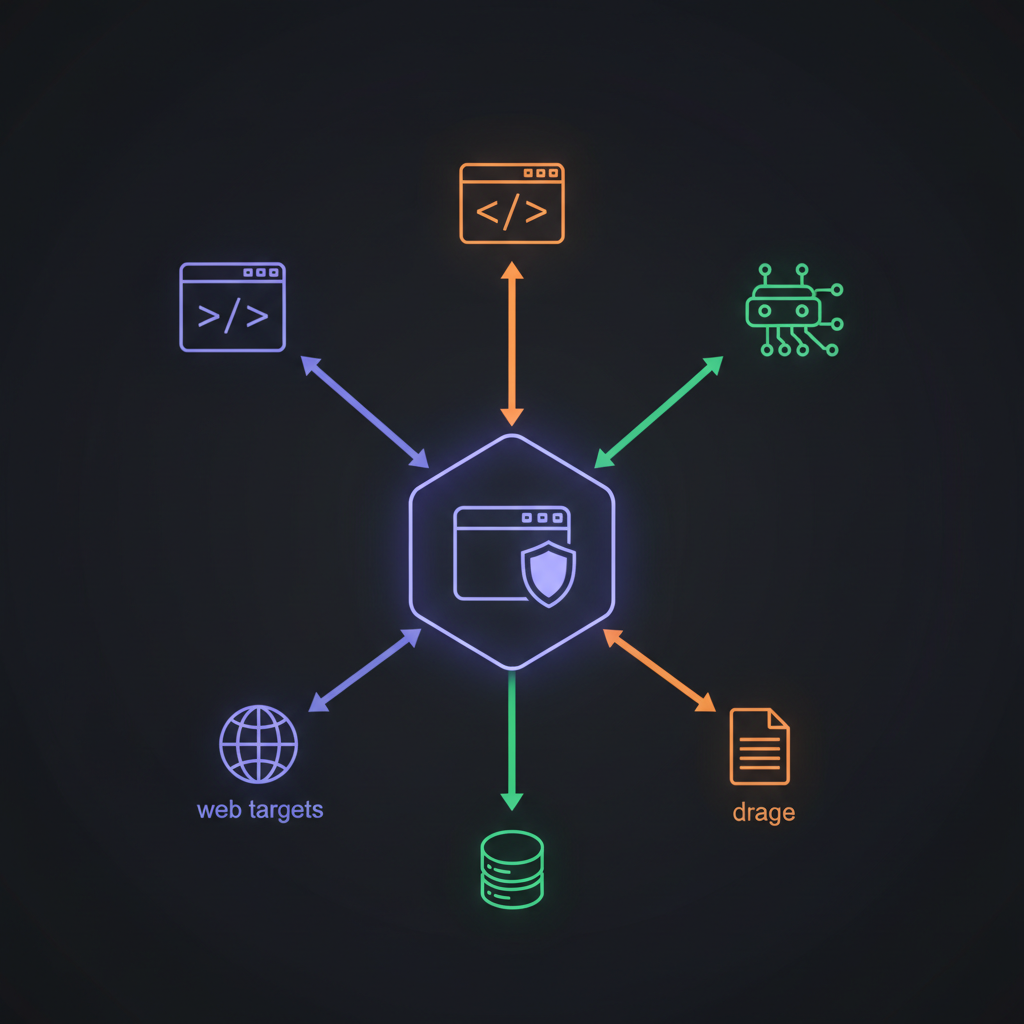
The pattern that's emerging in 2026 isn't "one agent to rule them all." It's a stack:
Pick your agent for its strength. Add BrowserAct for the browser layer.
BrowserAct integrates with all three agents through API or MCP — the same protocol, the same Skills, regardless of which agent you're running.
What BrowserAct Actually Adds
- Stealth browser fingerprints that bypass Cloudflare, DataDome, PerimeterX — the walls that block all three agents
- Automatic CAPTCHA solving — reCAPTCHA, hCaptcha, Turnstile — handled without human intervention
- Residential proxies from 195+ countries — your requests look like real users, not datacenter bots
- 5,000+ pre-built Skills on ClawHub — site-specific extraction patterns for Amazon, Google Maps, YouTube, Reddit, and thousands more
The Real-World Stack Combinations
Hermes + BrowserAct: The monitoring powerhouse. Hermes runs 24/7 on your VPS, handles scheduling and messaging. BrowserAct handles the browser work — scraping competitor prices, extracting market data, monitoring website changes. The Amazon Product Search API Skill feeds Hermes structured product data without Hermes needing to understand Amazon's DOM.
Claude Code + BrowserAct: The development accelerator. Claude Code writes and refactors your application. When it needs to test against live sites, verify deployed pages, or pull reference data from the web, BrowserAct provides authenticated browser access via MCP. One developer uses this combo to automatically verify deployment health after each push.
Cursor + BrowserAct: The productivity combo. Cursor handles inline code editing. BrowserAct runs in the background via MCP, feeding live web data into your development context. Need to reference a competitor's API documentation? BrowserAct fetches it; Cursor helps you implement against it.
Add the browser layer your coding agent is missing
Hermes, Claude Code, and Cursor can share the same BrowserAct layer. Choose the entry point based on whether you need a managed outcome, direct CLI control, or a ready-made Skill.
Give your agent a browser
Give Hermes, Claude Code, or Cursor direct browser access from the agent workflow.
Install BrowserAct CLI →Build with BrowserAct
Build a managed Bot after the cross-tool workflow becomes stable and repeatable.
Build your Bot →Start from a reusable workflow
Browse reusable Skills for common research, extraction, and verification jobs.
Browse BrowserAct Skills →Decision Matrix by Use Case
Stop asking "which agent is best." Start asking "what am I trying to do?"
Use Case | Best Agent | + BrowserAct? | Why |
Refactor a codebase | Claude Code | Optional | Best model quality + terminal loop |
Daily competitor monitoring | Hermes | Required | 24/7 autonomy + messaging + browser |
Inline code editing | Cursor | Optional | Fastest edit flow in IDE |
Web scraping pipeline | Hermes | Required | Agent scheduling + stealth browser |
Debug a complex bug | Claude Code | No | Codebase understanding is key |
Multi-platform reporting | Hermes | Required | Telegram/Discord/Slack integration |
Quick file edits | Cursor | No | Tab completion is fastest |
Price tracking automation | Hermes | Required | Needs browser + scheduling + alerts |
API integration development | Claude Code | Optional | Multi-file reasoning excels |
Social media data extraction | Hermes | Required | Needs Reddit + YouTube Skills |
The pattern is clear: anything involving real websites requires BrowserAct. Everything else is about matching the agent to the task shape.
Running Multiple Agents Is the Smart Play
One developer's setup that keeps showing up in communities:
- Claude Code in the terminal for all code work
- Hermes on a VPS for background research, monitoring, and messaging
- Both connected to the same BrowserAct MCP server — so browser Skills work everywhere
The MCP infrastructure is built once. The agents share it. The Skills compound.
Automate Any Website with BrowserAct Skills
Pre-built automation patterns for the sites your agent needs most. Install in one click.
Build the browser layer your coding agent is missing.
Use Hermes, Claude Code, or Cursor for reasoning—then give the chosen agent a reusable real-browser workflow.
Further reading: Coding agent integrations
Frequently Asked Questions
Is Hermes Agent better than Claude Code?
They solve different problems. Hermes excels at autonomous tasks and messaging platforms. Claude Code excels at coding, refactoring, and codebase understanding.
Can Hermes Agent write production code?
Hermes can generate code, but code quality depends heavily on the underlying model. For serious development work, Claude Code or Cursor are better choices.
Does Cursor work outside the IDE?
No. Cursor is an IDE-focused tool with no terminal agent mode, no scheduling, and no messaging platform integration.
Which AI agent can browse the web reliably?
None of the three can reliably automate browsers against protected sites. BrowserAct adds stealth browsing, CAPTCHA solving, and residential proxies to any agent via API or MCP.
Can I use multiple AI agents together?
Yes — and it is the recommended approach. Use Claude Code for coding, Hermes for research and monitoring, and connect both to BrowserAct via MCP for browser tasks.
What are BrowserAct Skills?
Pre-built automation patterns for specific websites. 5,000+ available on ClawHub for Amazon, Google Maps, YouTube, Reddit, and more. Install in one click, work with any agent.
How does BrowserAct integrate with Hermes Agent?
Through API or MCP protocol. Hermes sends browser commands; BrowserAct handles stealth execution with anti-detection, CAPTCHA solving, and residential proxies. Start on browseract.com or browse ClawHub.


