Best Instagram Scraper Tools in 2026: Pricing, Data Coverage and Reliability

The best Instagram scraper is not always the tool with the longest feature list. It is the scraper that matches your real job: export a few public profiles, monitor competitor Reels, collect comments for sentiment, enrich creator shortlists, or feed a repeatable dataset into a reporting pipeline. That distinction matters because Instagram scraping tools now fall into different categories. Some tools are fixed marketplace actors. Some are enterprise scraper APIs. Some are no-code monitoring robot
-
1
Best Instagram scraperis a tool-selection query, not a generic definition query: readers need to map profiles, posts, Reels, comments, followers, hashtags, and lead data to the right scraper category. - 2The useful categories are prompt-first browser workflows, marketplace actors, enterprise scraper APIs, no-code monitoring robots, session-based automations, lead/email scrapers, and open-source scripts.
- 3BrowserAct is strongest when the schema changes by campaign or research question: use Agent for the first live browser test, Workflow for repeat runs, and CLI for controlled handoff into an internal data stack.
- 4Fixed actors and APIs are better when their output schema already matches your job; open-source scripts are better when engineers want ownership and accept maintenance risk.
- 5Stay read-only, public or authorized, source-linked, and bounded. Stop on login walls, CAPTCHA, 2FA, private content, payment, messaging, following, liking, or account-changing actions unless a human explicitly approves the next step.
How to choose an Instagram scraper before comparing tools
Start by naming the data object. A team asking for “an Instagram scraper” may actually need seven different workflows.
Data job | Typical fields | Best-fit tool category |
Profile research | username, bio, website, follower count, category, public contact fields, source URL | Prompt-first workflow, marketplace actor, profile automation |
Post and Reel research | caption, media URL, timestamp, likes, comments, plays/views when visible, hashtags, mentions | Marketplace actor, scraper API, BrowserAct Workflow |
Comment export | comment text, author handle, timestamp, likes, replies, parent post URL | Marketplace actor, BrowserAct Agent test, dedicated comment workflow |
Competitor monitoring | profile list, new posts, Reels, engagement deltas, reviewer notes | BrowserAct Workflow, no-code monitor, enterprise API |
Creator shortlist | public profile data, content themes, engagement evidence, reviewer decision | BrowserAct Agent, BrowserAct Workflow, creator database plus scraper |
Lead discovery | public email, phone, profile URL, keyword or hashtag source | Lead scraper, enrichment tool, strict compliance review |
Engineering-owned extraction | custom fields, custom retry logic, self-hosted storage | Open-source script, headless browser stack, BrowserAct CLI handoff |
Pro Tip: If you cannot write the output columns before you choose the tool, start with a small prompt-first test. A scraper comparison is much clearer after you know whether you need comments, Reels, profiles, hashtags, contact fields, or only a monitored change log.
Quick comparison: best Instagram scraper categories
Category | Representative tools | Best fit | Main watch-out |
Prompt-first browser workflow | BrowserAct Agent, Workflow, CLI | Custom public-data research where the field list changes by task | Needs a clear prompt and human review before repeat runs |
Marketplace actor | Apify Instagram Scraper | Broad Instagram data coverage with export/API/scheduling | Fixed actor schema may not match every research workflow |
Enterprise scraper API | Bright Data Instagram Scraper API | High-volume pipelines, cloud delivery, managed support | More setup and procurement overhead |
No-code monitoring robot | Browse AI social media robots | Simple recurring monitoring and CSV/JSON exports | Prebuilt robots may be narrower than custom Instagram jobs |
Session-based automation | PhantomBuster Instagram Profile Scraper | Public profile extraction using an Instagram session | Requires session cookie and careful rate/session handling |
Lead/email scraper | IGLeads Instagram Email Scraper | Public email/contact discovery from keywords or hashtags | Not a full Instagram posts/comments/Reels scraper |
Open-source scripts | Instaloader, instagrapi, gallery-dl, custom Playwright/Puppeteer | Engineering teams that want control | Breakage, account risk, proxy/session maintenance |
Evidence and pricing signals checked for this comparison
Tool pages change, so treat pricing as a buying-screen signal, not a permanent quote. On August 27, 2026, Apify’s official Instagram Scraper page showed pricing from $1.50 per 1,000 results, a 4.7 rating, and 574 reviews. Bright Data’s Instagram Scraper API page listed prices from $0.001 per record plus cloud delivery options. PhantomBuster’s support guide said its Instagram Profile Scraper uses an Instagram cookie, exports CSV/JSON results, extracts only publicly available data, and may require more frequent session refresh if you go above roughly 100 profiles per day. IGLeads listed monthly plans and explained that it focuses on public contact discovery through Google-indexed Instagram profiles rather than direct Instagram post, Reel, or comment extraction.
Those numbers do not make one tool “best” for every team. They help classify the market: actor pricing, enterprise API pricing, session-based automation limits, and lead-list pricing are different buying motions.
Pro Tip: When a tool says “Instagram scraper,” check whether the price is per result, per record, per email, per run, per compute unit, or per subscription seat. Otherwise two tools that look similar in a list can be completely different in cost once you run comments, Reels, or follower exports at scale.
1. BrowserAct — best for prompt-first Instagram scraper workflows
BrowserAct Agent is the best fit when the question is still changing: “Which public profiles should we monitor?”, “Which fields are visible?”, “Can we collect comments and source URLs for this shortlist?”, or “What should the export schema be before we schedule it?”
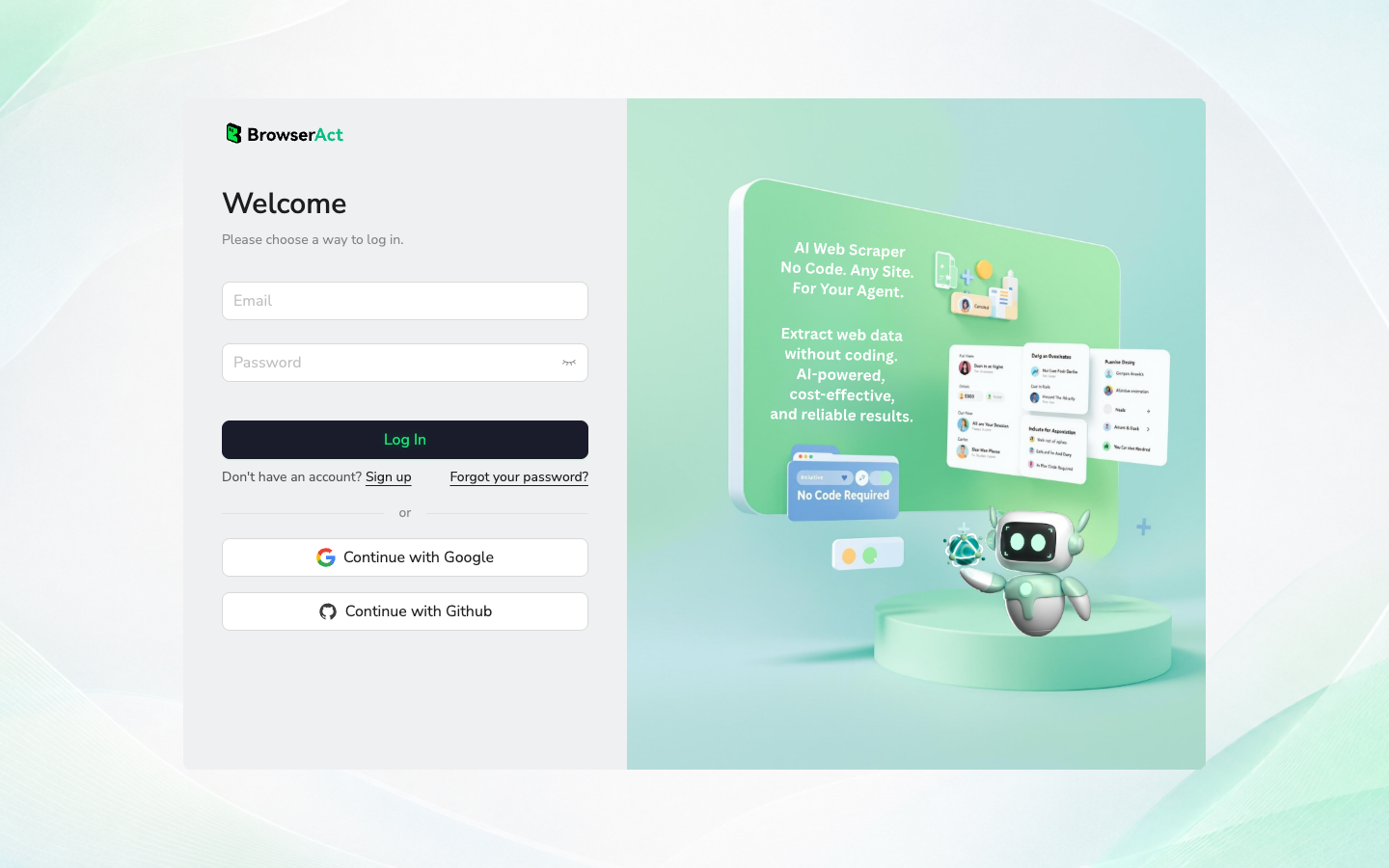
The advantage is not that BrowserAct replaces every scraper API. The advantage is that it lets a marketer, researcher, or operator describe the job in plain language, run it in a real browser, inspect the result, and then decide whether the flow deserves to become a repeatable BrowserAct Workflow or a controlled BrowserAct CLI job.
Use BrowserAct when:
- the target changes by campaign, creator list, hashtag, or competitor set;
- you need a source-linked table rather than a black-box export;
- the team wants login, CAPTCHA, 2FA, and restricted-access stops handled as human checkpoints;
- the first run is exploratory, but the approved version may become a weekly Workflow;
- engineering later needs to trigger the same approved scrape through CLI with logs and limits.
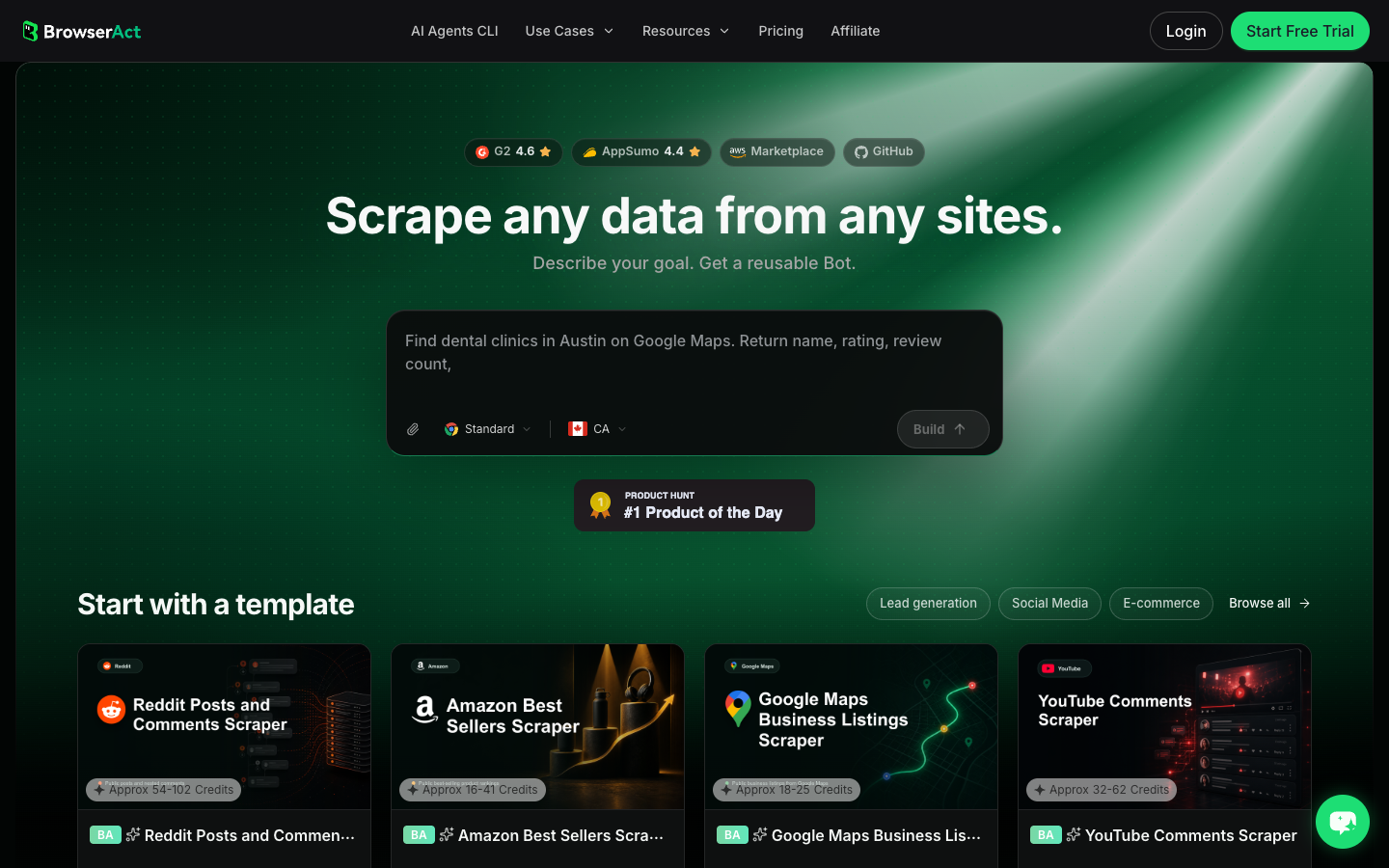
BrowserAct is less ideal if you already know you only need a standard actor output with no schema changes. In that case, a marketplace actor or scraper API may be faster.
Evaluation point | BrowserAct fit |
How it works | Describe the Instagram data job, test it in a real browser, review the structured rows, then save or trigger the approved workflow. |
Strengths | Flexible prompt-first schema, visible browser execution, human checkpoints, Workflow reuse, CLI handoff. |
Limitations | Not the fastest choice when a fixed actor already matches the exact schema. |
Pricing signal | Use BrowserAct’s current product/pricing page before buying; this article does not quote a plan price. |
Best for | Custom Instagram research workflows, prompt-based field discovery, repeatable competitor monitoring, creator shortlists, and Agent → Workflow → CLI progression. |
2. Apify Instagram Scraper — best marketplace actor for broad coverage
Apify’s Instagram Scraper is the strongest representative of the marketplace-actor category. Its official page says it extracts public posts, Reels, profiles, places, hashtags, carousels, and comments, with exports to JSON, CSV, Excel, or XML. It also supports API access, scheduling, webhooks, and SDKs.
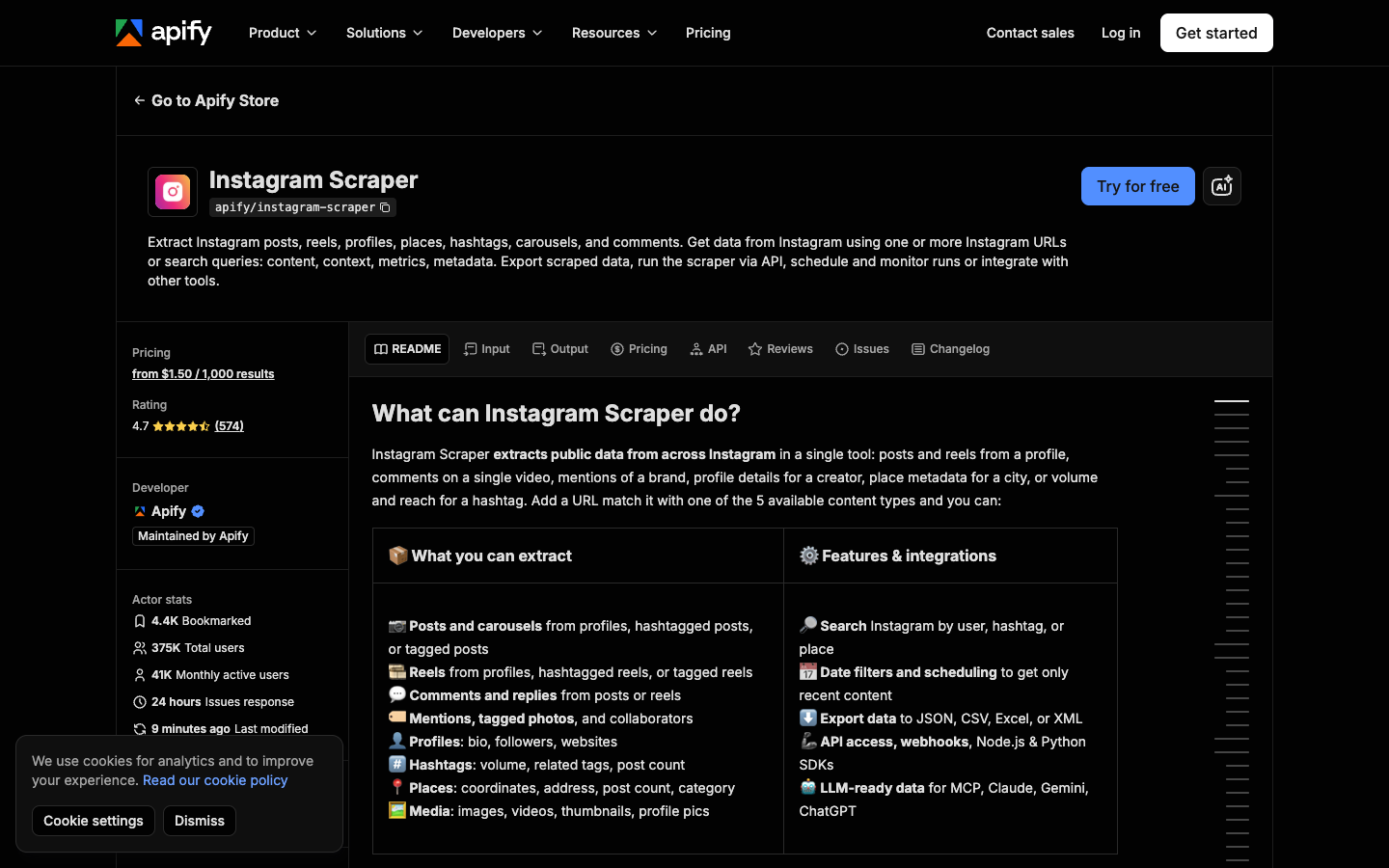
Apify is a good choice when the available actor schema already matches your job. For example, if you need profile URLs, post URLs, comments, Reels, hashtag data, or scheduled runs in a known format, it can save time compared with building your own scraper.
The watch-out is category fit. A marketplace actor is not the same as a research assistant. If your team needs to first decide which competitors, which fields, which stop rules, and which reviewer notes matter, use BrowserAct Agent to define the workflow, then decide whether Apify’s fixed actor output is enough.
Evaluation point | Apify fit |
How it works | Choose the Instagram actor, provide URLs or search queries, set result type and limit, then export or call the dataset through API. |
Strengths | Broad Instagram coverage, mature marketplace, scheduling, webhooks, SDKs, multiple export formats. |
Limitations | Actor output can be too fixed for exploratory research or reviewer-heavy workflows. |
Pricing signal | Official page showed from $1.50 per 1,000 results on August 27, 2026; verify before buying. |
Best for | Ready-made Instagram actor jobs with known data types and export/API needs. |
3. Bright Data Instagram Scraper API — best for enterprise delivery
Bright Data’s Instagram Scraper API is positioned for teams that want managed delivery into data systems. Its page lists delivery options such as Amazon S3, Google Cloud Storage, Google Pub/Sub, Microsoft Azure Storage, Snowflake, and SFTP, and file formats such as JSON, NDJSON, JSON lines, CSV, and compressed files.
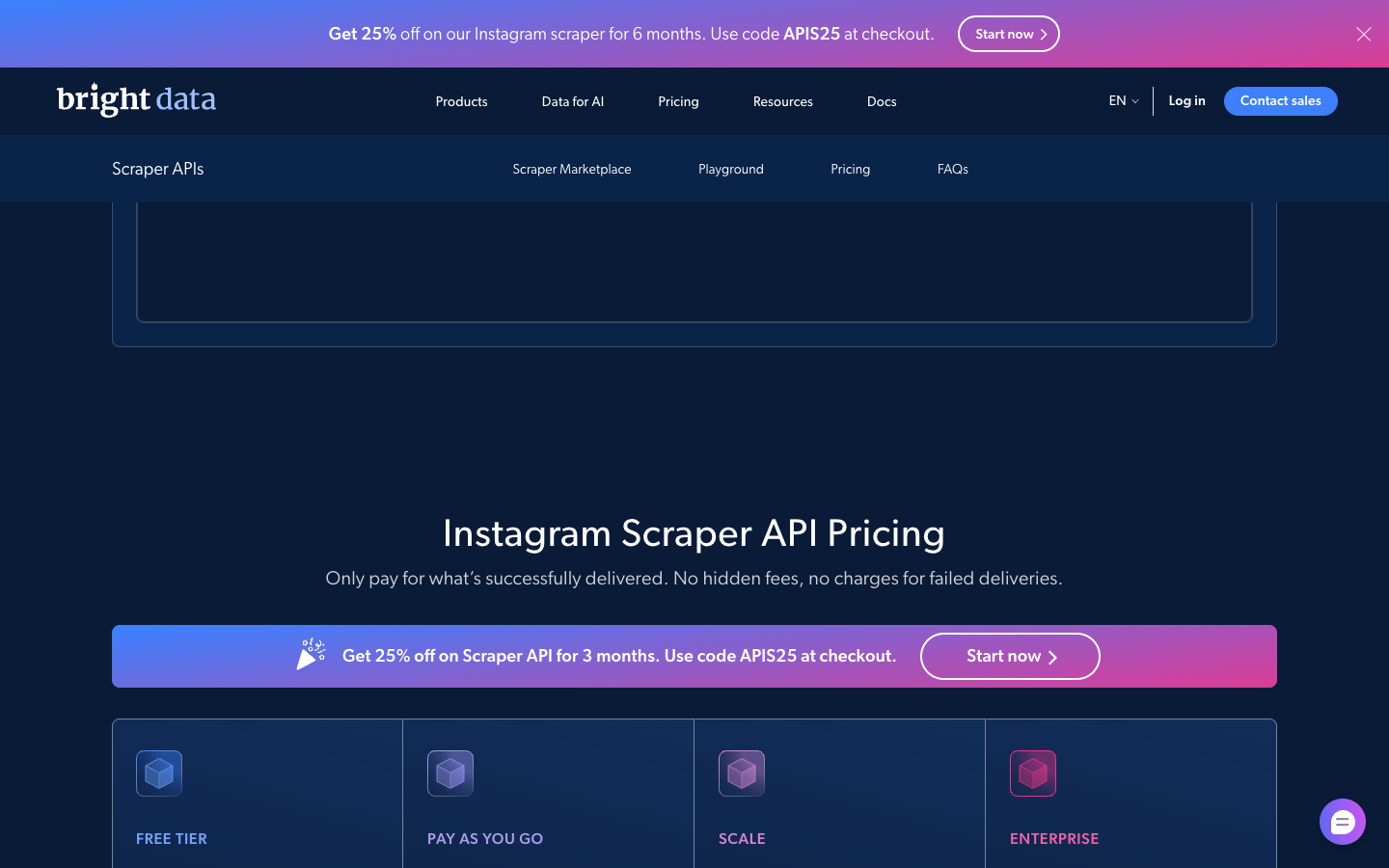
That makes Bright Data a better fit for a data engineering or BI pipeline than a one-off marketer spreadsheet. If your company already buys managed data infrastructure and needs large-volume delivery, support, and procurement-friendly workflows, it belongs on the shortlist.
The tradeoff is setup weight. Enterprise APIs are powerful, but a social team may still need a smaller validation pass before committing to the schema, frequency, and storage model. BrowserAct can sit before that decision: run the first prompt, validate what fields are visible, and then decide if an enterprise API is the right long-term pipe.
Evaluation point | Bright Data fit |
How it works | Use a managed scraper API and deliver records into cloud storage, warehouse, SFTP, or compressed file formats. |
Strengths | Enterprise delivery options, managed infrastructure, support, and pipeline-friendly formats. |
Limitations | Heavier setup and procurement than a small workflow test. |
Pricing signal | Official page showed prices from $0.001 per record on August 27, 2026; verify with current terms. |
Best for | High-volume teams that need managed infrastructure, delivery destinations, support, and programmatic pipelines. |
4. Browse AI — best for no-code monitoring robots
Browse AI’s social-media category explains a simple robot flow: pick a robot, enter a target such as a profile URL, hashtag, or search term, and monitor or export data as CSV or JSON. It also emphasizes scheduled monitoring for trend and competitor tracking.
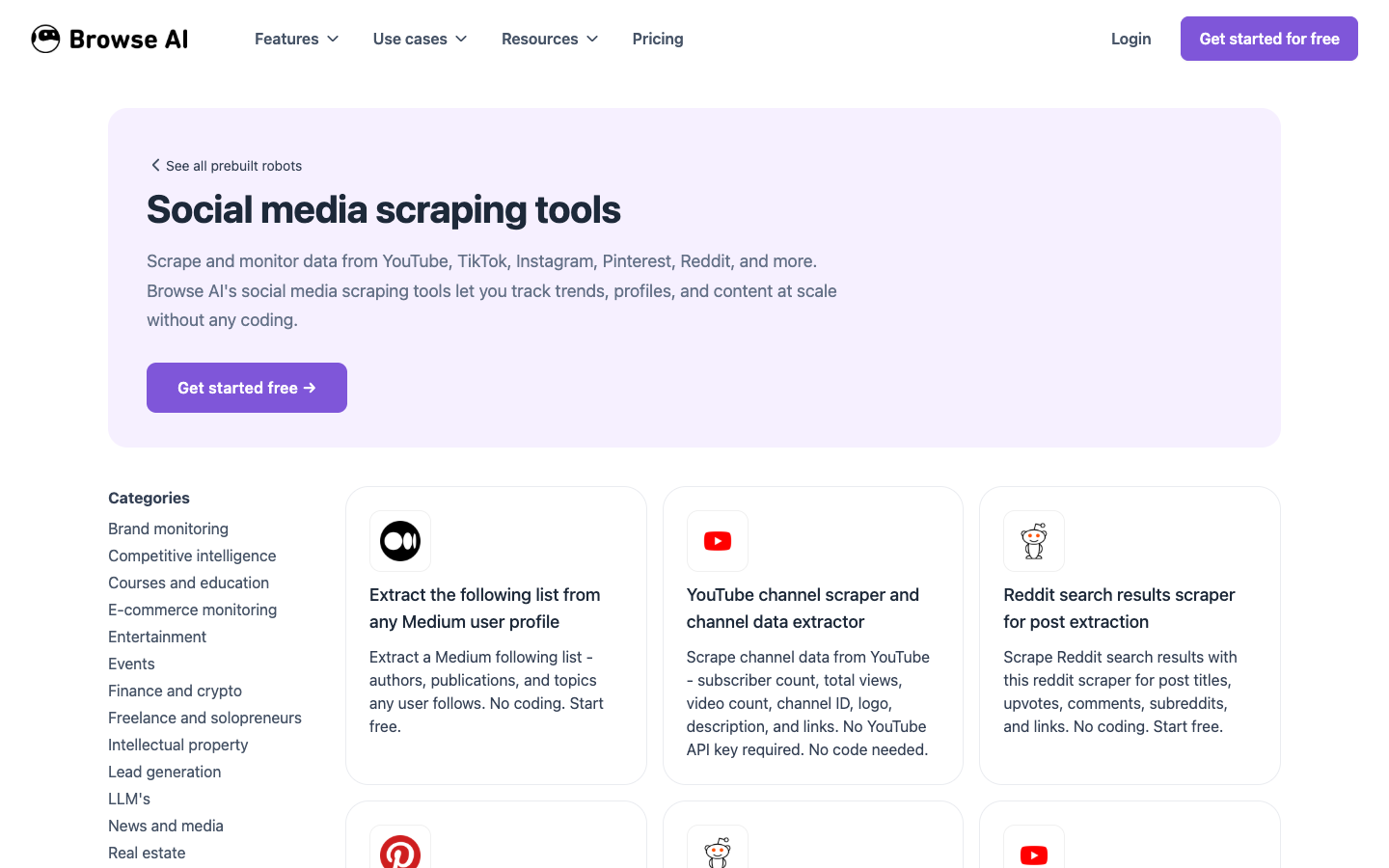
This is useful when the job is straightforward: monitor a page, extract repeated rows, and export changes. For teams that do not want to write prompts or configure APIs, no-code robots can be enough.
The limitation is flexibility. If your Instagram workflow asks, “Compare only posts that mention this product line, keep examples with comment evidence, skip posts with missing timestamps, and add reviewer notes,” then a generic robot may need too much manual cleanup. In that case, use BrowserAct Agent for the custom rule set and save the successful path as a Workflow.
Evaluation point | Browse AI fit |
How it works | Pick a robot, enter the target, run or schedule monitoring, and export CSV/JSON rows. |
Strengths | Low-code monitoring, recurring checks, simple exports, approachable UI. |
Limitations | Prebuilt robots may not cover custom Instagram research logic. |
Pricing signal | Check Browse AI’s live pricing and robot availability before buying; this article does not quote a plan price. |
Best for | Simple no-code monitoring, recurring page checks, and structured CSV/JSON exports when the robot already matches the target. |
5. PhantomBuster Instagram Profile Scraper — best for session-based profile automation
PhantomBuster’s Instagram Profile Scraper support guide is unusually clear about the tradeoff: the input includes an Instagram session cookie and profile URLs, while the output includes fields such as profile URL, image URL, public email, phone, profile name, follower count, bio, website, category, verified status, and private/status flags.
It also states that the scraper extracts publicly available data, does not follow, like, comment, or message, and warns that extracting more than roughly 100 profiles per day may require refreshing the session cookie more often.
That makes PhantomBuster useful for profile-specific enrichment, especially when a team already understands session-based automation. It is less attractive for teams that do not want to manage cookies, session refreshes, or account-risk boundaries.
Evaluation point | PhantomBuster fit |
How it works | Provide an Instagram cookie and profile URLs, run the Phantom, then download results from the console. |
Strengths | Profile-focused enrichment, scheduling options, CSV export, clear support documentation. |
Limitations | Session-cookie dependency and profile-volume/session-refresh watch-outs. |
Pricing signal | Free-plan exports and JSON availability are limited in the support guide; check current PhantomBuster plans. |
Best for | Profile enrichment workflows where the team accepts session-cookie setup and profile-level limits. |
6. IGLeads — best for Instagram lead and public email discovery
IGLeads is not trying to be a full Instagram posts, Reels, comments, or follower scraper. Its Instagram Email Scraper is focused on finding public emails from Instagram-related Google-indexed profiles using hashtags, keywords, location, and B2B/B2C targeting.
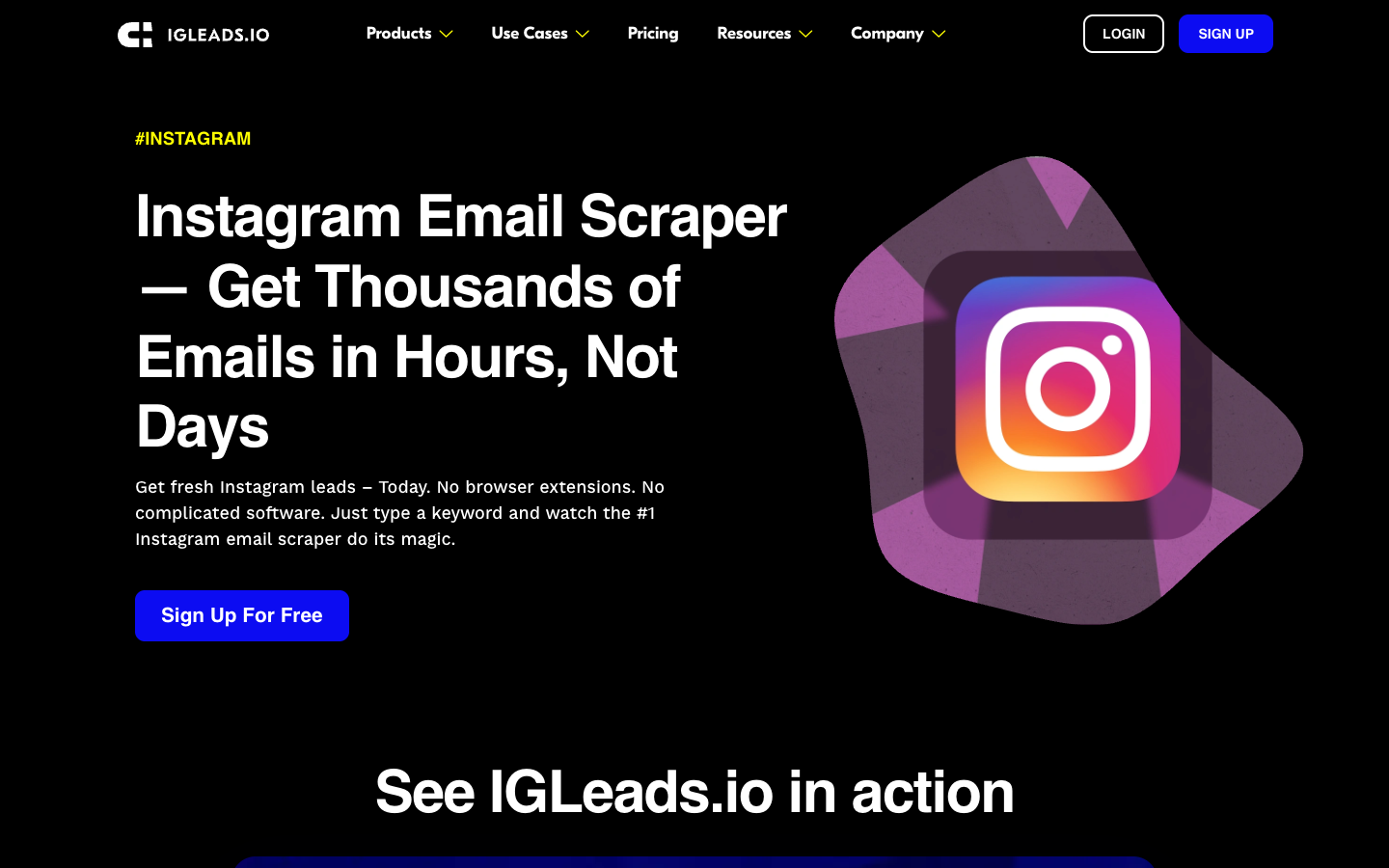
That focus is helpful if your job is lead generation, not content research. The page describes entering hashtags or keywords, running jobs in the cloud, deduping entries without emails, and downloading a CSV for CRM or outreach.
The limitation is also clear: if you need comments, Reels, post metadata, competitor content analysis, or follower exports, IGLeads is the wrong category. Use it only when public contact discovery is the job, and run your outreach/legal compliance process before contacting anyone.
Evaluation point | IGLeads fit |
How it works | Enter keywords, hashtags, location, and targeting settings, then download a deduped contact CSV. |
Strengths | Lead-focused workflow, public contact fields, CRM-ready CSV positioning. |
Limitations | Not a full Instagram posts, Reels, comments, followers, or content-intelligence scraper. |
Pricing signal | Official page showed subscription plans on August 27, 2026; verify current monthly/annual pricing before buying. |
Best for | Keyword- or hashtag-based public email lead lists, not full Instagram content intelligence. |
7. Open-source Instagram scraper scripts — best for engineering ownership
Open-source Instagram scrapers are still relevant when your team wants control over code, storage, retry logic, and deployment. Popular routes include Python libraries, media downloaders, and custom Playwright or Puppeteer scripts.
The tradeoff is maintenance. Instagram frequently changes surfaces, and open-source projects can break, shift authentication requirements, or require proxy/session decisions your team must own. A script that works for a personal archive may not be a reliable business workflow.
Use open source when:
- engineering will maintain the parser and tests;
- the use case is narrow and documented;
- you can handle session, proxy, retry, storage, and rate boundaries responsibly;
- you need fields a commercial tool does not expose;
- you accept that a working script today may need repair tomorrow.
This is also where BrowserAct CLI can fit naturally. If BrowserAct Agent proves the browser workflow and BrowserAct Workflow makes it repeatable, BrowserAct CLI gives technical teams a cleaner way to trigger approved runs from a controlled stack without turning every social-data request into a fragile custom scraper.
Evaluation point | Open-source fit |
How it works | Engineers run or modify libraries/scripts, manage sessions, parse output, and maintain the extraction path. |
Strengths | Full control, self-hosted logic, custom fields, testable code when maintained. |
Limitations | Breakage, authentication changes, proxy/session decisions, and maintenance burden. |
Pricing signal | Software may be free, but engineering time, infrastructure, proxies, monitoring, and repair are the real cost. |
Best for | Engineering teams that want ownership and accept breakage, testing, and account-boundary responsibility. |
Recommended decision path
If you only skim one section, use this path.
- Need a custom research schema? Start with BrowserAct Agent.
- Need the same custom run every week? Save it as BrowserAct Workflow.
- Need the approved run inside a controlled pipeline? Trigger it with BrowserAct CLI.
- Need a ready-made actor and its schema matches? Use Apify.
- Need enterprise delivery and procurement support? Evaluate Bright Data.
- Need simple no-code monitoring? Test Browse AI.
- Need profile enrichment with session-cookie automation? Consider PhantomBuster.
- Need public email lead lists? Evaluate IGLeads.
- Need full code ownership? Use open-source scripts with maintenance budget.
The boring answer is the best answer: the right Instagram scraper is the one that produces a reviewable table for your specific job without crossing your access, privacy, or account-risk boundaries.
Pro Tip: Add failure states to your scorecard before testing tools. login_required, captcha_required, partial_fields, private_or_restricted, duplicate_rows, and missing_source_url are more useful than a vague pass/fail column.
Build a small Instagram scraper test with BrowserAct
Use this section when you are not ready to commit to a fixed tool. The goal is not to scrape everything. The goal is to test whether the workflow can produce a useful, source-linked table from public or authorized Instagram pages.
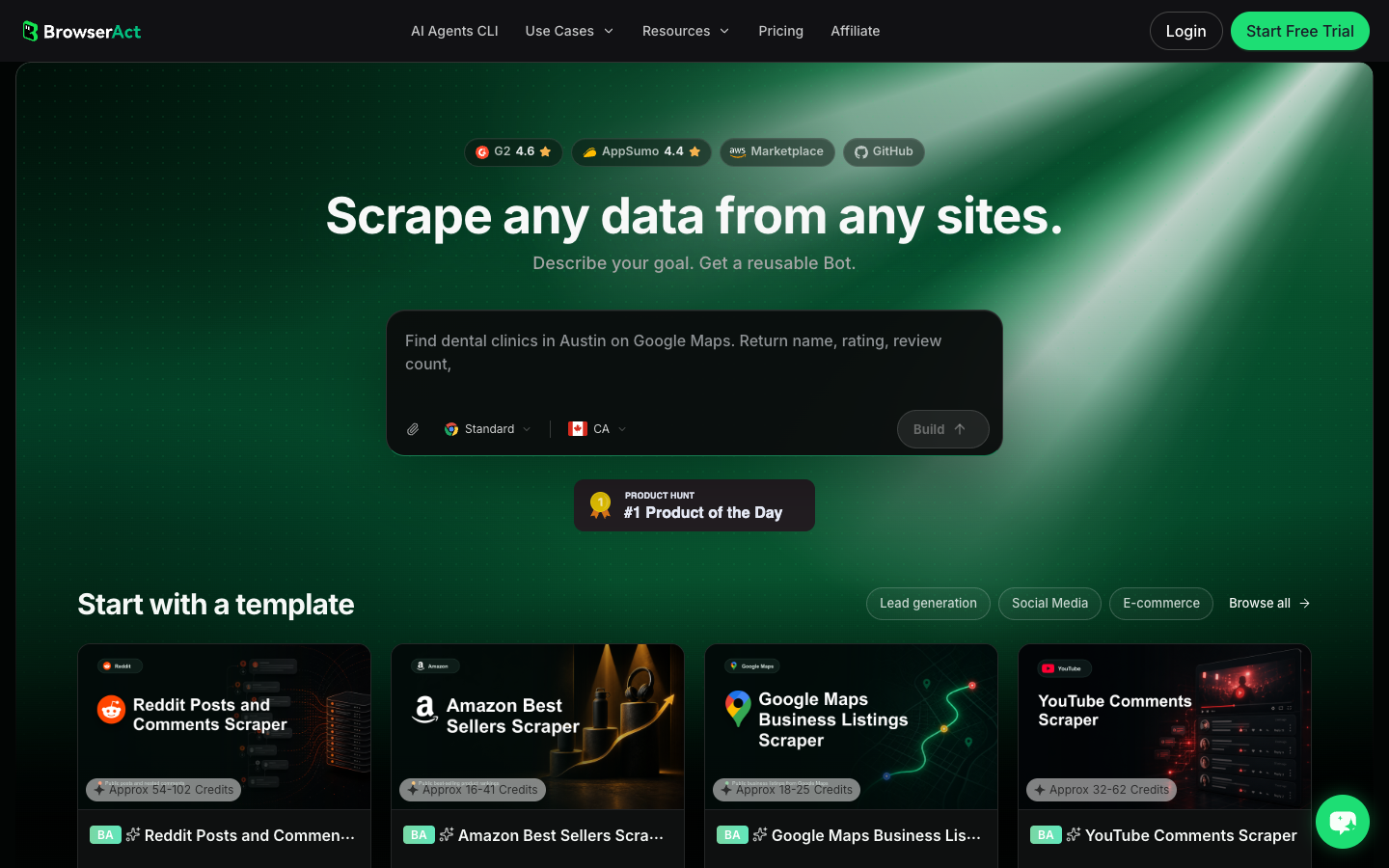
- Open BrowserAct Dashboard
Click the left-side + button to create your own Bot, start from Quick start, or paste the prompt directly into the center Agent input to begin building.
- Copy the complete prompt
Edit the target URLs, fields, and result limit only when needed.
Go to the public Instagram profile, post, Reel, or hashtag URL list I provide.

Target URLs:
- Replace this line with the public or authorized Instagram URLs to test.

Collect up to 50 visible records total. Return only data that is visible in the browser or available through authorized access.

For each record, capture:
- source_target
- record_type: profile, post, reel, comment, hashtag, or unavailable
- username or profile_name when visible
- profile_url
- post_or_reel_url when visible
- caption_or_bio
- timestamp when visible
- like_count, comment_count, play_or_view_count when visible
- hashtags and mentions
- public_contact_field only if it is visibly public
- source_status: complete, partial, login_required, captcha_required, private_or_restricted, unavailable
- reviewer_note explaining why the row is useful or why it was skipped

Deduplicate by canonical URL plus username. Do not follow, like, comment, message, purchase, change settings, bypass restrictions, or access private content.

If login, CAPTCHA, 2FA, account confirmation, age gate, membership approval, or restricted access appears, pause and ask for human review instead of continuing automatically.

Export the result as a source-linked table suitable for CSV, JSON, or Google Sheets.
Scrape data from any website.
Describe the data you need. Get a Bot — a reliable, reusable scraper.
Prompt preview: test public Instagram profiles, posts, Reels, comments, hashtags, source URLs, stop reasons, and reviewer notes. Private session · Choose your region before you run
Get your Bot — Free- Handle login only when asked
If BrowserAct pauses for login, CAPTCHA, 2FA, membership approval, or account confirmation, treat that as a human checkpoint. Do not convert it into an automated bypass.
- Review, dedupe, and export
Inspect the structured rows, remove duplicates or bad rows, keep stop reasons, and export to CSV, JSON, Markdown, or a Sheets-ready table. If the same target list and field logic will run again, save the approved version as BrowserAct Workflow; if the same run belongs in an internal data stack, trigger it with BrowserAct CLI.
Expected output schema:
Column | Why it belongs in the export |
| Keeps the original profile, post, Reel, or hashtag target visible |
| Prevents profiles, posts, Reels, and comments from being mixed without context |
| Enables dedupe and later source checks |
| Stores only counts visible or authorized in the browser |
| Explains partial rows, login walls, CAPTCHA, private pages, or unavailable targets |
| Forces a human reason before the row becomes a marketing or research claim |
What to avoid when buying or building an Instagram scraper
Avoid any tool or prompt that promises too much without boundaries.
- Hidden/private data access without authorization.
- Automated liking, following, commenting, messaging, or account changes.
- “Unlimited” scraping claims without session, rate, and error-state explanations.
- Exports that remove source URLs and make insights impossible to audit.
- Lead lists that skip consent, suppression, and outreach compliance review.
- Benchmarks that do not explain target type, sample size, or failure handling.
- Open-source scripts with no recent maintenance plan.
For BrowserAct workflows, keep the same standard. The point is not to automate around every obstacle; the point is to turn a research task into a bounded, reviewable browser workflow.
Frequently Asked Questions
What is the best Instagram scraper in 2026?
The best Instagram scraper depends on the data job. BrowserAct is best for prompt-first custom workflows; Apify is strong for ready-made broad Instagram actors; Bright Data fits enterprise API delivery; Browse AI fits no-code monitoring; PhantomBuster fits session-based profile extraction; IGLeads fits public email lead discovery; open-source scripts fit engineering-owned workflows.
Can I scrape Instagram without the official API?
Some teams use browser workflows, scraper APIs, marketplace actors, or open-source tools when the official API does not cover their research job. Keep the workflow read-only, public or authorized, source-linked, and bounded. If the task hits login, CAPTCHA, 2FA, private content, or restricted access, pause for human review.
Is BrowserAct an Instagram scraper API?
BrowserAct is better understood as a prompt-first browser automation and scraping workflow. Use BrowserAct Agent to test the task in a real browser, BrowserAct Workflow to repeat the approved path, and BrowserAct CLI to trigger controlled runs from an internal stack.
Which Instagram scraper is best for comments?
Use a tool that clearly supports comment collection, source URLs, timestamps, authors, dedupe, and export. Apify has dedicated Instagram comment coverage, while BrowserAct is useful when you need to test a custom comment schema before deciding whether a fixed actor is enough.
Which Instagram scraper is best for leads?
If the job is public email/contact discovery, evaluate lead-focused tools such as IGLeads and run a compliance review before outreach. If the job is broader creator or competitor research, a lead-only scraper is too narrow.
Should I use open-source Instagram scrapers?
Use open source only if your team can maintain the code, session handling, tests, storage, and risk boundaries. If the team mainly needs a repeatable business workflow, a managed actor, API, or BrowserAct Workflow may be safer operationally.
What should an Instagram scraper export?
At minimum, export source URL, record type, username or profile URL, visible text, timestamp, visible metrics, hashtags or mentions when relevant, collection status, and reviewer notes. A scraper result without source URLs is hard to trust later.


