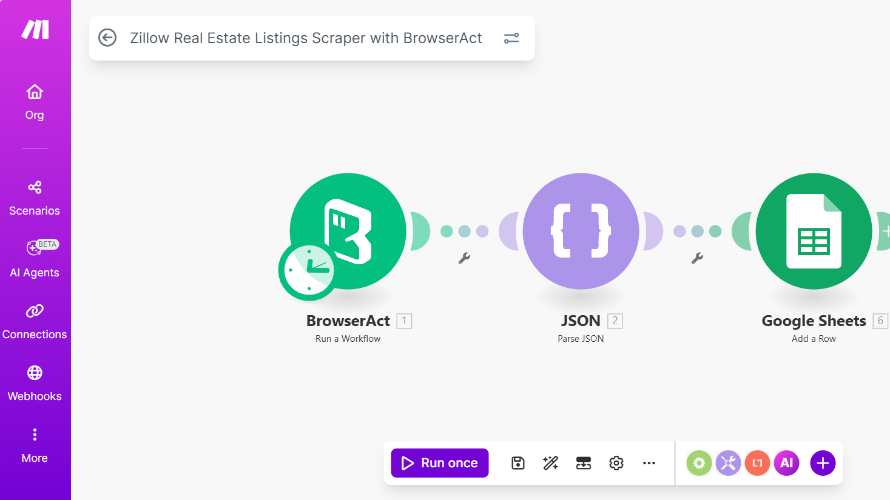
Zillow Real Estate Listings Scraper
Published by
Sa
SajidMir
January 13, 2026
Approx.Credits
100-170 Credits
Categories
BA
Creator
Data ProcessingProperty DataZillow
Template ID
72672504818172694

Brief
This project automates the process of finding real estate listings on Zillow based on a search keyword or location.
The automation opens the Zillow search results page, identifies the property listings shown after the search, and then clicks each listing one by one (starting from the first listing). For each property, it opens the detail page and extracts structured real estate information such as address, location, listing type (rent or sale), price, bedrooms, bathrooms, property type, and the listing URL.
After extracting the data from a listing, the automation navigates back to the search results page and continues with the next listing until the defined limit is reached.
The extracted data is then sent to Make.com, where additional automation is applied. In Make.com, currently all data is fetch through browseract node and than after parsing it all data is saved in the google sheet.
For Future Improvement in make.com workflow:
The data is filtered based on predefined real estate owner requirements (such as location, price range, property type, or rent/sale preference). If a listing matches the requirements, an alert is automatically sent to the real estate owner, allowing them to quickly review the property and reach out using the provided listing URL.
This workflow helps real estate owners and investors automatically discover relevant properties and respond faster without manually checking listings.
What does Zillow Real Estate Listings Scraper do?
What it does:
- Automatically searches Zillow for properties based on a keyword, city, or ZIP code.
- Visits each property listing one by one and collects important details.
- Extracts structured information like:
- Property address
- Price
- Rent or sale type
- Bedrooms and bathrooms
- Property type (apartment, condo, house, townhouse, etc.)
- Listing URL
How it helps:
- Saves time by automatically gathering real estate listings.
- Sends the data to Make.com for filtering and alerts based on your preferences.
- Notifies you only when a property matches your criteria, so you can take action quickly.
Who it’s for:
- Real estate owners, agents, and investors who want to monitor Zillow listings efficiently.
- Anyone looking to find relevant rental or sale properties without manually checking the website.
What data can you scrape from Zillow Real Estate Listings Scraper ?
Property Details
- property_address → Full street address of the property
- city → City where the property is located
- state → State of the property
- zip_code → ZIP/postal code
2. Listing Information
- listing_type → Rent, Sale, or Unknown
- price → Rent or sale price
- bedrooms → Number of bedrooms
- bathrooms → Number of bathrooms
- property_type → Apartment, Condo, House, Townhouse, or Unknown
- listing_url → Direct link to the property details page
3. Data Handling
- Any missing information is returned as
nullor"Unknown" - Ads, promoted listings, duplicates, and navigation elements are ignored
How to use Zillow Real Estate Listings Scraper ?
- Create a BrowserAct Account
- If you don’t have a BrowserAct account yet, go to the BrowserAct website and sign up.
- Log in to access workflows and templates.
- Open the Zillow Real Estate Listings Scraper Workflow
- Go to the workflow page where the scraper is published.
- You will see the workflow interface with all the modules already set up.
- Run the Workflow Directly (Optional)
- If you want to scrape data without making any changes, simply click the Start button at the top of the workflow.
- The workflow will run automatically and extract the Zillow property listings.
- Once completed, the output data will be available for download or for sending to Make.com.
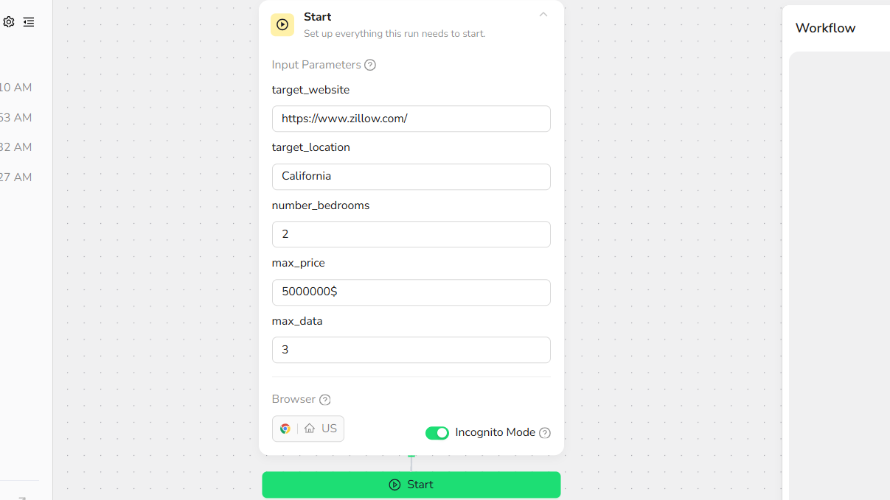
- Customize the Workflow (Optional)
- If you want to modify the workflow for your own needs (like changing search keywords, location, or limits):
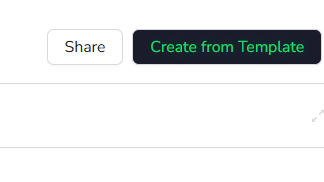
- Click on “Create from Template” at the top of the workflow page.
- This will create your own editable copy of the workflow.
- Make changes according to your preferences (search location, filters, number of listings to scrape, etc.).
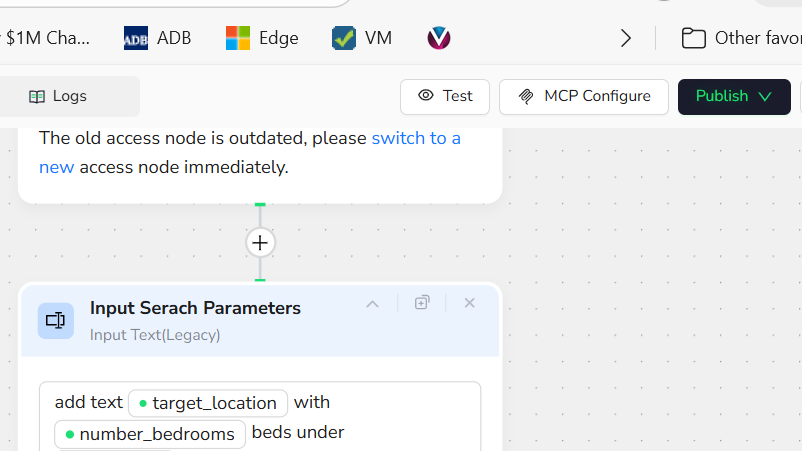
- Publish Your Version
- After making your changes, click “Publish as New Version” in BrowserAct.
- This saves your customized workflow and makes it ready to run.
- Run Your Customized Workflow
- Click “Run” at the top center of your workflow page.
- Then click “Start” to begin scraping Zillow listings according to your settings.
- The scraper will sequentially open listings, extract property data, and provide output once completed.
Why scrape Zillow ?
- Save Time
- Zillow has thousands of property listings.
- Scraping automatically collects data without manually browsing each listing.
- Get Complete Property Details
- Extract key information like address, price, bedrooms, bathrooms, property type, and listing URL.
- Ensures you have structured data ready for analysis or notifications.
- Stay Updated on New Listings
- Monitor Zillow for new properties as soon as they are listed.
- Receive alerts for properties that match your requirements.
- Filter for Relevant Opportunities
- Automatically find listings that match your budget, location, or property type.
- Avoid wasting time on properties that don’t meet your criteria.
- Improve Real Estate Decision-Making
- Use scraped data to make faster investment decisions.
- Integrate with Make.com or other automation tools to act quickly on high-value listings.
Use This Template on Make.com
Zillow Real Estate Listings Scraper with BrowserAct
👉 https://www.make.com/en/integration/18110-zillow-real-estate-listings-scraper-with-browseract?templatePublicId=18110
This template connects:
- BrowserAct to run the Zillow scraper
- JSON module to parse the output
- Google Sheets module to save the extracted listings automatically.
Once you open that link, just “Create new scenario from template” and configure your BrowserAct account + Google Sheets target sheet.