

Turn a public YouTube channel URL into a structured creator profile with identity, audience, channel-history, image, country, link, and directly displayed contact fields. Gated business-email controls are never opened.
What Does BrowserAct YouTube Channel Public Contact Finder Do?
This BrowserAct template runs a validated, reusable extraction path against publicly accessible YouTube pages. Configure the inputs, run the Bot, and receive structured records without writing selectors or browser scripts.
Key Features
- Open a reusable public YouTube channel URL.
- Capture exact public audience and channel-history metrics.
- Classify publicly displayed external links.
- Exclude gated business inquiry email flows and preserve absent email as null.
What Data Can I Extract from YouTube?
| Field | Description |
|---|---|
channel_id |
Structured channel id value returned by the Bot. |
channel_name |
Public channel name. |
channel_handle |
Structured channel handle value returned by the Bot. |
canonical_channel_url |
Public canonical channel url for the record. |
channel_description |
Public channel description text. |
subscriber_count |
Visible subscriber count value. |
video_count |
Visible video count value. |
view_count |
Visible view count value. |
joined_date |
Visible joined date. |
country |
Visible country value. |
avatar_url |
Public avatar url for the record. |
banner_url |
Public banner url for the record. |
external_links |
Classified public links displayed by the channel. |
contact_email |
Structured contact email value returned by the Bot. |
How to Use YouTube Channel Public Contact Finder
- Click Run task.
- Enter the configurable values shown below.
- Run the Bot and review the structured records.
- Export the result or connect it to an API, automation platform, or agent workflow.
Input Parameters
| Parameter | Required | Default | Description |
|---|---|---|---|
Channel URL |
Yes | https://www.youtube.com/@OpenAI |
Public YouTube channel URL or handle page. |
Example Output
The table below uses records preserved from the validated Bot run. Up to the first 5 records are shown, and long values are shortened in this documentation preview.
| channel_id | channel_name | channel_handle | canonical_channel_url | channel_description | subscriber_count | video_count | view_count | joined_date | country | external_links | contact_email |
|---|---|---|---|---|---|---|---|---|---|---|---|
| UCexample | Example Channel | @Example | https://www.youtube.com/@Example | Public channel description. | 125000 | 240 | 12500000 | 2020-01-01 | United States | [{"platform":"Website","url":"https://example.com"}] | null |
How Does it Work?
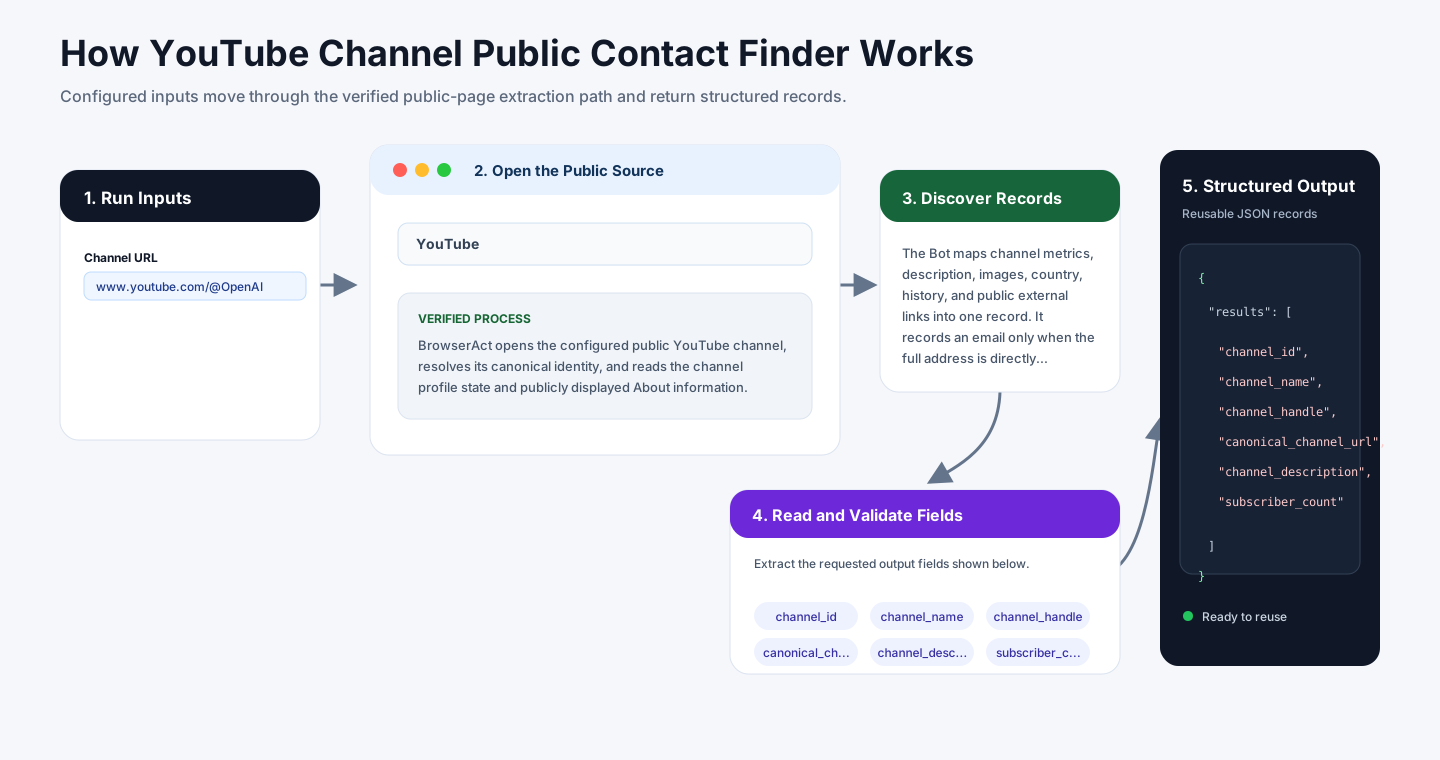
BrowserAct opens the configured public YouTube channel, resolves its canonical identity, and reads the channel profile state and publicly displayed About information.
The Bot maps channel metrics, description, images, country, history, and public external links into one record. It records an email only when the full address is directly public and never opens the gated business-inquiry control.
How to Build a New Scraper Bot with Agent Built
Step 1: Describe the Data You Need
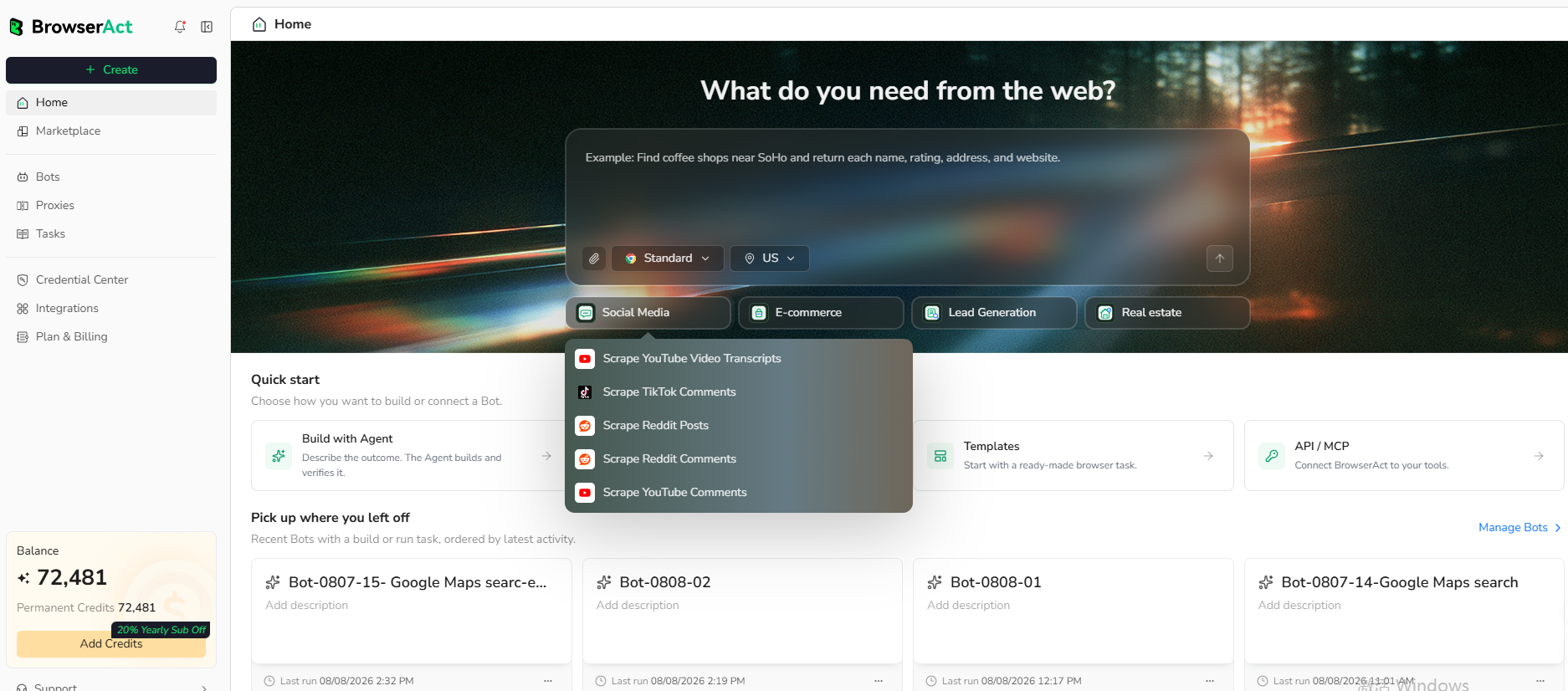
Open BrowserAct and start Agent Built from the Home prompt box or from Create -> Build with Agent. Paste a clear request that includes the website, the records to collect, the filters or search conditions, the fields to return, the result limit, and the inputs you want to reuse later.
Step 2: Let BrowserAct Build and Test the Bot
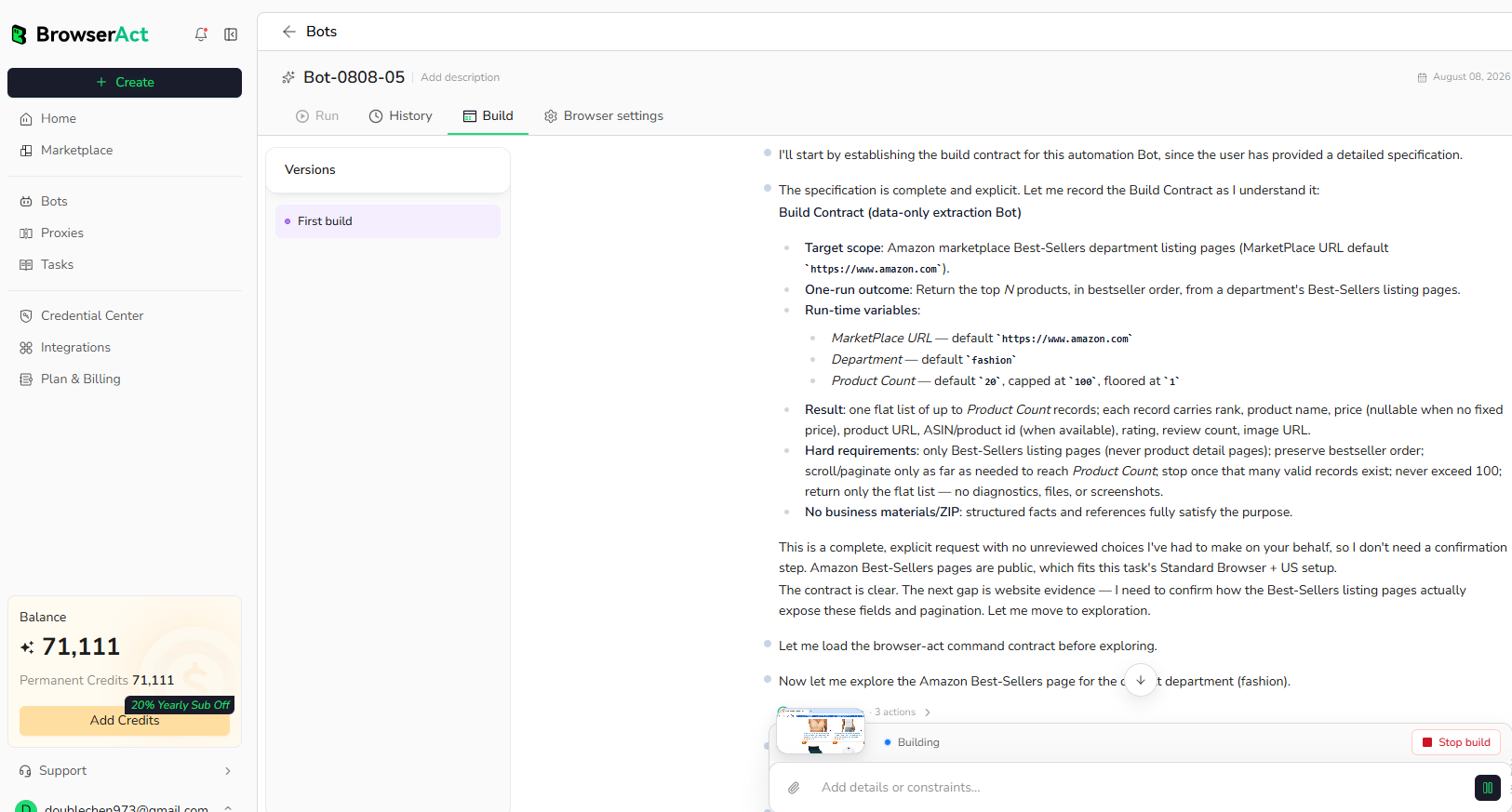
BrowserAct explores the live website, works out the navigation and extraction path, and validates the result. If BrowserAct asks for clarification, reply in the same build conversation with the missing URL, condition, field, example, or expected output.
Step 3: Run the Bot and Review the Result
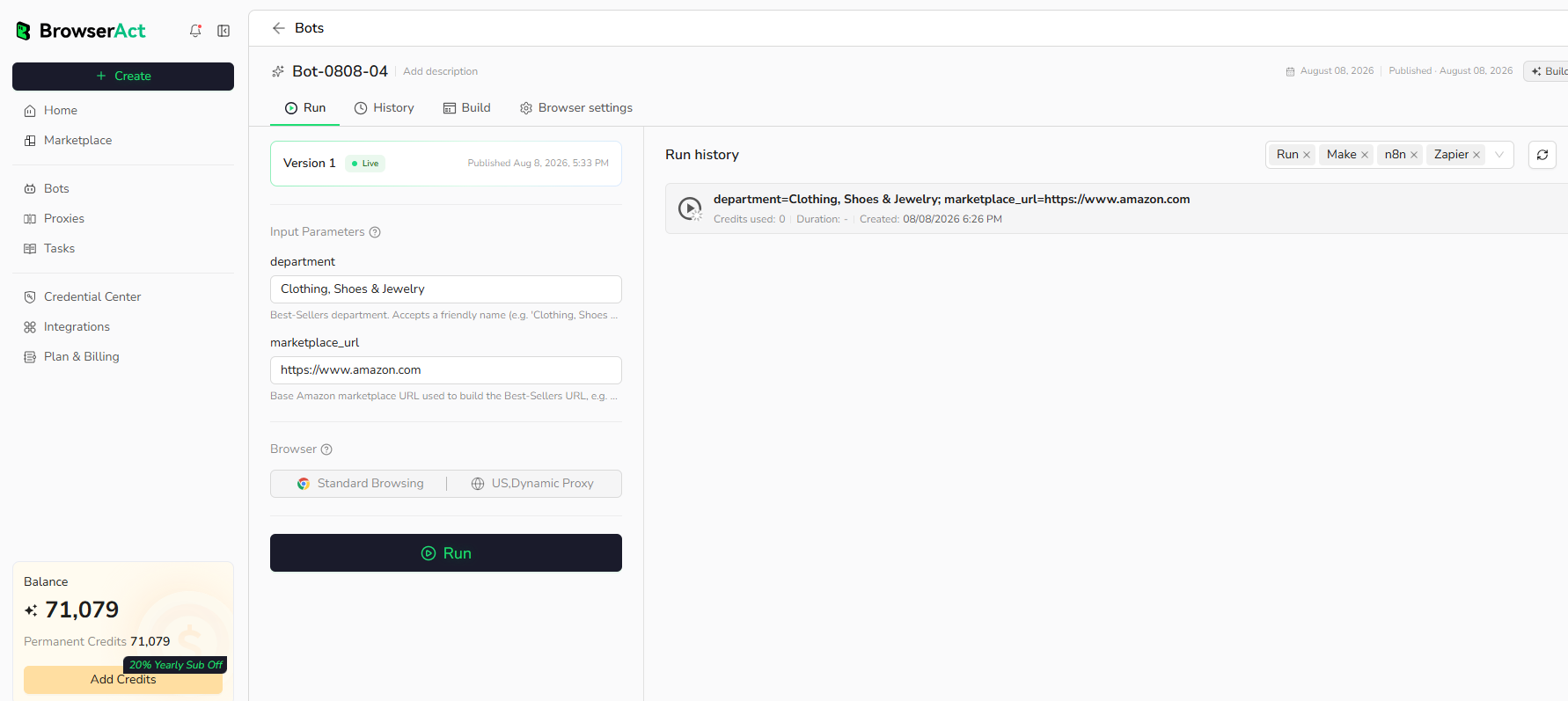
When the build is complete, run the Bot with the default inputs first. Review the structured records, source URLs, missing fields, and row count before reusing the Bot with new inputs or connecting it to another workflow.
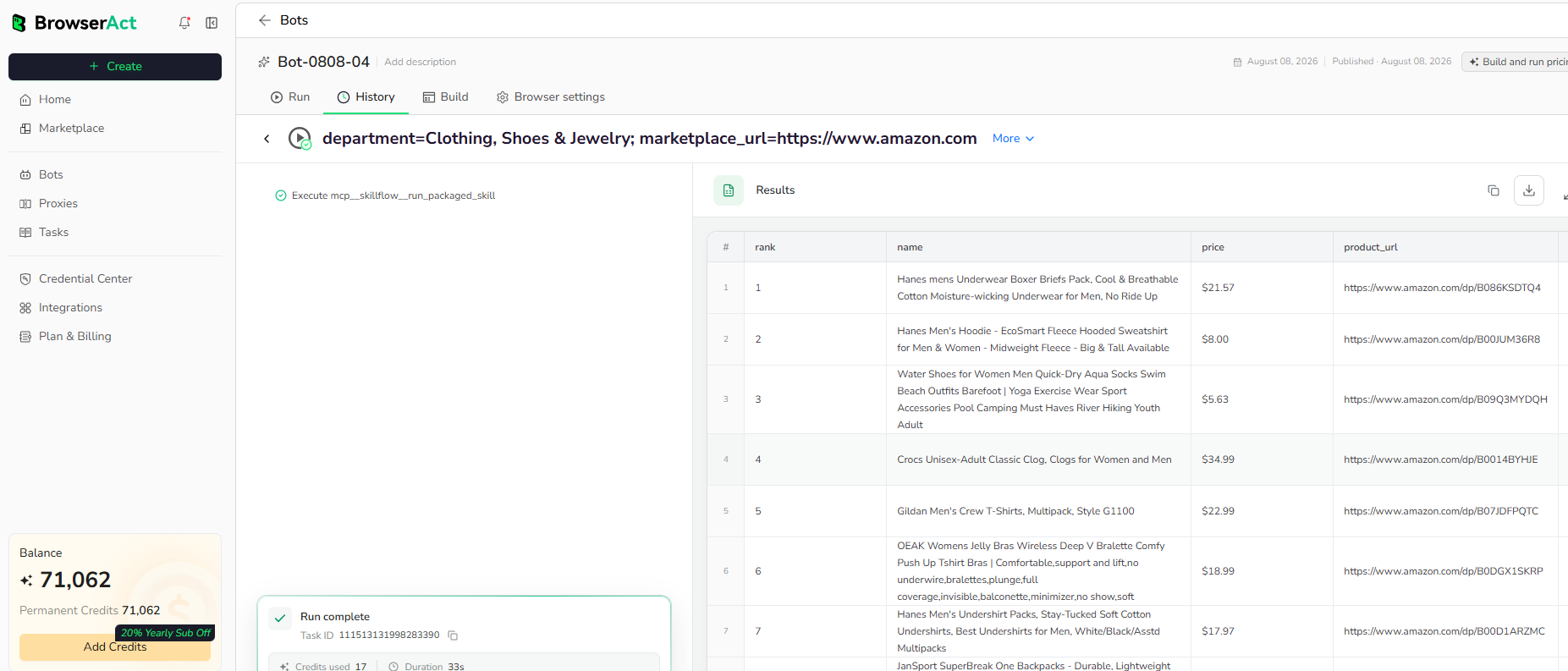
Why Use YouTube Channel Public Contact Finder?
Build public creator profiles for partnership research, influencer discovery, channel analysis, and lead enrichment without crossing account-only contact boundaries.
Who Can Use This Template?
- Creator partnership teams.
- Influencer marketing teams.
- Media researchers.
- Lead enrichment and outreach teams.
How Many Results Can You Scrape?
This template returns one structured channel record per run. Build a separate batch Bot when many channel URLs must be processed together.
Automation and Export
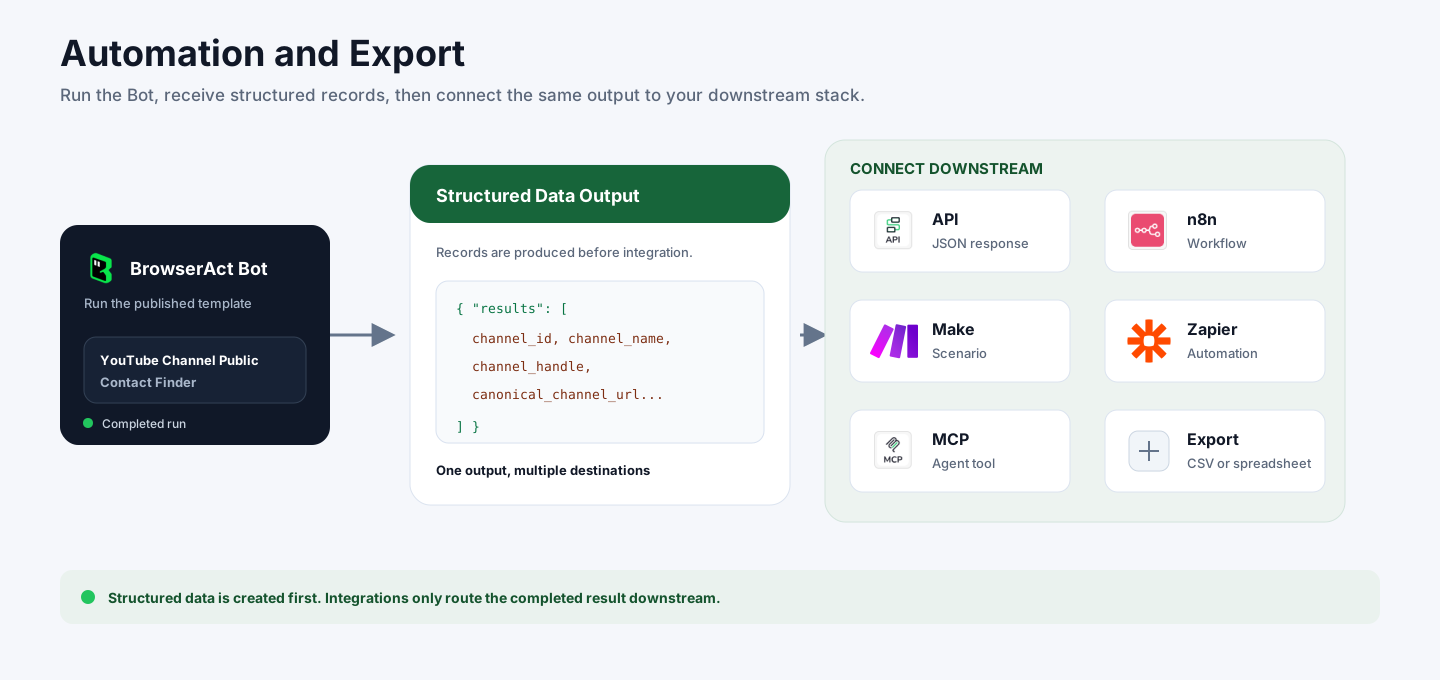
BrowserAct returns structured data first. You can then use the completed output through API JSON responses, n8n workflows, Make scenarios, Zapier automations, MCP-based agent workflows, or manual CSV and spreadsheet review.
Need Help?
Contact us at
Discord: Discord Community
E-mail: service@browseract.com
