

What Does BrowserAct Xiaohongshu Comments Scraper Do?
Collect top-level comments from keyword-matching Xiaohongshu notes, including commenter names, comment text and times, with each note's link and engagement counts. Use the records to review audience questions, compare discussions and organize content or campaign research without writing a scraper.
Your Xiaohongshu login is required. Click Run, enter the search settings, then continue to Account login to choose a proxy and connect your own account before starting.
Key Features of Xiaohongshu Comments Scraper
- Find notes by keyword, with an optional region or city search term.
- Apply one time window to both note publication and comment times.
- Collect top-level comments with their authors, text and timestamps.
- Repeat the source note link and engagement counts on each comment row.
What Data Can I Extract from Xiaohongshu?
| Field | What you receive |
|---|---|
note_url |
Source note link |
note_published_at |
Note publish time in China Standard Time (UTC+8) |
note_likes |
Note like count as displayed |
note_comment_count |
Displayed note comment count, including nested replies |
note_shares |
Note share count as displayed |
commenter |
Comment author's display name |
comment_content |
Top-level comment text |
commented_at |
Comment time in China Standard Time (UTC+8) |
How to Use Xiaohongshu Comments Scraper
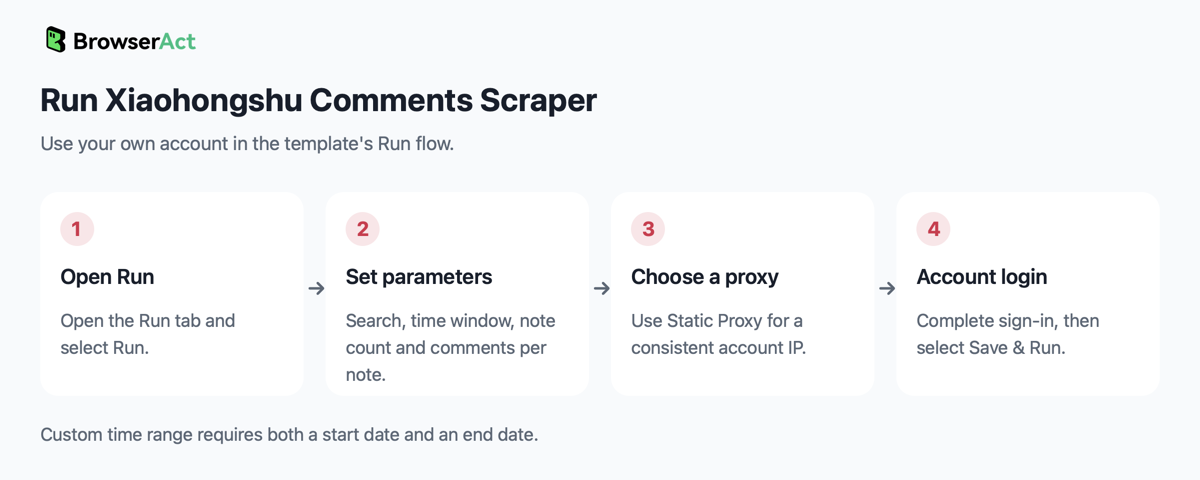
- Open Run task and click Run.
- Enter the keyword and optional region, choose a time window, and set the note and per-note comment quantities. Fill both date fields if you select
custom, then continue to Account login. - Choose a proxy. A Static Proxy is recommended when you need a consistent IP for the account.
- Choose an available account login method, complete sign-in with your own Xiaohongshu account, then select Save & Run. Review the results when the task finishes.
Input Parameters
Fill the fields separately. The Bot combines region with keyword for the search; region is a search term, not a verified location filter for notes or commenters.
| Parameter | What to enter and example |
|---|---|
keyword |
Required search text; no default is configured. Example: 咖啡. |
region |
Optional region or city term. Example: 上海; leave blank to search only the keyword. |
time_range |
Dropdown, default all. Options: last_7_days, last_30_days, last_3_months, last_6_months, all, custom. The same window filters both notes and comments. |
custom_start_date |
Required only for custom. Enter YYYY-MM-DD, for example 2026-10-01. Starts at 00:00:00 in China Standard Time. |
custom_end_date |
Required only for custom. Enter YYYY-MM-DD, for example 2026-10-31. Includes the entire end date in China Standard Time. |
note_count |
Integer, at least 1; default 20. Maximum number of matching notes to collect. For a small first run, enter 3. |
comment_limit |
Integer, at least 1; default 50. Maximum in-window top-level comments from each note in this run. For a small first run, enter 10. |
For example, enter 咖啡 in keyword and 上海 in region to research comments on notes returned for that combined search. Leave time_range as all for no time restriction, or select custom and enter both dates above. These are configuration examples; they do not change the template defaults.
Example Output
An example structured record is shown below. Long text may be shortened for readability. Each collected comment occupies its own result and table or CSV row, with the note information repeated.
| Field | Result |
|---|---|
note_url |
https://www.xiaohongshu.com/explore/6ae1f0e20000000034027437?xsec_token=ABAVSRJ-EugtFKuI7SZFIV9QlXy3lNxxITJ12Oqny07tk%3D&xsec_source=pc_search |
note_published_at |
2026-10-28 20:56:02 |
note_likes |
9 |
note_comment_count |
1 |
note_shares |
2 |
commenter |
VoV |
comment_content |
CDP,永远的神[大笑R] |
commented_at |
2026-10-28 21:09:16 |
A collected note with no top-level comments in the selected time window contributes one row with its note information and null comment fields. Displayed counts retain the site's wording and units, such as 1.4万, rather than being converted into another number format.
How Does It Work?
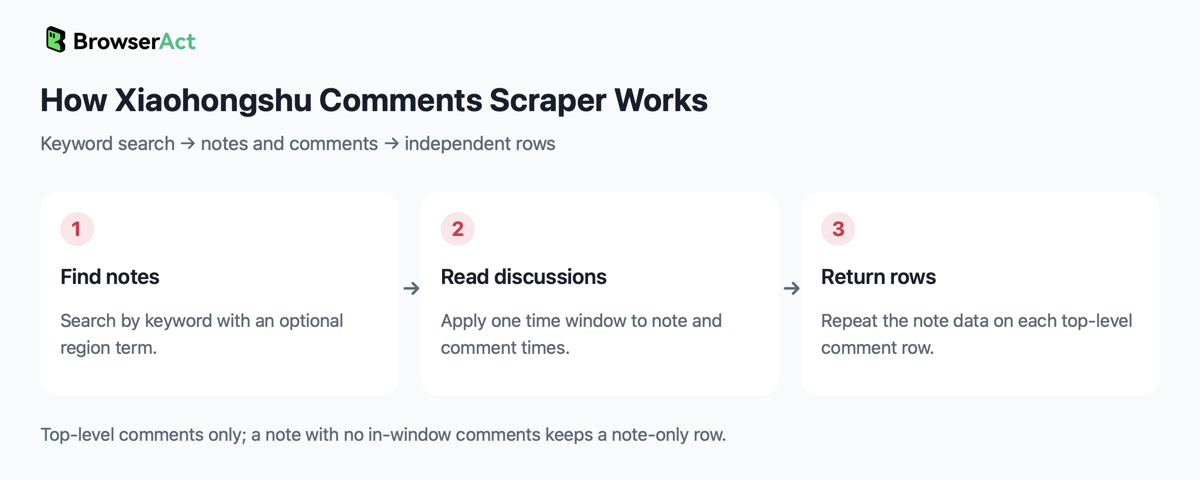
The Bot checks the signed-in account and searches for the keyword with the optional region term. It reads eligible note details and top-level comments, applies the selected time window to both timestamps, and returns separate comment rows. Duplicate notes are skipped; a note whose details cannot be read is omitted while collection continues.
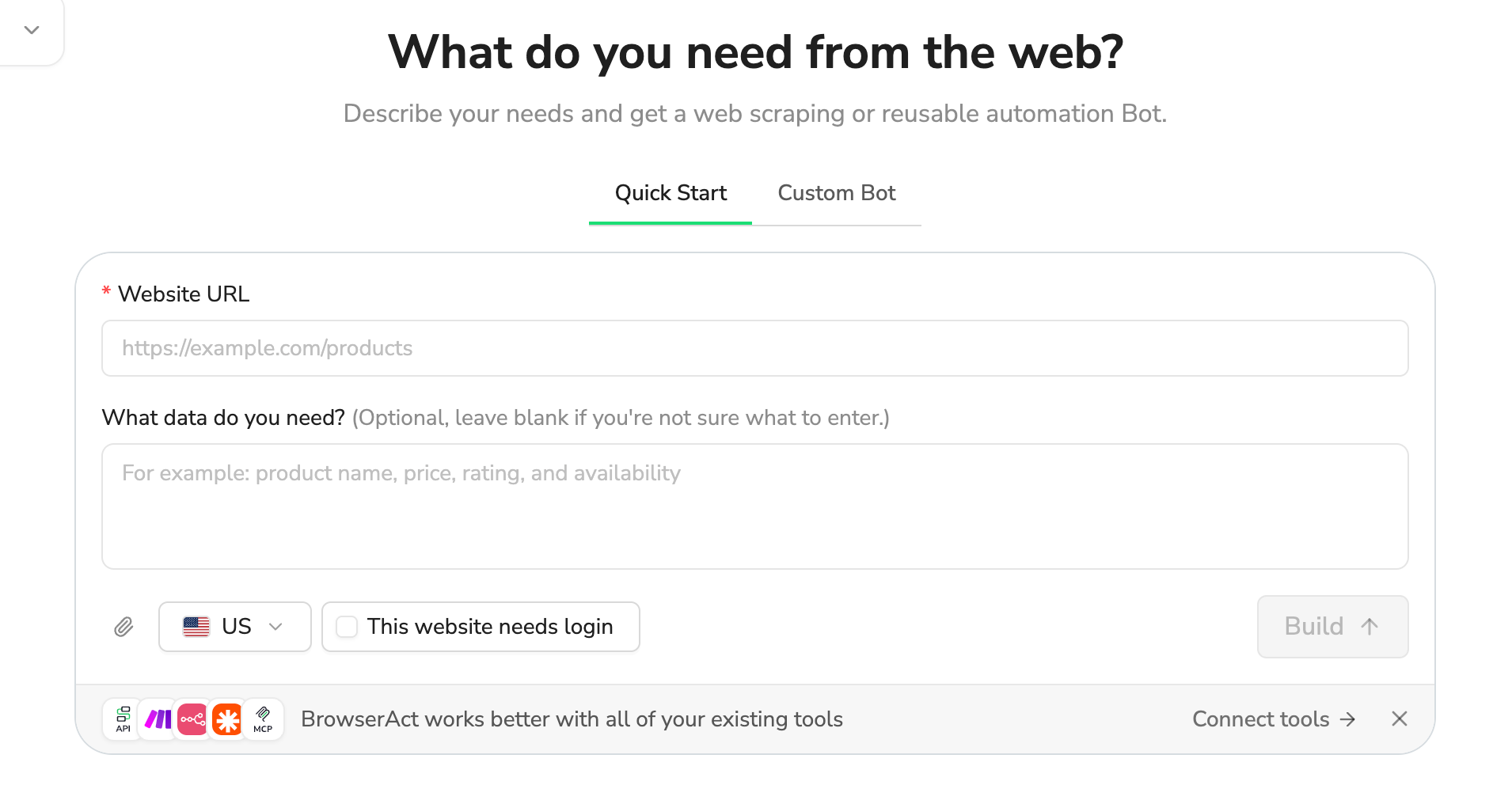
How to Build a New Scraper Bot with Agent Built
- Describe the website, records and fields you need in BrowserAct.
- Let BrowserAct build and test the Bot; complete your own website login when requested.
- Run the completed Bot and review its structured results.
Why Use Xiaohongshu Comments Scraper?
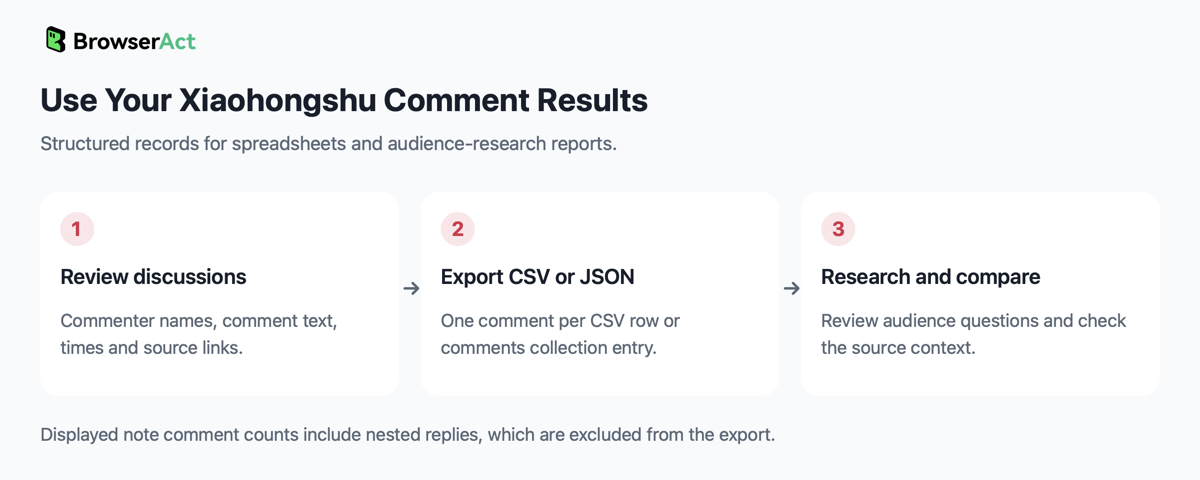
Use comment text to review audience questions, recurring concerns and discussion topics around your keyword. Compare discussions across notes using their publish times and visible engagement counts, then open the source links to check context before making content or campaign decisions.
Who Can Use Xiaohongshu Comments Scraper?
Content marketers, community teams and social-media researchers who use their own Xiaohongshu account to research note discussions.
How Many Results Can You Scrape?
The Bot collects up to note_count eligible notes and up to comment_limit in-window top-level comments per note. Fewer comments can be returned when a comment list ends. Nested replies are excluded, although the site's displayed comment count includes them, so that count can exceed the number of collected comments.
When no eligible notes are collected, the Bot can return an empty collection with no matching data. For a time-filtered search, check for note-access or detail-reading errors before treating an empty result as confirmed absence of matching notes. A missing login blocks collection.
Automation and Export
BrowserAct returns structured records you can review and export as CSV or JSON. The JSON collection is comments, with one comment per entry, or one note-only entry when that note has no in-window comments. Use the exports in spreadsheets and audience-research reports.
Need Help?
Need help? Contact live support using the chat button at the bottom right, or email service@browseract.com.
