

Website Contact Details Scraper is a BrowserAct Bot template for collecting public contact records from a website. Provide a website URL, page limit, and result count, then run the Bot to scan the homepage and likely same-domain contact pages for visible contact details.
What Does BrowserAct Website Contact Details Scraper Do?
This template opens a public website, discovers contact-likely same-domain pages, extracts visible contact records, deduplicates repeated values, and returns each record with exact source-page attribution and evidence text.
Key Features
- Extract public contact details without logging in or submitting forms.
- Scan homepage, footer links, about pages, support pages, privacy pages, terms pages, and other contact-likely same-domain pages.
- Capture emails, phone numbers, contact form URLs, social profiles, and physical addresses when visible.
- Return source page URL, page title, organization name, contact type, contact value, and evidence snippet.
- Deduplicate repeated contact details across pages.
What Data Can I Extract from Websites?
| Field | Description |
|---|---|
website_url |
Website scanned by the Bot. |
source_page_url |
Exact page where the contact record was found. |
organization_name |
Site or organization name inferred from page metadata. |
contact_type |
Type of contact record, such as email, phone, contact form, social profile, or physical address. |
contact_value |
Extracted contact detail. |
contact_page_title |
Title of the source page. |
evidence_snippet |
Short visible text snippet supporting the extracted record. |
How to Use Website Contact Details Scraper
- Click Run task.
- Enter the public website URL.
- Set the maximum number of same-domain pages to scan.
- Set the maximum number of contact records to return.
- Run the Bot and review the structured contact records.
Input Parameters
| Parameter | Required | Default | Description |
|---|---|---|---|
website_url |
Yes | https://www.browseract.com |
Public website to scan. |
max_pages |
Yes | 8 |
Maximum number of same-domain public pages to visit. |
count |
Yes | 20 |
Maximum number of unique contact records to return. |
Example Output
The table below uses records preserved from the validated Bot run. Up to the first 5 records are shown, and long values are shortened in this documentation preview.
| website_url | source_page_url | organization_name | contact_type | contact_value | contact_page_title | evidence_snippet |
|---|---|---|---|---|---|---|
| https://www.example.com | https://www.example.com/contact | Example Company | support@example.com | Contact Example Company | Email us at support@example.com for help. |
How Does it Work?
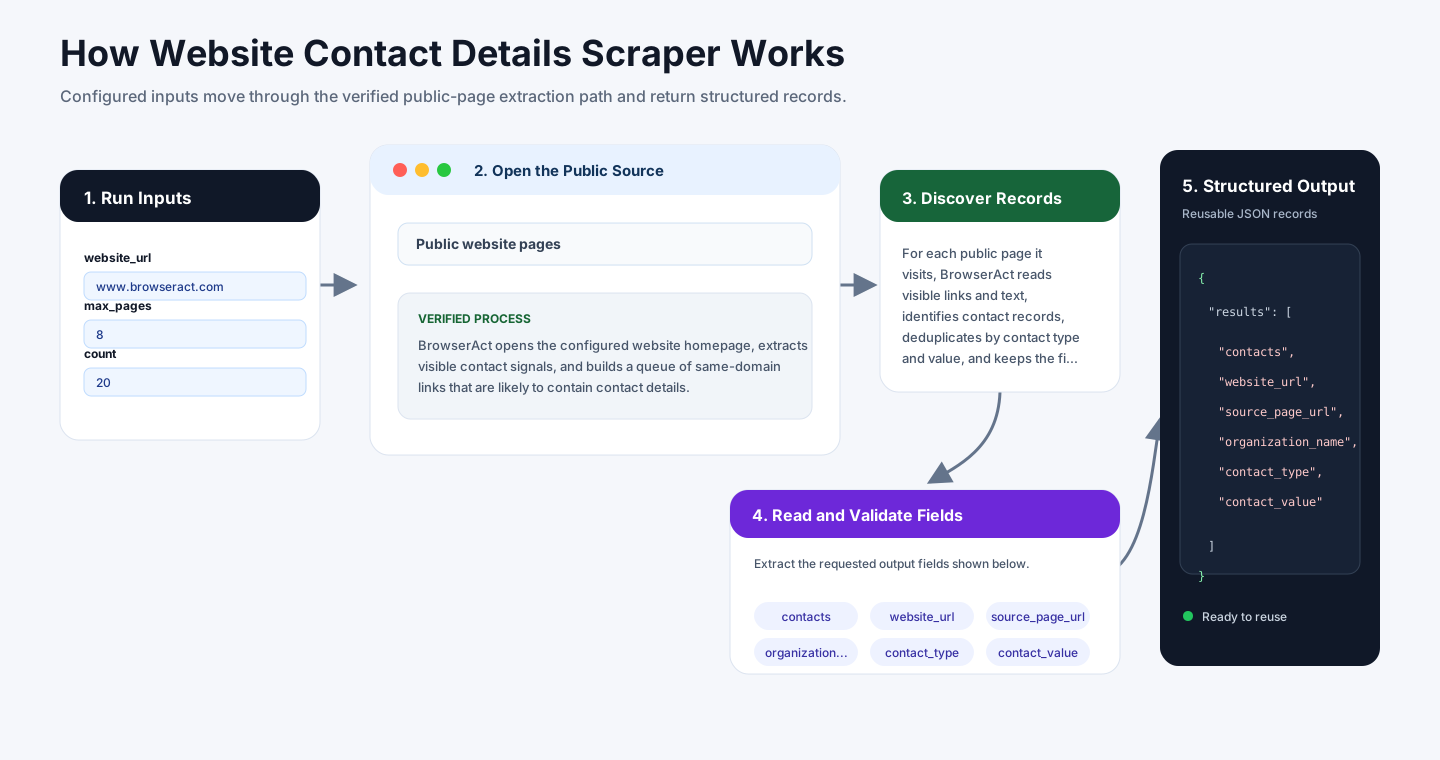
BrowserAct opens the configured website homepage, extracts visible contact signals, and builds a queue of same-domain links that are likely to contain contact details. It prioritizes pages such as contact, about, support, privacy, terms, footer, and team pages while excluding login, register, and account-only links.
For each public page it visits, BrowserAct reads visible links and text, identifies contact records, deduplicates by contact type and value, and keeps the first reliable source page with an evidence snippet. Public legal or privacy pages can include third-party contact details; those records are returned with their exact source page so users can decide what to keep.
How to Build a New Scraper Bot with Agent Built
Step 1: Describe the Data You Need
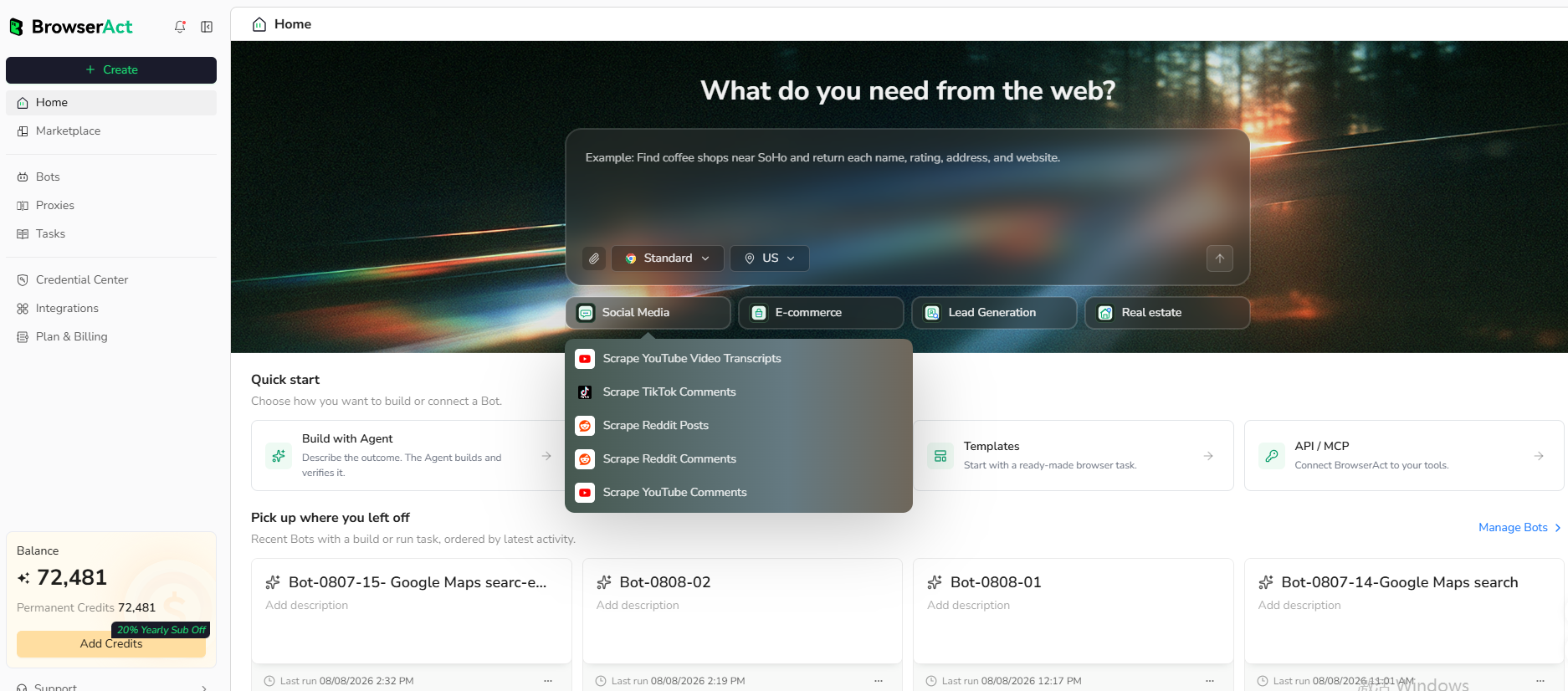
Open BrowserAct and start Agent Built from the Home prompt box or from Create -> Build with Agent. Paste a clear request that includes the website, the records to collect, the filters or search conditions, the fields to return, the result limit, and the inputs you want to reuse later.
Step 2: Let BrowserAct Build and Test the Bot
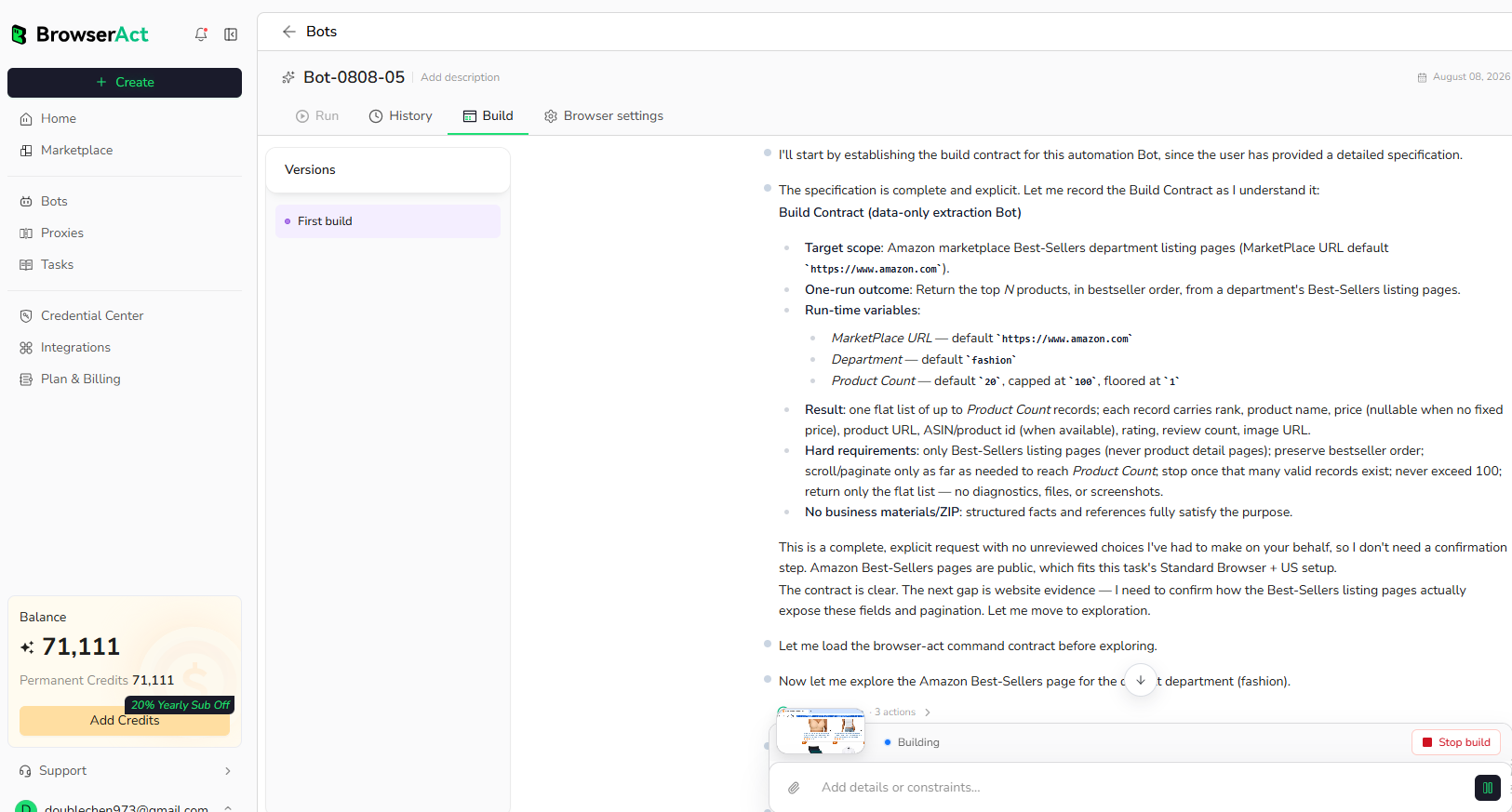
BrowserAct explores the live website, works out the navigation and extraction path, and validates the result. If BrowserAct asks for clarification, reply in the same build conversation with the missing URL, condition, field, example, or expected output.
Step 3: Run the Bot and Review the Result
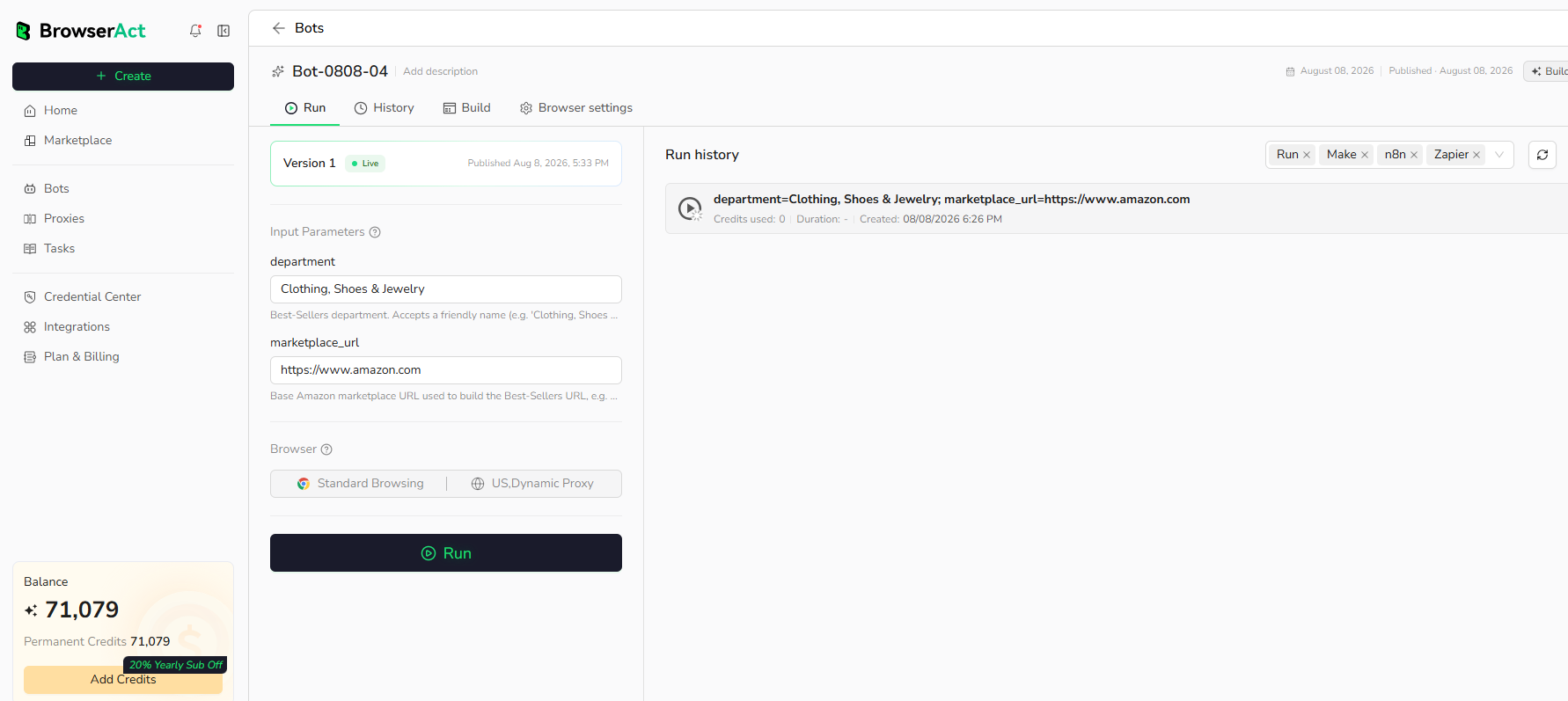
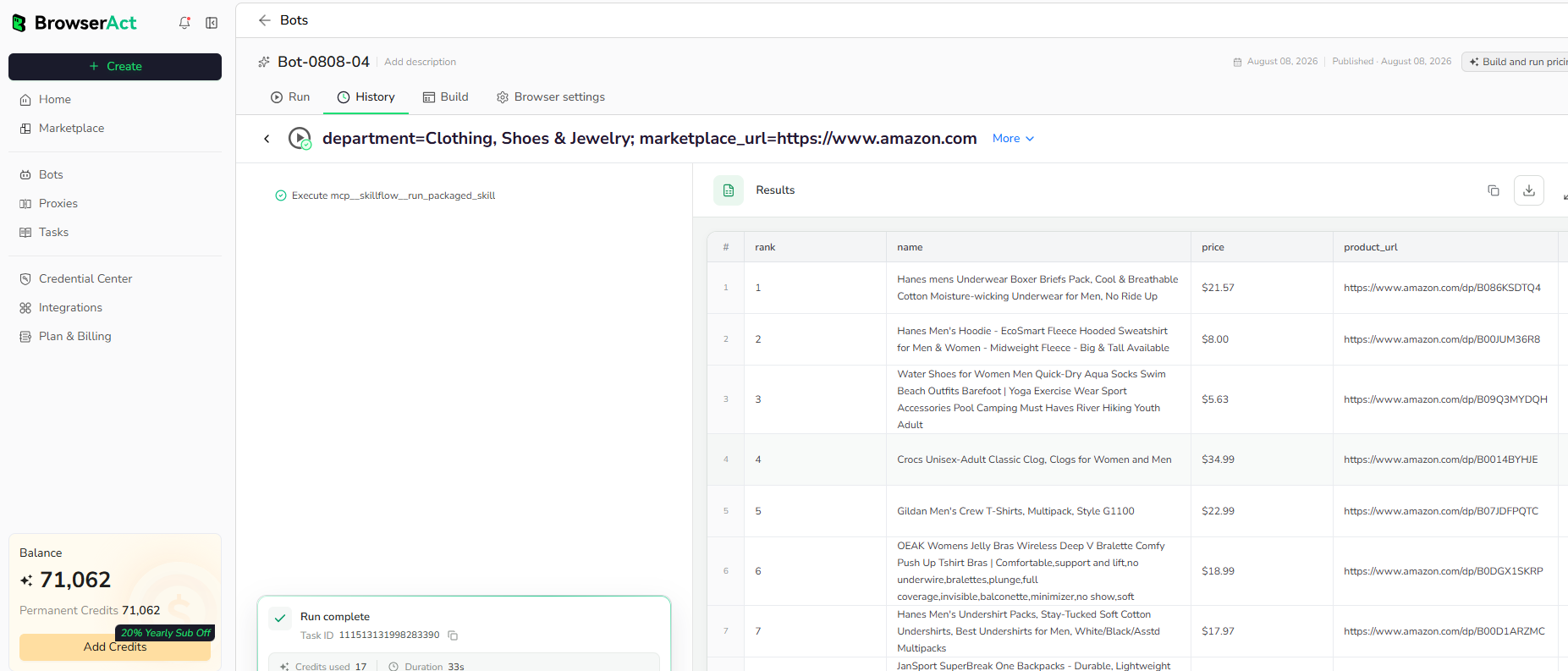
When the build is complete, run the Bot with the default inputs first. Review the structured records, source URLs, missing fields, and row count before reusing the Bot with new inputs or connecting it to another workflow.
Why Scrape Website Contact Details?
Website contact data helps teams find support channels, enrich lead records, audit public contact information, collect source-attributed outreach details, and build contact review workflows.
Who Can Use This Template?
- Sales and growth teams enriching website records.
- Support teams checking published contact channels.
- Researchers collecting source-attributed organization contacts.
- Compliance teams reviewing privacy and legal contact pages.
- Automation builders routing contact data into CRMs, sheets, databases, or agents.
How Many Results Can You Scrape?
Use count to limit unique contact records and max_pages to control crawl depth. More pages can find more contacts but may take longer.
Automation and Export
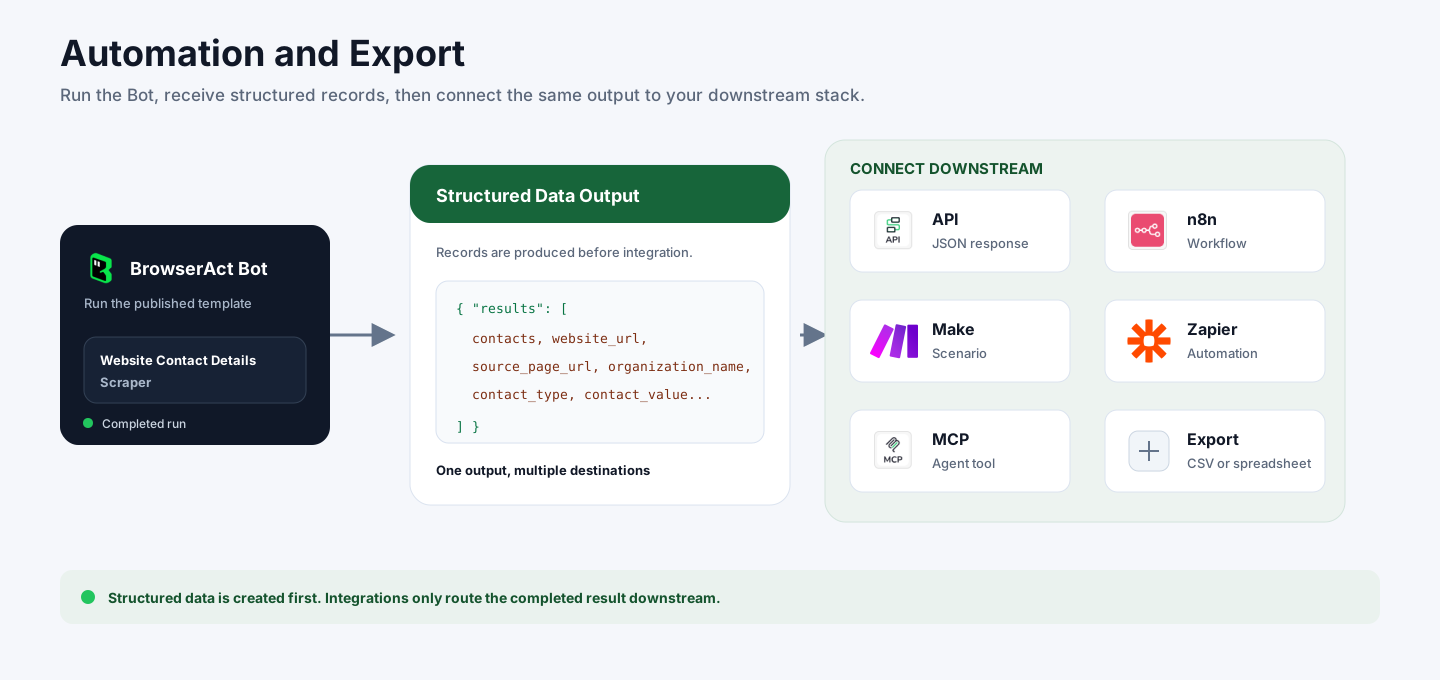
BrowserAct returns structured contact records first. You can then use the output through API JSON responses, n8n workflows, Make scenarios, Zapier automations, MCP-based agent workflows configured from the Bot's Integrations tab, or manual CSV review.
Need Help?
Contact us at
Discord: Discord Community
E-mail: service@browseract.com
