

Extract public Justdial business listings, ratings, phone numbers, addresses, verified official websites, and source evidence for lead research. The template works with public pages, reusable inputs, and structured results that can be exported or connected to downstream automation.
What Does BrowserAct Justdial Business Leads Scraper Do?
Use this BrowserAct template to collect structured lead generation data from public Justdial pages without writing browser scripts. The Bot starts from configurable inputs, follows the verified public workflow, preserves source evidence, and returns consistent records for research, monitoring, enrichment, and automation.
Key Features
- Uses public pages and does not require login.
- Keeps fixed website origins inside the Bot instead of asking users to type them.
- Uses verified dropdowns when the source exposes a maintainable finite option set.
- Preserves source URLs and honest missing values instead of inventing data.
- Returns structured records ready for export and integration.
What Data Can I Extract from Justdial?
| Field | Description |
|---|---|
rank |
Visible result order returned by the source. |
business_name |
Business Name value extracted from the public source. |
business_category |
Business Category value extracted from the public source. |
area |
Area value extracted from the public source. |
rating |
Public rating value when shown. |
review_count |
Visible review count value. |
public_phone |
Public Phone value extracted from the public source. |
full_address |
Full Address value extracted from the public source. |
city |
City value extracted from the public source. |
state_or_region |
State Or Region value extracted from the public source. |
postal_code |
Postal Code value extracted from the public source. |
official_website_url |
Public official website url preserved as source evidence. |
website_status |
Website Status value extracted from the public source. |
justdial_profile_url |
Public justdial profile url preserved as source evidence. |
source_search_url |
Public source search URL used to discover the record. |
evidence_urls |
Public URLs that support the extracted or evaluated values. |
extraction_status |
Honest success, blocked, failed, or no-results state for the record. |
How to Use Justdial Business Leads Scraper
Quick Start Guide
- Click Run task.
- Configure the input parameters, or keep the defaults for a first run.
- Click
Run. - Review and download the structured result when the run completes.
Input Parameters
| Parameter | Required | Default | Description |
|---|---|---|---|
Business Category |
Yes | Restaurants |
Open category autocomplete search on Justdial. |
Location |
Yes | Andheri, Mumbai |
Open location autocomplete search on Justdial. |
Count |
Yes | 5 |
Maximum number of unique businesses to return. |
Example Output
The table below shows up to the first 5 records from the validated default run. Long text and list values are shortened for readability.
How Does it Work?
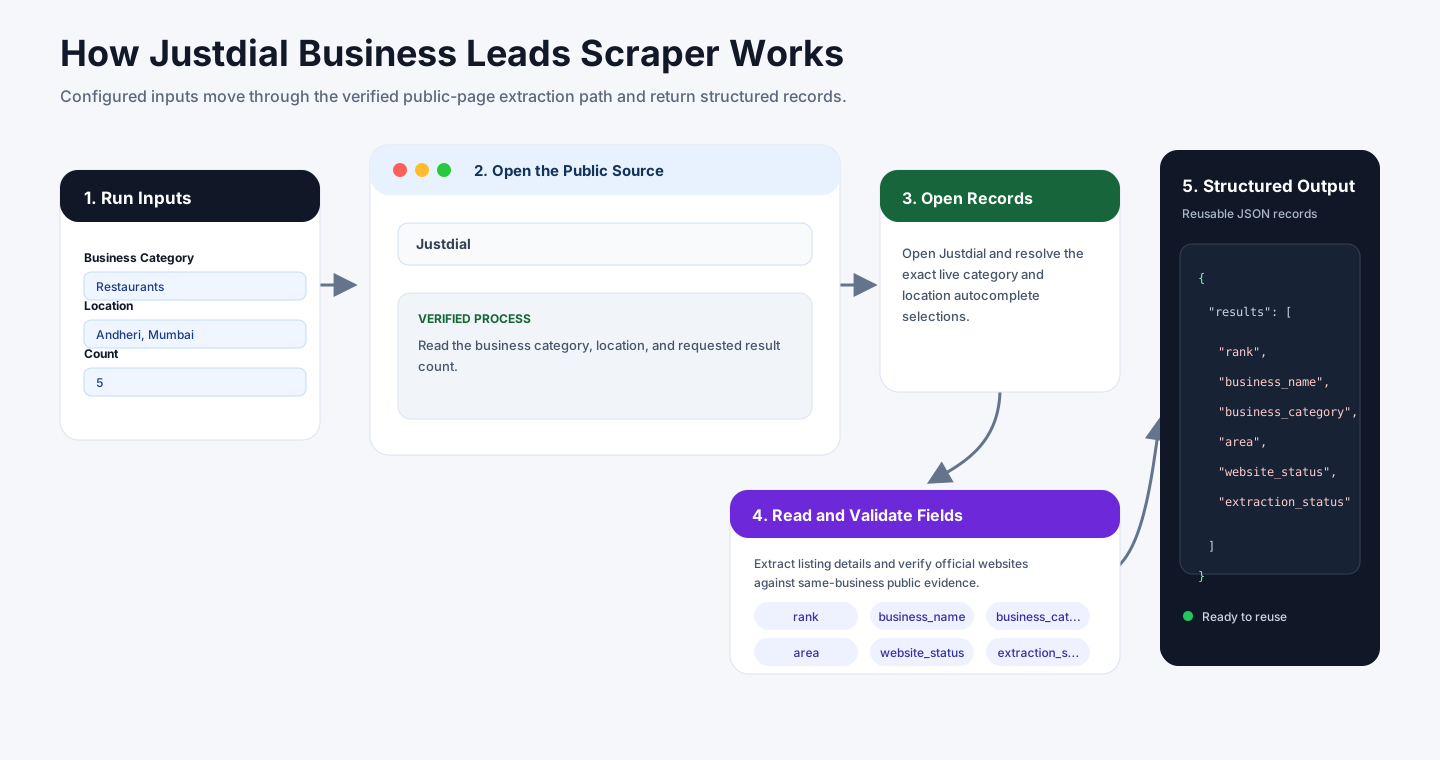
- Read the business category, location, and requested result count.
- Open Justdial and resolve the exact live category and location autocomplete selections.
- Collect business cards in visible order and open each public listing profile.
- Extract listing details and verify official websites against same-business public evidence.
- Deduplicate by Justdial profile and return structured business lead records.
How to Build a New Scraper Bot with Agent Built
Step 1: Describe the Data You Need
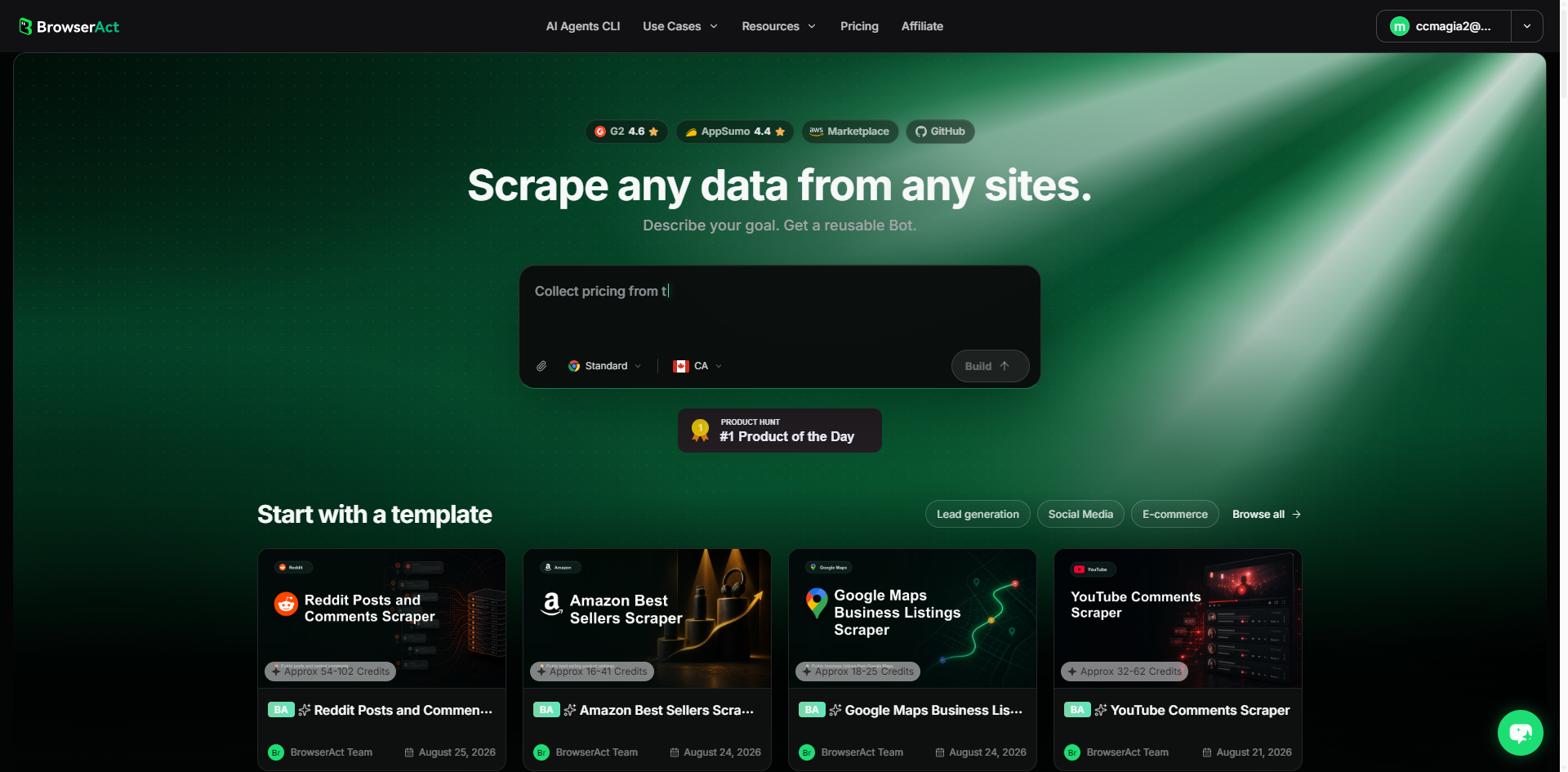
Open BrowserAct and start Agent Built from the Home prompt box or from Create -> Build with Agent. Describe the public website, records, filters, fields, result limit, and reusable inputs.
Step 2: Let BrowserAct Build and Test the Bot
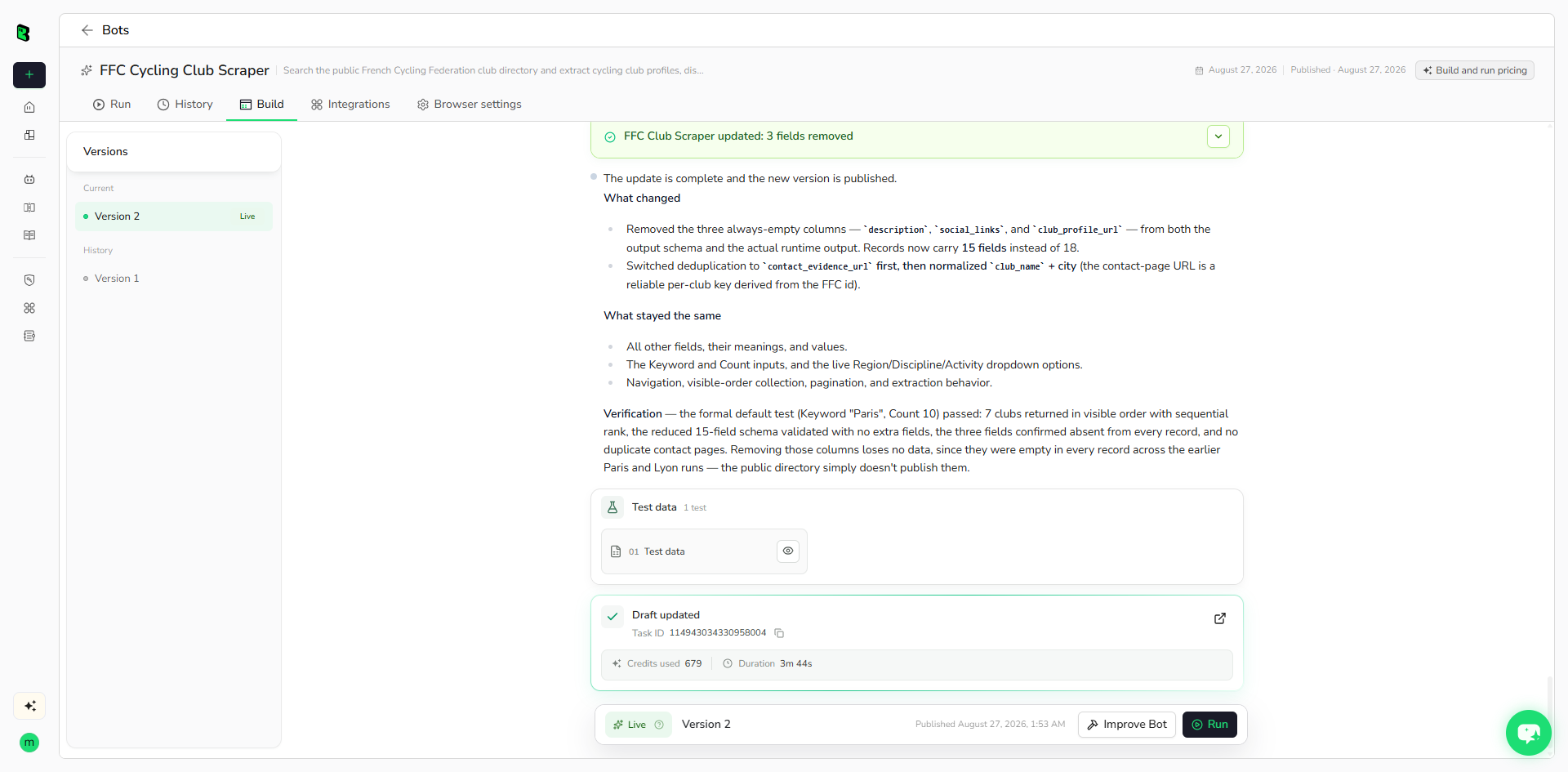
BrowserAct explores the live website, builds the navigation and extraction path, and validates the result. Reply in the same build conversation if the Agent asks for a missing URL, condition, field, or expected output.
Step 3: Run the Bot and Review the Result
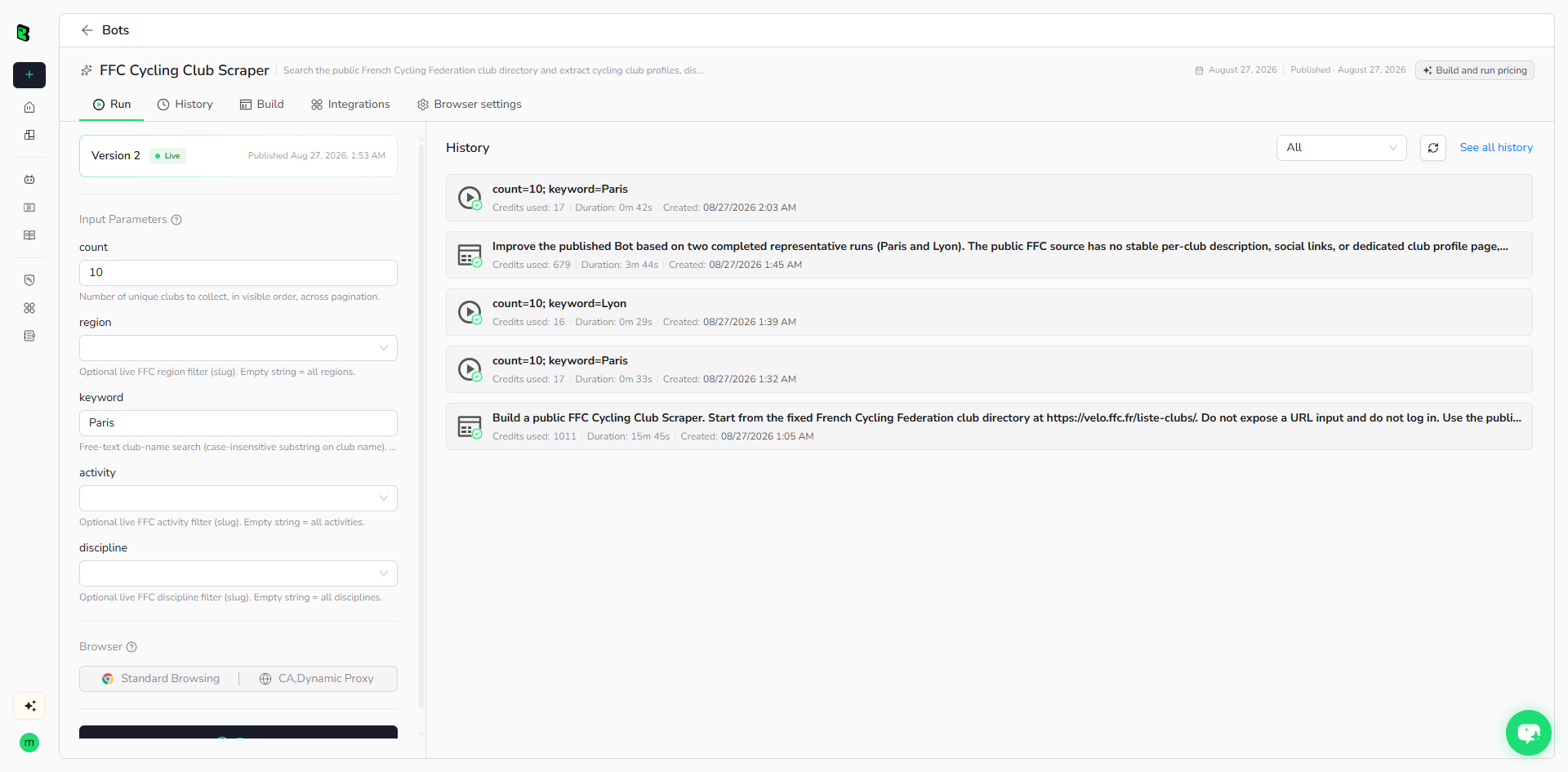
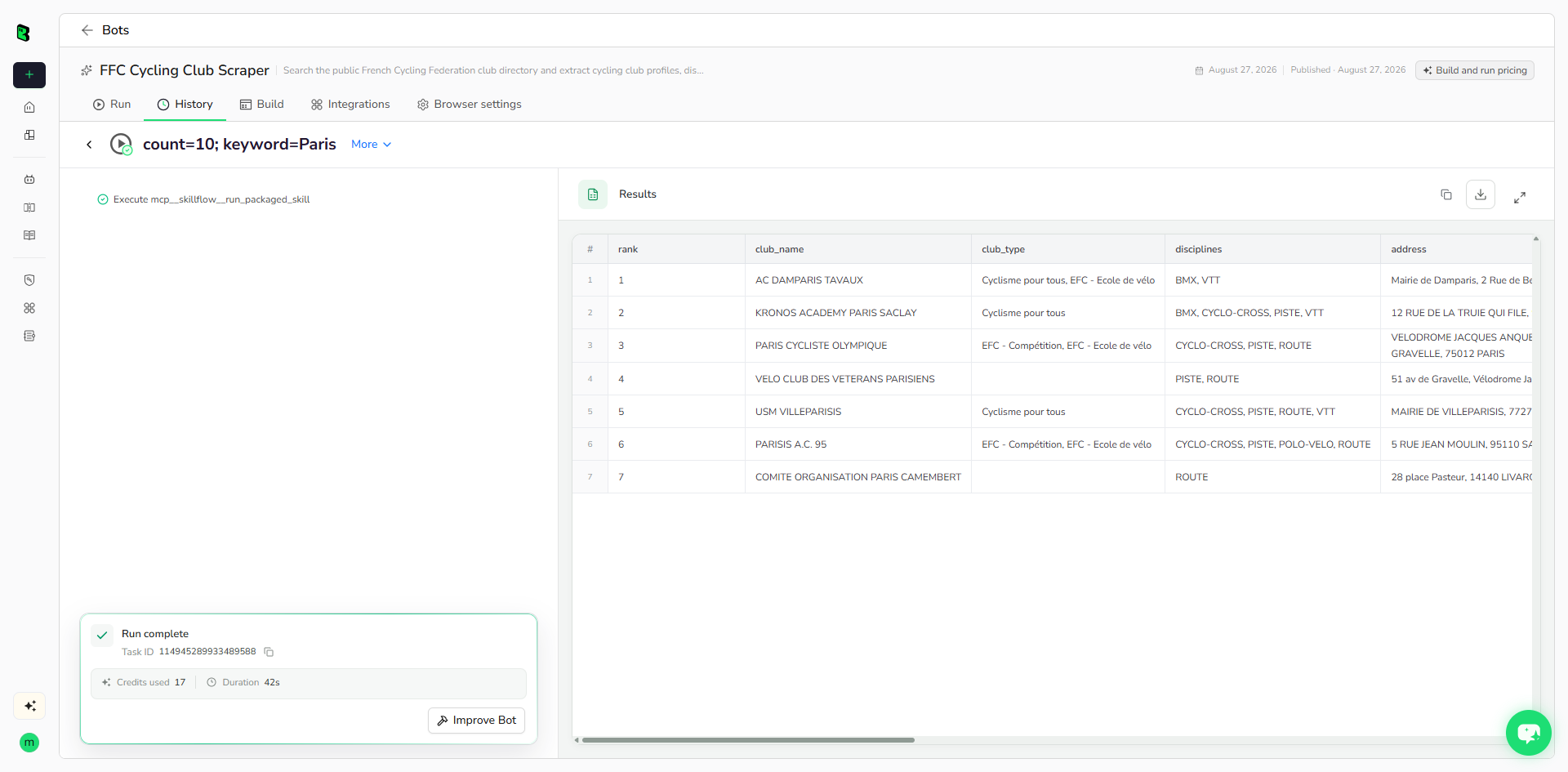
Run the published Bot with its default inputs. Check the row count, source URLs, missing fields, and structured output before reusing it with new values or connecting it to another workflow.
Why Use Justdial Business Leads Scraper?
- Replace repetitive public-page research with a reusable Bot.
- Keep source evidence and structured fields together for review.
- Re-run the same workflow with new business category values without rebuilding.
- Send completed records into data, CRM, reporting, and agent workflows.
Who Can Use This Template?
- Researchers and analysts.
- Marketing, sales, recruiting, or operations teams.
- Data and automation builders.
- Agencies and independent professionals.
How Many Results Can You Scrape?
Use the available result-limit input when present. Start with the default, then increase gradually based on source coverage and the amount of detail opened for each record.
Automation and Export
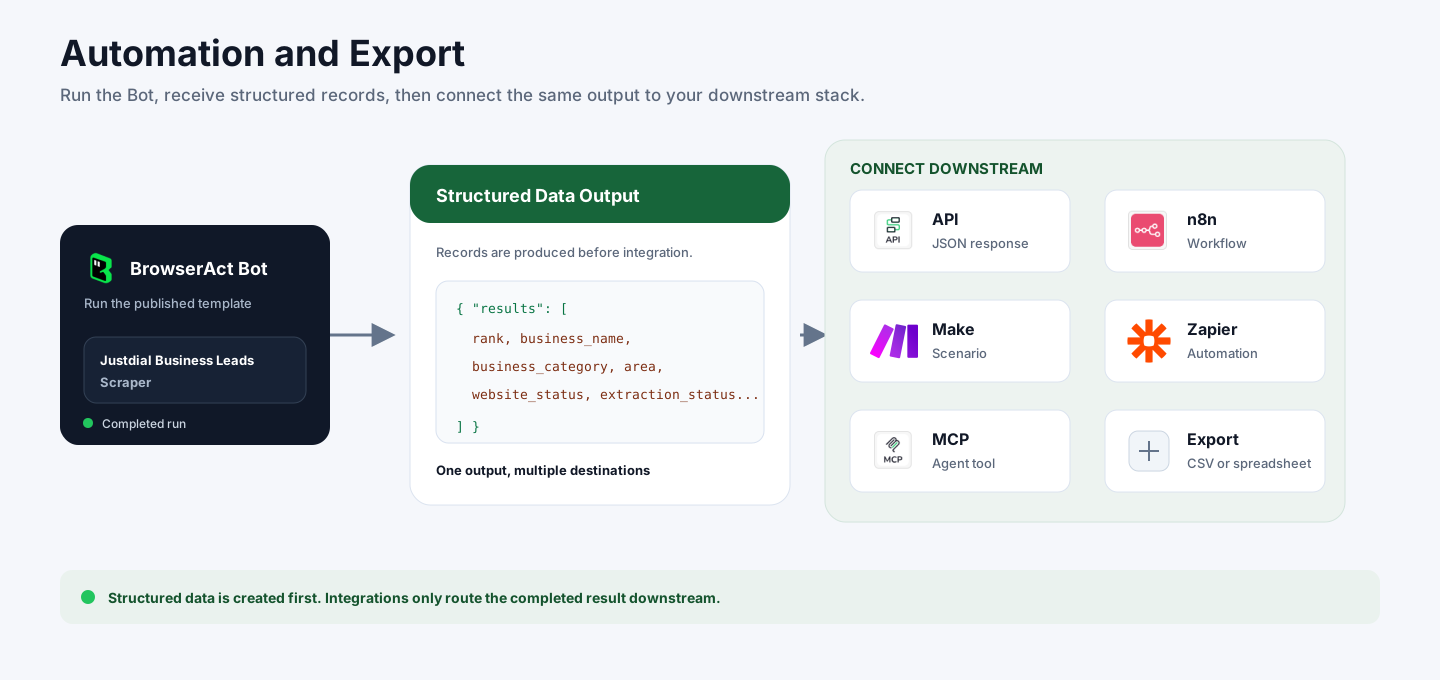
BrowserAct returns structured data first. You can then use the completed output through API JSON responses, n8n workflows, Make scenarios, Zapier automations, MCP-based agent workflows, or manual CSV and spreadsheet review.
Need Help?
Discord: Discord Community
E-mail: service@browseract.com
