

Google Business Contact Finder turns a company name into one structured company record containing its official website, public social profiles, RSS feed, and evidence URLs. It is designed for public, non-login company research and lead enrichment.
What Does BrowserAct Google Business Contact Finder Do?
The Bot searches Google for the configured company, identifies the most likely official website, reads Google's public company profile links, and inspects the confirmed company website for additional official channels. It classifies each link by platform and returns only links that clearly belong to the requested company.
Key Features of Google Business Contact Finder
- Search by company name without rebuilding the Bot.
- Confirm the official website before accepting company-owned links.
- Classify LinkedIn, X, YouTube, Facebook, Instagram, TikTok, and GitHub URLs.
- Capture additional public social profiles and RSS feeds.
- Preserve Google and company-page evidence URLs for review.
- Return null or an empty array instead of guessing unavailable links.
What Data Can I Extract from Google and Company Websites?
| Field | Description |
|---|---|
company_name |
Company name used for the completed lookup. |
official_website_url |
Confirmed official company website. |
linkedin_url |
Official LinkedIn company page. |
x_url |
Official X profile. |
youtube_url |
Official YouTube channel. |
facebook_url |
Official Facebook page when available. |
instagram_url |
Official Instagram profile. |
tiktok_url |
Official TikTok profile. |
github_url |
Official GitHub organization or profile. |
other_social_profiles |
Additional confirmed platform and URL objects. |
rss_feed_url |
Public RSS or Atom feed linked by the company. |
source_search_url |
Google search URL used for discovery. |
evidence_urls |
Public pages inspected to confirm the returned links. |
How to Use Google Business Contact Finder
Quick Start Guide
- Click Run task.
- Keep
OpenAIfor the first test or enter another company name. - Click
Run. - Review the official website, social profile fields, and evidence URLs.
- Export the record or connect it to another workflow.
Input Parameters
| Parameter | Required | Default | Description |
|---|---|---|---|
Company Name |
Yes | OpenAI |
Company whose official website and public social profiles should be found. |
Example Output
The table below shows up to the first 5 records from the validated run. Long values are shortened in this preview for readability; the completed task keeps the full structured output.
| company_name | official_website_url | linkedin_url | x_url | youtube_url | facebook_url | instagram_url | tiktok_url | github_url | other_social_profiles | rss_feed_url | source_search_url | evidence_urls |
|---|---|---|---|---|---|---|---|---|---|---|---|---|
| Microsoft | https://www.microsoft.com | https://www.linkedin.com/company/microsoft | https://x.com/microsoft | https://www.youtube.com/microsoft | https://www.facebook.com/Microsoft | https://www.instagram.com/msftissues | null | null | [] | https://news.microsoft.com/source/feed/ | https://www.google.com/search?q=Microsoft | ["https://www.google.com/search?q=Microsoft","https://www.microsoft.com","https://news.microsoft.com/source","https://www.microsoft.com/about","https://support.microsoft.com/conta... |
How Does it Work?
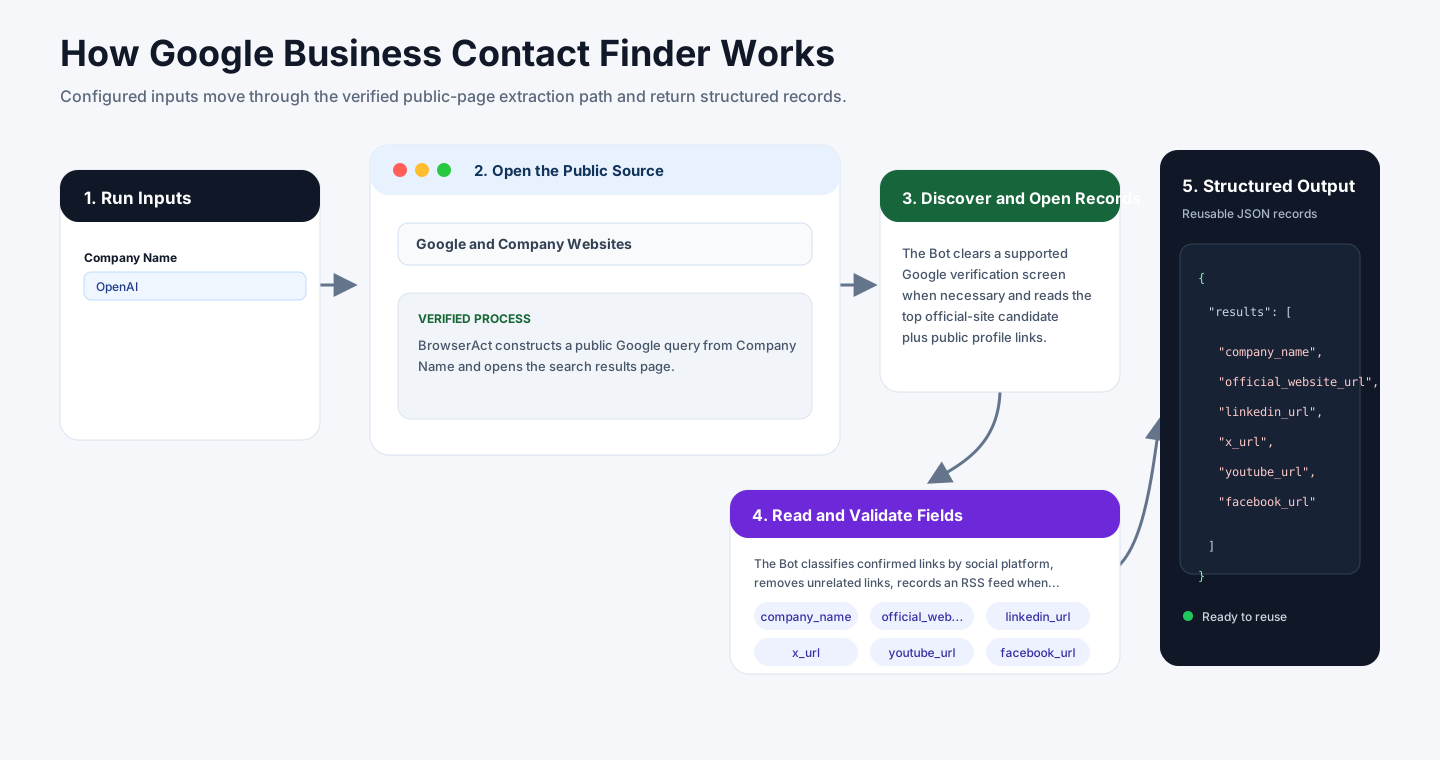
- BrowserAct constructs a public Google query from
Company Nameand opens the search results page. - The Bot clears a supported Google verification screen when necessary and reads the top official-site candidate plus public profile links.
- It opens the candidate website and confirms the company identity before inspecting visible header, footer, contact, and about-page links.
- The Bot classifies confirmed links by social platform, removes unrelated links, records an RSS feed when available, and keeps unavailable fields null.
- It returns one structured company record with the Google source URL and the evidence pages used for confirmation.
How to Build a New Scraper Bot with Agent Built
Step 1: Describe the Data You Need
Open BrowserAct and start Agent Built from the Home prompt box or from Create -> Build with Agent. Describe the public source, reusable inputs, records to collect, fields to return, and any result limit.
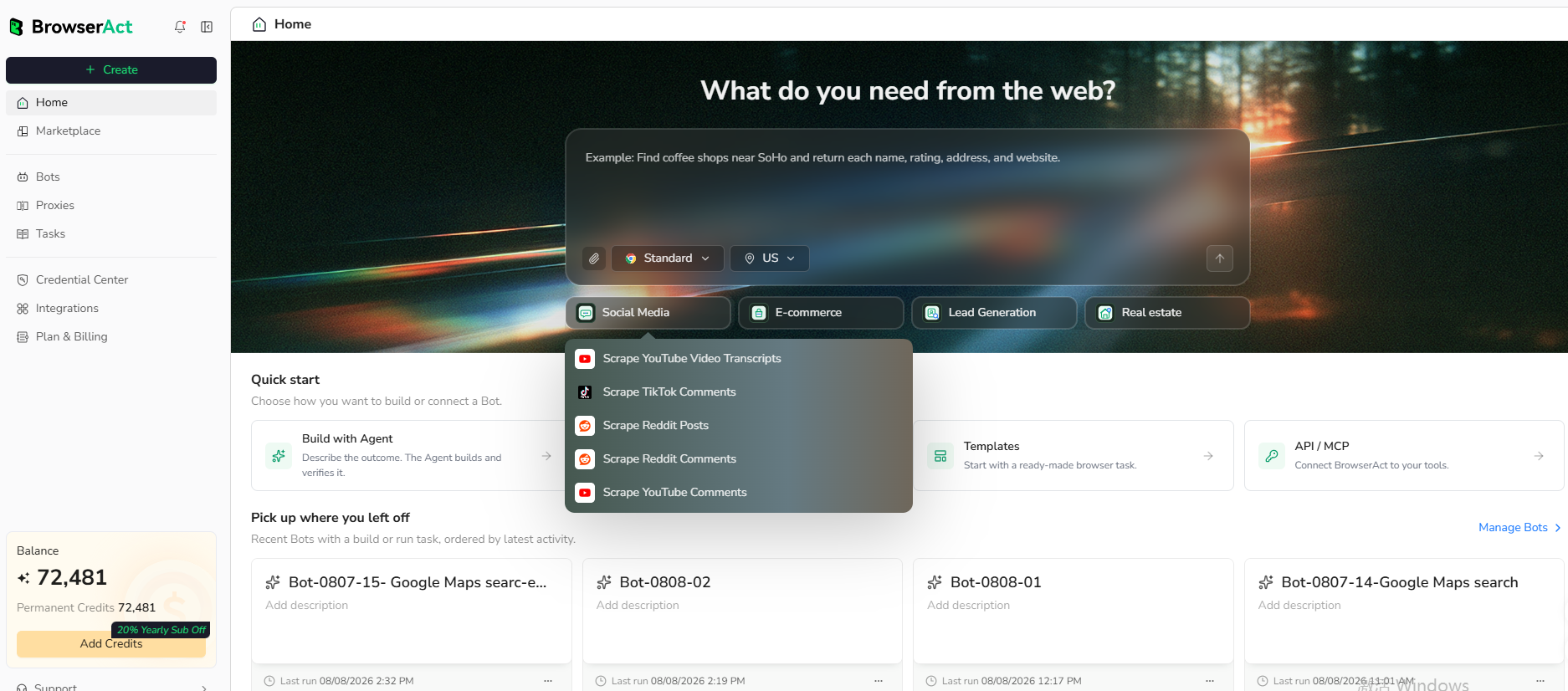
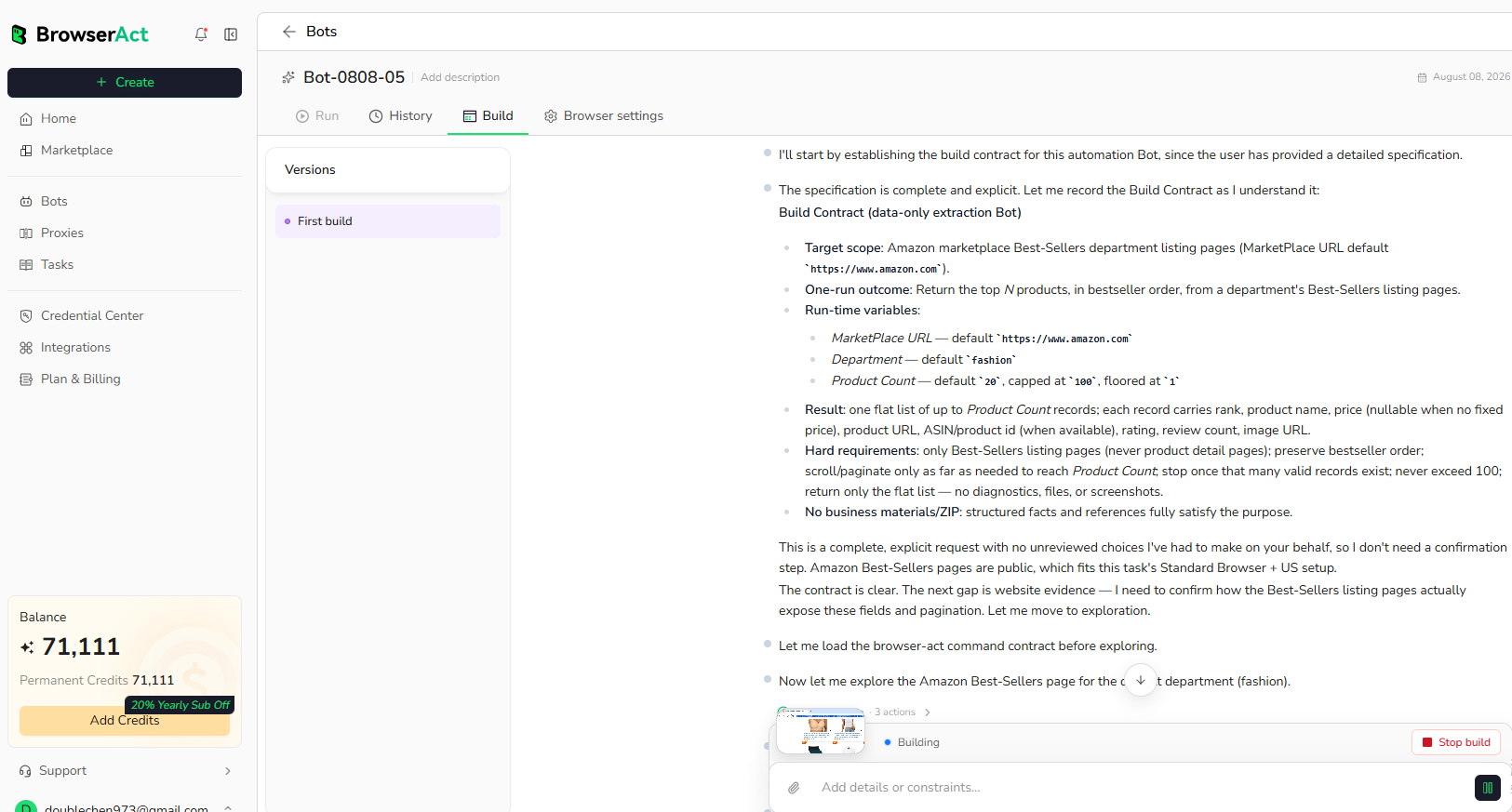
Step 2: Let BrowserAct Build and Test the Bot
BrowserAct explores the live website, determines the navigation and extraction path, and validates the result. Reply in the same build conversation when a public URL, field rule, or expected output needs clarification.
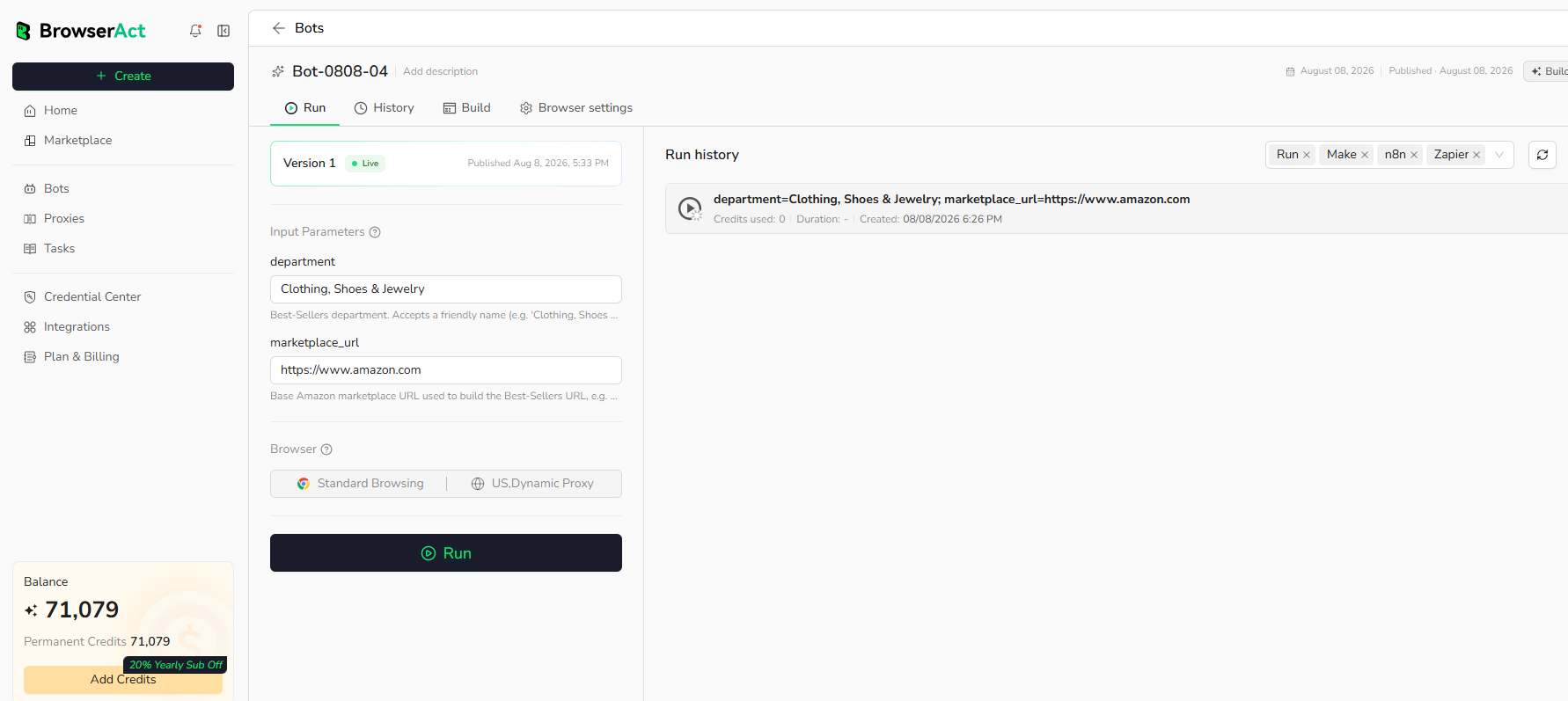
Step 3: Run the Bot and Review the Result
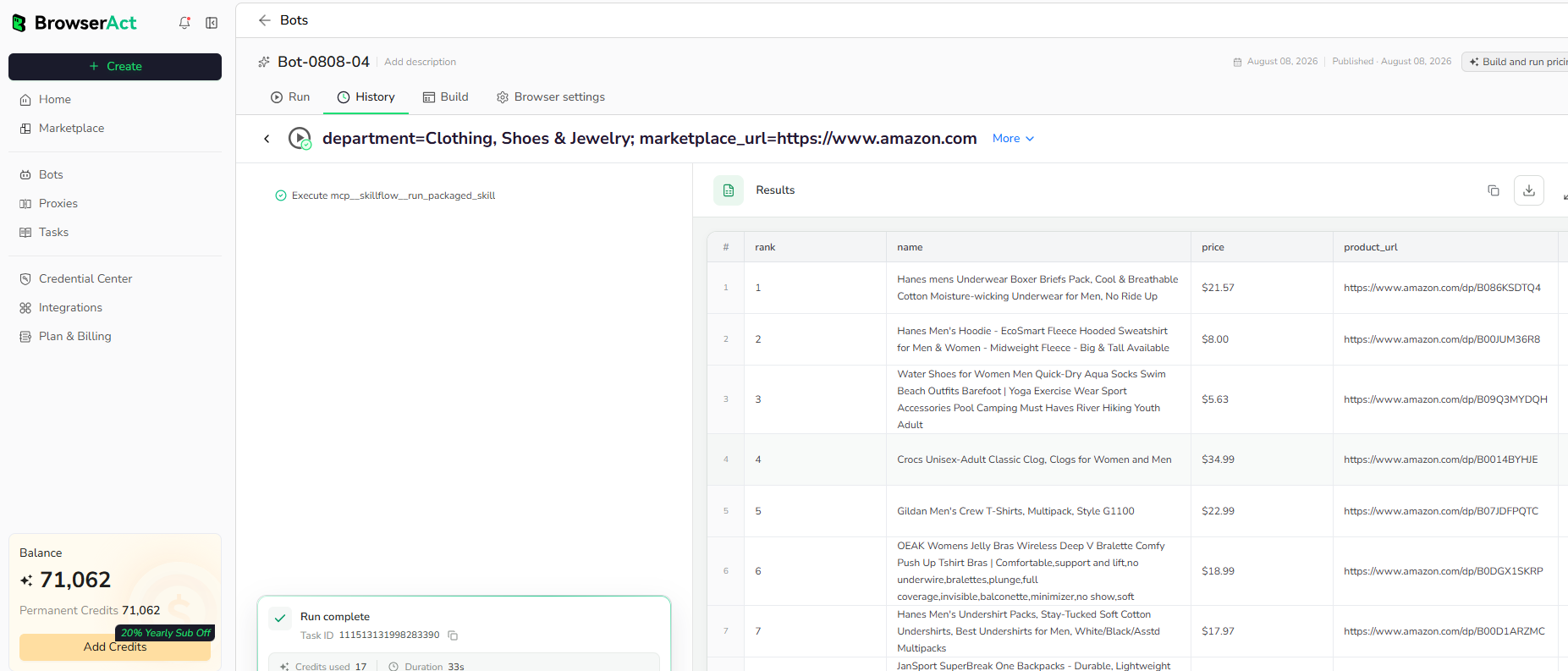
Run the completed Bot with its default input. Review the structured output, source URLs, optional empty fields, and record count before reusing it with another company.
Why Use Google Business Contact Finder?
- Enrich company records with official websites and public social channels.
- Replace repetitive company-name searches and manual link classification.
- Preserve evidence URLs for lead qualification and data-quality review.
- Produce a consistent record for CRM enrichment or downstream automation.
Who Can Use Google Business Contact Finder?
- Sales and business-development teams enriching company leads.
- Marketing teams mapping official company channels.
- Researchers validating company-owned web properties.
- Automation builders preparing structured company records.
How Many Results Can You Scrape?
Each run returns one company record for the configured Company Name. Run the Bot again with another company name when processing a different company.
Automation and Export
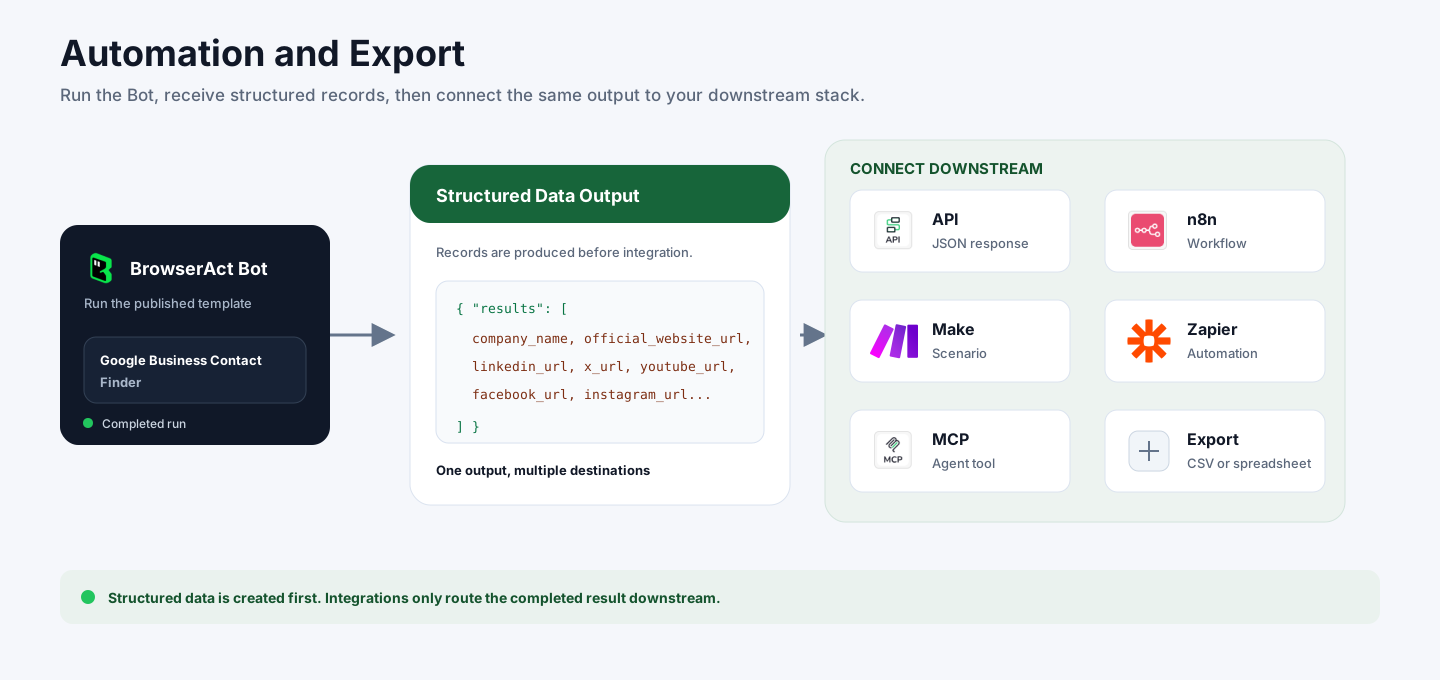
BrowserAct returns the structured company record first. You can then send it through API JSON responses, n8n workflows, Make scenarios, Zapier automations, MCP-based agent workflows, or manual spreadsheet export.
Need Help?
Contact us at
Discord: Discord Community
E-mail: service@browseract.com
