

Find relevant public GitHub repositories and the people contributing to them. Configure a topic, quality threshold, update date, repository count, and contributor count to create structured developer-research records.
What Does BrowserAct GitHub Project & Contributor Finder Do?
This BrowserAct template runs a validated, reusable extraction path against publicly accessible GitHub pages. Configure the inputs, run the Bot, and receive structured records without writing selectors or browser scripts.
Key Features
- Filter public repositories by keyword, stars, and recent activity.
- Collect a controlled number of contributors from each repository.
- Return repository context beside each contributor profile.
- Keep optional public profile links empty when they are not displayed.
What Data Can I Extract from GitHub?
| Field | Description |
|---|---|
repository_name |
Public repository name. |
repository_url |
Public repository url for the record. |
repository_owner_name |
Public repository owner name. |
repository_description |
Public repository description text. |
repository_star_count |
Visible repository star count value. |
repository_updated_date |
Visible repository updated date. |
source_search_url |
Public source search url for the record. |
contributor_username |
Public contributor username. |
contributor_profile_url |
Public contributor profile url for the record. |
contributor_bio |
Public contributor bio text. |
contributor_repositories_summary |
Public contributor repositories summary text. |
contributor_personal_website |
Public contributor personal website for the record. |
contributor_x_profile_url |
Public contributor x profile url for the record. |
How to Use GitHub Project & Contributor Finder
- Click Run task.
- Enter the configurable values shown below.
- Run the Bot and review the structured records.
- Export the result or connect it to an API, automation platform, or agent workflow.
Input Parameters
| Parameter | Required | Default | Description |
|---|---|---|---|
Keyword |
Yes | browser automation |
Topic used to search public repositories. |
Minimum Stars |
Yes | 100 |
Minimum public star count for eligible repositories. |
Updated After |
No | 2026-01-01 |
Only keep repositories updated after this date. |
Repository Count |
Yes | 3 |
Maximum repositories to process. |
Contributors per Repository |
Yes | 5 |
Maximum public contributors returned per repository. |
Example Output
The table below uses records preserved from the validated Bot run. Up to the first 5 records are shown, and long values are shortened in this documentation preview.
| repository_name | repository_url | repository_owner_name | repository_description | repository_star_count | repository_updated_date | contributor_username | contributor_profile_url | contributor_bio | contributor_repositories_summary | contributor_personal_website | contributor_x_profile_url |
|---|---|---|---|---|---|---|---|---|---|---|---|
| example/browser-automation | https://github.com/example/browser-automation | example | Browser automation tools for developers. | 1250 | 2026-08-20 | developer-name | https://github.com/developer-name | Automation engineer | 42 public repositories | https://developer.example | https://x.com/developer |
How Does it Work?
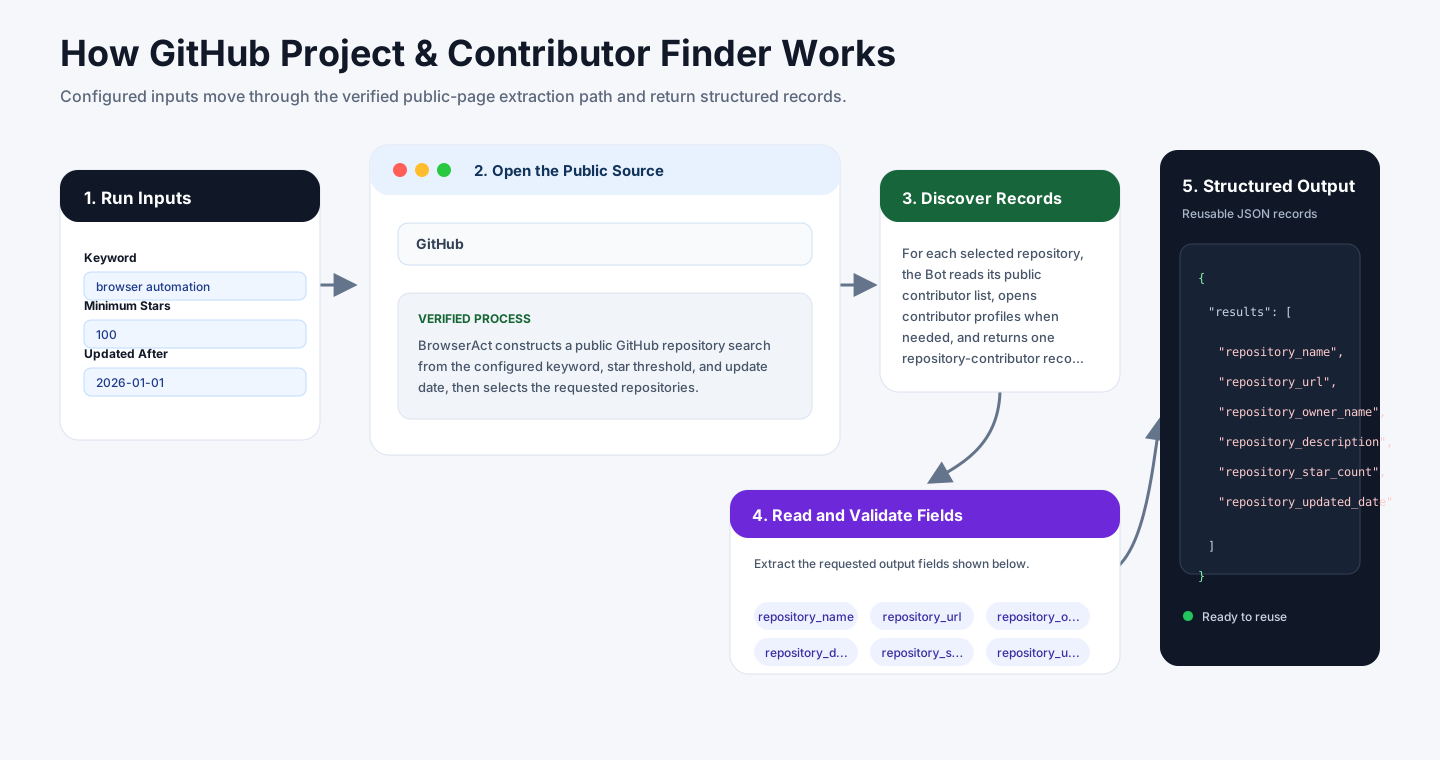
BrowserAct constructs a public GitHub repository search from the configured keyword, star threshold, and update date, then selects the requested repositories.
For each selected repository, the Bot reads its public contributor list, opens contributor profiles when needed, and returns one repository-contributor record per person until both configured limits are reached.
How to Build a New Scraper Bot with Agent Built
Step 1: Describe the Data You Need
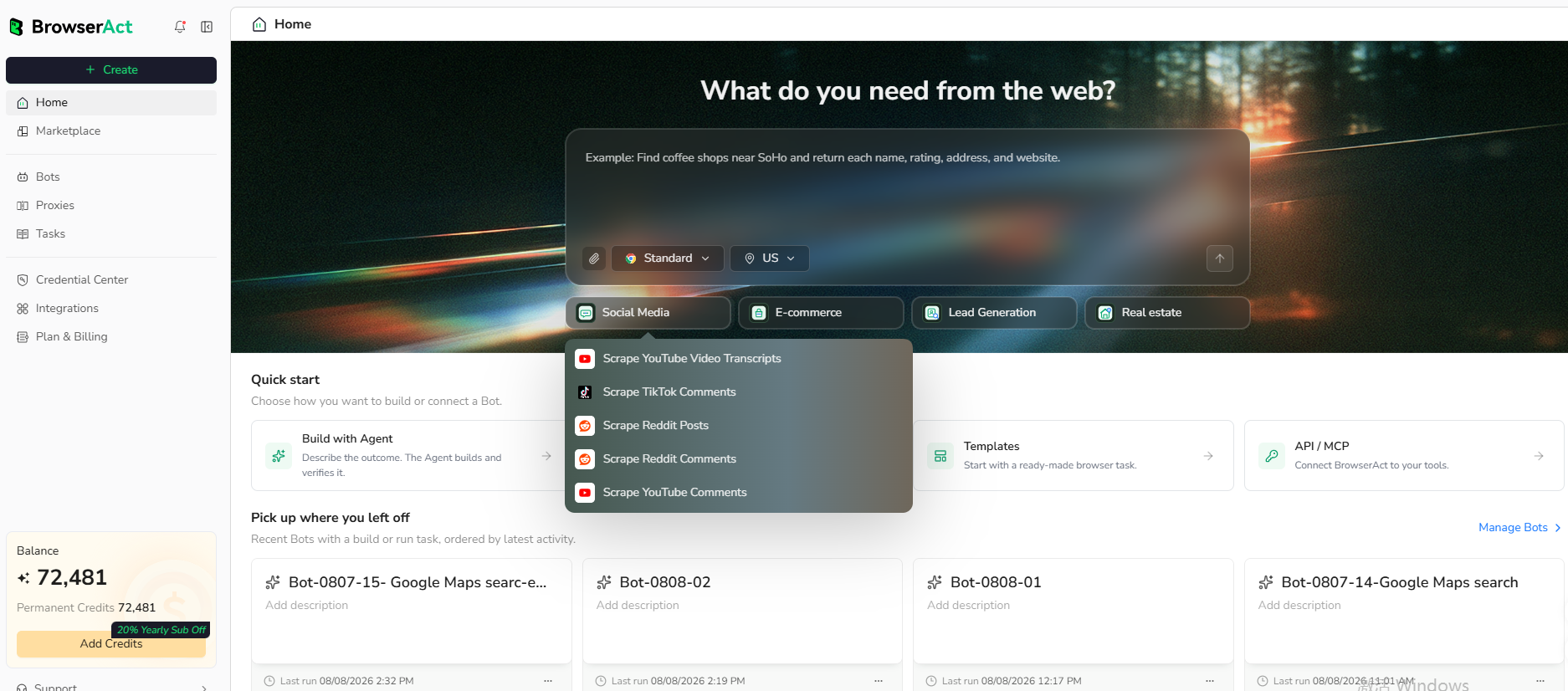
Open BrowserAct and start Agent Built from the Home prompt box or from Create -> Build with Agent. Paste a clear request that includes the website, the records to collect, the filters or search conditions, the fields to return, the result limit, and the inputs you want to reuse later.
Step 2: Let BrowserAct Build and Test the Bot
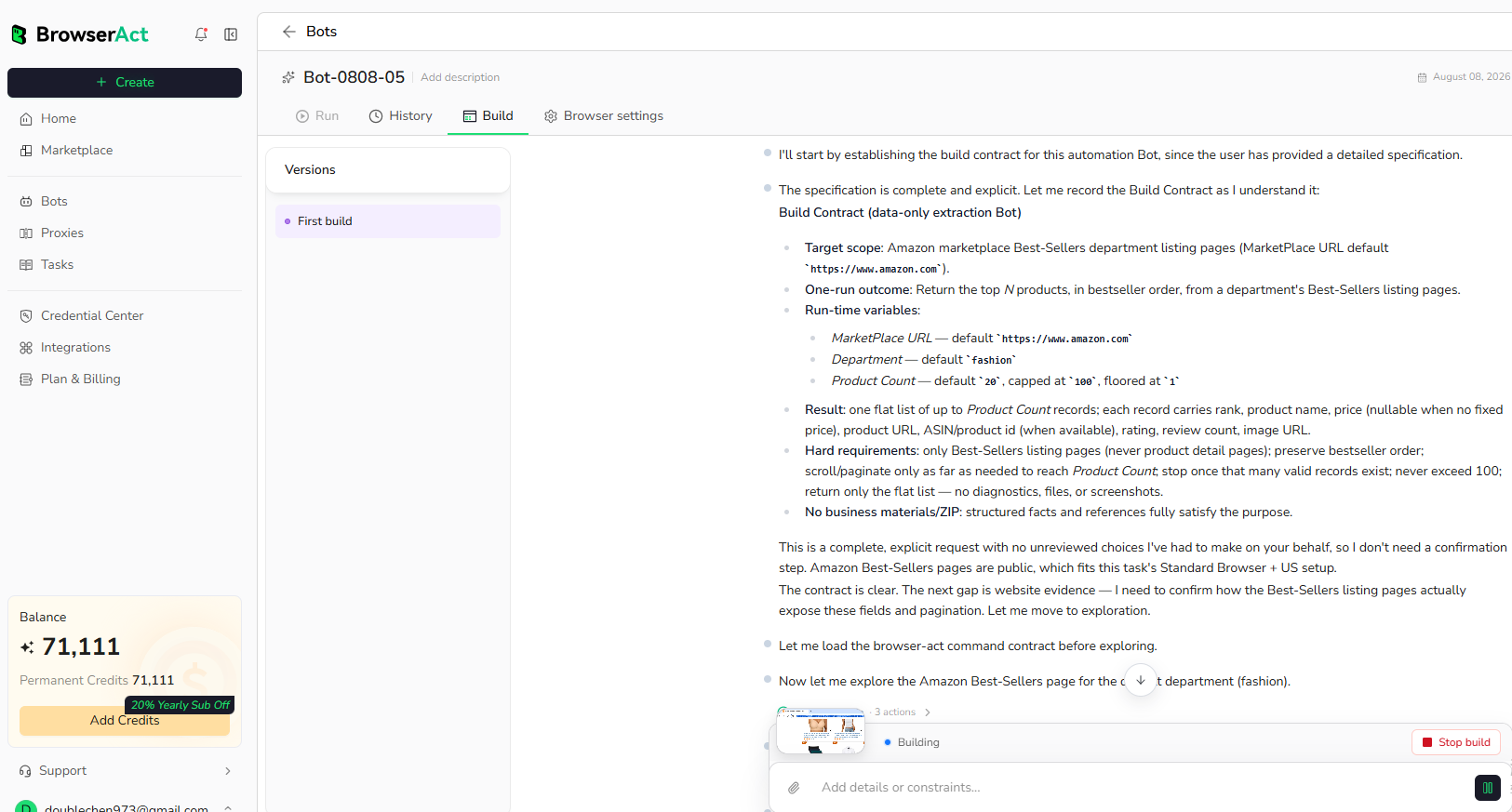
BrowserAct explores the live website, works out the navigation and extraction path, and validates the result. If BrowserAct asks for clarification, reply in the same build conversation with the missing URL, condition, field, example, or expected output.
Step 3: Run the Bot and Review the Result
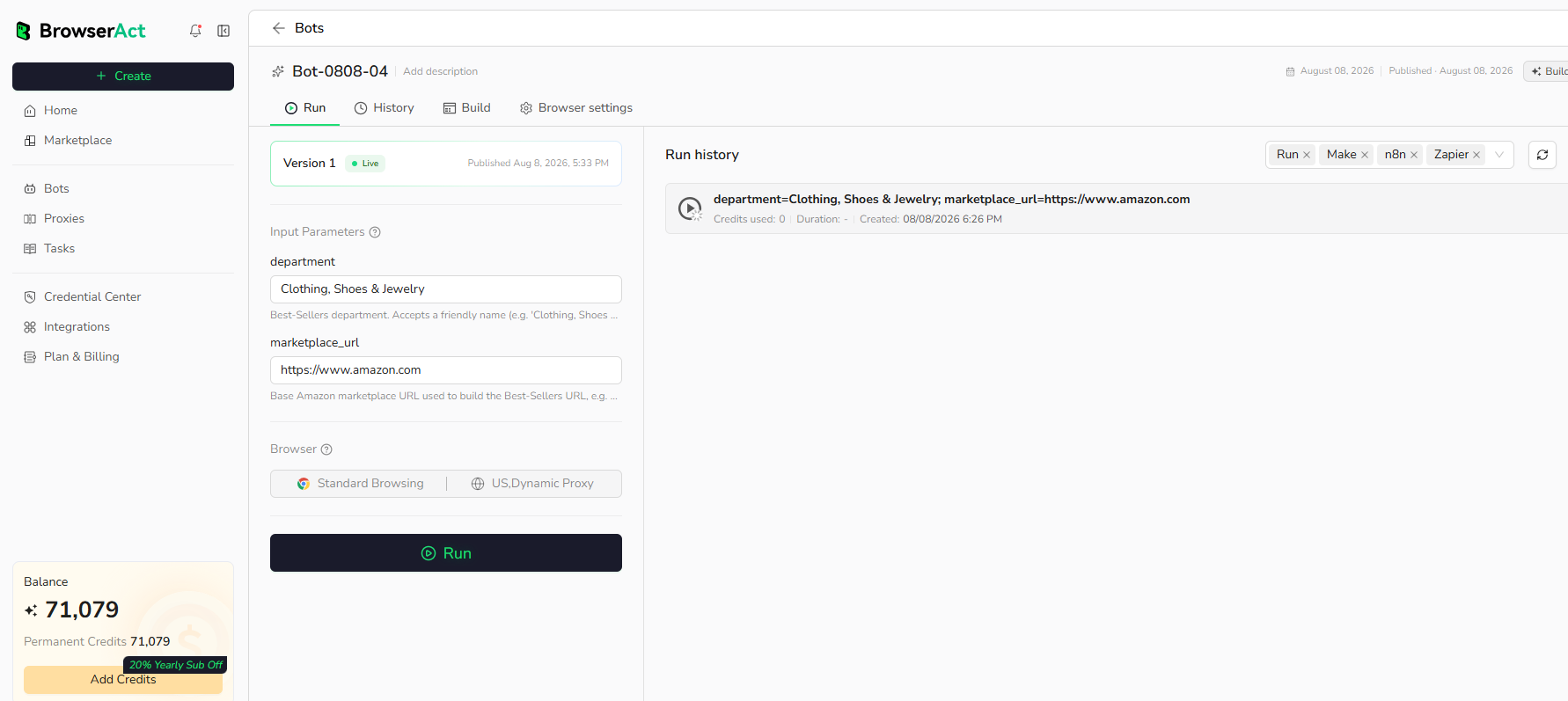
When the build is complete, run the Bot with the default inputs first. Review the structured records, source URLs, missing fields, and row count before reusing the Bot with new inputs or connecting it to another workflow.
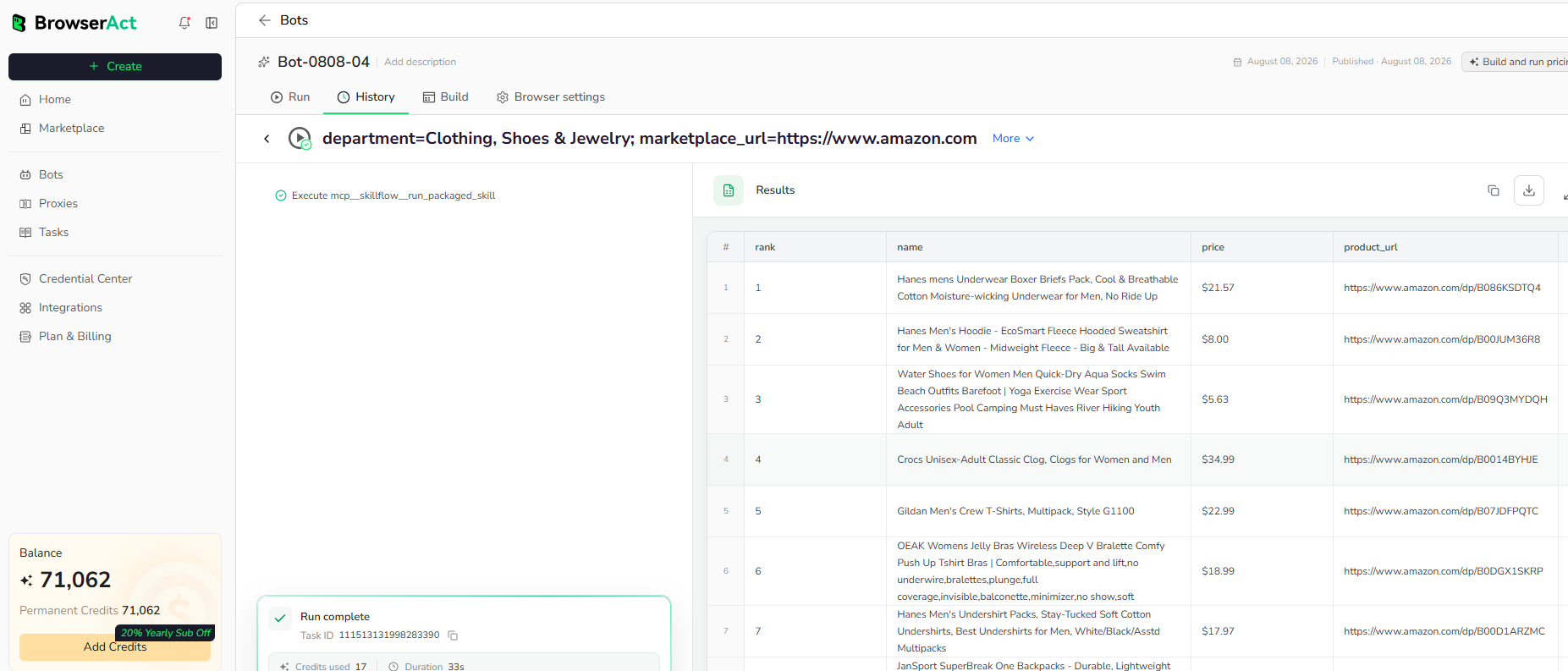
Why Use GitHub Project & Contributor Finder?
Discover active open-source projects and public developer profiles for ecosystem research, partnership sourcing, hiring research, and developer outreach preparation.
Who Can Use This Template?
- Developer relations teams.
- Open-source partnership teams.
- Technical recruiters.
- Market and ecosystem researchers.
How Many Results Can You Scrape?
Repository Count and Contributors per Repository control the maximum result size. The total row count can be up to their product when enough public contributors are available.
Automation and Export
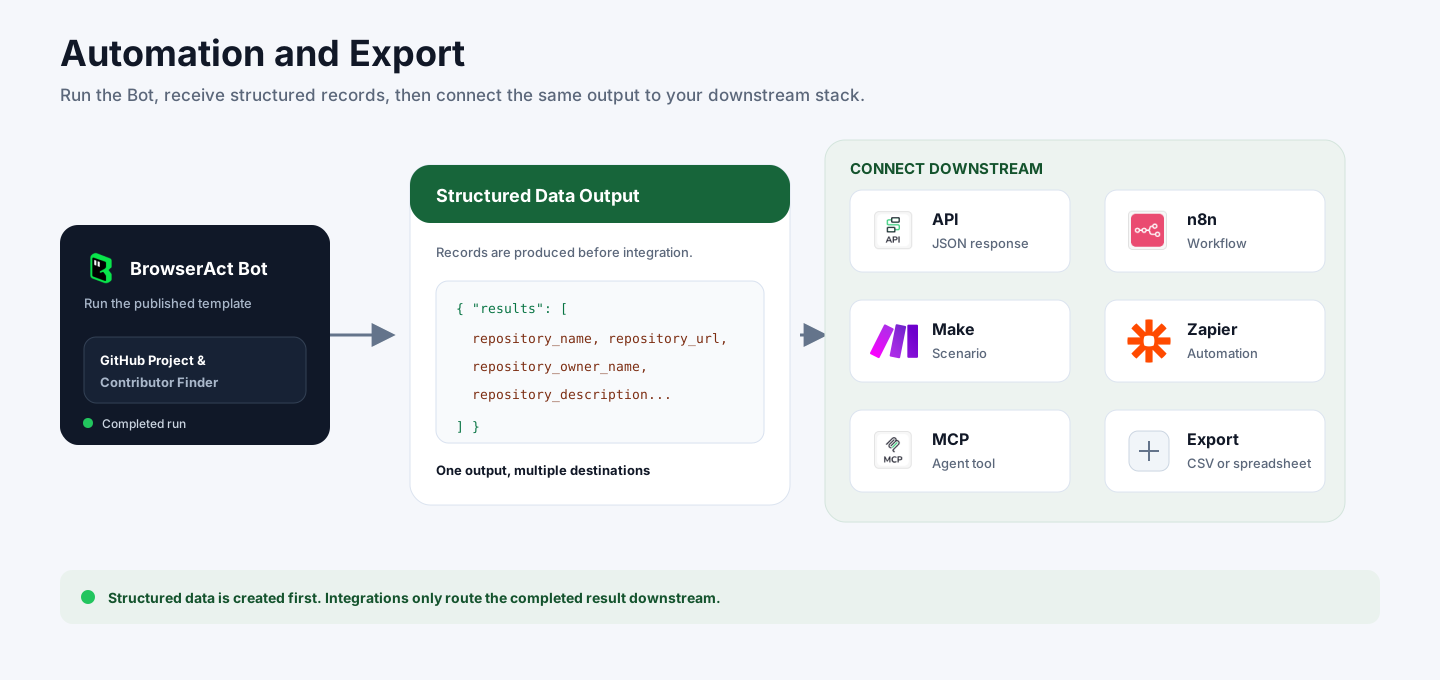
BrowserAct returns structured data first. You can then use the completed output through API JSON responses, n8n workflows, Make scenarios, Zapier automations, MCP-based agent workflows, or manual CSV and spreadsheet review.
Need Help?
Contact us at
Discord: Discord Community
E-mail: service@browseract.com
