
eBay Targeted Product Price Scraper
Automatically extracts product information (name, rating, and price) from eBay search results based on your specified criteria, with flexible output formats for seamless integration.
Published by
cl
claire
January 27, 2026
Approx.Credits
30-50 Credits
Categories
BA
Real-time MonitoringPrice MonitoreBay
Template ID
54980682172073334

Brief
Automatically extracts product information (name, rating, and price) from eBay search results based on your specified criteria, with flexible output formats for seamless integration.
Use Cases:
- Monitor competitor pricing and product ratings for market analysis
- Build product databases for price comparison websites or applications
- Automate market research by collecting product data at scale
- Track product availability and ratings over time for trend analysis
Workflow Steps:
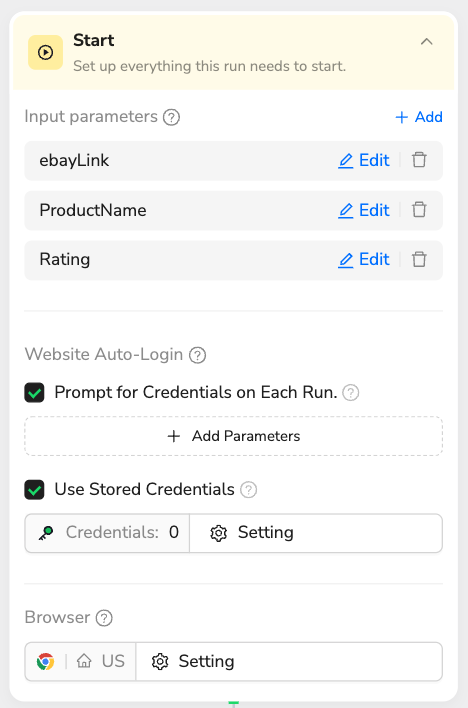
1.Start & Configure Parameters - Set up three input parameters: eBayLink (target eBay page URL), ProductName (search keyword like "galaxy s23 ultra"), and Rating (minimum rating threshold like "%90")
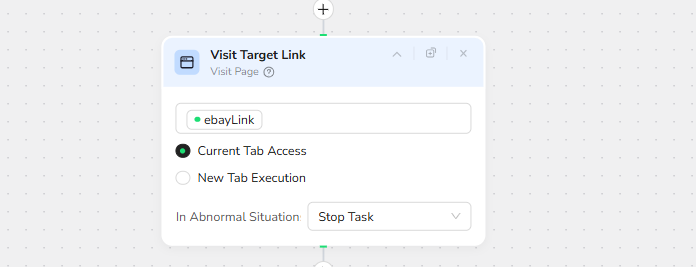
2.Navigate & Search - Visits the target eBay link
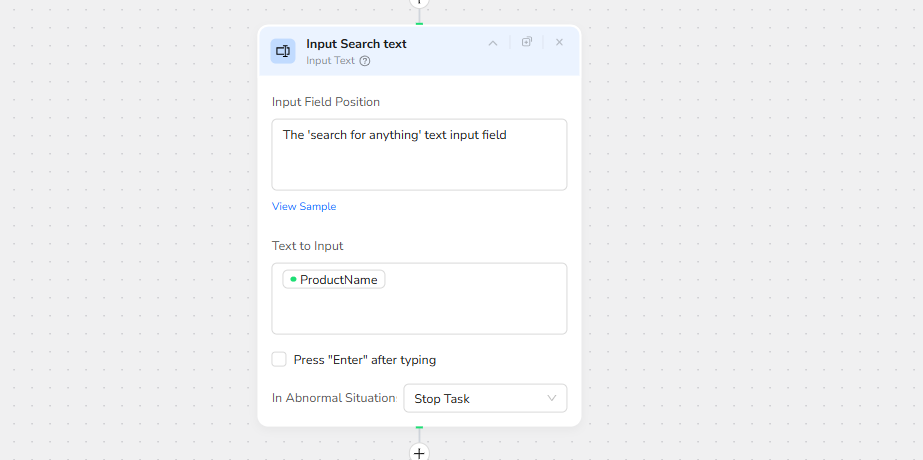
3. Input Search text:inputs the ProductName parameter,
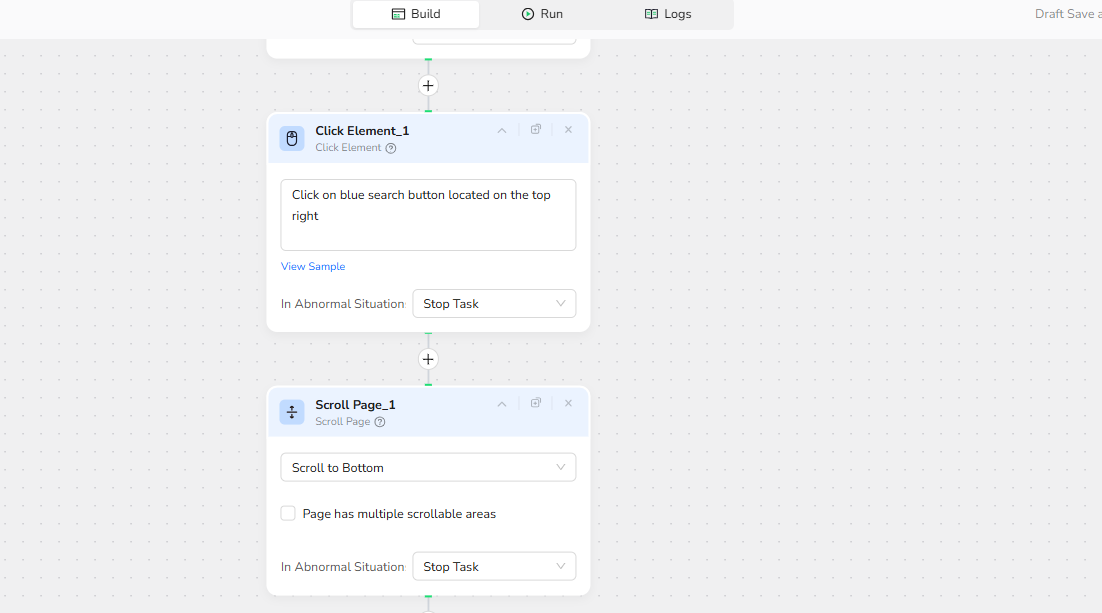
4.Click Element:Click on blue search button located on the top right
5.Scroll Page : Scrolls down the page to ensure all products are loaded
6.Extract Product Data -
Date Foeld:
find the products,add the product name to “product name”field , add the maximum price to
"maxPrice" field and add the minimum price to "minPrice"
field (if there is no minimum and maximum use the price for both fields) - the
seller for each product is listed like this example:
["phonehavens" "99.3%" "positive"
"(1.1K)"] - ["seller" "rating"
"positive/negative" "(total votes)"] only add the
"seller" to "prodcutSeller" field
Filtering Criteria:
only extracr the products rated /Rating or higher

7.Finish & Output - Returns extracted data in your preferred format (JSON, CSV, XML, or Markdown) containing filtered product information

Output: Choose from multiple format options to suit your needs:
- JSON - Perfect for API integrations and web applications
- CSV - Ideal for Excel analysis and database imports
- XML - Great for enterprise systems and data interchange
- Markdown (MD) - Easy-to-read format for documentation and reports
Key Features:
- Customizable Parameters: Adjust eBayLink, ProductName, and Rating thresholds to match your specific needs
- Flexible Output Formats: Select JSON, CSV, XML, or Markdown based on your workflow requirements
- Make.com Integration: Browseract is now available as a native app on Make.com - simply add it to your scenarios without complex API setup
- Automation-Ready: Easily integrate with Make, n8n, or other automation platforms for scheduled data collection
- Credential Management: Securely stores login credentials for seamless repeated executions
Ready to automate? Try this workflow now →
🚀 Quick Start with Make.com: Browseract is now available as an official app on Make.com! Simply search for "Browseract" in the Make.com app directory and add it directly to your automation scenarios - no complex configuration needed.
Need help? Contact us at
- Discord: https://discord.com/invite/UpnCKd7GaU
- E-mail: service@browseract.com