

What Does BrowserAct Douyin Video Scraper Do?
Collect keyword-matching Douyin videos, including captions, creators, publish times, topic tags and engagement counts, with BrowserAct. Use the individual records to research content themes, compare creators and organize social-content research without writing a scraper.
Your Douyin login is required. Click Run, enter the search settings, then continue to Account login to choose a proxy and connect your own account before starting.
Key Features of Douyin Video Scraper
- Find videos for a keyword within a supported publish-time window.
- Collect full captions and topic tags to compare content themes.
- Identify creators with profile and video links for further research.
- Compare visible like, favorite and comment counts.
What Data Can I Extract from Douyin?
| Field | What you receive |
|---|---|
keyword |
Search keyword |
video_id |
Video ID |
video_url |
Video link |
title |
First non-empty caption line |
content |
Full video caption |
author_name |
Creator nickname |
author_url |
Creator profile link |
publish_time |
Publish time in Beijing time |
hashtags |
Topic tags |
like_count |
Like count |
collect_count |
Favorite count |
comment_count |
Comment count |
How to Use Douyin Video Scraper
- Open Run task and click Run.
- Enter the keyword, choose the publish-time window and set the requested quantity. Continue to Account login.
- Choose a proxy. A Static Proxy is recommended when you need a consistent IP for the account.
- Choose an available account login method, complete sign-in with your own Douyin account, then select Save & Run. Review the results when the task finishes.
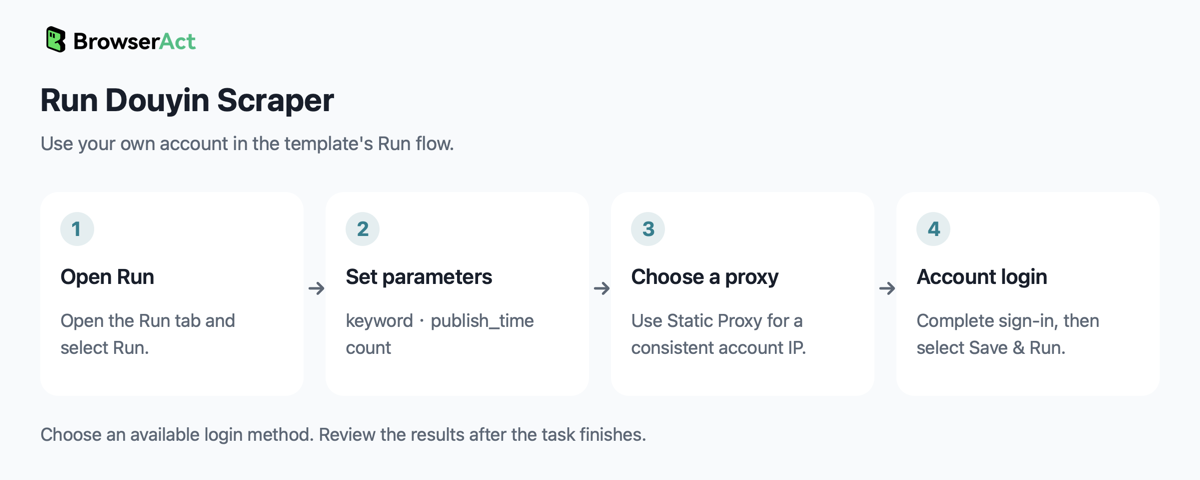
Input Parameters
| Parameter | Configuration |
|---|---|
keyword |
Required text. Enter the search keyword; no default is currently configured. Example: 美食. The search is performed on Douyin. |
publish_time |
Dropdown; default 不限. Options: 不限 (any time), 一天内 (last day), 一周内 (last week), 半年内 (last six months). |
count |
Required integer, at least 1; no default is currently configured. Example: 10. Sets the maximum number of matching videos to return. |
Example Output
An example structured record is shown below. Long text may be shortened for readability. Each returned video occupies its own result and table or CSV row.
| Field | Result |
|---|---|
keyword |
美食 |
video_id |
7672231366217670825 |
video_url |
https://www.douyin.com/video/7672231366217670825 |
title |
公瑾爆蛋豪华版 #公瑾爆蛋豪华版 #抖音美食跟学大赛#创作阶梯计划 |
content |
公瑾爆蛋豪华版 #公瑾爆蛋豪华版 #抖音美食跟学大赛#创作阶梯计划 |
author_name |
变成护肝片 |
author_url |
https://www.douyin.com/user/MS4wLjABAAAA3KnZACn1deT3NC8ED3DpRWGddm_m8RkC94_lZu3jI_221MzlWR-g-U0aHDSXTXO2 |
publish_time |
2026-08-10 10:56:08 |
hashtags |
公瑾爆蛋豪华版,抖音美食跟学大赛,创作阶梯计划 |
like_count |
1646510 |
collect_count |
193575 |
comment_count |
10999 |
How Does It Work?
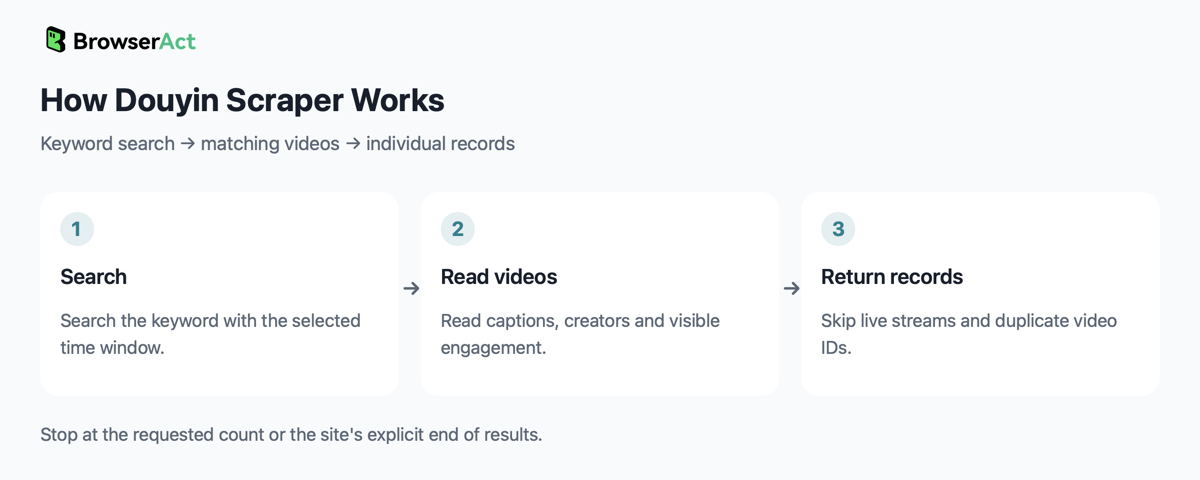
The Bot searches Douyin, applies the selected time window and reads video records from the available result-list layout. It skips live-stream cards and duplicate video IDs, continuing through the results until the requested count or the site's explicit end of results. It returns captions, creator details, publish times and visible engagement counts.
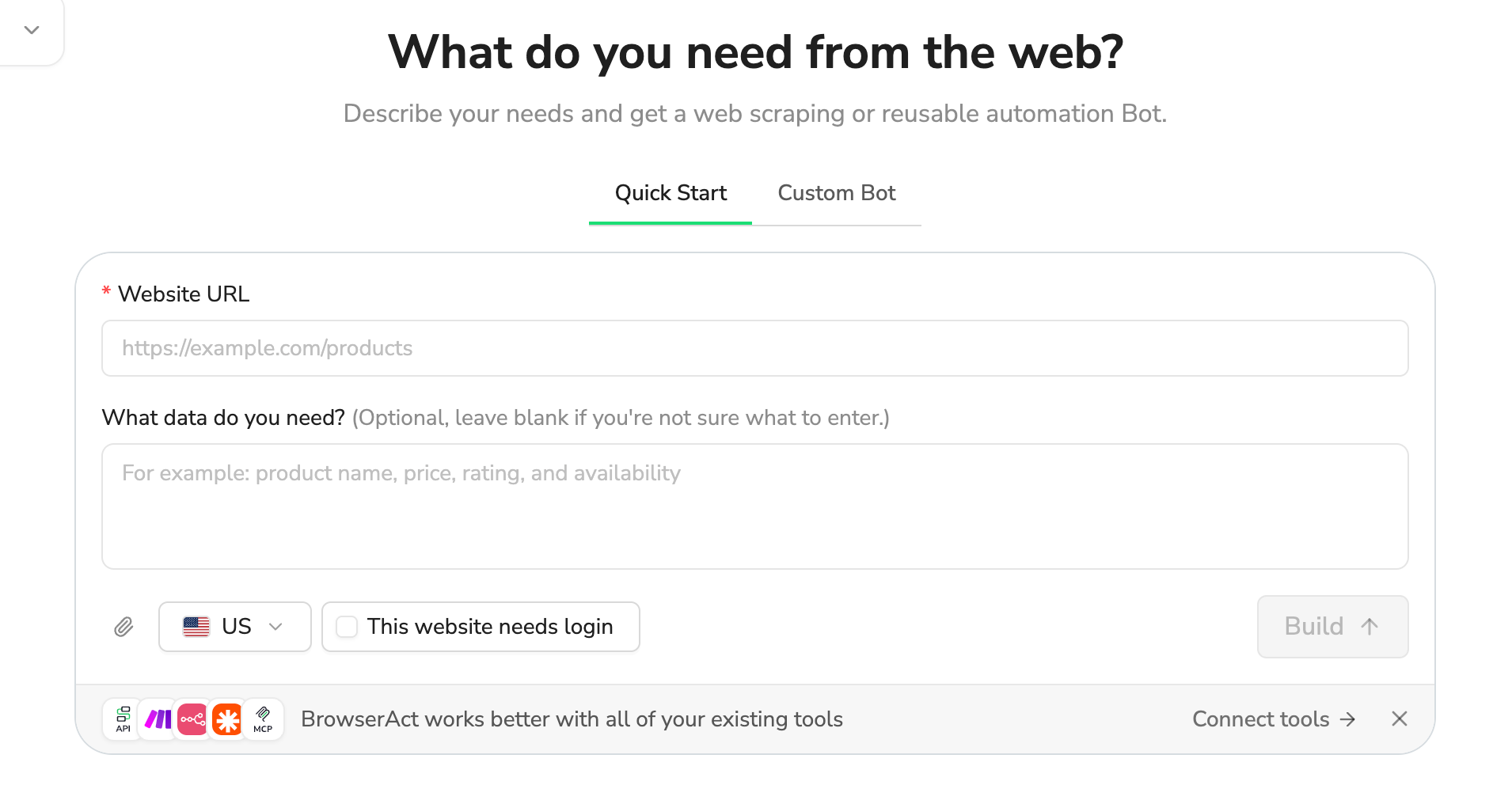
How to Build a New Scraper Bot with Agent Built
- Describe the website, records and fields you need in BrowserAct.
- Let BrowserAct build and test the Bot; complete your own website login when requested.
- Run the completed Bot and review its structured results.
Why Use Douyin Video Scraper?
Use the caption and tag data to compare how creators cover a topic. Pair creator links with engagement counts to build research shortlists, then use the original video links to review the context before making content or partnership decisions.
Who Can Use Douyin Video Scraper?
Content marketers, creator-research teams and social-media researchers who have access to their own Douyin account.
How Many Results Can You Scrape?
The requested count is a cap. If Douyin explicitly reports no more results, the Bot returns the eligible videos it found. A blocked page, unapplied filter or stalled list is an extraction failure rather than proof that the search has no results.
Automation and Export
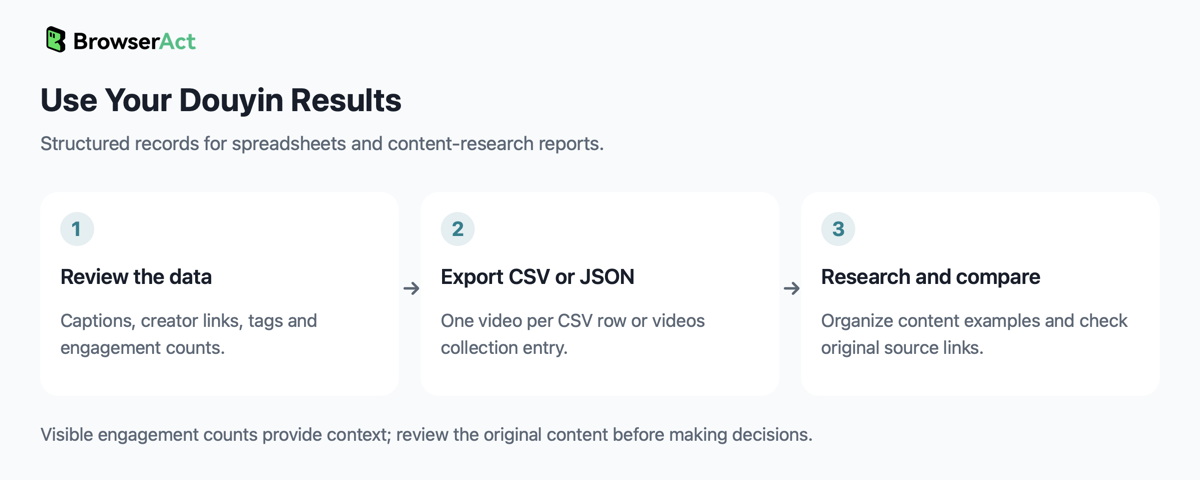
BrowserAct returns structured records that you can review and export as CSV or JSON. The JSON collection is videos, with one video per entry. Use the exported data in spreadsheets and content-research reports.
Need Help?
Need help? Contact live support using the chat button at the bottom right, or email service@browseract.com.
