

Extract public DogPack dog park listings with locations, ratings, descriptions, coordinates, amenities, and park profile URLs. The template works with public pages, reusable inputs, and structured results that can be exported or connected to downstream automation.
What Does BrowserAct DogPack Dog Park Scraper Do?
Use this BrowserAct template to collect structured travel data from public DogPack pages without writing browser scripts. The Bot starts from configurable inputs, follows the verified public workflow, preserves source evidence, and returns consistent records for research, monitoring, enrichment, and automation.
Key Features
- Uses public pages and does not require login.
- Keeps fixed website origins inside the Bot instead of asking users to type them.
- Uses verified dropdowns when the source exposes a maintainable finite option set.
- Preserves source URLs and honest missing values instead of inventing data.
- Returns structured records ready for export and integration.
What Data Can I Extract from DogPack?
| Field | Description |
|---|---|
rank |
Visible result order returned by the source. |
park_name |
Park Name value extracted from the public source. |
park_url |
Public park url preserved as source evidence. |
description |
Description value extracted from the public source. |
park_type |
Park Type value extracted from the public source. |
address |
Address value extracted from the public source. |
city |
City value extracted from the public source. |
state_or_region |
State Or Region value extracted from the public source. |
postal_code |
Postal Code value extracted from the public source. |
country |
Visible country value. |
latitude |
Latitude value extracted from the public source. |
longitude |
Longitude value extracted from the public source. |
rating |
Public rating value when shown. |
review_count |
Visible review count value. |
amenities |
Amenities value extracted from the public source. |
is_off_leash |
Observed is off leash state from the public source. |
is_fully_fenced |
Observed is fully fenced state from the public source. |
has_dog_friendly_trail |
Observed has dog friendly trail state from the public source. |
has_open_field |
Observed has open field state from the public source. |
has_water_fountain |
Observed has water fountain state from the public source. |
has_free_parking |
Observed has free parking state from the public source. |
has_seating |
Observed has seating state from the public source. |
has_shade |
Observed has shade state from the public source. |
has_poop_bags |
Observed has poop bags state from the public source. |
source_directory_url |
Public source directory URL used to discover the record. |
extraction_status |
Whether this record was extracted completely or only partially. A batch with no usable records because of execution failures fails at task level. |
How to Use DogPack Dog Park Scraper
Quick Start Guide
- Click Run task.
- Configure the input parameters, or keep the defaults for a first run.
- Click
Run. - Review and download the structured result when the run completes.
Input Parameters
| Parameter | Configuration |
|---|---|
| location | Type: string. Required: Yes. Default: "Henderson, Nevada, United States". Free-text location to search on DogPack (e.g. city, state, country). DogPack coverage is open-ended, so this is open text. |
| count | Type: integer. Required: Yes. Default: 10. Maximum number of unique parks to collect, in the directory's visible order. Fewer are returned when the location has fewer public parks. |
Result Handling
Each park occupies its own row in the result and CSV export. Multiple records are not combined into one cell.
If extraction fails for every target, the task fails instead of returning a successful error-only result. When a batch has usable results alongside failed checks, the usable rows are retained and incomplete work is identified. Missing optional values do not by themselves mean that extraction failed.
Example Output
This preview shows one example record. Long values are shortened for readability; the downloadable result keeps the full values.
| Field | Result |
|---|---|
| rank | 1 |
| park_name | Arroyo Grande Dog Park |
| park_url | https://www.dogpackapp.com/parks/united-states/nevada/henderson/arroyo-grande-dog-park |
| description | Welcome to Arroyo Grande Dog Park, located at 298 N Arroyo Grande Blvd in Henderson, NV! This official dog park is a paradise for your canine companion, featuring a fully fenced, off-leash area where your furry friend can play and socialize freely. With a dog-friendly trail and an open field, this park provides ample space for exercise and exploration, ma... |
| park_type | Official |
| address | 298 N Arroyo Grande Blvd, Henderson, NV 89014, United States |
| city | Henderson |
| state_or_region | Nevada |
| postal_code | 89014 |
| country | United States |
| latitude | 36.047374 |
| longitude | -115.051765 |
| rating | null |
| review_count | 0 |
| amenities | Fully Fenced, Off-Leash Area, Dog-Friendly Trail, Open Field |
| is_off_leash | true |
| is_fully_fenced | true |
| has_dog_friendly_trail | true |
| has_open_field | true |
| has_water_fountain | null |
| has_free_parking | null |
| has_seating | null |
| has_shade | null |
| has_poop_bags | null |
| source_directory_url | https://www.dogpackapp.com/parks/united-states/nevada/henderson |
| extraction_status | ok |
How Does it Work?
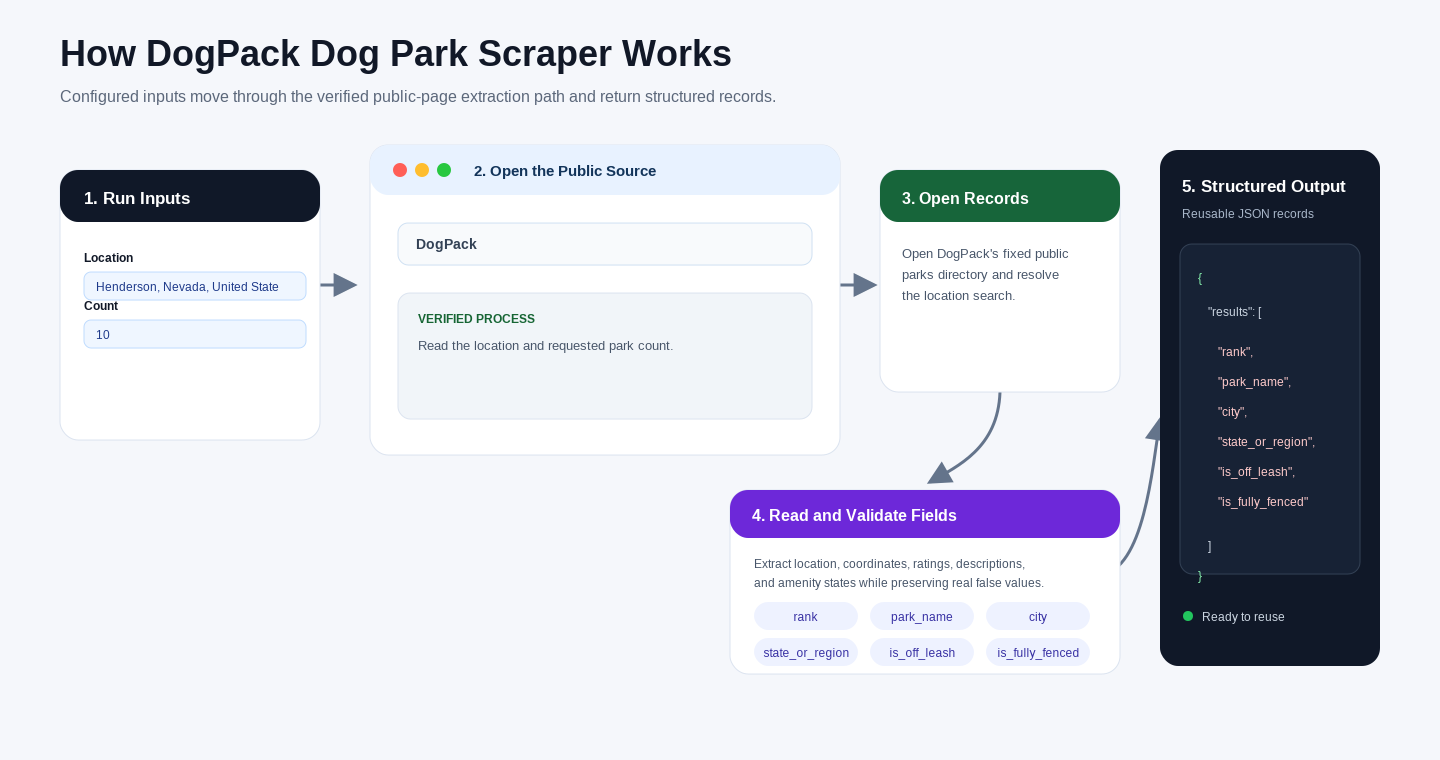
- Read the location and requested park count.
- Open DogPack's fixed public parks directory and resolve the location search.
- Collect park cards in visible order and open each public park profile.
- Extract location, coordinates, ratings, descriptions, and amenity states while preserving real false values.
- Deduplicate by park URL and return structured park records.
How to Build a New Scraper Bot with Agent Built
Step 1: Describe the Data You Need
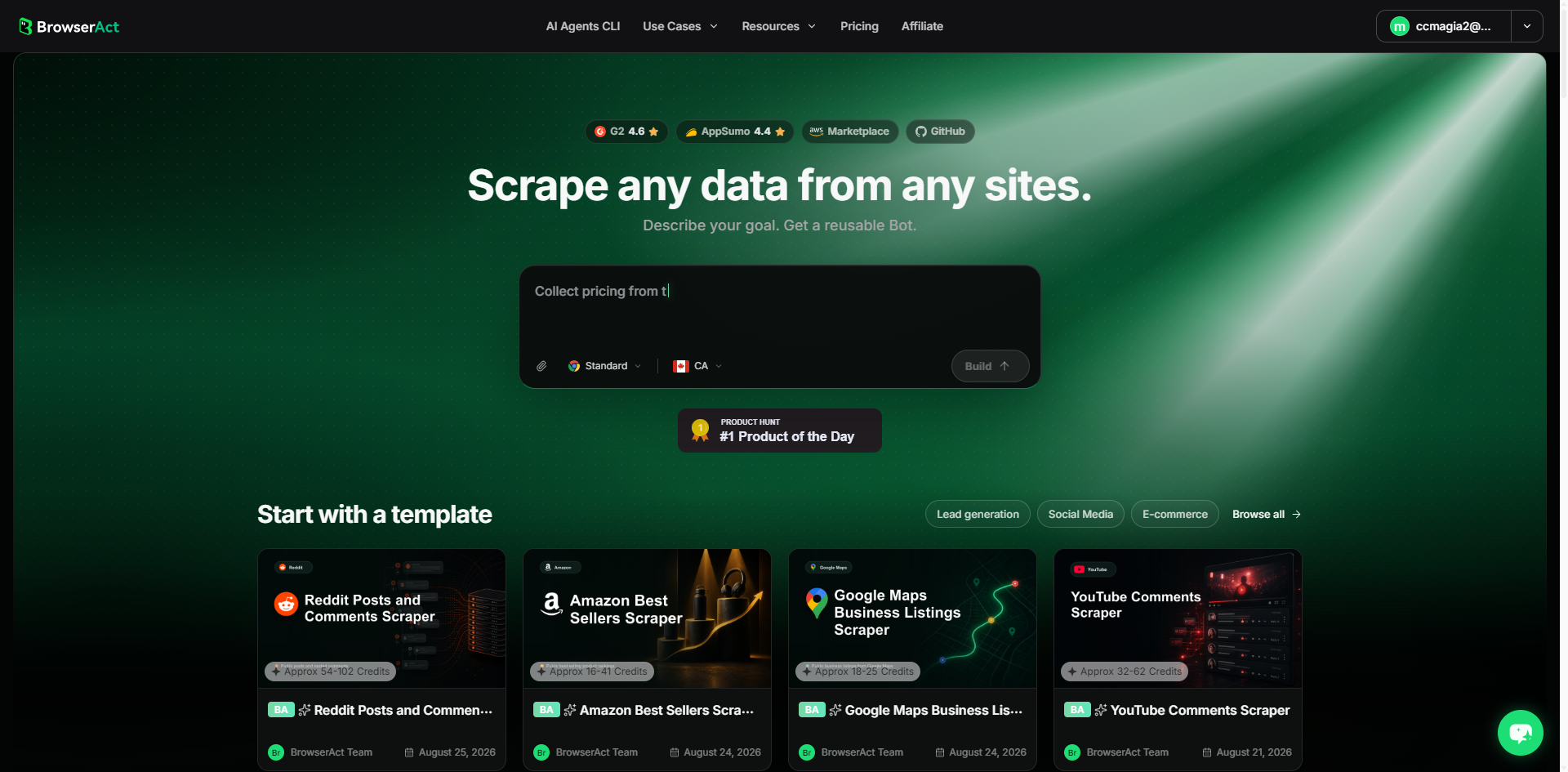
Open BrowserAct and start Agent Built from the Home prompt box or from Create -> Build with Agent. Describe the public website, records, filters, fields, result limit, and reusable inputs.
Step 2: Let BrowserAct Build and Test the Bot
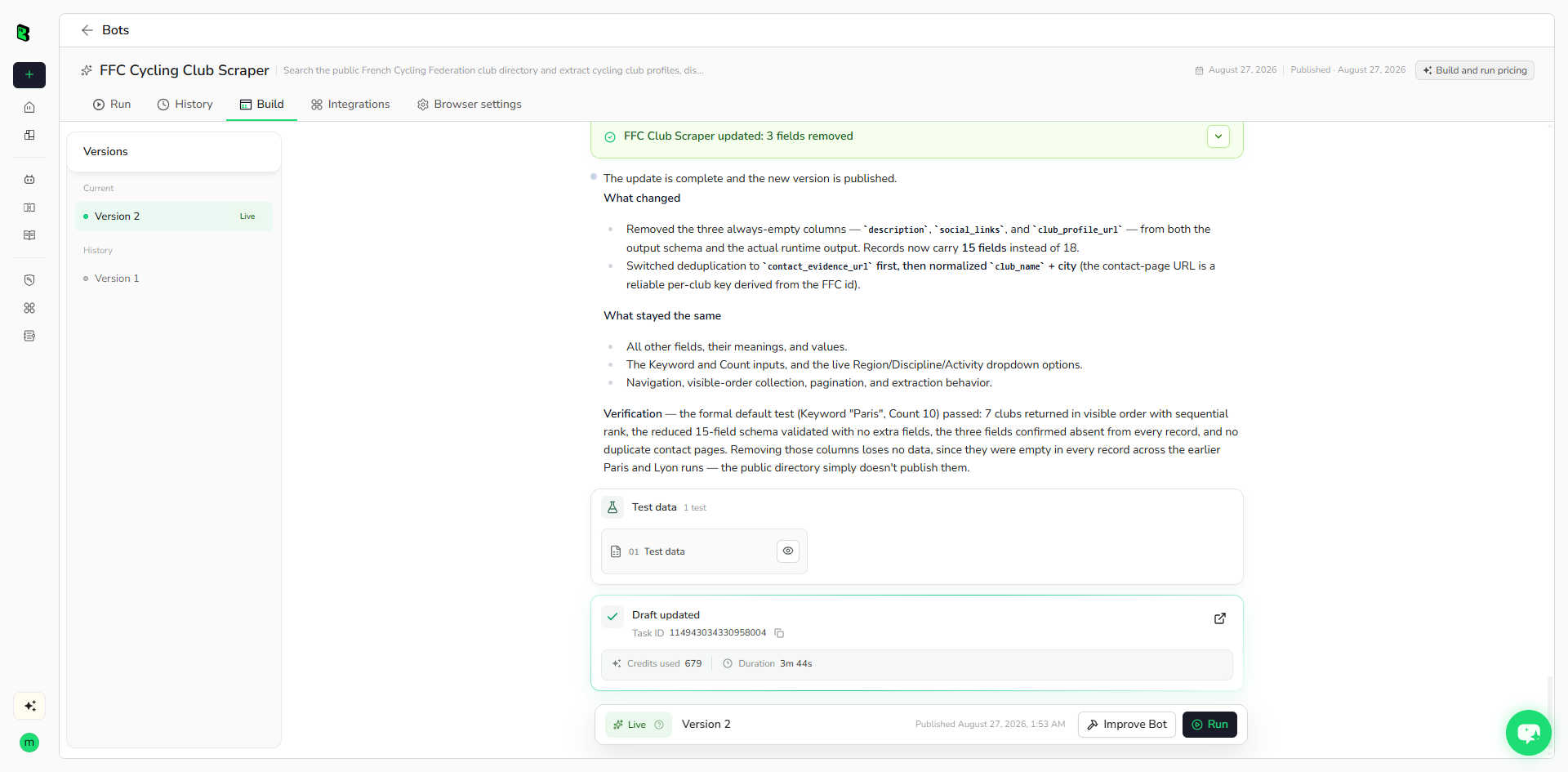
BrowserAct explores the live website, builds the navigation and extraction path, and validates the result. Reply in the same build conversation if the Agent asks for a missing URL, condition, field, or expected output.
Step 3: Run the Bot and Review the Result
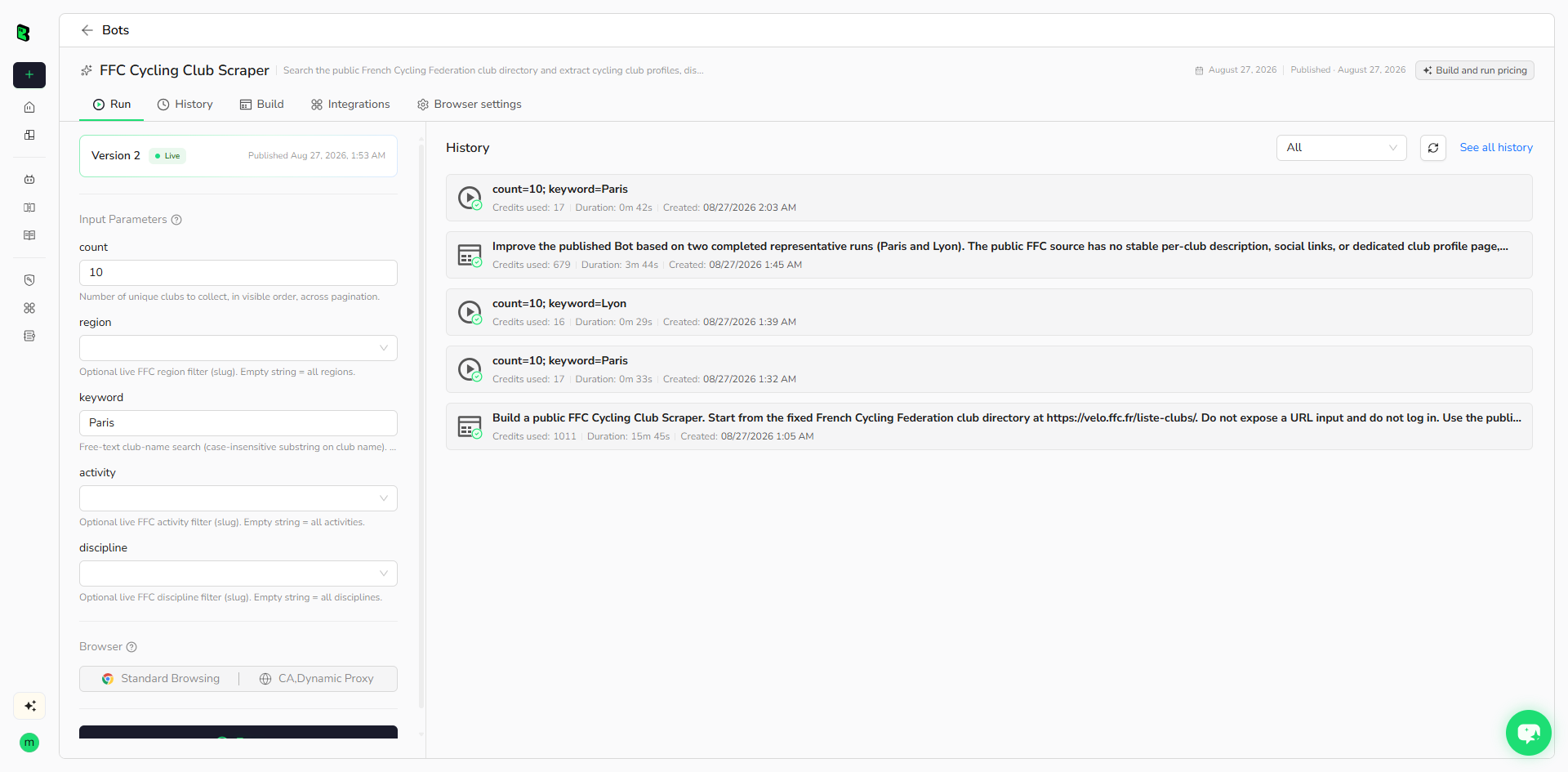
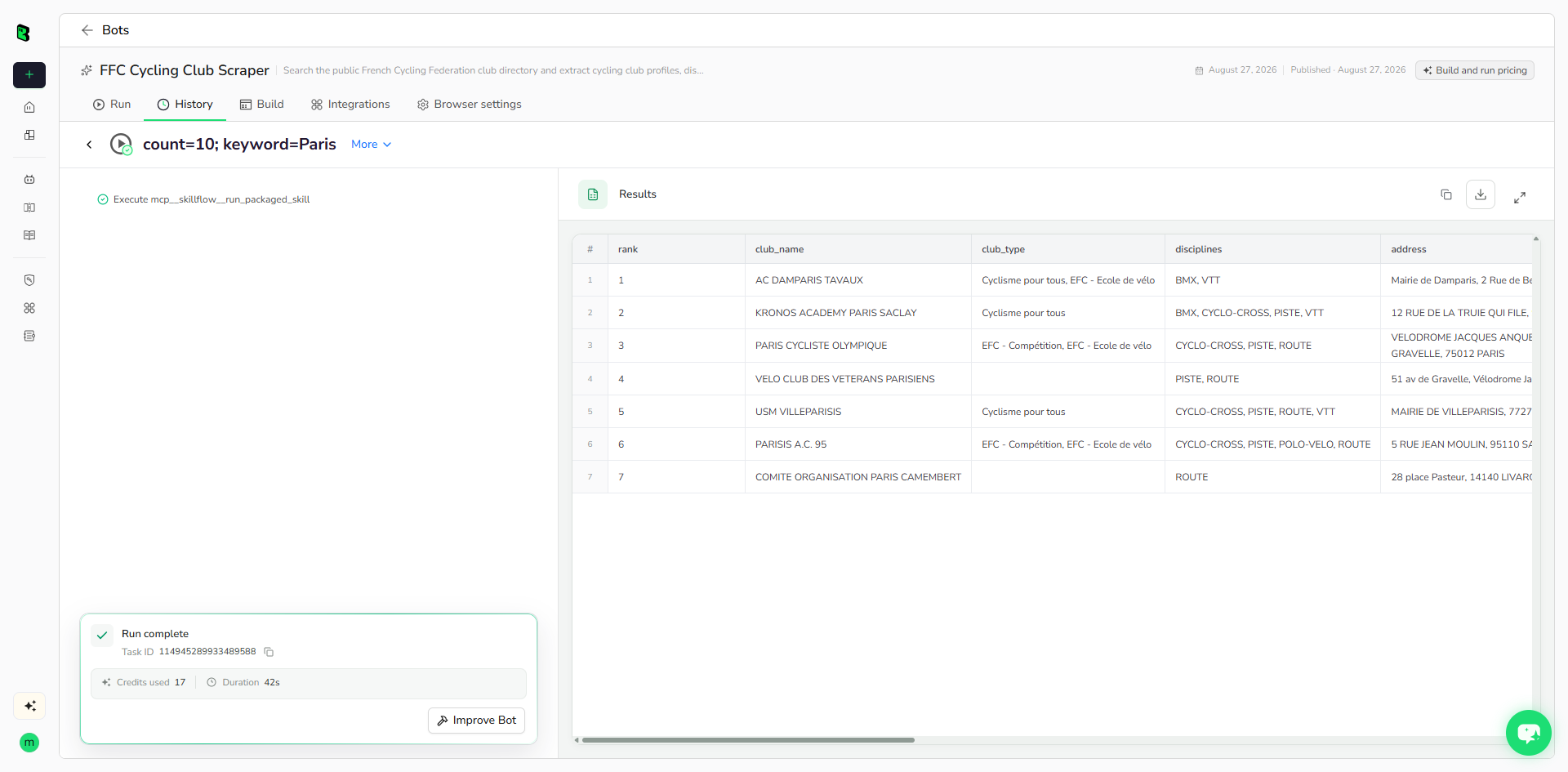
Run the published Bot with its default inputs. Check the row count, source URLs, missing fields, and structured output before reusing it with new values or connecting it to another workflow.
Why Use DogPack Dog Park Scraper?
- Replace repetitive public-page research with a reusable Bot.
- Keep source evidence and structured fields together for review.
- Re-run the same workflow with new location values without rebuilding.
- Send completed records into data, CRM, reporting, and agent workflows.
Who Can Use This Template?
- Researchers and analysts.
- Marketing, sales, recruiting, or operations teams.
- Data and automation builders.
- Agencies and independent professionals.
How Many Results Can You Scrape?
Use the available result-limit input when present. Start with the default, then increase gradually based on source coverage and the amount of detail opened for each record.
Automation and Export
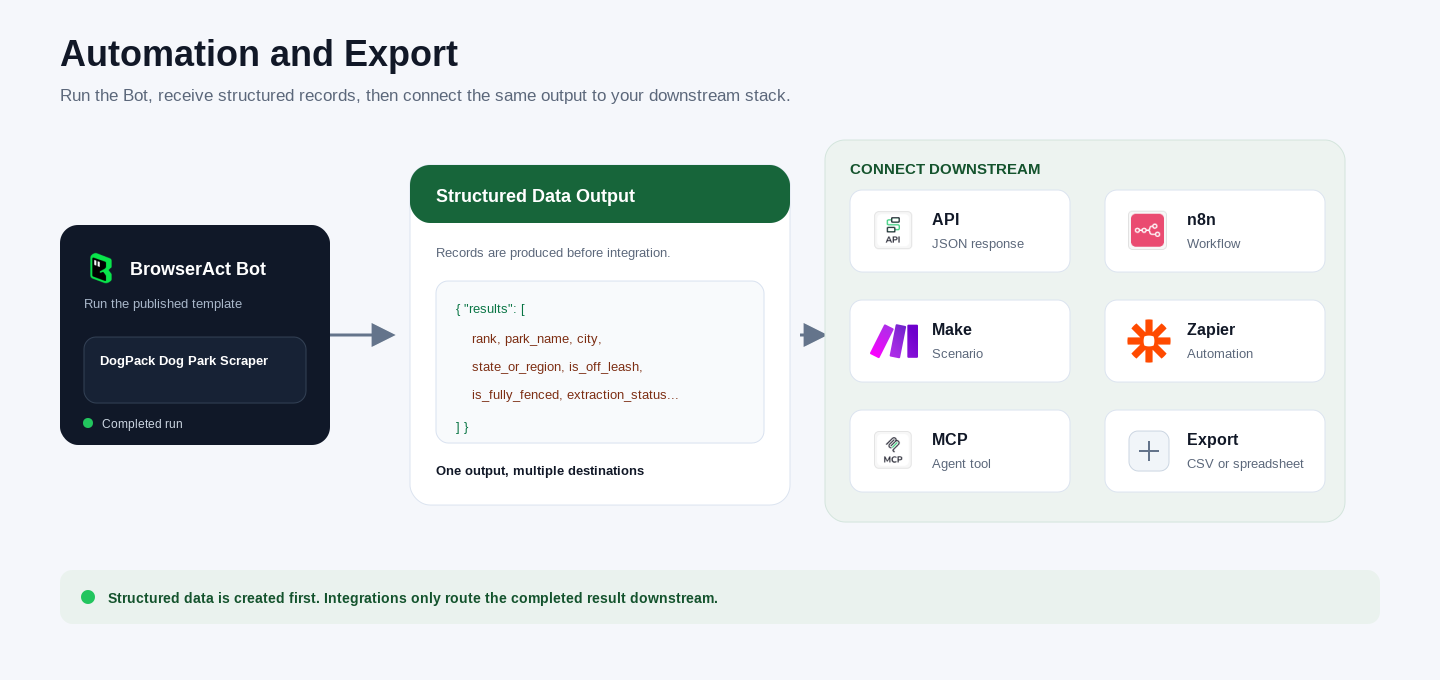
BrowserAct returns structured data first. You can then use the completed output through API JSON responses, n8n workflows, Make scenarios, Zapier automations, MCP-based agent workflows, or manual CSV and spreadsheet review.
Need Help?
E-mail: service@browseract.com
