

What Does BrowserAct Clutch Company Details Scraper Do?
Use BrowserAct Clutch Company Details Scraper to collect a complete public company profile from Clutch, including company_name, description, total_reviews, overall_rating, average_referral_rating. The Bot stays within the selected public Clutch page flow and returns structured company profile data for vendor due diligence, company enrichment, or downstream automation without writing code or requiring a target-site login. Run it in BrowserAct or invoke the same published template through its API Tab.
Key Features of Clutch Company Details Scraper
- Configure
include_review_highlights,profile_url,max_review_highlightsto reuse the same Bot for different public Clutch targets. - Collect a complete public company profile from Clutch from the template's defined public page flow.
- Return structured company profile data with fields such as
company_name,canonical_profile_url,tagline,description,website_url. - Run without a target-site account login or custom scraper code.
- Use the API Tab to connect the same published template to downstream automation.
What Data Can I Extract from Clutch?
| Field | Description |
|---|---|
company_name | Visible company name shown on Clutch. |
canonical_profile_url | Public source URL associated with the company profile data. |
tagline | Tagline returned from the public Clutch page. |
description | Visible description returned by the public page. |
website_url | Public source URL associated with the company profile data. |
min_project_size | Min Project Size returned from the public Clutch page. |
average_hourly_rate | Public source URL associated with the company profile data. |
employee_count | Structured employee count extracted from the public source. |
founded_year | Founded Year returned from the public Clutch page. |
locations | Publicly displayed locations when available. |
timezones | Visible timezones when the source provides it. |
total_reviews | Structured total reviews extracted from the public source. |
overall_rating | Structured overall rating extracted from the public source. |
average_referral_rating | Structured average referral rating extracted from the public source. |
services | Services returned from the public Clutch page. |
review_highlights | Review Highlights returned from the public Clutch page. |
How to Use Clutch Company Details Scraper
Quick Start Guide
1. Open Run Task.
2. Review or change the populated input values.
3. Run the Bot.
4. Review the structured result in the Output Tab.
5. Connect the published template to your downstream workflow when needed.
Input Parameters
| Parameter | Configuration |
|---|---|
include_review_highlights | Dropdown; required; default Yes. Choose one supported include review highlights option. Options: Yes, No. |
profile_url | String; required; default https://clutch.co/profile/chopdawgcom. Public profile url to process. |
max_review_highlights | Integer; required; default 5. Value used for max review highlights. |
Example Output
The table shows one representative real result. Long text is shortened only in this documentation preview.
| Field | Result |
|---|---|
company_name | ChopDawg.com |
canonical_profile_url | https://clutch.co/profile/chopdawgcom |
tagline | Meet The Partner Behind Your App's Success |
description | At Chop Dawg, we’re more than an ordinary app development agency—we’re your extended team, delivering the results you need. For over 18 years, we’ve launched 500+ apps for startups, growing businesses, Fortune 500s, n... |
website_url | https://www.chopdawg.com |
min_project_size | $1,000+ |
average_hourly_rate | $50 - $99 / hr |
employee_count | 10 - 49 |
founded_year | 2009 |
locations | ["Philadelphia, PA","Smyrna, GA","Seattle, WA","Boston, MA"] |
timezones | ["EST","CST","MST","PST","GMT"] |
total_reviews | 112 |
overall_rating | 4.8 |
average_referral_rating | 4.9 |
services | [{"position":1,"service_name":"Mobile App Development","service_percentage":80},{"position":2,"service_name":"Web Development","service_percentage":20}] |
review_highlights | [{"position":1,"rating":5,"review_title":"Mobile App Development for Youth Development Organization","review_content":"ChopDawg.com is building a mobile app for a youth development organization. They’ve done low-fidel... |
How Does It Work?
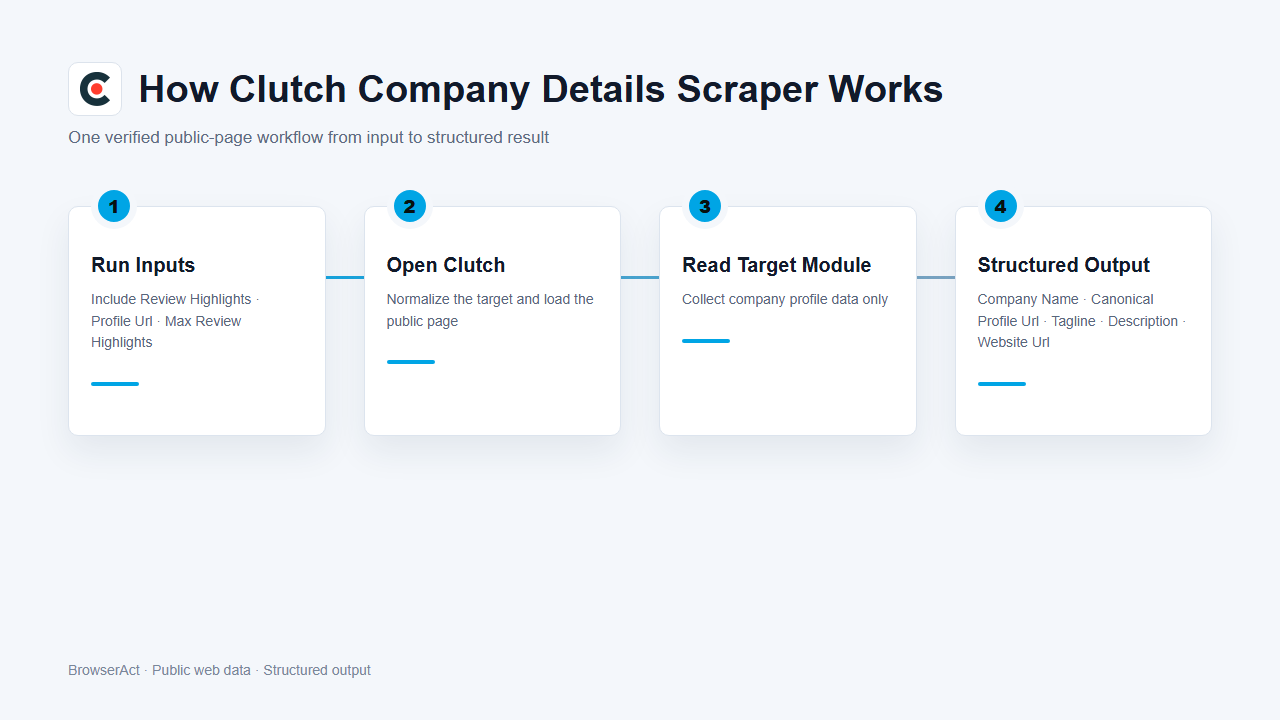
1. BrowserAct validates the supplied inputs and maps supported dropdown selections.
2. The Bot constructs or normalizes the target URL and opens the supplied public detail page.
3. It reads the visible company profile data without entering unrelated pages or account-only areas.
4. It normalizes visible values, preserves valid optional values, and stops after the target page has been processed.
5. The run returns one structured response for review, export, or downstream automation.
How to Build a New Scraper Bot with Agent Built
Step 1: Describe the data you need
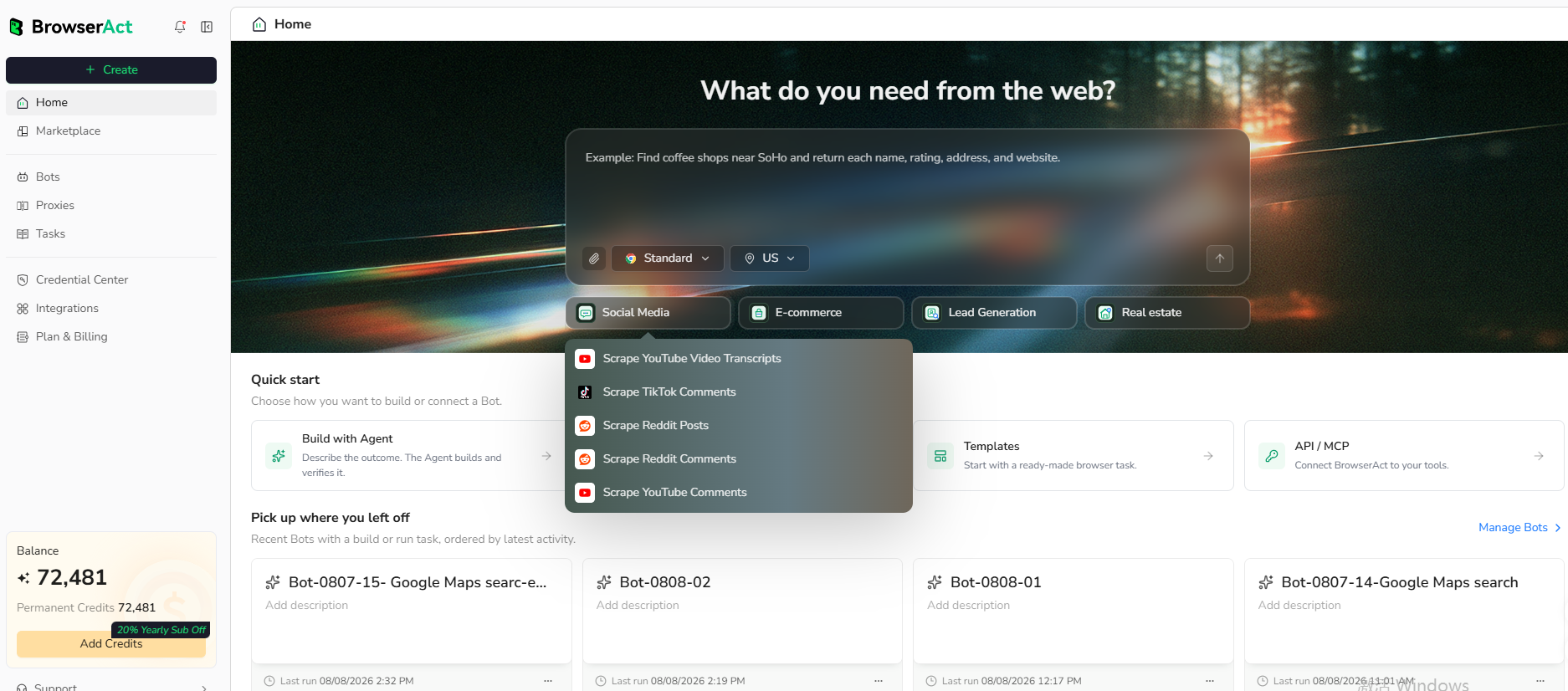
Open BrowserAct and start Agent Built from the Home prompt box or from Create > Build with Agent. Describe the public website, records, filters or search conditions, output fields, result limit, and reusable inputs you need.
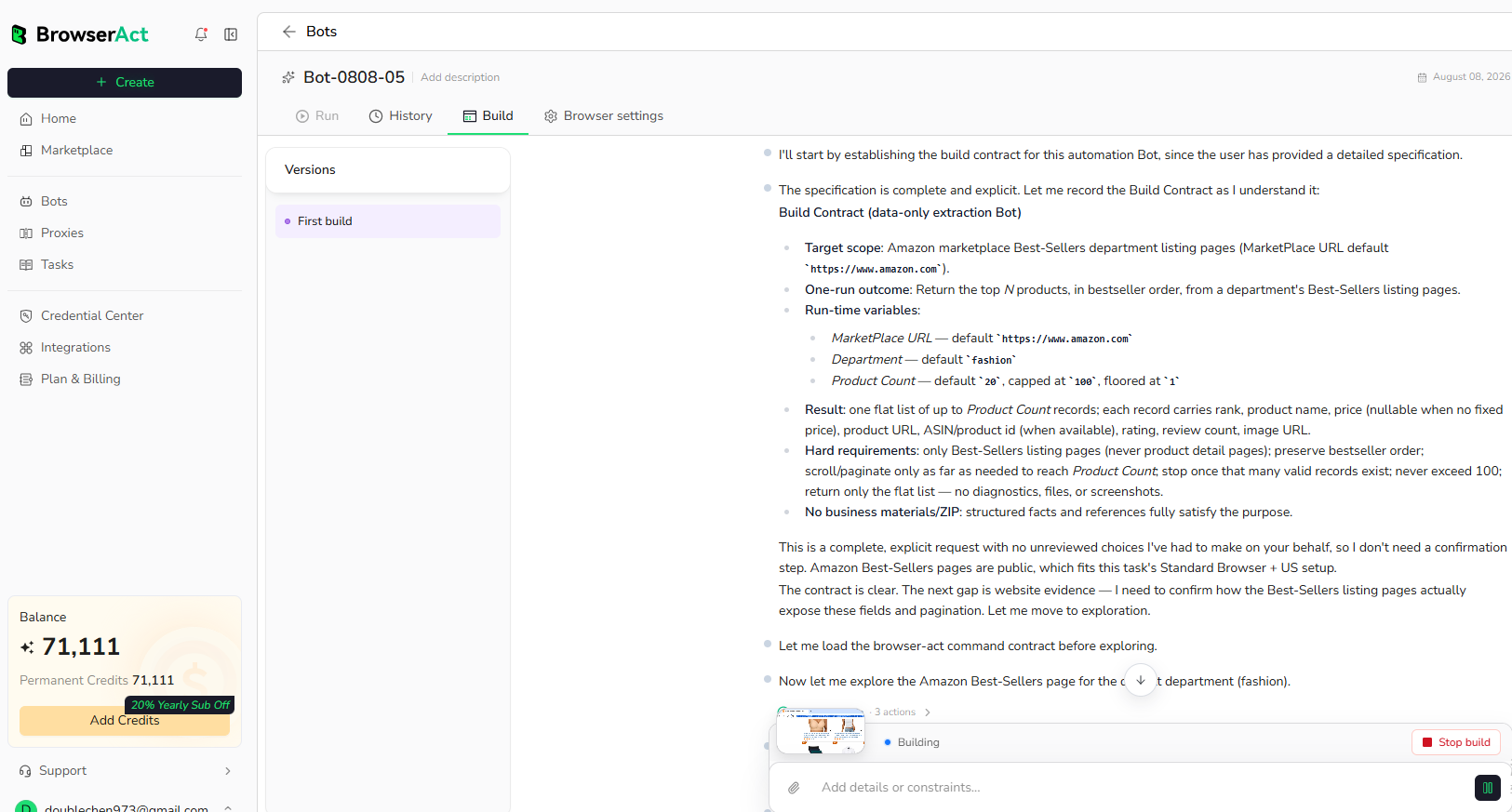
Step 2: Let BrowserAct build and test the Bot
BrowserAct explores the live website, creates the navigation and extraction workflow, and tests the resulting Bot. Provide any requested clarification about the target page, conditions, fields, or expected output in the same build conversation.
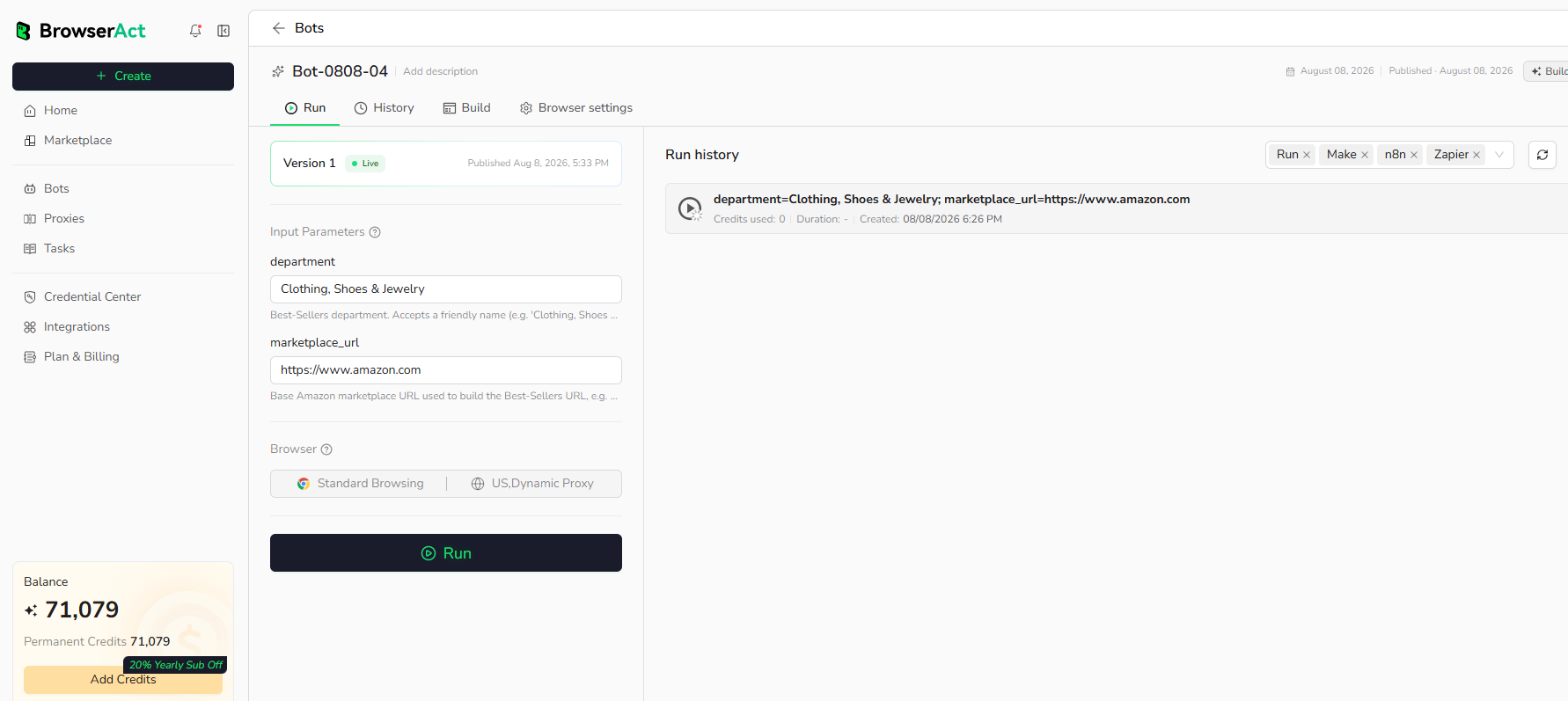
Step 3: Run the Bot and review the result
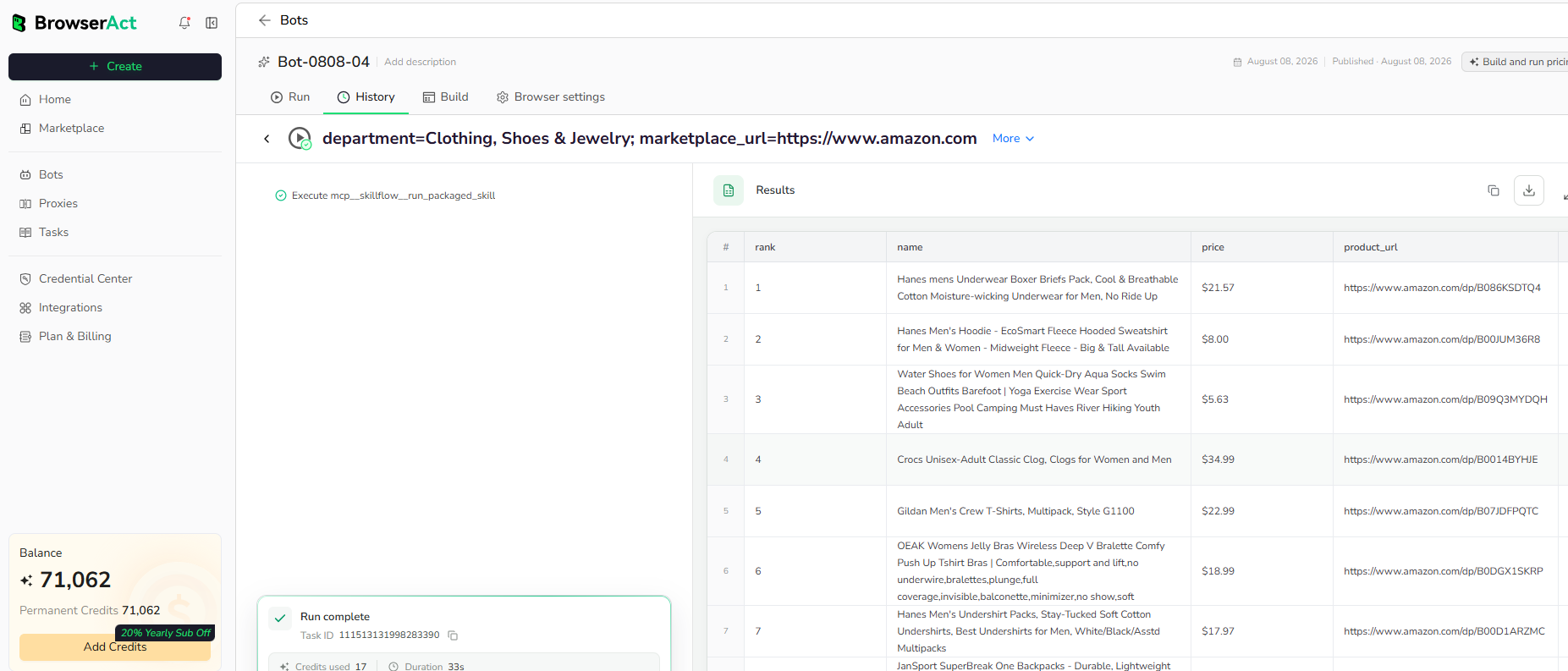
Run the completed Bot with its populated default inputs. Review the structured records, source URLs, missing optional values, and result count before reusing the Bot with other inputs or connecting it to another workflow.
Use Cases
- Vendor due diligence.
- Company enrichment.
- Agency research.
- Connect the structured result to API clients, n8n, Make, Zapier, MCP-based agents, or supported exports.
Why Use Clutch Company Details Scraper?
- Reuse a tested public-page workflow instead of configuring the extraction from the beginning.
- Receive structured company profile data that can move directly into research, review, or automation.
- Change supported inputs without rebuilding the Bot for every run.
Who Can Use Clutch Company Details Scraper?
- Teams working on vendor due diligence.
- Teams working on company enrichment.
- Teams working on agency research.
- Developers and automation teams connecting public web data to downstream systems.
How Many Results Can You Scrape?
Each run processes one selected public target and returns one structured result for that target.
Automation and Export
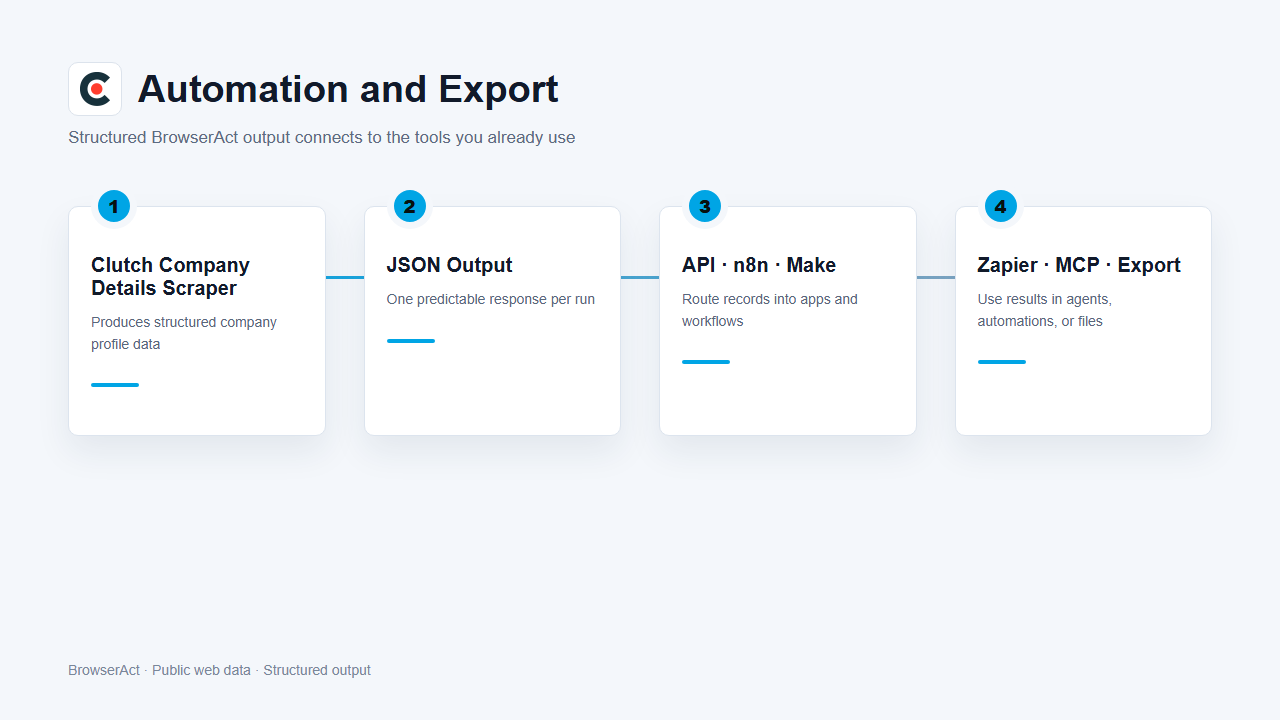
BrowserAct produces structured data first. Use the result through Run Task, the JSON API, n8n, Make, Zapier, MCP-based agents, or the supported manual export flow.
Need Help?
Cannot find the exact capability you need, or need help composing several Bots?
