

What Does BrowserAct Bark Provider Reviews Scraper Do?
Use BrowserAct Bark Provider Reviews Scraper to collect public customer reviews from one Bark provider profile, including review_text, review_rating, review_date, source_page_url, review_key. The Bot stays within the selected public Bark page flow and returns structured review records for provider reputation research, service vendor comparison, or downstream automation without writing code or requiring a target-site login. Run it in BrowserAct or invoke the same published template through its API Tab.
Key Features of Bark Provider Reviews Scraper
- Configure
start_position,exclude_review_keys,max_results,provider_profile_urlto reuse the same Bot for different public Bark targets. - Collect public customer reviews from one Bark provider profile from the template's defined public page flow.
- Return structured review records with fields such as
review_key,reviewer_name,review_date,review_text,review_rating. - Run without a target-site account login or custom scraper code.
- Use the API Tab to connect the same published template to downstream automation.
What Data Can I Extract from Bark?
| Field | Description |
|---|---|
position | Position returned from the public Bark page. |
review_key | Review Key returned from the public Bark page. |
reviewer_name | Visible reviewer name shown on Bark. |
review_date | Visible review date when the source provides it. |
review_text | Visible review text returned by the public page. |
review_rating | Structured review rating extracted from the public source. |
source_page_url | Public source URL associated with the review. |
next_start_position | Next Start Position returned from the public Bark page. |
How to Use Bark Provider Reviews Scraper
Quick Start Guide
1. Open Run Task.
2. Review or change the populated input values.
3. Run the Bot.
4. Review the structured result in the Output Tab.
5. Connect the published template to your downstream workflow when needed.
Input Parameters
| Parameter | Configuration |
|---|---|
start_position | Integer; required; default 1. First one-based source position eligible for output. |
exclude_review_keys | String; required; default none. Previously collected identifiers or URLs to skip; use none when not needed. |
max_results | Integer; required; default 10. Maximum number of records to return. |
provider_profile_url | String; required; default https://www.bark.com/en/us/b/the-website-company-/mbzGa/. Public provider profile url to process. |
Example Output
The table shows one representative real result. Long text is shortened only in this documentation preview.
| Field | Result | ||
|---|---|---|---|
position | 1 | ||
review_key | patricia\ | 5 march 2026\ | its been an year i am using them for my ads and social media and every month the |
reviewer_name | Patricia | ||
review_date | 5 March 2026 | ||
review_text | Its been an year I am using them for my Ads and social media and every month the results are better than before. Keep up the good work! 🥂 | ||
review_rating | 5 | ||
source_page_url | https://www.bark.com/en/us/company/the-website-company-/mbzGa/ | ||
next_start_position | 2 |
How Does It Work?
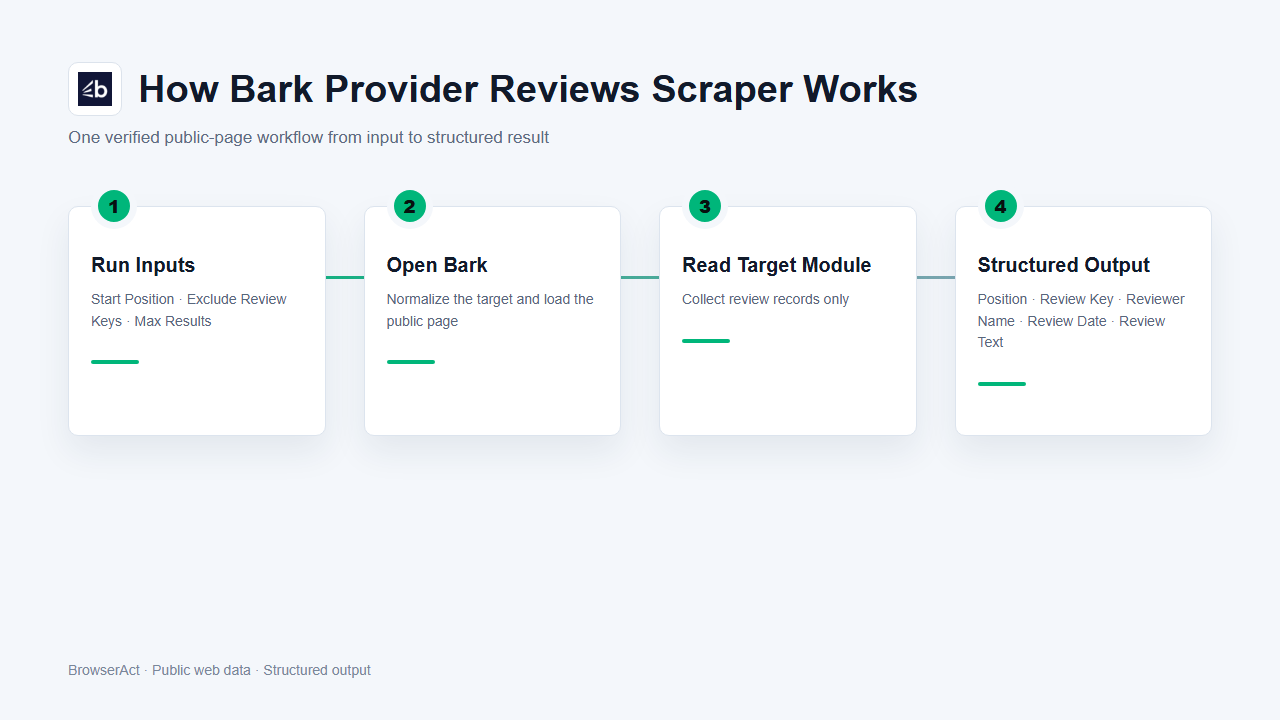
1. BrowserAct validates the supplied inputs and maps supported dropdown selections.
2. The Bot constructs or normalizes the target URL and opens the selected public review page.
3. It reads eligible review records in source order without entering unrelated pages or account-only areas.
4. It normalizes visible values, preserves valid optional values, and stops when the requested result limit or the end of the public list is reached.
5. The run returns one structured response for review, export, or downstream automation.
How to Build a New Scraper Bot with Agent Built
Step 1: Describe the data you need
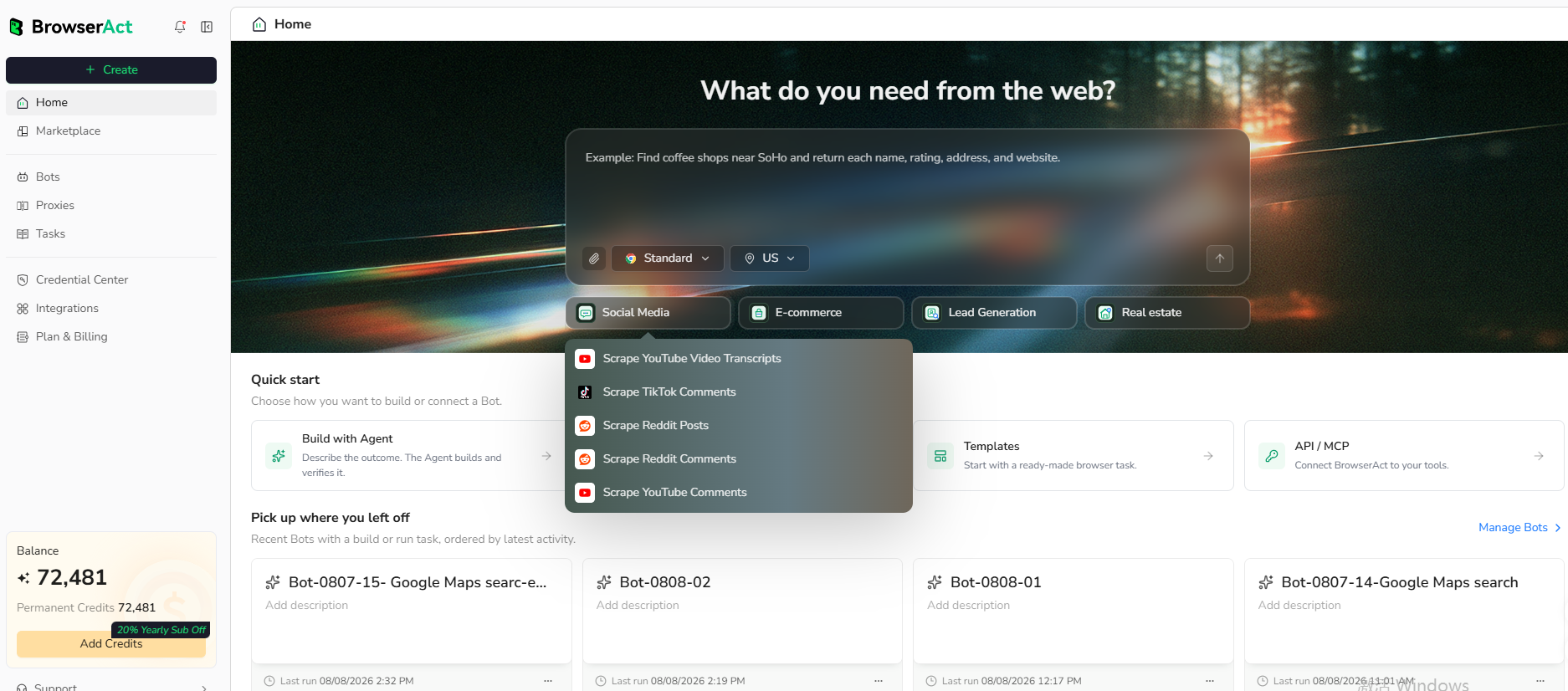
Open BrowserAct and start Agent Built from the Home prompt box or from Create > Build with Agent. Describe the public website, records, filters or search conditions, output fields, result limit, and reusable inputs you need.
Step 2: Let BrowserAct build and test the Bot
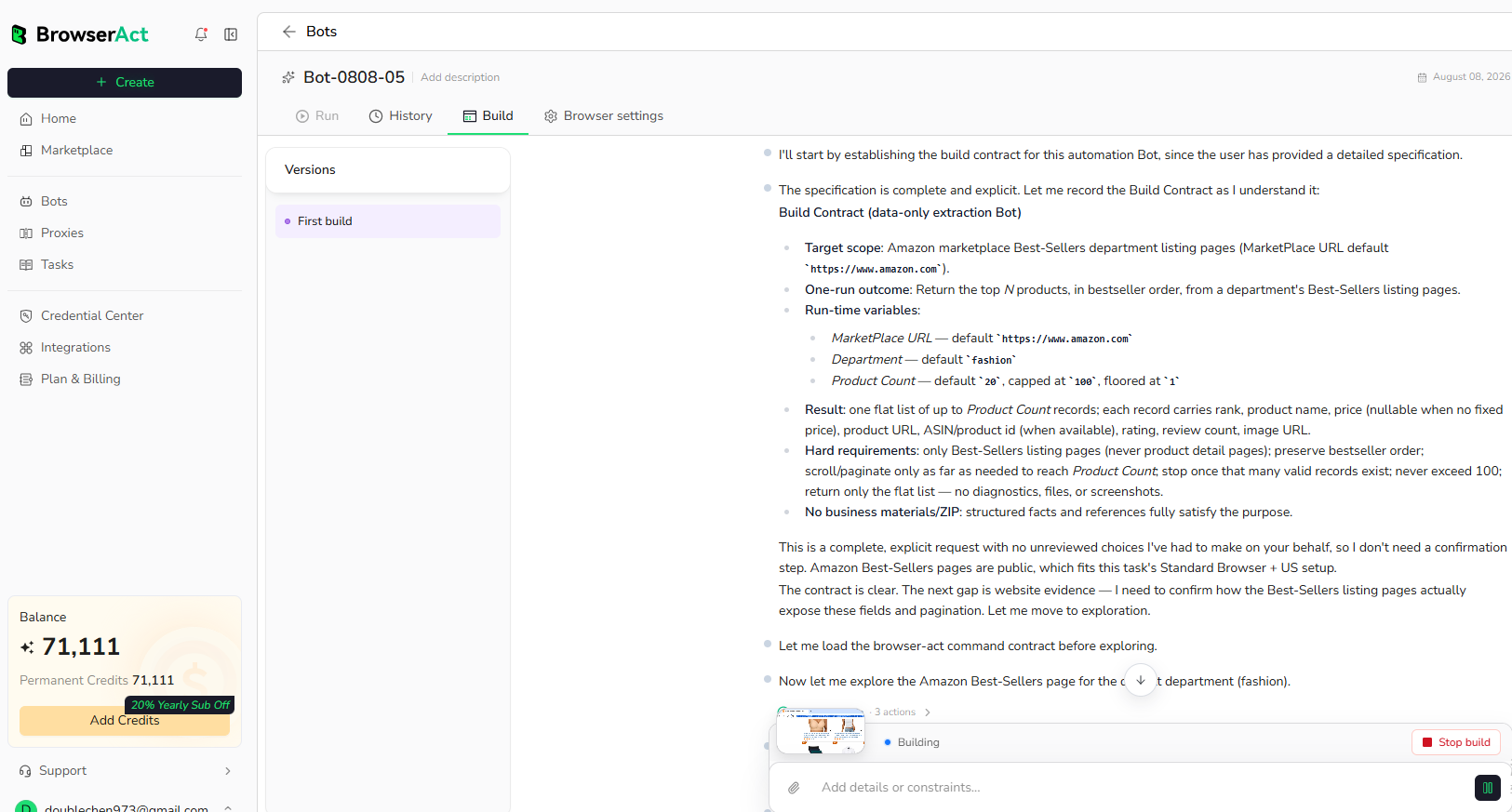
BrowserAct explores the live website, creates the navigation and extraction workflow, and tests the resulting Bot. Provide any requested clarification about the target page, conditions, fields, or expected output in the same build conversation.
Step 3: Run the Bot and review the result
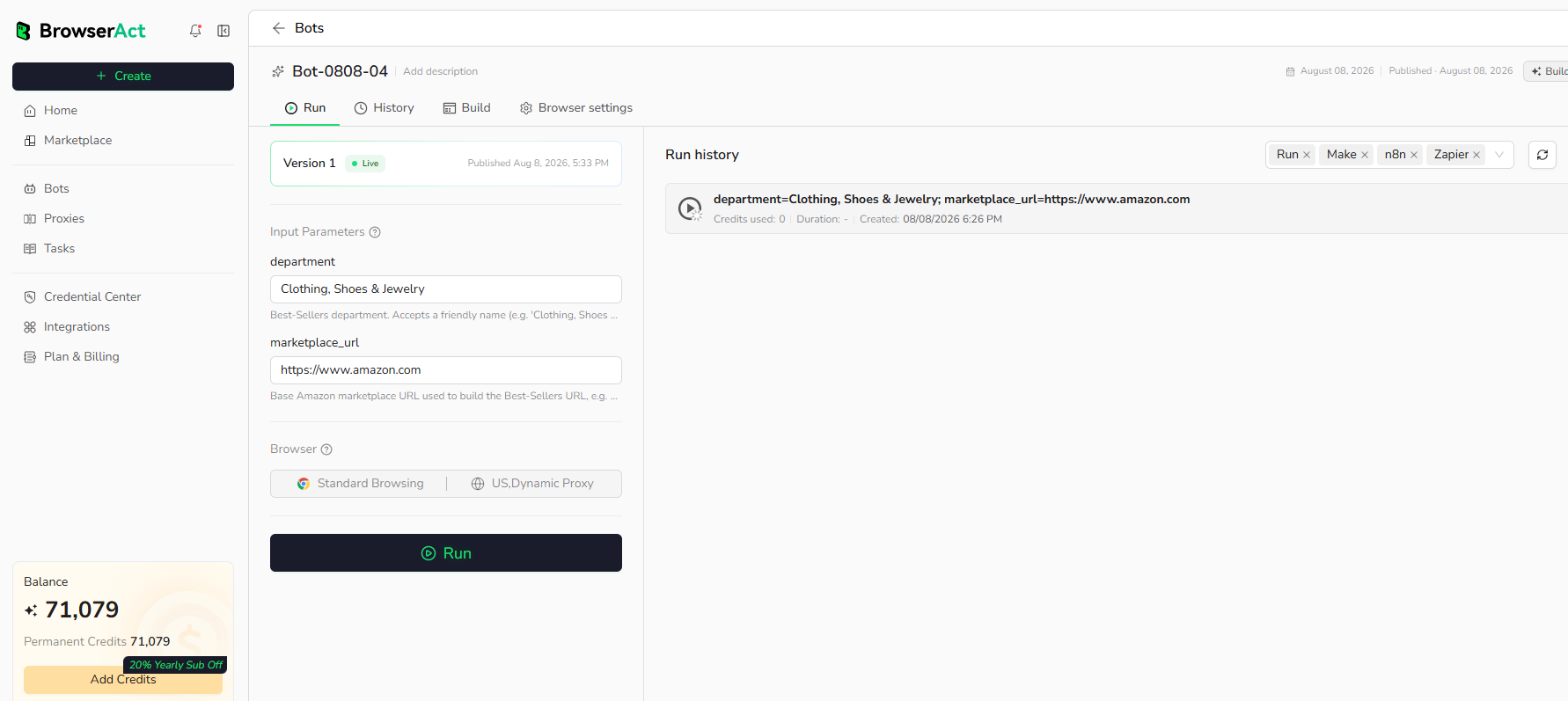
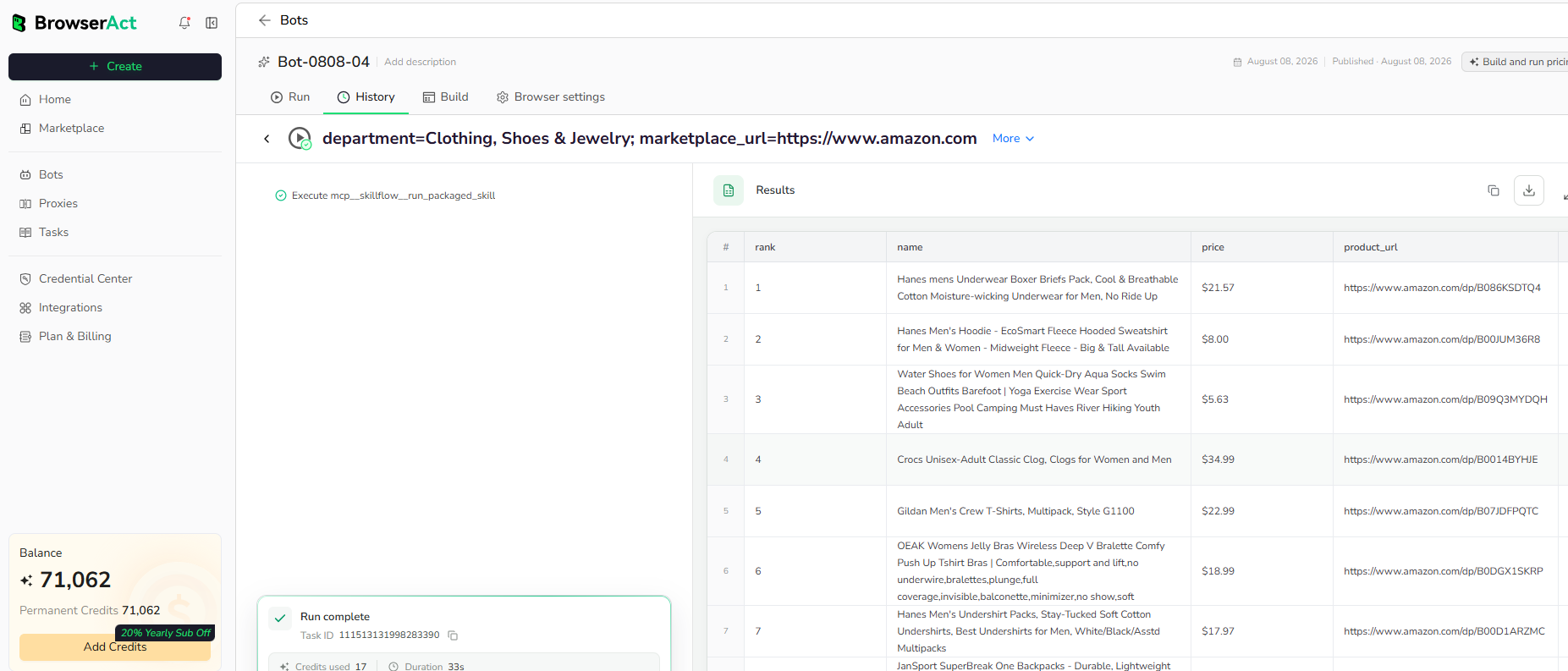
Run the completed Bot with its populated default inputs. Review the structured records, source URLs, missing optional values, and result count before reusing the Bot with other inputs or connecting it to another workflow.
Use Cases
- Provider reputation research.
- Service vendor comparison.
- Customer feedback analysis.
- Connect the structured result to API clients, n8n, Make, Zapier, MCP-based agents, or supported exports.
Why Use Bark Provider Reviews Scraper?
- Reuse a tested public-page workflow instead of configuring the extraction from the beginning.
- Receive structured review records that can move directly into research, review, or automation.
- Change supported inputs without rebuilding the Bot for every run.
Who Can Use Bark Provider Reviews Scraper?
- Teams working on provider reputation research.
- Teams working on service vendor comparison.
- Teams working on customer feedback analysis.
- Developers and automation teams connecting public web data to downstream systems.
How Many Results Can You Scrape?
Use the max_results input to control the requested result count. Start with the populated default of 10, then increase it gradually when the public source and your workflow support a larger run.
Automation and Export
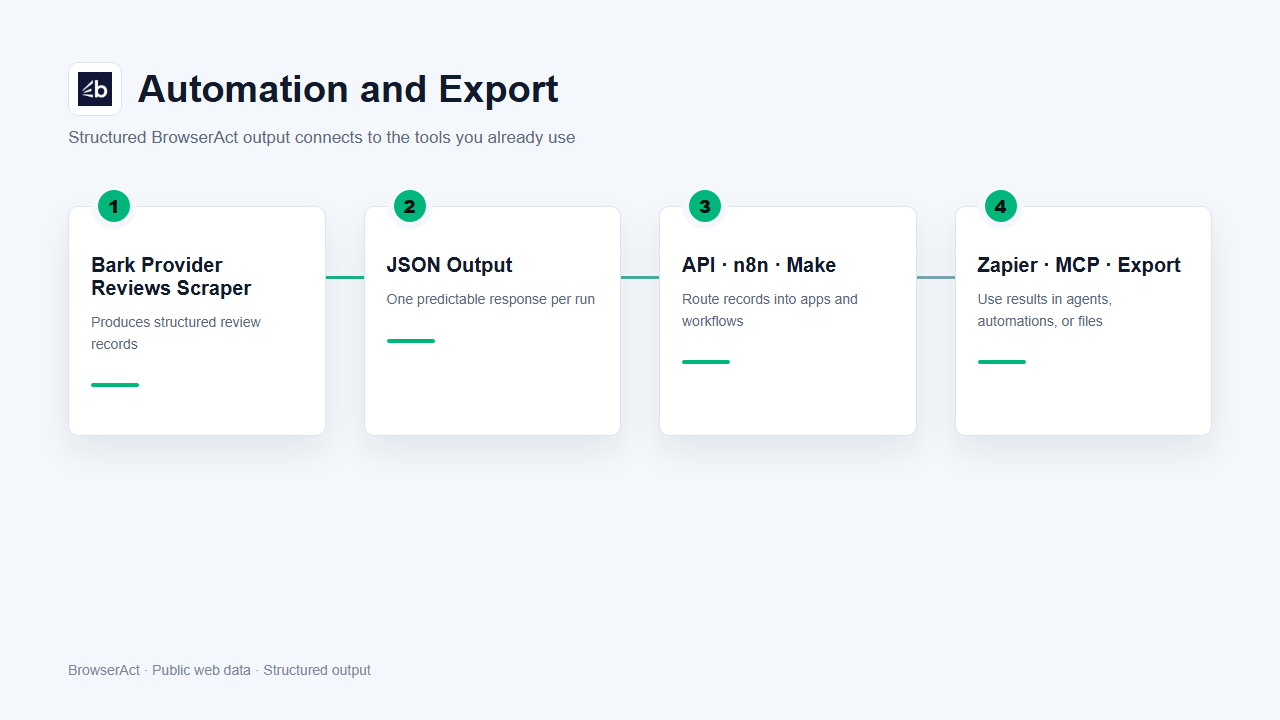
BrowserAct produces structured data first. Use the result through Run Task, the JSON API, n8n, Make, Zapier, MCP-based agents, or the supported manual export flow.
Need Help?
Cannot find the exact capability you need, or need help composing several Bots?
