Build reusable AI web scrapers, run them in the cloud, and collect live, structured data.
No-code web scraping
BrowserAct’s AI agent selects the best scraping approach, identifies the data fields, and builds a ready-to-run Bot.
Build once. Run reliably at scale
Build once, then run on demand or schedule recurring collection in BrowserAct. Get fresh data in multiple formats.
Extract data from any website
BrowserAct automatically handles dynamic content, CAPTCHAs, proxies, and site changes for reliable Bot scraping.
Zapier web scraper
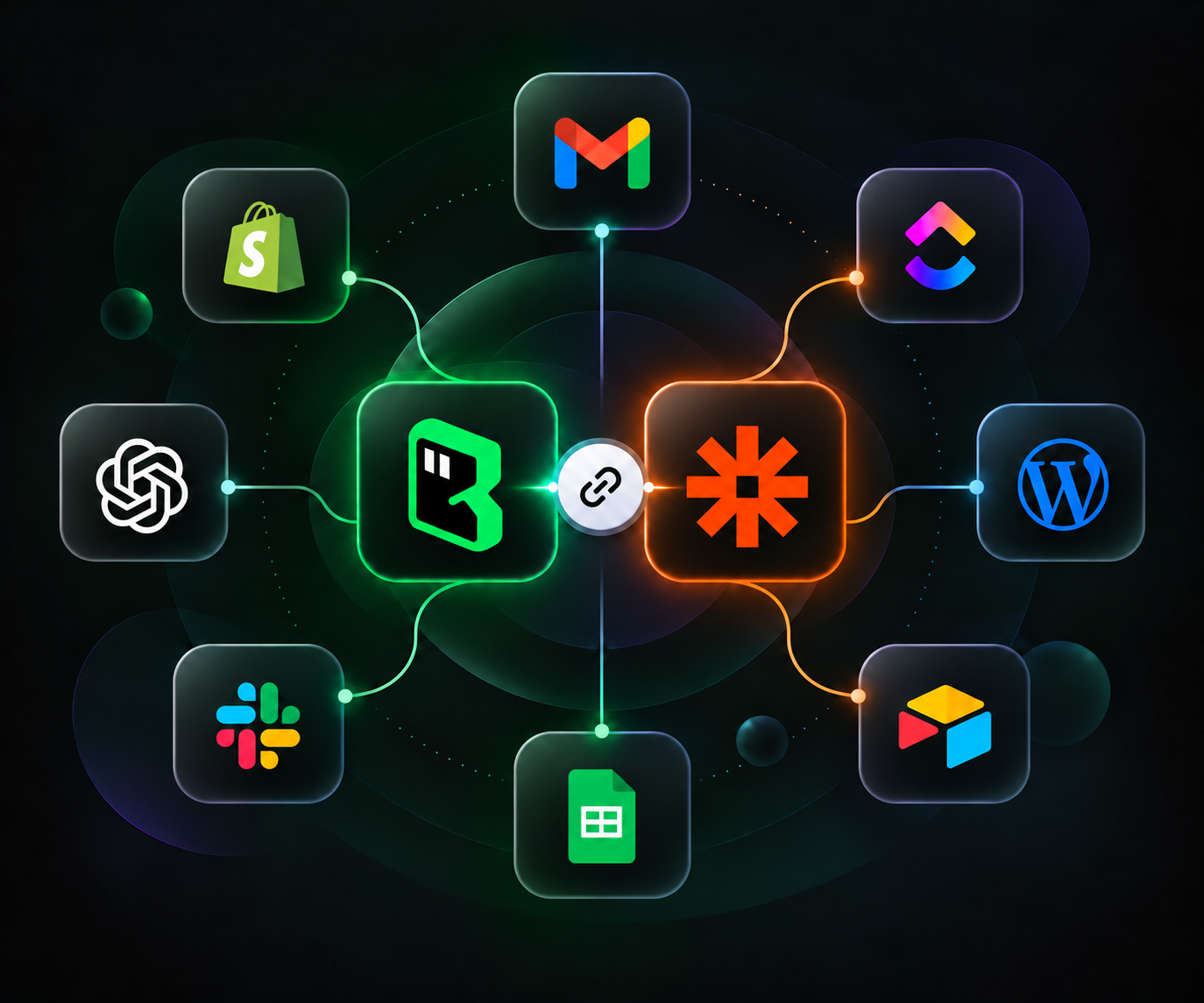
Connect BrowserAct web data to your everyday apps, from spreadsheets and CRMs to email and team messaging.
Run from your Zap’s inputs.
Pass a website URL or other Bot inputs from a form, spreadsheet, or CRM event.
Prepare data for the next step.
Use the returned Bot fields to add context to a lead, product, or company record before passing it onward.
Connect to the apps you already use.
Map completed Bot results to Google Sheets, your CRM, Slack, Gmail, or other apps available in Zapier.
WEB SCRAPING USE CASES
Automate work that starts on a website.
DATA UPDATES
Keep a spreadsheet up to date
Collect fresh website records with BrowserAct and map the completed Bot output to Google Sheets in your Zap. Keep one consistent table for your team to work from.
WEB DATAProduct · Price · Availability · Source URL
Google Sheets
LEAD ENRICHMENT
Enrich new leads with website data
Pass a company URL from a form or CRM to BrowserAct. Collect company details and write the returned fields back to the customer record.
WEB DATACompany · Website · Industry · Location
CRMGoogle Sheets
PRICE MONITORING
Track price and stock changes
Collect prices and availability on a schedule. Compare them with saved values in your Zap and notify your team when something changes.
WEB DATAProduct · Previous price · Current price · Availability
Google SheetsSlack
JOB TRACKING
Collect job listings into a spreadsheet
Collect job titles, companies, locations, and source links from career pages. Save the results in a spreadsheet for your next review.
WEB DATAJob title · Company · Location · Source URL
Google Sheets
GET CONNECTED
Connect your scraper to Zapier.
Create your Bot, connect BrowserAct, and use fresh website data in your Zaps.
Describe the data you need in BrowserAct. Test the Bot and check its output.
02
Add BrowserAct to your Zap.
Choose a trigger, add BrowserAct’s Run a Bot action, and connect your API key.
03
Use the returned data.
Map your Bot’s inputs, test the action, and send the completed result to your next app.
Frequently Asked Questions
What do I need to connect?
You need a BrowserAct account, a Bot that runs successfully, a BrowserAct API key, and a Zapier account. Add BrowserAct as an action in your Zap and select your Bot.
Can BrowserAct trigger a Zap?
BrowserAct currently provides a Run a Bot action. Start your Zap with a supported app trigger, then add BrowserAct to collect the website data needed by later steps.
Can I collect website data on a schedule?
Yes. Set a recurring schedule for your Bot directly in BrowserAct. Choose the time zone and when to receive result emails, including when results change.
How do I use the scraped data?
Test the BrowserAct action and map the returned fields to a downstream step, such as Google Sheets, a CRM, or Gmail. Follow the setup guide for the current output fields and result-handling requirements.
Can I scrape pages that require login?
Set up and test the required login state in BrowserAct first. Your Zap does not automatically reuse your local browser session. Pages that require manual verification may need your attention before unattended runs can continue.
How is usage billed?
BrowserAct Bot usage and Zapier usage are billed separately. BrowserAct offers a Free plan to get started. Check both services’ current plans for the actions, run volume, and steps you need.