

PRICE MONITORING
Track competitor prices
Collect prices and availability from product pages. Compare with the previous run in Google Sheets and send Slack alerts when values change.
WEB DATAProduct · Price · Availability · URL

Google SheetsSlack
WEB SCRAPING FOR MAKE
Extract web data with AI and automate workflows across your everyday apps with Make—no coding required.
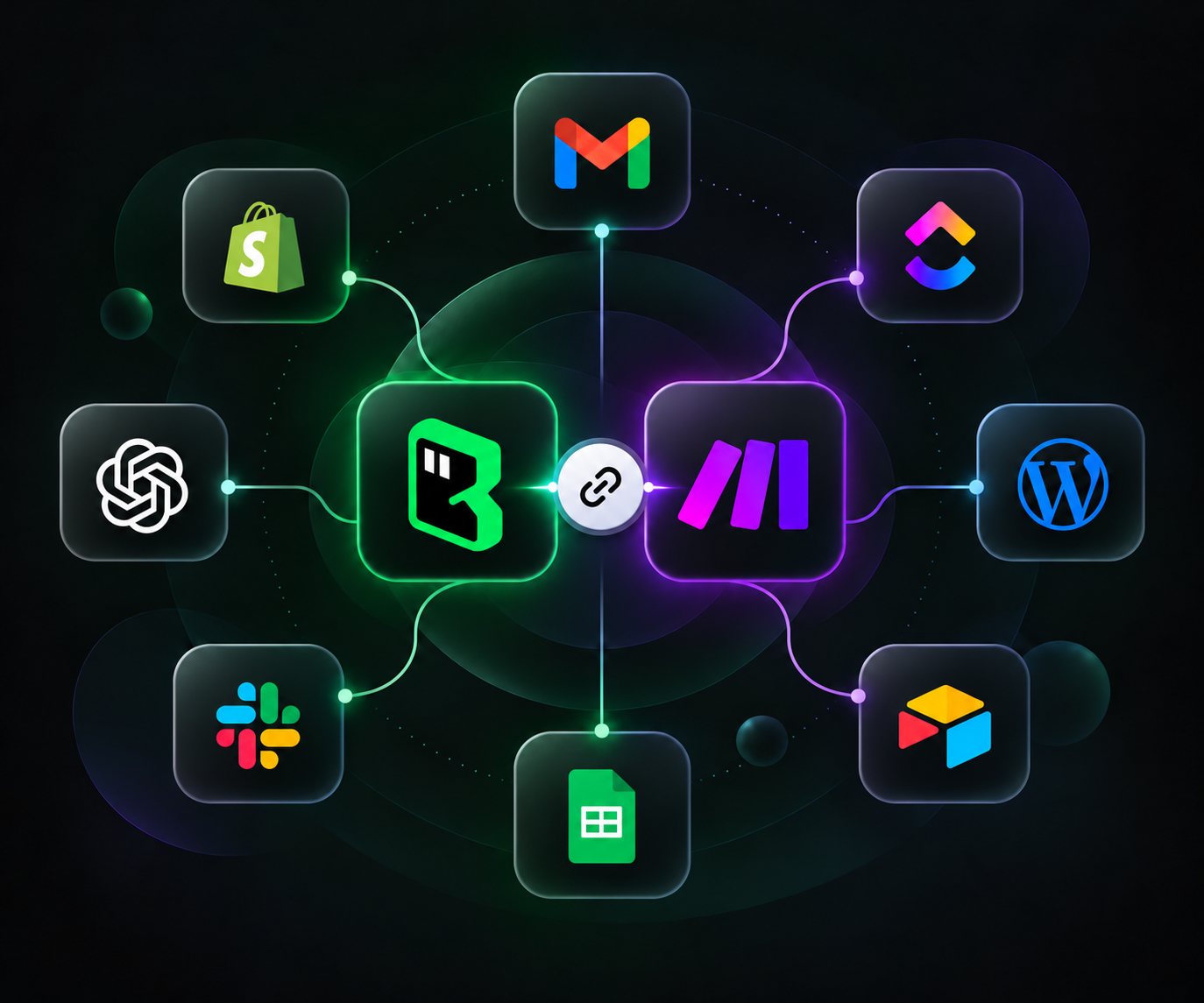
WHY BROWSERACT + MAKE
Build reusable AI web scrapers, run them in the cloud, and collect live, structured data.
BrowserAct’s AI agent selects the best scraping approach, identifies the data fields, and builds a ready-to-run Bot.
Run the Bot again and again with fast execution, consistent results, and lower costs at scale. Get data in multiple formats.
BrowserAct automatically handles dynamic content, CAPTCHAs, proxies, and site changes for reliable Bot scraping.
Orchestrate scraper runs, process completed results, and connect the next steps in one visual workflow.
Start your Bot on a schedule or from an upstream app event. Pass scenario data into each run.
Map fields, filter records, and iterate through lists to prepare completed Bot output for the next step.
Use Make’s app modules to deliver results and chain follow-up actions in one visual scenario.
WEB SCRAPING USE CASES
Collect prices and availability from product pages. Compare with the previous run in Google Sheets and send Slack alerts when values change.
Collect company details from public directories and websites. Deduplicate by website, then add or update records in Airtable or HubSpot.
Collect search results and trends with BrowserAct. Use Gemini to create an SEO keyword report and deliver it through Telegram.
Collect a channel’s video metrics in Google Sheets. Use Gemini to analyze performance by publish time and write insights back to your sheet.
GET CONNECTED
Create your Bot, connect it to Make, and bring web data into your workflows.
Describe the data you need, and BrowserAct’s AI builds a reusable web scraper to collect it—no coding required.
Add the BrowserAct app, connect your API key, and map your Bot’s inputs.
Pass your Bot’s structured results to spreadsheets, CRMs, or AI steps in your Make scenario.
BrowserAct lets you build and reuse no-code web scrapers to collect structured data. Make connects those results to the apps you already use, so you can keep records updated, send alerts, or run AI processing on live web content.
You need a Make account, a BrowserAct API key, and a tested, published Bot compatible with the connection. The current guide demonstrates Workflow Built Bots. Make lists Run a Bot; older app labels may say Run a Workflow.
Yes. Use Make’s scheduling settings or an upstream trigger to start your scenario. Scheduling, retries, time zones, and execution limits depend on your Make configuration and plan.
The run action returns a Task ID for tracking. Wait for task completion and retrieve the result through the result-retrieval flow you configure, then map its fields to downstream modules. See the setup guide for connection details.
Configure and test the required login state in the BrowserAct cloud environment. It does not automatically reuse your local Chrome login. If the website requires a manual verification step, plan for that interaction before scheduling unattended runs.
BrowserAct task usage and Make scenario usage are billed separately. Check each service’s current pricing for the plans and usage limits that fit your collection needs.