Template of Vuanem Product Scraper-2025-11-28
Workflow Usage Guide 📋
📥 Getting the Workflow
You can access and experience this workflow through the shared link.
Usage Steps:
- Click on the shared link
- Configure parameters according to the guide below
- Run and test the workflow
⚙️ Parameter Configuration Guide
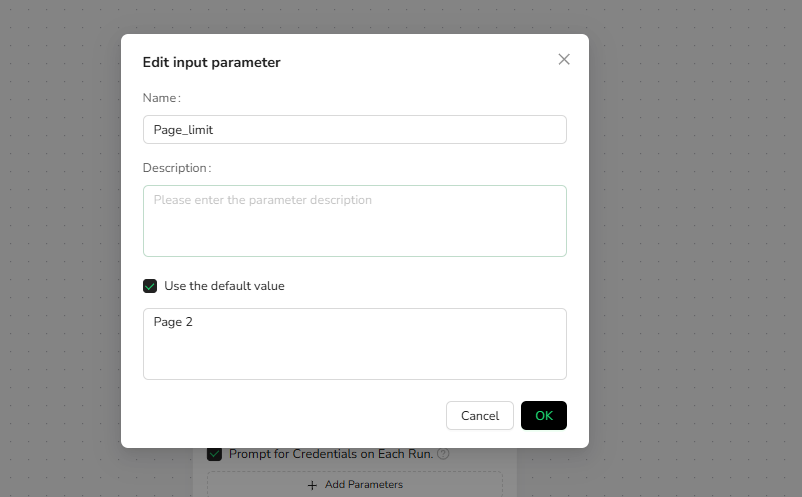
1️⃣ Page_limit (Page Limit)
Purpose: Control the range of pages for data extraction
Description: In multi-page scenarios, set up to which page you want to extract
Examples:
page_limit = 2   → Extract up to the end of page 1
page_limit = 5   → Extract up to the end of page 4
Configuration Location:
- Serves as the exit condition for the Loop
- Example:
stop after reaching page 2means exit the loop when reaching page 2
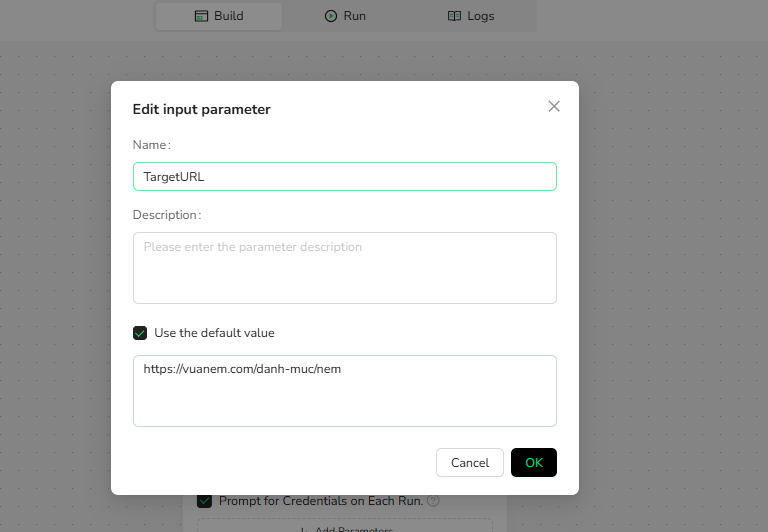
2️⃣ TargetURL (Target URL)
Purpose: Specify the website address to access and extract data from
Description: Can be any page within the target website
Examples:
TargetURL = https://vuanem.com/danh-muc/nem
TargetURL = https://vuanem.com/danh-muc/nem/nem-foam
Supported URL Types:
- ✅ List pages (product listings, category pages)
🔄 Node Structure Description
The workflow uses a nested loop structure to perform multi-level data extraction:
Loop (Main loop - Pagination control)
├── Looplist1 (Product list loop)
│   └── Looplist2 (Size list loop)
└── Pagination node
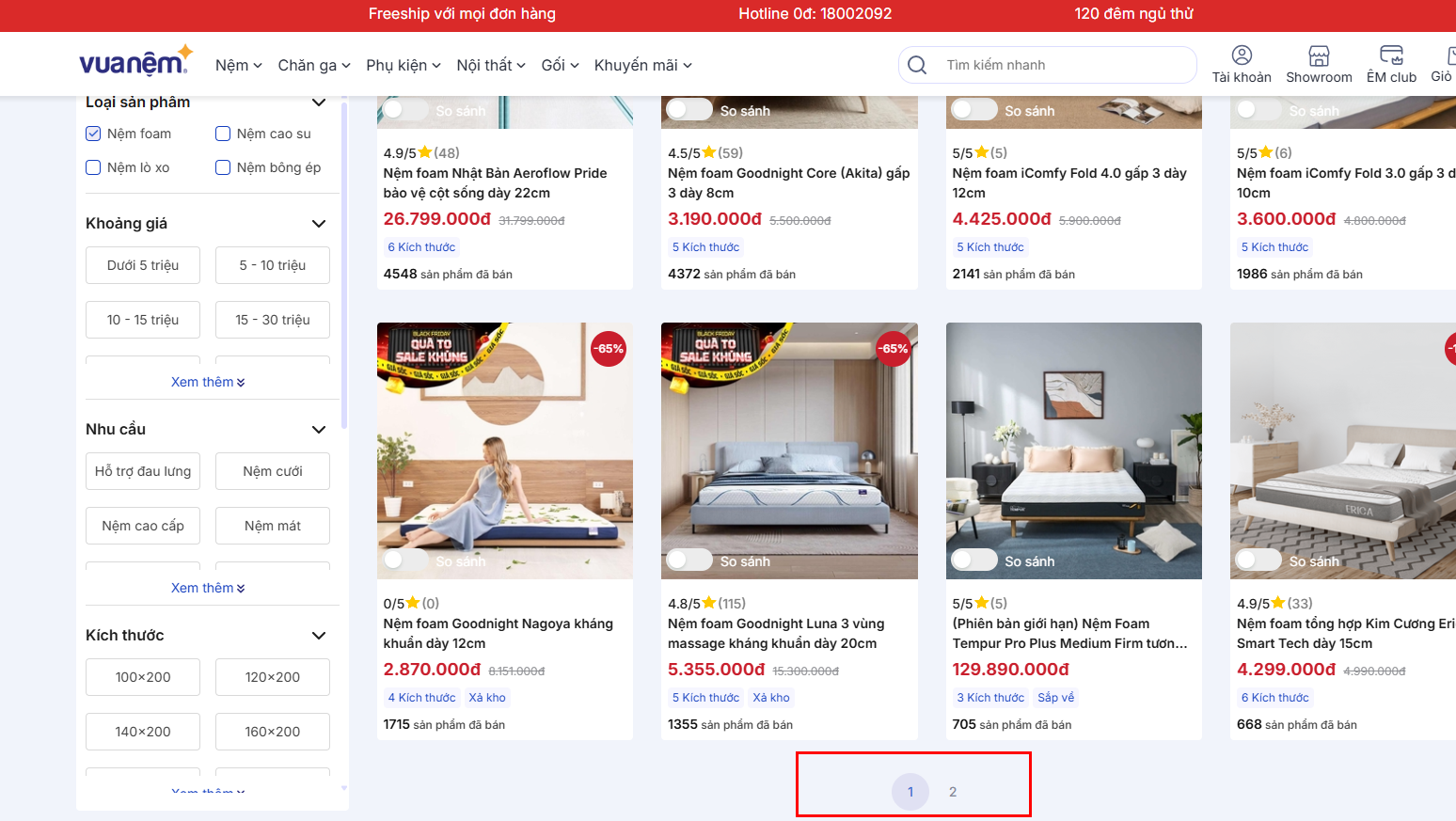
Node 1: Loop (Main Loop + Pagination)
Function: Control automatic pagination and data extraction across multiple pages
How It Works:
- Access the current page
- Execute Looplist1 to extract products from the current page
- Navigate to the next page
- Repeat steps 1-3 until reaching the number of pages set in
page_limit

Exit Condition:
stop after reaching page [page_limit]
Node 2: Looplist1 (Product List Loop)
Function: Iterate through the product list on the current page, extracting information for each product
How It Works:
- Focus on the product list area of the current page
- Iterate through each product item
- For each product, execute Looplist2 (extract size information)
- Repeat until reaching the set number of products

Maximum Item Focus Count:
- Represents the number of products you want to extract from the current page
- Example: Setting
3means extract 3 products per page
Examples:
Maximum Item Focus Count = 3   → Extract 3 products per page
Maximum Item Focus Count = 10  → Extract 10 products per page
Maximum Item Focus Count = 0   → Extract all products on current page

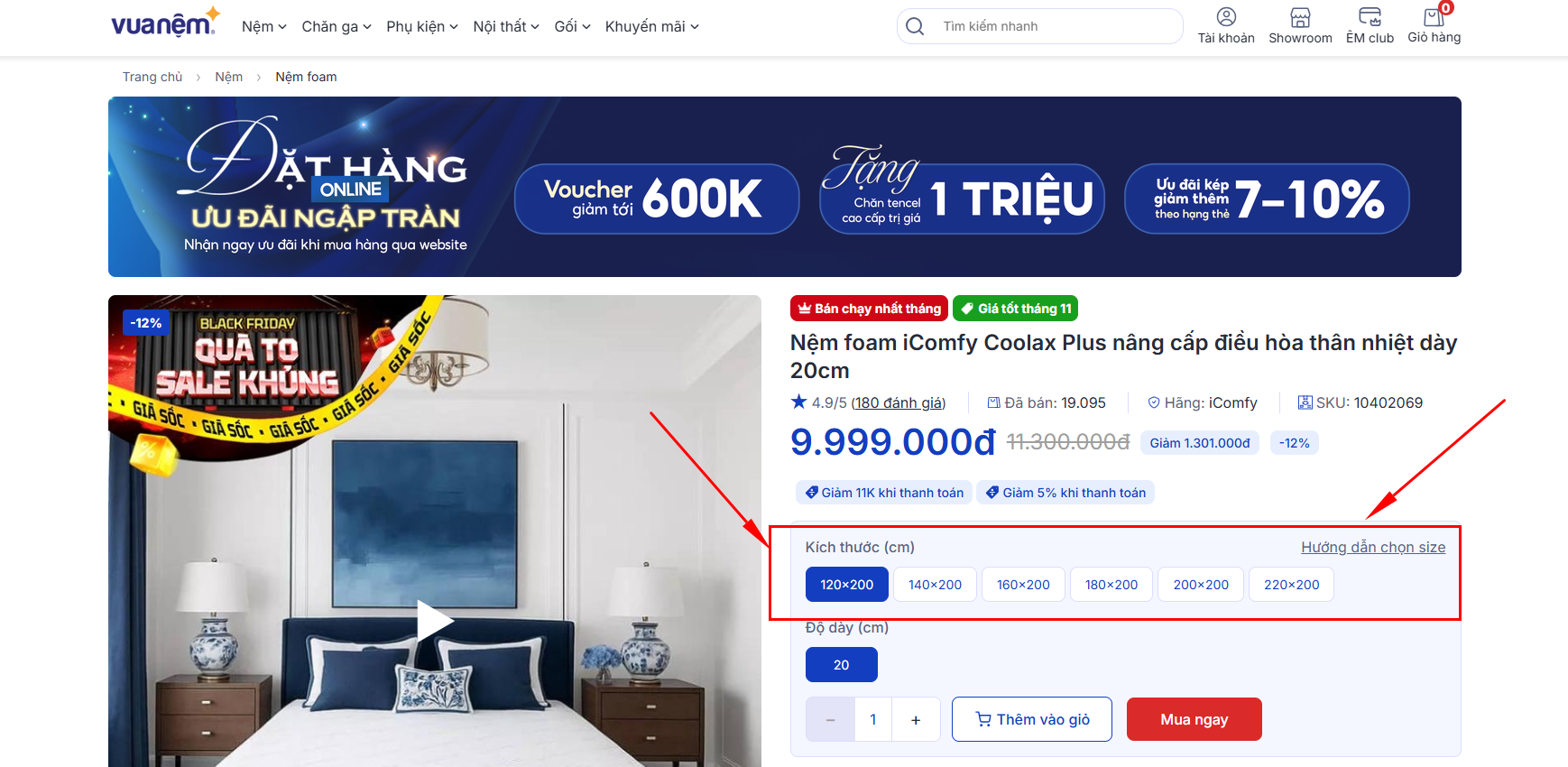
Node 3: Looplist2 (Size List Loop)
Function: In the product detail page, extract information for different sizes
How It Works:
- Focus on the size option area in the product detail page
- Iterate through each size option
- Extract relevant information for that size (price, etc.)
- Repeat until reaching the set number of sizes
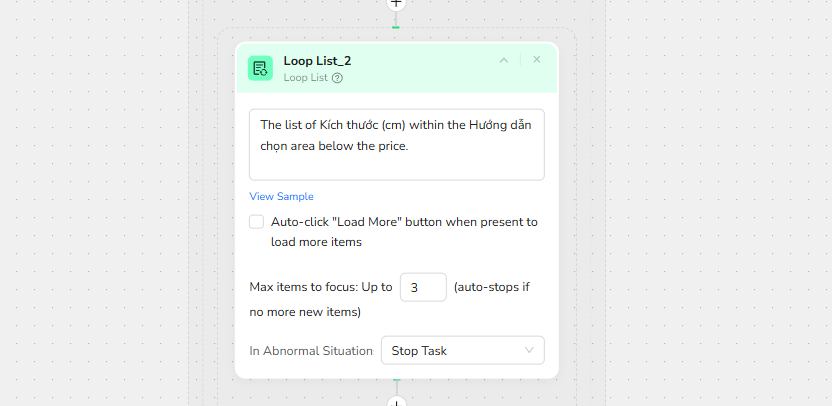
Maximum Loop Count:
- Represents the number of sizes you want to extract from each product
- Example: Setting
5means extract 5 sizes per product
Examples:
Maximum Loop Count = 5   → Extract 5 sizes per product
Maximum Loop Count = 3   → Extract 3 sizes per product
Maximum Loop Count = 0   → Extract all sizes of the product